
Fitbit Versa review: the fitness tracker with some smartwatch features
A TEST REPORT from David Haydl  on October 15, 2018, 7:00 am | Write a comment
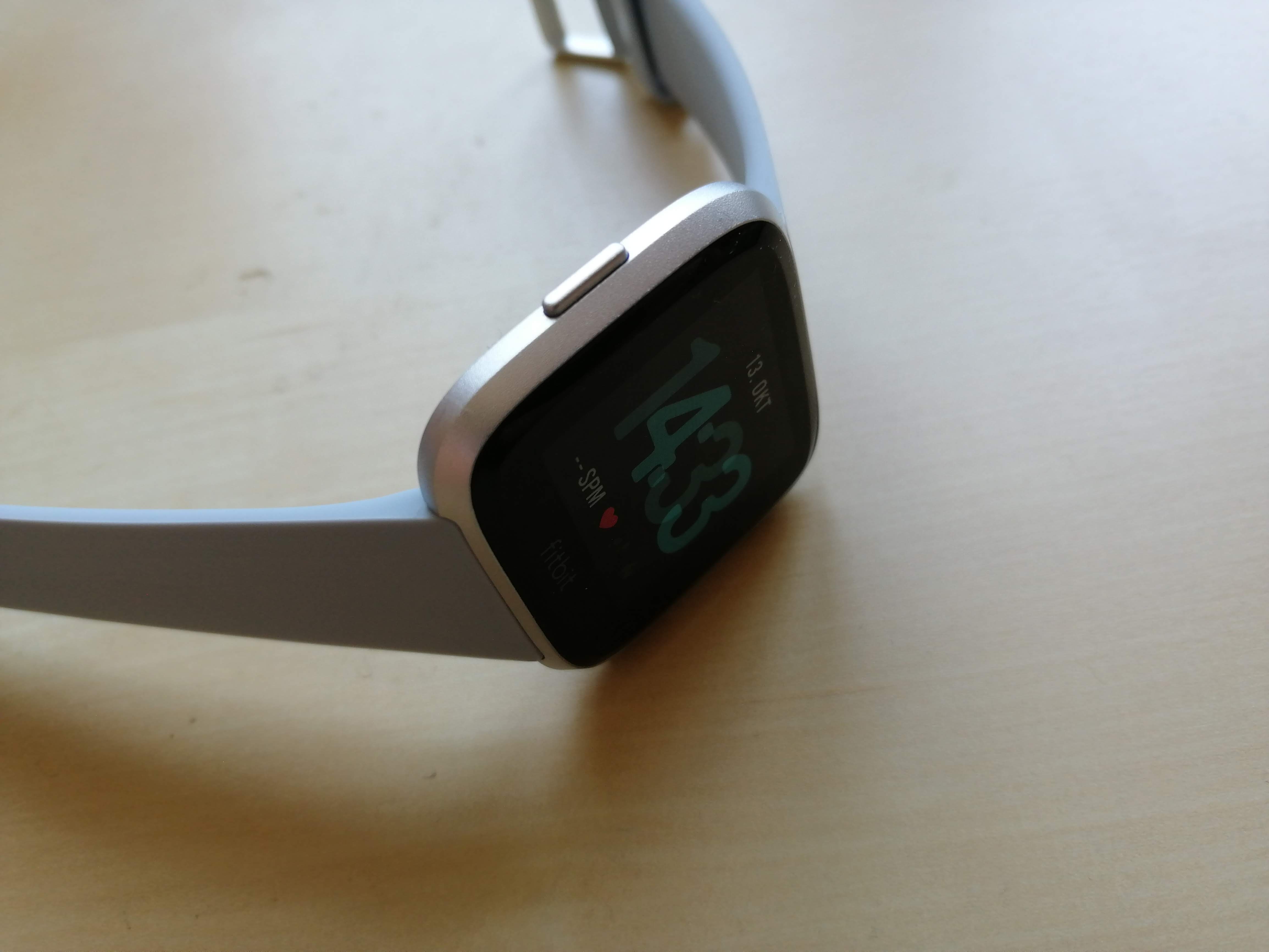
Fitbit launched the Fitbit Versa earlier this year. A watch with Fitbit OS that tracks a lot of fitness data and also offers NFC for Fitbit Pay in some configurations. I have now taken a closer look at the Versa for two weeks.
Unboxing and first impression
The Fitbit Versa comes in an elongated box, which is in a cardboard sleeve. Fitbit printed an image of the Versa, a Fitbit logo and several smaller labels on this. If you pull the box out of the case and open it, you can immediately see the clock in the upper half. The manufacturers filled the lower half with leaflets, a quick-sart guide, warning notices, the charging station and an exchangeable wristband.
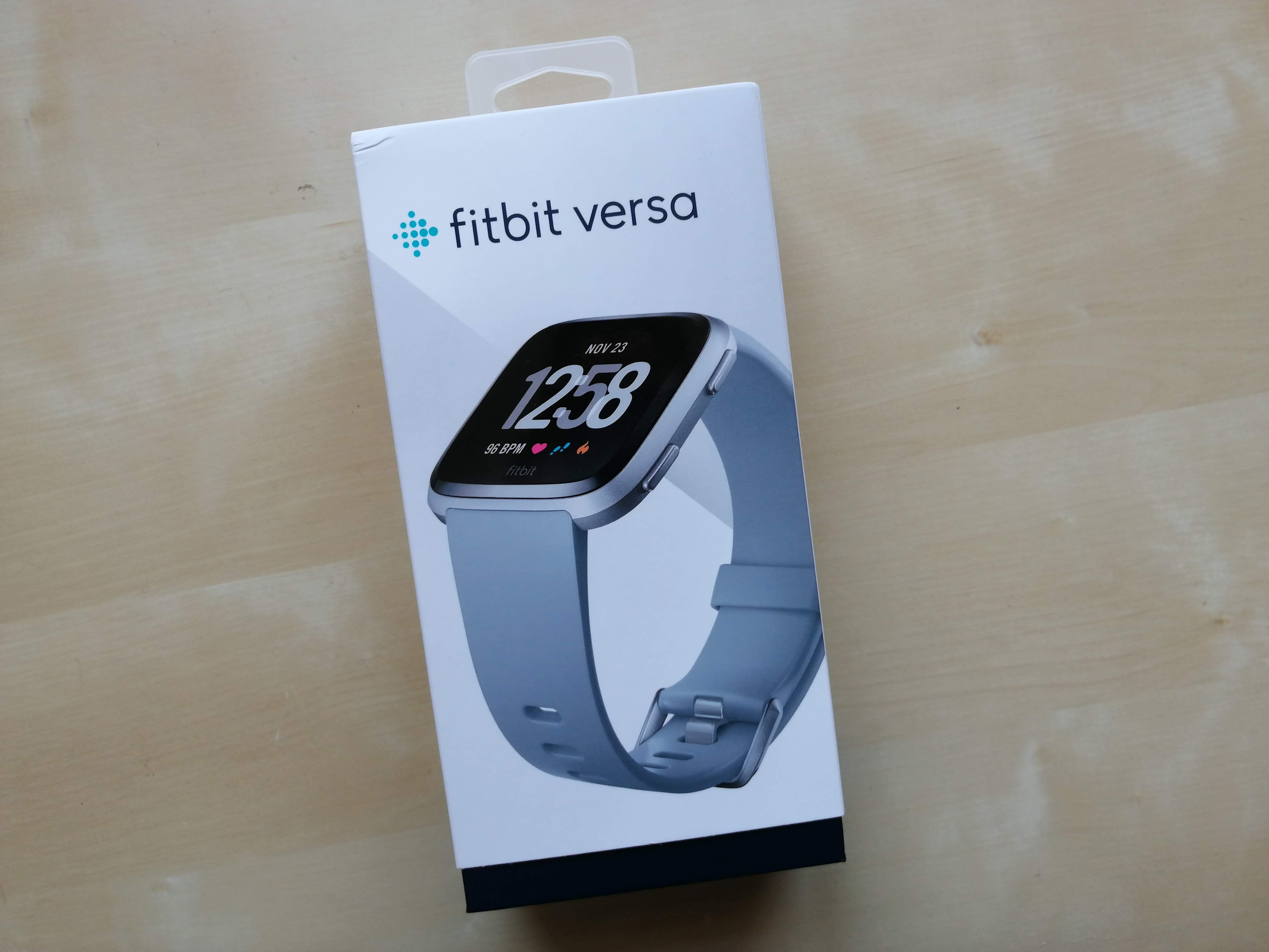
This is what the packaging of the Fitbit Versa looks like (Image: TechnikNews, 2018)
The whole initial setup takes place as with the Fitbit Ionic in the Fitbit app, for which there are additional details later in this review. To the furnishingproTo complete the process, you need to pair the watch with your smartphone, connect the Versa to the Wi-Fi network, and download any available updates. Overall, the process is very simple and should take a maximum of 20 minutes.
Design and workmanship
Made of aluminum, the Fitbit Versa is small and light, and the most stylish watch Fitbit has ever made. The workmanship is at least as good as that of the Fitbit Ionic. With the Versa you can even dive up to 50 meters deep again. The case colors can be chosen between black, silver, gold and rose gold.
An optical heart rate sensor, which continuously measures the heart rate, and connectors for charging the watch are located on the back. The Versa is charged in the aforementioned charging station. To do this, you have to press the clamps on the side so that the watch can be inserted. It is a pity that Fitbit did not opt for the connectors of the Fitbit Ionic. So you have to use two different chargers when using both watches.
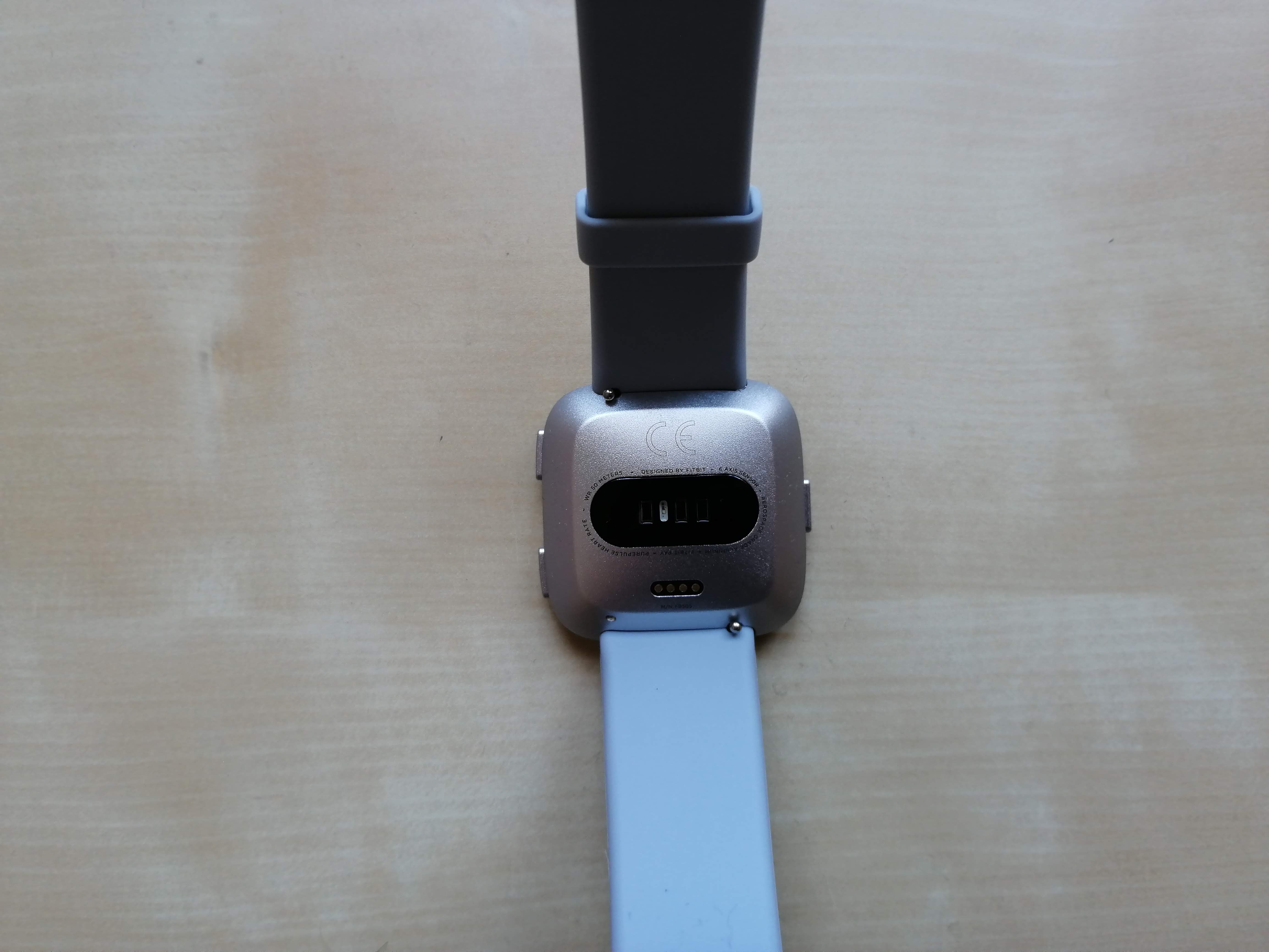
The optical heart rate sensor and the charging connectors are located on the underside of the Versa (picture: TechnikNews, 2018)
There is a function button on the left side of the Fitbit Versa, just like the Fitbit Ionic. This can be used to go back in the Fitbit OS menus or to access Fitbit Pay. The two buttons on the right-hand side can be used to start the alarm and workout app on the dial, among other things.
On the front, you are greeted by the rectangular display, under which there is a small Fitbit logo. The display is relatively small at 1,32 inches, is LCD-based and has a resolution of 300×300 pixels. This resolution is more than sufficient to display content clearly and distinctly. The touchscreen is not as bright as that of the Fitbit Ionic, but I never had a problem with that. Apropos display brightness: This automatically adjusts to the ambient light, which in turn is detected by a sensor next to the display.
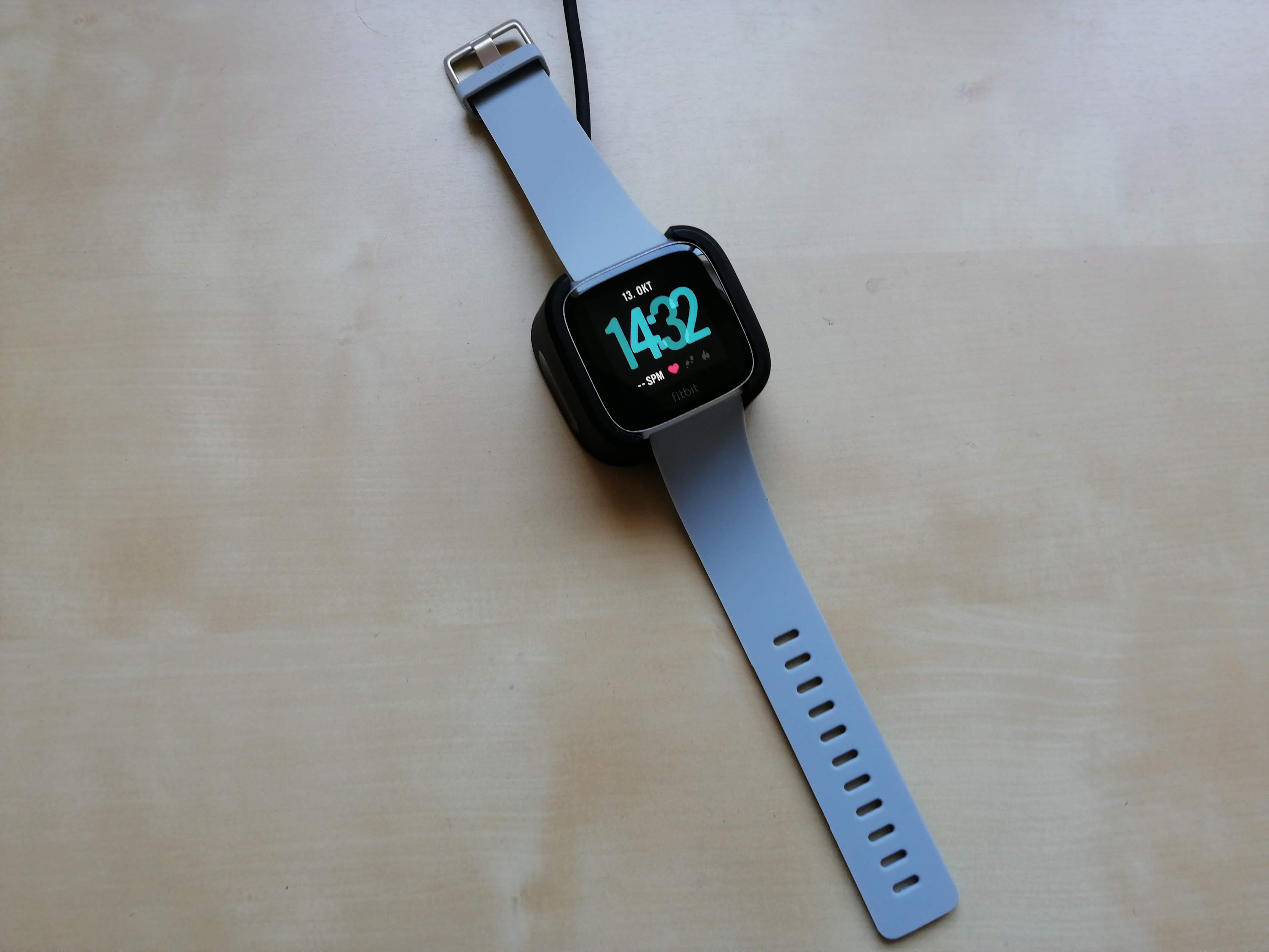
The Fitbit Versa is recharged via its own charging station (picture: TechnikNews, 2018)
In addition to the buttons mentioned above, there are also holders for the bracelet on the side. From my experience, I can say that changing bracelets is extremely difficult - especially with short fingernails. Here it would have been desirable for Fitbit to use the same or a similar mechanism as the Fitbit Ionic.
Bracelets
As for the Ionic, there are numerous interchangeable wristbands for the Fitbit Versa. On the one hand, there are the third-party options on Amazon, which are usually quite cheap. On the other hand, there is Fitbit's own range, where the bracelets are a little more expensive. This includes, among other things, bands made of silicone, which are available in a peach-orange, light blue, white, gray, black and mint green. Then the company also offers bracelets made of Horween leather, which are available in dark blue and brown. The stainless steel models are available in the form of Milanese or link bracelets. The special edition of the Fitbit Versa also comes with fabric wristbands. In terms of price, the Fitbit switch options start at 30 euros and end at 100 euros.
Specifications
Fitbit promises a battery life of four days or even more for the Versa. I was always able to get four days without any problems. When I deactivated the display of notifications, even five days were no problem. Like the Ionic, there is an internal memory for music and fitness data, but unfortunately I couldn't find any information about the size. You can either transfer music to the Versa via the PC or download songs from Pandora or Deezer.
Fitbit installed a gyroscope, an altimeter and an optical heart rate sensor as sensors, which was already mentioned above. The measurements of this hardly deviate from the values of the Ionic. Unfortunately, GPS was not installed. This means that the signal must always be called up via the smartphone. Then the tracking of routes works very accurately. On my favorite running route, there were only minor deviations from the recordings of the Fitbit Ionic with integrated GPS. Instead of the GPS, the Special Edition has NFC, which can be used for Fitbit Pay.
Fitbit app and Fitbit OS
At the very beginning I mentioned that you need the Fitbit app to set up the Versa for the first time. However, all health data recorded by the watch is also stored there so that it can be viewed at any time. In the Fitbit Ionic test report, I already mentioned that there is the start page with the various tiles that are like menu items. Each tile leads to a fitness area. In short: Everything stayed as I wrote it down in the Ionic review.
-
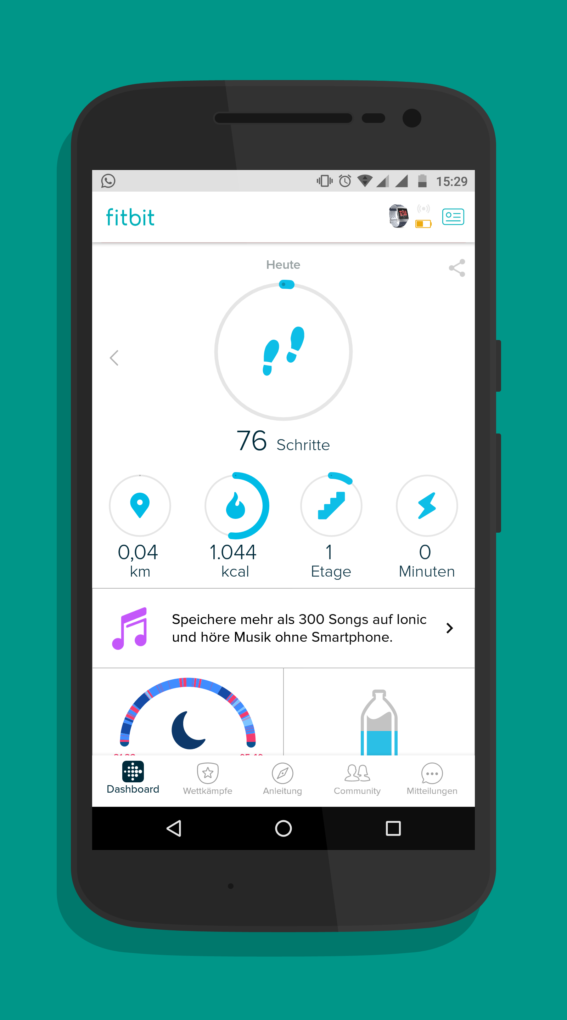
- All important health areas are listed in the form of tiles on the start page (screenshot: TechnikNews, 2018)
-
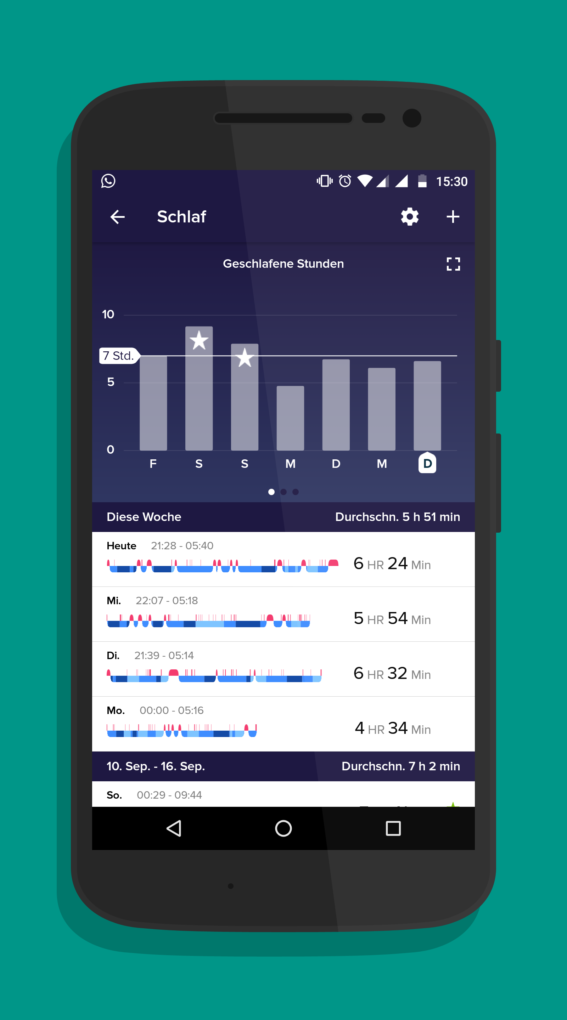
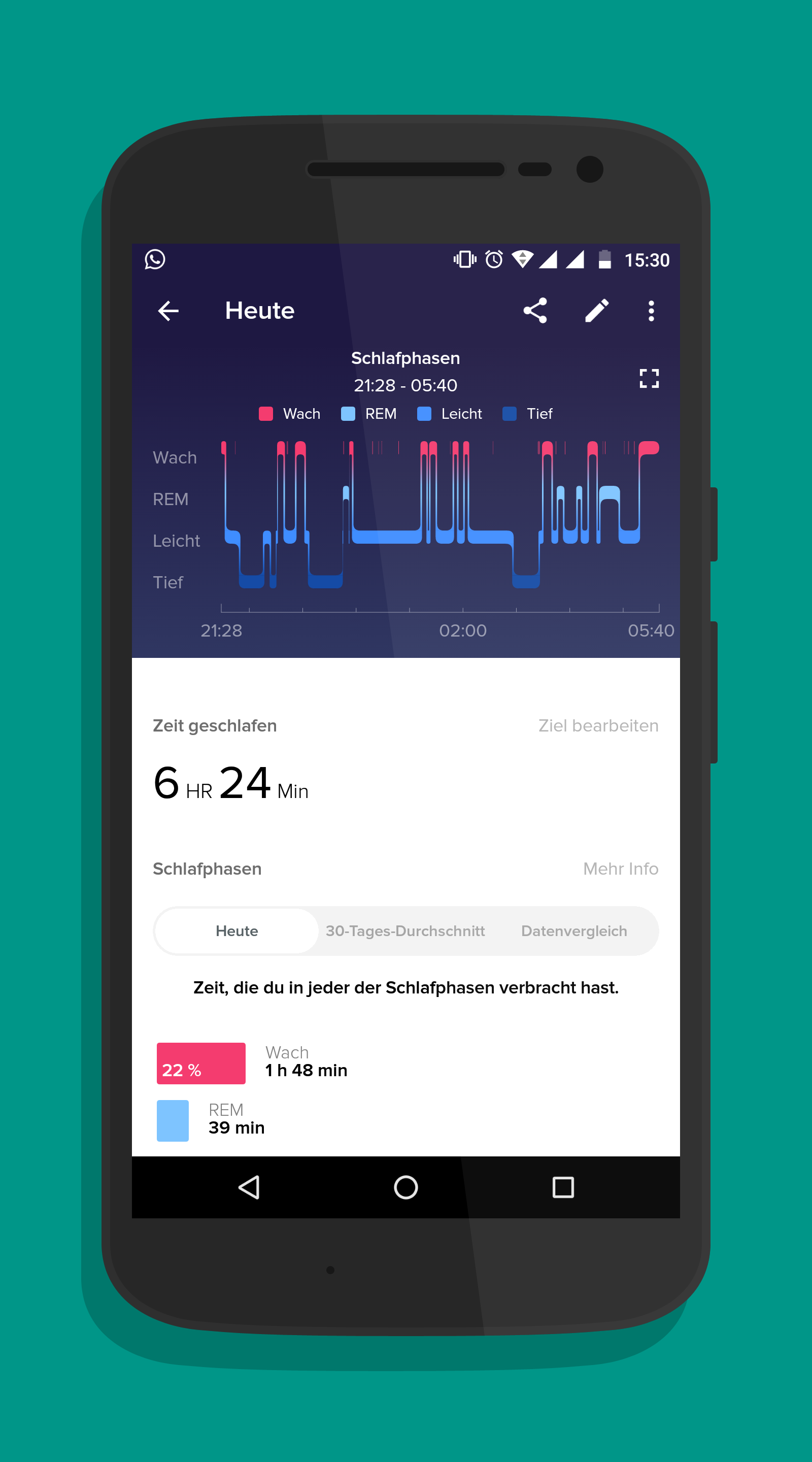
- In the sleep overview you will find detailed ... (Screenshot: TechnikNews, 2018)
-
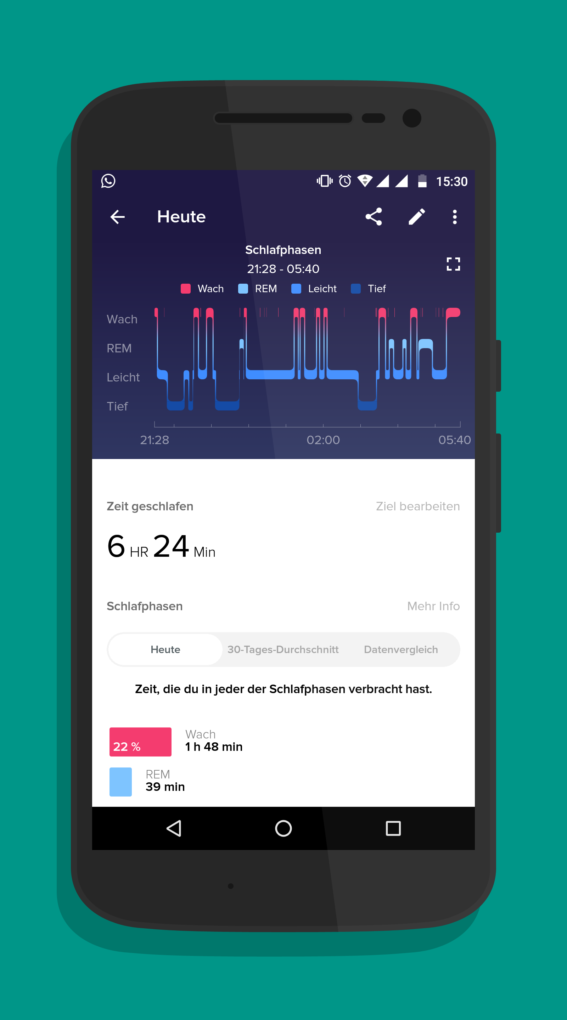
- ... information about his sleep (screenshot: TechnikNews, 2018)
-
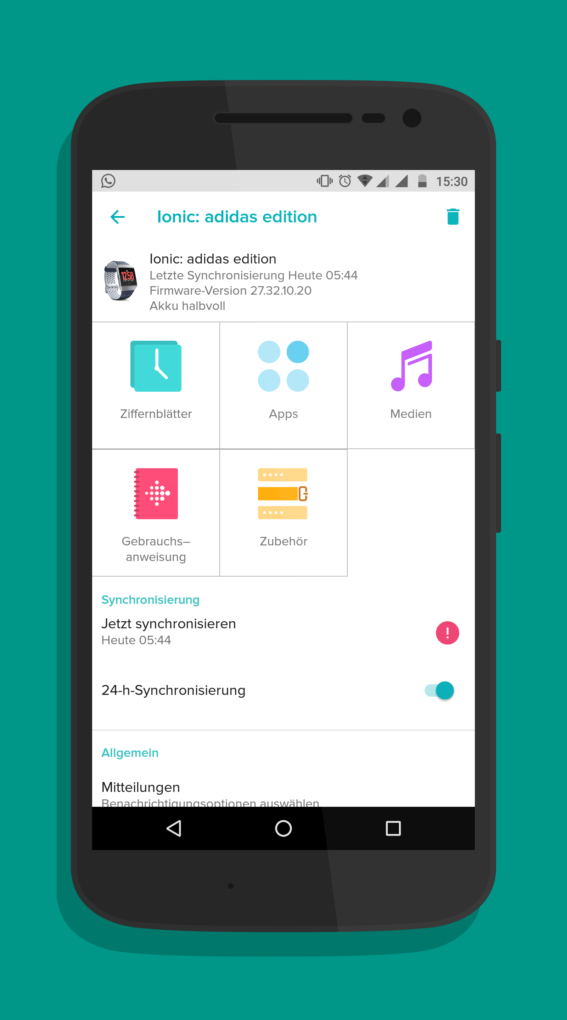
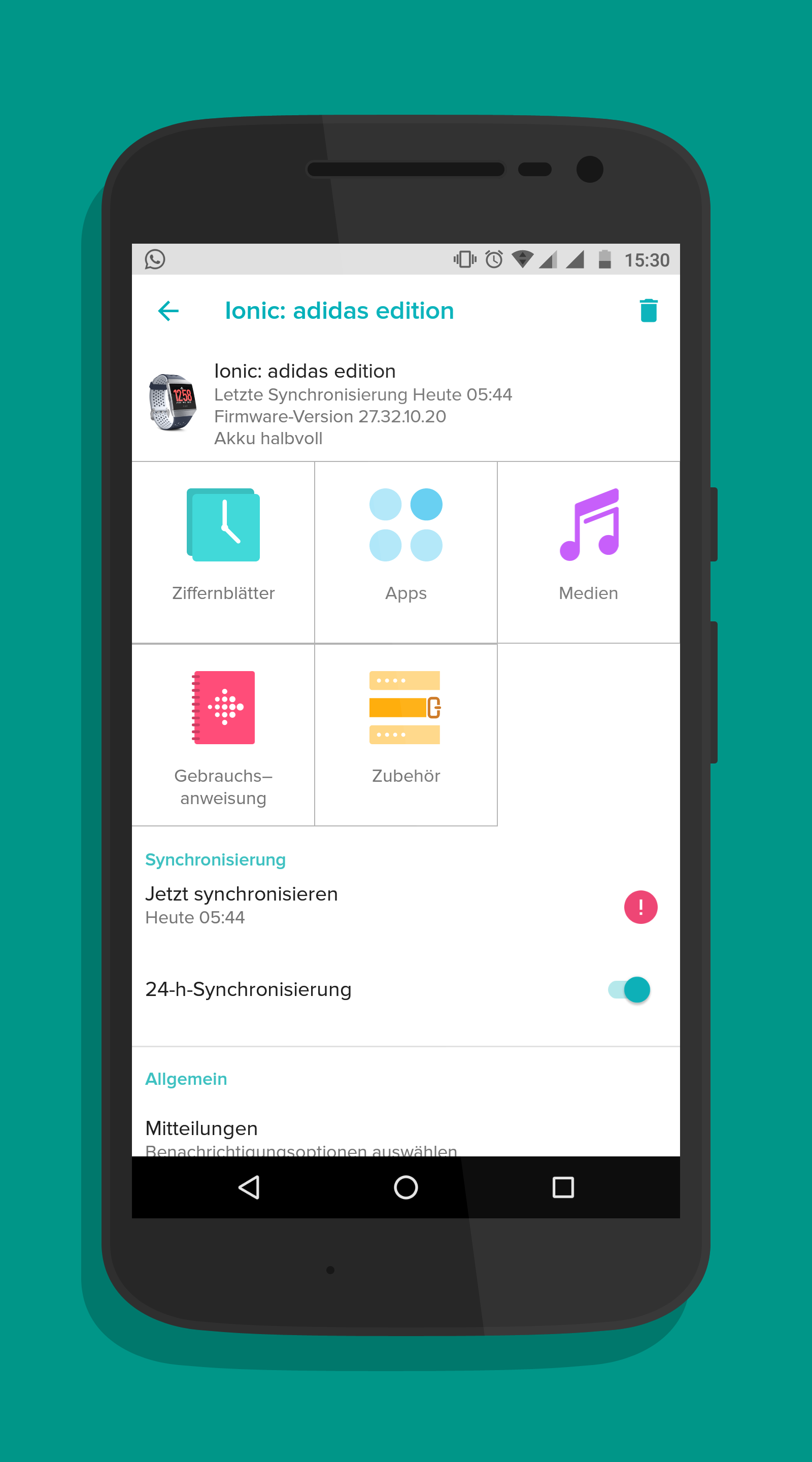
- All settings important for the Ionic can be made via the Fitbit app (screenshot: TechnikNews, 2018)
-
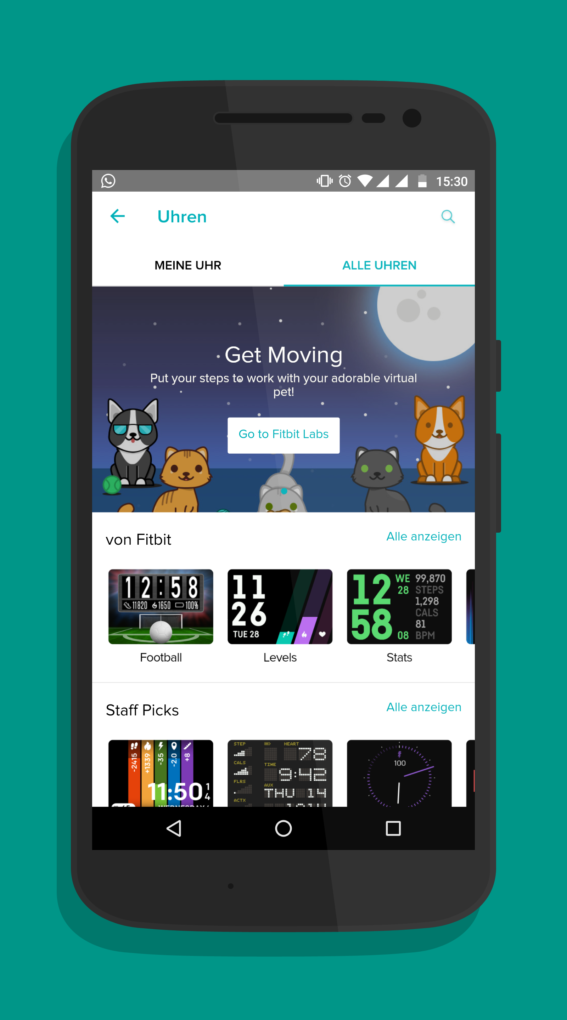
- With the large selection of clock faces, everyone is guaranteed to find one that suits them (screenshot: TechnikNews, 2018)
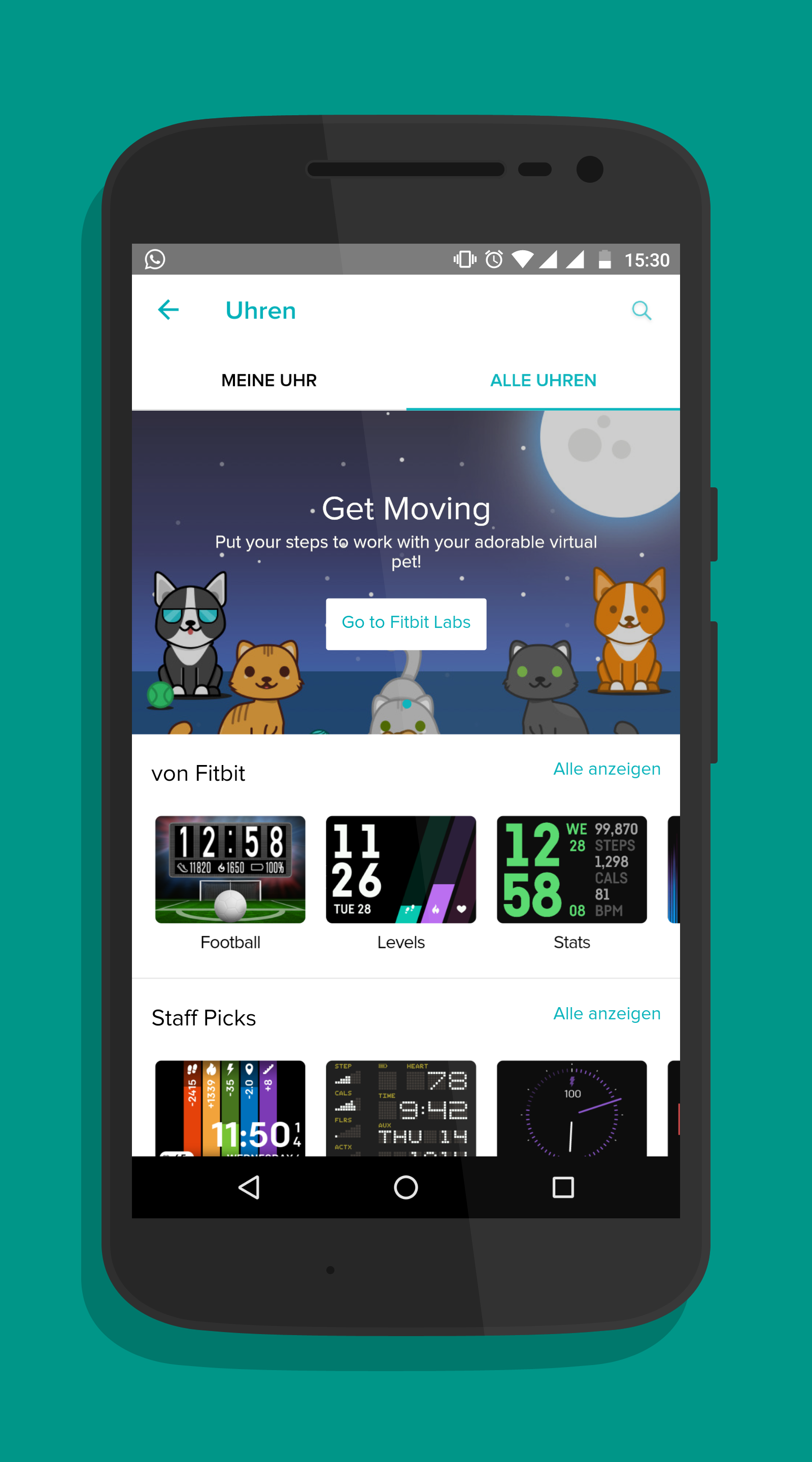
Also in Fitbit OS, which is the operating system of the Fitbit Versa, everything stayed the same. Basic features of a smartwatch, such as a calendar or a contact overview, are still missing. Also, pretty much every animation stutters, which makes the OS still feel very slow.
Summary and Conclusion
I can be very brief here, as a lot is similar to the summary and conclusion of the Fitbit Ionic review. The first thing I want to do is list again the things I liked about the Fitbit Versa. First of all we have the bracelets, the display and the workmanship of the case. I have absolutely nothing to complain about here. It continues with the Fitbit app, which I also really liked here because of the detailed processing of the various data.
The first negative point about the Fitbit Ionic is the charging option via the charging station. I would have liked to have chosen the same charger as with the Fitbit Ionic. I also found the holders for the wristband very negative, as it is really difficult to change them. I didn't even have that big of a problem with the lack of GPS. The only thing that bothered me was the long wait until the GPS signal was received by the smartphone. And I'm not really enthusiastic about Fitbit OS either, for the reasons already mentioned.
All in all, the Fitbit Versa is not a bad product from Fitbit. The Versa scores points with me as a fitness tracker. And the lack of smartwatch features is something you can live with if you don't normally wear a Smartwatch with Wear OS or watchOS. If you don't mind the watch's lack of GPS, I think you can even go for the Versa instead of the more expensive Fitbit Ionic.
Prices and availability
The Fitbit Versa is available from Fitbit in the online store, from Amazon and from some smaller retailers. The RRP here is 199 euros. The special edition with NFC for Fitbit Pay and the fabric wristbands costs 30 euros more. The interchangeable wristbands are available from Fitbit and Amazon, where prices start at around 10 euros.
Thank you for providing this test device.