
Google Nest Protect (2nd Gen) in review: The carbon monoxide and smoke detector with app
A TEST REPORT from David Wurm  on October 21, 2021, 19:30 p.m. | Write a comment
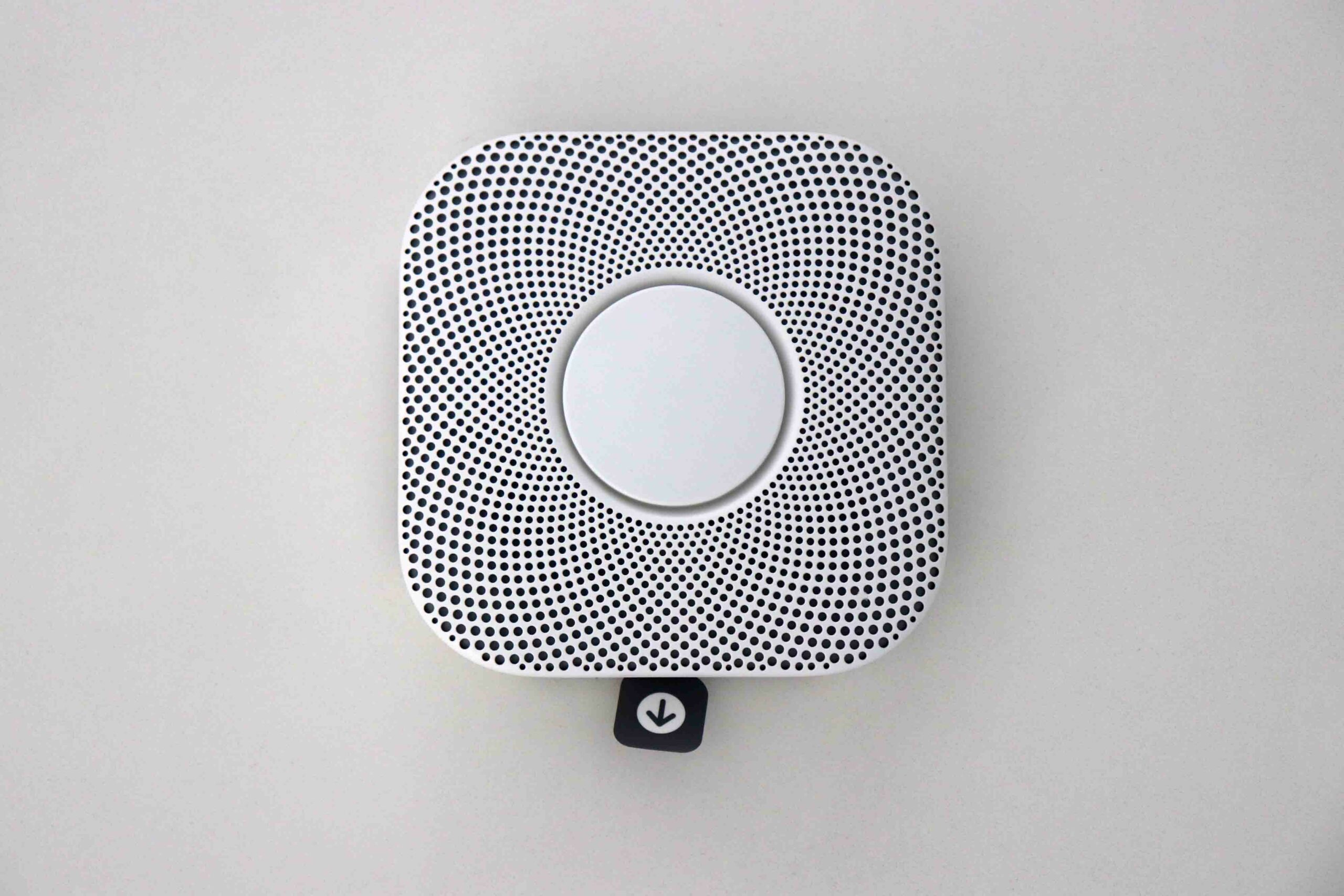
Smoke detectors for your own home are important - no question about it. It could be even more practical if they were not only loud, but also sent notifications to your smartphone while you were out and about. The Google Nest Protect offers exactly this complete package - and a lot more. We tested the gadget for you.
Smoke alarms can be found in very many households these days. In addition, the placement of smoke alarms in Germany and Austria is even mandatory for new buildings and renovations. Absolutely important to be aware of a fire in your sleep or in the garden, no question about it. However, in all cases you have to be at least nearby to even notice the smoke alarm. Or if you are out and about as a parent, the kids are at home and for whatever reason something happens (e.g. a fire in the kitchen or in the children's room) - a classic smoke alarm only beeps very loudly, but does not inform anyone else.
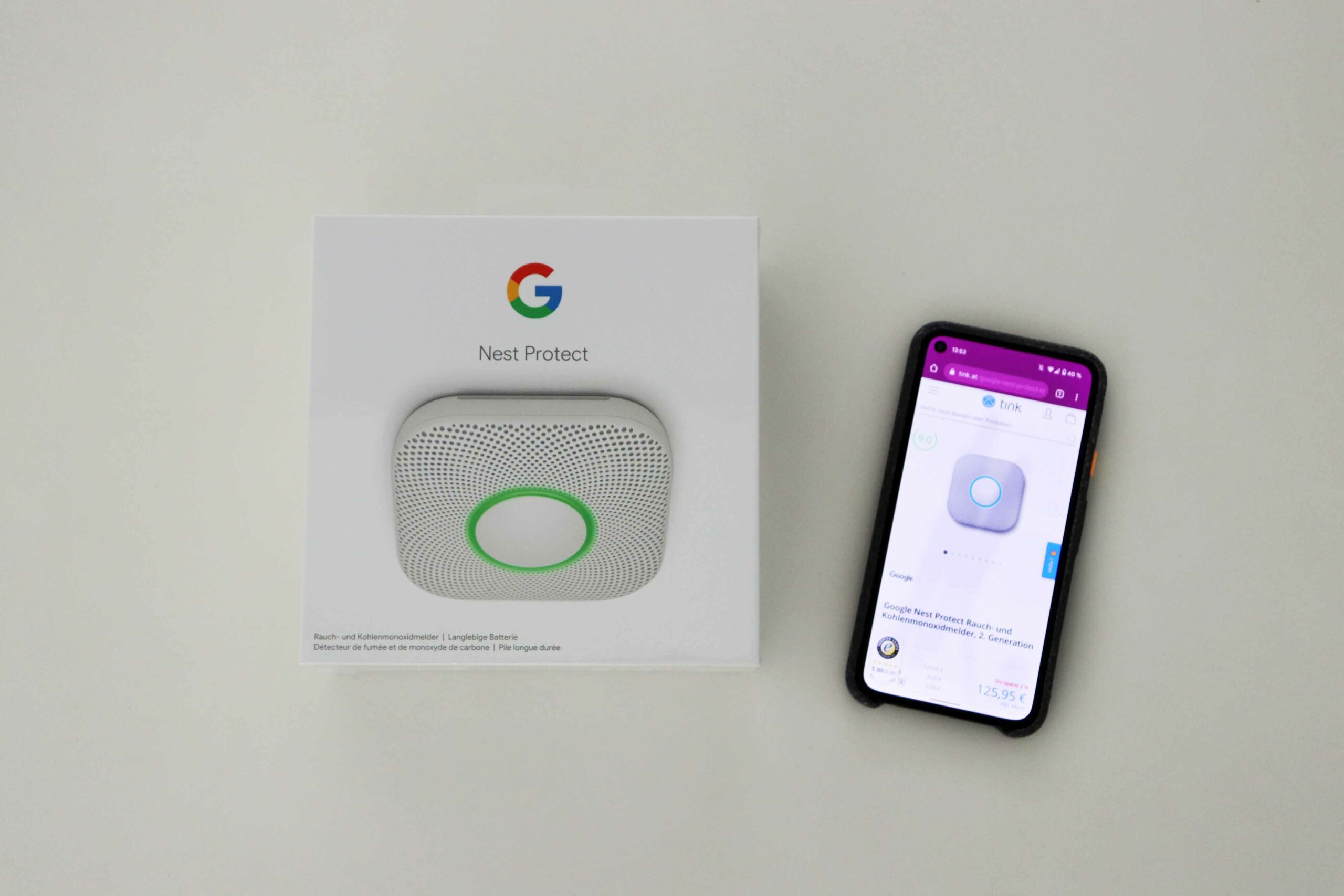
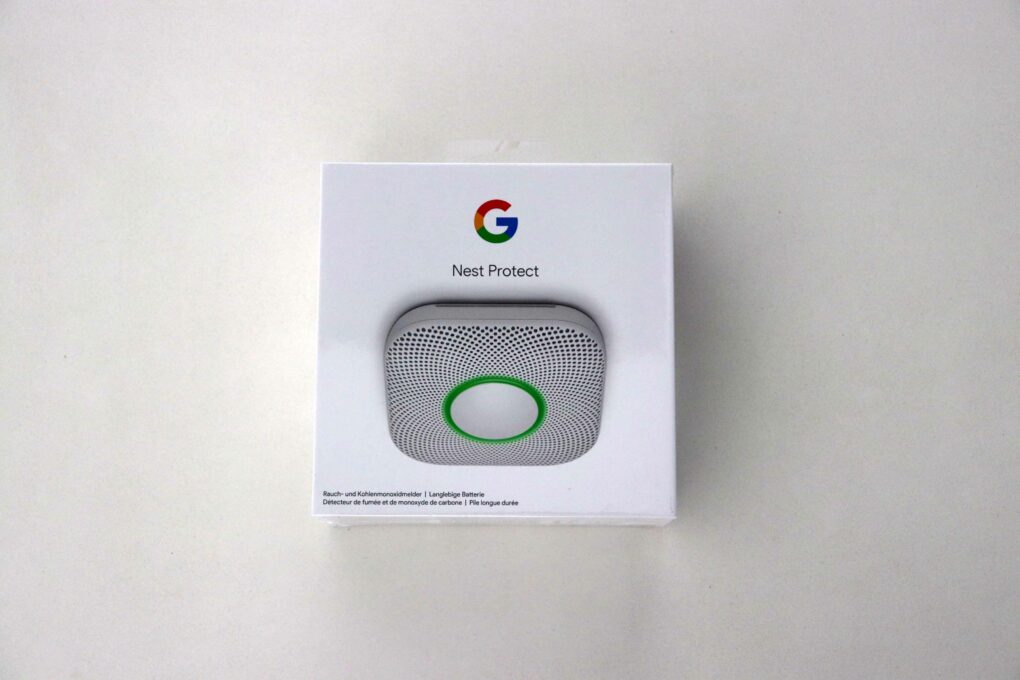
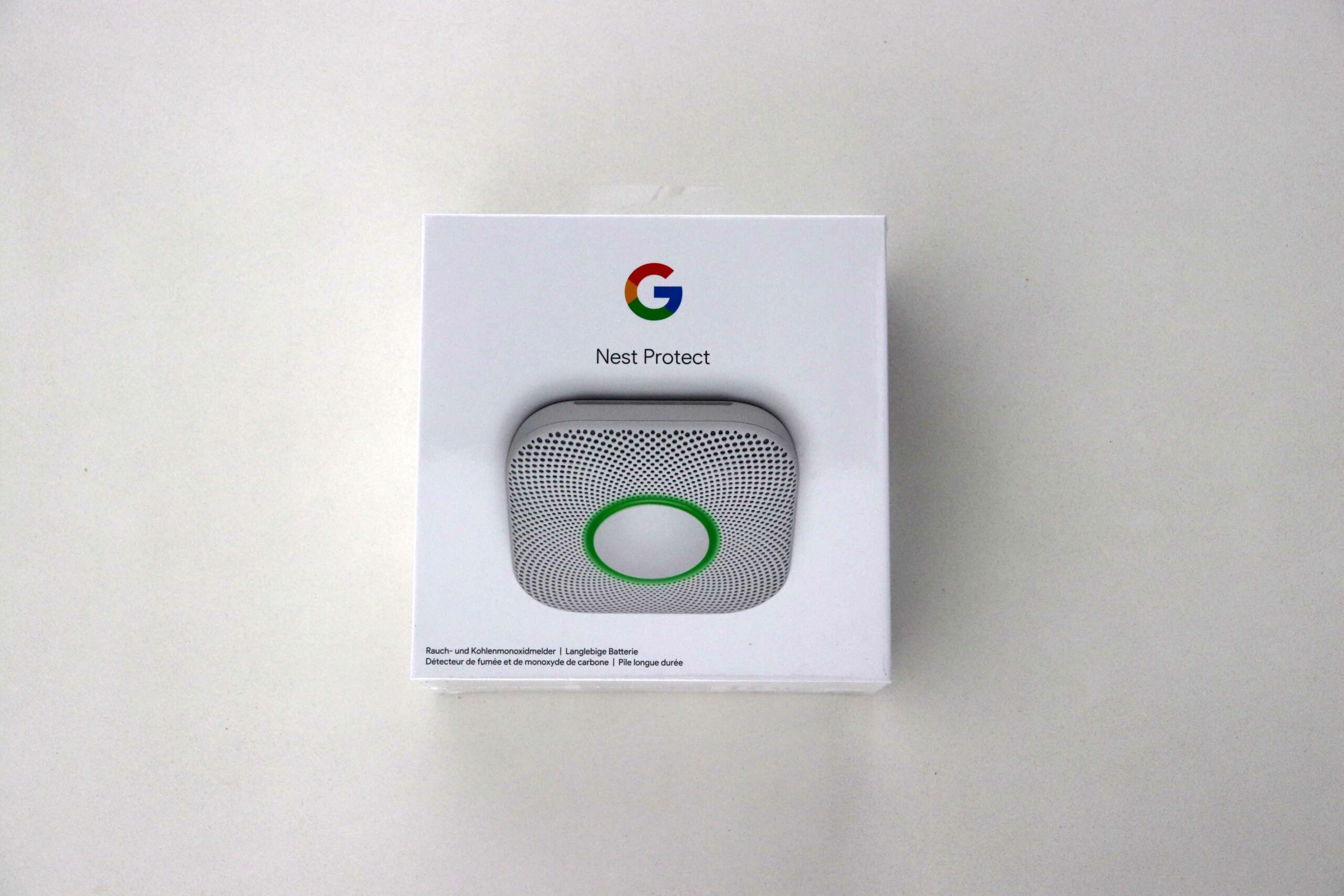
The Google Nest Protect (2nd generation) provided by tink.at. (Image: © 2021 TechnikNews)
For this reason, we looked for smart smoke detectors for our own four walls and tested the Google Nest Protect for you. Many thanks to tink.atwhich gives us the Google Nest Protect (2nd generation) for this test.
Ready to go very quickly - setup & assembly
-
- Image: © 2021 TechnikNews
-
- Image: © 2021 TechnikNews
-
- Image: © 2021 TechnikNews
-
- Image: © 2021 TechnikNews
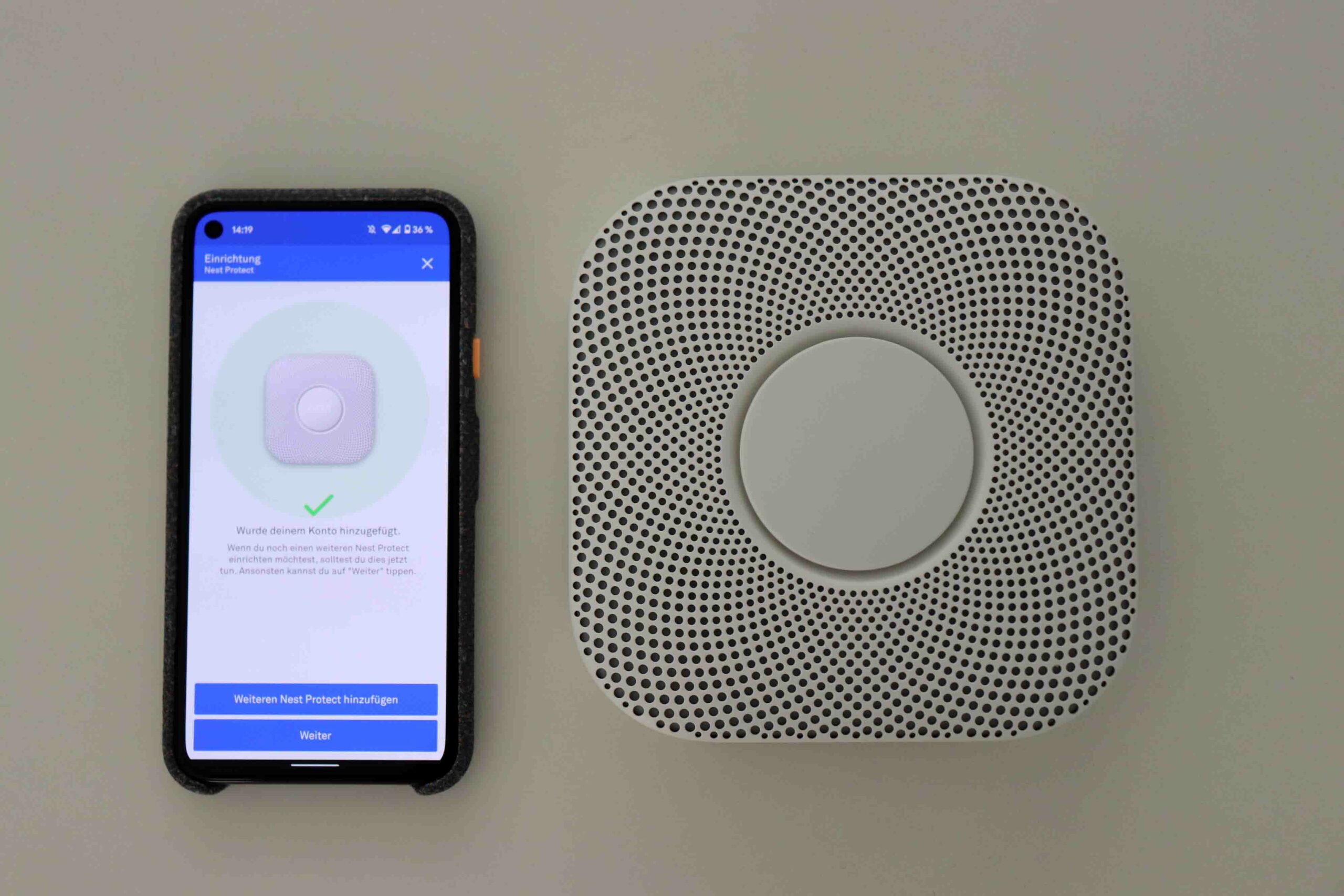
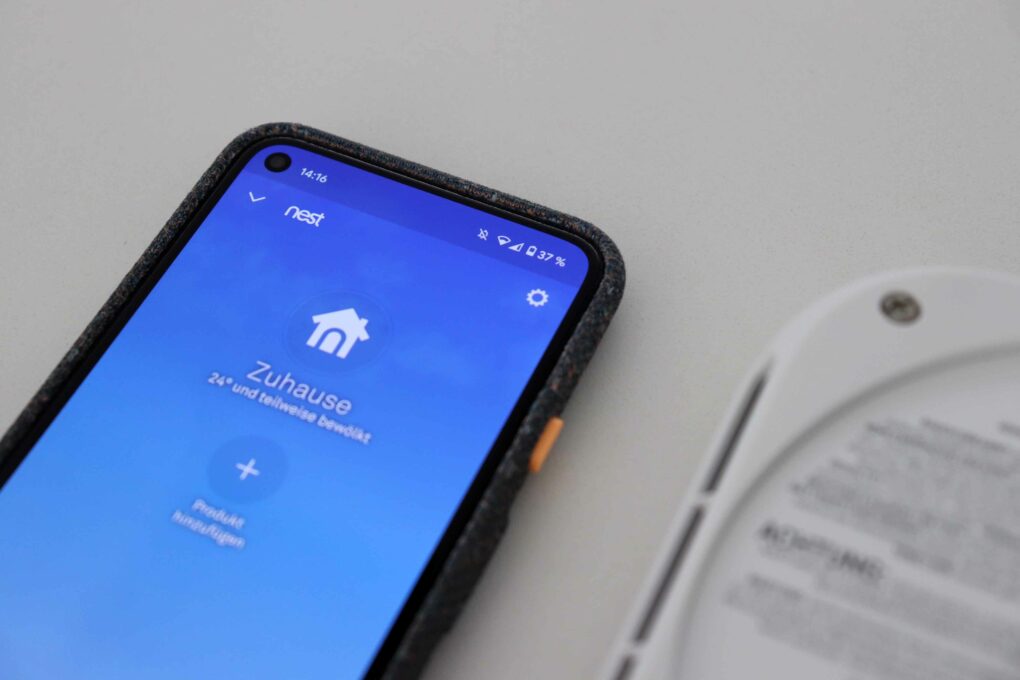
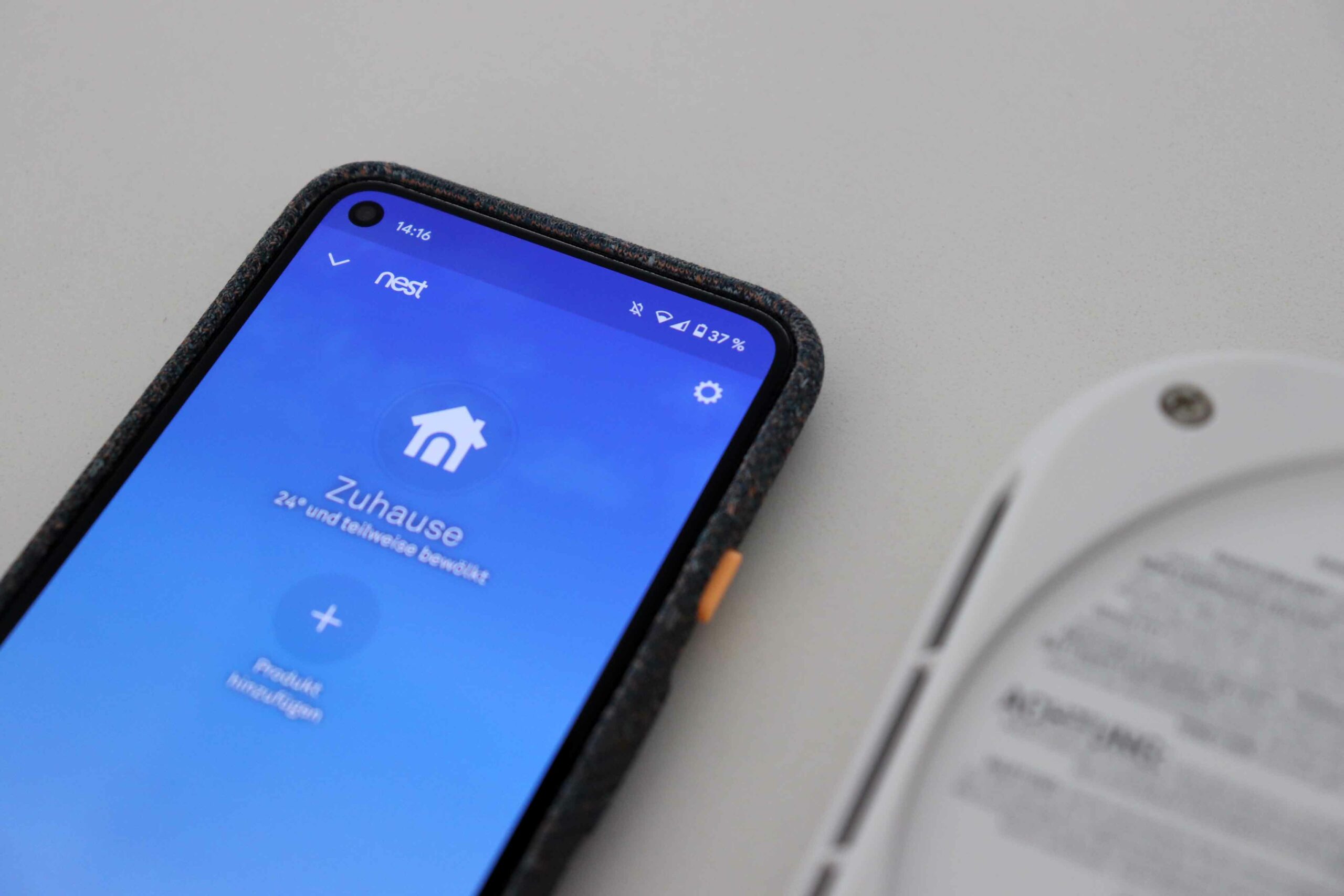
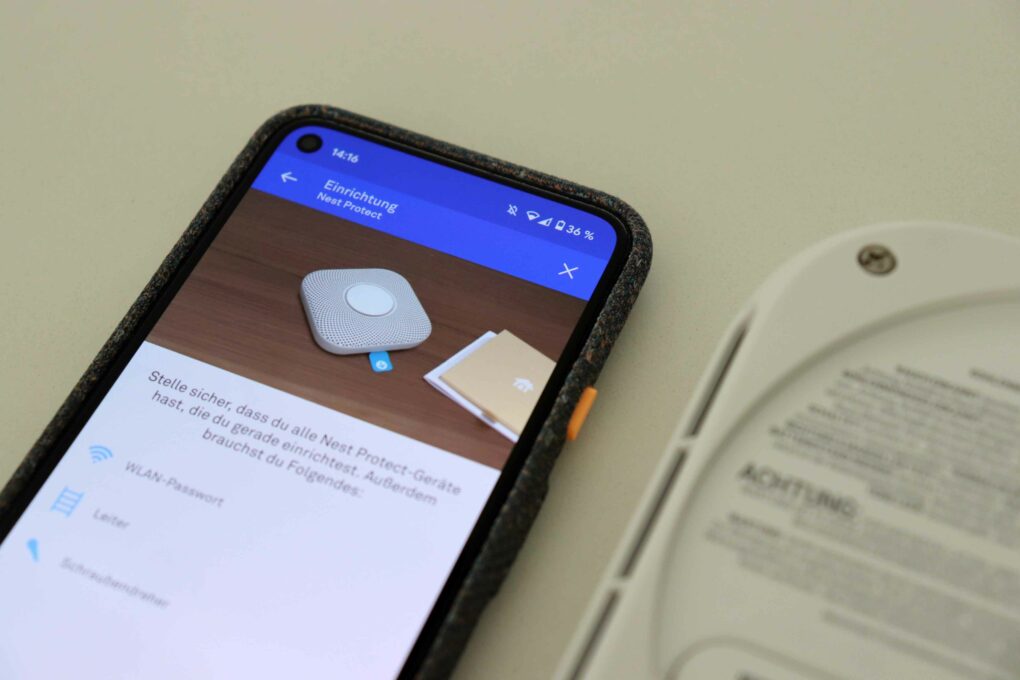
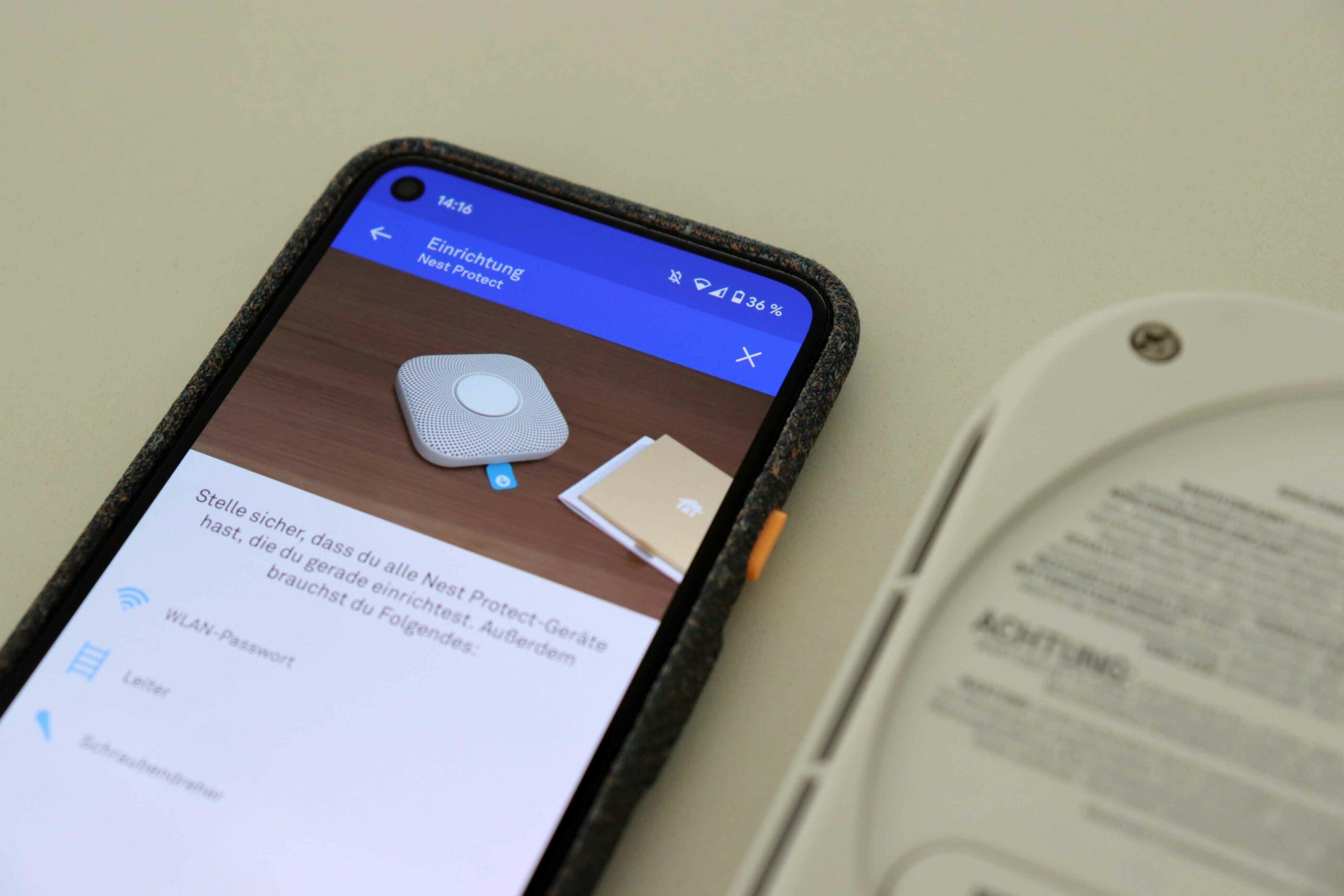
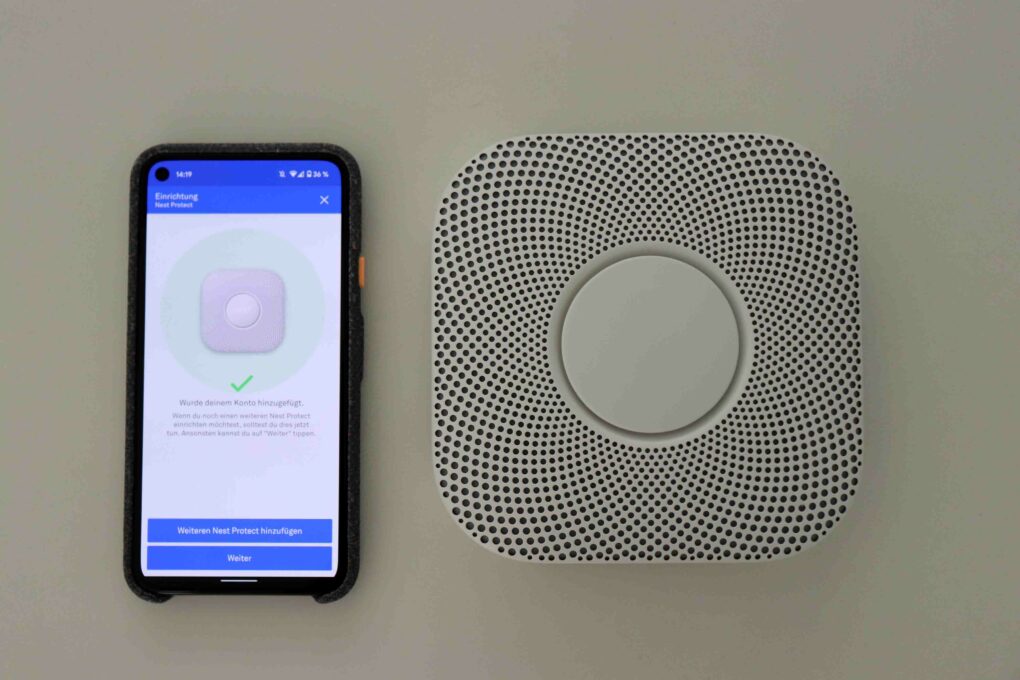
To begin with, you will need a smartphone on which you can download the Nest app. Unfortunately, some Nest devices are not yet integrated into the Google Home app - annoying. 6 AA batteries for operating the Nest Protect are already included and can be replaced in the battery compartment on the back.




You then have to create a Nest account, assign the Nest Protect to a room in the app and scan the QR code on the back of the Protect. The Nest Protect is then connected to a WiFi network. However, this should not be too weak to ensure reliable alarms in an emergency. If no WiFi is available, the fire monitor also draws attention to itself by means of "analog" beeping and speaking. More on this later below.
-
- Image: © 2021 TechnikNews
-
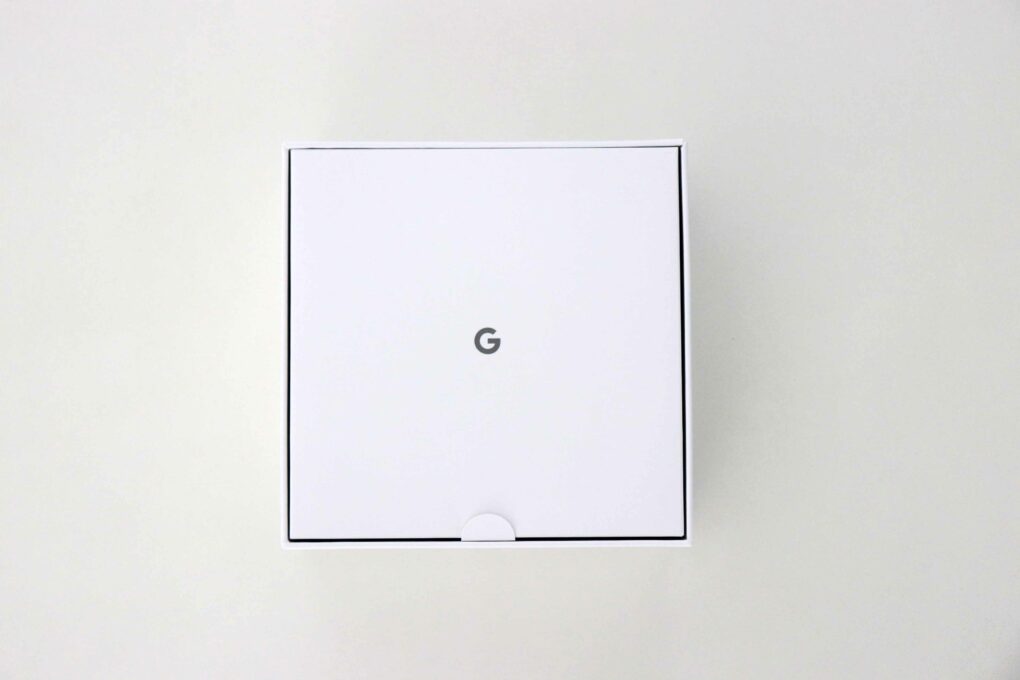
- Image: © 2021 TechnikNews
-
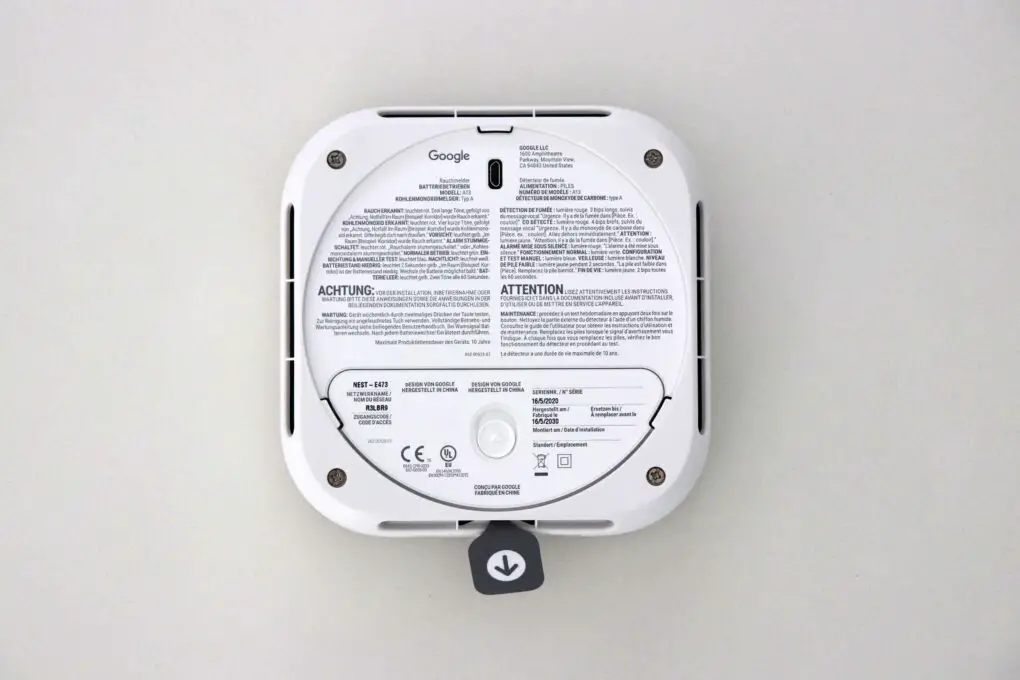
- Image: © 2021 TechnikNews
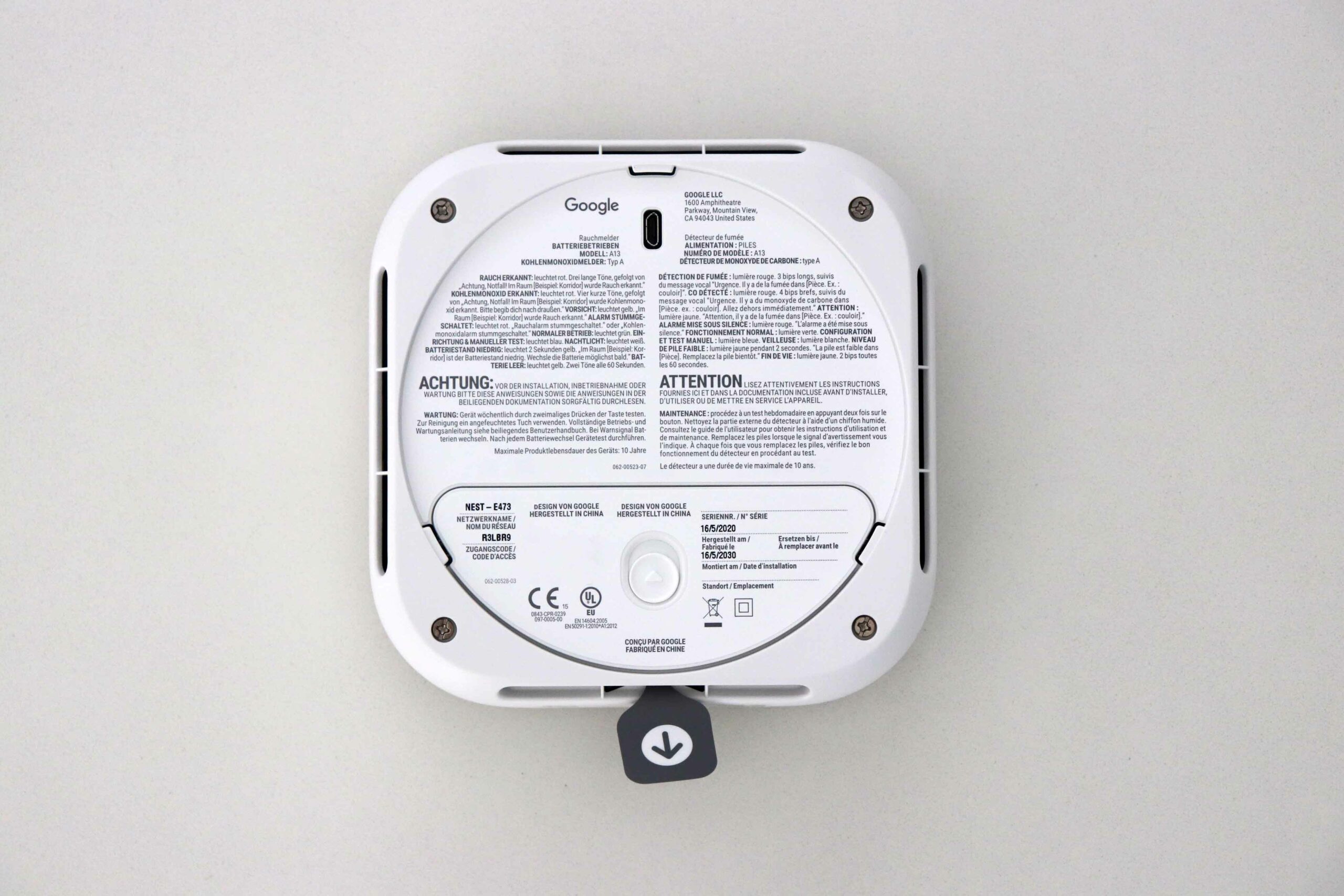
-
- Image: © 2021 TechnikNews
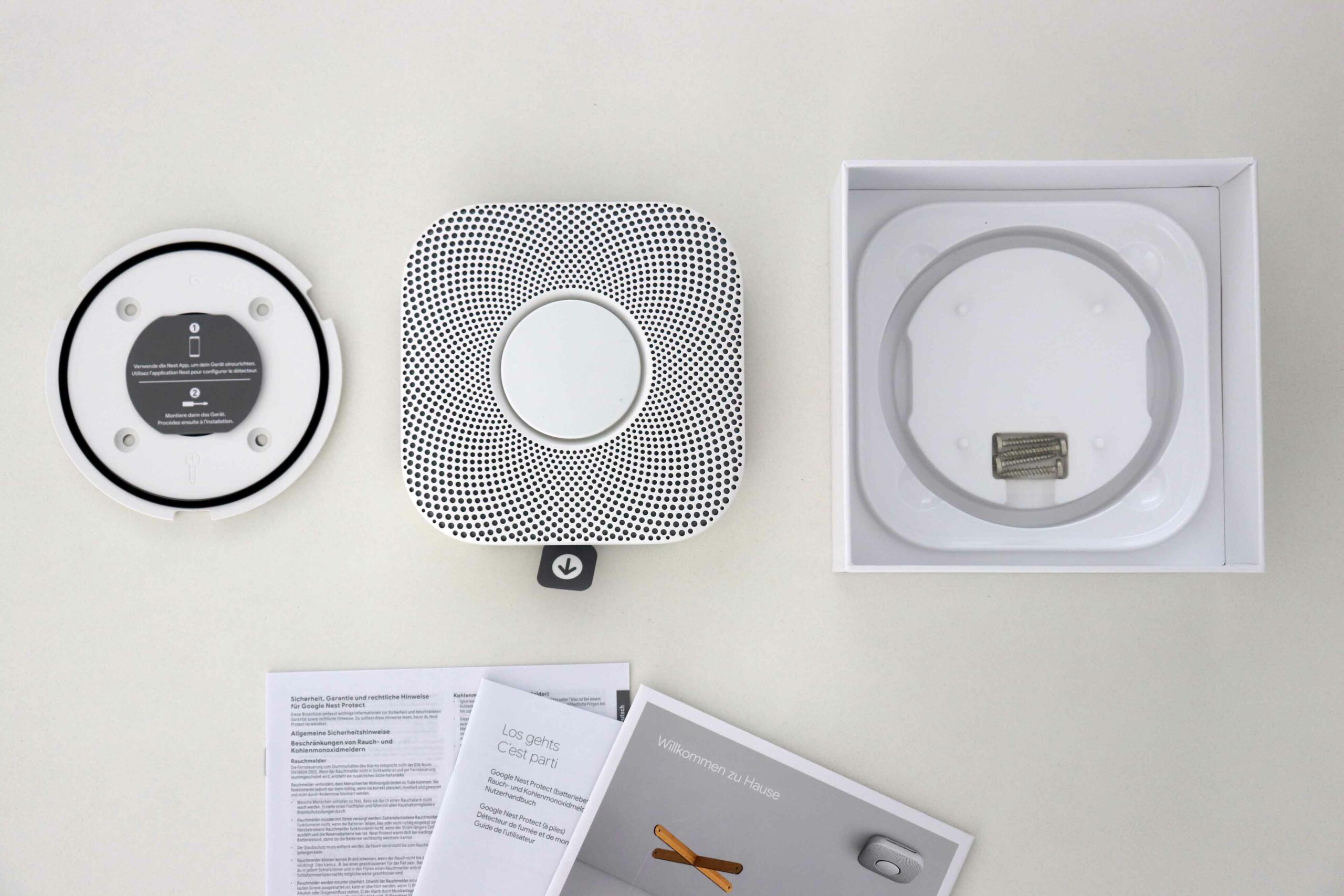
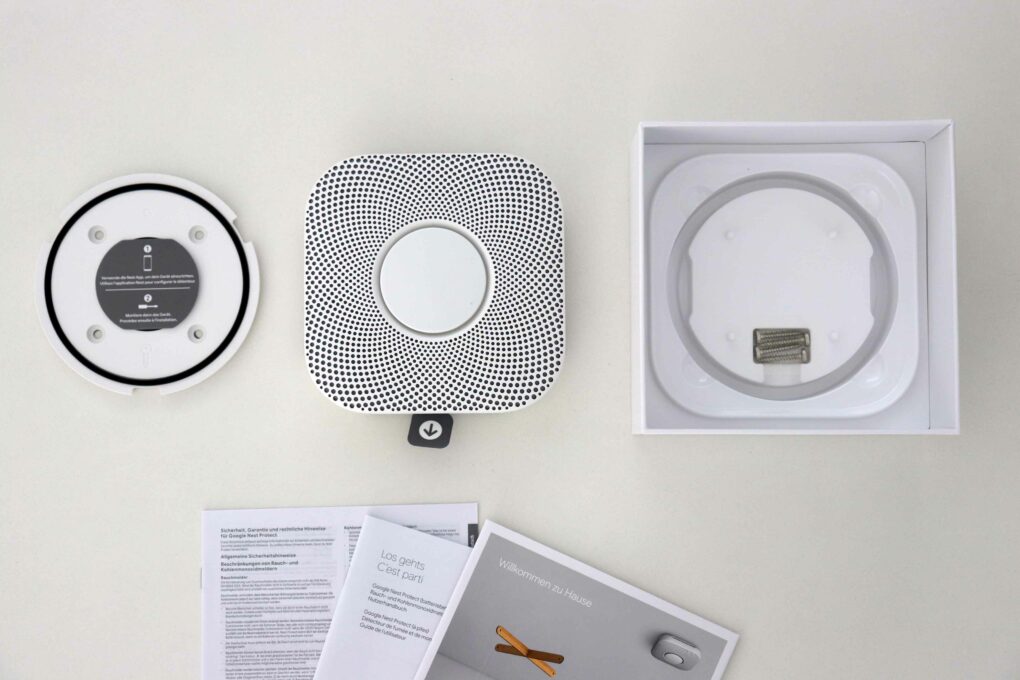
In addition to the smoke detector itself, the packaging also contains a ceiling mount including screws. This means that all you need for installation is a Phillips screwdriver and a drill if the hole needs to be pre-drilled, which is recommended in many cases. Placing the smoke detector in other places such as on a shelf or table is not recommended, as smoke always rises upwards and only then can it enter the smoke chambers of the smoke detector. Incidentally, the Google Nest Protect also warns of carbon monoxide (CO) - a gas that is completely odorless, tasteless and colorless - and therefore undetectable.
There are detailed instructions for installation and assembly in this blog post by tink.
In practice - smoke test
Of course, you shouldn't set fire to something just to test your smoke detector. But since a smoke detector actually detects the smoke itself, we used an incense stick and held it carefully over the Google Nest Protect. By turning the device, we were able to let the smoke enter the smoke chambers on the edge and set off an alarm after a short time. First there was an acoustic warning - yes, the Google Nest Protect speaks in the language you set - "Caution, smoke has been detected in the kitchen. The alarm may sound" and the light ring flashed yellow.
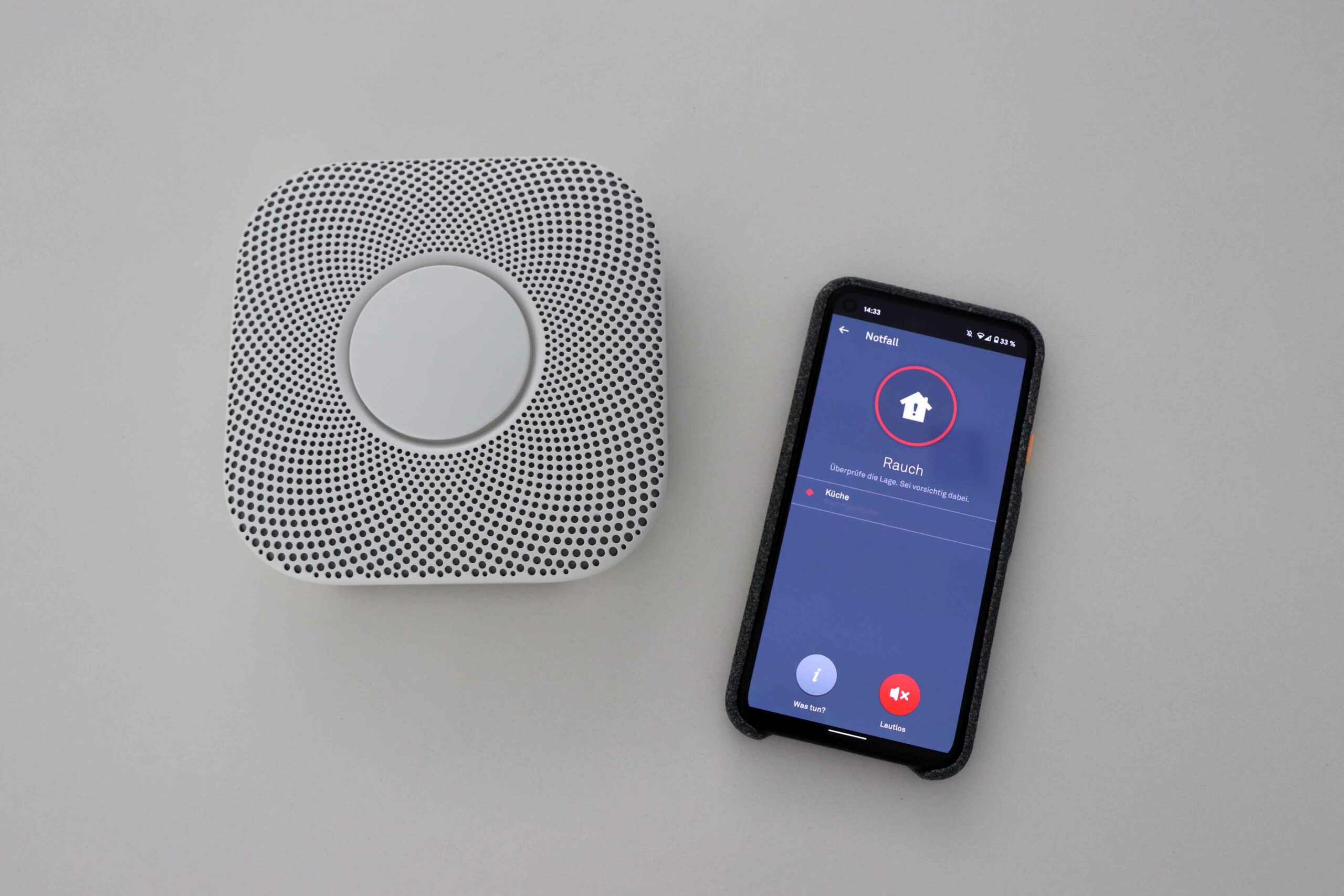
Slight smoke development was detected - the Nest Protect also alerts via the app. (Image: © 2021 TechnikNews)
After a few more seconds, the smoke alarm will beep loudly along with the following sound: "Emergency. There is smoke in the kitchen," and will flash red at the same time. In most cases, the smoke alarm can be silenced - directly from the Nest app (you must be near the smoke alarm to do this) or by pressing a button on the top of the device. A "Smoke alarm silenced" sound will be heard and the Nest Protect will continue to flash yellow or red. If the smoke reaches a critical level, the alarm will sound again and may not be able to be silenced.
When everything is back to normal, the Nest Protect will reassure you with a message saying "The alarm is over" and will flash green. In all cases, a push notification will also be sent to the smartphone with the Nest app installed. It's a shame that you can't add another contact who will also be informed in the event of an emergency.
If carbon monoxide is detected, the warnings and alarms would be the same as with a smoke alarm. However, for safety reasons, we have not tested this. There are also test sprays for testing so-called "photoelectric smoke detectors" (such as the Google Nest Protect). on Amazon. Spraying hairspray, mosquito repellent, toilet spray, or other sprays on the smoke alarm to test it should be avoided at all costs.
Something more - extras
Alerting by voice & networking
In addition to the smart functions such as the app and notifications on the go, there are a few extras that are worth mentioning. For example, the "voice" alarm, as already mentioned above. If a smoke alarm just beeps very loudly, not everyone may know what exactly is going on. Here, however, the Nest Protect uses voice announcements to tell you exactly which alarm it is, how great the danger is and in which room it was triggered. If you also have several Nest Protects in one household, they network with each other and play the alarm on each device. If the gadget detects smoke in the kitchen, for example, the smoke alarm will also inform you in the bedroom.
Steam detection
To avoid false alarms, the Google gadget also has vapor detection. This is useful if you want to place the smoke alarm in the bathroom or kitchen near the stove. I did not experience any false triggering by steam during the test.
"Night watchman" for additional light
The "night watchman" feature, which provides additional light at night, is also very helpful. The Nest Protect detects any movement below it from the ceiling and automatically activates the light ring. This means you no longer need a flashlight when you go to the toilet at night. To extend the battery life, you can adjust the brightness or deactivate the function completely.
Automatic function test
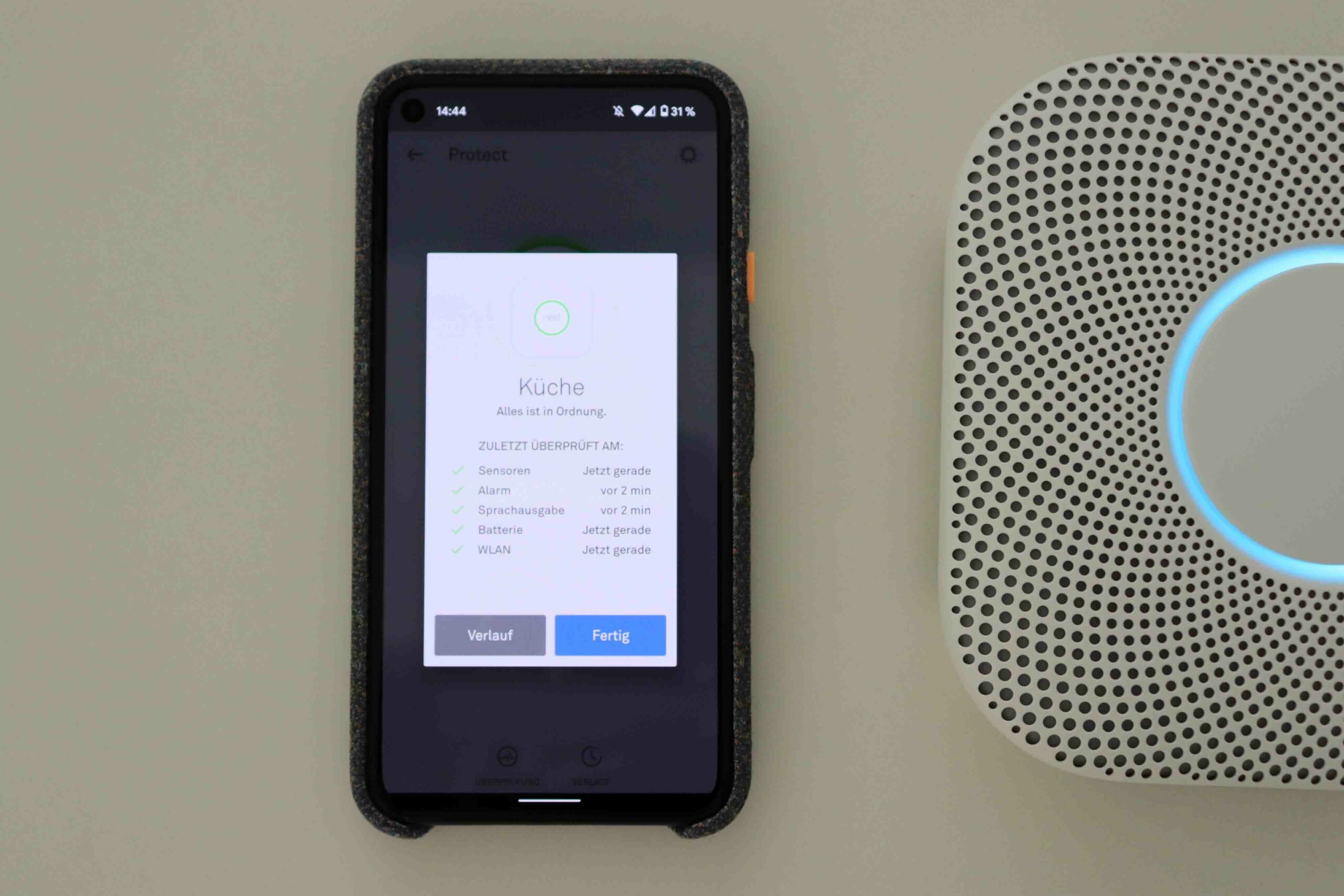
The smart smoke detector tests itself regularly. (Image: © 2021 TechnikNews)
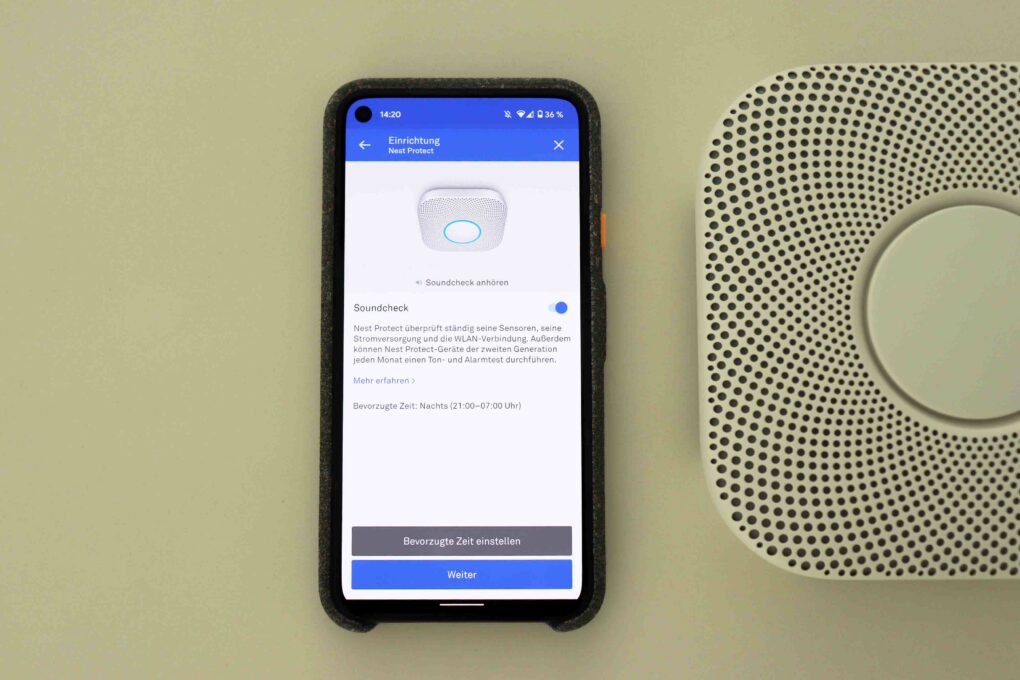
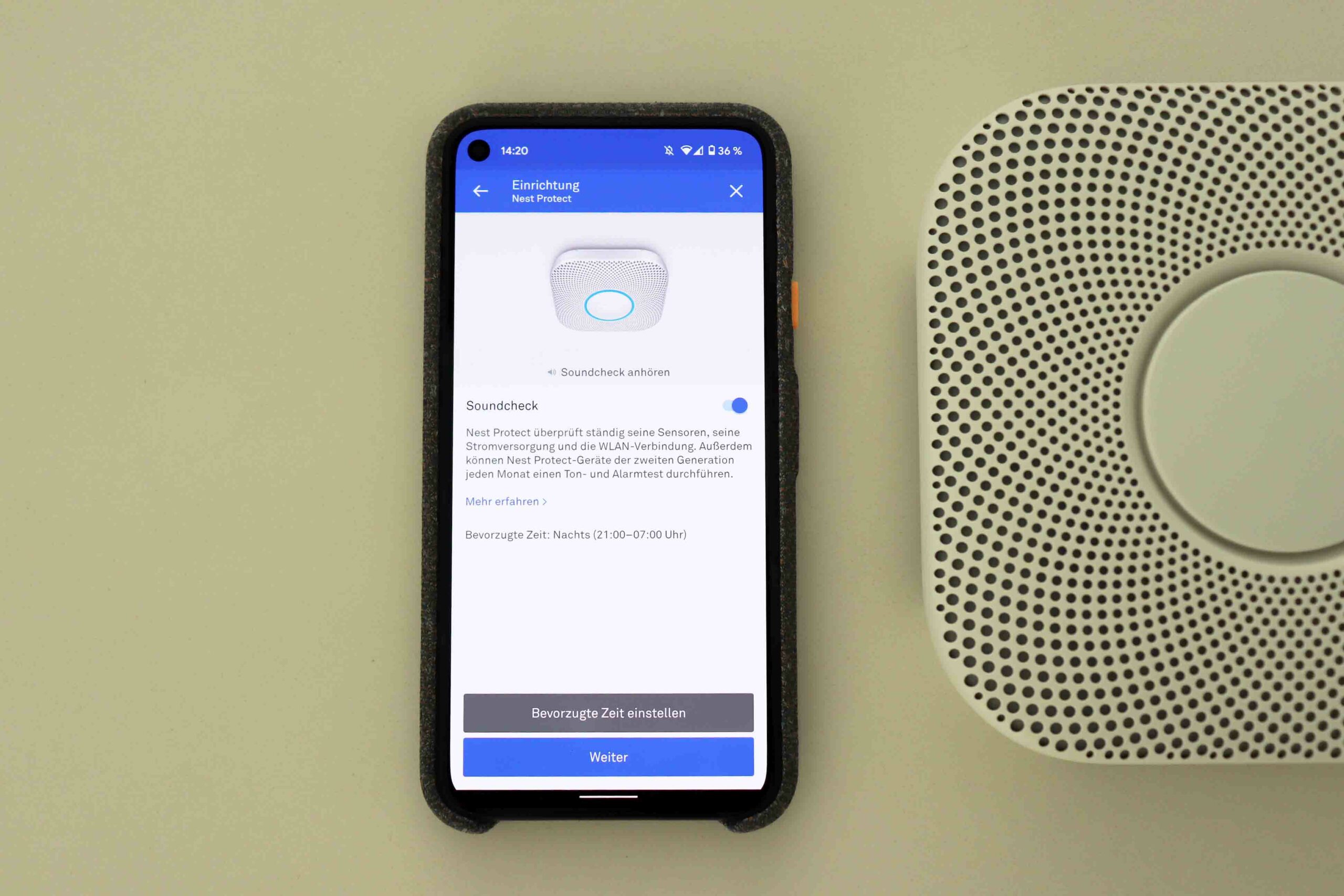
With conventional smoke detectors, you should perform a function test every month. With the Google Nest Protect, this is no longer a hassle - it tests itself every month. A short test tone is played (not loud, of course, very subtle), which is verified with the built-in microphone. If the gadget "hears" itself, it is guaranteed that the speaker is working. You can also carry out a manual test in the Nest app, although this is a bit louder.
Furthermore, when the light is switched off in the evening, the light ring briefly lights up green if the smoke detector is working and everything is OK.
Conclusion
Inconspicuous, expensive, but still helpful. (Image: © 2021 TechnikNews)
The Google Nest Protect (2nd Gen) has been improved in a number of ways compared to its predecessor. For example, you can now replace the batteries and it is much more reliable. However, the maximum lifespan is 10 years, after which the smoke detector deactivates itself and must be replaced with a new one.
In summary, the gadget offers useful functions such as notifications when you are on the move, a voice alarm, automatic function tests and a night light. Unfortunately, there is no option to inform other contacts with an SMS when an alarm is triggered. It would also be useful to integrate the Nest products in the Google Home app (with the Google Nest Hub) to be able to summarize. Although Nest is now part of Google, it is still treated very separately - that is not entirely understandable.
At first glance, the price of 129 euros (RRP) seems pretty high. However, if you consider that you get a device that lasts 10 years, works in a network and, in case of doubt, protects your own four walls from burning down - even when you are out and about - there is definitely a purchase recommendation. Similar networked smoke alarms are priced at the same level. The only risk would be the end of support for the app on the part of Google, which would suddenly make the smoke alarm very "stupid" - but still work "offline".
Thanks again to tink.at for the provision of the Google Nest Protect (2nd generation) for this review.
Buy Google Nest Protect (2nd generation).
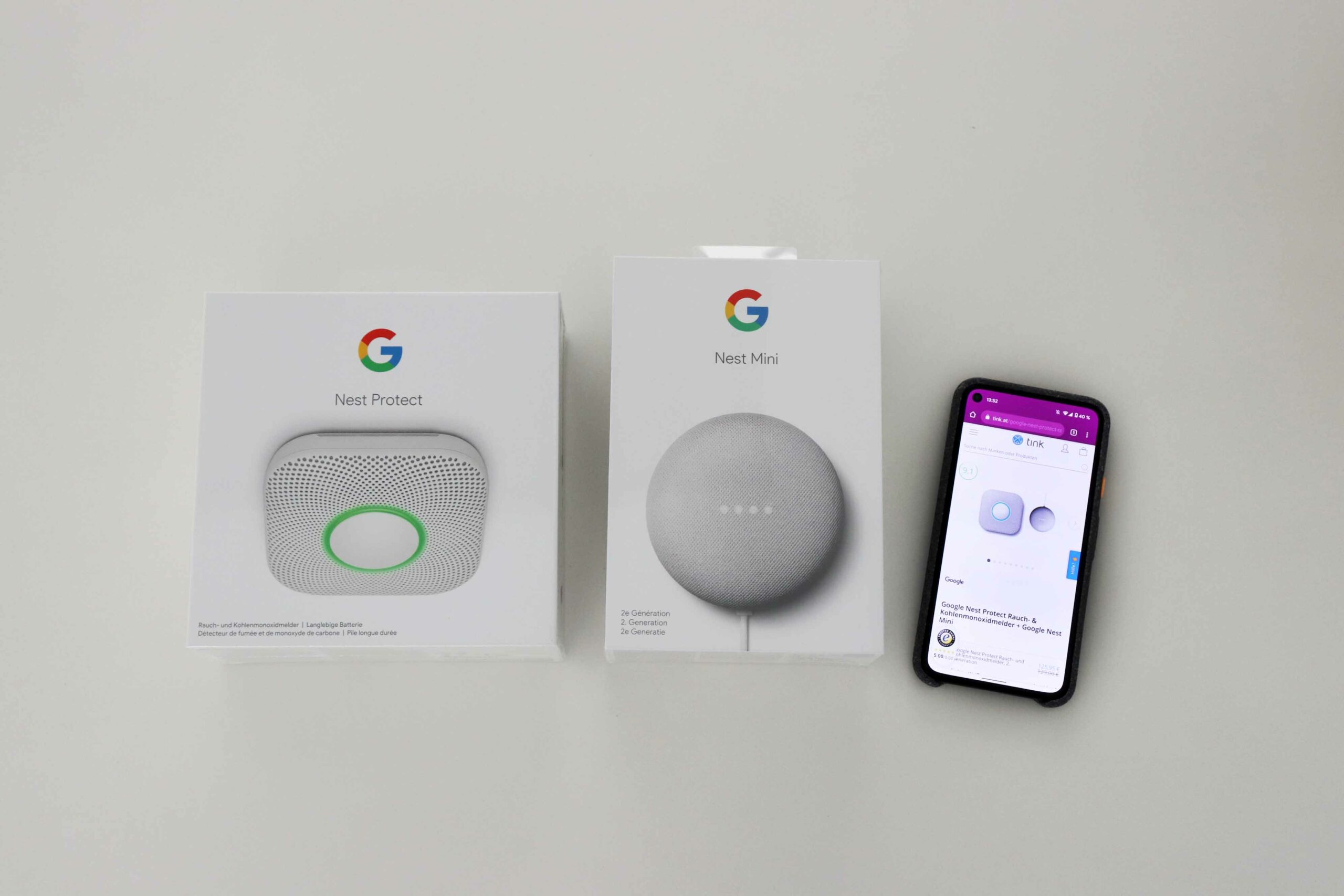
The Google Nest Protect and the Google Nest Mini are even available as a set at tink.at. (Image: © 2021 TechnikNews)