
Sonos Ray review: This is how the cheapest soundbar from Sonos performs
A TEST REPORT from David Haydl  on June 09, 2022, 13:49 am | Write a comment
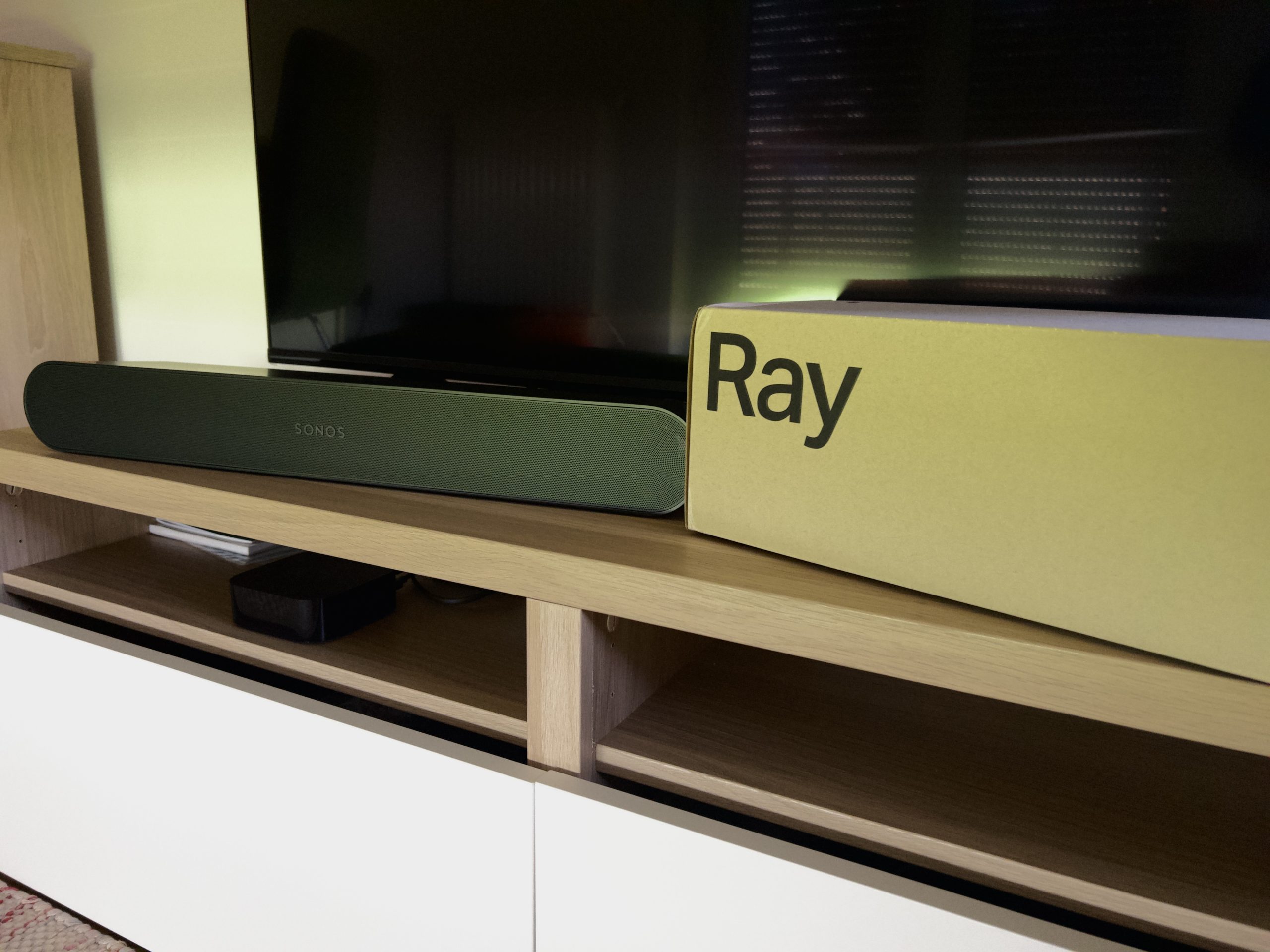
Sonos already offered two soundbars and a few weeks ago a third was added with the Sonos Ray. I could see what this can doprobeer
Sonos prois gradually trying to cover cheaper price ranges for its categories. With the Roam we have an inexpensive alternative to Sonos Move in mobile products. Sonos Beam can be used if the Arc soundbar is too expensive and the Sonos One is recommended in the field of jukeboxes if you don't want to spend so much money on the Sonos Five.
Ray Sonos has now added a soundbar with an even lower price. It is smaller than the Beam, has fewer speakers and comes with fewer features. The sound quality should still be such that you can enjoy films, series and music well. Let's take a look together at this point to see if that's the case.
Unboxing and initial setup
The Sonos Ray comes again in sustainable cardboard packaging. As with other models, the design was kept very simple. You mainly see some illustrations, logos and an indication of the included color variant. The contents of the packaging can be accessed by removing two seals. It contains the soundbar in a cloth sleeve, a cable with an optical connector to connect to a TV, a power cable and some notes.
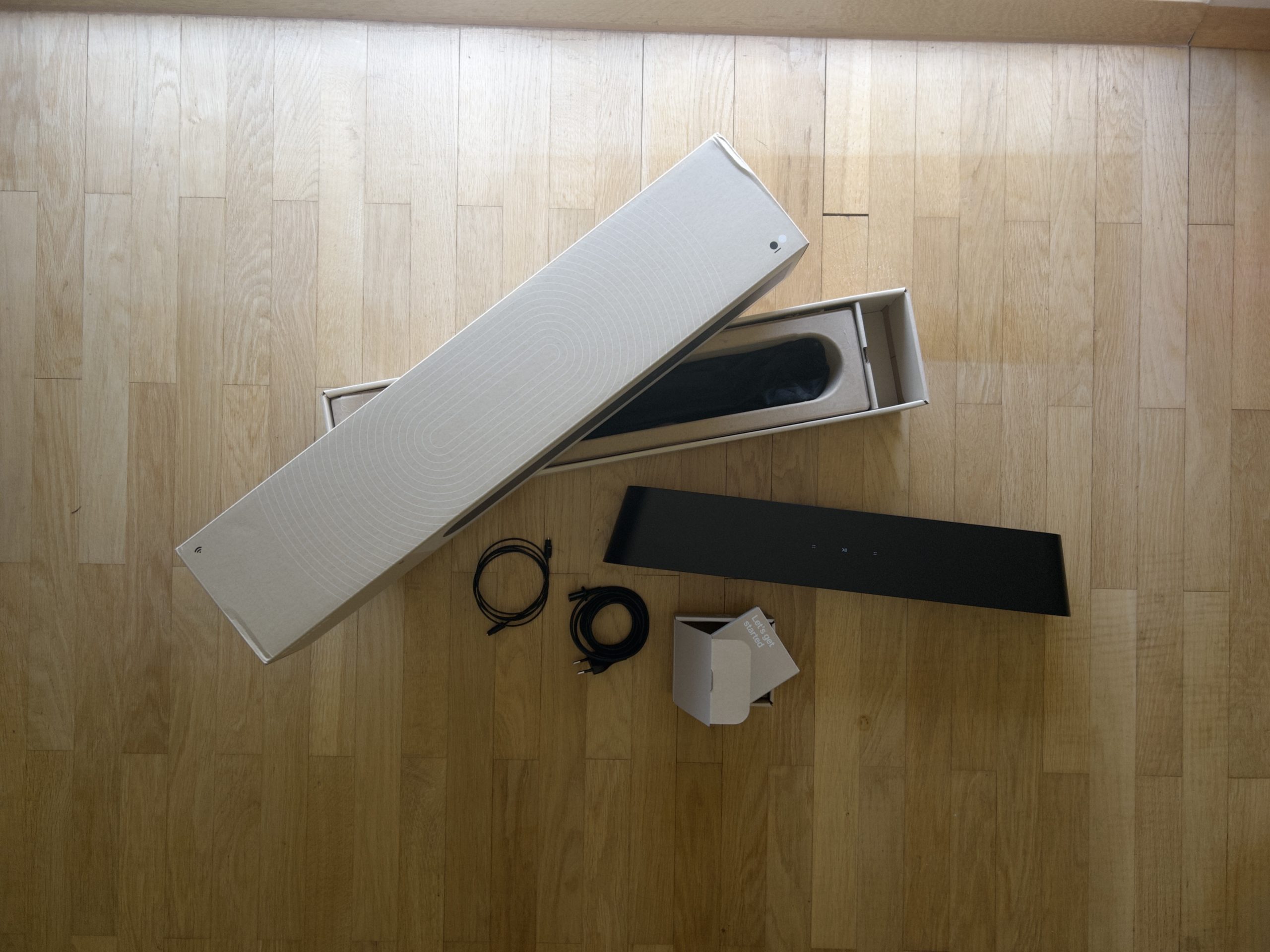
The Sonos Ray box contents. (Picture: TechnikNews)
The Sonos app is required for the initial setup. After plugging the Ray into the power, a pop-up will appear immediately asking you to connect the product. The Ray will then play a sound that is used to recognize the two devices. You then need to establish a connection to the WiFi and select a room. Finally, a few updates will be installed. Optionally, you can then connect it to a TV. To do this, connect the optical cable and mute the TV volume. You can then connect your remote control to control the volume. This should work with any infrared remote control and the remote from an Apple TV will also be recognized. It may be that the TV needs to be restarted once if there is still no sound. Adjusting the sound with TruePlay is also optional. I have already explained how this works. here enough.
Design and workmanship
Although the Ray looks a little different to other Sonos soundbars, it is definitely still recognizable as a Sonos product. It is smaller than the Beam and also the Arc, making it easier to place on compact shelves. However, the size does mean a loss in sound, which I will discuss in more detail later. The Sonos Ray is available in two colors, black and white.
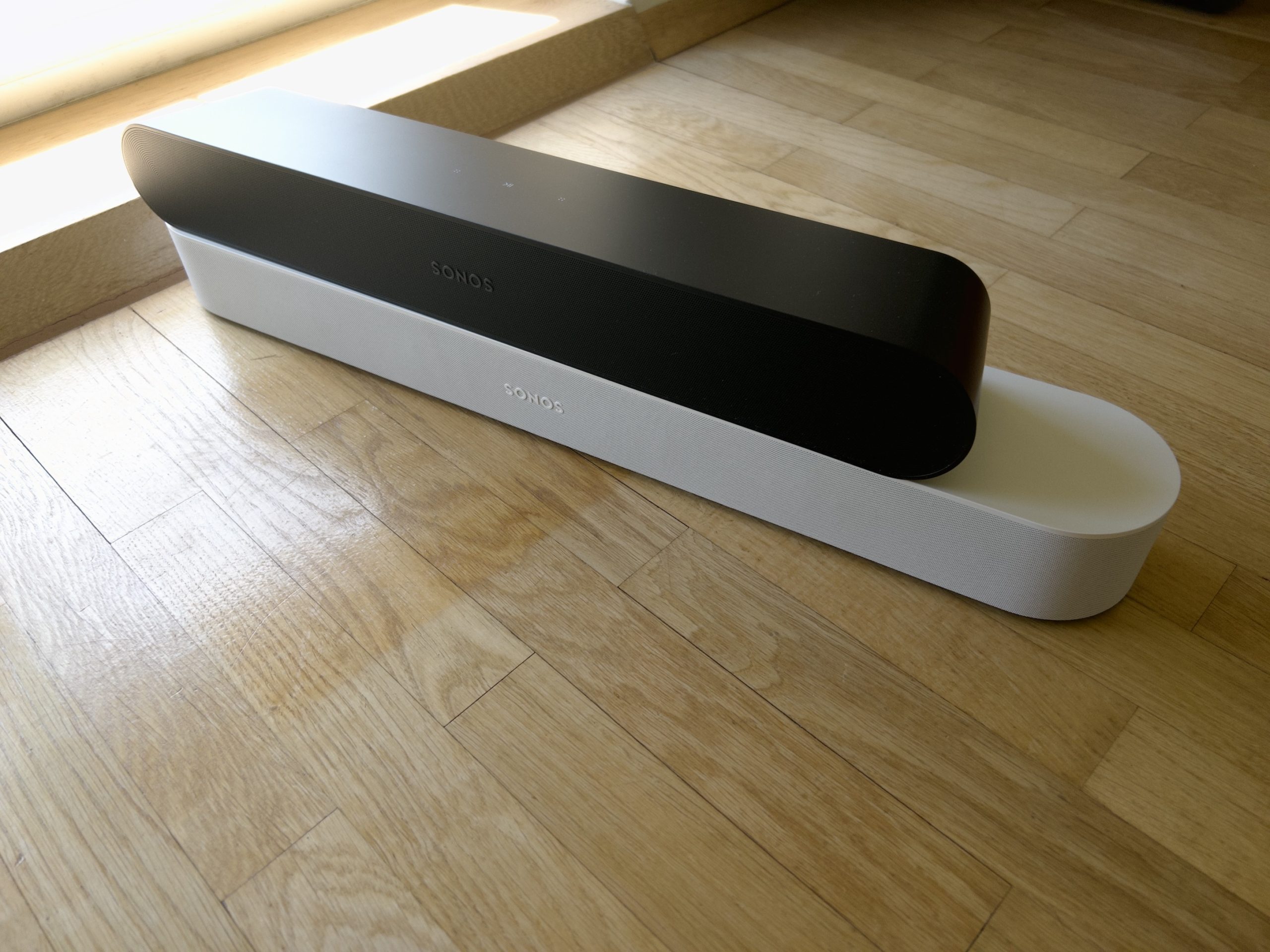
The Sonos Ray is quite a bit smaller than the Sonos Beam. (Picture: TechnikNews)
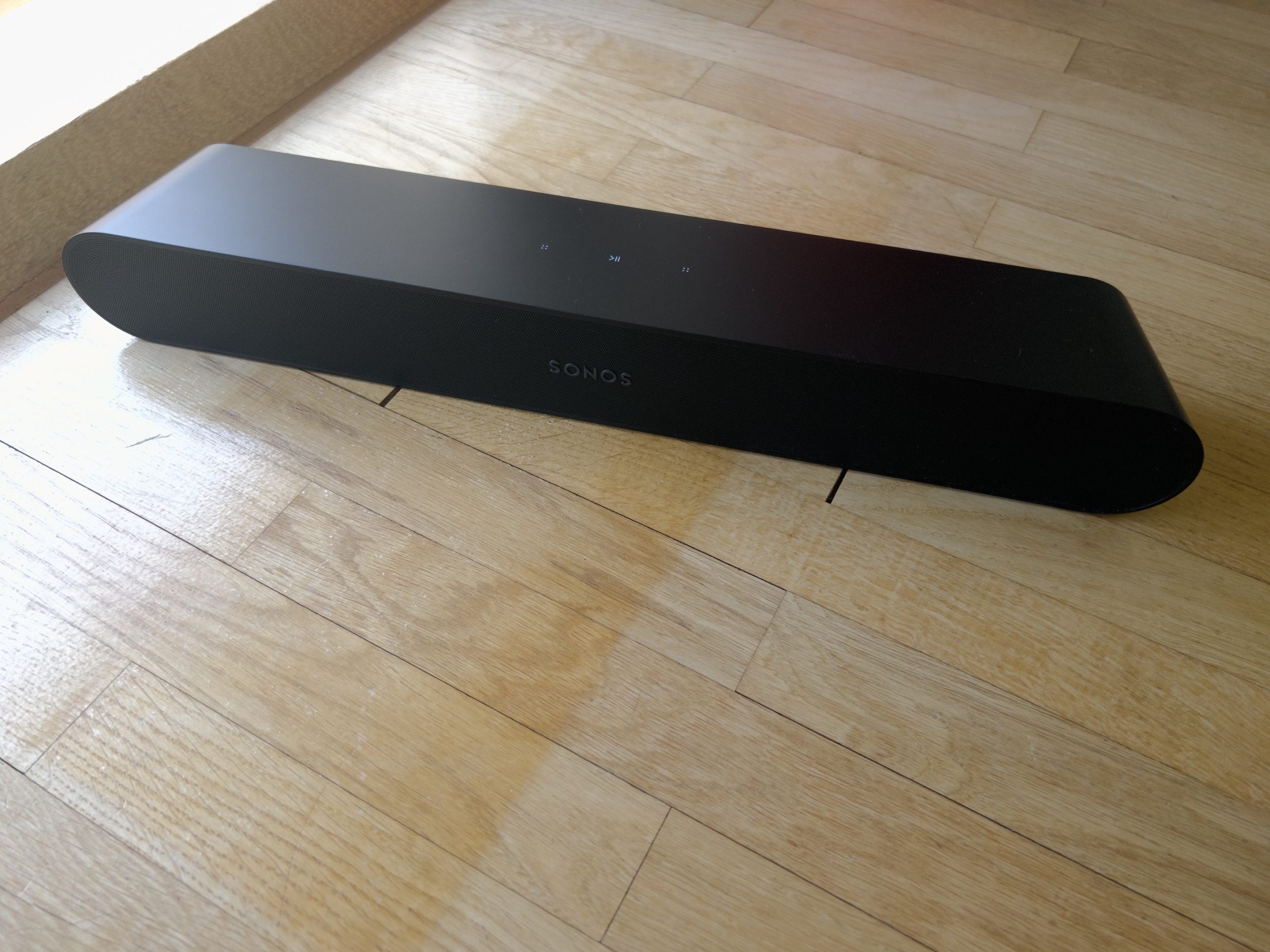
There is only one grille to protect the drivers on the front, as they are only front-facing on the Ray. A Sonos logo was placed on it. There is also a status LED above it, which sometimes lights up when the volume is changed.
Picture: TechnikNews
On the top we find the well-known touch control buttons. You can pause and resume the music, change the volume and skip a track forward and back. The Sonos Ray does not have microphones for Amazon Alexa and the Google Assistant. You can do this on other Sonos speakers with a microphone Give voice commands to the Ray with Sonos Voice Control. However, it will be a while before the service gets to us.
All important connections are hidden on the back in their own bulge. The power connection, an Ethernet port and the optical connection are installed there and a function key is embedded. HDMI eArc for sound transmission from a TV is missing compared to the Beam. Although the optical finish is intended to replace it, this has two disadvantages. You can then no longer adjust the volume directly via the TV, which is why you can only see the exact level in the app. In addition, the setup is a bit more complicated. Furthermore, the infrared receiver is often not entirely reliable. It needs a clear path to the remote control so that it can receive a signal.
The Sonos Ray uses aluminum as the material, which looks very robust and well made. I couldn't find any deformations, scratches or dents.
sound quality
What sets the Sonos Ray apart from other Sonos soundbars is the orientation of the drivers. As already indicated, these are all directed to the front, which means that the spatial sound is missing. Sonos generates this via a special arrangement of the loudspeakers inside. These include four amplifiers, two tweeters and two mid-range speakers and a bass reflex system.
Dolby Atmos is not part of the game. In principle, this ensures that you dive even deeper into the experience of a film, a series or a piece of music. However, home cinema formats such as Stereo PCM, Dolby Digital 5.1 and DTS Digital Surround are still supported.
Then the Ray also comes with two smart features, one of which is the night mode. This is intended to increase the intensity of the quieter sounds so that the overall sound is not as loud. The whole thing didn't really appeal to me with the second generation Beam and the effect here isn't earth-shattering either. Then we have the language enhancement, which makes Gesprochenes should sound stronger.
And how does the sound perform in everyday life? At first glance, you can't hear any difference to other Sonos products. Everything sounds clear, natural and balanced, although the bass is a bit lacking in my opinion. Despite the lack of side drivers, spatial sound is also noticeable, so the effort Sonos put into the interior design is clearly evident. Dolby Atmos would have enhanced the experience even further, but its absence isn't really a dealbreaker. In a direct comparison to Sonos Beam, however, you can tell that the more compact form factor has an impact on the sound. The Ray isn't as loud at the same volume, and the sound also lacks volume in comparison. But as I said, these are only things that are audible in a direct comparison. If the bass were to hit a bit harder in some places, the sound of the Ray would be excellent - especially for the price.
Sonos app
For the control of the Ray there are again the ones mentioned in the setup partprochene Sonos app. This is free and available on iOS, Android, Windows and macOS. In this, music services can be added, equalizers can be set and speakers can be managed and grouped. It was also claimed beforehandthat it should be possible to use the Sonos Ray as a surround speaker. However, as it appears, that is not the case.
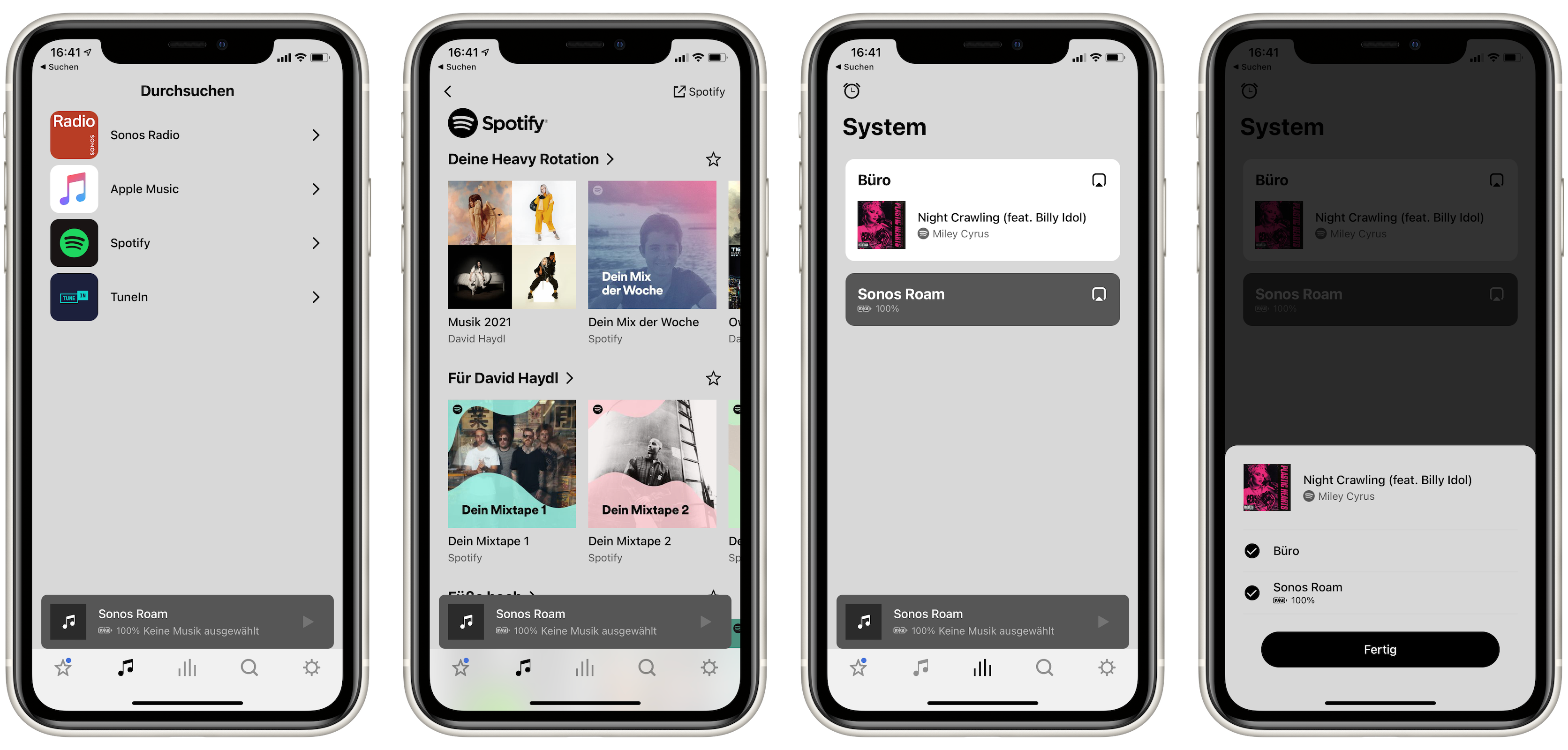
Screenshots: TechnikNews
The app hasn't changed since my last Sonos review, so I'll skip the details this time.
Prices and availability
You can buy the Sonos Ray from Sonos, Amazon, MediaMarkt and other retailers. The RRP of the soundbar is 299 euros.
Sonos Ray: Conclusion
I give Sonos a big plus point for covering an even more affordable price segment with the Ray. This means that there is now a suitable (and very good) soundbar for every budget. However, there are clear distinctions at the start of the range of functions, so that you know exactly what you are getting for your money. I just hope that the lineup does not become too crowded. Sonos should now offer an inexpensive option for the Sub and then release updates for existing products.
Of course, you have to make some compromises for the relatively low price. Among other things, you don't get Dolby Atmos, the bass could be better and there is no eArc connection either. Perhaps this could be included in the next generation. Such a connection can't be that expensive, can it?
There is a completely new target group for the Sonos Ray. It is perfect as the first soundbar and even if you don't know what to do with terms like Dolby Atmos or can't tell the difference. Nevertheless, the sound is so good that it is a lot of fun with music, films and series.
Thank you for providing the Sonos Ray!