
JBL Tour Pro 2 review: What can the in-ears with smart case do?
A TEST REPORT from Jonas Wilhelm  on August 26, 2023, 12:00 pm | Write a comment
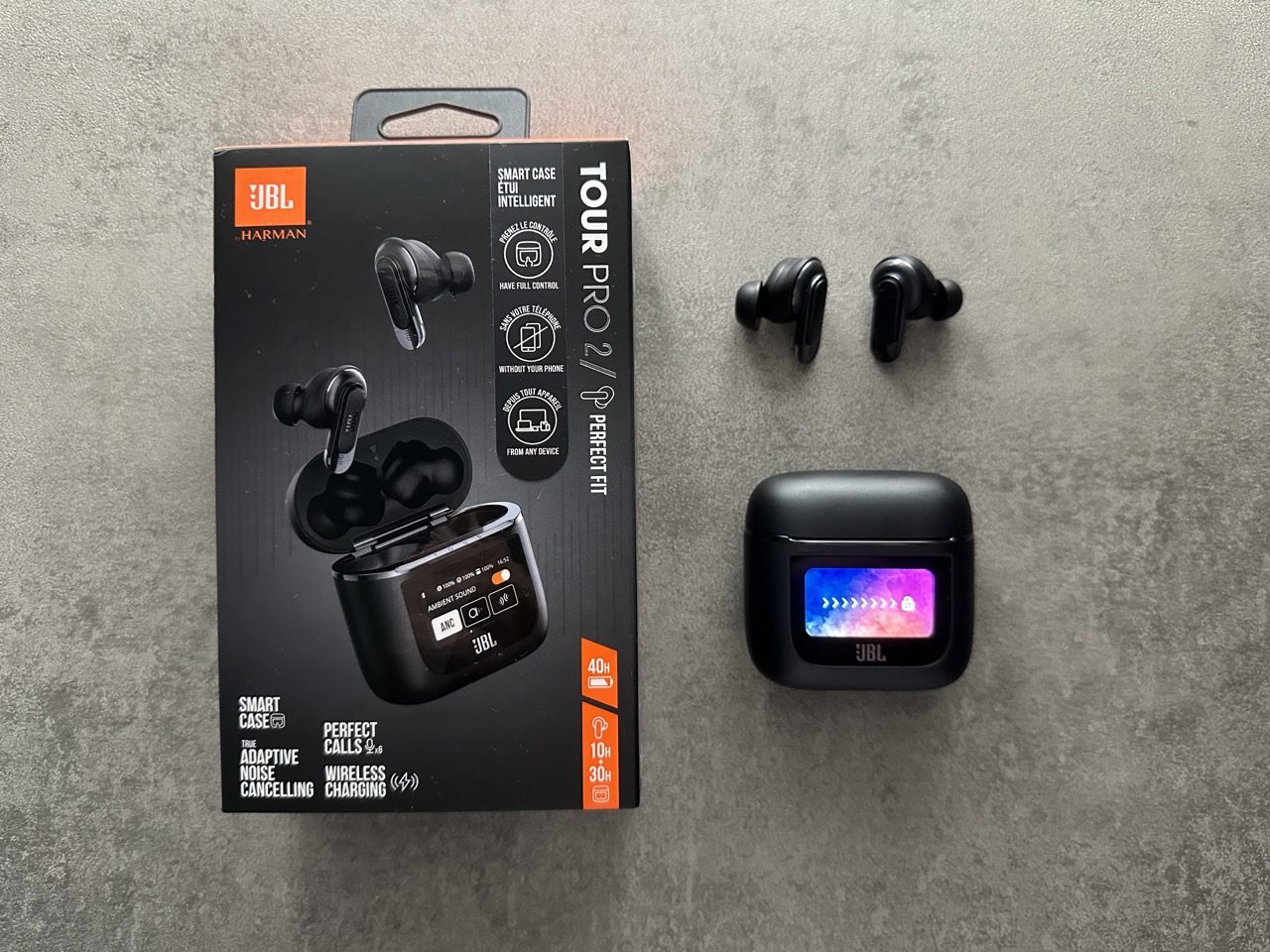
Last year at the IFA in Berlin, JBL introduced its new top in-ear model, the JBL Tour Pro 2. You can read below how the new headphones have performed in everyday use over the last few months.
In addition to the new design, which is somewhat reminiscent of AirPods, they also offer a so-called smart case with a display. You can read here what the new case is all about and how I find the headphones.
tl; dr
The JBL Tour Pro 2 are, together with the AirPods Pro 2, my favorites when it comes to premium in-ears. They offer extremely good sound, very good ANC and an excellentprochen stylish design. The smart case doesn't offer a huge added value, but it has been unexpectedly useful often. The battery life is also very high and impressed me. The app is also very well implemented, typical for JBL, and I really like it. Overall, I can recommend the Tour Pro 2 without hesitation to anyone looking for in-ears in the price range up to 250 euros.
Unboxing & scope of delivery
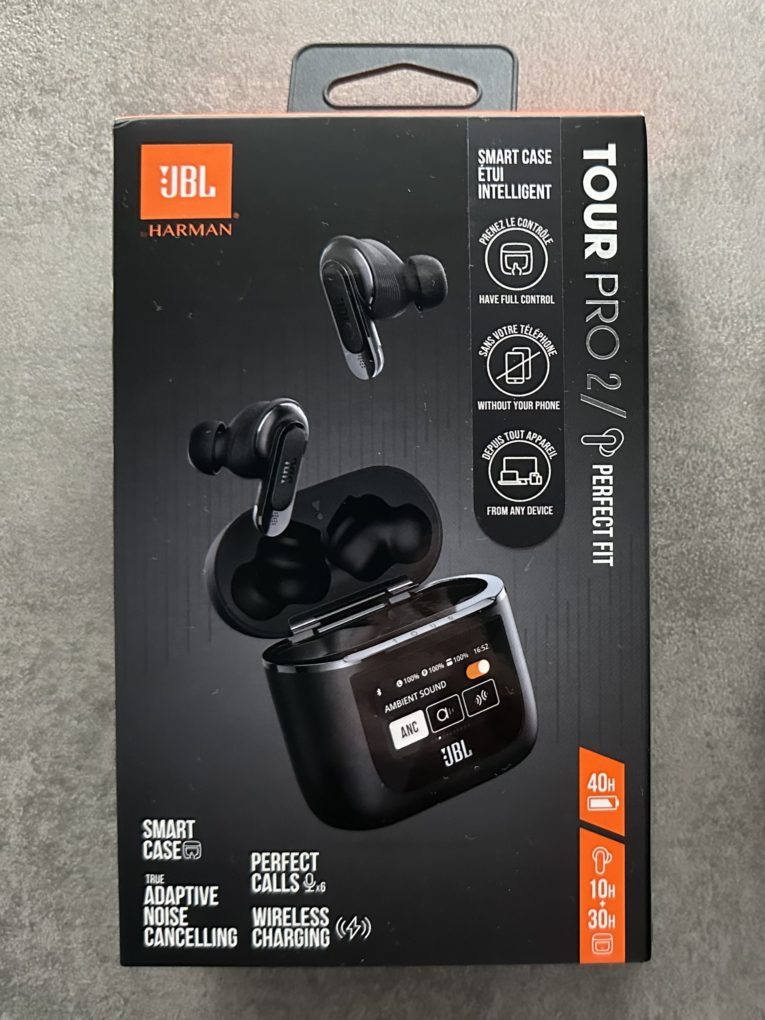
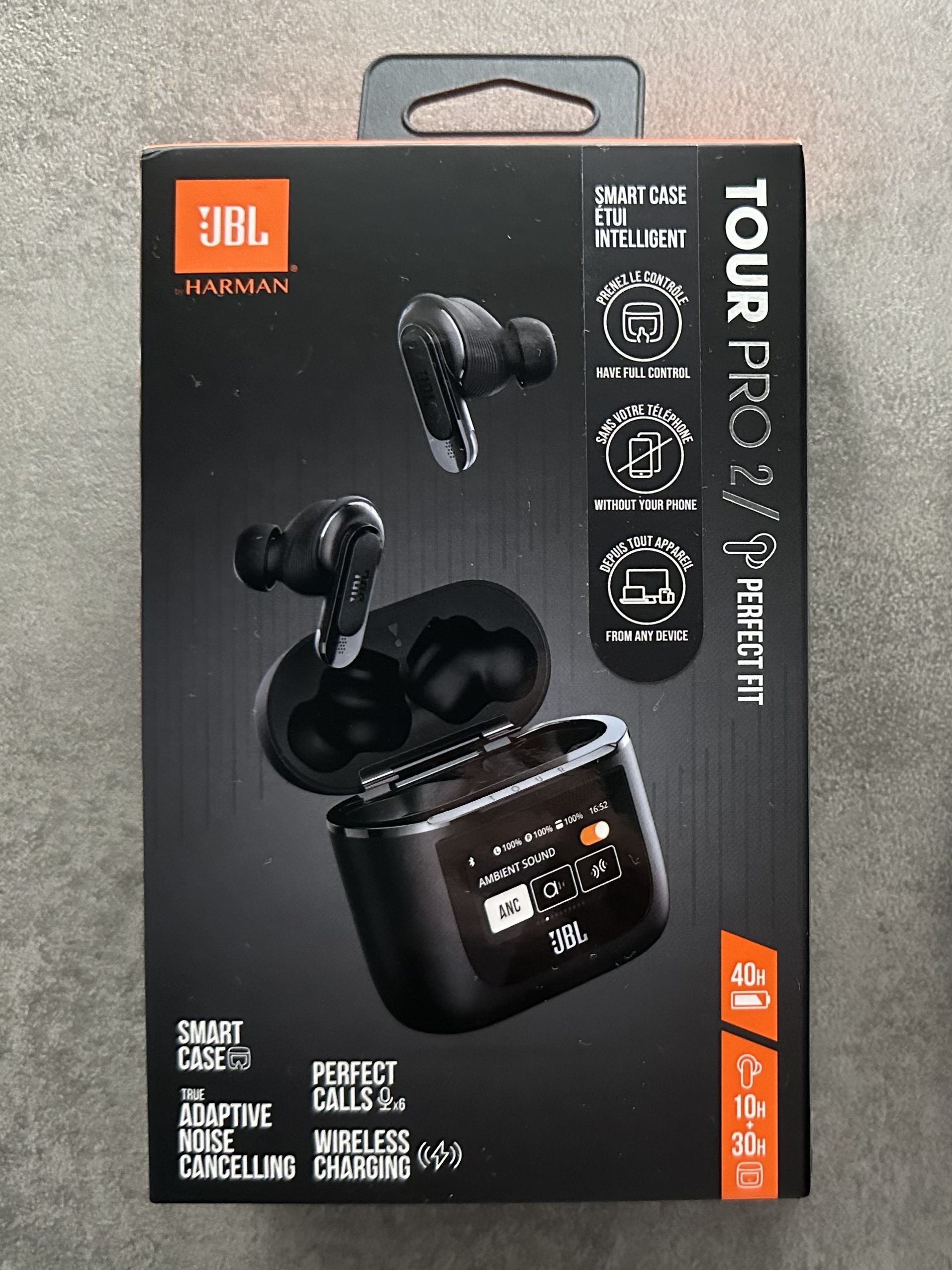
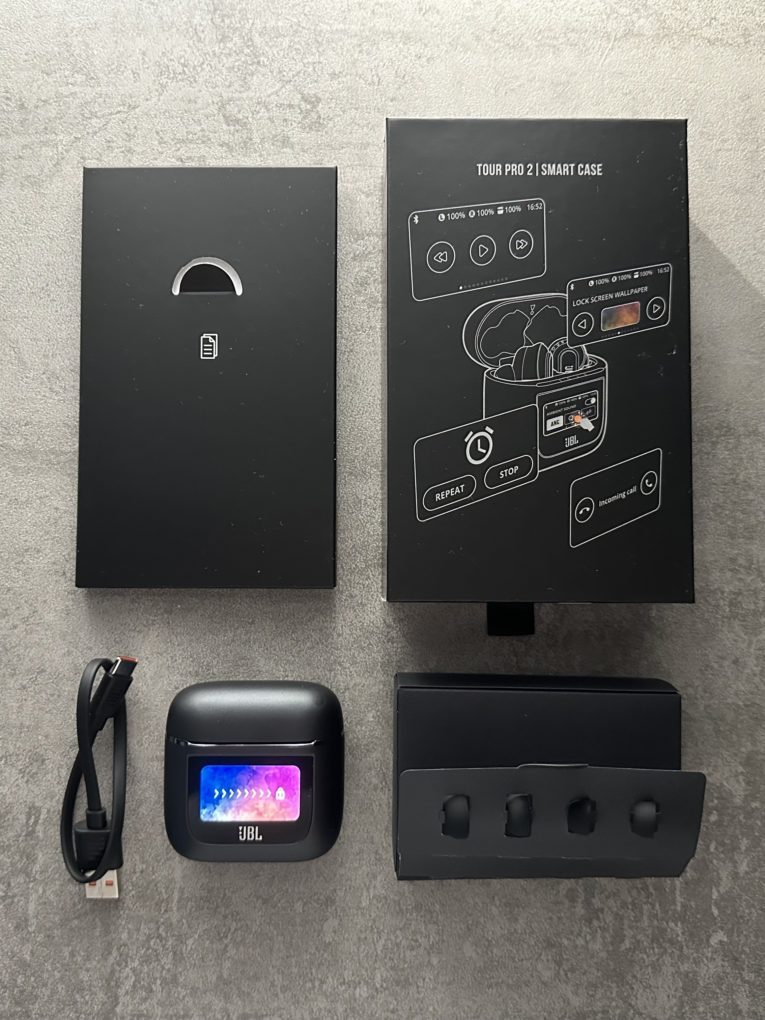
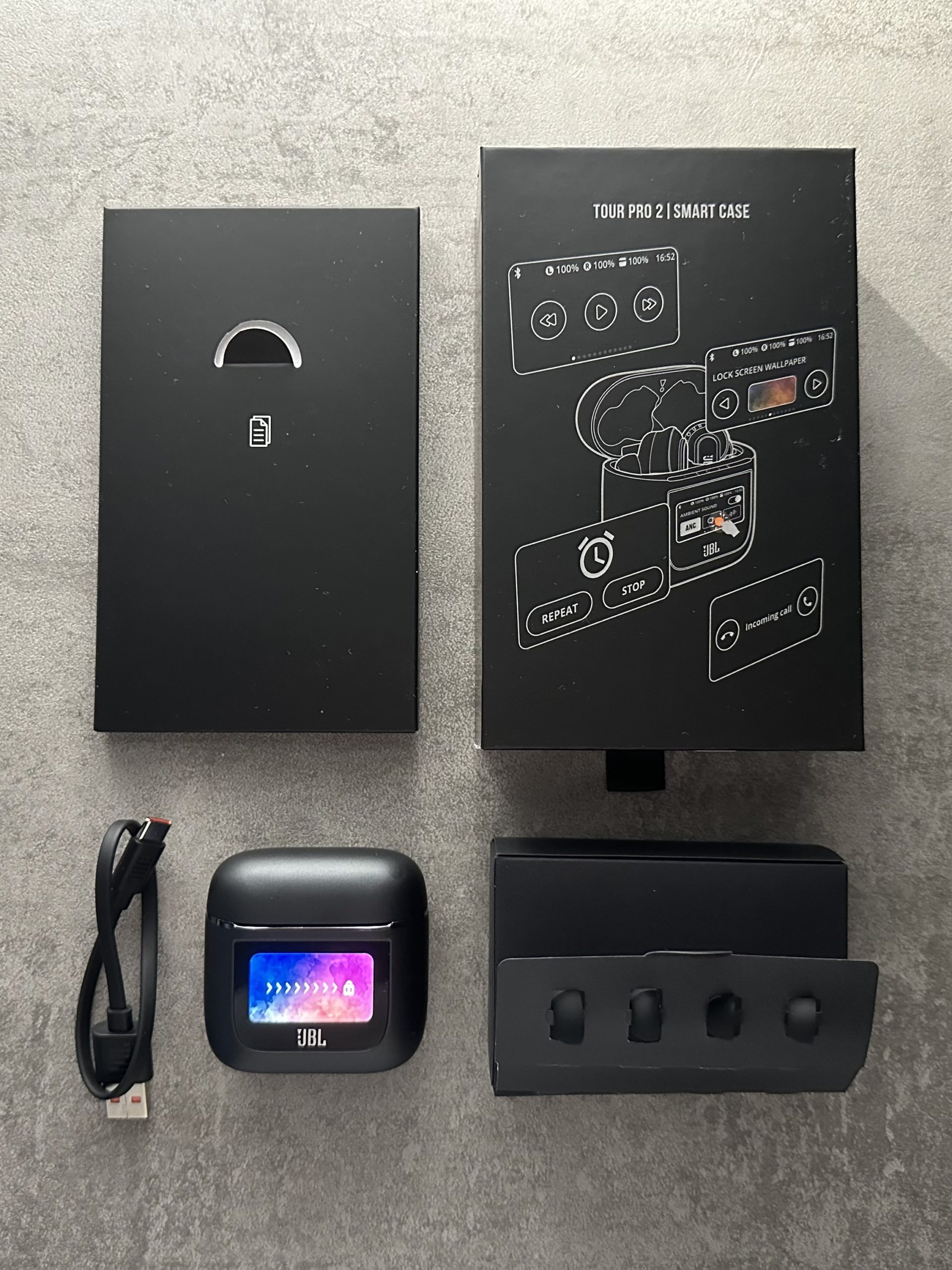
Like the Tour One M2, the JBL Tour Pro 2 comes in a dark grey box with orange accents, on which the JBL Tour Pro XNUMX itself and some of its functions are shown. The scope of delivery is fairly straightforward. In addition to the headphones themselves, the box contains a charging cable, rubber attachments of different sizes and the usual paperwork.
-
- Picture: TechnikNews
-
- Picture: TechnikNews
Design & processing
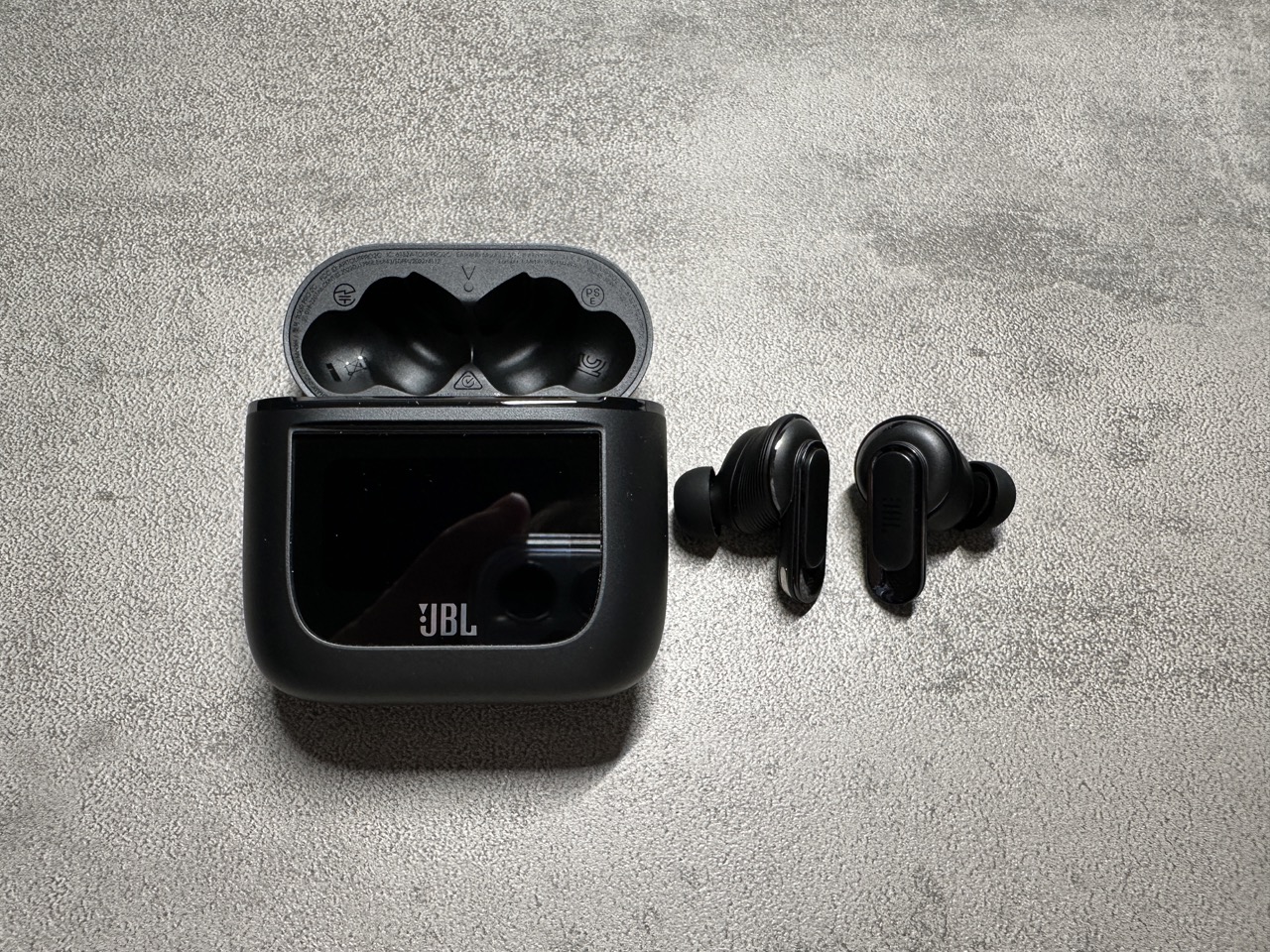
I really like the design of the Tour Pro 2. They are made of mostly matte plastic, but also have shiny accents. With a weight of about 6 grams pro The Tour Pro 2 headphones are not very light, but they are not extremely heavy either, which is why they still sit well in the ear. The smart case, on the other hand, with its size and weight of around 73 grams, is quite heavy and unwieldy compared to other in-ears. However, this did not bother me much in everyday life.
Picture: TechnikNews
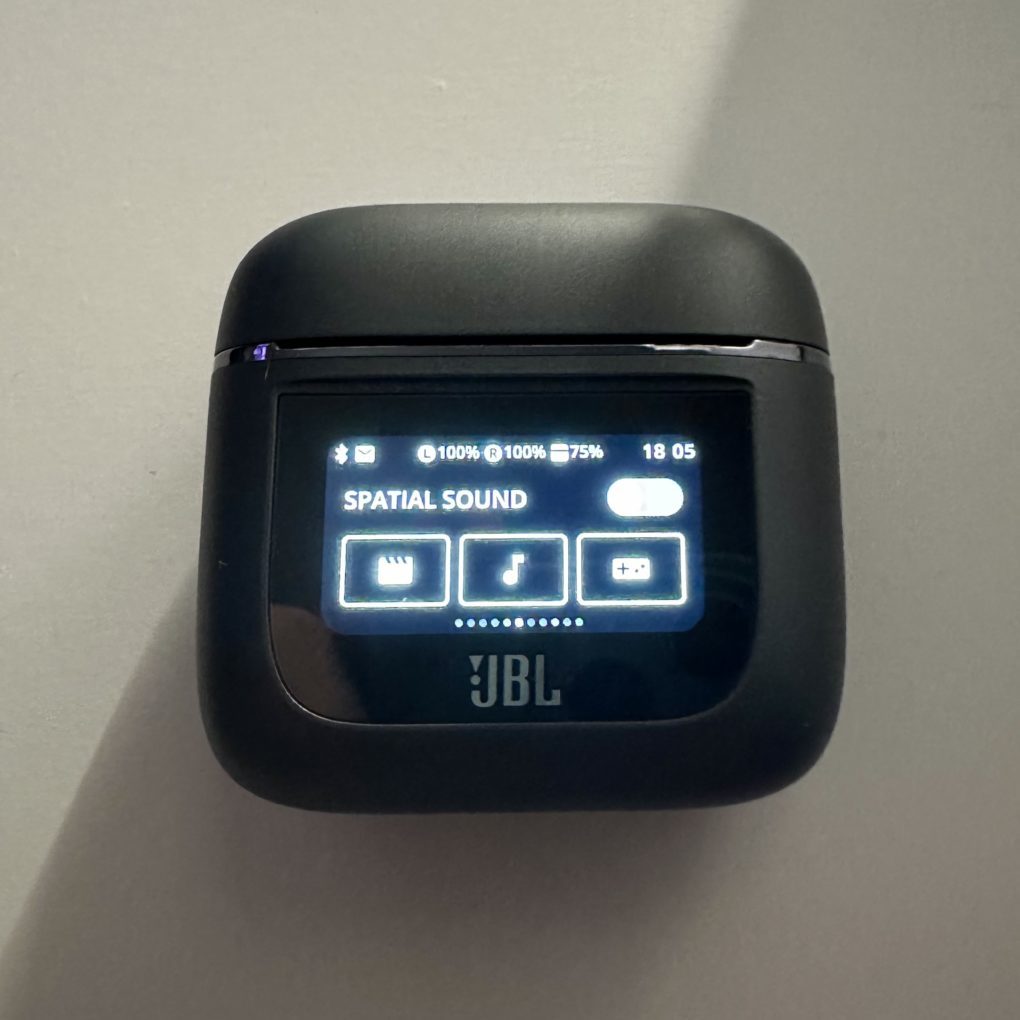
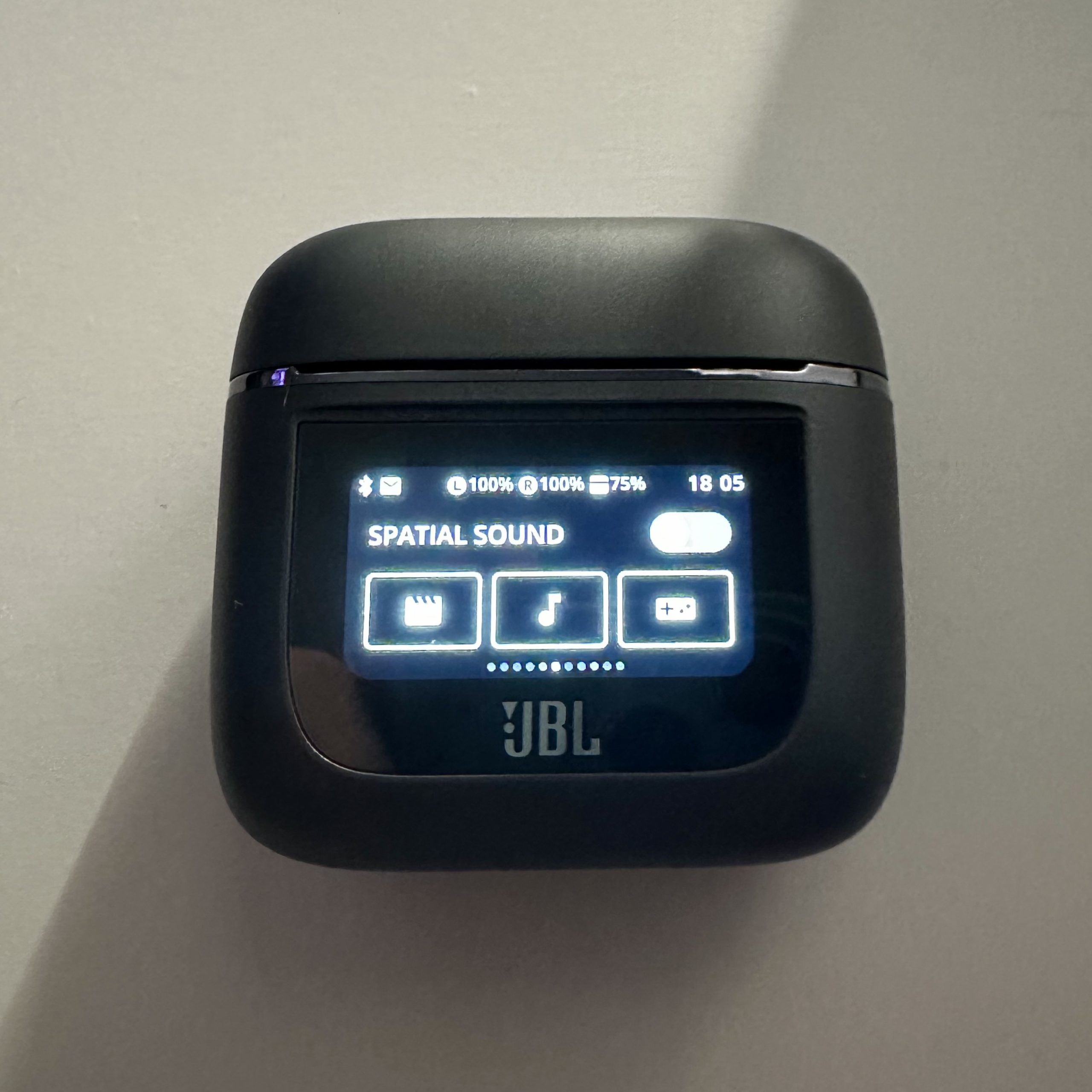
Like the earphones themselves, the case is mostly made of matte plastic. There is only a slightly rubberized surface on the back so that it cannot simply slip. But the highlight is on the front of the case. JBL uses a 1,45-inch display to control the headphones, which is pretty well integrated. The magnets of the headphones and the charging case are very strong, so everything is held in place well. Overall, everything looks very high quality and stable, which I really liked.
Operation & comfort
The Tour Pro 2 is operated via touch surfaces on the top of the handles. The default setting is to control the noise cancellation modes with a long tap and to control media playback with a short tap. This can also be changed via the app if desired. For most people, however, the default setting should be sufficient. JBL also offers the option of using Alexa via the headphones, which could be a cool feature for some people who already use Alexa in everyday life.
The headphones also feature wear detection, which automatically pauses and resumes the music when you take the headphones out of your ear or put them in. This is a pretty great and useful feature that I wouldn't want to be without anymore. Comfort is quite high thanks to the soft rubber tips, although they are a little heavier than average in my opinion. I was able to wear the headphones for a very long time without finding them annoying.
Sound Quality, Adaptive ANC & Transparency Modes
JBL has installed a 2-millimeter driver in the Tour Pro 10 for a dynamic sound, which I personally really like. The sound is very clear and balanced, but the bass is still there. If desired, the user can personalize the sound using the equalizer in the app and, for example, get significantly more bass out of the headphones. In terms of sound, I would even put the Tour Pro 2 slightly above the AirPods Pro 2, as they offer more bass and are also a bit louder.
They reliably filter out almost all noise and suppress it to varying degrees depending on how loud the environment is, which I find pretty impressive. The Tour Pro 2 only struggles a bit with high frequencies and wind noise, which could be improved in the future. Of course, the in-ears also offer a transparency mode, which is surprisingly good, as well as a TalkThru mode, which is supposed to make voices audible more clearly, which always worked well. It doesn't feel like you're not wearing headphones, but you can still hear the person you're talking to very well, for example during a conversation. In terms of transparency mode, I think the AirPods are slightly ahead, but that's not to say that the Tour Pro 2 do badly here. The AirPods simply have the clearer and more natural transparency mode, whereas the ANC of the two is about on par.
Smart case
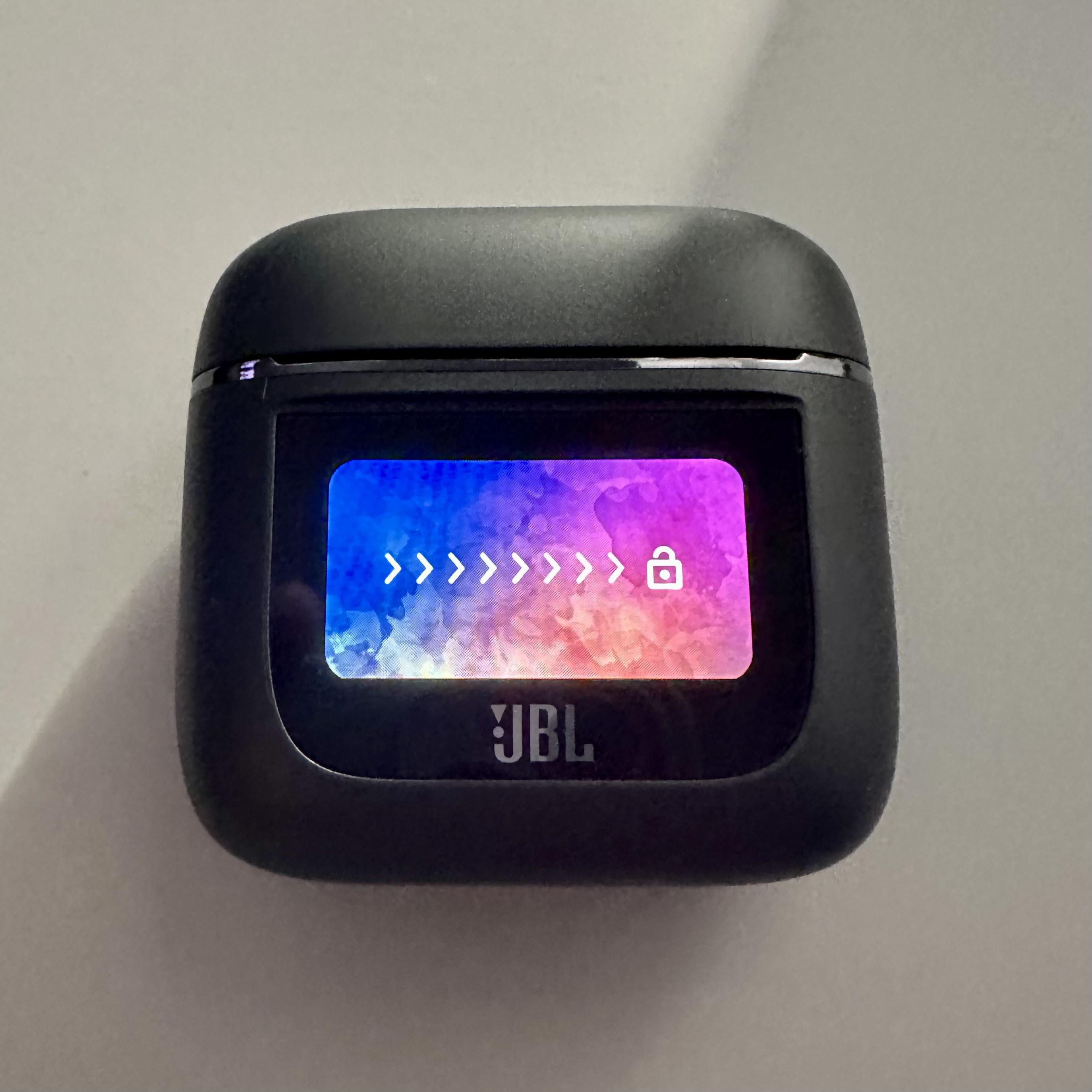
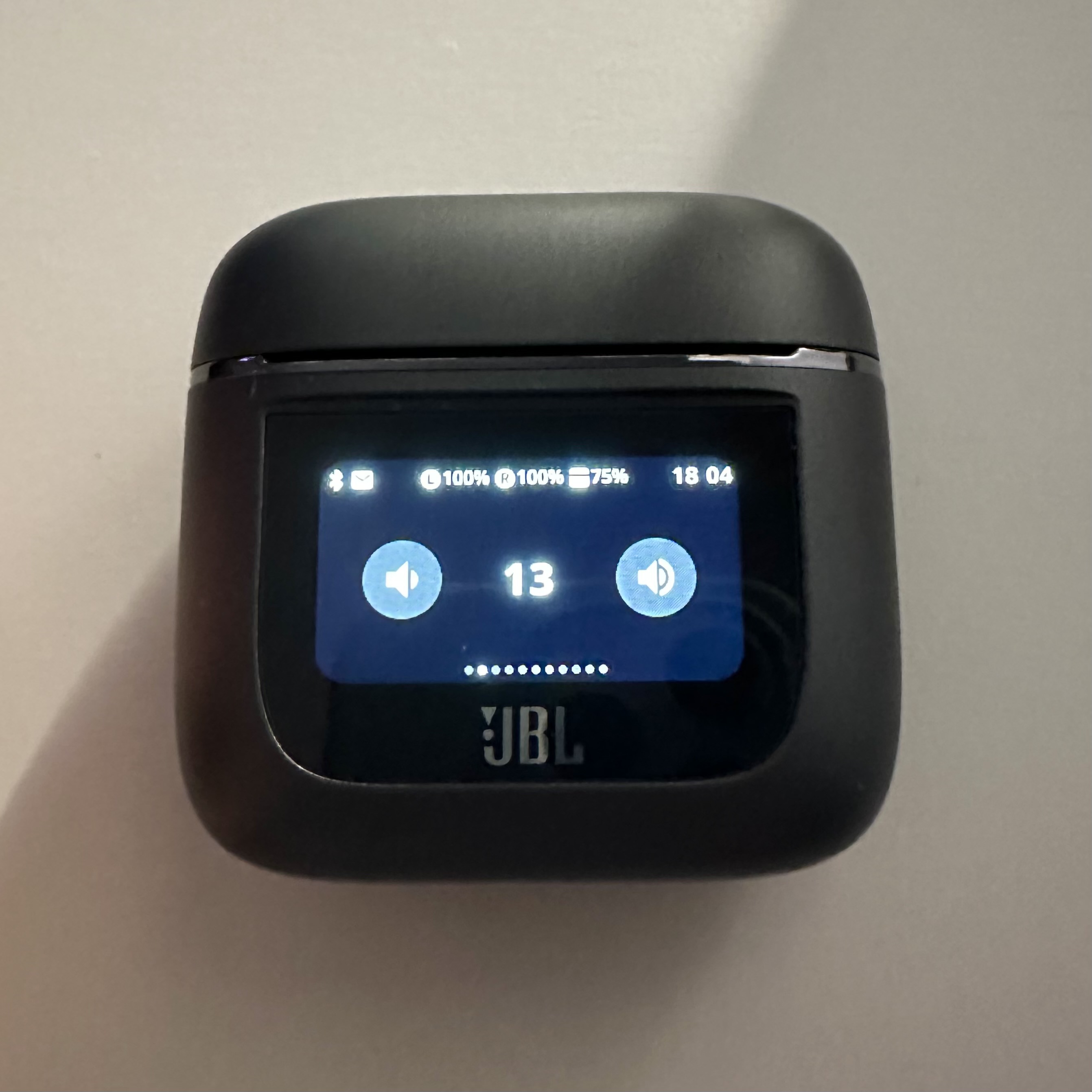
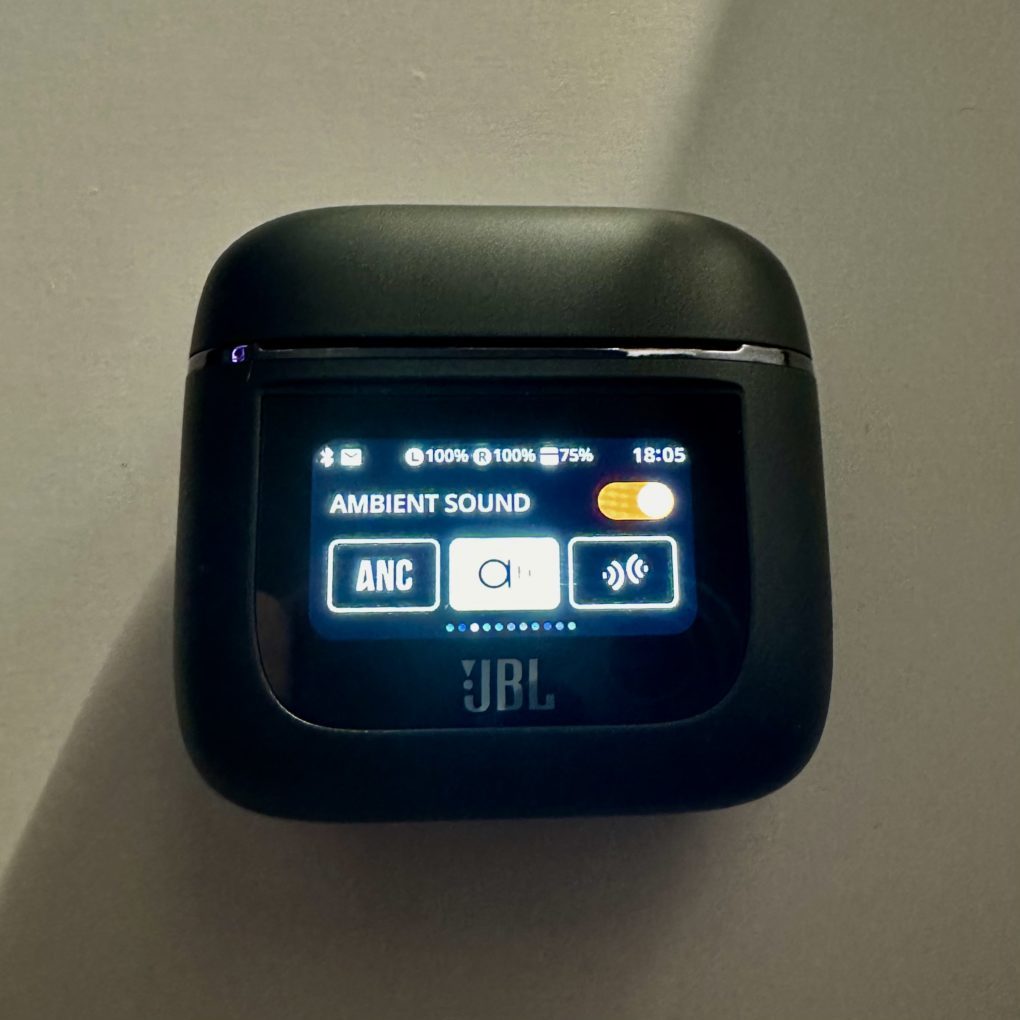
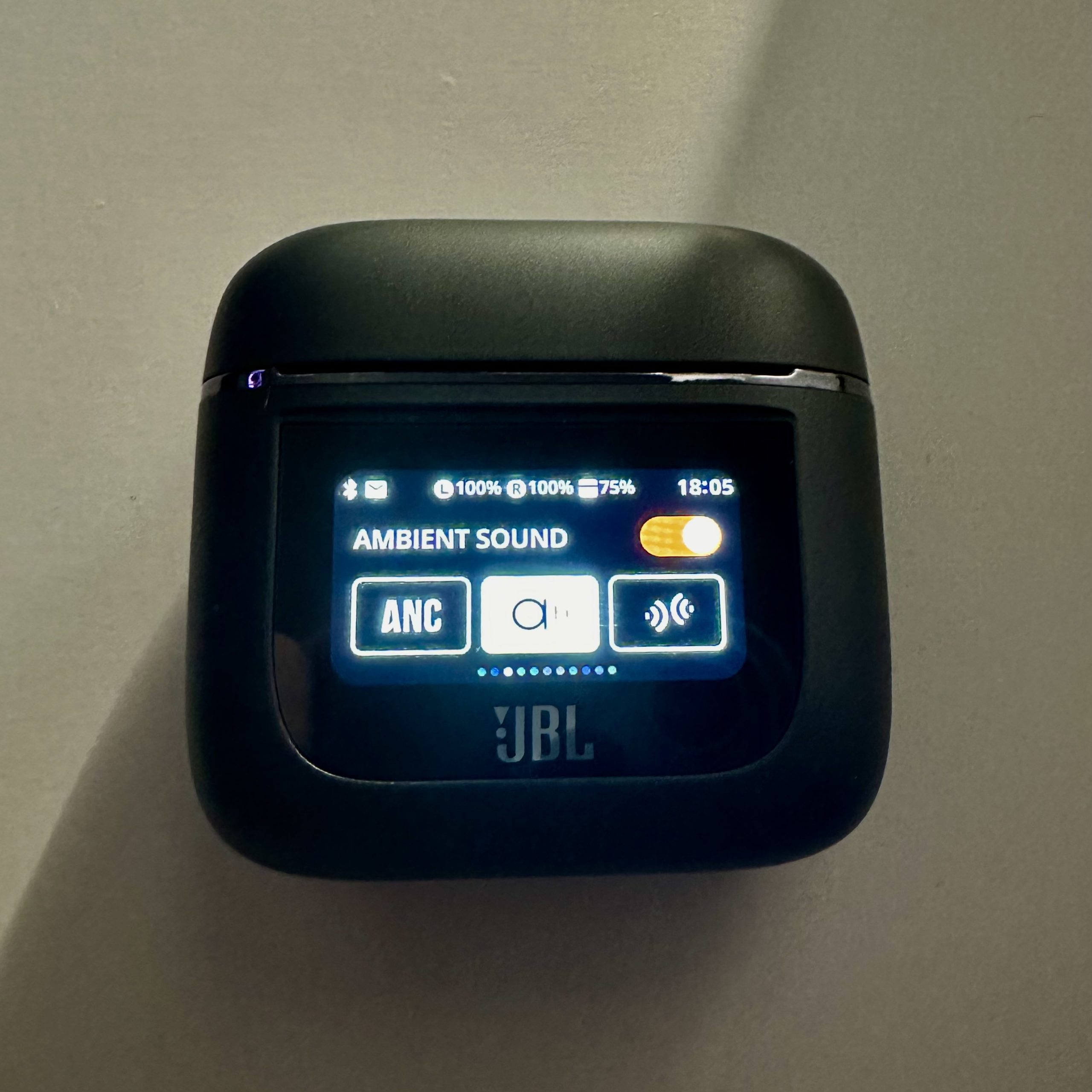
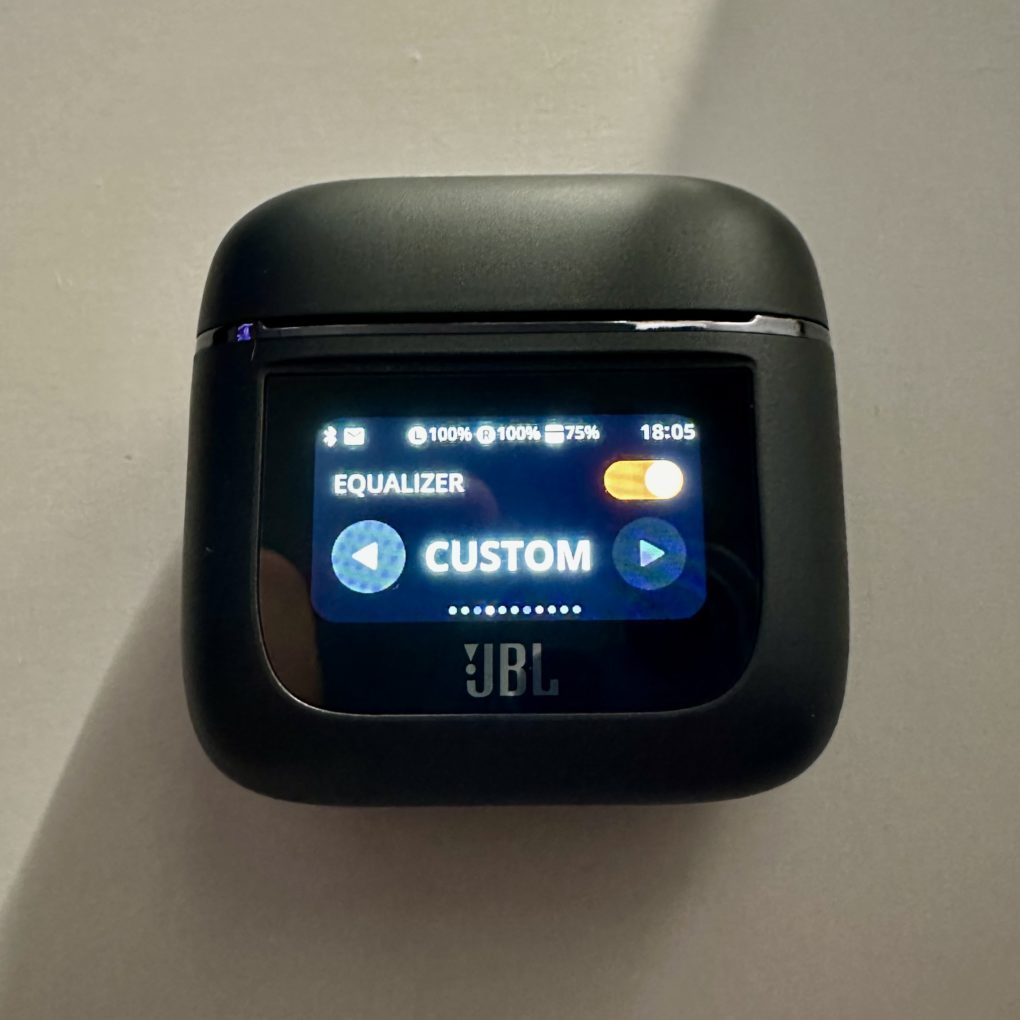
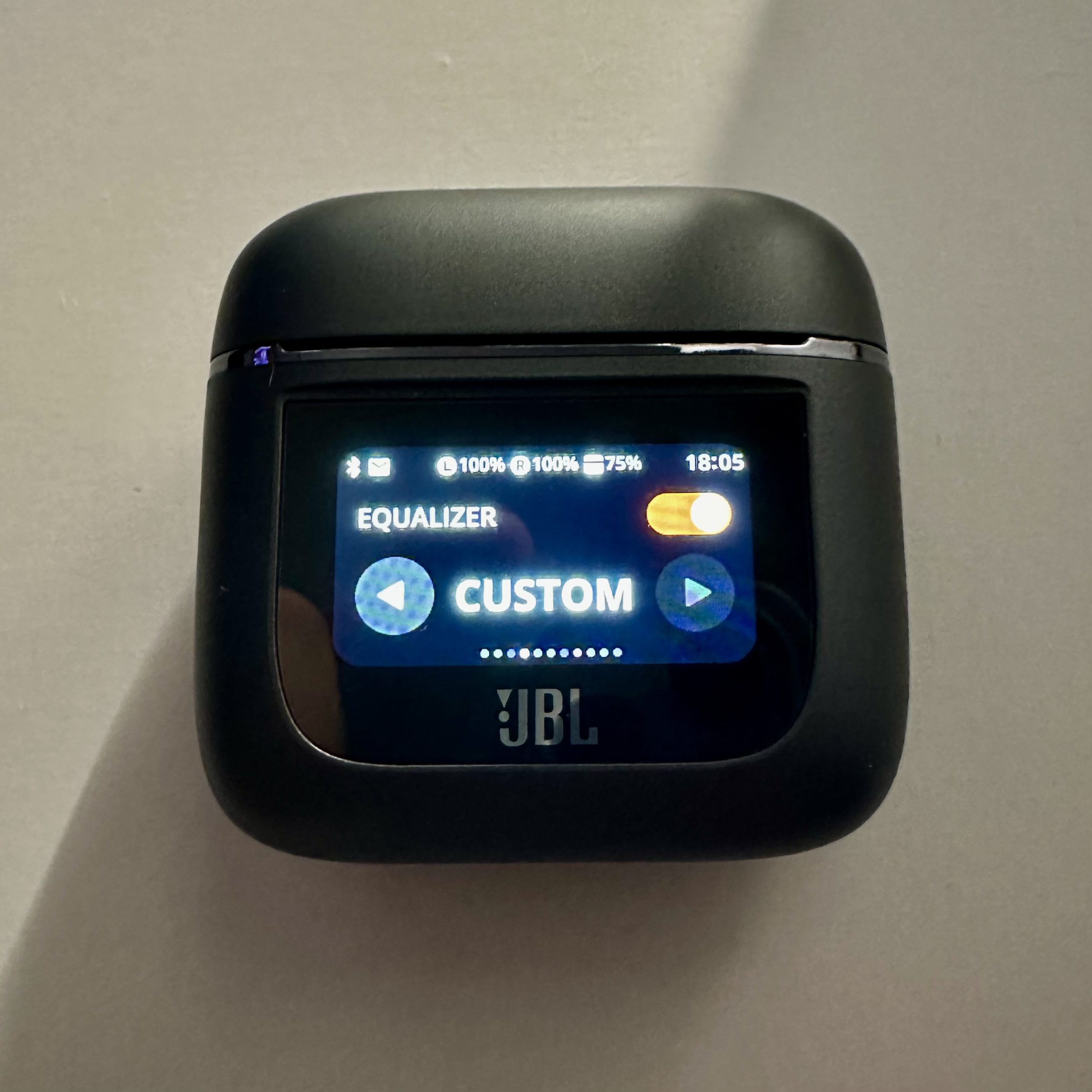
With the Tour Pro2, JBL offers something that has never been seen before: a smart case with a 1,45-inch display. When I first saw the headphones and their case, I thought that the smart case was a pretty unnecessary feature that you use a few times but don't get any real added value from. - Well, I was wrong. The smart case was quite useful in everyday life to use functions that are normally only controllable via the app, such as controlling the equalizer or all sound modes. You can also read the battery level of the headphones and the case itself on it, which I think is good. However, I find it a bit unnecessary that the notifications from the connected device are also shown on the display, as they are often cut off and confusing. I liked the call control, on the other hand. Otherwise, I like the smart case and its user interface very much.prochen well.
-
- Picture: TechnikNews
-
- Picture: TechnikNews
-
- Picture: TechnikNews
-
- Picture: TechnikNews
-
- Picture: TechnikNews
Charge the battery
The battery life of the Tour Pro 2 is unfortunately only average and could be better. With ANC activated, the headphones offer around 4-5 hours of sound playback. Without ANC, the value increases to around 6 hours. The headphones can be fully charged around 4 times via the case, which is again a good value. Once the headphones and the case are completely empty, they can be fully charged via the USB-C port in around 2 hours. Fortunately, the Tour Pro 2 also offers wireless charging, which means they can be fully charged in around 3,5 hours.
JBL Headphones app
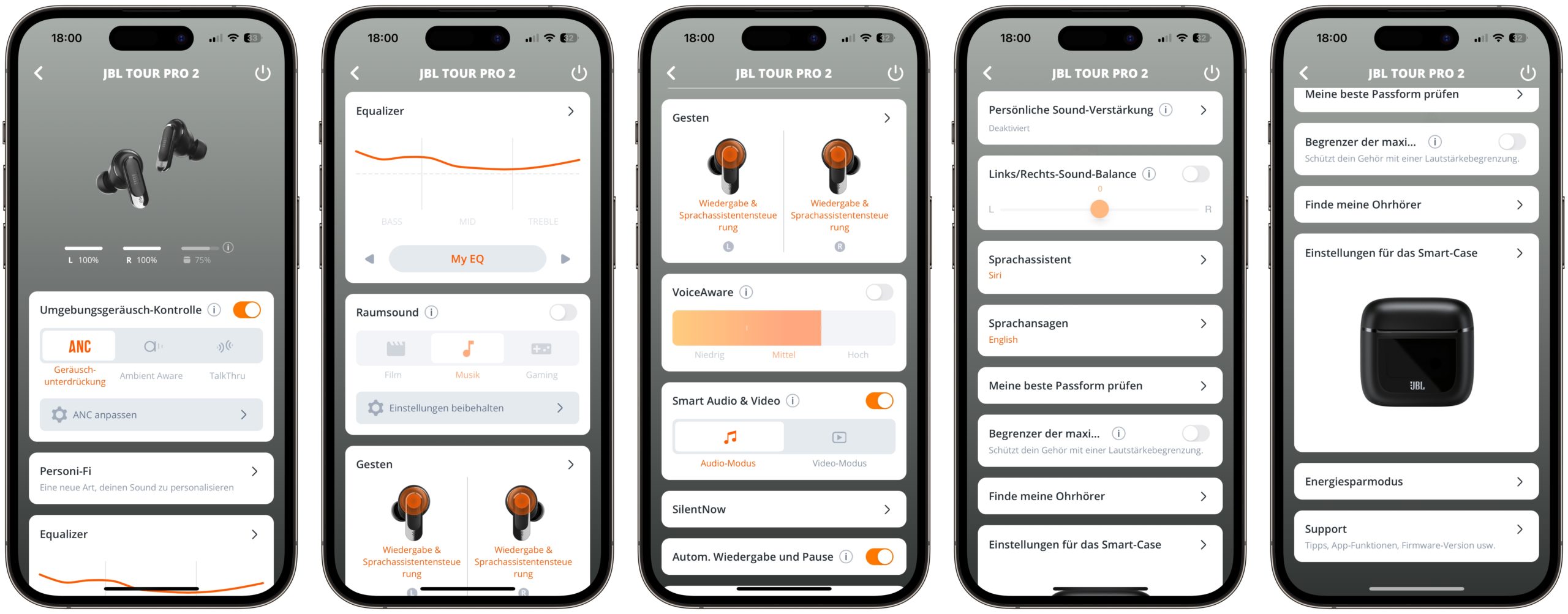
Of course, like most premium headphones, the Tour Pro 2 also has an app, which is called JBL Headphones. This allows the user to control all the functions of the headphones and more. For example, the app also has an equalizer that allows the user to adjust the sound of the headphones to their personal taste, or use one of the pre-defined equalizers. The control gestures of the touch surfaces can also be customized.
Picture: TechnikNews
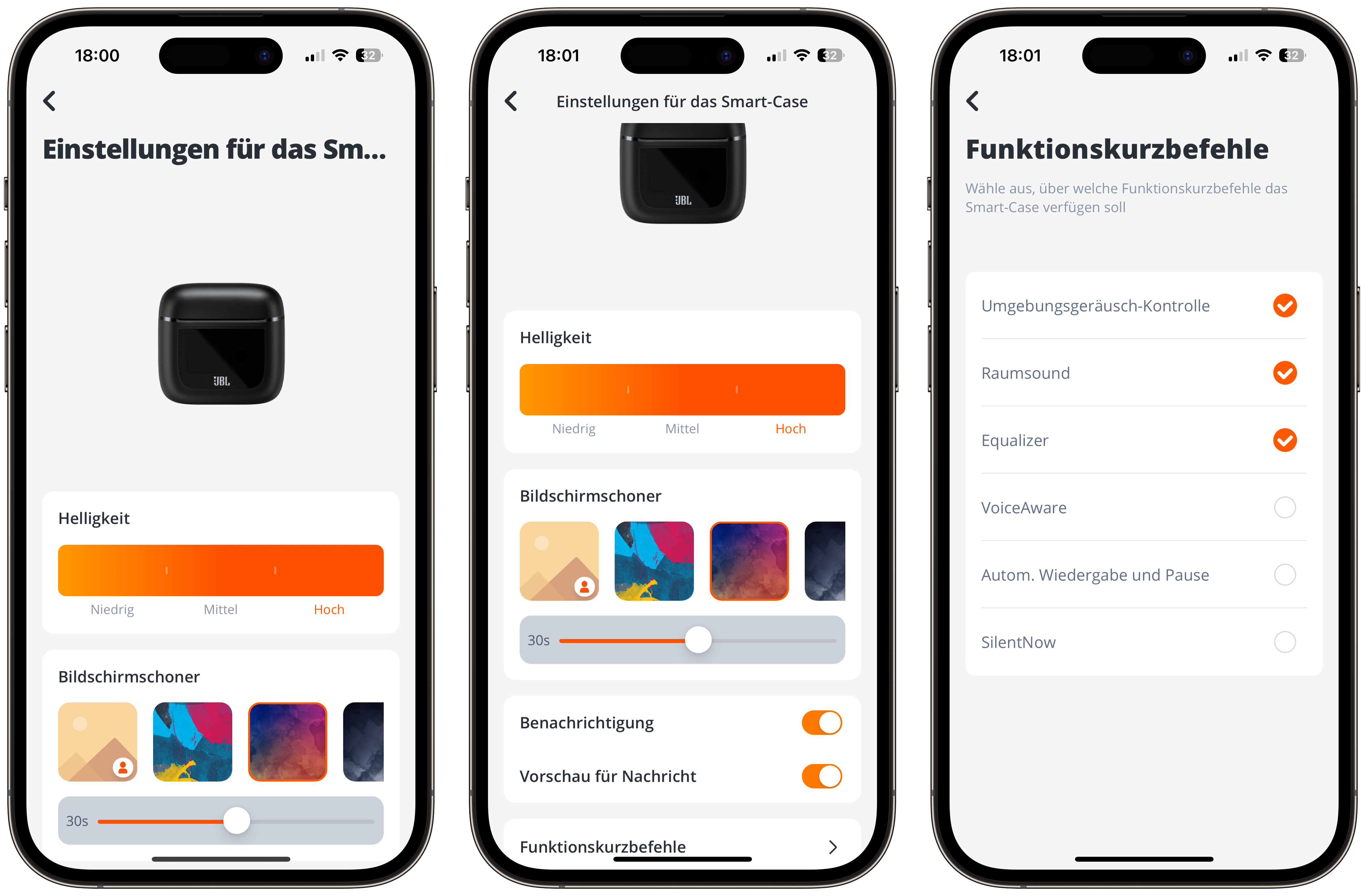
The smart case can of course also be controlled via the app. For example, the user can set their own images as the background image for the lock screen or select the functions that they want to see on the display. The app is available for both iOS and Android and I really liked it.
Picture: TechnikNews
Prices & Availability
You can buy the JBL Tour Pro 2 for around 230 euros, which is a good bit less than the comparable AirPods Pro 2. I think the price is very reasonable for what you get. You can buy them at all common electronics stores, such as MediaMarkt, Saturn and Amazon, or from JBL itself.