
Huawei MateBook X Pro 2024 review: A lightweight top laptop with minor flaws
A TEST REPORT from David Wurm  on July 17, 2025, 12:50 | 1 comment
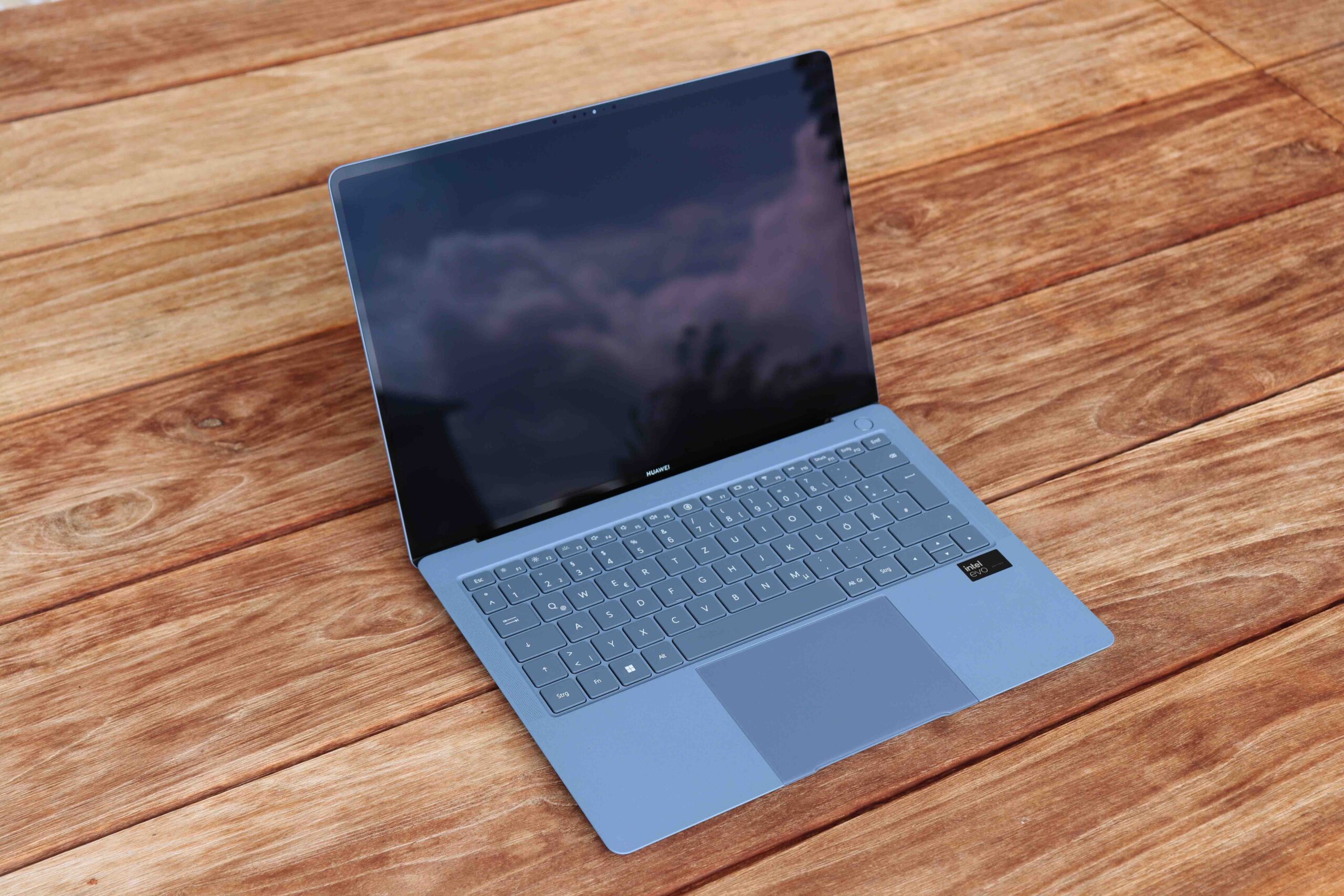
The Huawei MateBook X Pro 2024 is relatively unobtrusive – not because of its features, but because of its weight. At 980 grams, it's a true lightweight and the perfect Windows laptop. Almost, anyway. Why? Our review reveals TechnikNews Test.
And finally ... It's very hard to find any points of criticism. But that's no surprise: excellent workmanship, very good speaker quality, good keyboard travel, and top performance. The 3K OLED screen is also impressive – colors look fantastic. In my opinion, one of the top laptops in the Windows segment, one that has nothing to hide. If it weren't for the problem with the poor battery life. It often runs out after just under five hours. We're already familiar with these values from previous models – the manufacturer doesn't seem to be able to get this flaw under control. In this model, however, it's probably due to the CPU, which also starts the fan running even under light load. This means that the fan is relatively loud even during simple tasks. If you can overlook this, you can get a top-class laptop that has nothing to hide and is stylish, currently starting at just under €1.650 (entry-level model).
Feather-light dress
Thanks to its new magnesium chassis, the MateBook X Pro 2024 weighs an impressive 980 grams. The predecessor weighed 1.260 grams – astonishing. For comparison: The Apple MacBook Air M4 weighs 1.240 grams. While that might not seem like a huge difference, the difference is clearly noticeable in everyday use; at times, it almost feels too light. Nevertheless, the build quality is excellent. Our test model comes in "Morandi Blue," along with another color option, black – depending on the configuration.
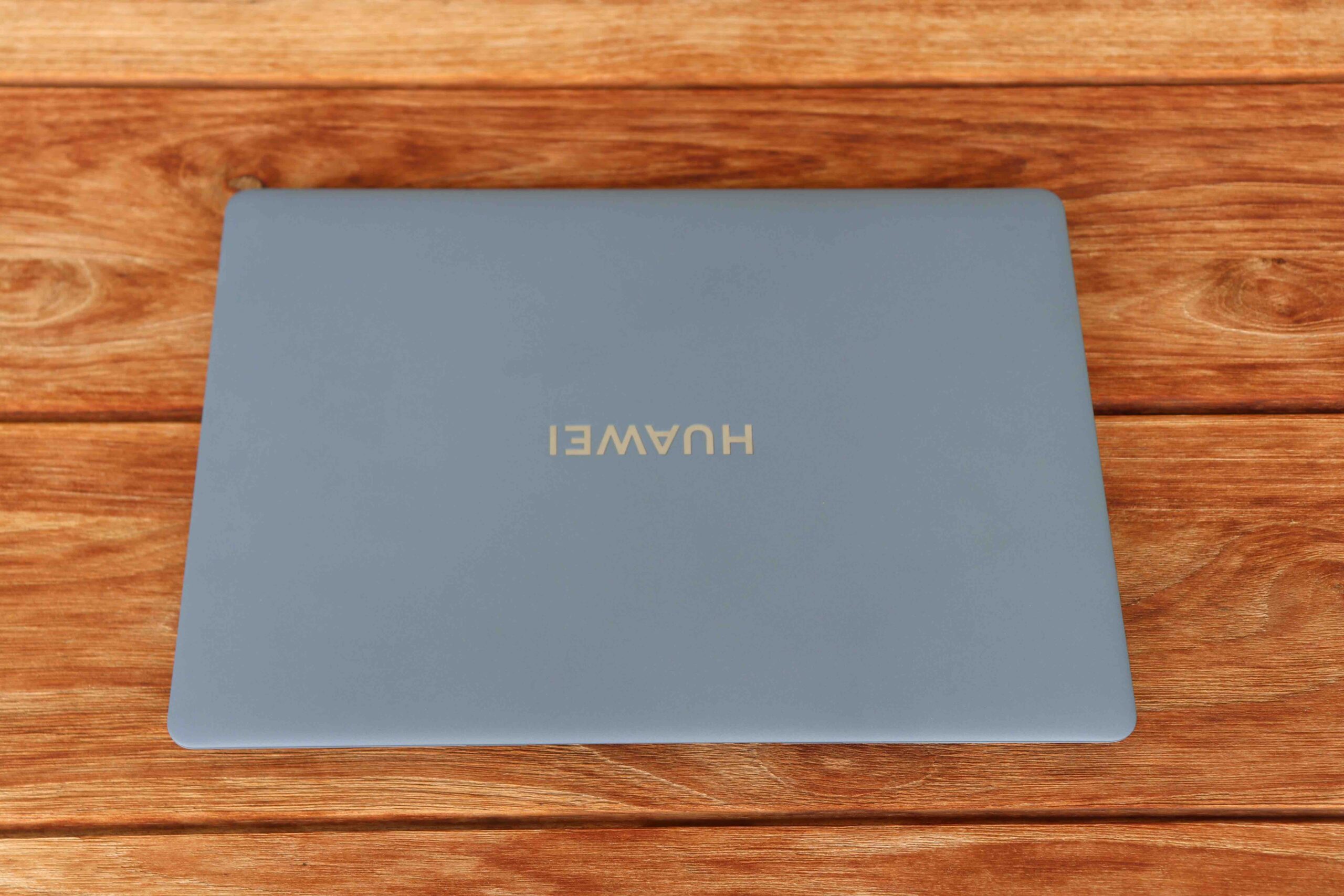
Picture: TechnikNews
However, there is one small point of criticism due to the very lightly constructed casing. StabilityproThere are problems with the lid, and the case is clearly depressible in the middle of the keyboard. However, it is logical that small comprocompromises between stability and lightness had to be made.
Technically top
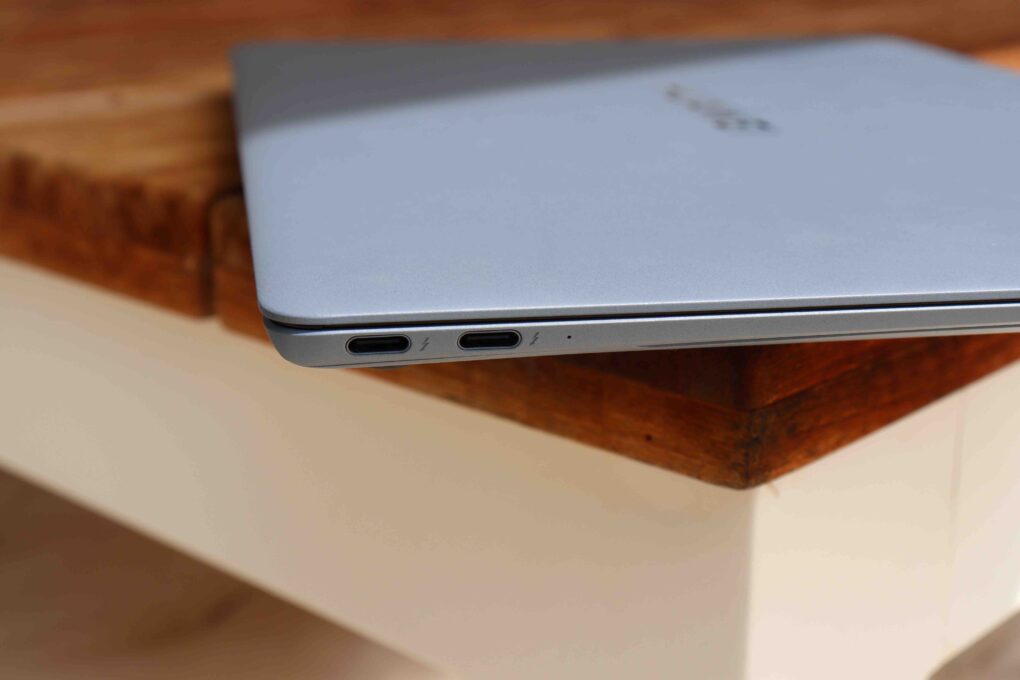
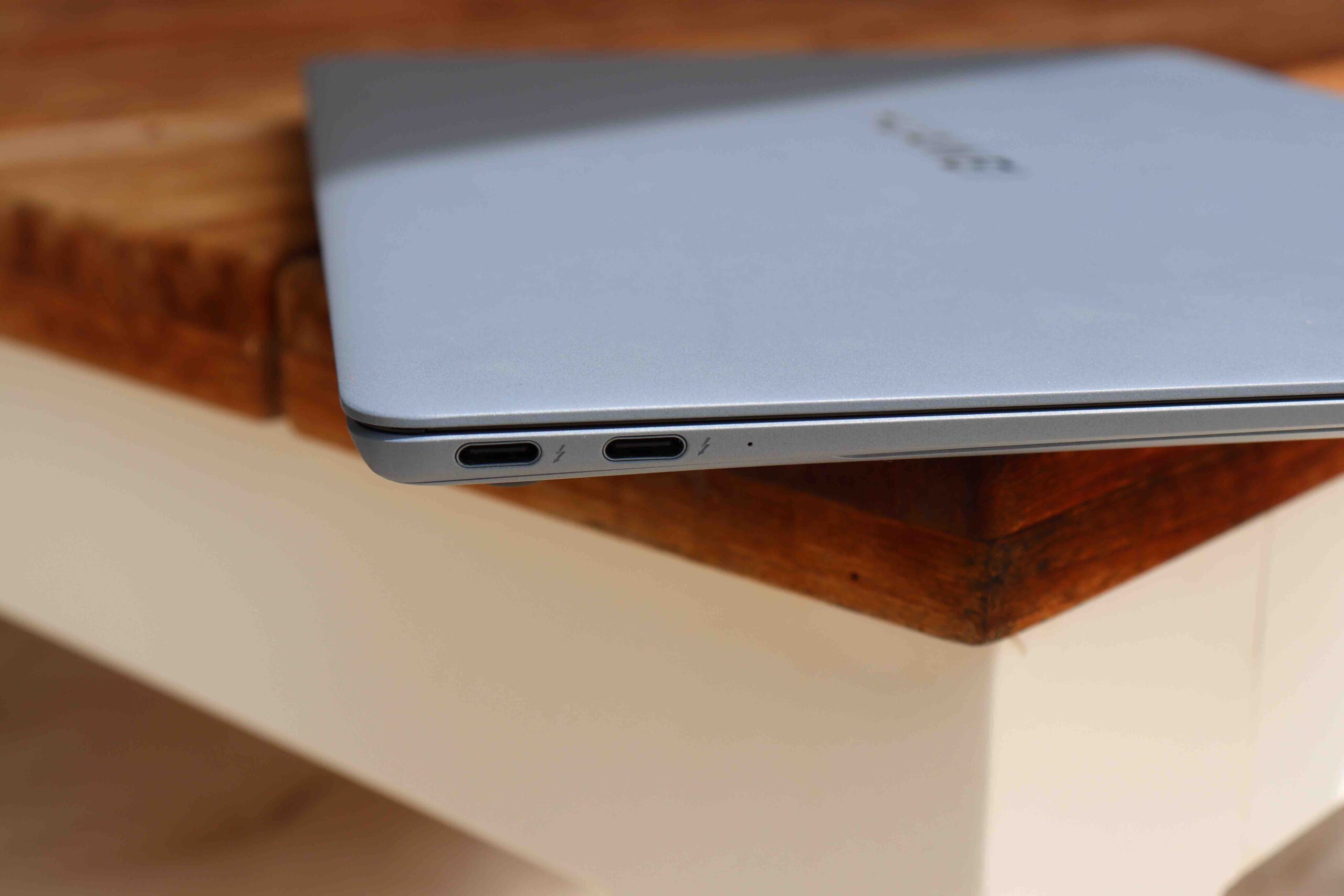
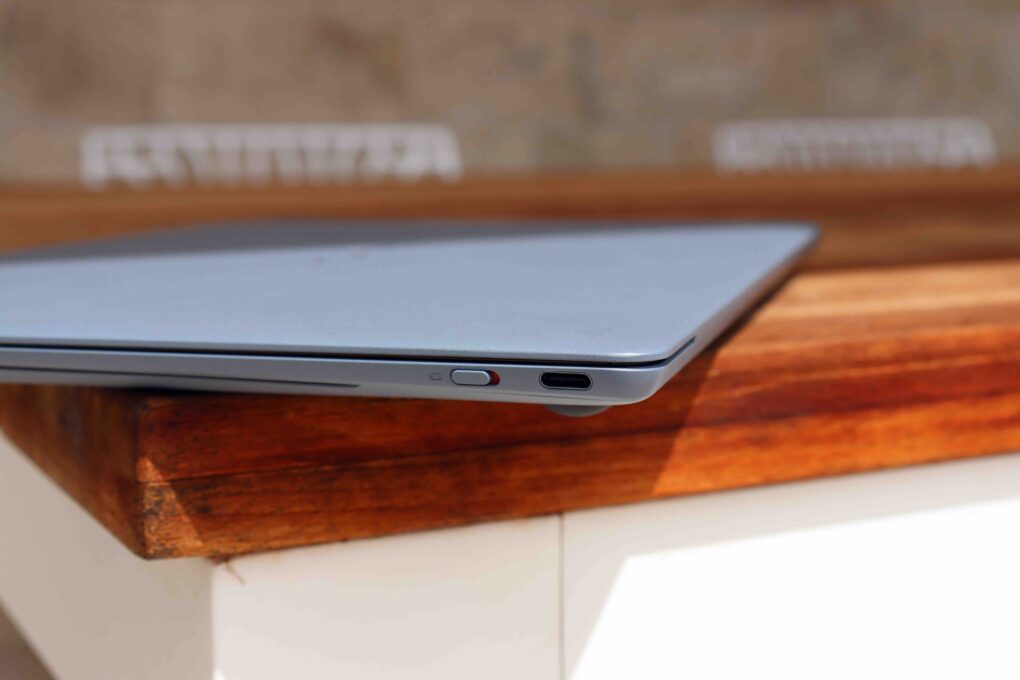
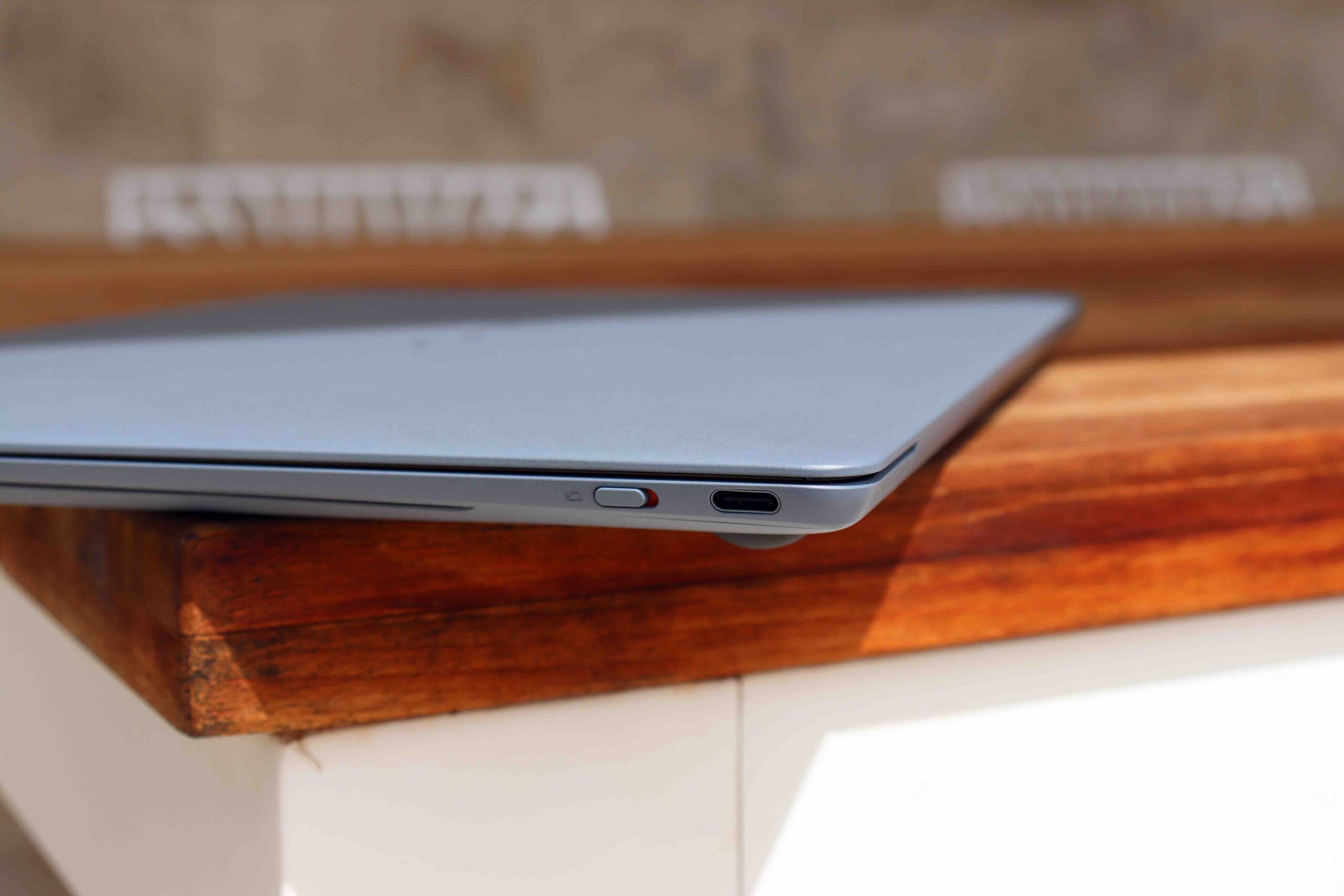
A look at the ports – even though there aren't as many these days. Compared to its predecessor, the 3,5 mm headphone jack is missing.
Left side:
- 2x USB-C (Thunderbolt 4)
Right side:
- Webcam switch
- 1x USB-C 3.2 Gen.2
In terms of connectivity, Wi-Fi 6E and Bluetooth 5.3 are used through the Intel module AX211.
-
- Picture: TechnikNews
-
- Picture: TechnikNews
A 1.080p webcam is available for video calls, which, since the 2022 model, is now located at the top edge of the display rather than retractable into the keyboard. The resolution is decent – plus Huawei's proprietary software, which allows for the use of beauty filters and virtual backgrounds system-wide, independent of the app. Not absolutely necessary, but useful.
Our test device is the top-of-the-line model with an Intel Core Ultra 9 185H processor, 32 GB LPDDR5 RAM, and a 2 TB M.2 SSD (Western Digital PC SN740). Why is the operating system on the C partition by default, while the D partition is reserved for data? I have no idea, but we've encountered this "problem" with many MateBook models. This means that system folders like Documents, Downloads, and more must be referenced to the D partition if you want to store more than 140 GB.
Radiant display
A real highlight is the display, which even deserves its own paragraph in this review. Huawei is using a 14,2-inch OLED panel in 3:2 format, with a resolution of 3.120 x 2.080 pixels and 120 Hz for the first time. This isn't just impressive on paper, but also in practice. The colors are vibrant, contrasts stand out well, and the touchscreen is also very responsive. According to the manufacturer, the average brightness is 600 nits and peaks at up to 1.000 nits for HDR content.
There's also a brightness sensor built in, which automatically adjusts the display based on the ambient light. You might not think this is particularly worth mentioning, but it's worth mentioning here, as it didn't always work well on some previous MateBook X Pro models – but it works perfectly here.
Decent speakers
Another positive feature is the six-speaker sound system. Huawei has always delivered impressively in its previous models, but the 2024 model takes another major step forward. Watching movies and multimedia content is truly enjoyable – the sound is decent, with balanced mid-range, although the slim design lacks a bit of bass. Furthermore, the speakers can be turned up quite loudly, which isn't the case with every notebook.
Comfortable keyboard & touchpad
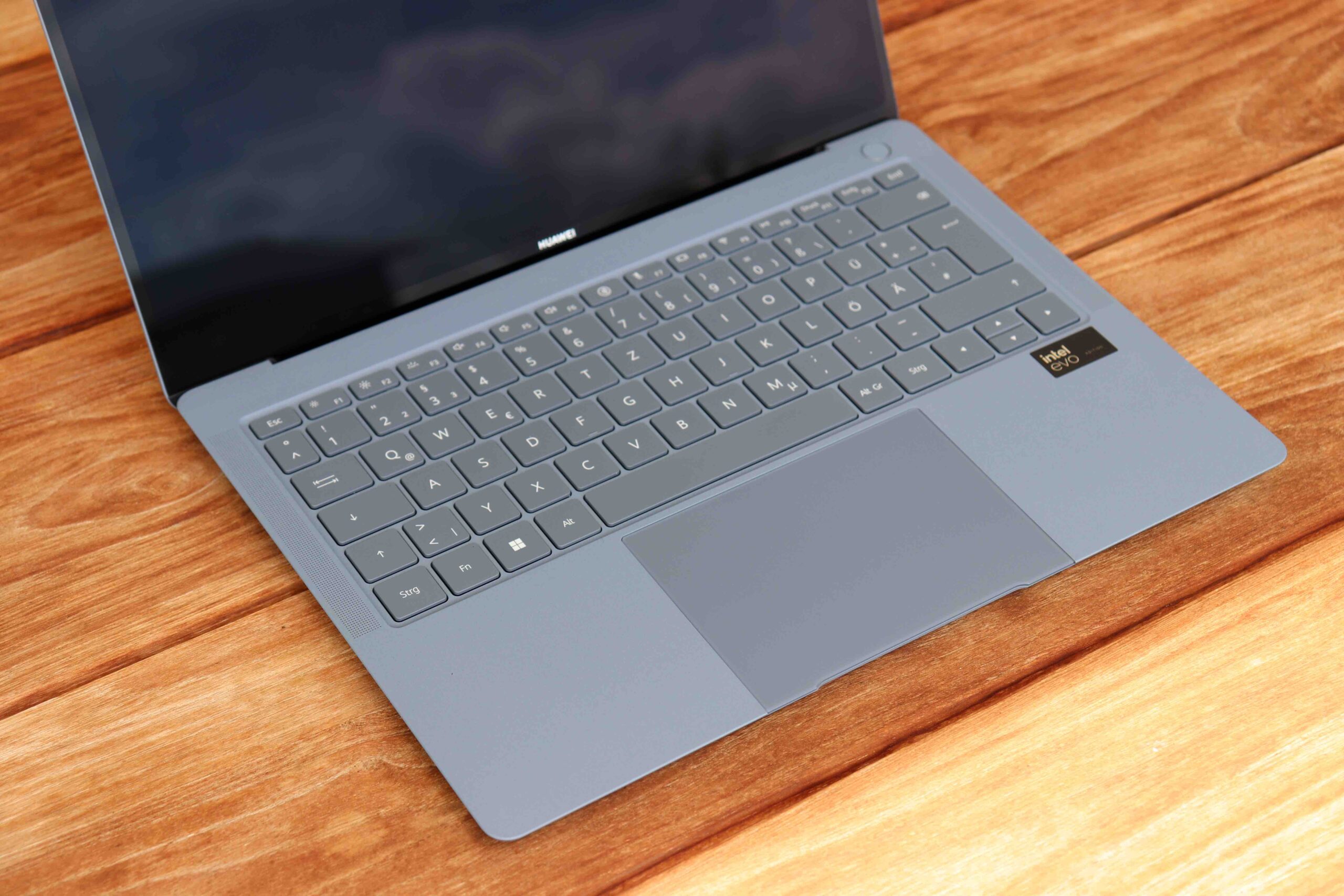
The MateBook X Pro 2024 also shows its best side when typing. The keyboard travel is pleasantly deep and offers a direct, slightly springy typing feel. Even longer texts can be written. proWrite smoothly and comfortably (like this review here). The keys are evenly lit and pleasantly quiet—a plus for working in quiet environments like the library or in a meeting.
Picture: TechnikNews
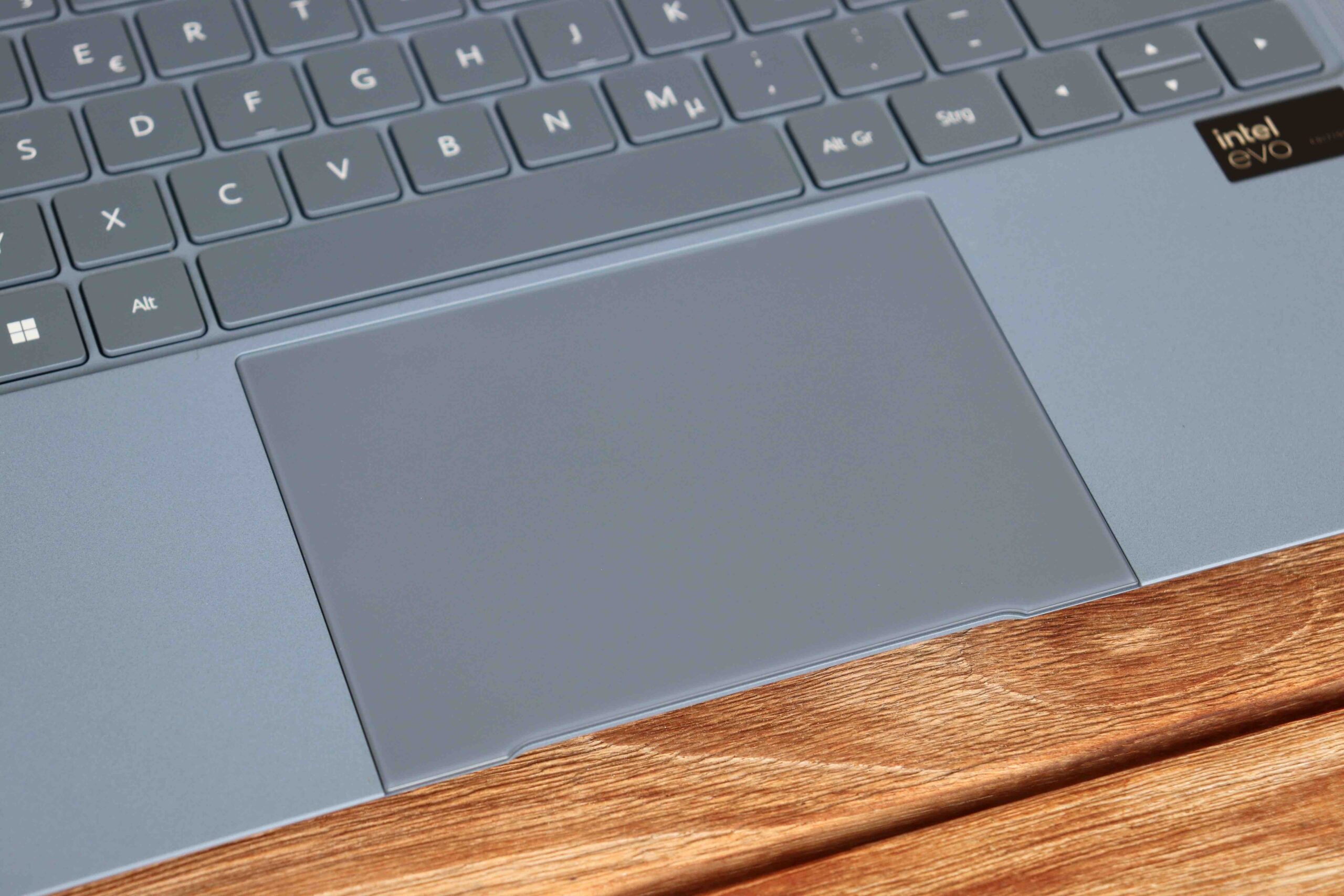
The touchpad is large, responsive, and supports all common multi-touch gestures in Windows 11. Particularly noteworthy is the haptic feedback, which feels very precise when clicking – almost like a MacBook. Gesture control works smoothly and intuitively, and scrolling, zooming, and app switching worked flawlessly in our tests. Personally, however, it extends almost too far to the edge, making it quite possible to misclick occasionally.
Picture: TechnikNews
Software with extras
As usual, Huawei relies on Windows 11 with a few pre-installed programs and virtually no bloatware. A positive feature is the company's own PC Manager software, which is responsible for driver updates, device management, and seamless connectivity with Huawei smartphones, among other things. A particularly useful feature is the "Super Device" function, which allows for easy pairing and data transfer between Huawei laptops, tablets, and smartphones—a true ecosystem feature that saves time in practice.
In addition to Windows Hello facial recognition, a fingerprint sensor in the power button also ensures convenient login. Both work reliably and quickly in everyday life. As is typical with Huawei, there are also some smart features such as AI-supported noise cancellation for video calls and content sharing via Huawei's alternative to Apple's AirDrop.
The negative
The high-performance features also come at a price – not just financially, but also in terms of cooling. Regardless of the operating mode, the Huawei MateBook X Pro 2024 isn't exactly quiet and is noticeably warm even after starting up on your lap. This isn't ideal. At least there's no coil whine like on other competitors, where the fan whistles annoyingly.
The only solution to these problems is to set the notebook to balanced mode in the Huawei software and to set the Windows power settings to be as energy-efficient as possible.
Unfortunately, this also means a relatively short battery life – in a balanced test with browsing, office applications, and medium display settings, the battery life was over after 5 to 6 hours. That's still okay, but no better than previous models. Thanks to the fast-charging function with the included 90W power adapter, the notebook can be fully recharged in just over an hour.
Good accompaniment
In everyday life, the notebook proves to be a true companion for frequent travelers and, thanks to its Thunderbolt ports, also for use with the docking station in the office. Thanks to its extremely low weight and compact design, it fit perfectly in our test. proIt fits easily into almost any bag or backpack. Even working for longer periods on the go—for example, on the train or in a cafe—is made pleasant by the quiet typing, bright display, and high-quality touchpad. The high-quality workmanship also ensures that, despite its light weight, you don't have to worry about stability during transport.
The only downside remains the battery life and the somewhat loud fan, as mentioned above – so if you're on the go a lot, you'd better keep the charger with you at all times. On the plus side, the power adapter is pleasantly compact and lightweight, meaning it hardly adds any extra weight, and the USB-C port means you can even use your smartphone charger.
I've been using this device for two years now and I can't fully agree with the report: