
XGIMI Horizon 20 Max review: The ultimate home cinema experience?
A TEST REPORT from Dominic Lux  on October 13, 2026, 10:00 p.m. | Write a comment
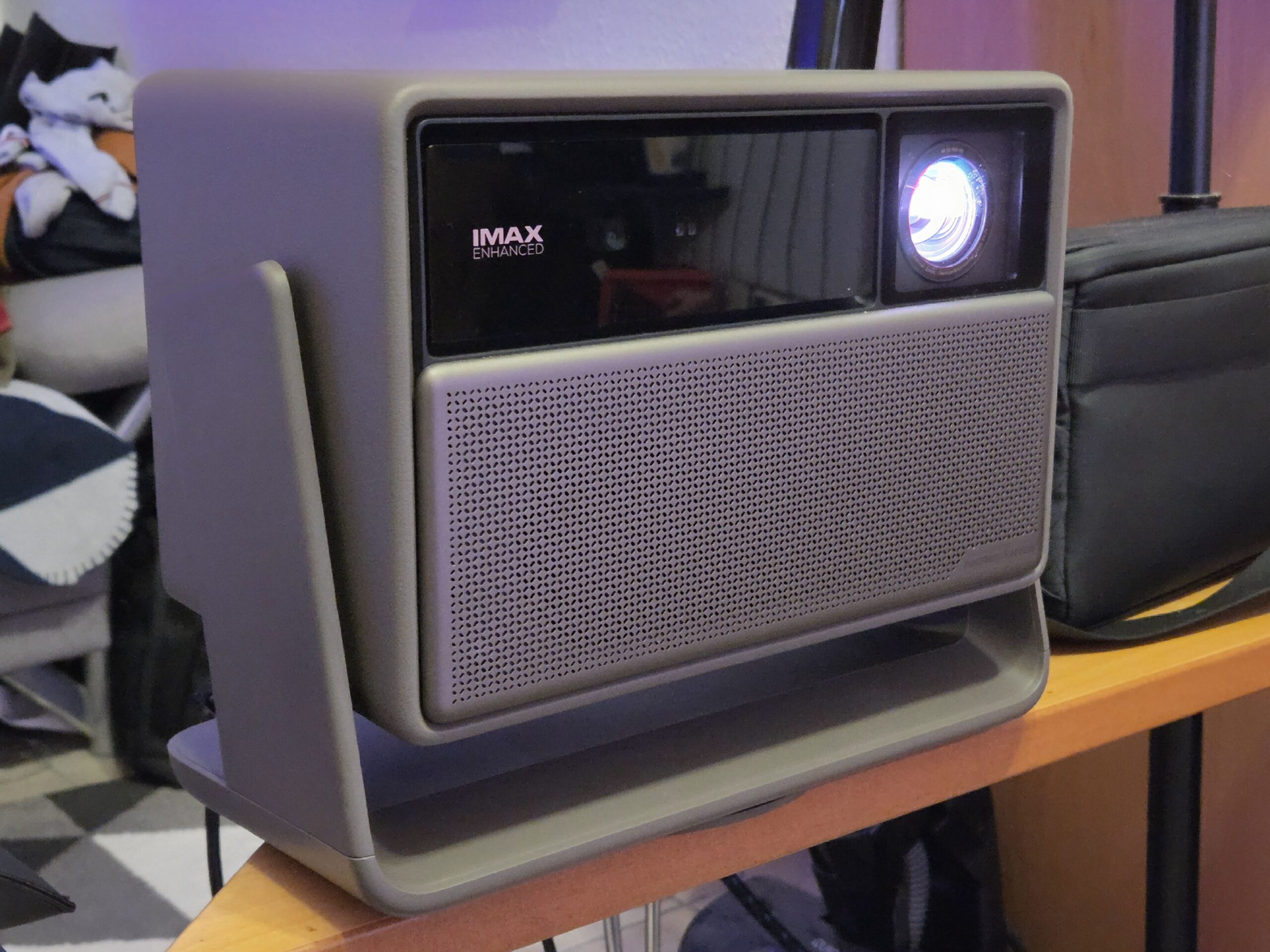
With the Horizon 20 Max, XGIMI makes a statement in the competitive premium projector market. After several movie nights, gaming sessions, and everyday use in the living room, I can say upfront: the projector makes a very strong impression. Whether it also delivers in everyday use, where its strengths lie, and where XGIMI should improve, you can read in this review.
tl;dr: A really expensive device.
The XGIMI Horizon 20 Max is a very bright laser projector with 5700 lumens (manufacturer's specification), Dolby Vision, HDR10+, and motorized optical lens shift. Google TV runs smoothly, and the aluminum remote control with backlit buttons is a nice touch. Criticisms include the very large external power supply and the considerable space requirement as a long-throw projector. The price is €2.999 (MSRP), but it's currently available from retailers for around €2.250 to €2.500 including 19% VAT. For those with a suitable room, this projector offers a home cinema experience that a traditional television of this screen size simply can't match at a comparable price.
| Pro | Contrary to |
|---|---|
| Very high brightness, also usable in low light conditions | Large, bulky external power supply |
| Motorized optical lens shift without loss of quality | Long-throw projectors require a lot of space |
| Dolby Vision and HDR10+ | Price: €2.999 (RRP) |
| Liquid Google TV | Only two HDMI ports, no LAN port (according to the datasheet) |
| High-quality remote control with backlit buttons | 20.000:1 contrast ratio only with dynamic control; natively significantly lower. |
| Good HDMI-CEC control | Initial problems with auto-adaptation (fixed via update) |
Price and availability
The XGIMI Horizon 20 Max has a suggested retail price of €2.999. Currently, you can find it at some retailers for around €2.250 to €2.500 (as of October 2026; please check again before publication). Included in the box are the power adapter with power cable, the backlit Bluetooth remote control, two AAA batteries, a user manual, and a warranty card.
To put things in perspective: A 100- to 120-inch television costs around €2000, depending on the model, and is practically impossible to fit into an apartment. If you're planning on using a projection screen, you'll need to budget an additional €300 to €500.
Unboxing and first impressions
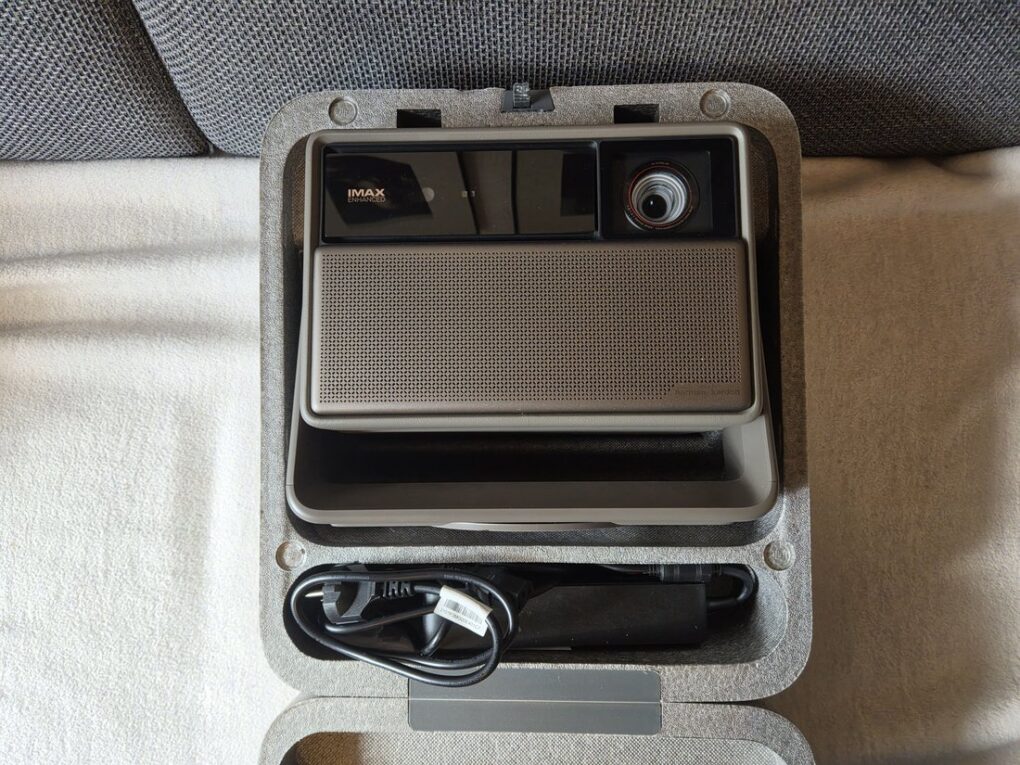
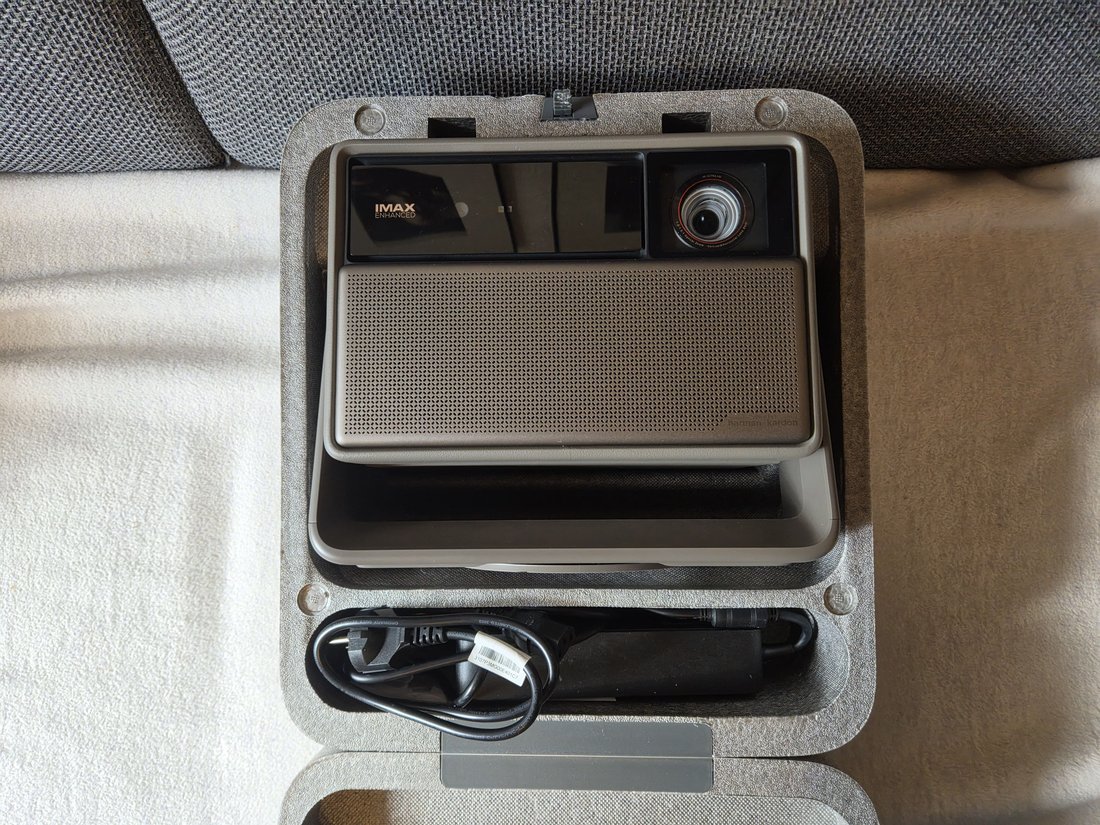
Even upon unpacking, it's clear that this isn't an entry-level device. The packaging is high-quality and well-padded, the device feels heavy and very solidly built. The carrying case strongly resembles a food insulated box for takeaway food.
-
- Picture: TechnikNews
-
- Picture: TechnikNews
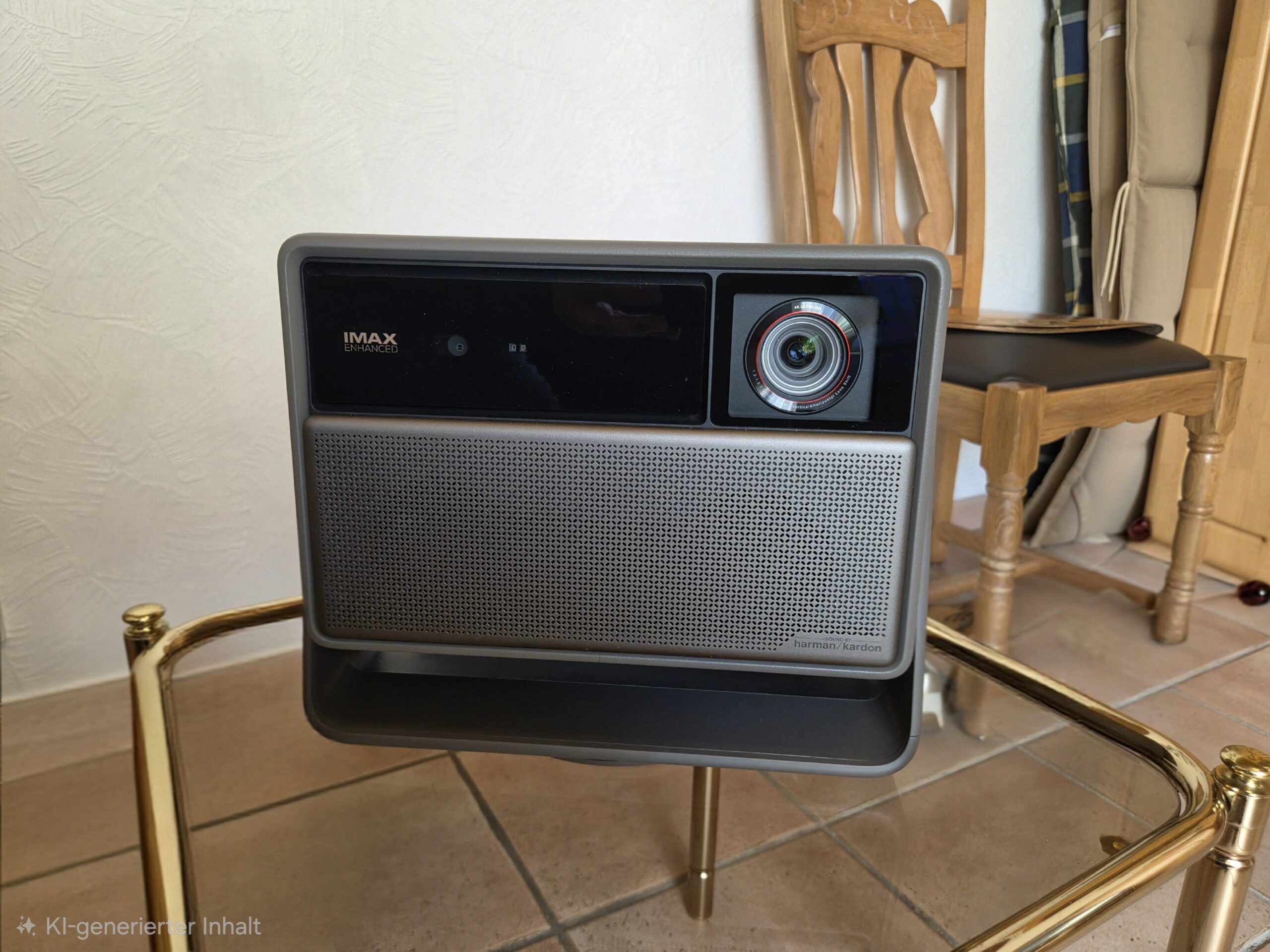
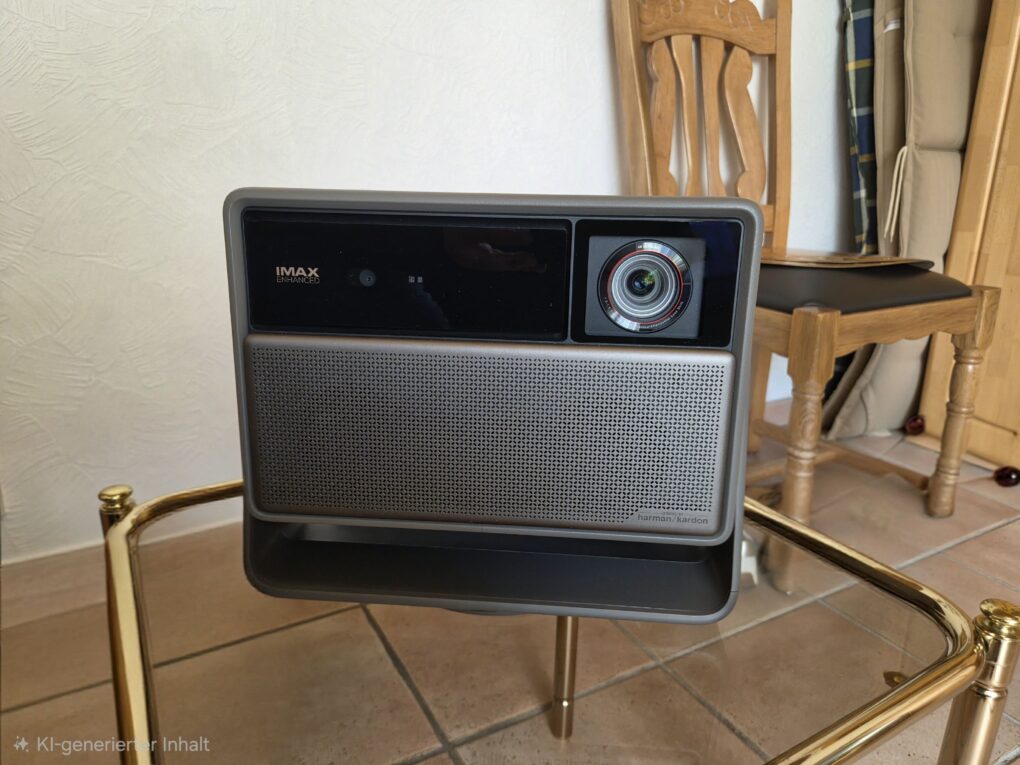
Weight and dimensions: 5,4kg; 249 × 298 × 190 mm (H × W × D)
Design and workmanship
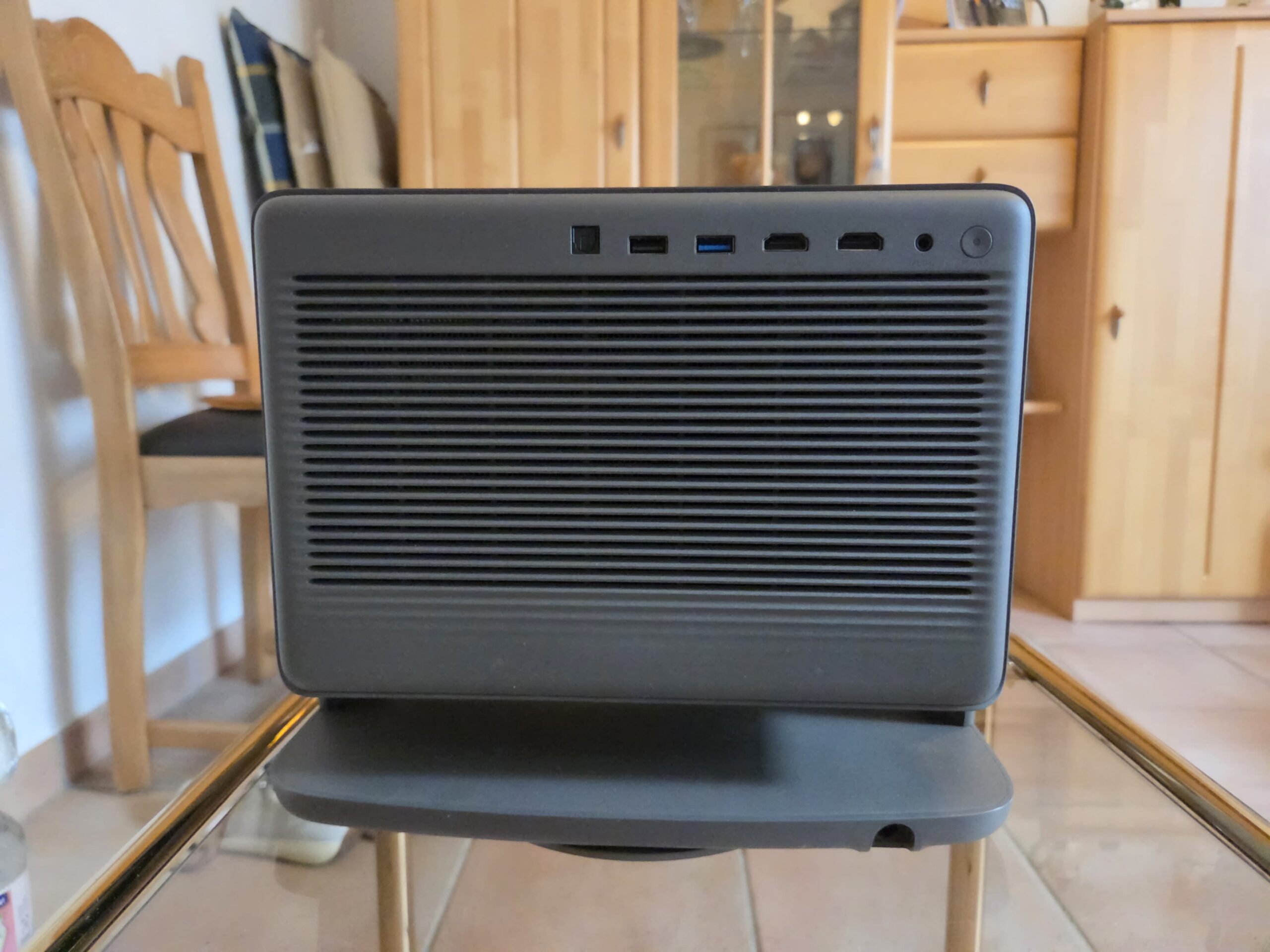
Visually, the cube is a real eye-catcher. The sides are covered in faux leather, giving it a retro touch while still blending seamlessly into a modern living room. Instead of a plastic look, it offers a genuine premium feel. The front is dominated by the large lens, while the back resembles a solid heat sink.
The biggest drawback in everyday use is the external power supply. It's significantly larger than the power supply unit of a gaming laptop. If you're mounting the projector on the ceiling, you'll need somewhere to put it. The XGIMI ceiling mount has an integrated power supply compartment, but with universal mounts, you'll have to find your own solution. An internally mounted power supply would have been the more elegant solution for this device.
Connections
| Connection | Details |
|---|---|
| HDMI | 2 × HDMI, HDMI 1 with eARC (HDMI 2.1 TMDS protocol) |
| USB | 1 × USB 3.0, 1 × USB 2.0 |
| WiFi | Wi-Fi 6 (802.11ax), dual band 2,4/5 GHz |
| Bluetooth | Bluetooth 5.2/BLE |
| Audio Outputs | 1 × optical, 1 × audio output |
-
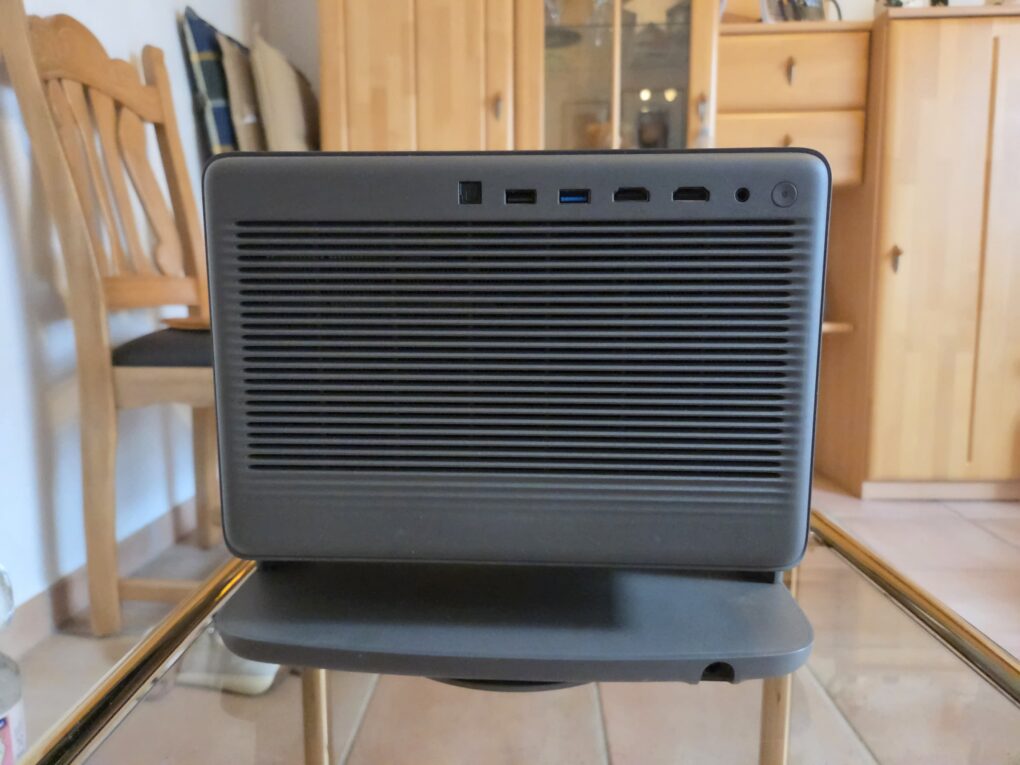
- Picture: TechnikNews
Remote Control
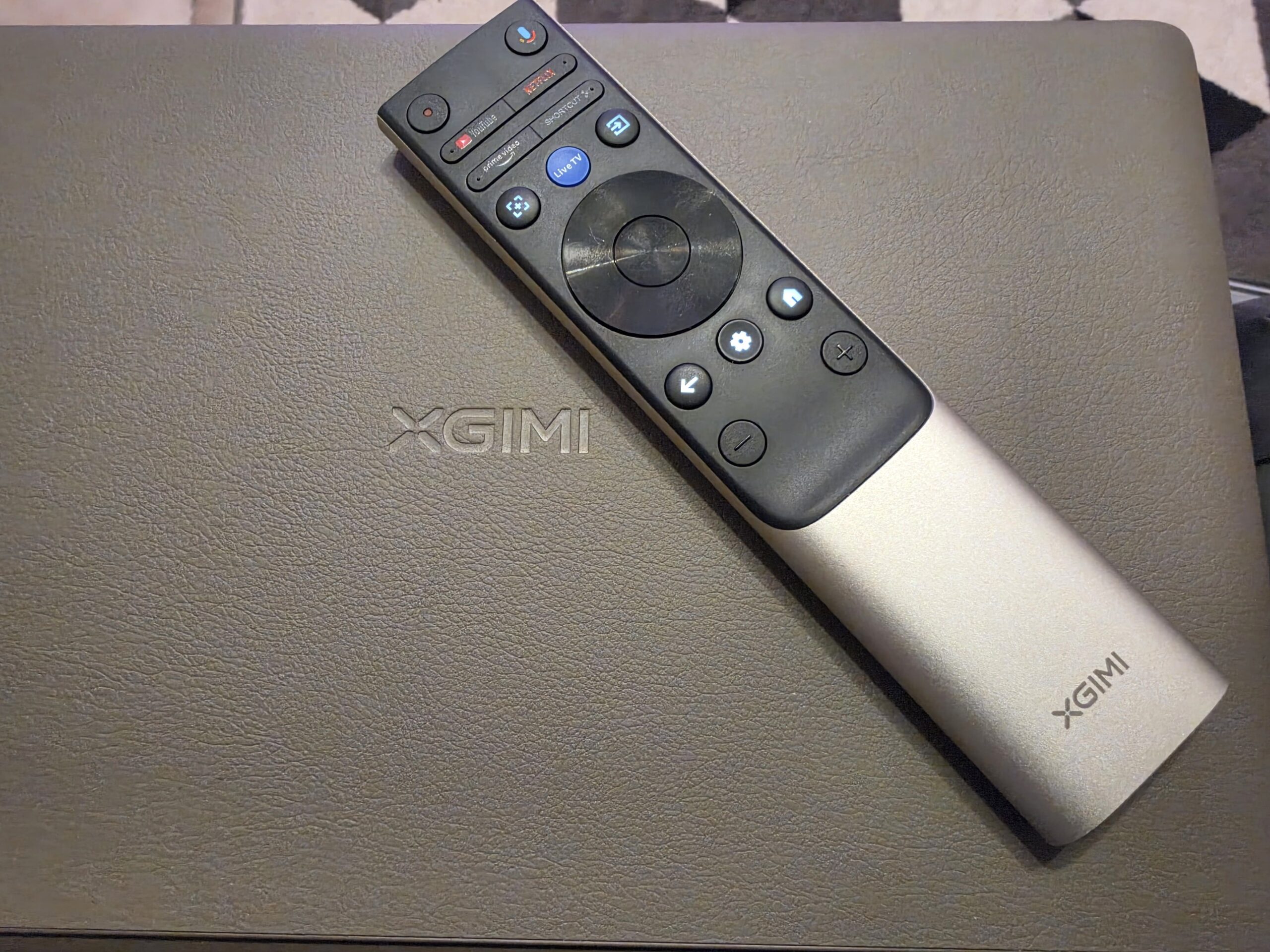
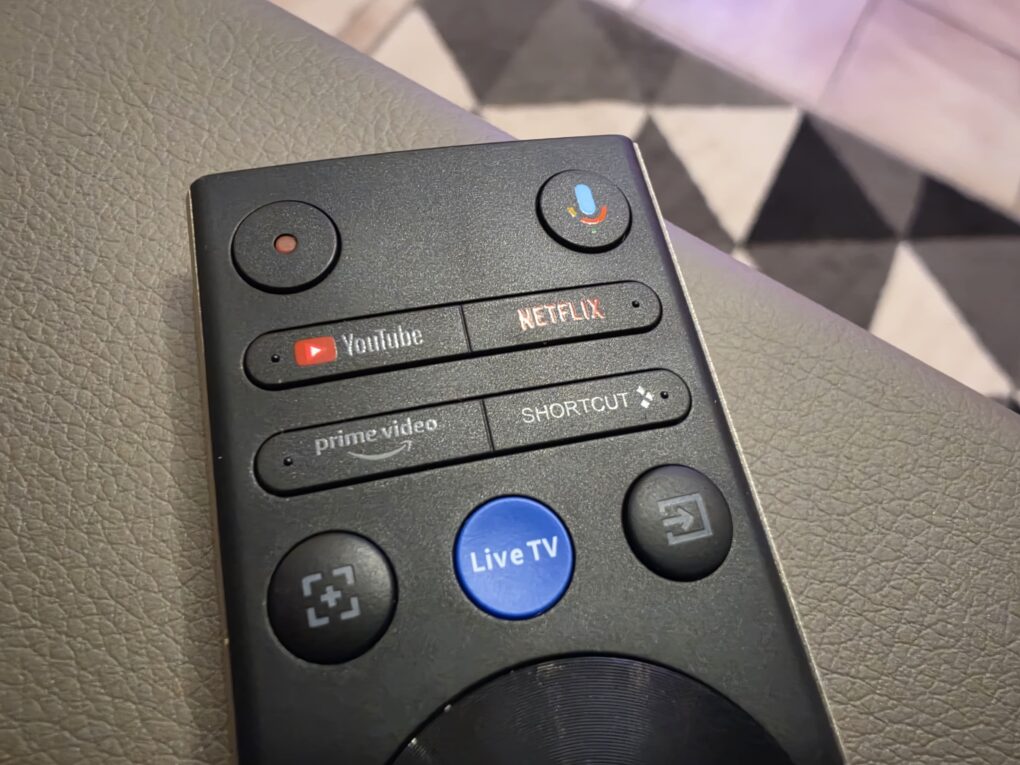
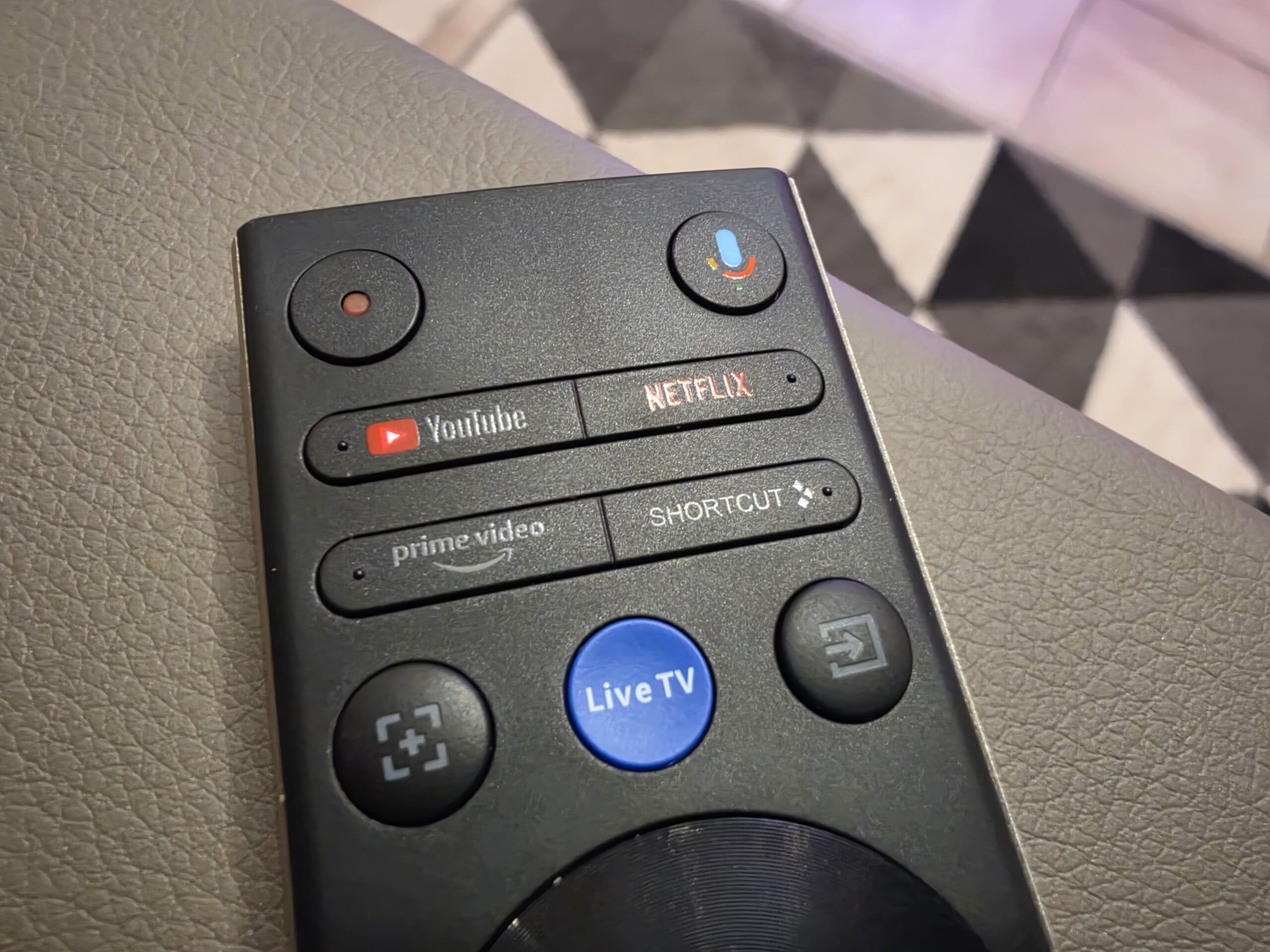
The remote control is made of aluminum, fits comfortably in the hand, and doesn't creak at all. A real plus are the backlit buttons, which make the most important functions, such as source selection and volume, easy to read in a darkened home theater. It works via Bluetooth and requires two AAA batteries. According to the manufacturer, voice control is possible via Google TV. This also works very satisfactorily with Google Home as a smart home system. However, the volume buttons don't light up, which would be a drawback for me in an otherwise excellent remote control.
-
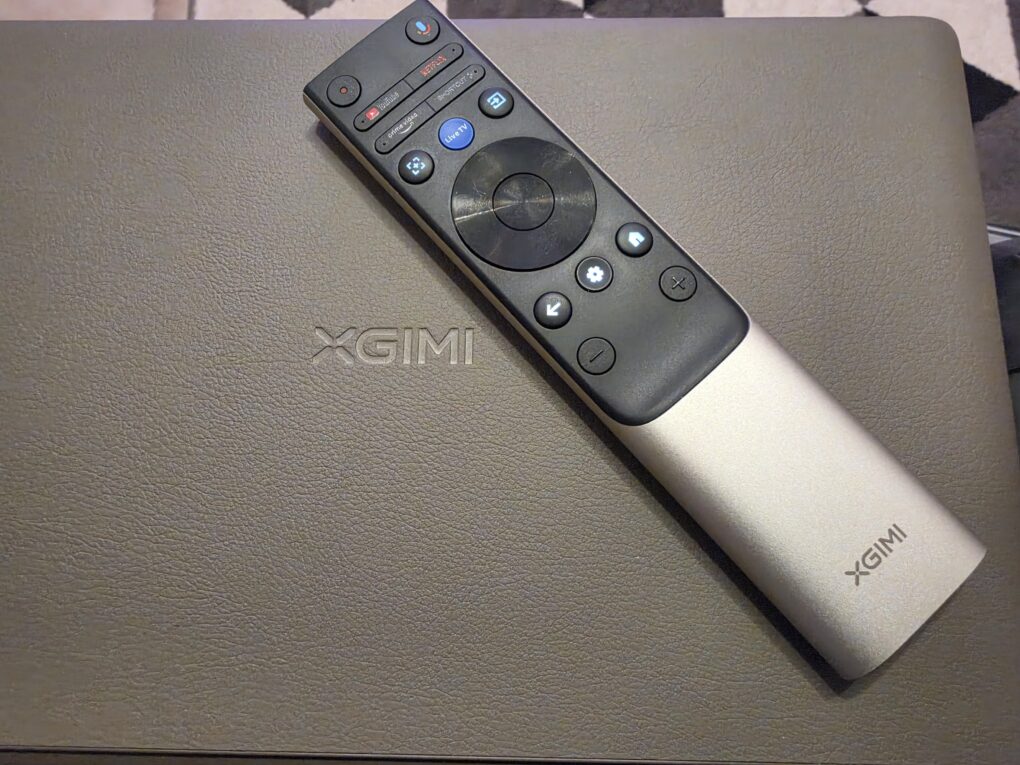
- Picture: TechnikNews
-
- Picture: TechnikNews
The HDMI-CEC control worked very reliably in my test. AV receivers and consoles like the PlayStation 5 can be operated directly with the XGIMI remote control; menu navigation on the receiver is also possible.
Setup and automatic image adjustment
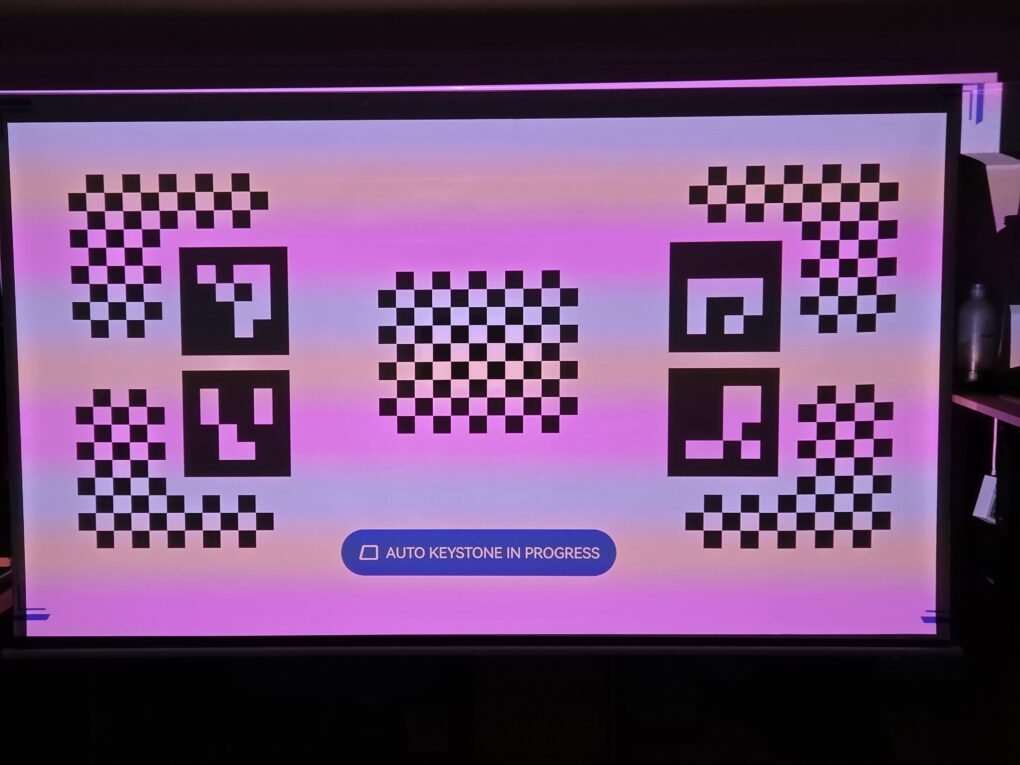
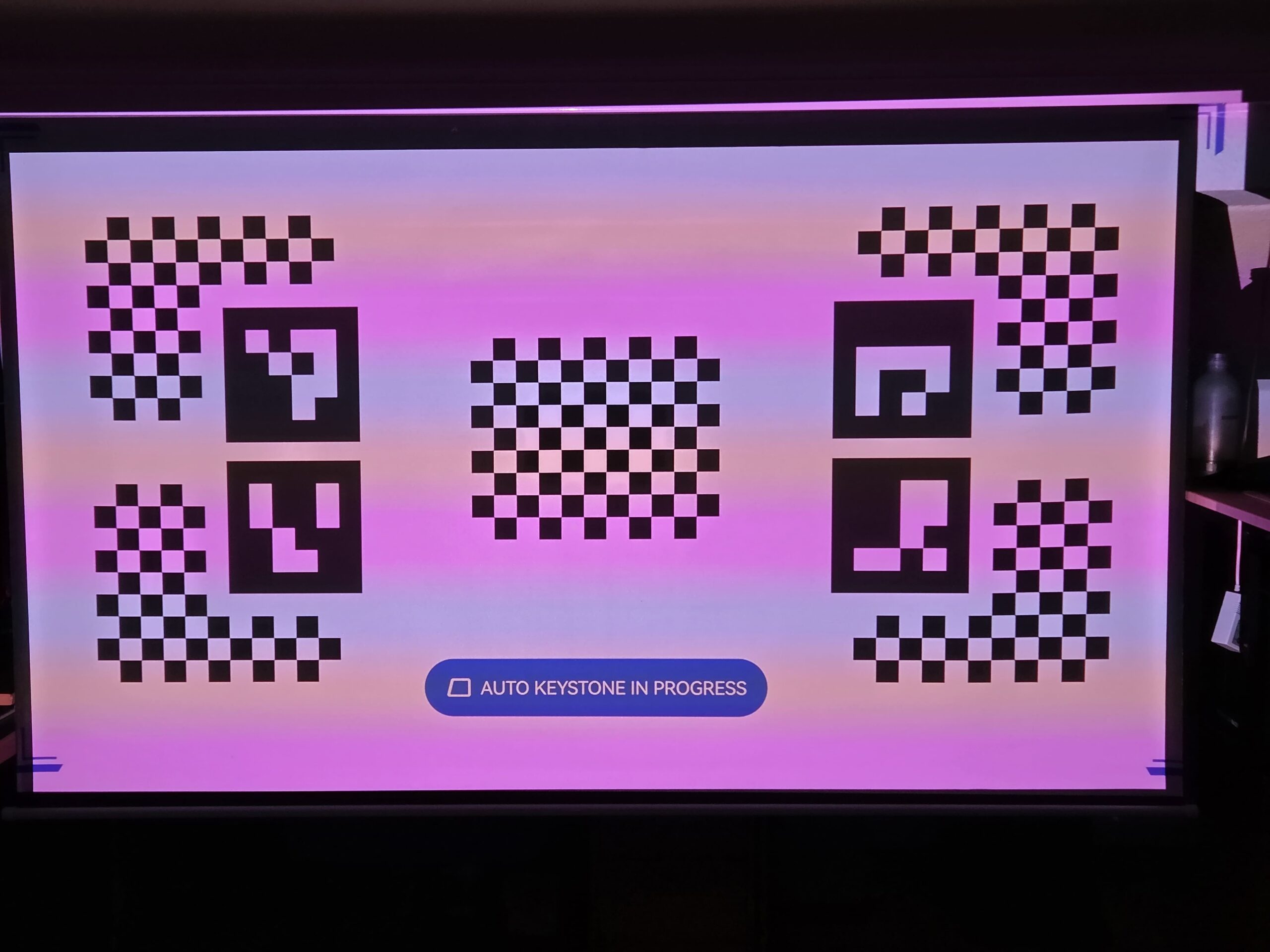
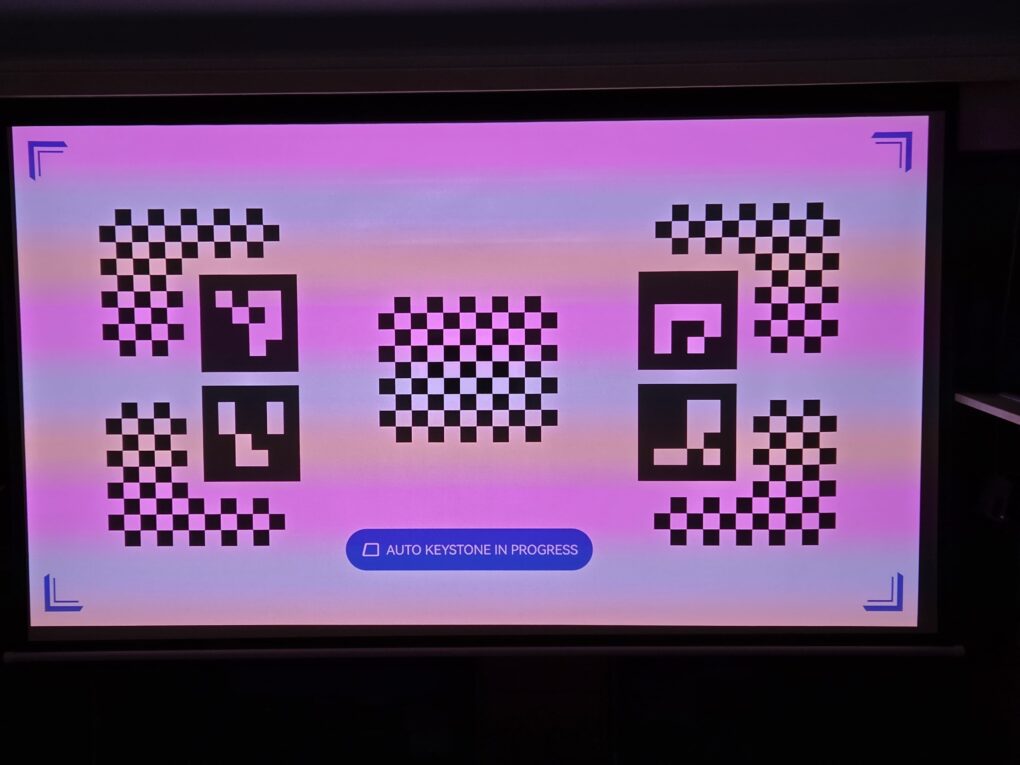
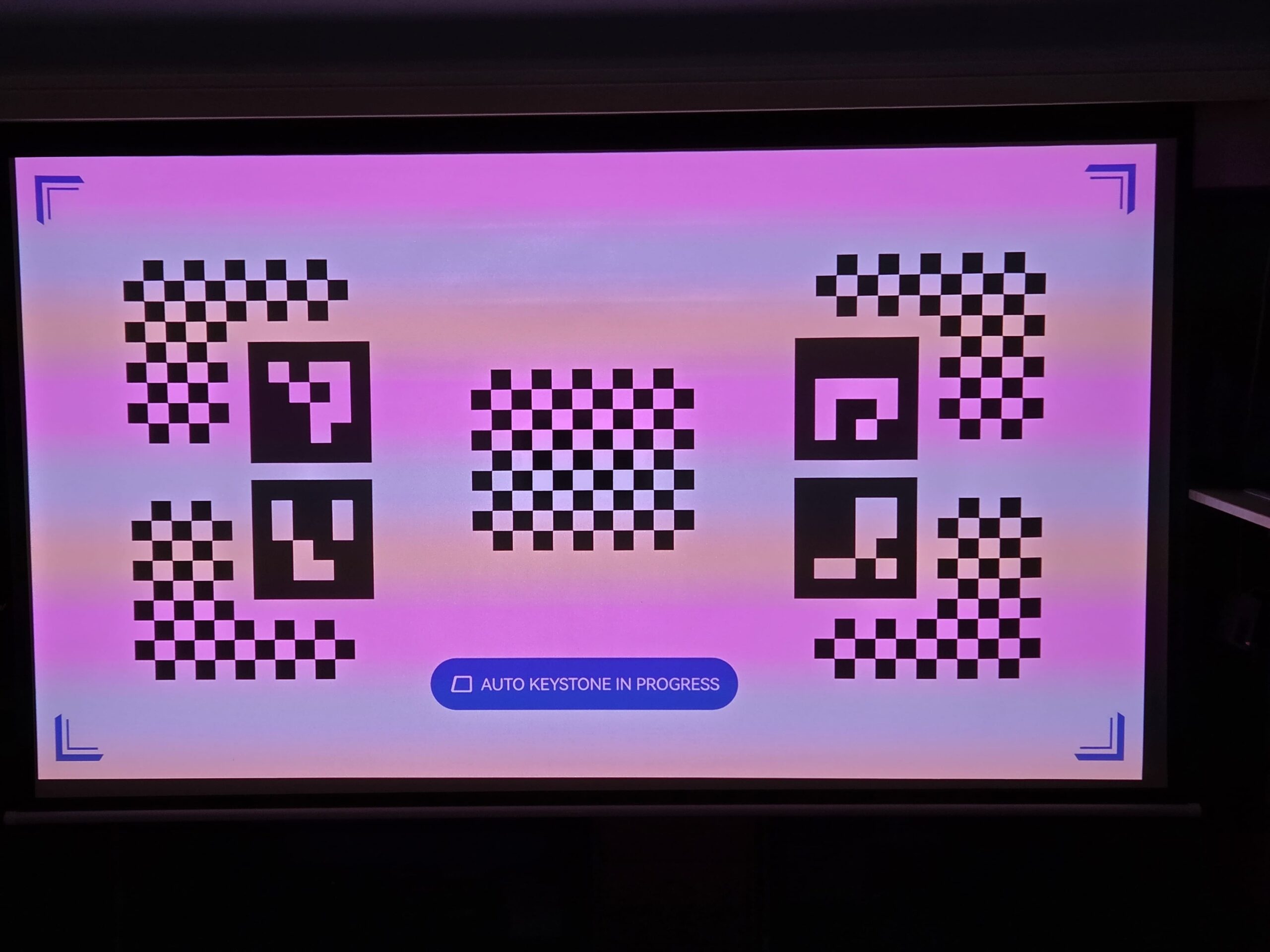
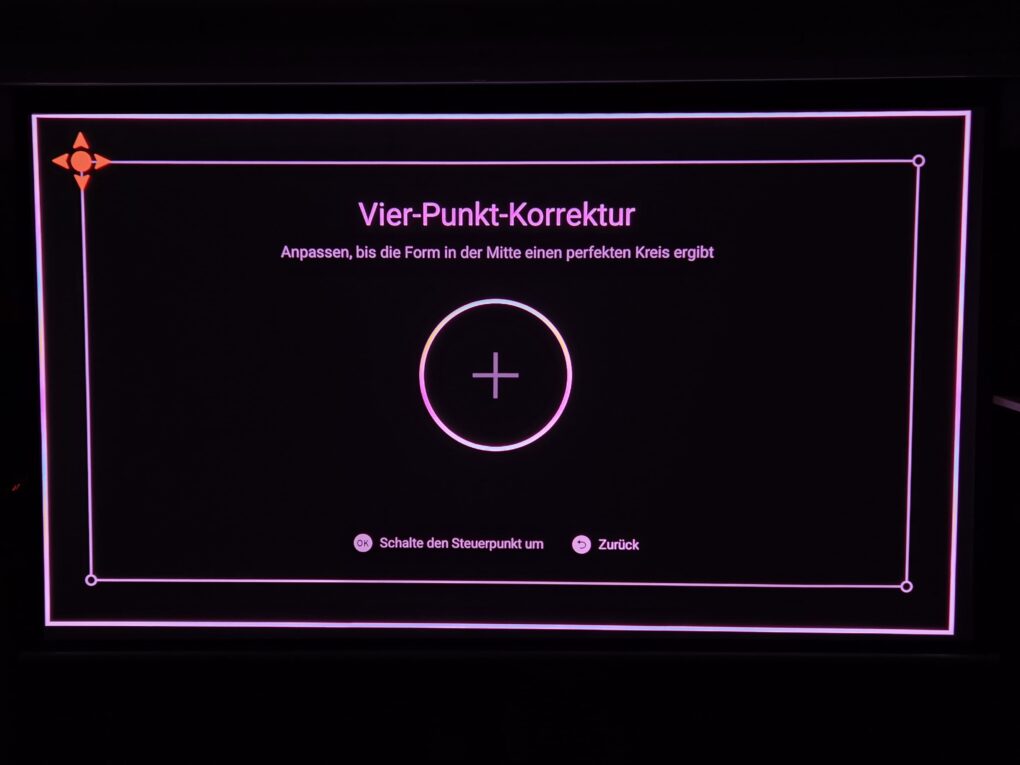
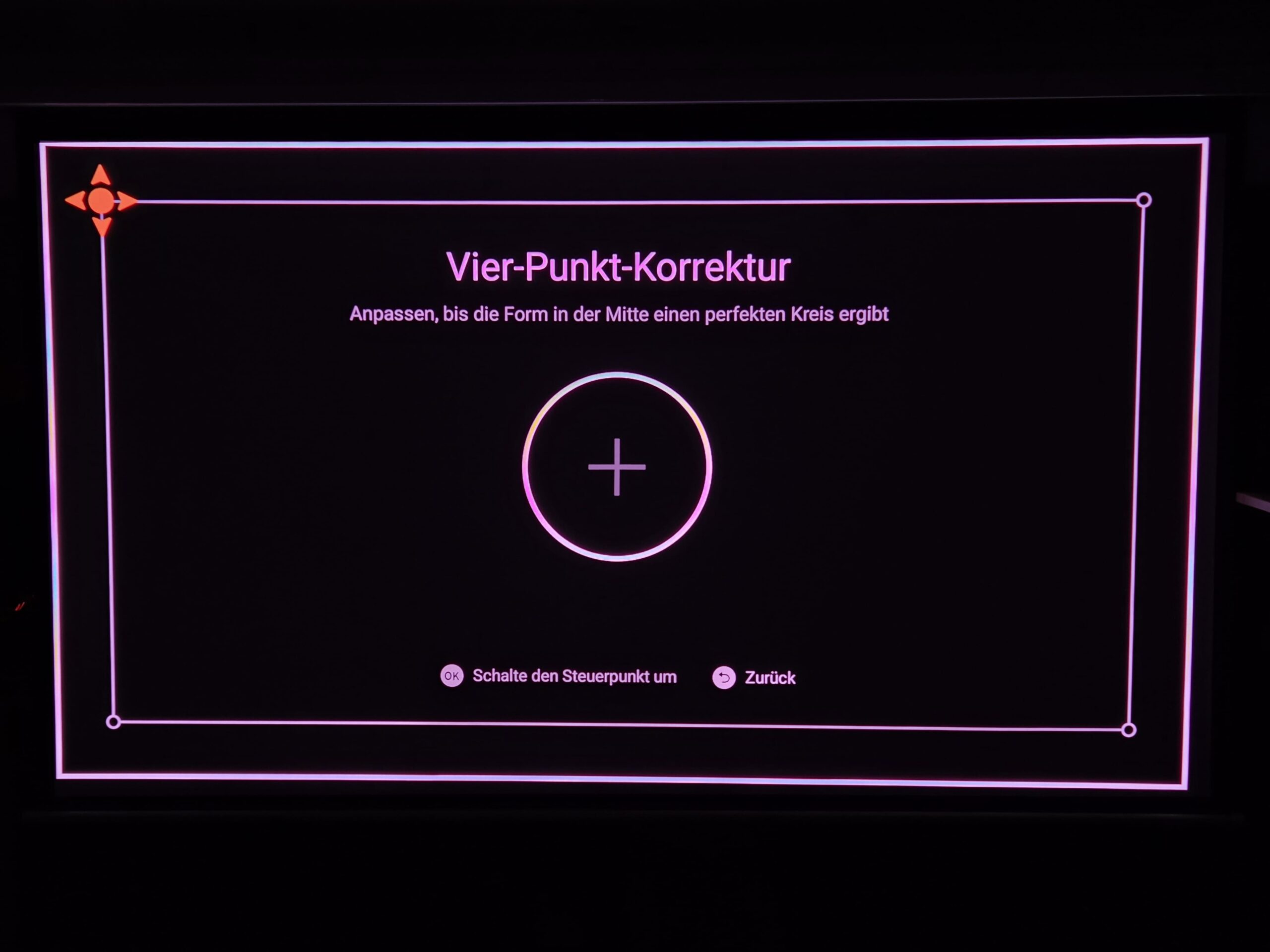
The automatic adjustment to the screen or projection surface with autofocus and keystone correction works convincingly in everyday use. I want to be transparent: I had some initial teething problems. The projector sometimes took a while to detect the edges of the screen, and the focus would hunt. After an over-the-air (OTA) update, this worked flawlessly. Now the projector detects the screen in just a few seconds and focuses the image perfectly.
-
- Picture: TechnikNews
-
- Picture: TechnikNews
-
- Picture: TechnikNews
Lens shift and projection distance
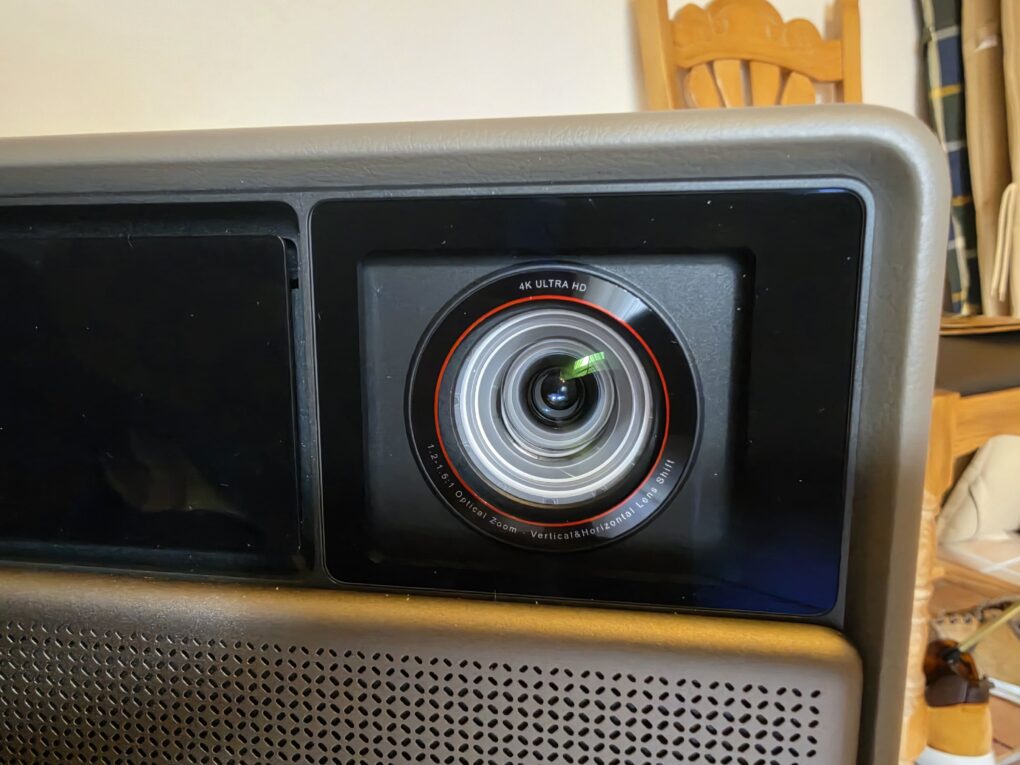
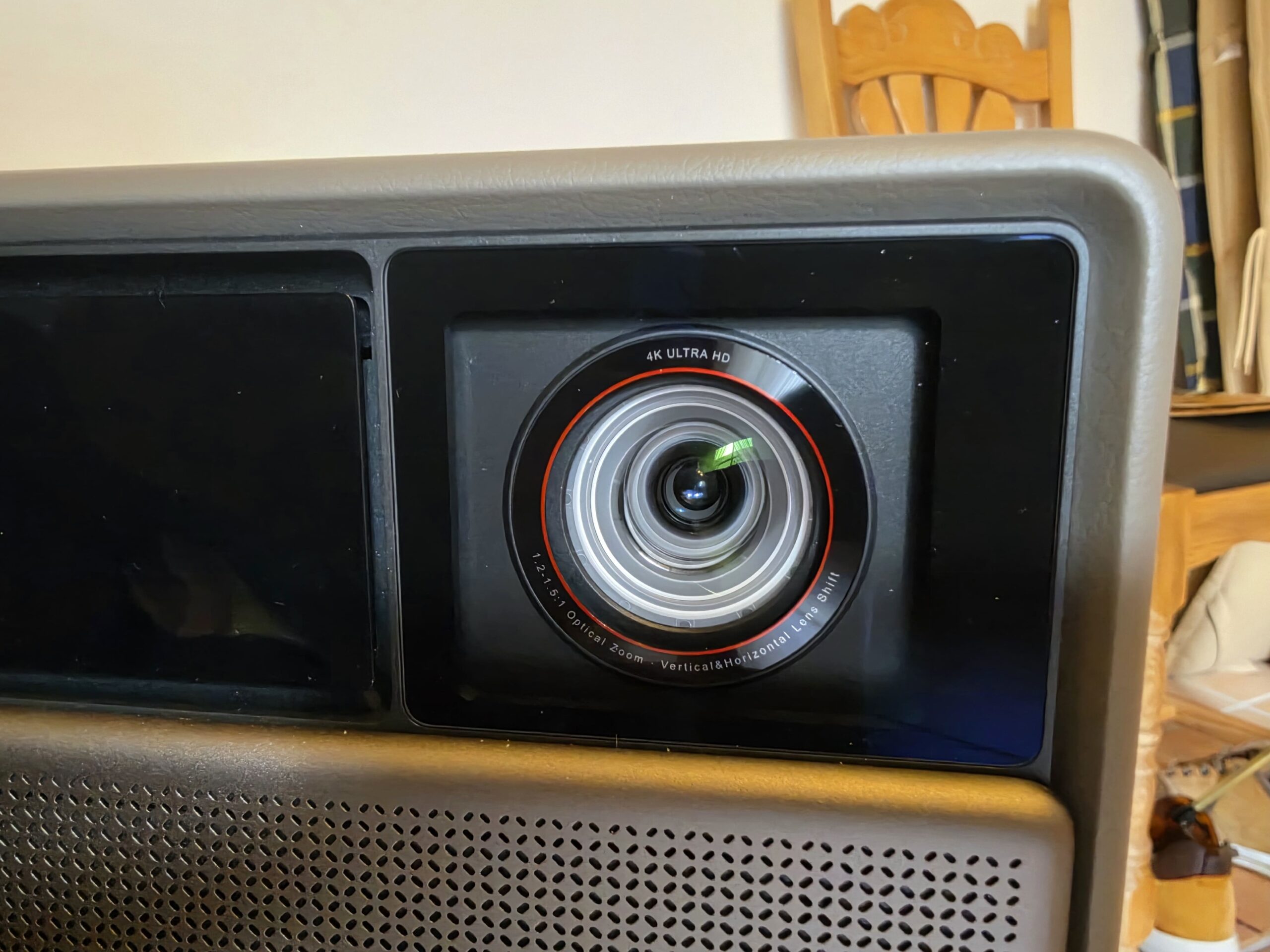
Motorized optical lens shift is one of the device's most important features. The image can be shifted vertically and horizontally without any loss of resolution or brightness, because the lens is physically moved. Cheaper models, on the other hand, digitally compress the image, which wastes pixels and light and can lead to gray edges.
Lens shift range: Vertical ±120%, horizontal ±45% (manufacturer's specification; horizontal only when vertical position is 0%). This measurement method is not directly comparable with other manufacturers; other sources cite ±60% / ±22,5%. Important: According to XGIMI, when lens shift is active, the projector disables autofocus, automatic keystone correction, and wall color adjustment. The projection planner on the XGIMI website can help with precise planning.
Since the Horizon 20 Max is a classic long-throw projector, you should measure the distance before buying it. The following table will help with planning:
| Screen diagonal | Distance to the screen (throw ratio 1,2–1,5:1) |
|---|---|
| 80 inch | approximately 2,1 to 2,7 m |
| 100 inch | approximately 2,7 to 3,3 m |
| 120 inch | approximately 3,2 to 4,0 m |
| 150 inch | approximately 4,0 to 5,0 m |
| 300 inches (maximum according to the manufacturer) | approximately 8,0 to 10,0 m |
Throw ratio: 1,2–1,5:1 (optical zoom 1,25×)
As a rough guide: For a 100-inch screen, you'll need approximately 2,7 to 3,3 meters of space, and for a 120-inch screen, approximately 3,2 to 4,0 meters. XGIMI recommends screen sizes from 60 to 150 inches for the best image quality.
picture quality
Brightness
XGIMI specifies 5700 lumens. This figure applies to ISO 21118 in Performance mode under laboratory conditions; the image will be darker in normal picture modes. The website rehders.de The calibrated image measures 3.220 lumens. In practice, the image is very bright. Even in dim daylight in the living room, it remains vibrant and well-defined. And you don't need to close any blinds or shutters to get a good picture.
Screen in test
The result depends heavily on the projection surface. I tested with a standard, run-of-the-mill screen. With an ALR (contrast-enhancing) screen, ambient light should be suppressed much better. But honestly, given the sometimes brutal brightness in a darkened room, I didn't miss it at all.
Resolution and technology
| Property | Value |
|---|---|
| light source | RGB Triple Laser (X-Master), DLP |
| Resolution | 3840 × 2160 via pixel shifting, 0,47-inch full HD chip |
| Light source lifespan | Approximately 25.000 hours (according to the dealer) |
Contrast and black level
With projectors, the black level determines the home theater experience. XGIMI specifies 20.000:1 with dynamic black level adjustment (DBLE) enabled and up to 1.000.000:1 dynamically. rehders.de measured 3.220 lumens with a static black level of 1,79 lumens (calculated to be approximately 1.800:1) and up to 0,24 lumens dynamically in calibrated mode.
Comparison with my old projector
I own a Viewsonic X10 4K from 2019/2020. It has served me very faithfully so far. However, it has always lagged behind in terms of contrast and brightness, as it's a pure LED projector. I've hardly ever used the integrated Viewsonic OS because it's simply not very good; the XGIMI scores major points with Google TV in this regard. A truly fair comparison isn't possible here. A better comparison would be the entry-level Horizon 20 model with the Viewsonic. And even then, the XGIMI scores points with a higher-quality design, better software, automatic screen adjustment, and a significantly better remote control.
But to avoid praising everything too highly, the Viewsonic's integrated power supply and GameCube-like handle make the older Viewsonic the perfect "portable projector" for on the go.
HDR and colors
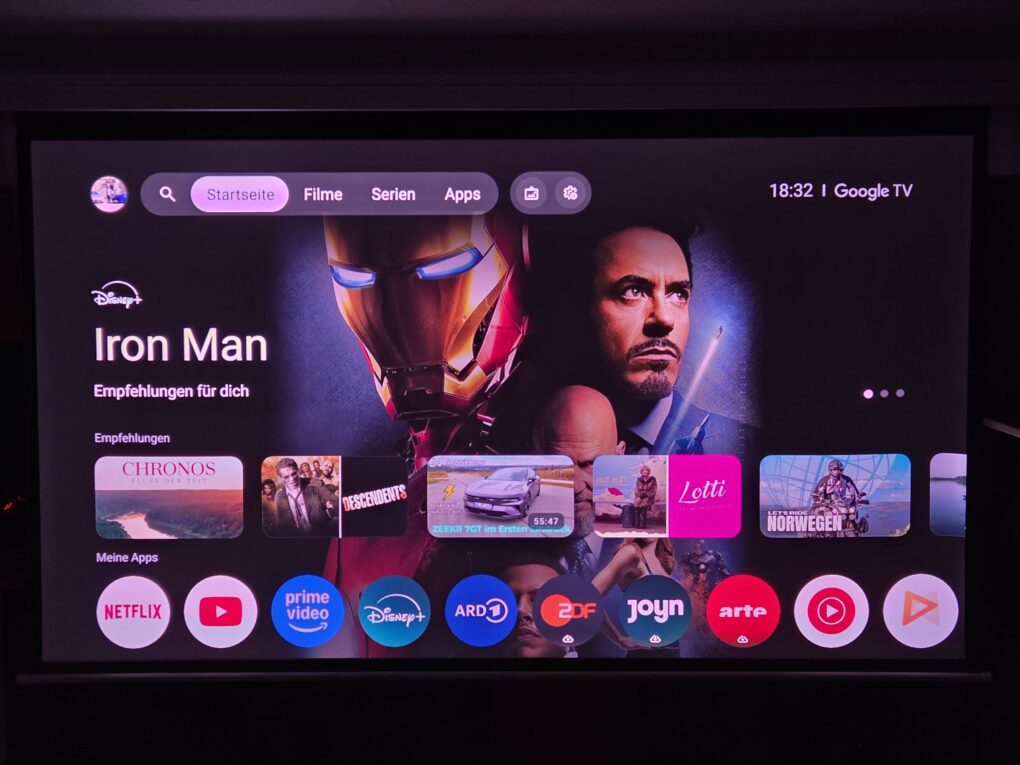
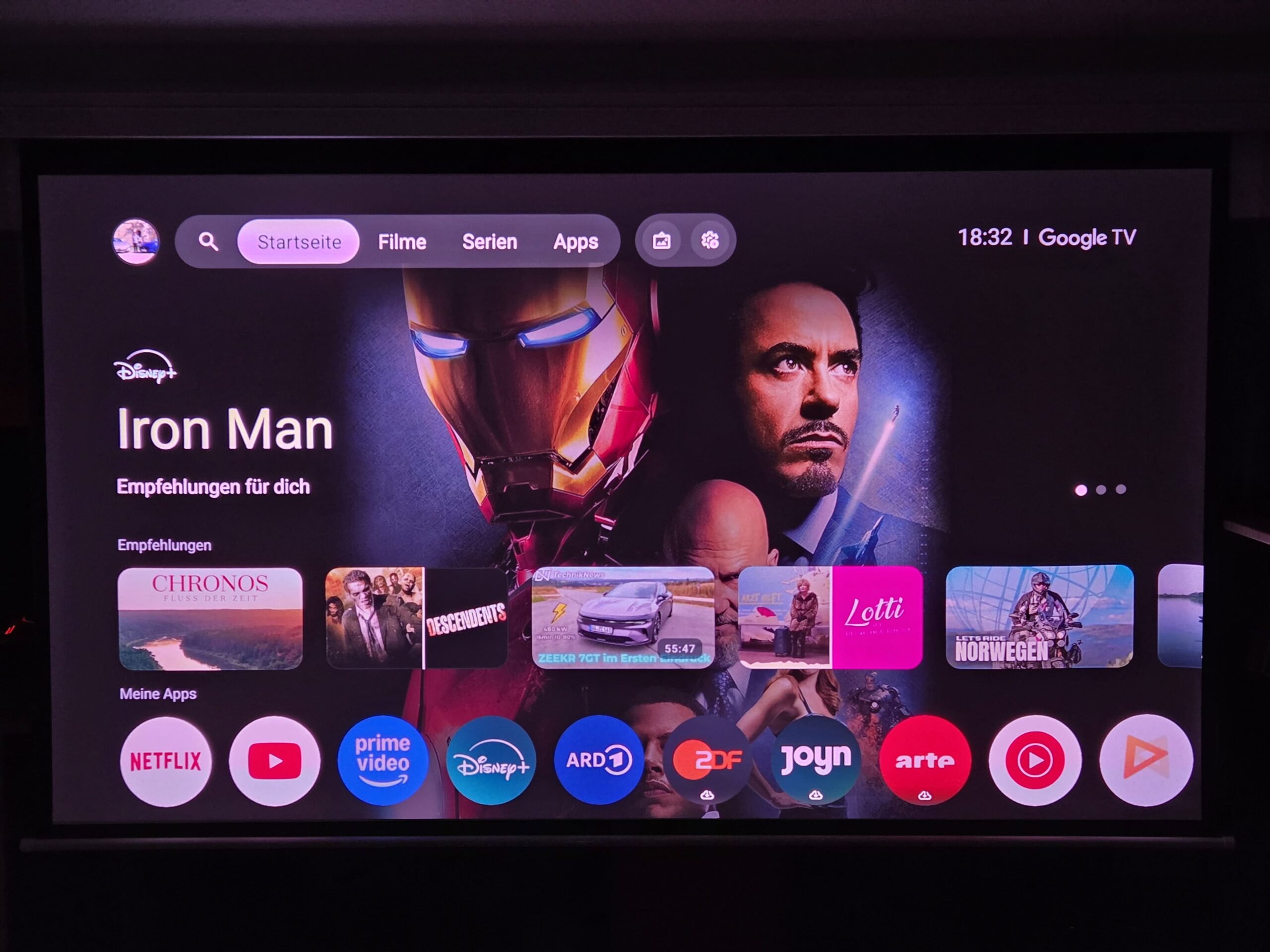
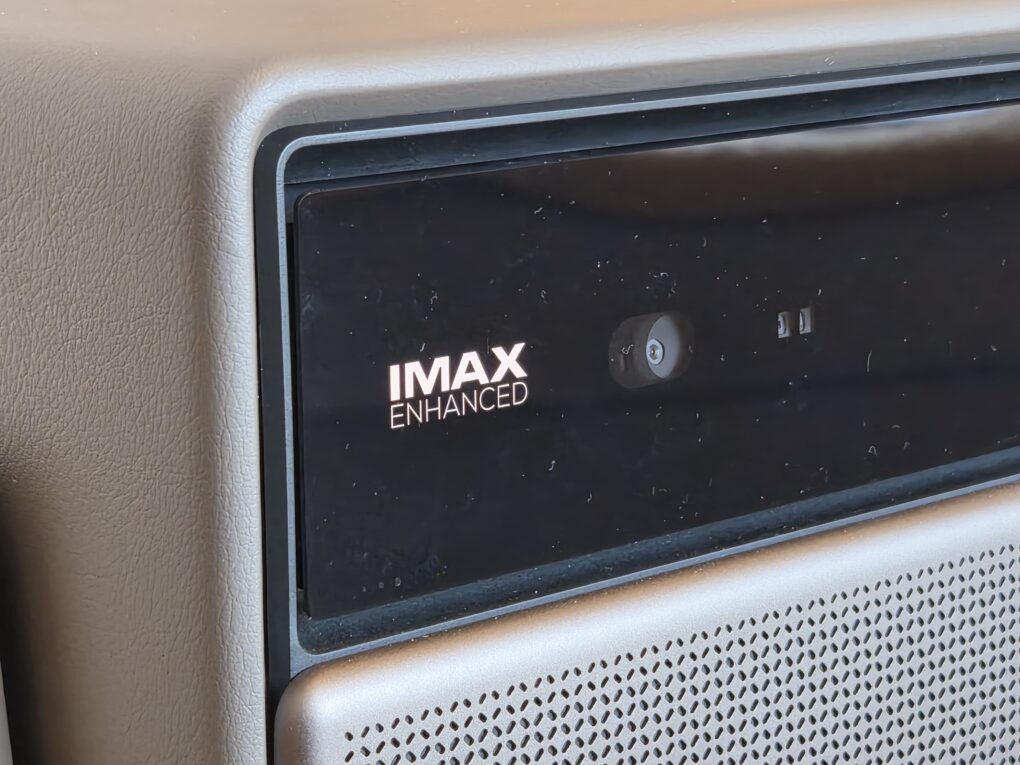
Dolby Vision and HDR10 + are on board. With well-mastered content from streaming services or 4K Blu-ray, highlights like car headlights or explosions look very impressive, and dark scenes retain a lot of detail. Thanks to the laser system, the colors are vibrant without appearing unnatural.
Color space coverage: 110% BT.2020 (Manufacturer's specification from the XGIMI laboratory)
Color accuracy ex works: ΔE < 0,8 as a typical series value according to the manufacturer (SGS-certified, applies in high color accuracy mode).
-
- Picture: TechnikNews
-
- Picture: TechnikNews
-
- Picture: TechnikNews
Motion representation
The Horizon 20 Max offers frame interpolation (MEMC), but according to rehders.de it is not available in 3D mode.
Laser features
Laser light sources can exhibit speckle (graininess) or, in some systems, the rainbow effect. XGIMI relies on hardware speckle reduction and cites A+ certifications for low speckle and color fringing rates. Personally, I'm completely unaffected by this and never see a rainbow effect.
Gaming
The projector is also suitable for gaming. Latency is low when used with a console, the high brightness enhances the colors, and the laser system illuminates vibrant game worlds.
| modus | Input Lag (manufacturer's specification) |
|---|---|
| 4K / 60 Hz | 3 ms |
| 1080p / 120 Hz | 2,2 ms |
| 1080p / 240 Hz | 1 ms |
ALLM / VRR: Yes (manufacturer's information) Measurement Method: Manufacturer specifications in game mode (laboratory measurement)
I tested it with the standard PS5, which offers VRR, and even with fast-paced shooters, no significant lag was noticeable. Incidentally, the successor, the XGIMI Horizon 30 Max, has just been announced; it can even handle 4K at 120Hz with low input lag!
Ton
The integrated Harman Kardon speakers are decent to good for a projector, with noticeable bass, clear mids, and good dialogue intelligibility. They feature two 12-watt speakers, along with Dolby Audio and DTS Virtual:X. This is perfectly adequate for TV, game consoles, or YouTube. For cinematic sound, you'll need a receiver: Audio is passed through to the AV receiver via Audio Return Channel (ARC), including Dolby Atmos, when using Google TV with the projector.
Noise level and fan
With lasersproFor those buying a monitor, fan noise is a key factor. XGIMI specifies a maximum of 28 dB at a distance of 1 meter. I never found it annoying. It's always running at a discreet level and is significantly quieter than my older Viewsonic X10 4K.
Google TV and streaming
The pre-installed Google TV runs smoothly and responds quickly to the remote. All important apps are available in the store and run in 4K HDR. Netflix, Amazon Prime, and Disney+ run natively in 4K, Dolby Atmos, Dolby Vision, and with HDR10+ if the source material supports it, allowing you to enjoy the full experience without additional hardware. The projector is powered by a MediaTek MT9679 processor with 4 GB of RAM and 128 GB of storage; screen mirroring via Google Cast and DLNA are also supported thanks to Google TV.
| Property | Value |
|---|---|
| Power consumption (operation) | Max. 280 W (manufacturer's specification), 194 W (measured with Tapo Smart Plug) |
| Power consumption (standby) | 0,0 W (measured with Tapo Smart Plug) |
| Weight | 5,4 kg |
| Dimensions (H × W × D) | 249 × 298 × 190 mm |
| Guarantee | 2 years |
Technical data at a glance
| Property | Value |
|---|---|
| Technology | RGB Triple Laser, DLP |
| Brightness | 5.700 ISO lumens (manufacturer's specification) |
| Resolution | 3840 × 2160 via pixel shifting |
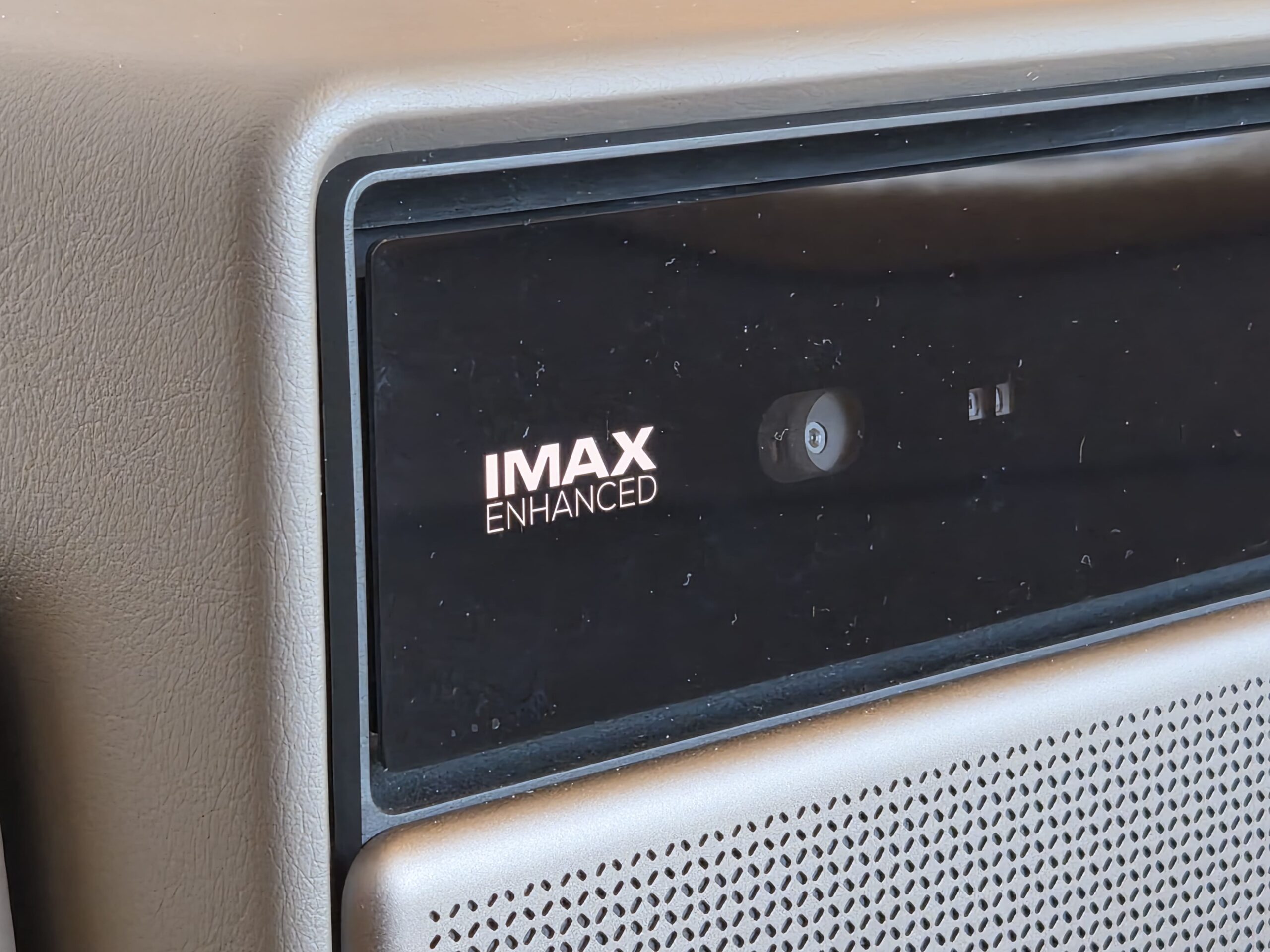
| HDR | Dolby Vision, HDR10+, HDR10, HLG, IMAX Enhanced |
| Image size | 40 to 300 inches (recommended: 60 to 150 inches) |
| image adjustment | Autofocus, keystone correction, screen detection (ISA 5.0) |
| lens shift | Motorized, optical, V ±120 % / H ±45 % (manufacturer's specification) |
| Audio | 2 × 12W Harman Kardon, Dolby Audio, DTS Virtual:X |
| Operating system | Google TV |
| Remote Control | Aluminum, backlit buttons, Bluetooth, HDMI CEC |
| noise | ≤ 28 dB at a distance of 1 m (manufacturer's specification) |
| Price | € 2.999 (RRP) |
Comparison with the rest of the Horizon 20 series.
| Model | Price | Brightness | Resolution | lens shift | Peculiarity |
|---|---|---|---|---|---|
| XGIMI Horizon 20 Max | €2.999 RRP incl. 19% VAT, sometimes available for under €2.500. (Amazon.de) | 5.700 ISO lumens | 4K (Pixel-Shifting) | V ±120 % / H ±45 % | Triple Laser, Dolby Vision, 2 × 12 W |
| XGIMI Horizon 20 Pro | Approximately €1.850 to €2.100 including 19% VAT (Amazon.de) | 4.100 ISO lumens | 4K (Pixel-Shifting) | V ±120 % / H ±45 % | Same lens shift specifications, less brightness |
| XGIMI Horizon 20 | €1399 incl. 19% VAT (Amazon.de) | 3.200 ISO lumens | 4K (Pixel-Shifting) | V ±120 % / H ±45 % | Less bright than the Pro model, for rooms that can be completely darkened. |
Projector or television? For those who don't have room for a 100- to 120-inch TV, a projector offers significantly better image quality for the money. Those who only watch occasionally or don't have sufficient viewing distance are better off with a TV or an ultra-short-throw projector. A roll-up screen can be a good alternative if the room is only darkened intermittently.
Who would benefit from Horizon 20 Max?
Yes, if you If you have a room with enough distance to the wall, value brightness and HDR, want to set it up flexibly, and are looking for a high-quality overall package.
Probably not, if you if you have little space, want to install the projector compactly or invisibly on the ceiling, or have a very tight budget.
Conclusion: Is the XGIMI Horizon 20 Max worth it?
My conclusion: Yes, if the room is suitable. The Horizon 20 Max delivers a very bright, sharp picture, HDR with Dolby Vision and HDR10+, and convenient setup thanks to the optical lens shift. The colors and picture quality are simply stunning, and Google TV and the backlit aluminum remote control round out the package. Criticisms: the large external power supply, which is a nuisance when ceiling-mounted, and the space requirement as a long-throw projector. With a recommended retail price of €2.999 (sometimes available for under €2.500), it's not an entry-level device. Nevertheless, it offers unprecedented results in this price range, as demonstrated in our extensive film and series tests. Of course, large-screen TVs have become increasingly affordable. However, if you don't have room for a 100-inch screen but can potentially store a projection screen, then a home theater projector is probably the better option.
Transparency note: The test device was provided to us by XGIMI as a loan/test sample. This does not affect the review.