
Clip Cloud review: Cross-platform clipboard for Android, Windows and macOS
A TEST REPORT from David Haydl  on February 18, 2019, 10:00 | Write a comment
It can often happen that you want to transfer text from your Android smartphone to your computer. The most obvious solution to the problem is to type out the desired part. With the Clip Cloud app, this is not necessary.
initial setup
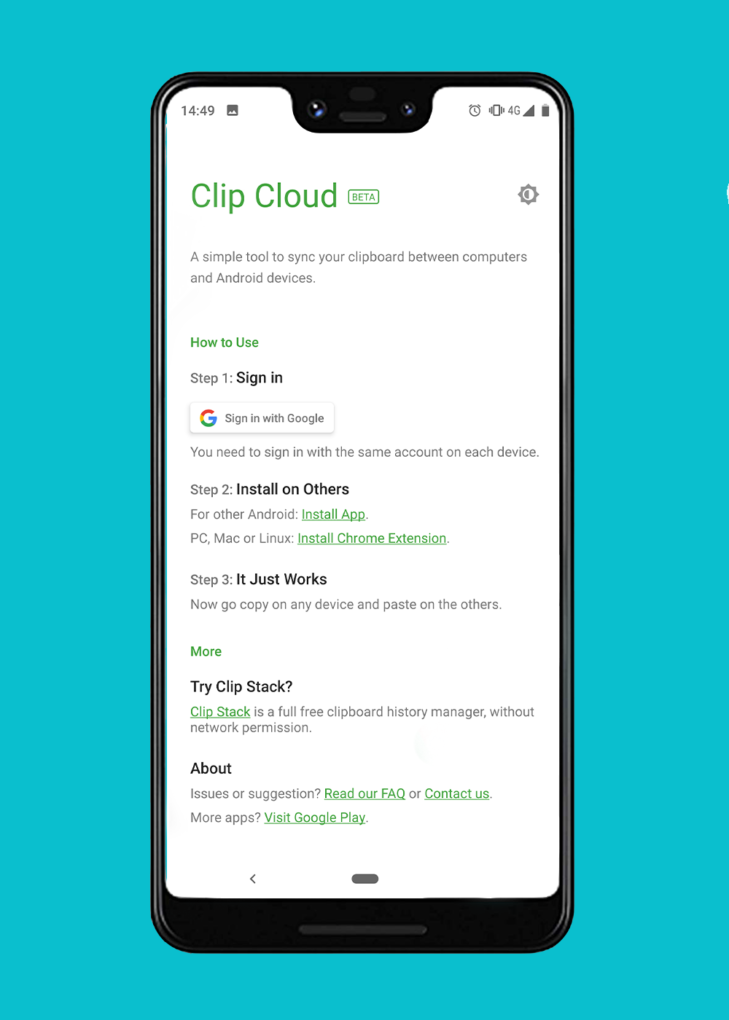
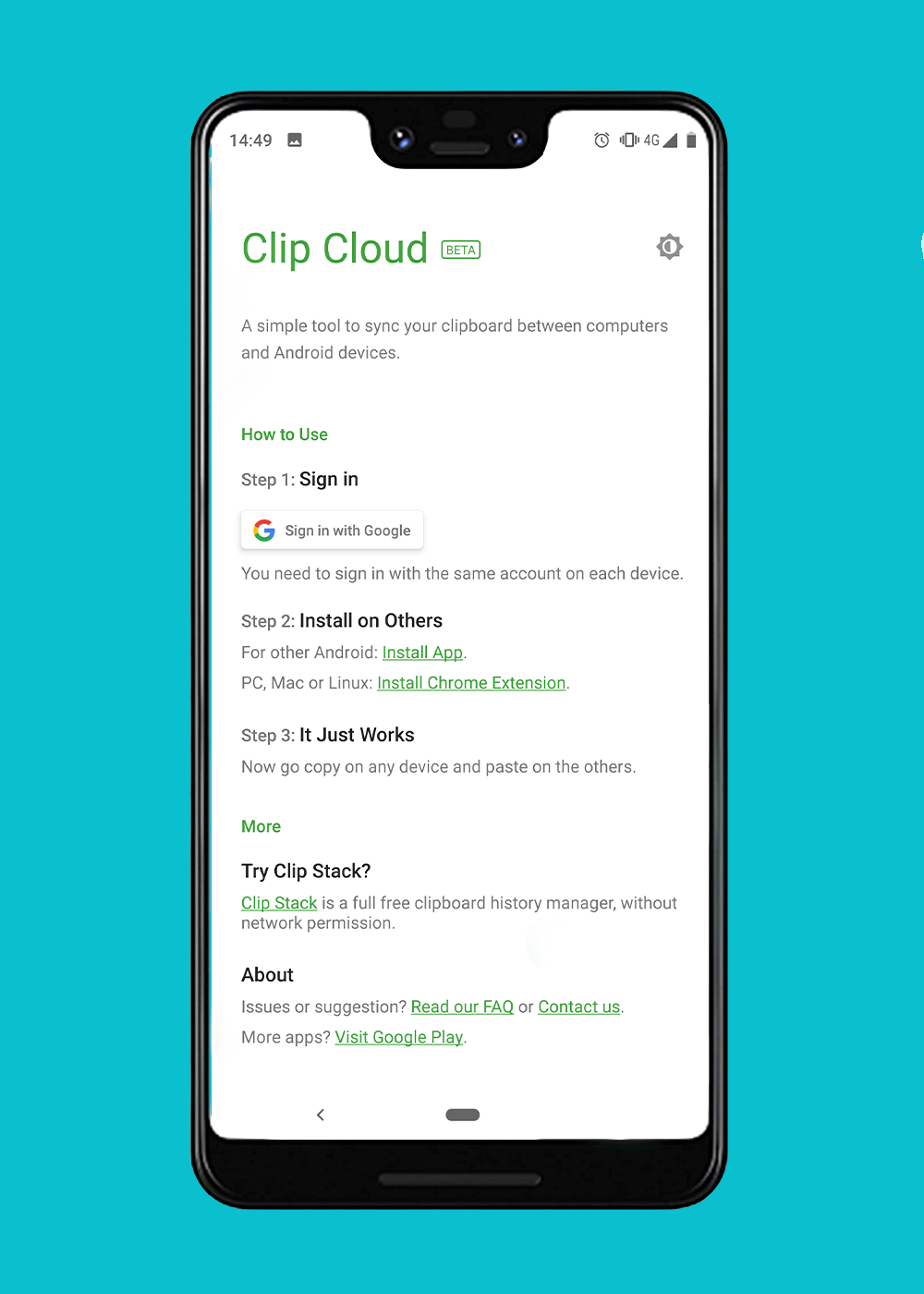
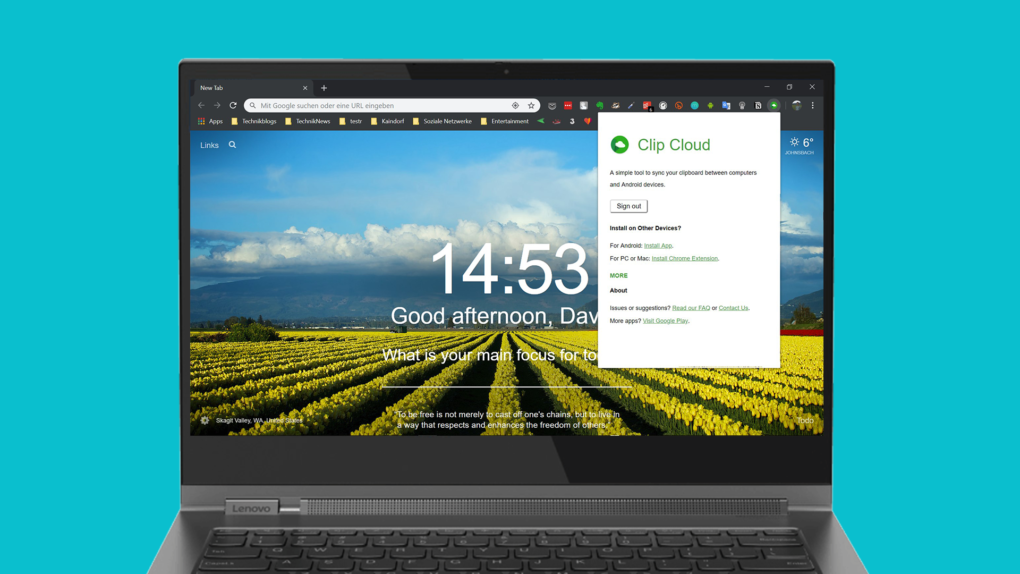
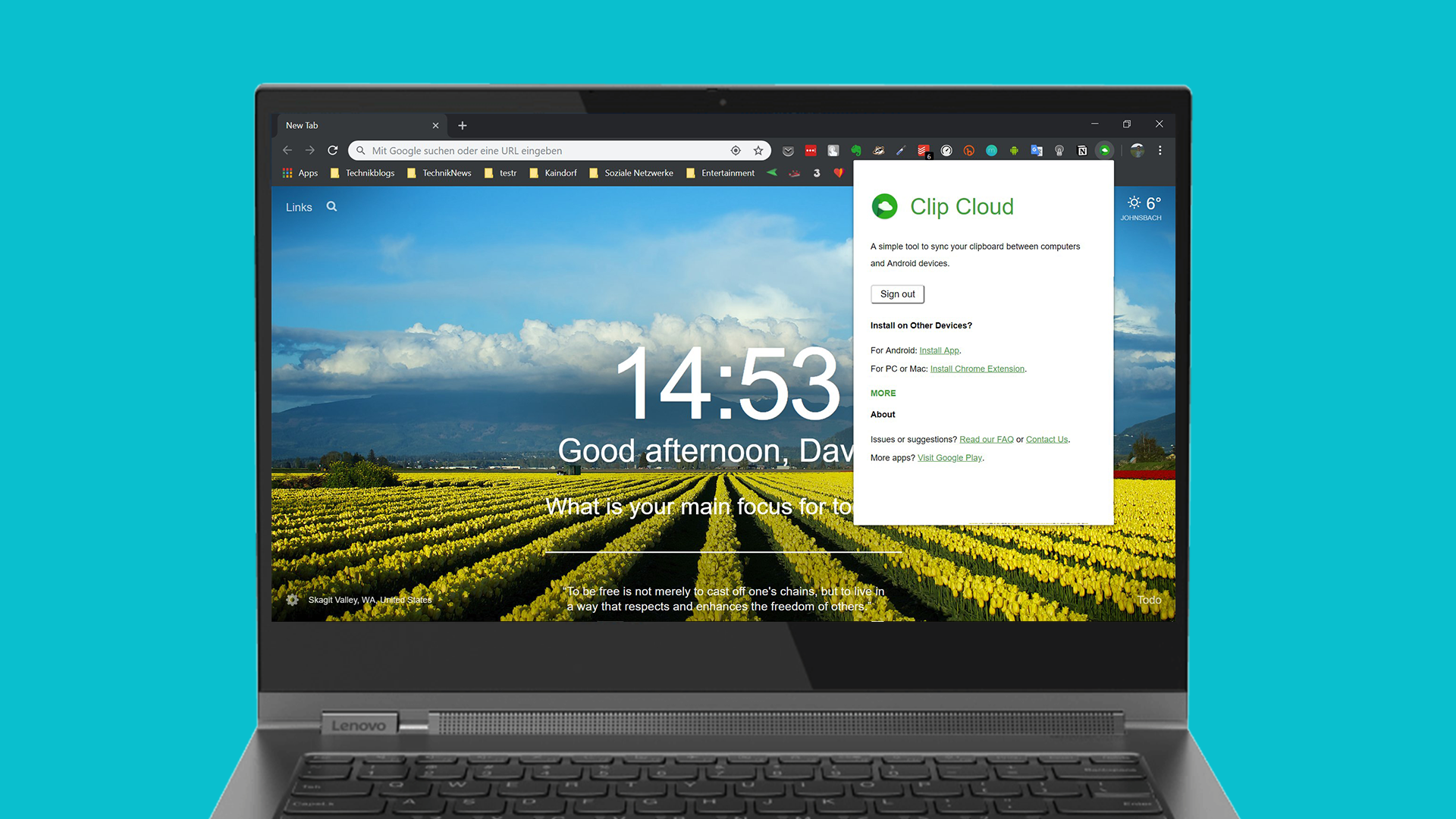
In order to be able to use Clip Cloud, you need the Android app and the extension for the Chrome browser on the Windows computer or on the Mac. I have linked this under the paragraph. If you have obtained both components, all you have to do is sign in with your Google account. That's it. Then you can start using the tool.


-
- Picture: TechnikNews
-
- Picture: TechnikNews
Functionality
But how does the app work now? Very easily. If you copy something on the Android smartphone, the text is also placed on the clipboard on the Windows PC or Mac so that you can paste it into any desired location. The whole thing also works in the opposite direction. Copying files unfortunately does not work - but I suspected in advance.
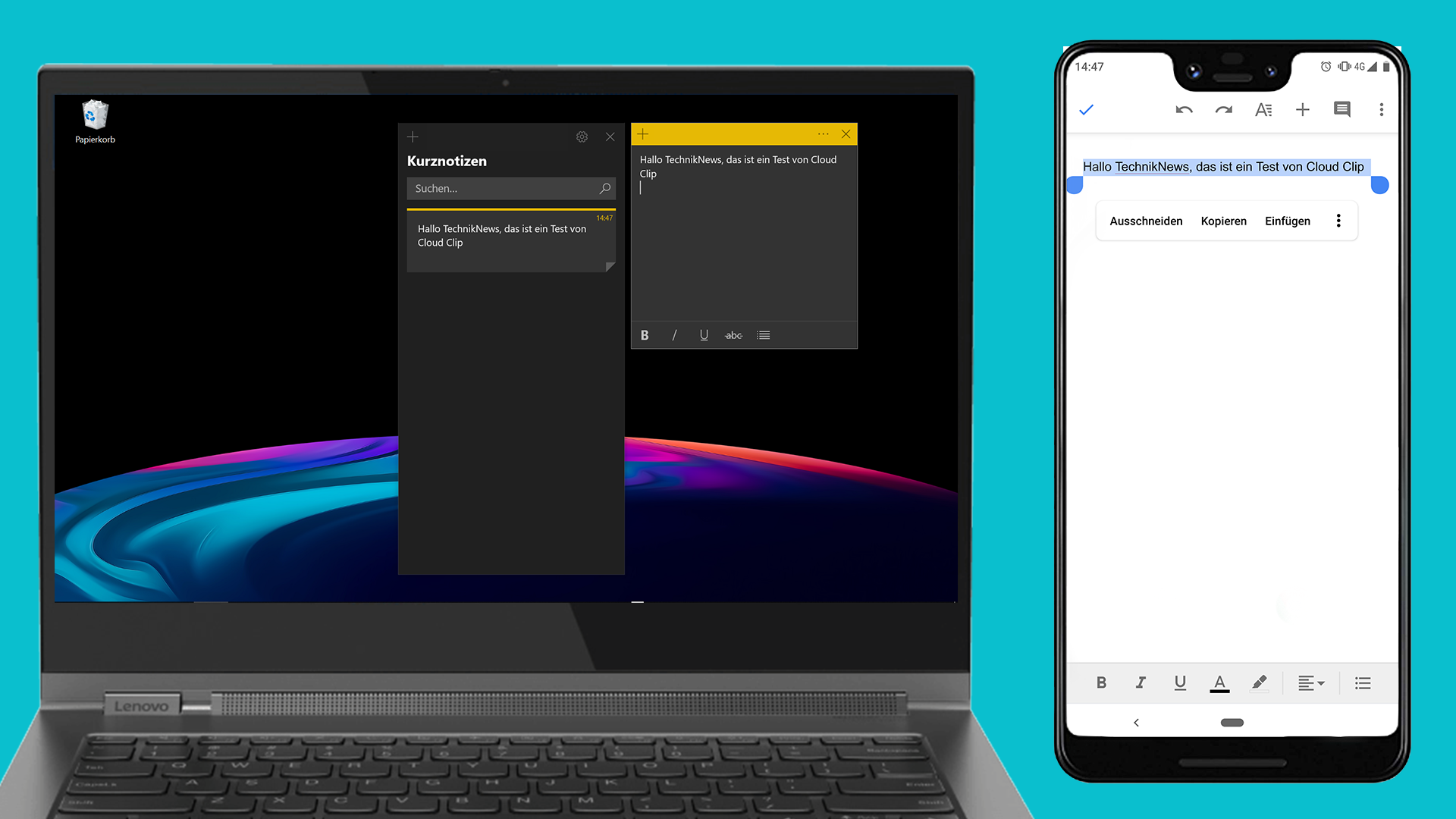
Here you can see Clip Cloud in action (Image: TechnikNews)
There are three disadvantages
If you have an iOS device, you cannot use Clip Cloud profit. This is where Apple's restrictions stand in the way. When using it on a PC or Mac, it is important that the Chrome browser is open if you want to duplicate or paste something, as communication with the other device takes place via the extension. This is not necessary on a smartphone, as Clip Cloud simply runs in the background. The third thing I noticed is that you can only use the app with a Google account. But 90 percent of all Android users probably have one anyway.
Price
Clip Cloud isn't entirely free. The 30-day test phase starts after the initial setup. Thereafter, 99 cents are due every three months, 2,50 euros for half a year or 6,50 euros for a lifetime.