
Apple Music Replay: This is how you get the playlist with your favorite songs
A ADVICE from David Haydl  on December 03, 2020, 9:13 am | Write a comment
Picture: TechnikNews/Screenshot
Besides Spotify Wrapped there is also the Apple Music Replay playlist with your favorite songs. How you get there, I explain here.
The Apple Music Replay playlist is not as comprehensive as Spotify Wrapped, but it still provides enough information about your favorite songs. Unfortunately, getting to the list is a bit complicated. Just try the steps below.
Apple Music Replay: How to find the list
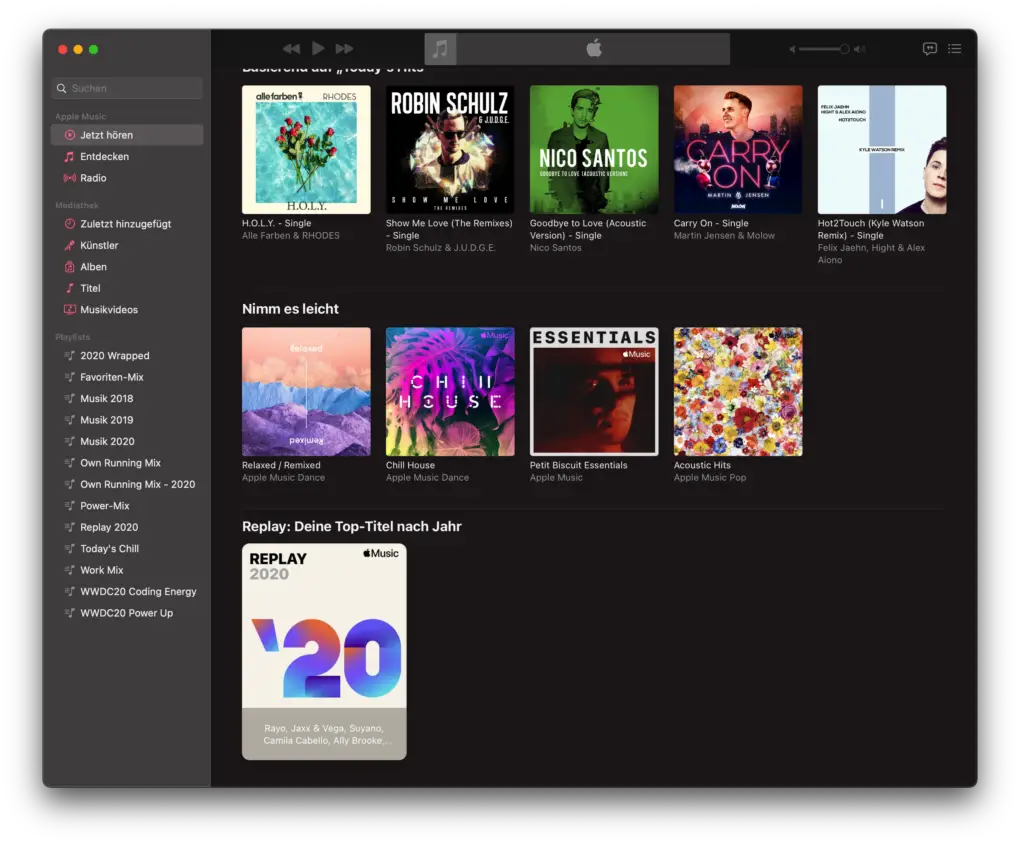
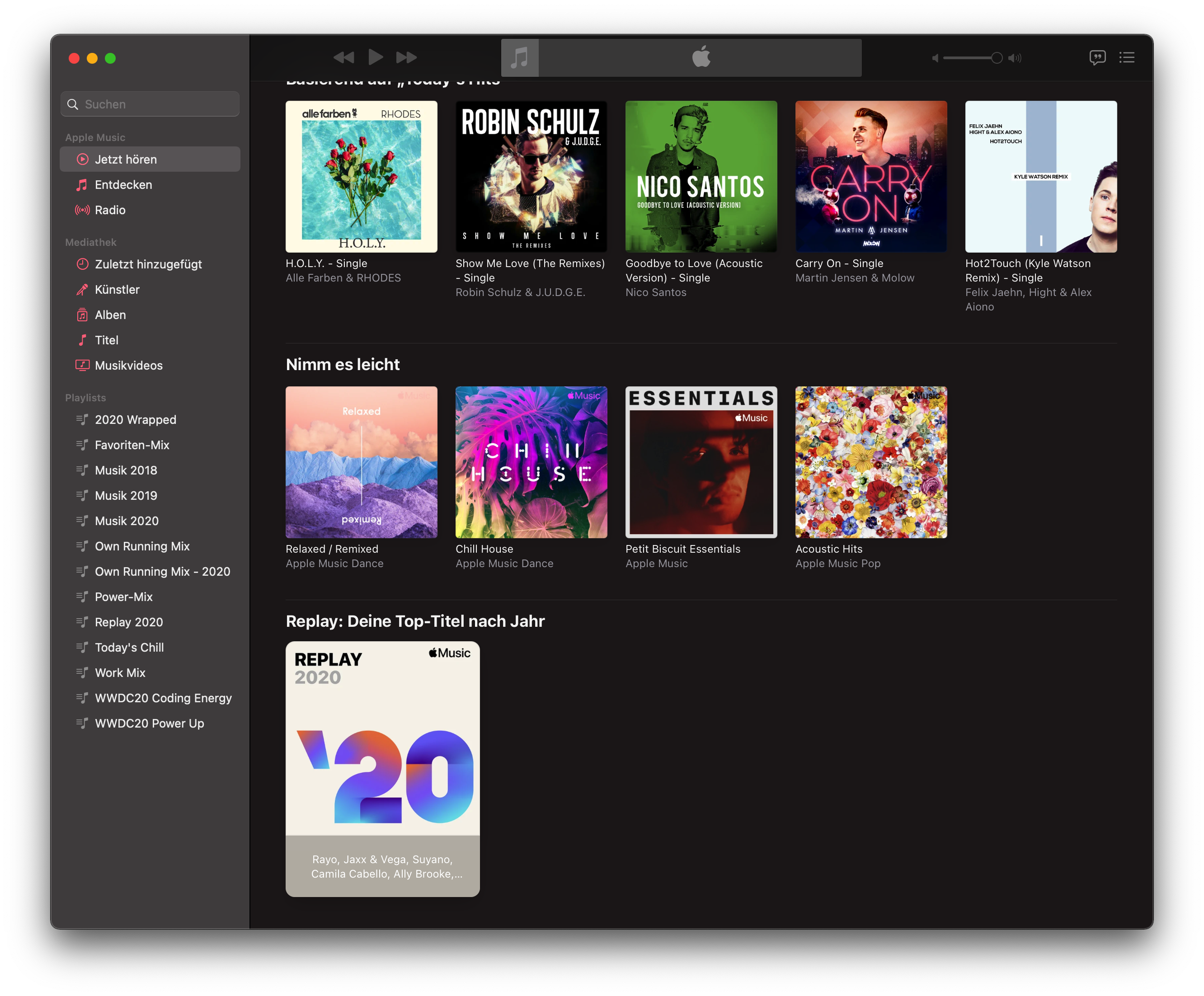
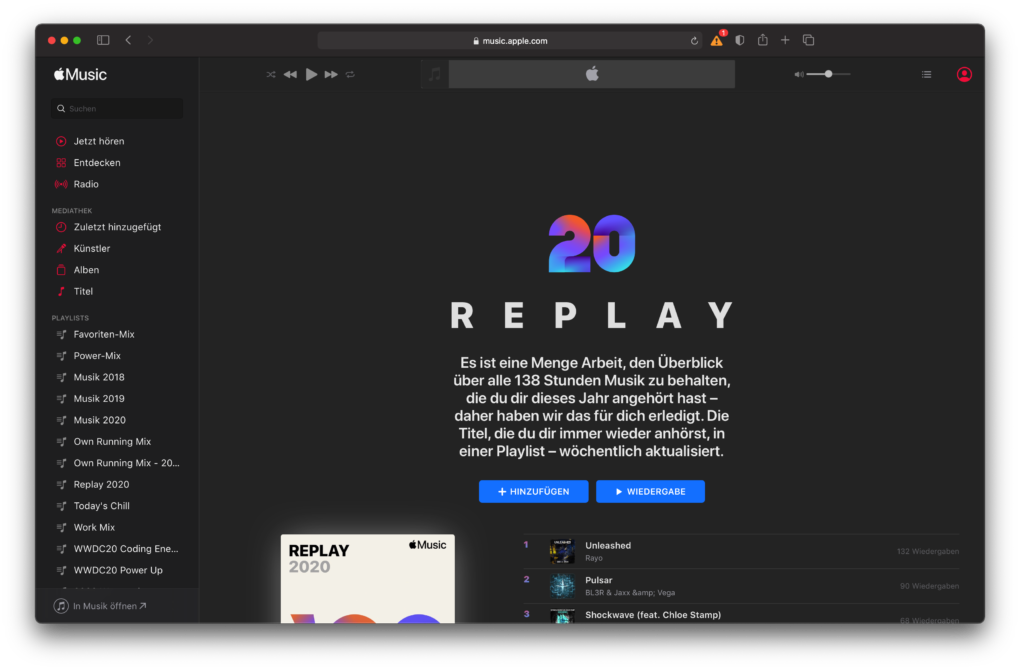
- Open the Music app on an iPhone, iPad, or Mac and click the “Listen Now” menu. Scroll all the way down. If you find a section for replay there, everything fits - open the only playlist that is there. Alternative: If the mentioned area does not appear, open this website and log in with your Apple login.
- There you can now add the playlist to your media library. Beware, Apple is continually changing the list based on the music you've been listening to in the meantime. If you want to keep the current status, you have to add all songs to your own playlist on the iPhone and iPad via the menu.
-
- Picture: TechnikNews/Screenshot
-
- Picture: TechnikNews/Screenshot
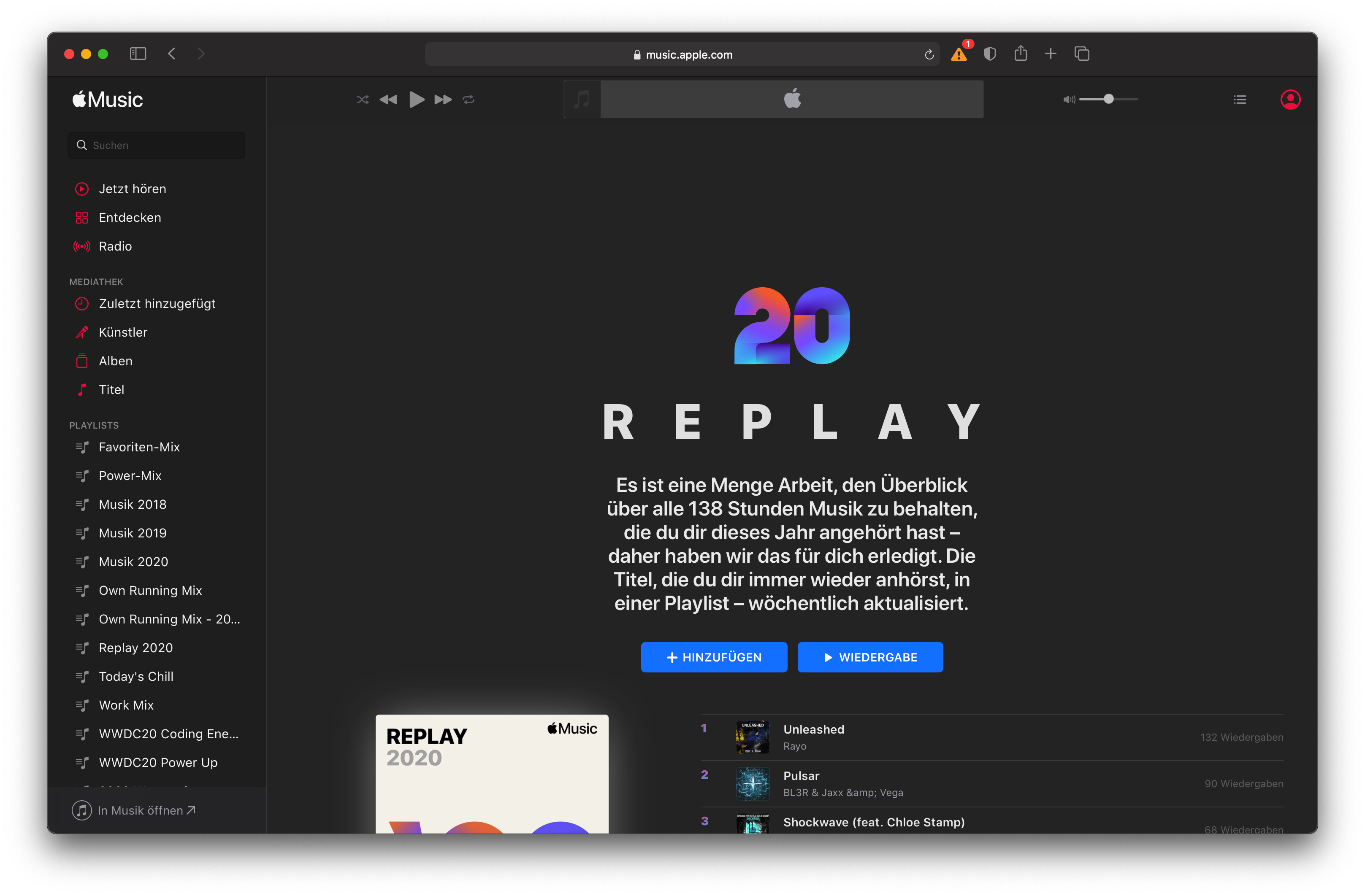
It is also recommended that you stop by the website linked above if you want accurate statistics on your listening behavior. There you can find, for example, a total of the hours in which you listened to something on Apple Music.