
Facebook: The phone number specified for 2FA is publicly visible by default
of David Haydl  on March 05, 2019, 19:01 pm | Write a comment

For the 2FA from Facebook you have to enter your telephone number. It has now been announced that this will then be publicly visible by default.
What 2FA, or two-factor authentication, is, I have in this article here explained in detail and sufficiently. In order to use this on Facebook, you have to provide a phone number for security reasons, according to the platform itself. Facebook already took advantage of this last year to place suitable advertisements for individual users. Now it turns out that the number provided is originally publicly visible on your own profile.
How can I prevent this?
Fortunately, if you don't want the latter, you can largely deactivate it in the privacy settings. To do this, go to the top right arrow in the web app and select the “Settings” item. In the menu you can see a left sidebar with the option “Privacy”. Almost at the bottom there is an entry that says, "Who can search for you using the phone number you provided?" The "best" thing that can be selected here instead of "everyone" is "friends". And even then, the phone number is visible to a small number of users. Sorry Facebook!
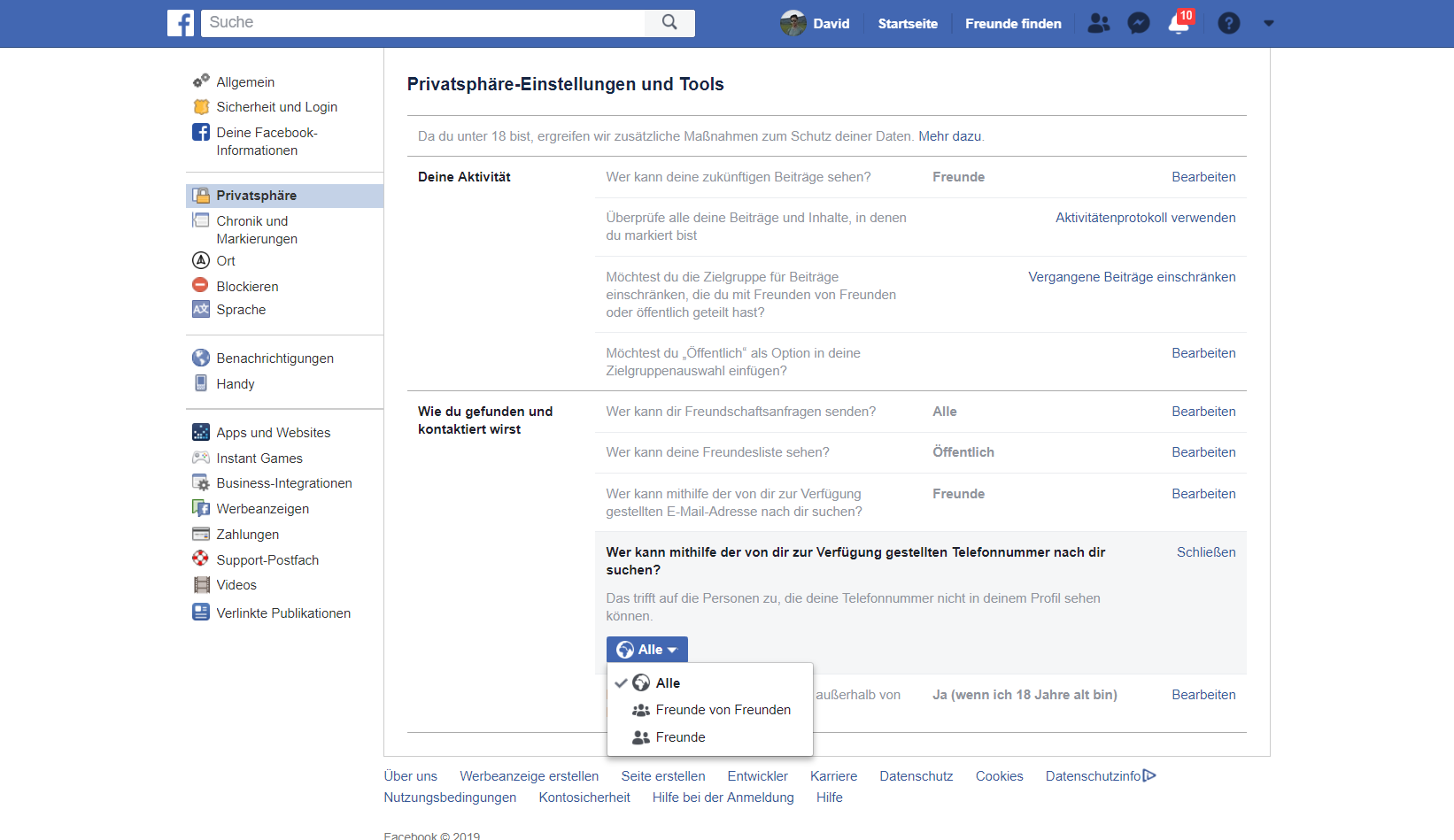
Picture: TechnikNews
Source: 9to5Mac