
Windows 10: some problems now known after Anniversary Update
of David Wurm  on August 15, 2016, 17:29 pm | 2 comments
This is what the author says:
You have to admit - the whole thing is really annoying and something like that really shouldn't happen. What do you think about it?
The Anniversary Update has been slowly being rolled out to all Windows 10 users for two weeks. Some users are now complaining about problems such as crashes and frozen screens. Microsoft is currently investigating the problem, but there is no solution for the error yet.
How to get in the official Microsoft forum As I can now read, some users are complaining about problems with the Anniversary Update. With this update, Microsoft is bringing some bug fixes, security updates and new features for Windows 10. This problem is currently affecting users who have the operating system running on an SSD but have their files and apps on another hard drive.
Problem is currently being investigated by Microsoft
The problems that occurred with the Anniversary Update are currently being investigated by Microsoft. There is no solution yet, but there are some tips. Microsoft recommends copying all files and apps to the main hard drive before the update. Other users advise against the update altogether - some users are not even able to update. So if you don't want to go through the hassle of copying your files, you should wait a little longer, as the update will certainly still be available then. It's best to follow the forum thread to stay up to date.
Users who have already installed the update and are experiencing the problem have 10 days to remove it. For anyone who can still access the Control Panel, it's very easy. Go to Settings, then click on "Update and Security", then on "Recovery", then under "Go back to a previous build" click on "Let's go".
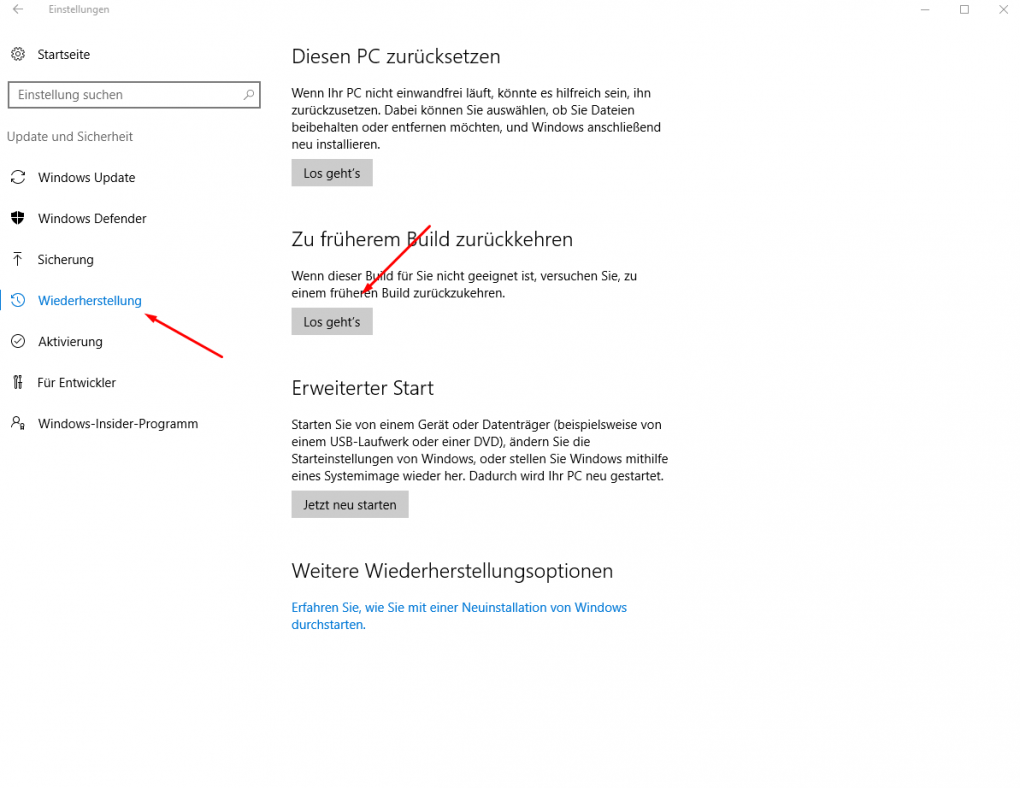
Picture: TechnikNews / Screenshot
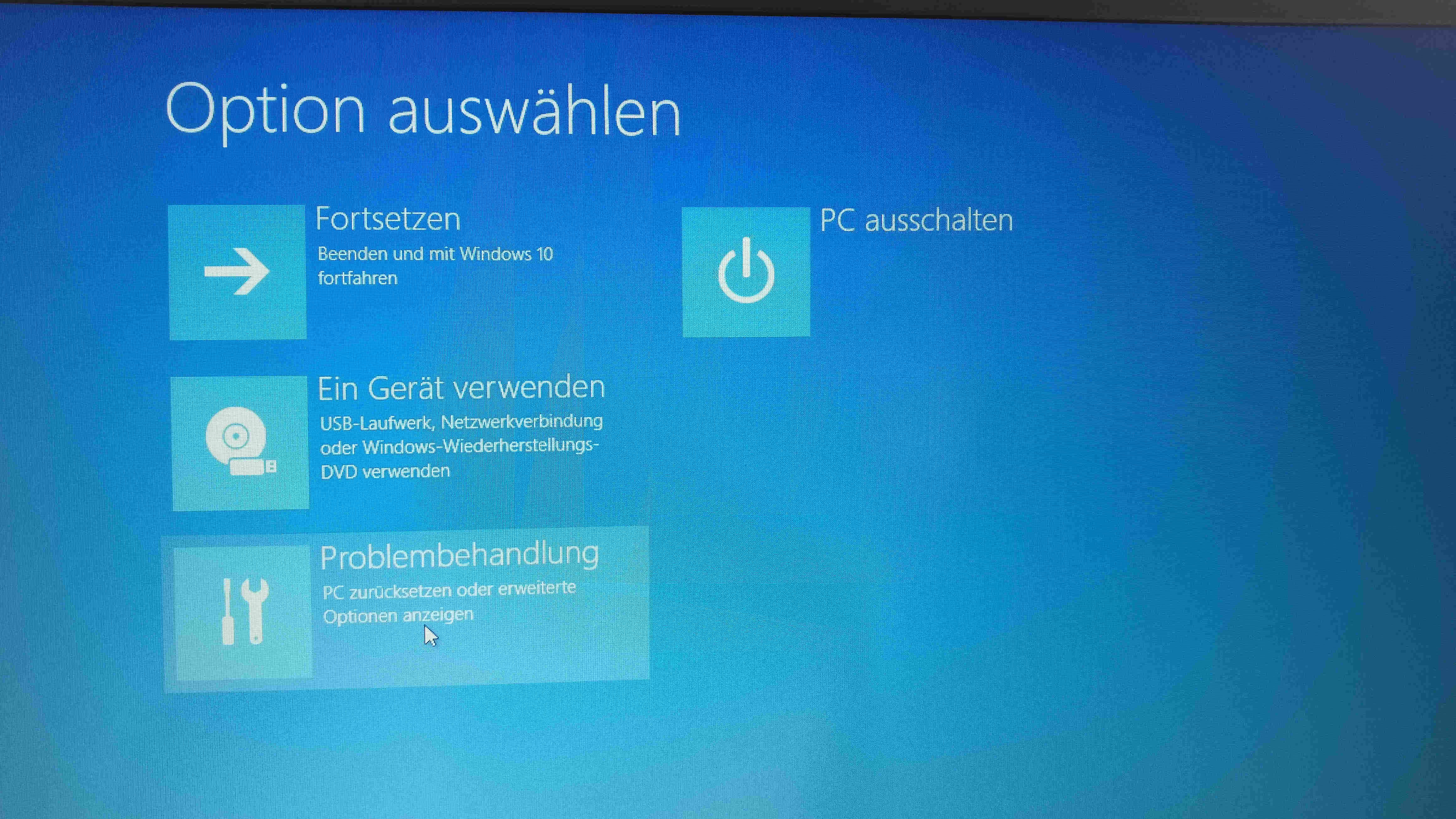
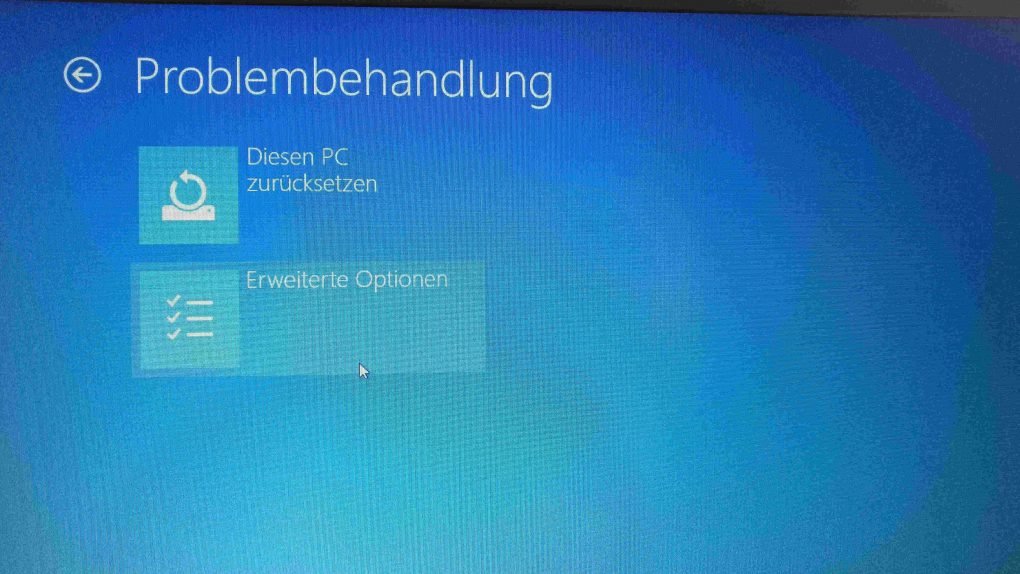
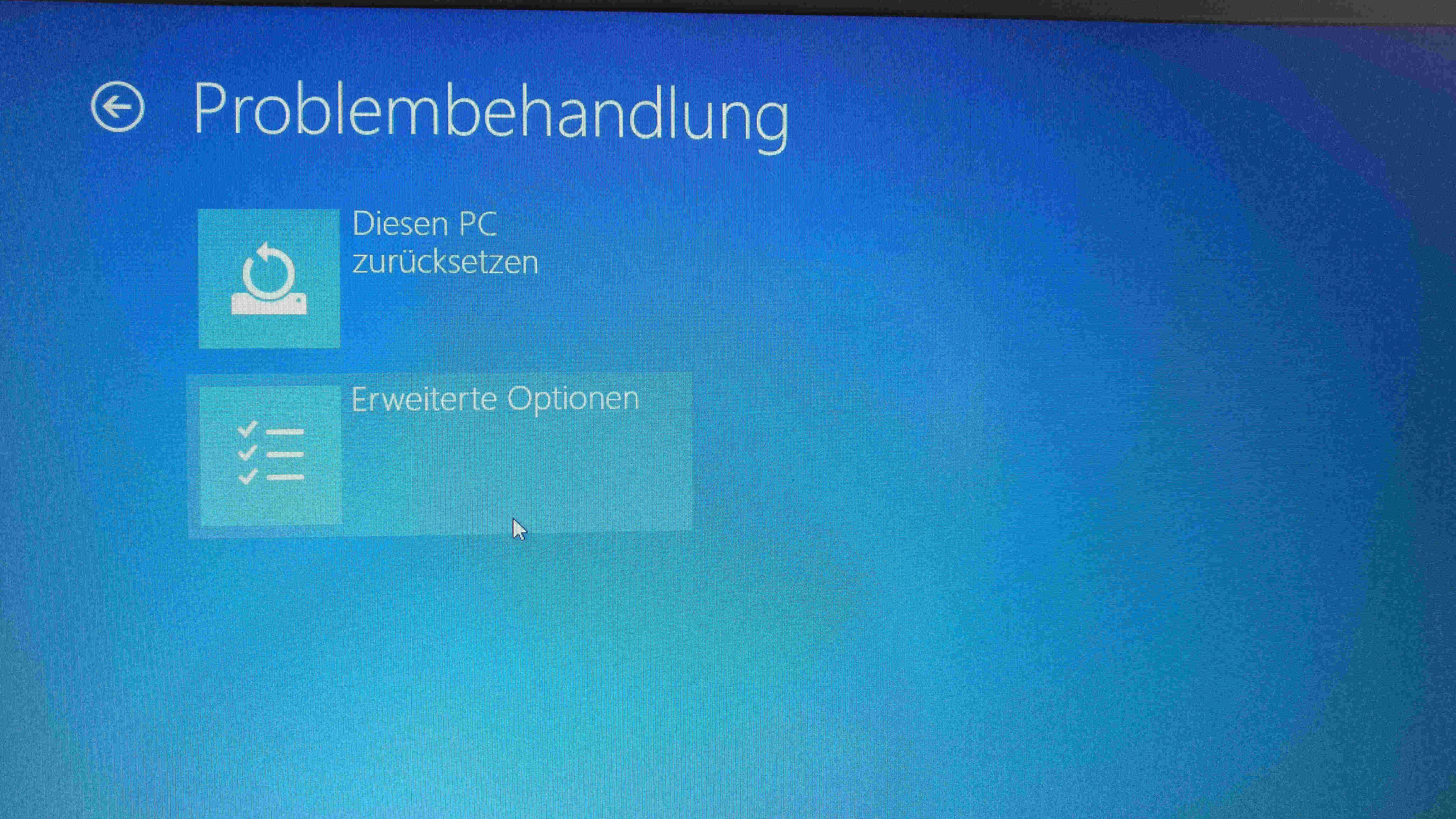
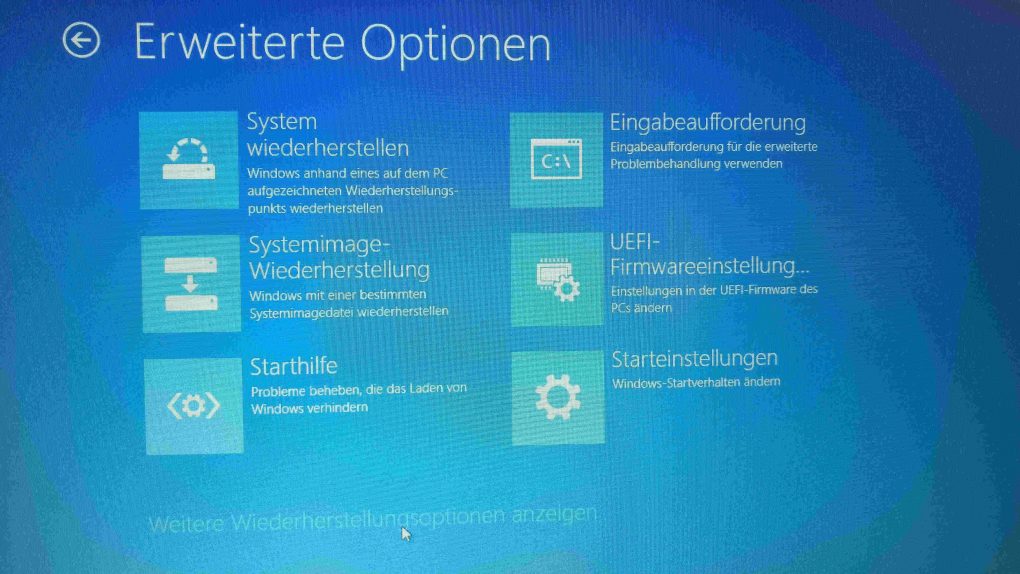
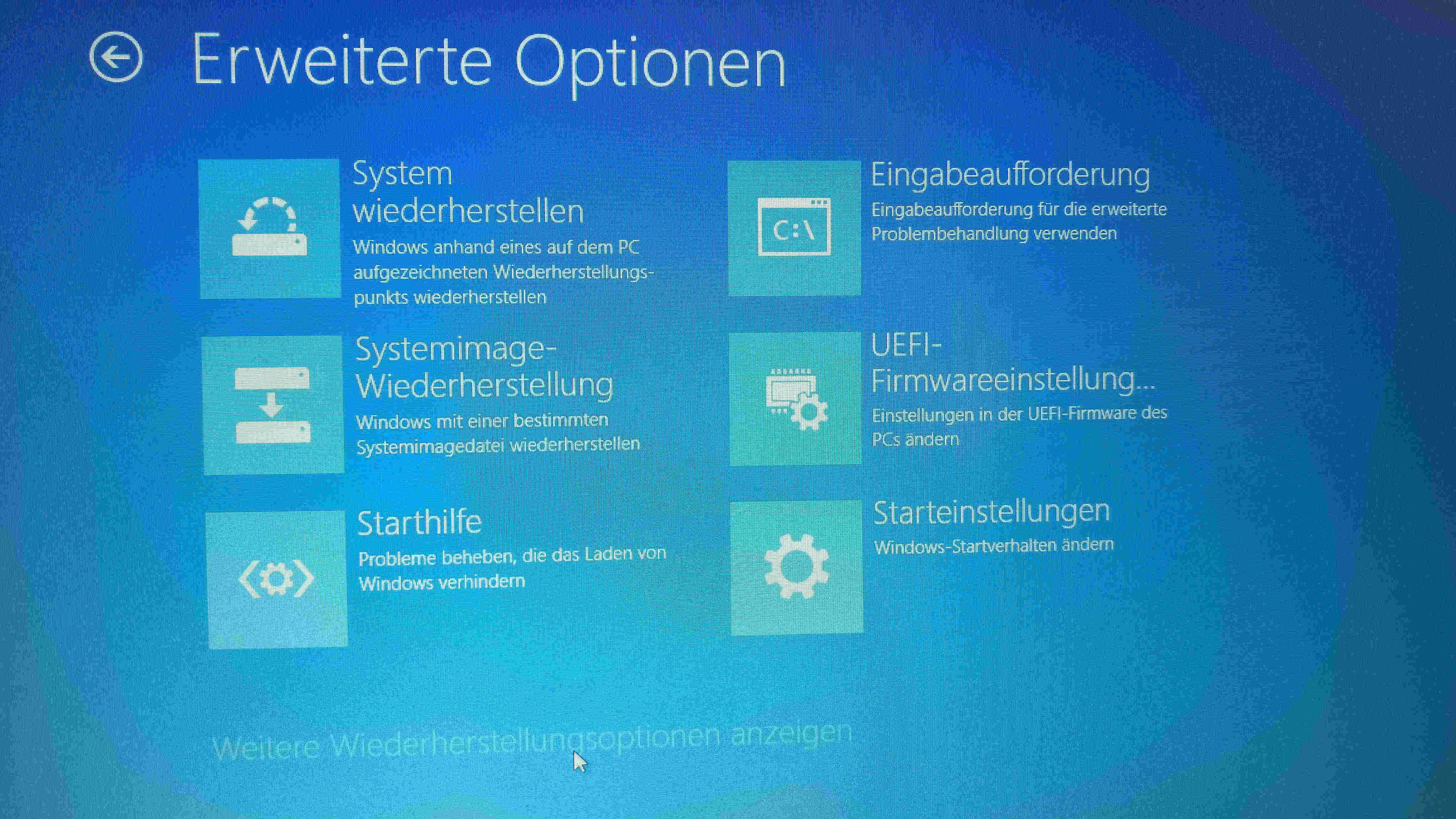
However, if you can no longer access the settings and the computer is no longer responding, you can try another method. To do this, you have to switch to the recovery console by holding down the Shift key on the lock screen while clicking on "Restart". You will then be taken to an options menu where you must now follow the following steps: "Troubleshoot", here on "Advanced options" then on "Show more recovery options". There you click on "go back to previous build" - this step then happens automatically.
-
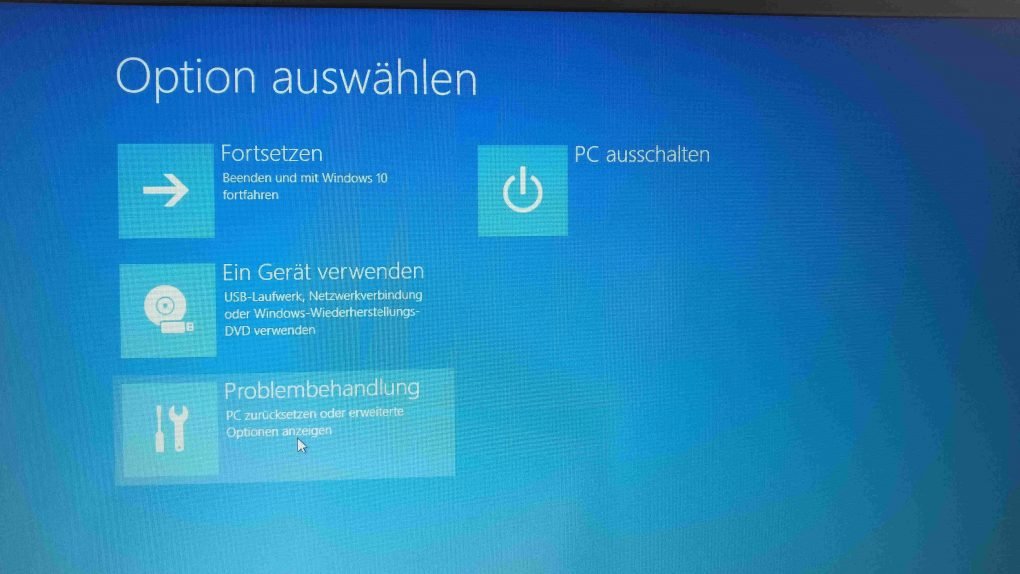
- Picture: TechnikNews. NET
-
- Picture: TechnikNews. NET
-
- Picture: TechnikNews. NET
-
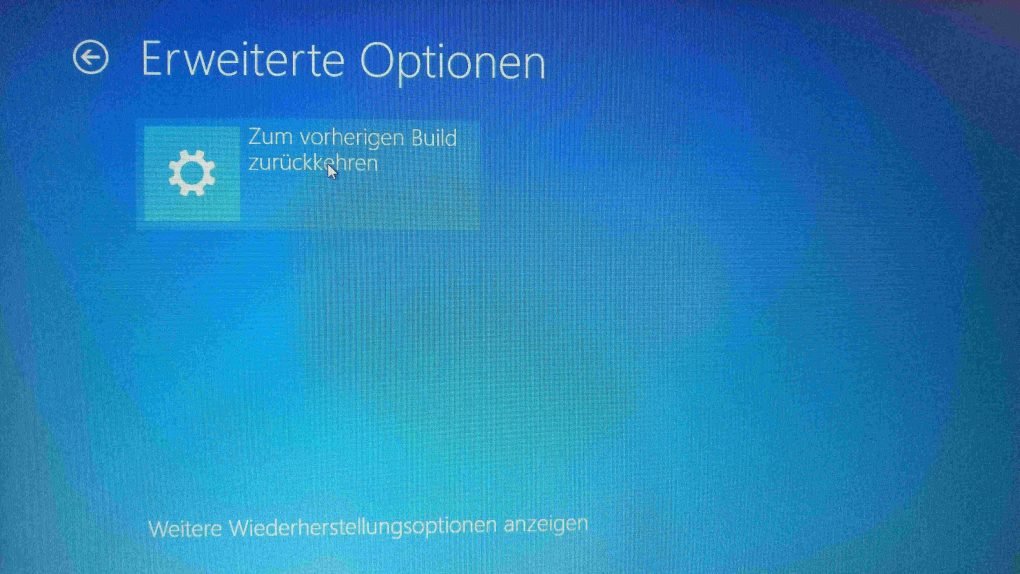
- Picture: TechnikNews. NET
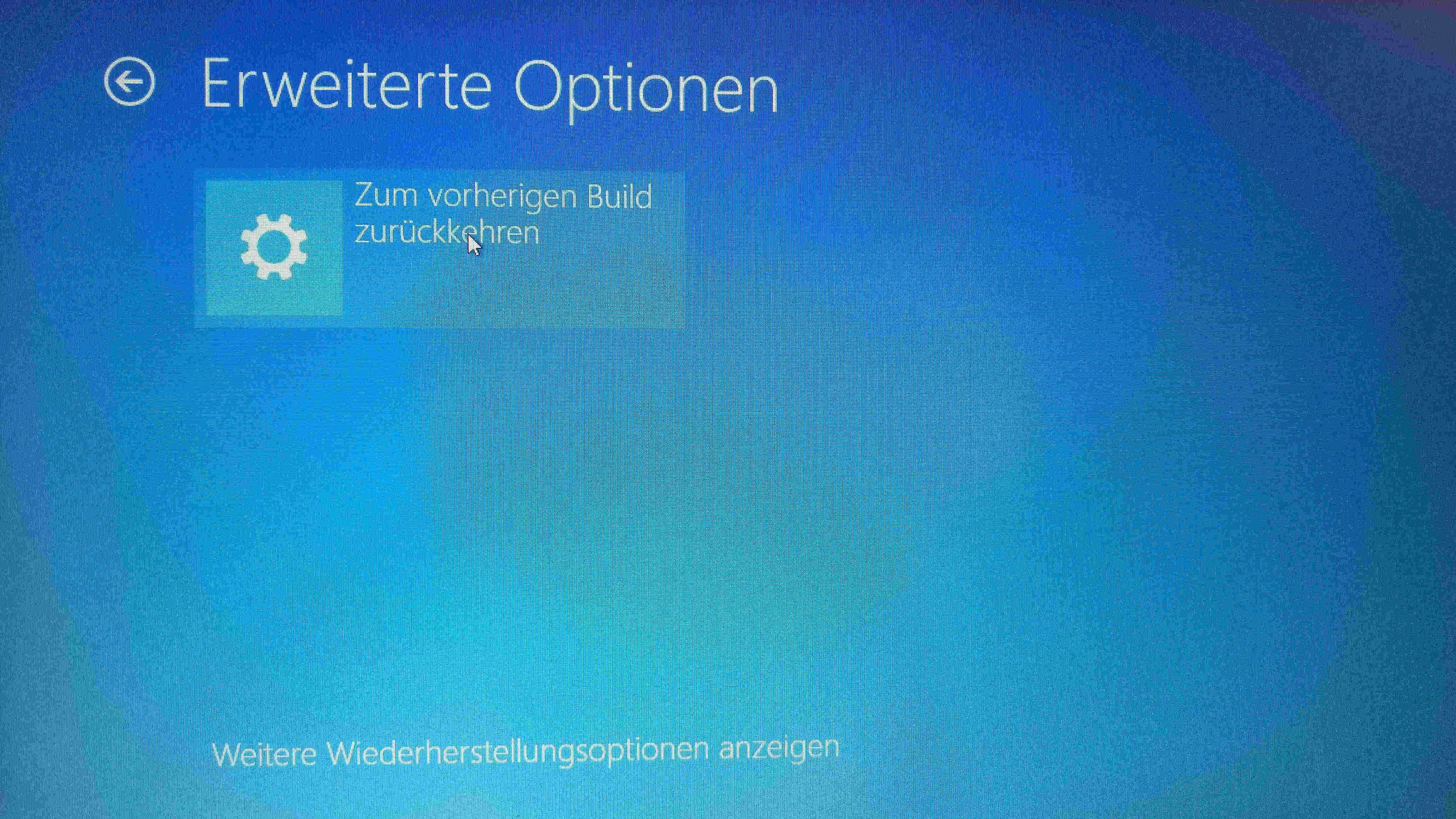
The previous methods should usually resolve the issue. Please let us know in the comments if you are affected by the problem. If so, did our solution work?
Uiuiui, embarrassed, Microsoft! Had enough time to test that ...
Hello Rene, I agree with you. I haven't had any problems with the Anniversary Update yet. However, I have noticed that it often takes a little longer to start.