
HUAWEI MatePad 11.5S PaperMatte Display 2026 review
A TEST REPORT from Fabian Menzel  on January 15, 2026, 10:00 pm | Write a comment
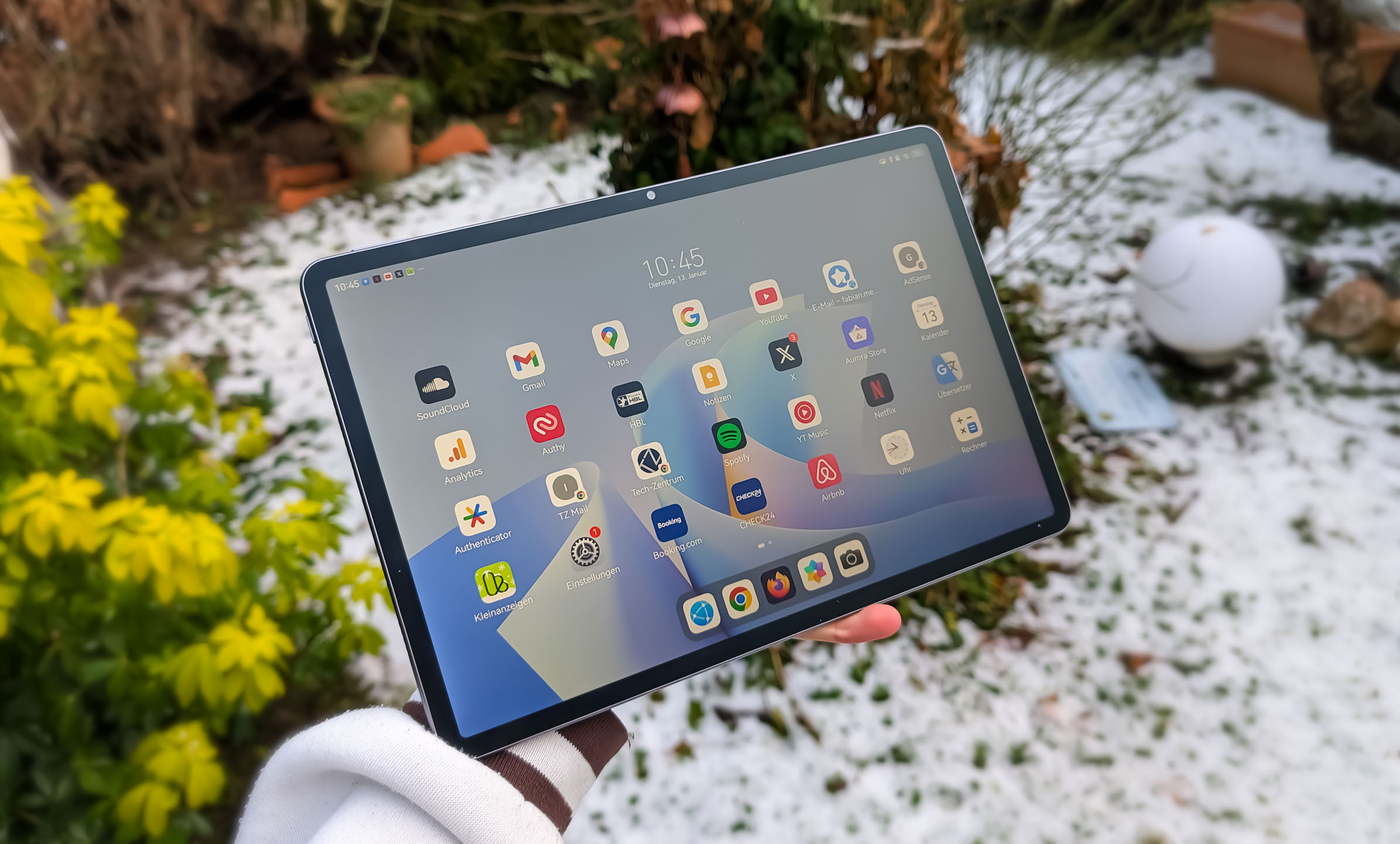
HUAWEI has officially unveiled the new HUAWEI MatePad 11.5S PaperMatte Display for Germany and Austria, slated for release in 2026. As with the 2025 model, the manufacturer is using a matte IPS display designed to be less reflective and provide a writing experience as close to paper as possible with the stylus.
The tablet is clearly positioned in the mid-range – both technically and in terms of price. The display, stylus, battery life, and design are said to be among its highlights. I've been intensively testing the PaperMatte Edition of the MatePad 11.5S for the past few weeks and am reporting my impressions here.
Conclusion on the HUAWEI MatePad 11.5S
Overall, I was really impressed with the HUAWEI MatePad 11.5S PaperMatte Edition and it pleasantly surprised me – especially the display. The matte IPS panel is definitely the highlight for me: reflections are barely visible, fingerprints are much less noticeable, and writing with the stylus feels fantastic. Swiping and tapping on the display is also a pleasure; the brightness is high and the sharpness is excellent. The display is truly outstanding, especially for watching videos, but also for working.
Aside from that, the MatePad 11.5S is a rock-solid mid-range tablet with good battery life, very good performance, well-designed software, a stylish look, and good speakers. The overall package is well-rounded, without any particular strengths – except for the display. The camera is the only area that could be improved, especially in document mode. Overall, however, I'm very satisfied and can confidently recommend the tablet.
Many thanks to HUAWEI for providing the test device 🙂
Design and workmanship
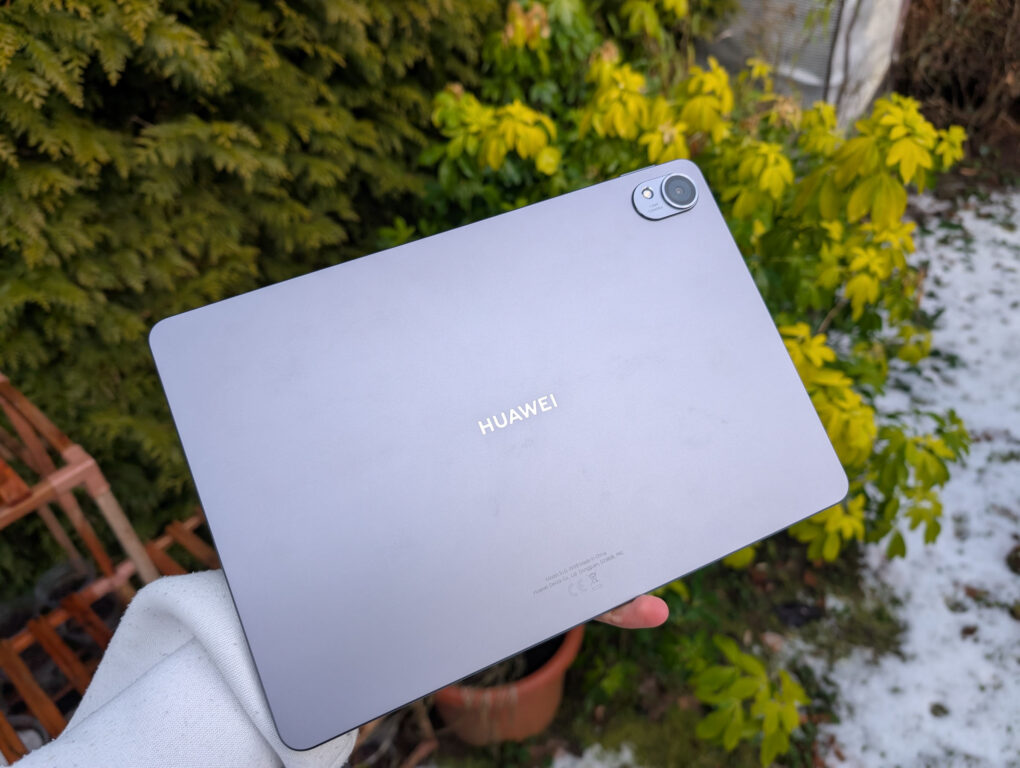
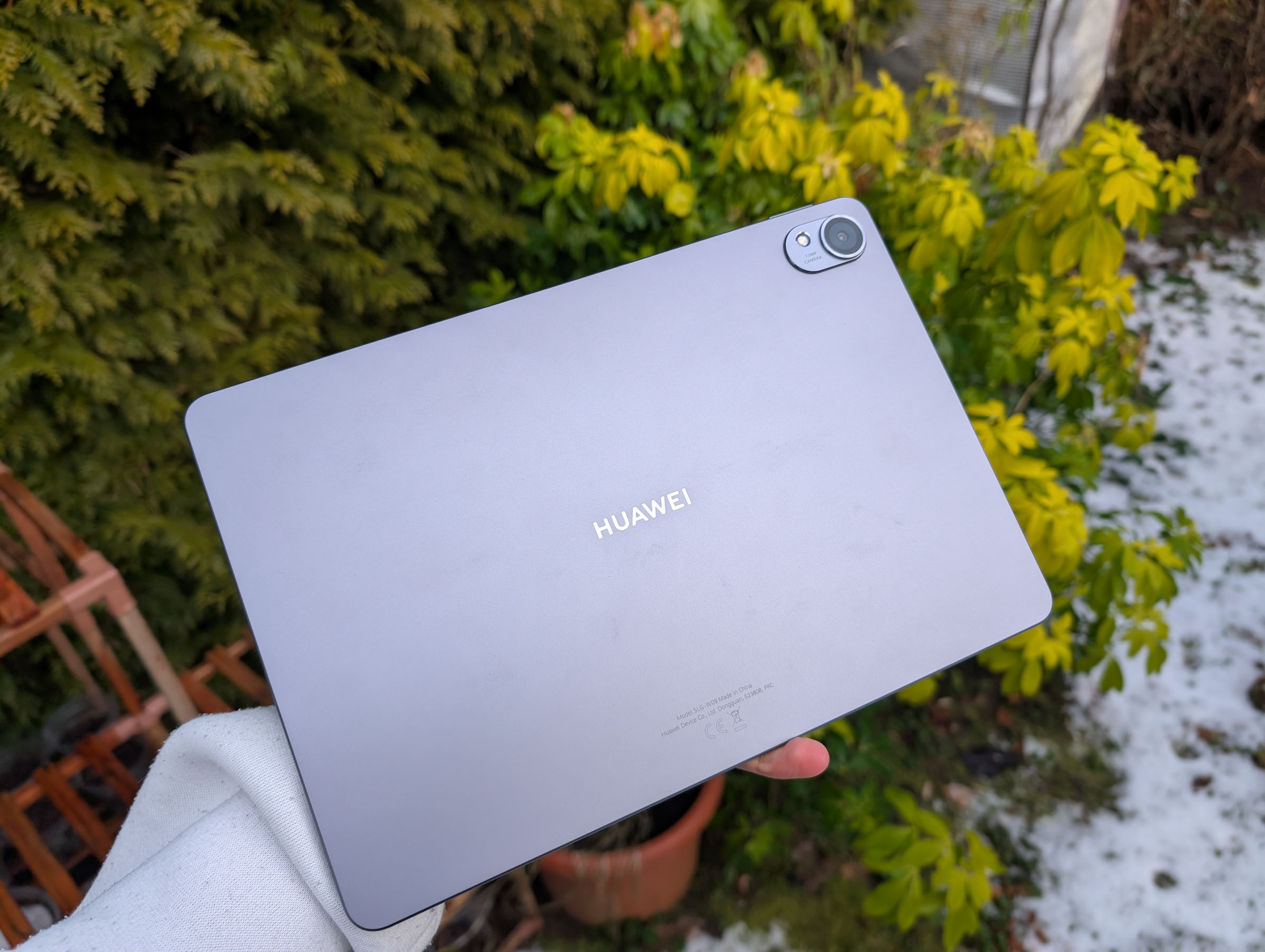
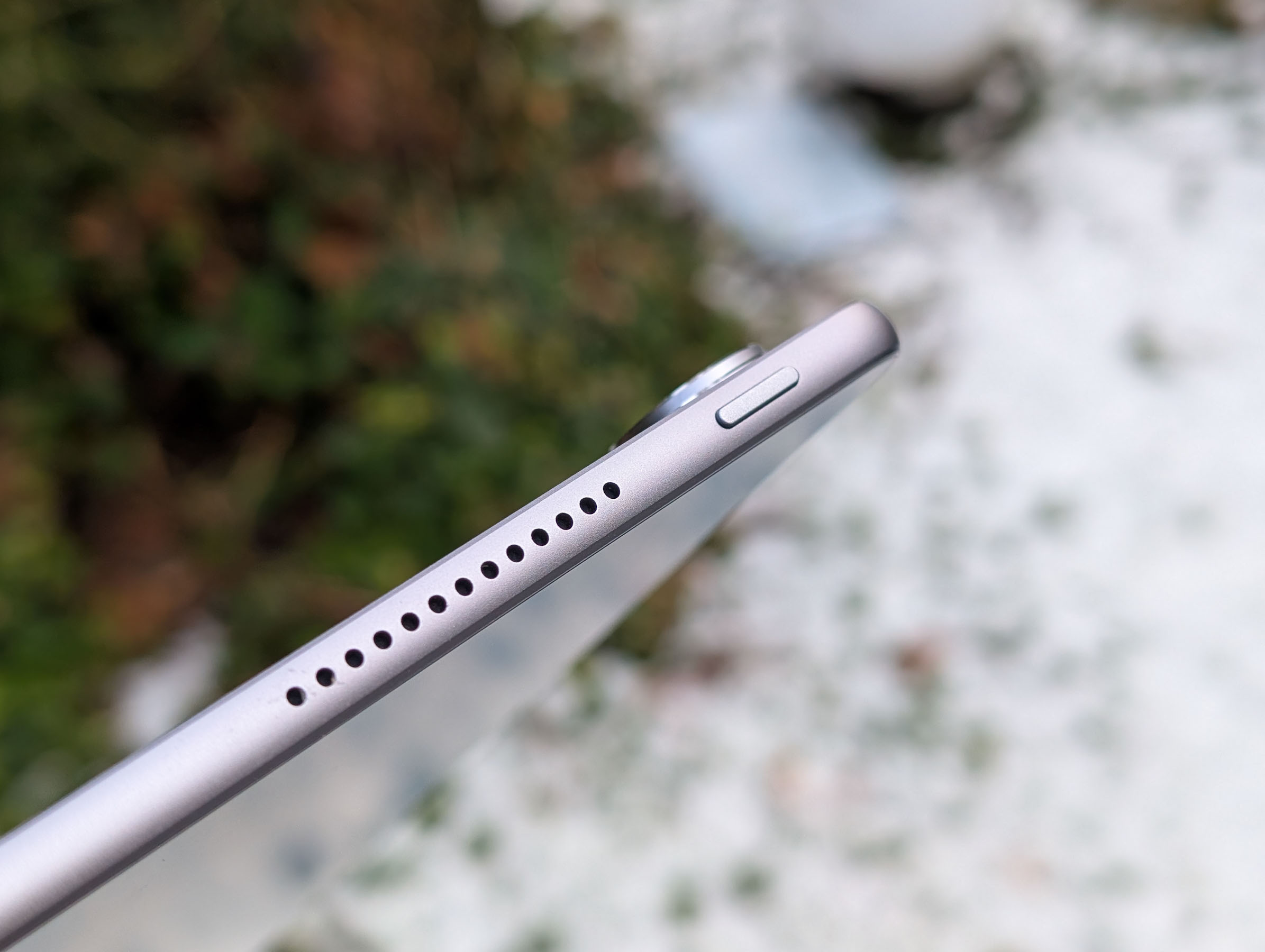
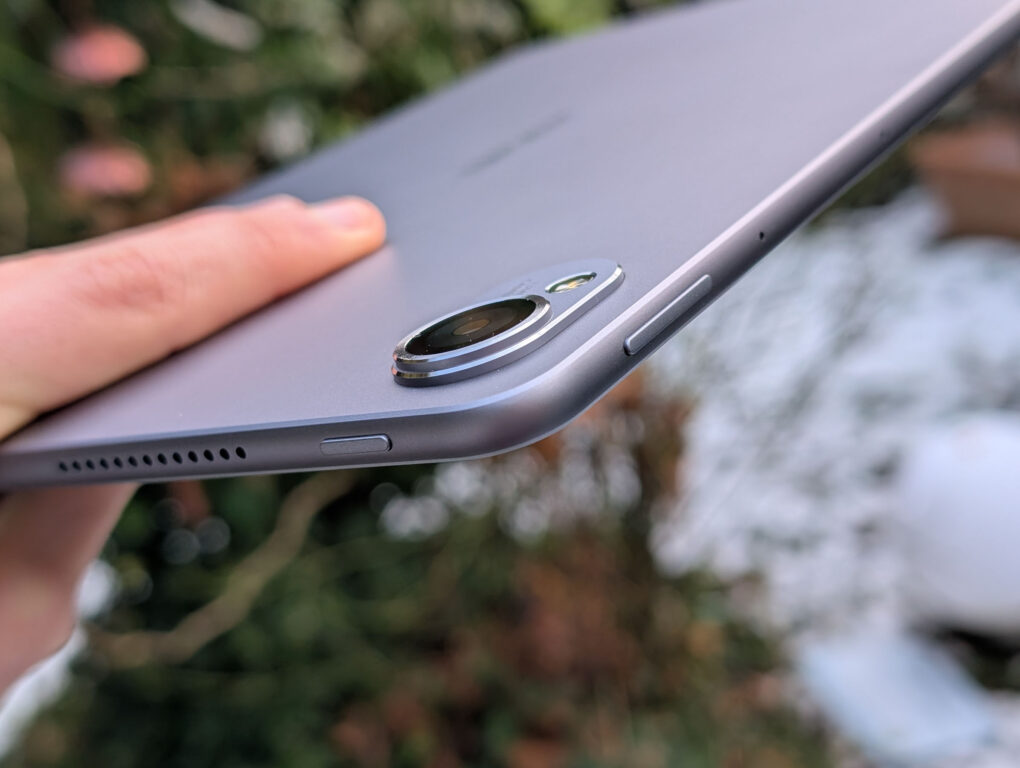
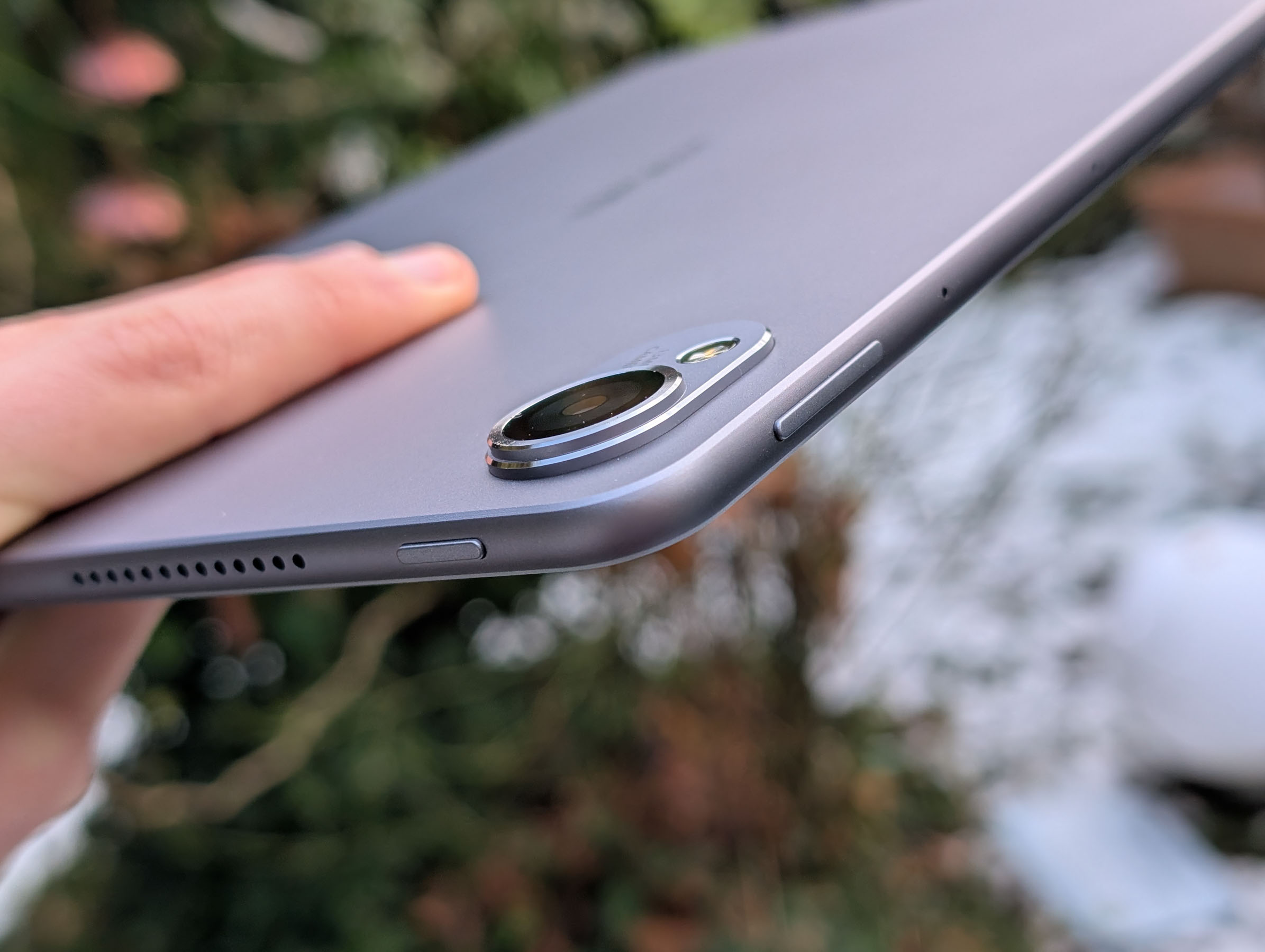
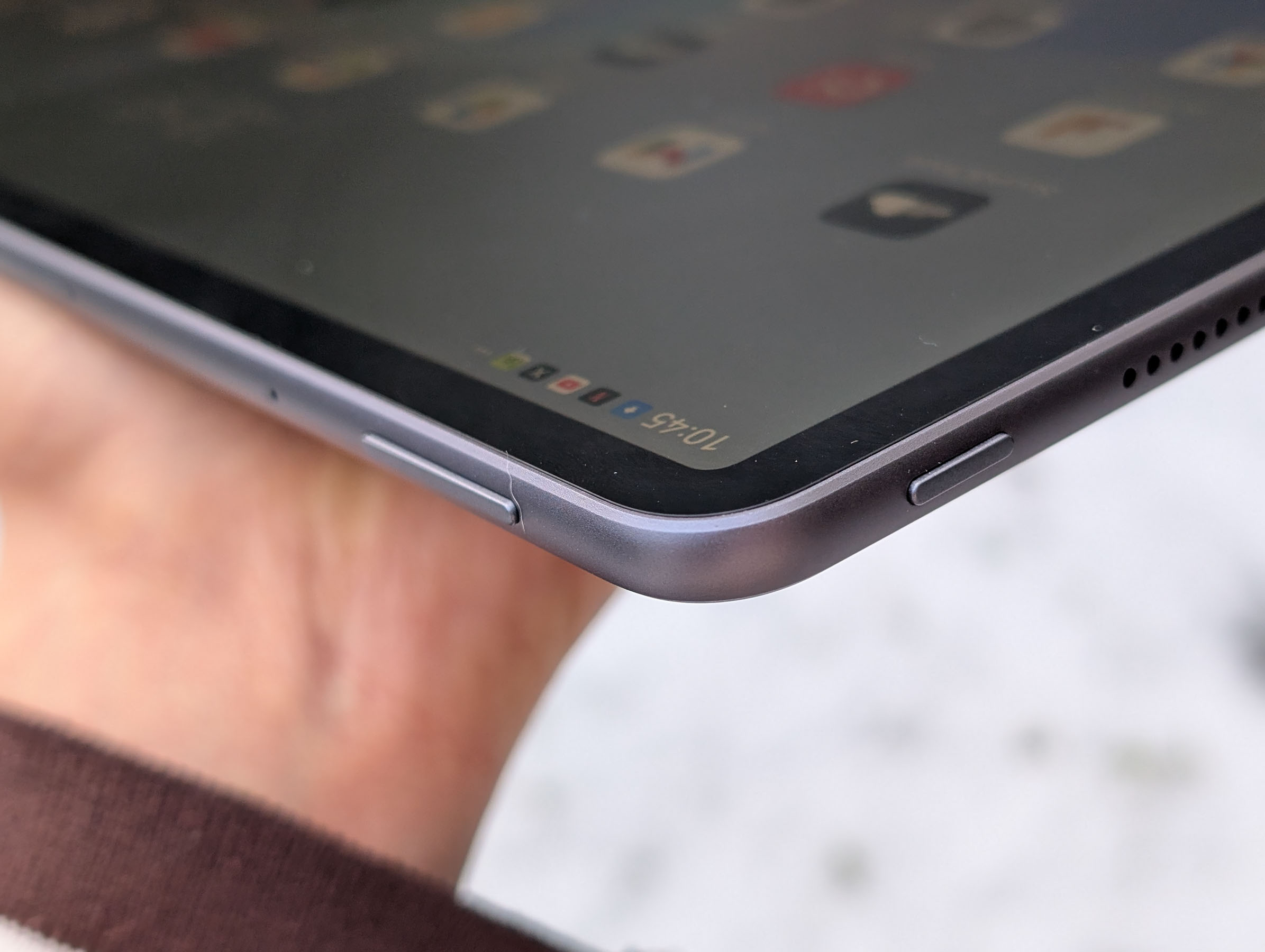
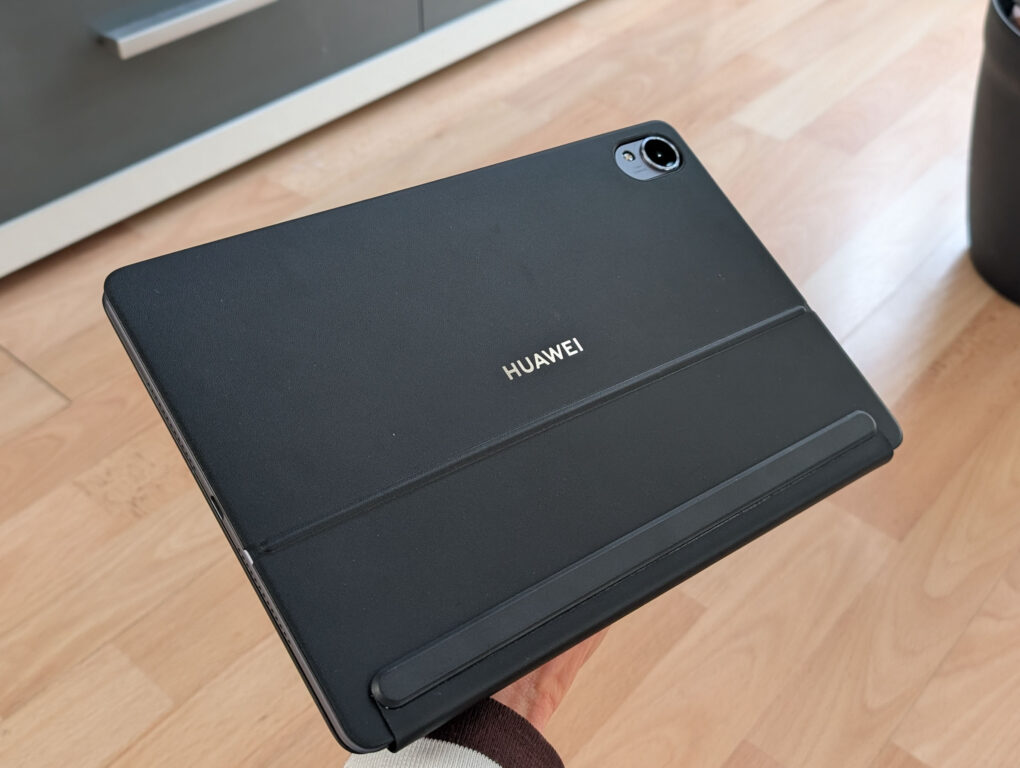
The HUAWEI MatePad 11.5S PaperMatte Edition is made entirely of metal – both the back and the frame have a matte finish. This not only gives the tablet a very premium look and feel, but also makes it significantly less susceptible to fingerprints and smudges than devices with glossy surfaces. However, if fingerprints do appear, they are somewhat more difficult to remove than on glass backs.
-
- Picture: TechnikNews
-
- Picture: TechnikNews
-
- Picture: TechnikNews
-
- Picture: TechnikNews
-
- Picture: TechnikNews
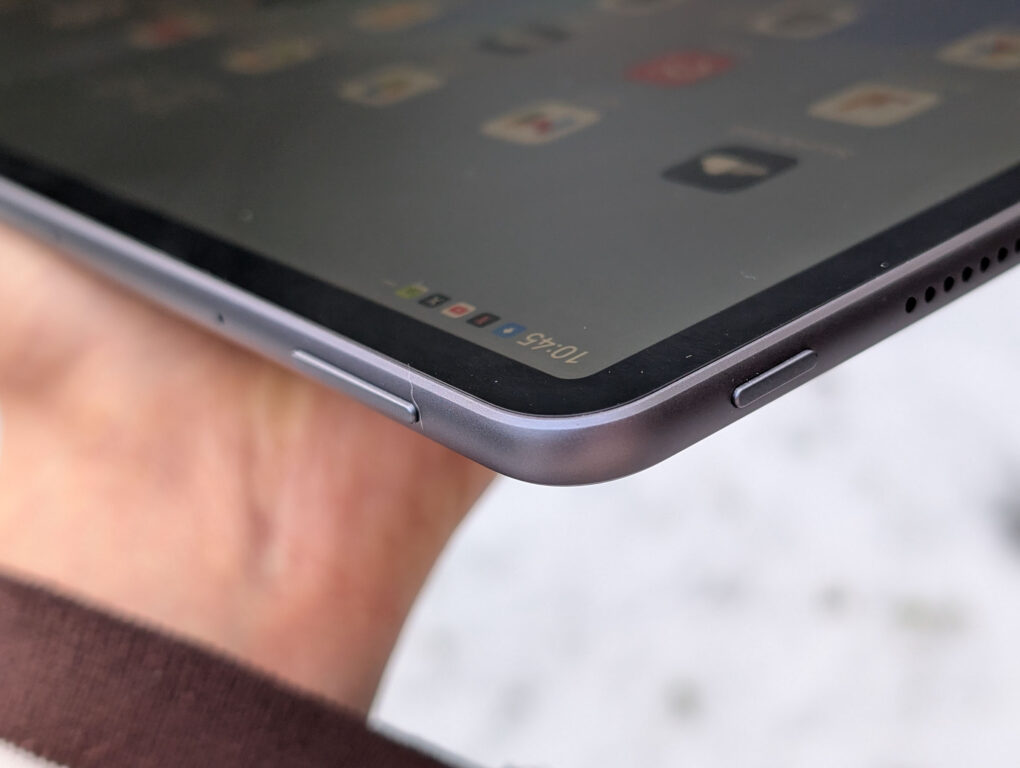
The available colors are gray and green. I tested the gray model, which I personally found a bit too bland and uninspired. I much prefer the look of the green model. Aside from that, the overall design is impressive. The metal unibody casing feels very high-quality, the frame is pleasantly rounded and blends seamlessly into the back. This makes the tablet very ergonomic to hold and prevents it from feeling as sharp-edged as some competing models – such as the Samsung Galaxy Tab S9 Plus, which I also used.
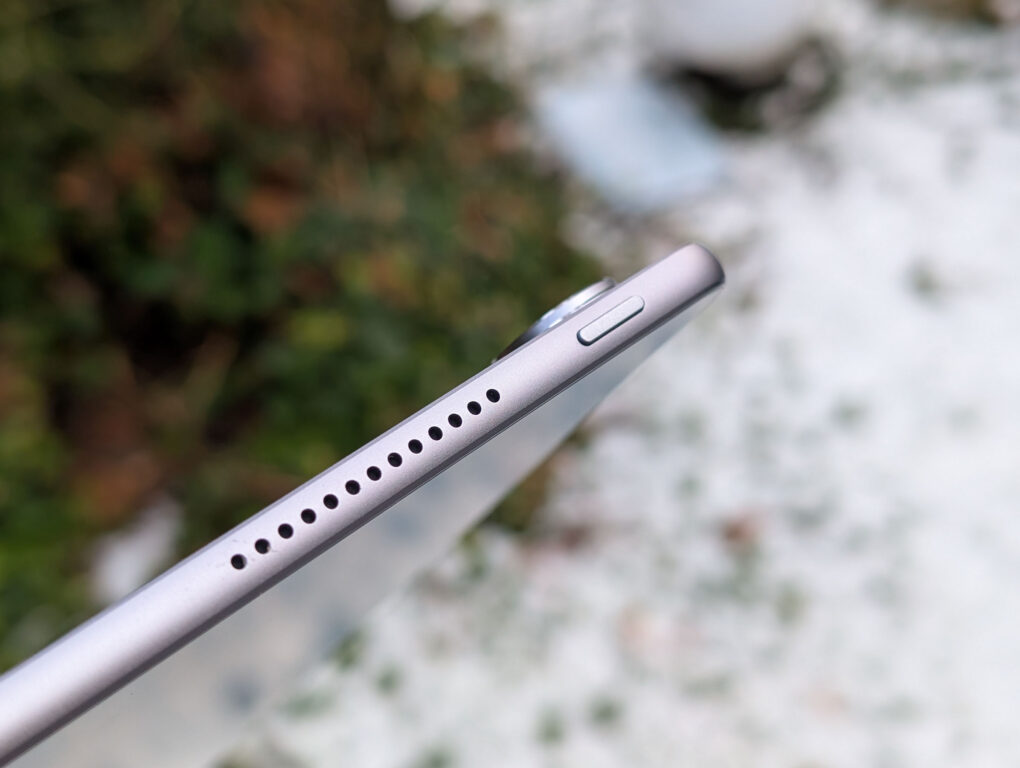
I also like the dimensions: at just 6,1 millimeters, the MatePad is very thin, and at 515 grams, it's not exactly light, but perfectly acceptable for a tablet of this size. The front looks uncluttered, even if the display bezels could have been a bit narrower. On the plus side, they are symmetrical all around. The overall build quality is very high – nothing creaks or wobbles, and the buttons are well-positioned and have a pleasant tactile feedback.
Keyboard
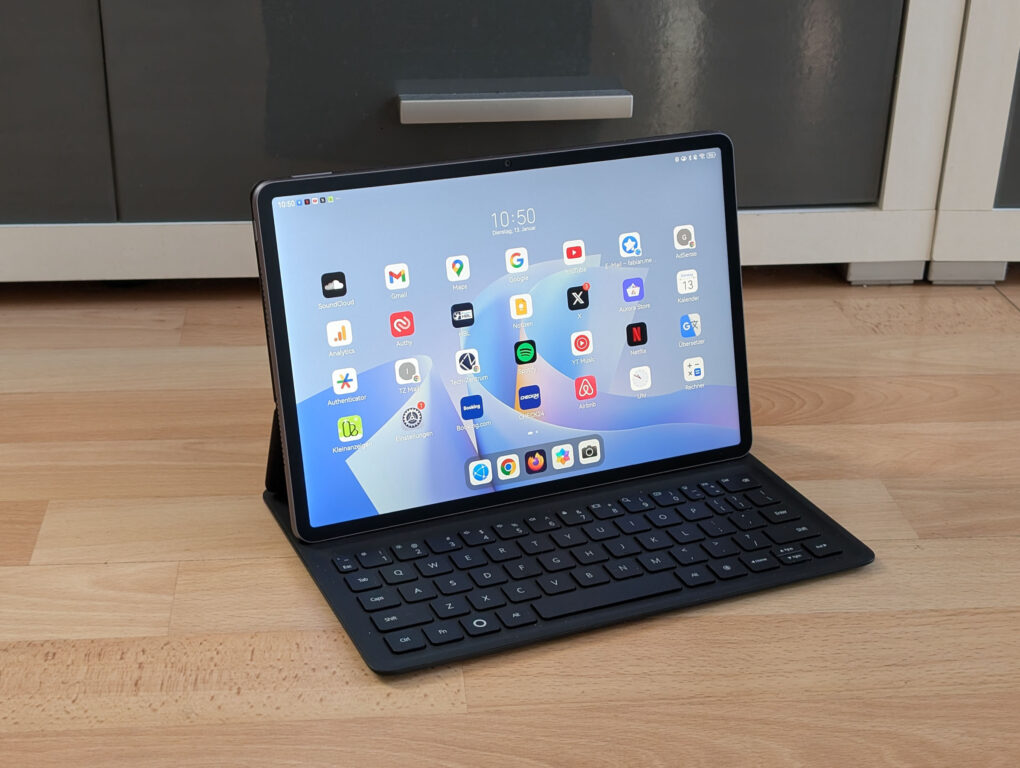
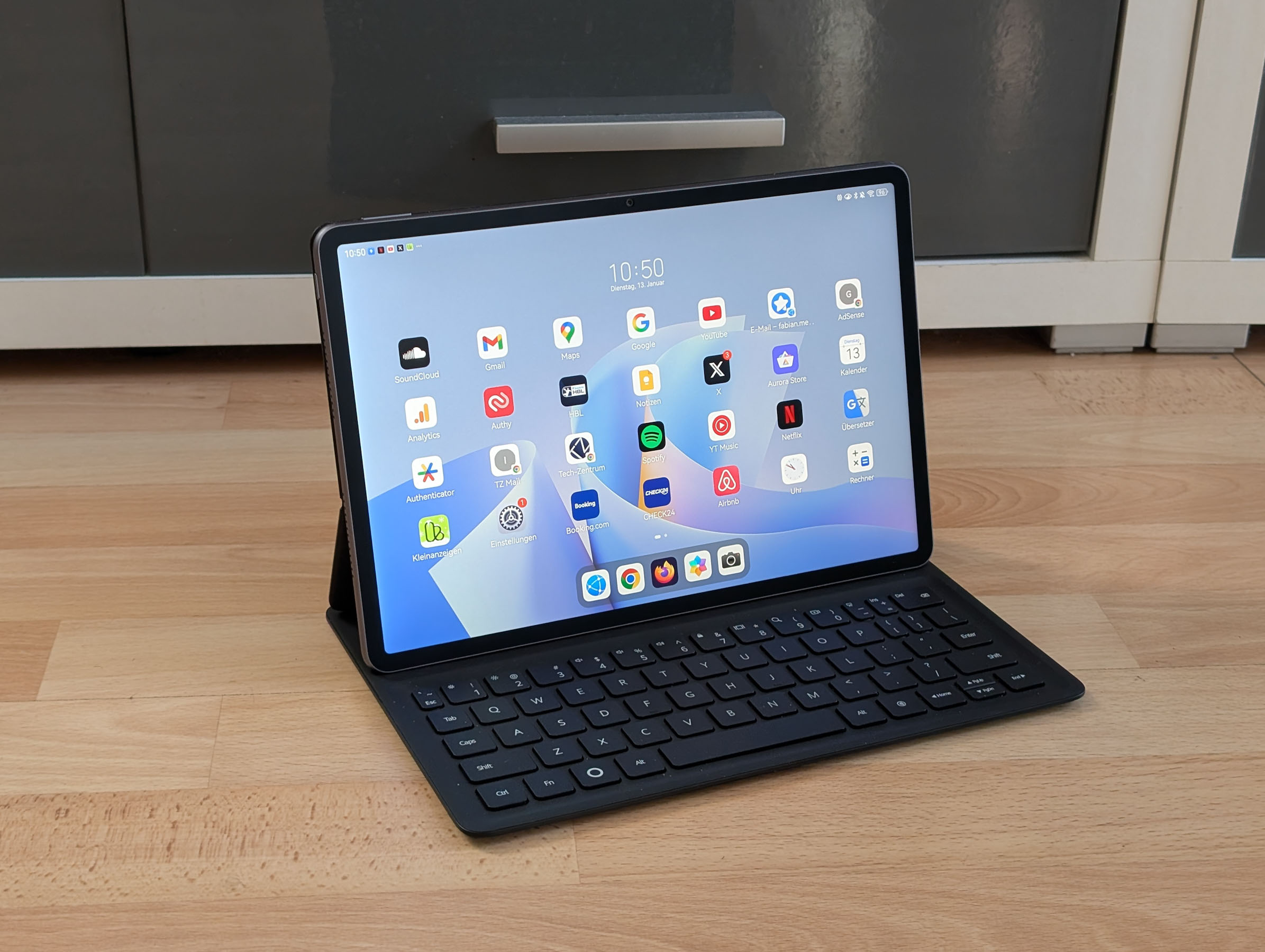
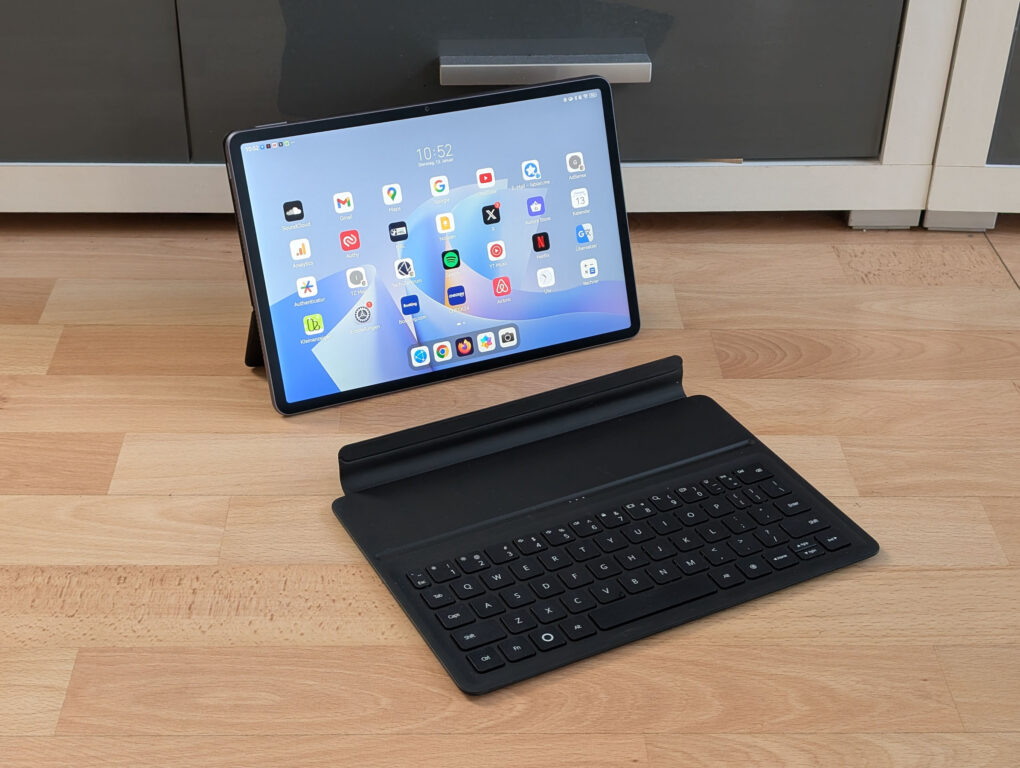
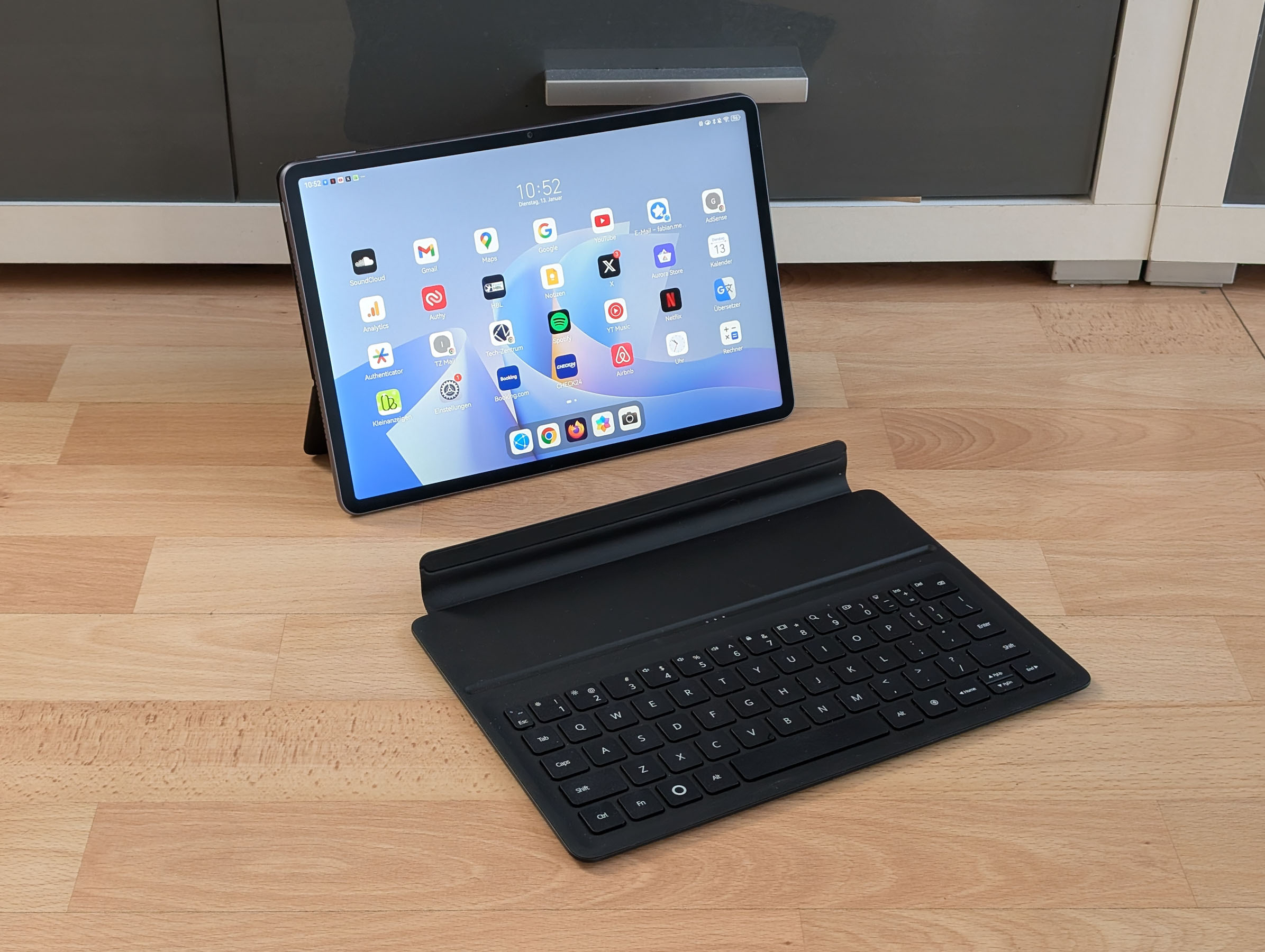
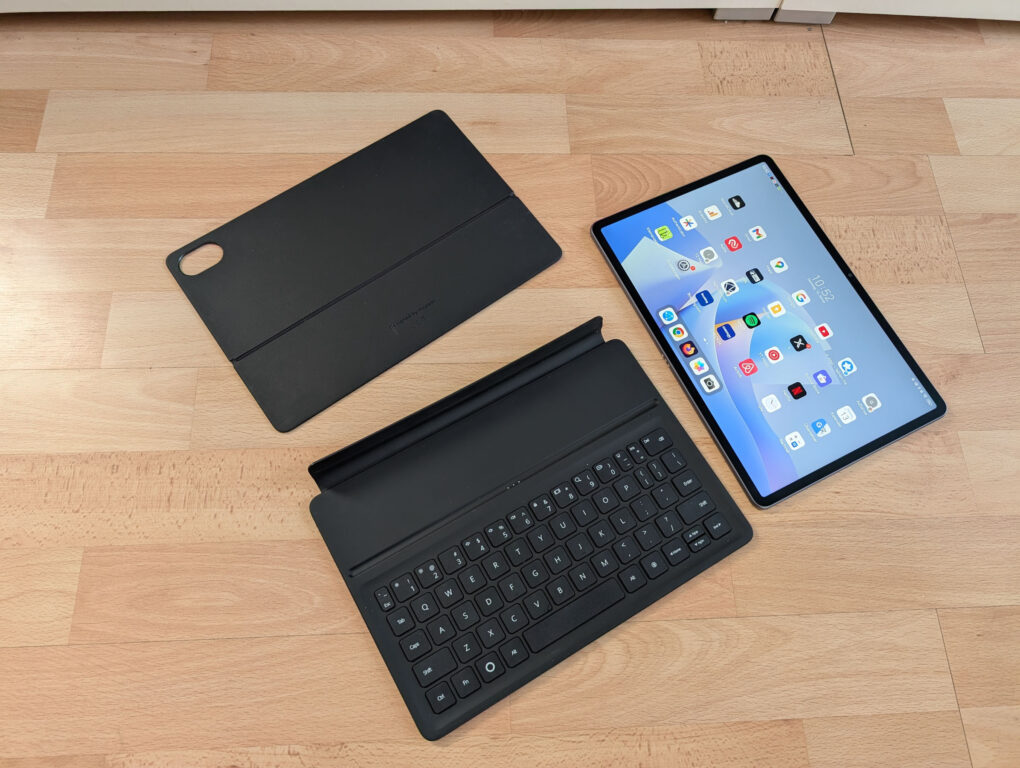
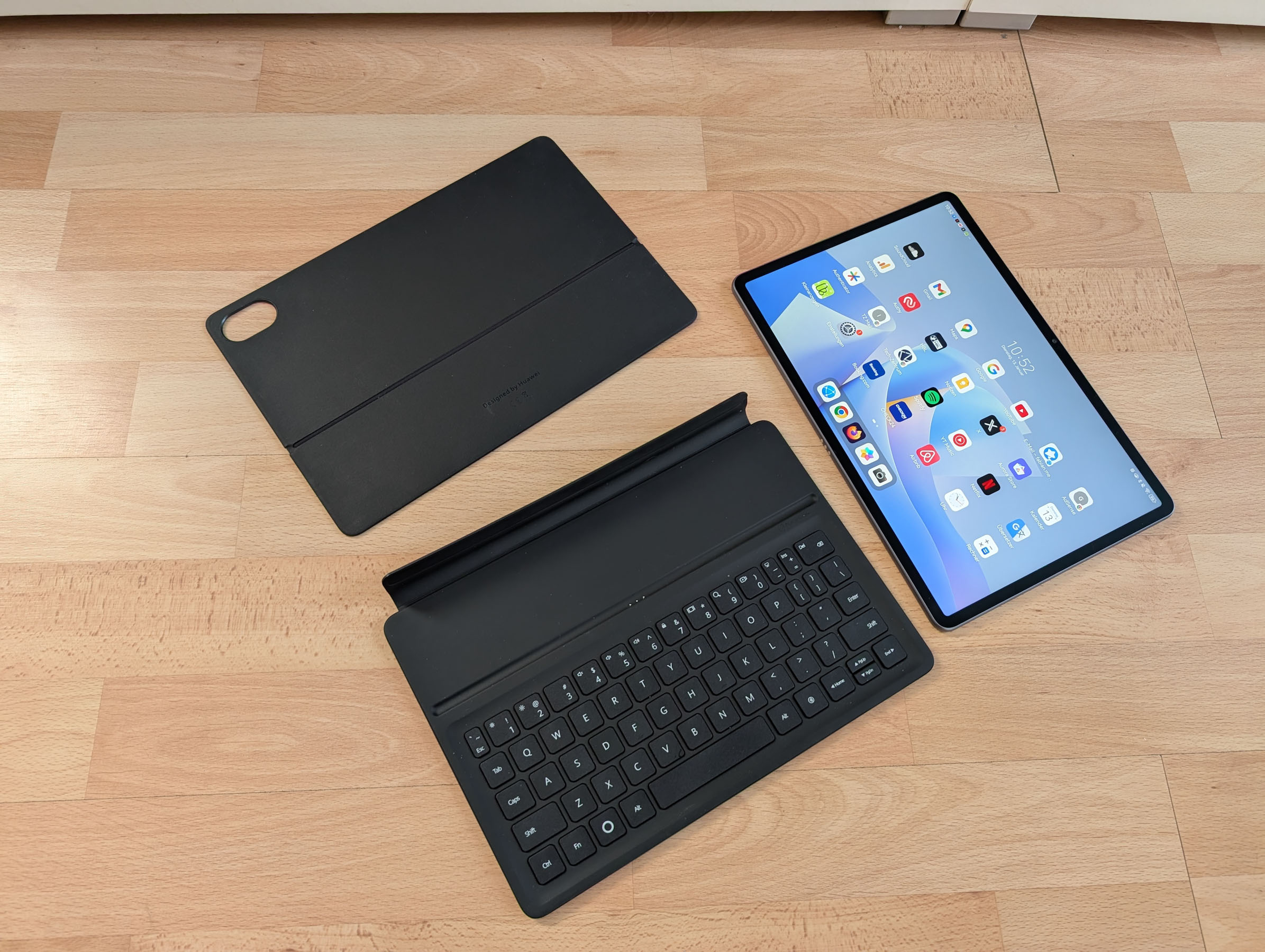
HUAWEI offers the Magic Keyboard for the MatePad 11.5S in black and white. I tested the black version. The keyboard is attached to a faux leather cover that looks high-quality and is well-made, but is also somewhat prone to visible signs of wear.
I generally like the keyboard very much. It's well-made, has pleasant key feedback, and is surprisingly comfortable to type on for its size. However, it is quite compact. It lacks a number pad, as well as a touchpad or mouse support. Since I personally prefer working with a mouse and a larger keyboard, this isn't a problem for me. proWorking wirelessly on the MatePad was somewhat difficult. I still prefer using my laptop.
-
- Laptop shape (Image: TechnikNews)
-
- Studio Form (Image: TechnikNews)
-
- Picture: TechnikNews
-
- Picture: TechnikNews
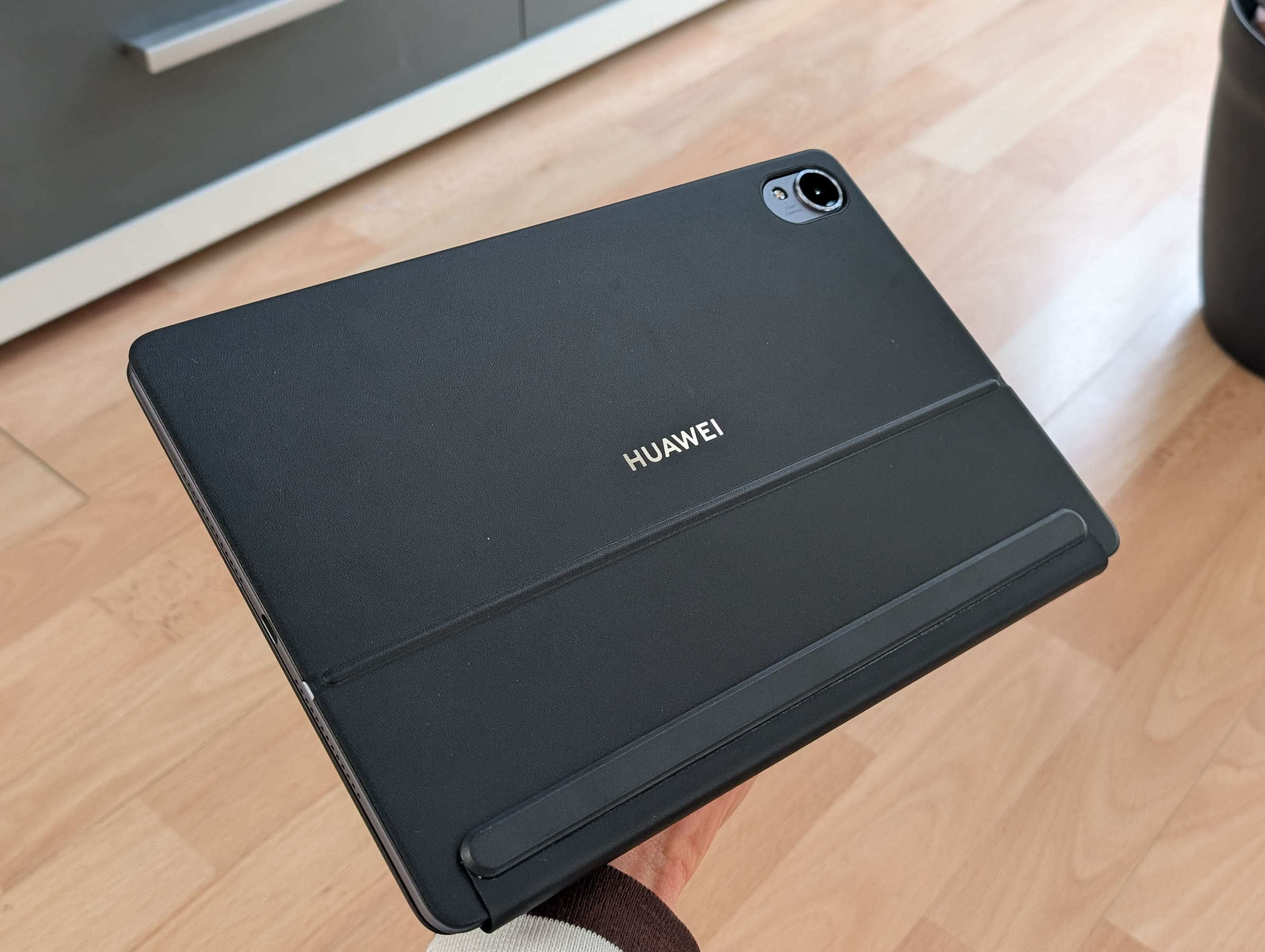
For use on the go, such as on a train, this solution is quite practical. HUAWEI offers three usage modes: the classic laptop form, the split form with some space between the keyboard and display, and the studio form with an angled tablet. I personally prefer the split form, as the distance is most comfortable for me.
M-Pencil Pro
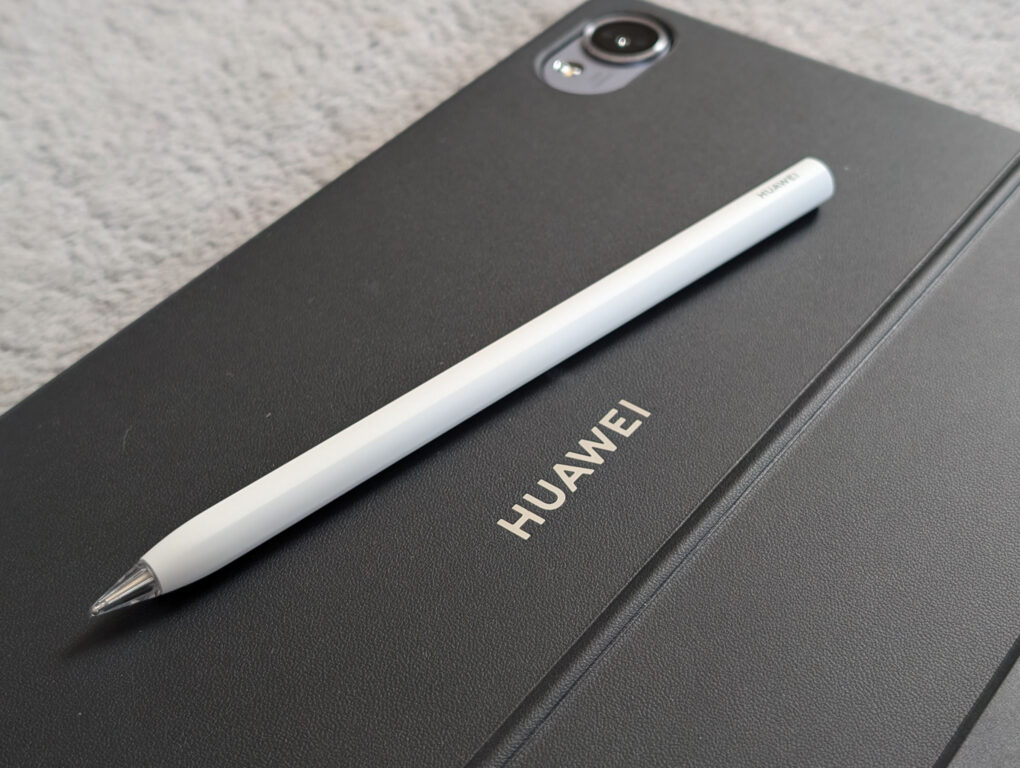
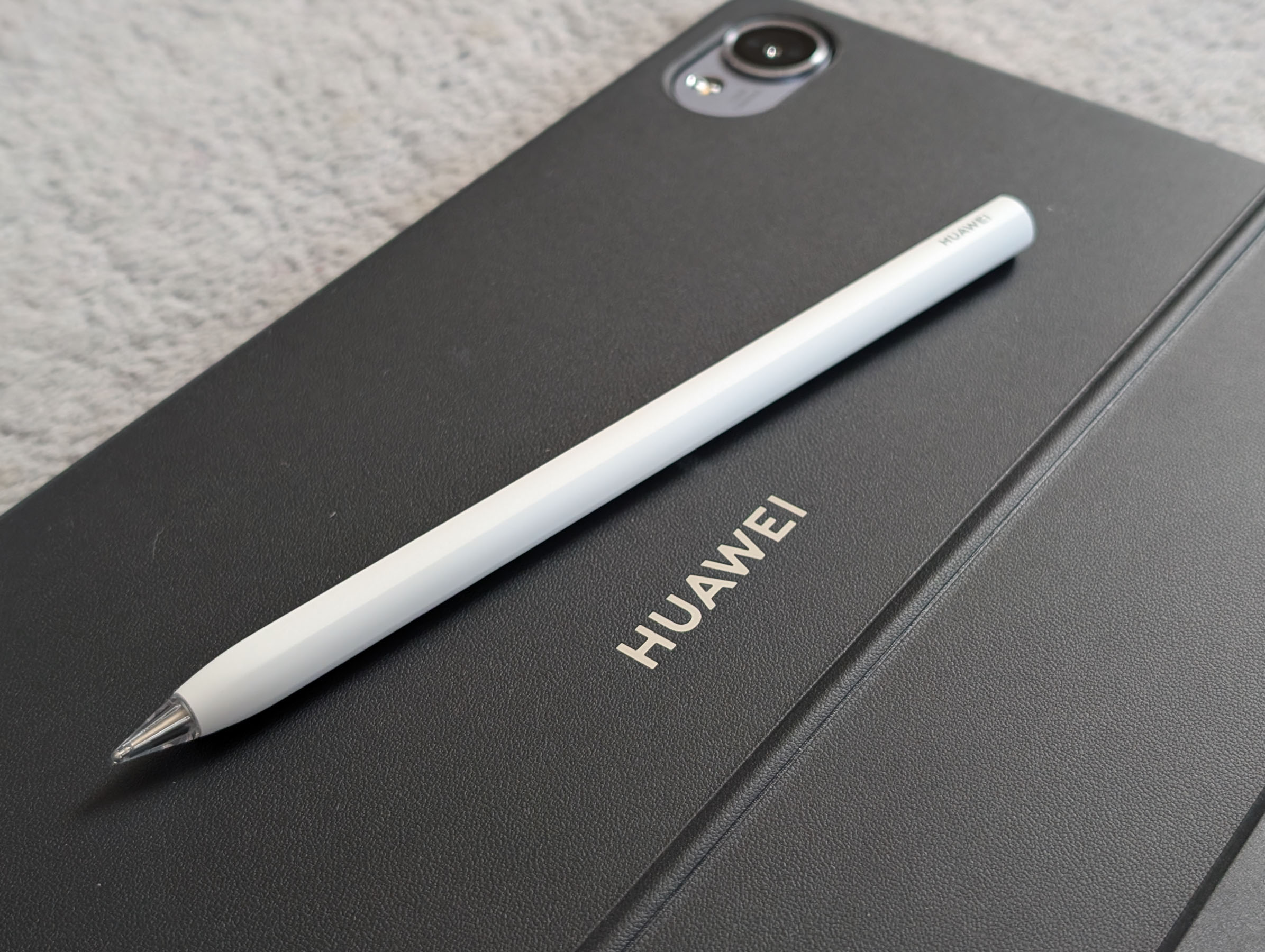
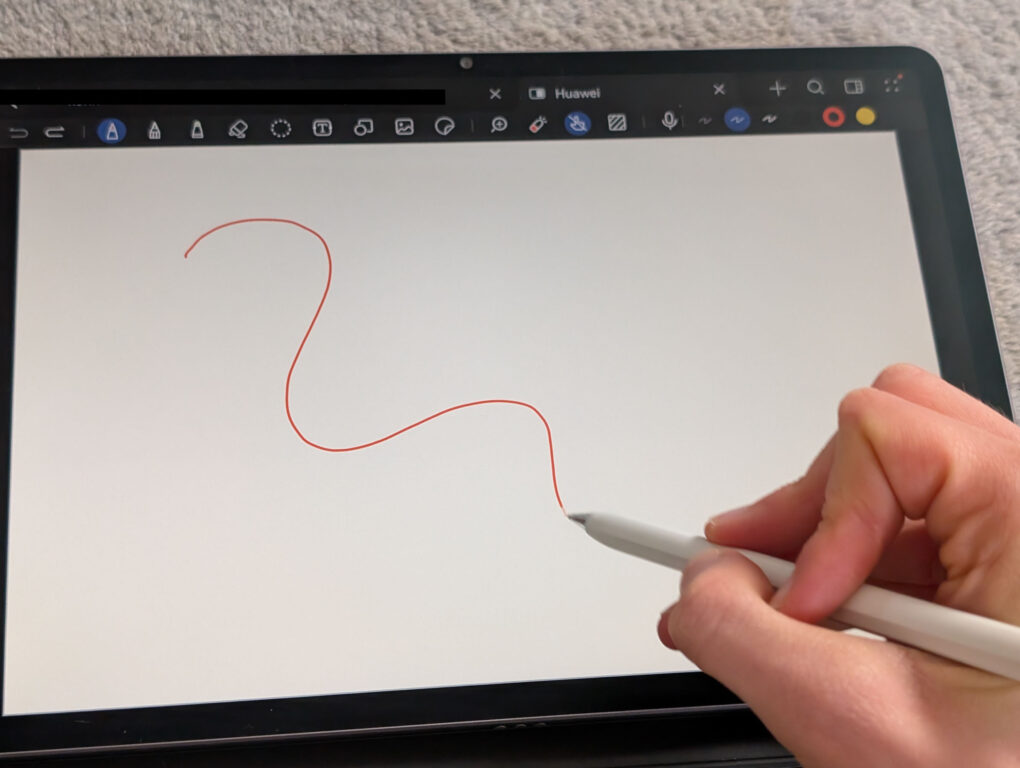
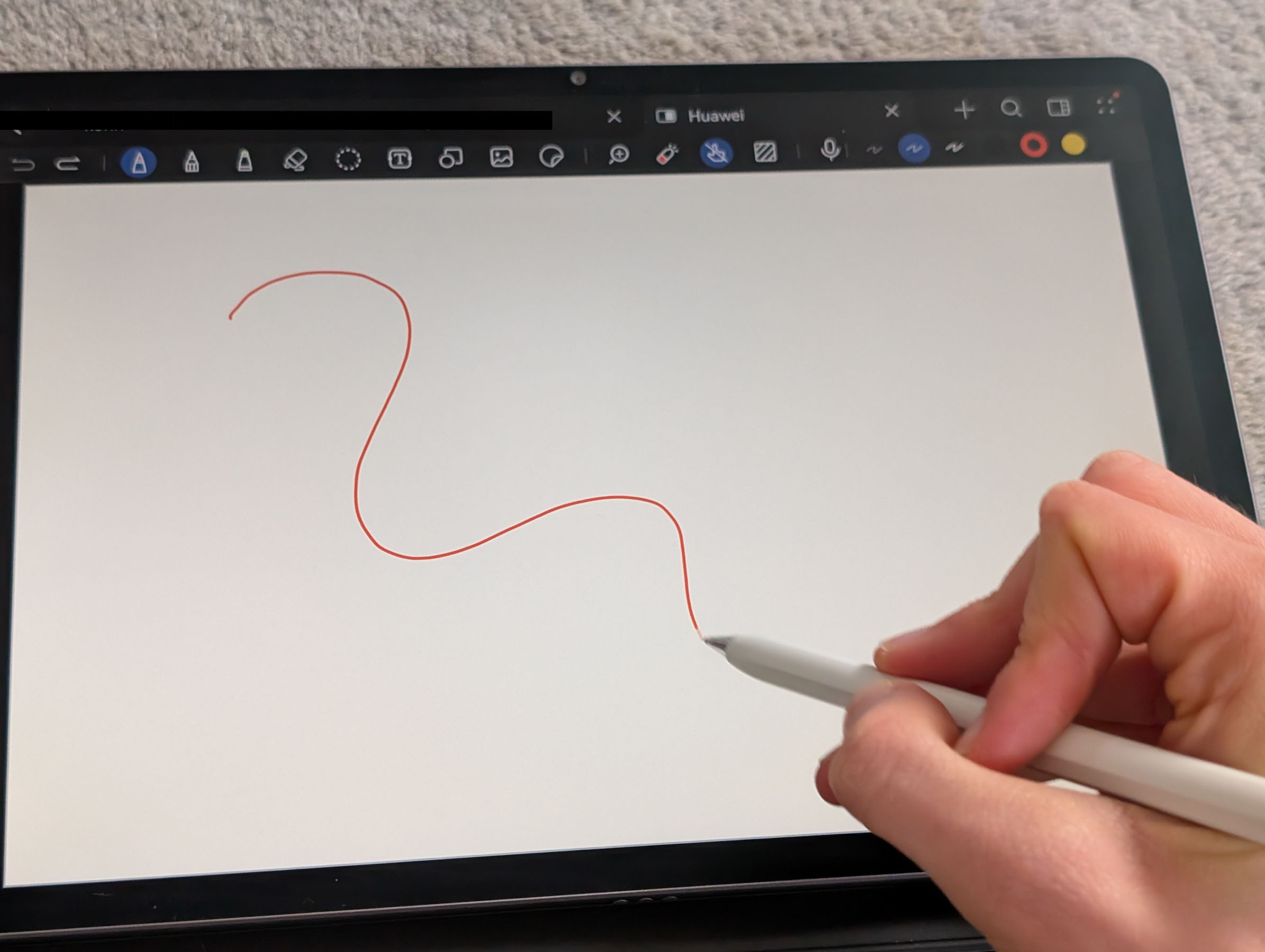
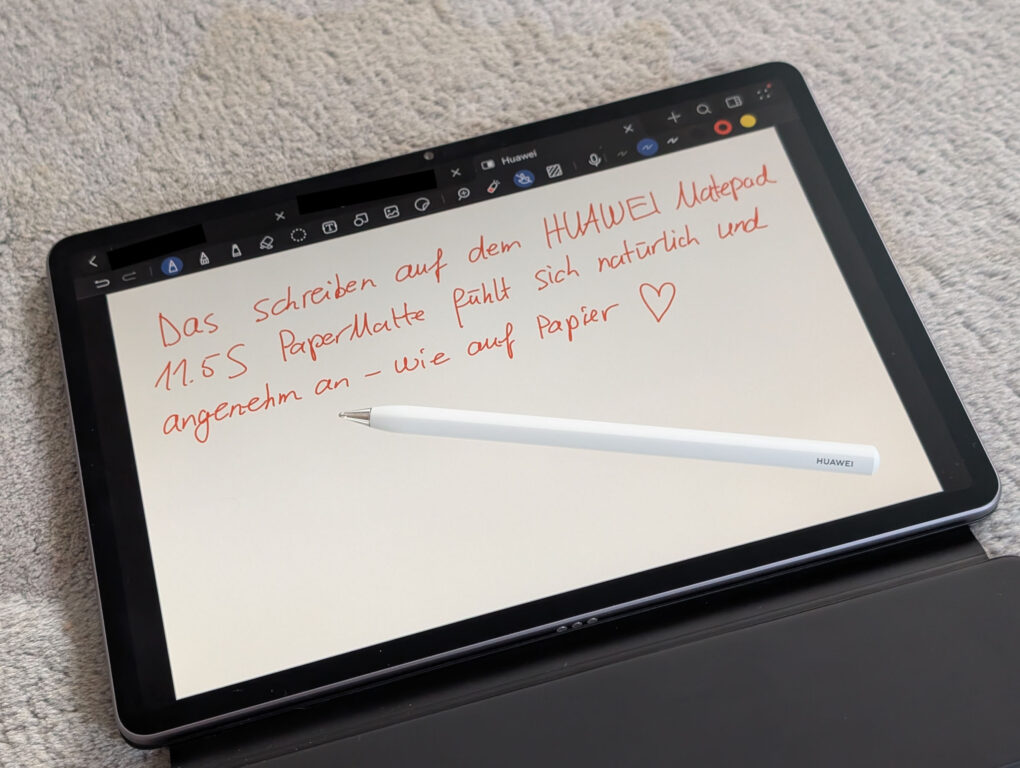
HUAWEI offers the fourth-generation Pencil Pro as an optional accessory for the MatePad 11.5S. I tested the white version and would highly recommend it, especially to students who want to take notes directly on the tablet. Writing with the matte display works exceptionally well – I'll discuss this in more detail in the display section.
-
- Picture: TechnikNews
-
- Picture: TechnikNews
-
- Picture: TechnikNews
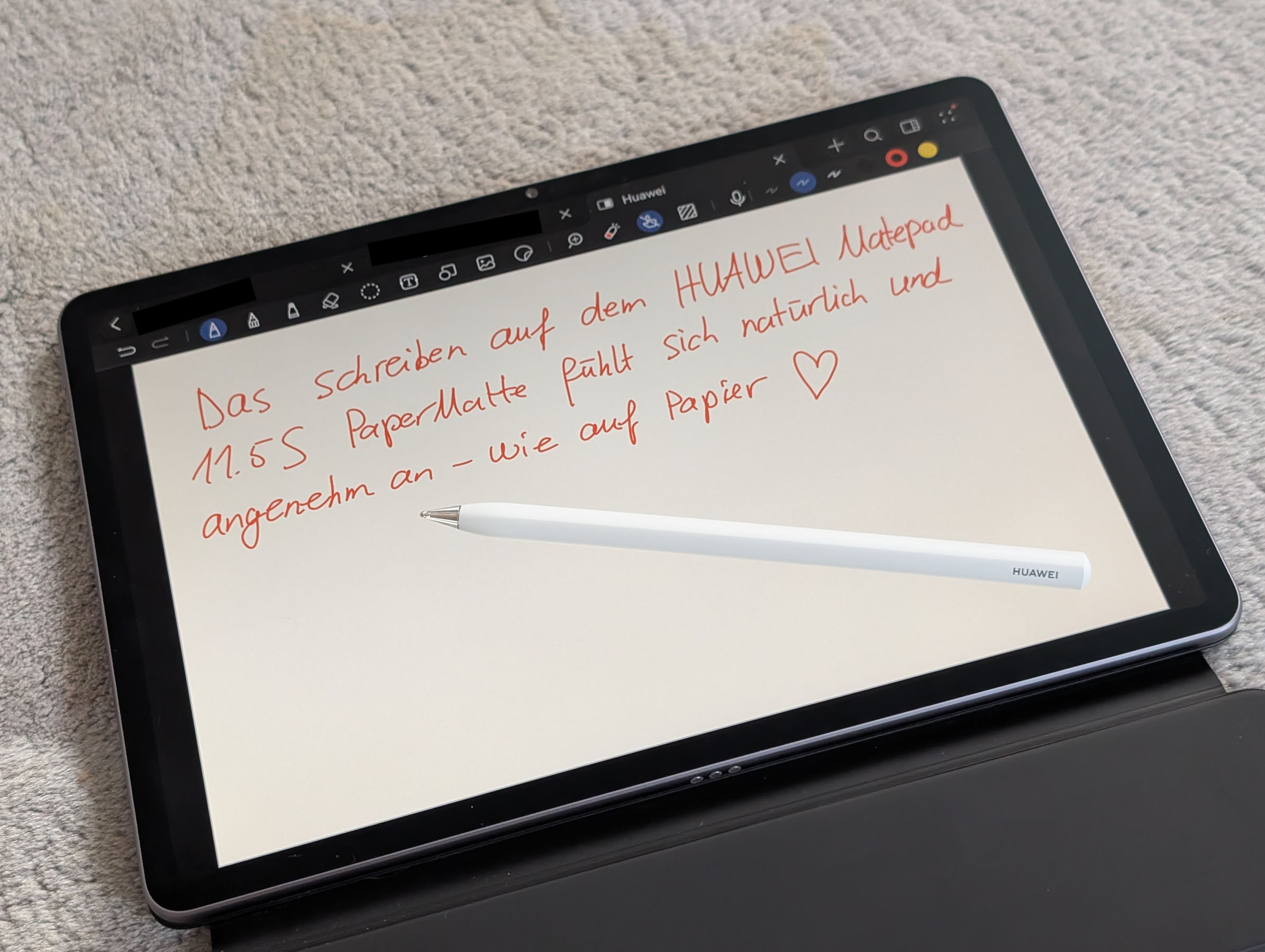
The pen feels high-quality, is very comfortable to hold, and is the perfect size for me. It charges easily via a magnetic connection to the tablet's frame. In everyday use, it responds quickly and precisely, although the latency isn't quite on par with Samsung's S Pen. However, the response time is perfectly adequate for normal writing and drawing.
The additional gesture functions are also very practical. A short press or squeeze of the pen brings up a quick menu on the display, accompanied by brief vibration feedback. From there, you can directly create new notes or open the notes app. In drawing apps like GoPaint, the brush movement is also very naturally adapted to the pen's movement, making drawing appear significantly more realistic.
Display – impressive
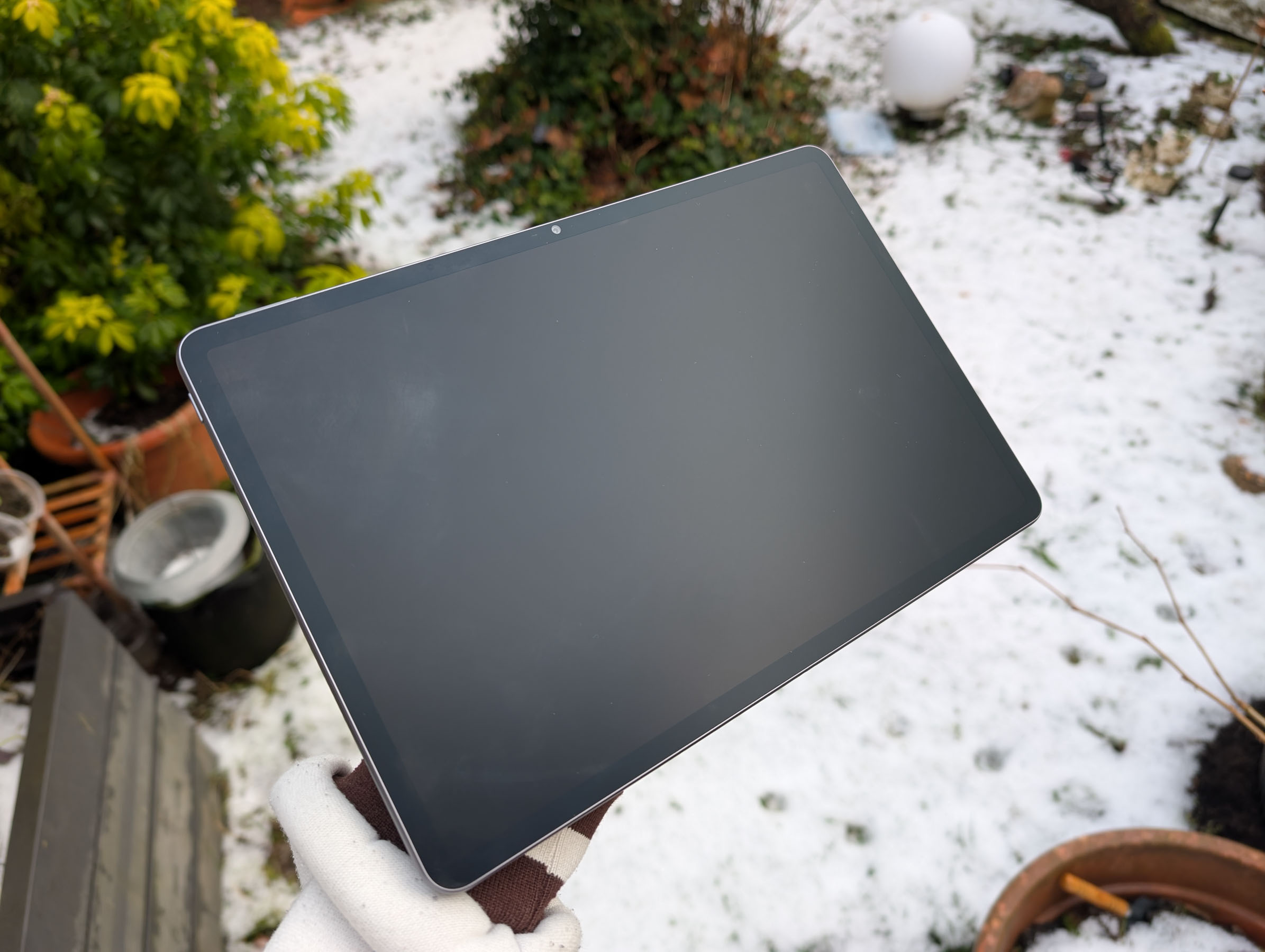
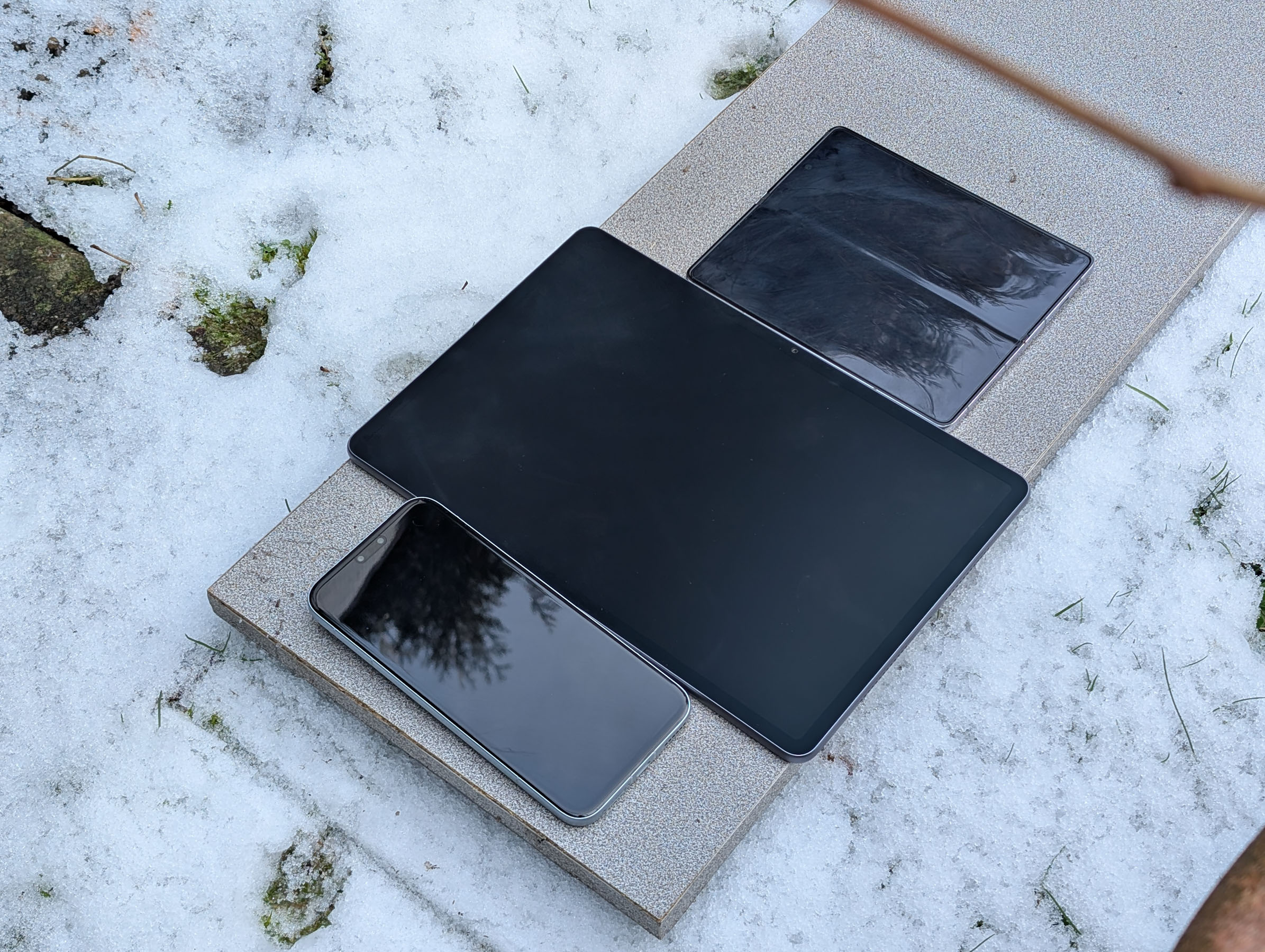
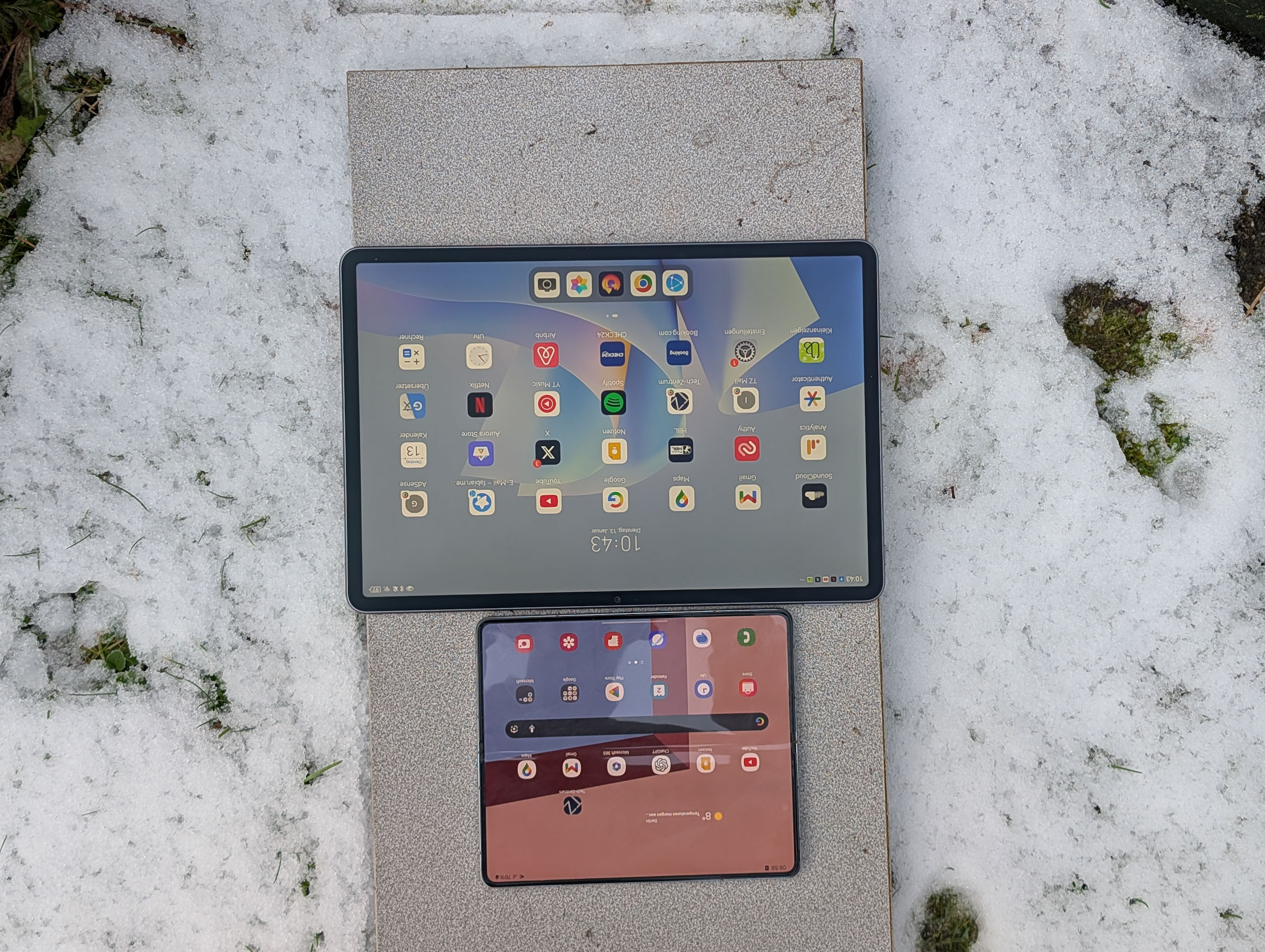
HUAWEI is promoting the display as the absolute highlight of the new MatePad 11.5s – and in everyday use, it truly lives up to this claim. It features an 11,5-inch IPS panel with a resolution of 2.800 x 1.840 pixels and a refresh rate of 144 Hz. However, the real standout feature is the Ultra-Clear PaperMatte surface. This uses specially treated glass in combination with an additional optical layer that significantly reduces distracting light reflections. According to HUAWEI, the reflection rate is only around two percent – and this effect is clearly visible in practice.
-
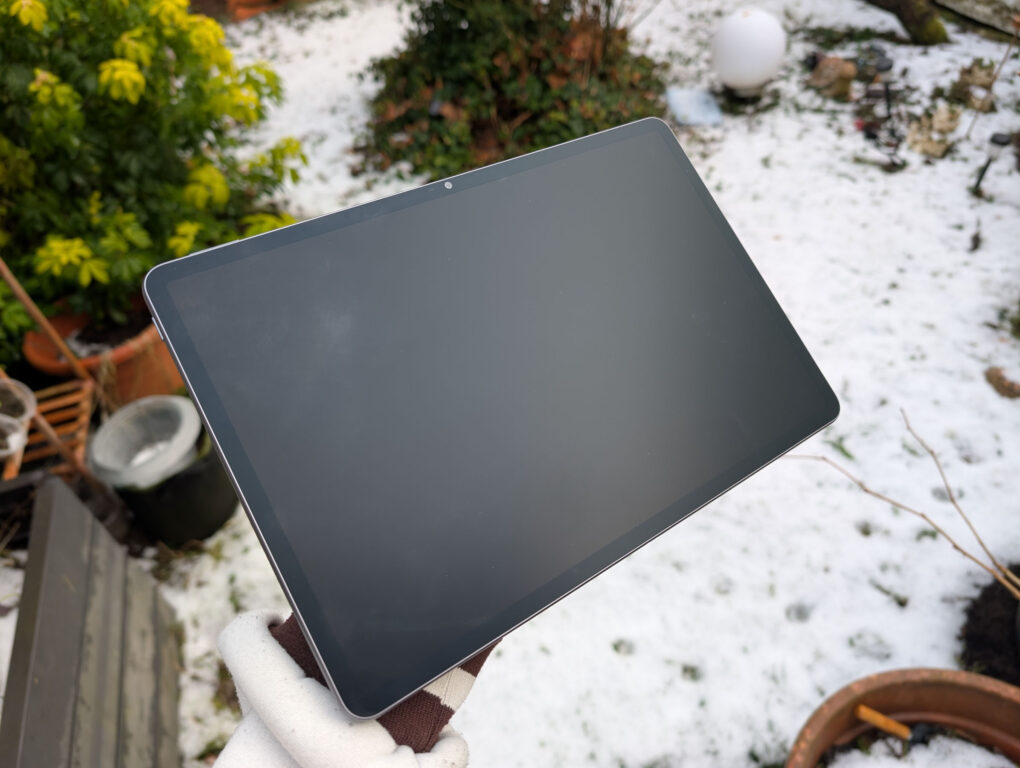
- The PaperMatte display of the HUAWEI MatePad significantly reduces reflections thanks to a special nano-etching technology. (Image: TechnikNews)
-
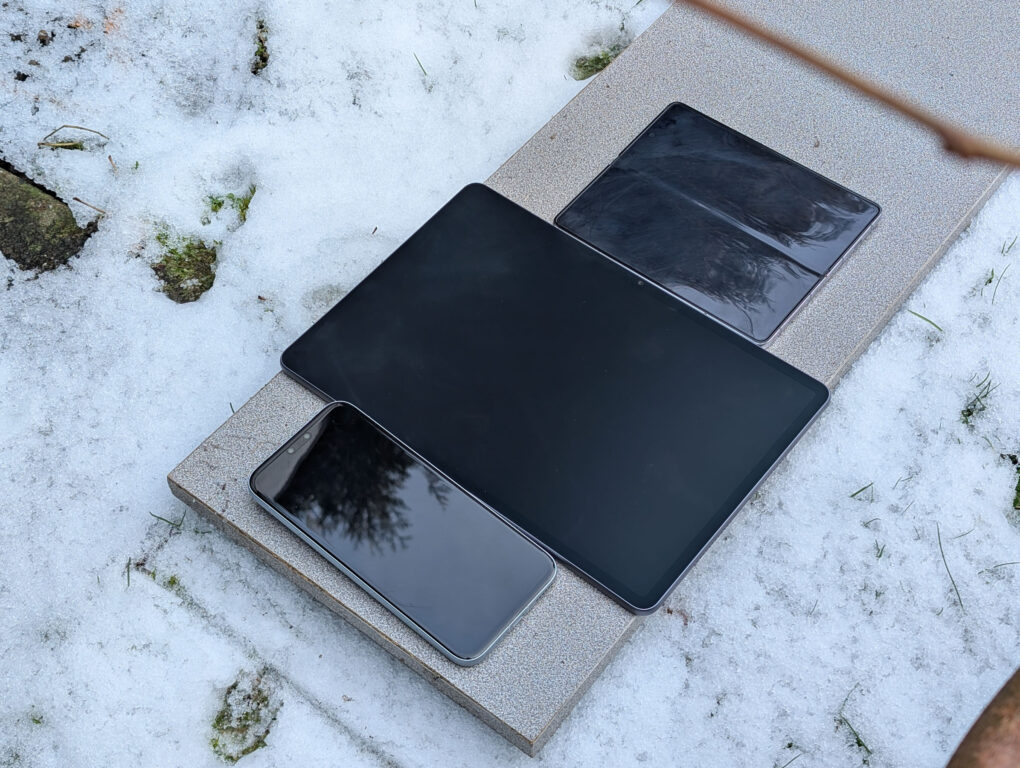
- Comparison with the HONOR Magic 8 Pro (below) and Samsung Galaxy Z Fold 5 (above). The difference is significant! (Image: TechnikNews)
-
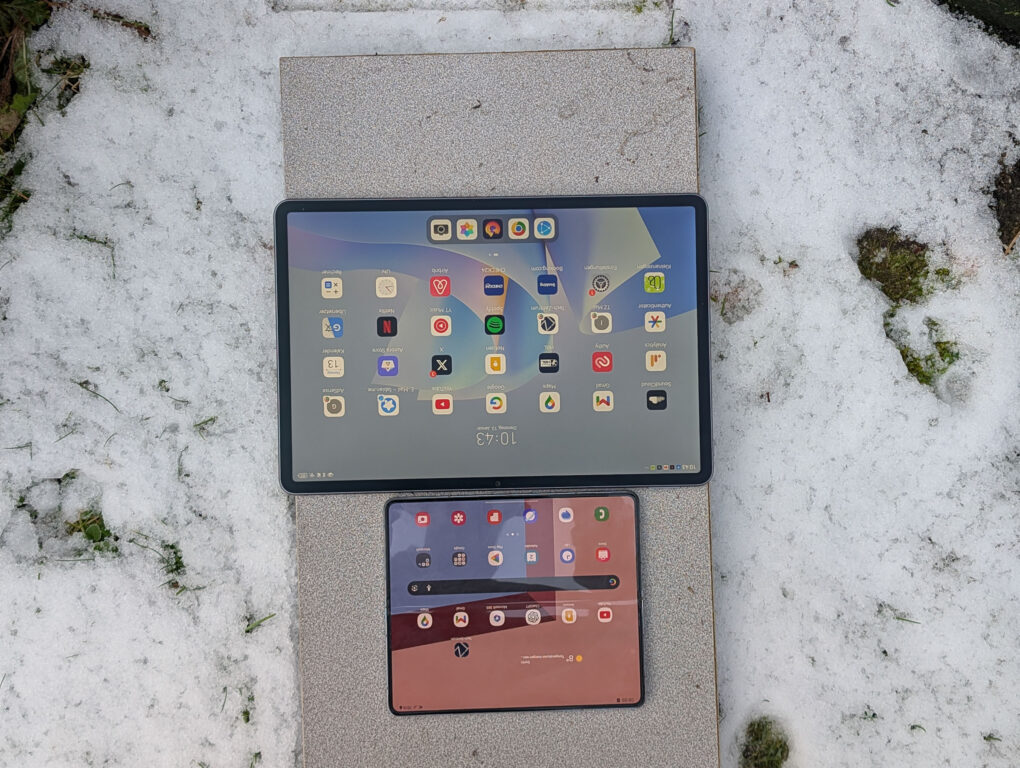
- Comparison with the Samsung Galaxy Z Fold 5 (below). (Image: TechnikNews)
The special surface treatment also reduces the fine shimmering effect common to many matte displays. As a result, content appears noticeably clearer than with standard matte screen protectors. Text remains crisp and well-defined even in small font sizes, and even fine details in high-resolution 2.8K videos are displayed sharply.
-
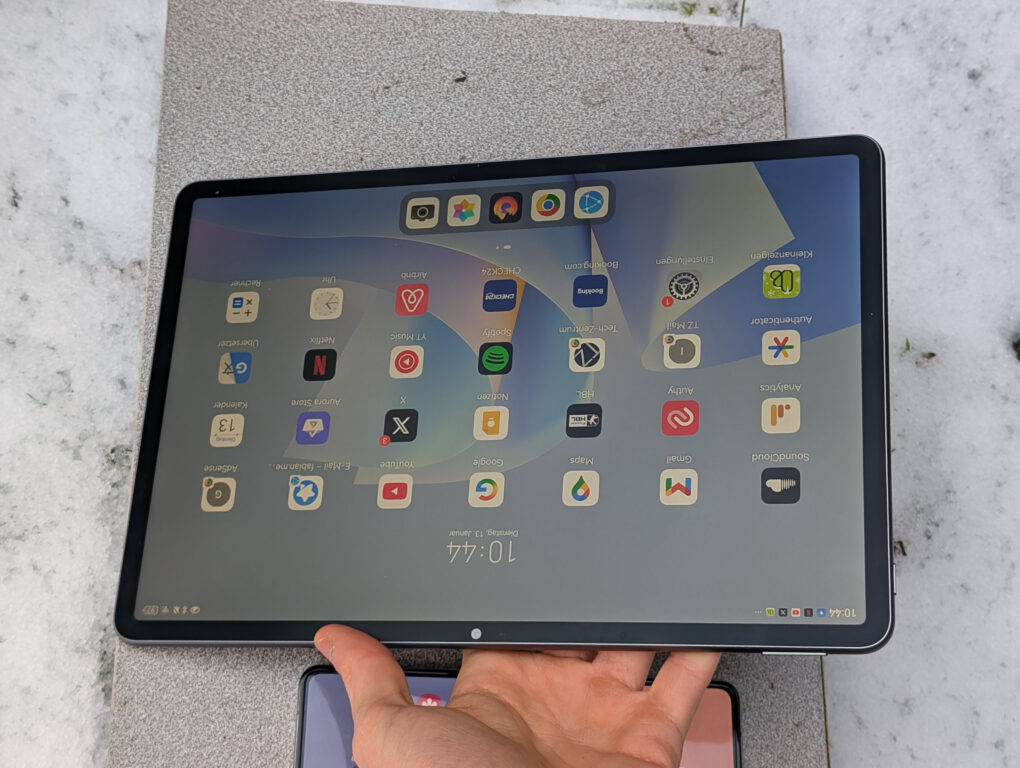
- No reflections on the matte display of the HUAWEI MatePad 11.5S PaperMatte Edition. (Image: TechnikNews)

-
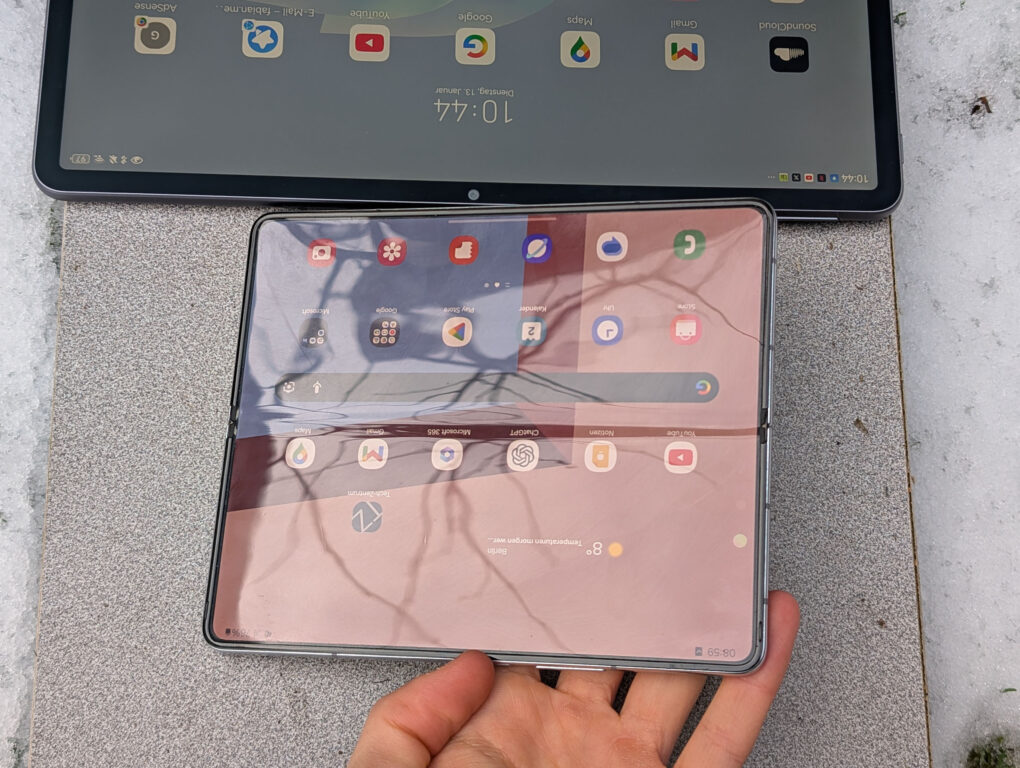
- Visible/strong reflections on a classic glossy display (here Samsung Galaxy Z Fold 5). (Image: TechnikNews)

When writing, the display feels surprisingly paper-like. The pen doesn't glide as if on glass, but rather creates a slight resistance that closely resembles real paper. For me, this makes the writing experience significantly more pleasant than on conventional tablet displays. The typing and drawing feel is also more natural overall.
What I find particularly impressive is the readability in challenging lighting conditions. The screen remains clearly visible under both artificial light and direct sunlight. Reflections are barely noticeable, and fingerprints are significantly less visible than on traditional glass displays. The viewing angle stability is also impressive: even from oblique perspectives, the image remains color-stable and high-contrast.
Overall, the panel truly gives me the impression of a digital sheet of paper and is excellent for extended reading, writing, and drawing. The only significant drawback remains the lower contrast range compared to OLED displays. Blacks appear less deep and colors not quite as vibrant – OLED panels are still clearly superior in this respect. Backlight bleeding is also a recurring issue with LCDs, but I barely noticed it on the PaperMatte Edition.
Software – stylish and user-friendly
The HUAWEI MatePad 11.5S runs HarmonyOS version 4.3.0, HUAWEI's proprietary user interface. The interface appears clean, modern, and very responsive. Animations are well-integrated and blend seamlessly into everyday use. I find the many small functions for the proinductive use, such as the flexible customization of app icons or split-screen usage, which allows one to procan easily use multiple apps simultaneously.
For me personally, the company's own notes app is a real highlight. Notes can be created very clearly before, during, and after meetings: dates, topics, location, and participants can be entered directly, agenda items can be created as to-do lists, and important documents or presentations can be inserted via drag and drop. The speech-to-text function converts speech.proIt automatically converts content into text, handwritten notes or sketches are automatically enhanced upon request, and documents or whiteboard content can be scanned directly. Everything can be synchronized across Huawei devices. Compared to Apple or Samsung, the notes app isn't quite as comprehensive – but it's very intuitive and reliable in everyday use.
What I like less: To open the control center, you absolutely have to swipe down from the top of the screen. On other tablets, you can often do this from anywhere on the home screen, which I find much more convenient.
Even with Google apps?!
As is known, HUAWEI devices have been shipped without pre-installed Google services by default since the Mate 30 Pro. Most apps can still be installed, however. proWhile installation via the AppGallery or Petal Search is straightforward, there have been recurring limitations in the past – for example, with certain banking apps or Google-dependent applications. For precisely this reason, despite their often excellent hardware, I could only offer limited recommendations for HUAWEI smartphones for a long time.
The situation is much better with the MatePad 11.5S. There is now a very simple and reliable way to use Google apps on current HUAWEI devices. Google applications can be installed via the Aurora Store in combination with the automatically installed microG services. proDownload and use them easily in everyday life. A particularly convenient feature: The Aurora Store now also supports automatic updates, so the apps can be kept up-to-date as usual.
During my testing, the MatePad 11.5S ran surprisingly well with Google apps – almost without any limitations. Gmail, YouTube, Google Maps, Google Drive, and others functioned reliably and stably. Even banking apps, including the Sparkasse app with mobile payment functionality, worked flawlessly for me. proNo problems. Only Google Pay is still not supported, although HUAWEI is already working on a solution.
Here is a short and clear guide to installing Aurora Store and microG: Connect
Performance – smooth and fast
Under the hood, the in-house HiSilicon Kirin T92C processor powers the device, supported by 12 GB of RAM and 256 GB of internal storage. Everyday performance is truly impressive for this price range. In daily use, the MatePad 11.5S runs consistently smoothly and reliably; I almost never experienced any stuttering or lag. Apps launch and close very quickly, and multitasking works flawlessly. proProblem-free. Both the keyboard connection and the pen recognition work reliably and without interruptions.
I was also impressed by the excellent heat management. Huawei has implemented a new cooling system that efficiently dissipates heat, ensuring low internal temperatures. Even during extended use, the tablet remains pleasantly cool and maintains stable performance – a definite plus for everyday use.
Battery – properly
For a tablet of this size, the 8.800 mAh battery is surprisingly generous. HUAWEI promises a total runtime of up to 10 hours, which I almost achieve. With my typical usage mix of social media, YouTube, browsing, Netflix, listening to music, and working with Word and WordPress, I get a total runtime of around nine to ten hours. I'm very satisfied with that, even though larger tablets sometimes last a bit longer. I'd like to highlight the extremely low standby power consumption: In two days of standby, I only lost one percent of the battery charge.
The HUAWEI MatePad 11.5S charges at up to 66 watts. Unfortunately, the appropriate power adapter is not included. A full charge takes approximately 75 minutes.
Camera – sufficient for scanning
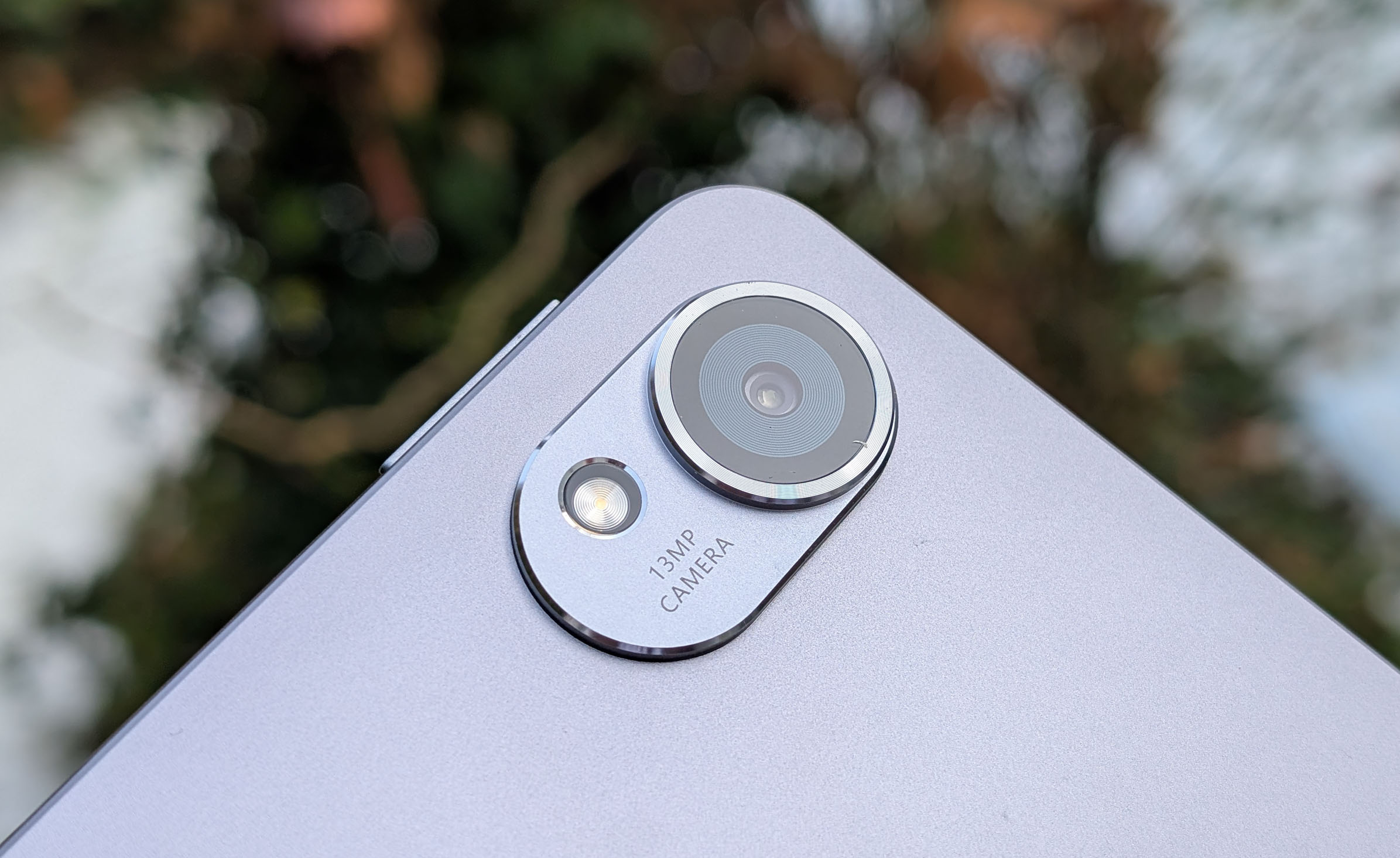
On the back is a 13-megapixel main camera with an f/1.8 aperture, and on the front is an 8-megapixel camera for selfies, video calls, and meetings. While the camera isn't my top priority for tablets—display, performance, and battery life are paramount—it still needs to be reliable in everyday use. Especially at university, you often photograph lecture notes, whiteboards, or documents, and the main camera is generally well-suited for this. In normal photo mode, documents are captured with sufficient sharpness, proper exposure, and solid color reproduction.
Picture: TechnikNews
I was less impressed with the dedicated document mode. The image quality quickly becomes grainy and sometimes even blurry, which could be improved in this price range. On the other hand, I'd like to highlight how quickly and easily photos and scanned documents can be processed in the built-in notes app – this saves a noticeable amount of time in everyday use.
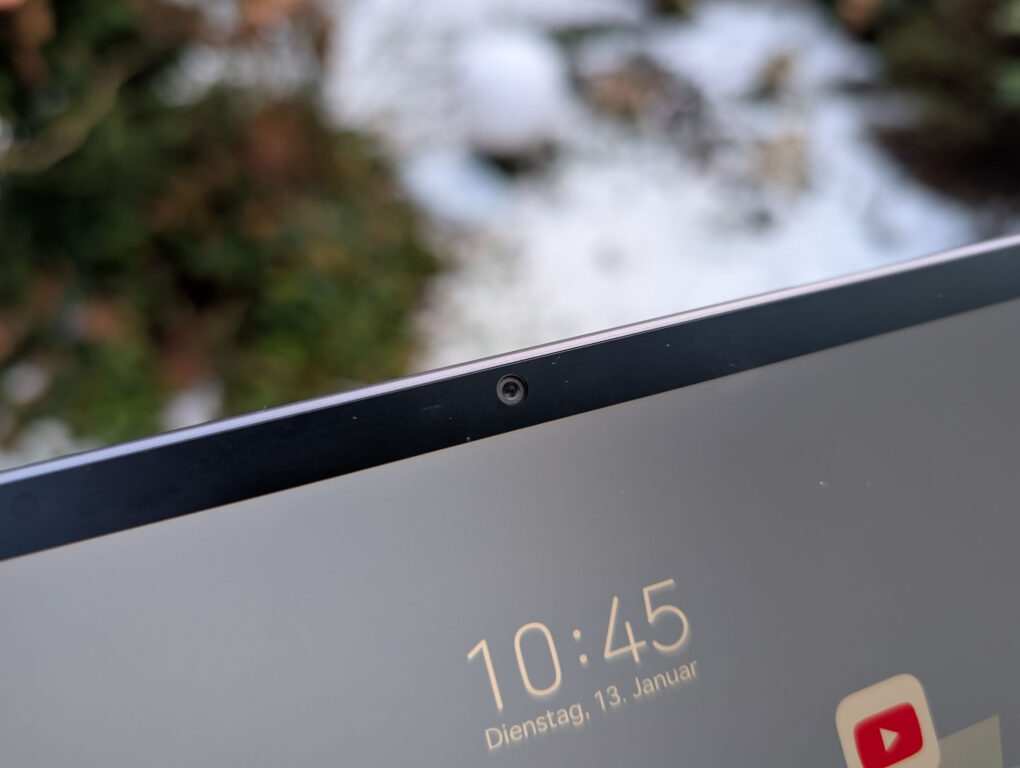
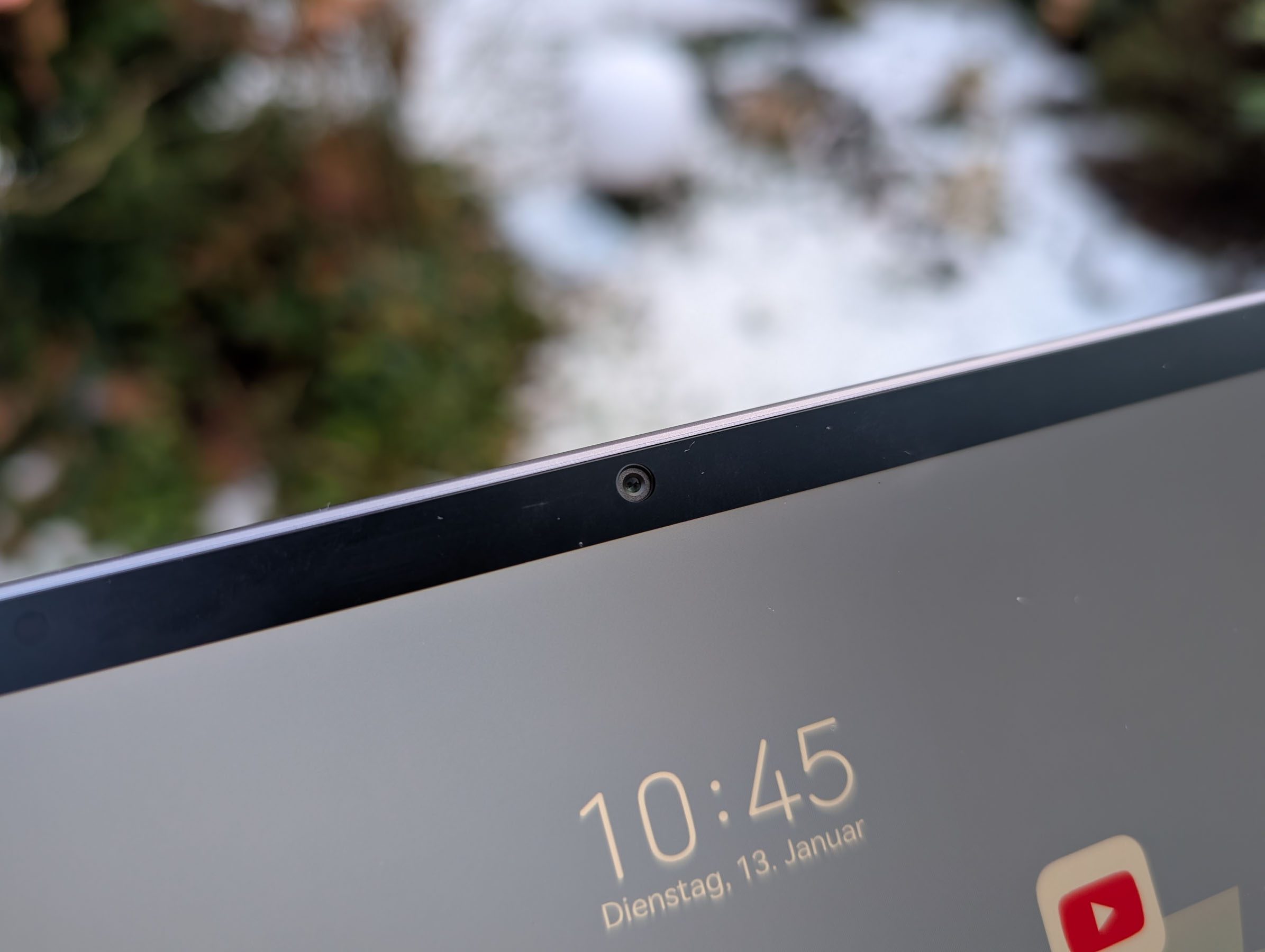
The front camera isn't really suitable for classic selfies, but it's perfectly adequate for video calls and online meetings. While sharpness, color, and exposure could be better, the overall quality is perfectly acceptable for a tablet.
Other features – impressive loudspeakers
The Huawei MatePad 11.5s is equipped with a total of four speakers, located on the left and right sides of the casing. The sound pleasantly surprised me during testing. The speakers sound full and rich, offer decent bass for a tablet, and don't become unpleasantly shrill even at high volumes. This made watching Netflix or YouTube videos particularly enjoyable. For me, these speakers are definitely among the best I've heard in a tablet so far.
Unfortunately, there's no fingerprint sensor, which I personally find a bit disappointing. Instead, Huawei relies on facial recognition via the 8-megapixel front camera. While this is only a simple 2D recognition system and not a particularly secure 3D solution, it worked reliably in everyday use. I also couldn't easily fool it with a photo, which I'd like to emphasize as a positive point.
Also included is Wi-Fi 6, which I greatly appreciate. The connection was stable and fast during my testing, especially when streaming and downloading large files.