
Lenovo LOQ 17IRX10 review: A great balance between budget and performance?
A TEST REPORT from Benedict Behring  on January 06, 2026, 8:30 | Write a comment
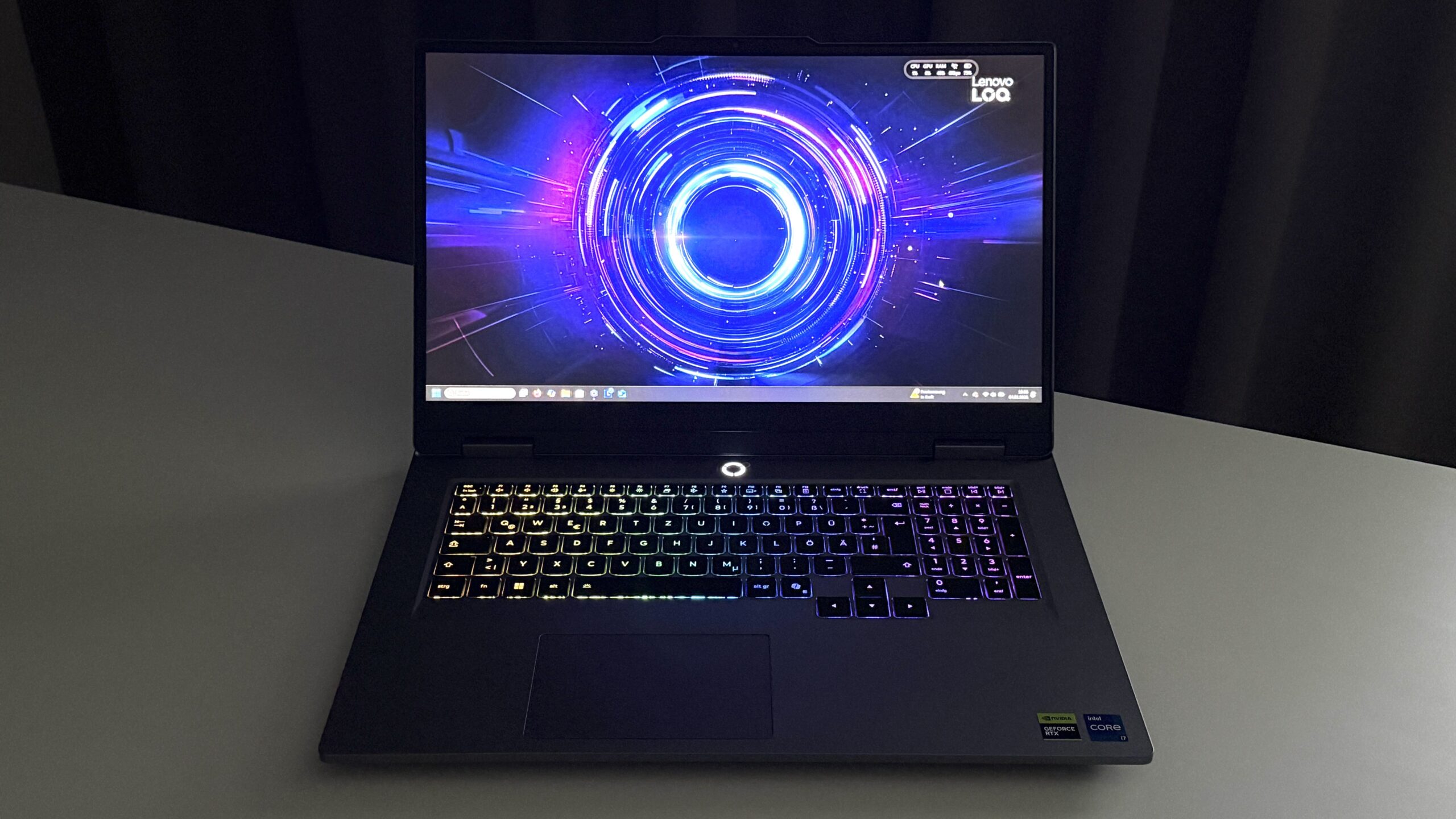
According to Lenovo, the LOQ series was created based on the idea that gamers are stronger together. "LOQ" is meant to evoke the English word "lock," which in turn symbolizes inseparable teams of gamers. The series is aimed at beginners who want good hardware on a smaller budget. You can read our review to find out if it delivers on its price-performance ratio.
Our tested model LOQ 17IRX10 It's the flagship of its class. Above it would only be the Legion series, which can cost several thousand euros more. Within the LOQ series, there are of course also cheaper models, which then have a smaller screen diagonal and somewhat weaker hardware.
tl; dr
The Lenovo LOQ 17IRX10 is a 17-inch gaming notebook designed with a strong focus on price-performance. Equipped with an Intel i7-14700HX and an NVIDIA RTX 5070, it delivers powerful native gaming performance, fulfilling the LOQ series' promise of offering entry-level users excellent value for money. For users who primarily play near a power outlet and prioritize high frame rates, this package is compelling. The display (17,3″, 165 Hz, IPS, but also "only" FHD and 300 nits) and the diverse range of features and ports further support this focus.
However, the concept brings clear consequencesproThe downsides are: The 60 Wh battery is rather small for a 17-inch device (resulting in very short gaming battery life), the speakers are located only on the bottom and lack depth, and the fans become clearly audible under full load (measured at around 50 dB from the user's position). On the positive side, the well-designed software integration (Lenovo Vantage, LegionSpace) with practical performance modes and the fast charging via the 245 W power adapter are noteworthy.
Hardware

Picture: TechnikNews
The hardware perfectly reflects Lenovo's product promise. It's an entry-level gaming notebook, but the best in the LOQ series. It features a very powerful, though less energy-efficient, Intel i7-14700HX processor, as well as an NVIDIA RTX 5070. More affordable models come with a 5050 or 5060 graphics card and a 13th-generation i5 or i7 processor. For AMD enthusiasts, Lenovo offers a choice of a Ryzen 5 or Ryzen 7. The audio quality from the two 2-watt stereo speakers is decent, but lacks depth; moreover, the speakers are located exclusively on the underside. A major drawback is the battery capacity. At 60 Wh, the The 17IRX10 is rather poorly equipped for a gaming notebook.
Design
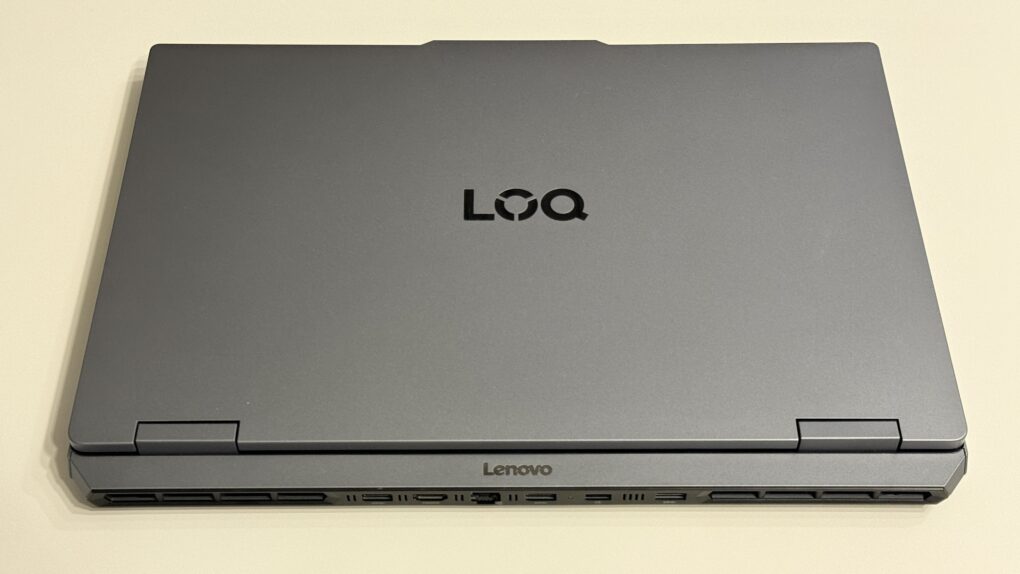
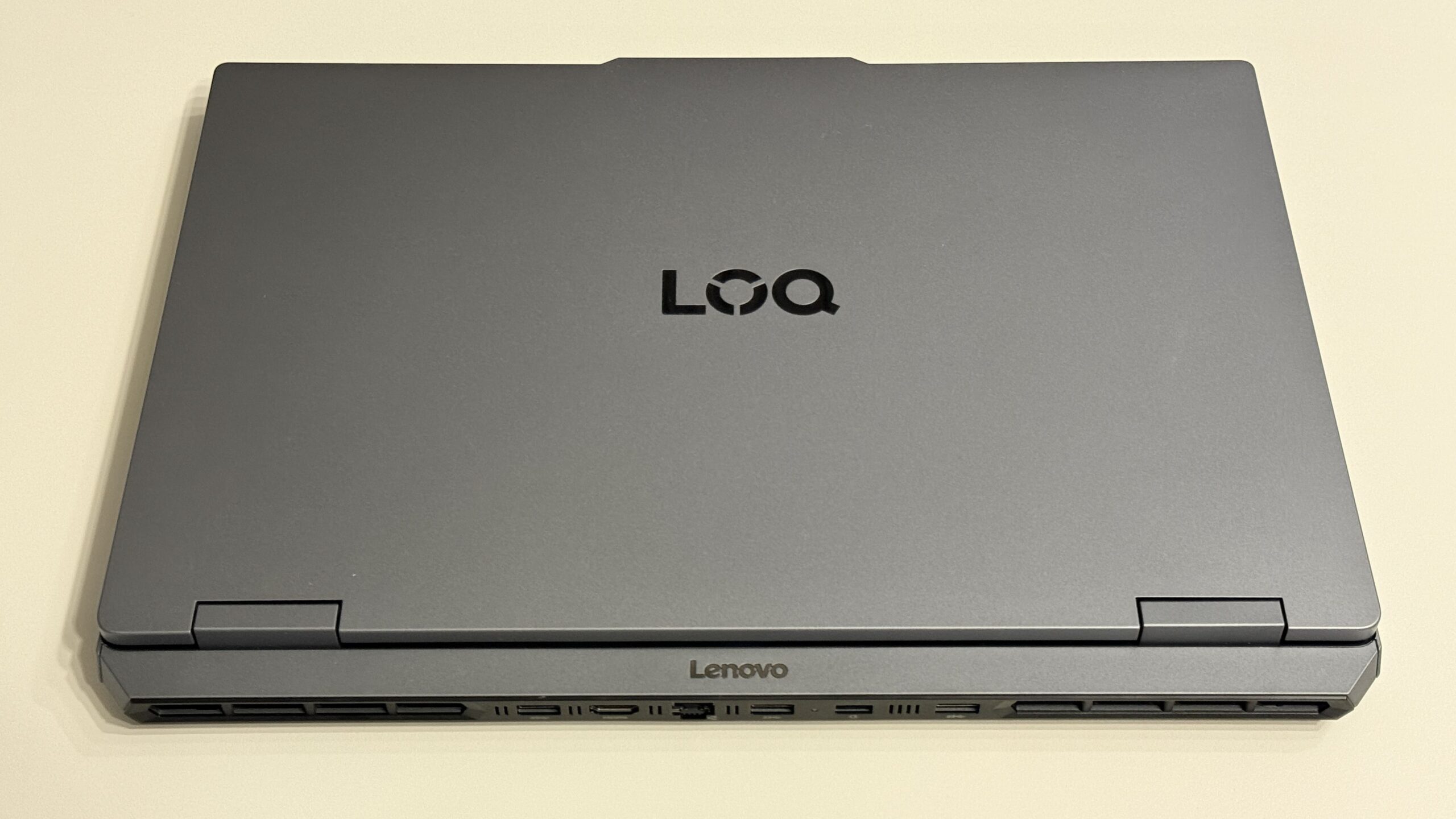
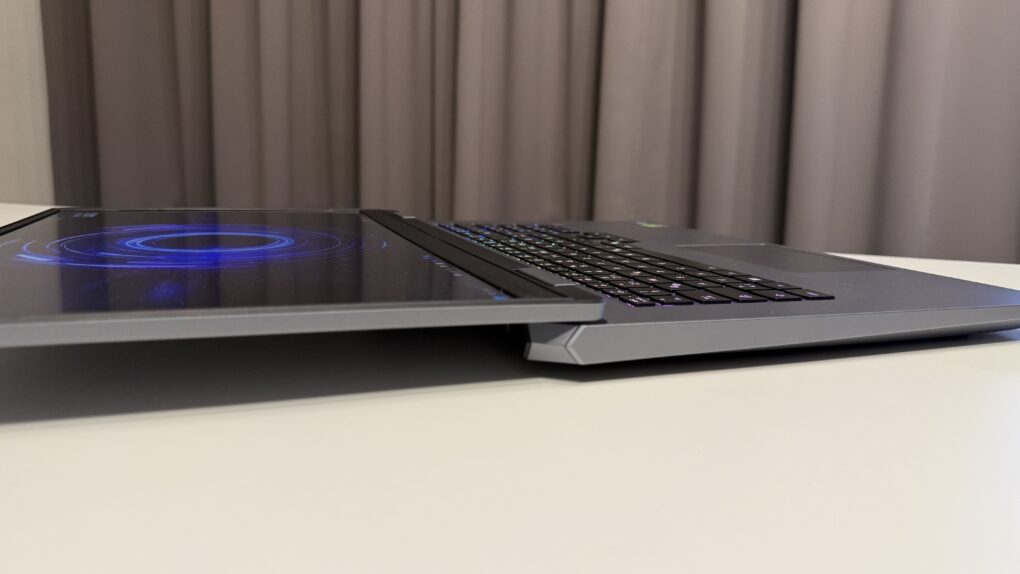
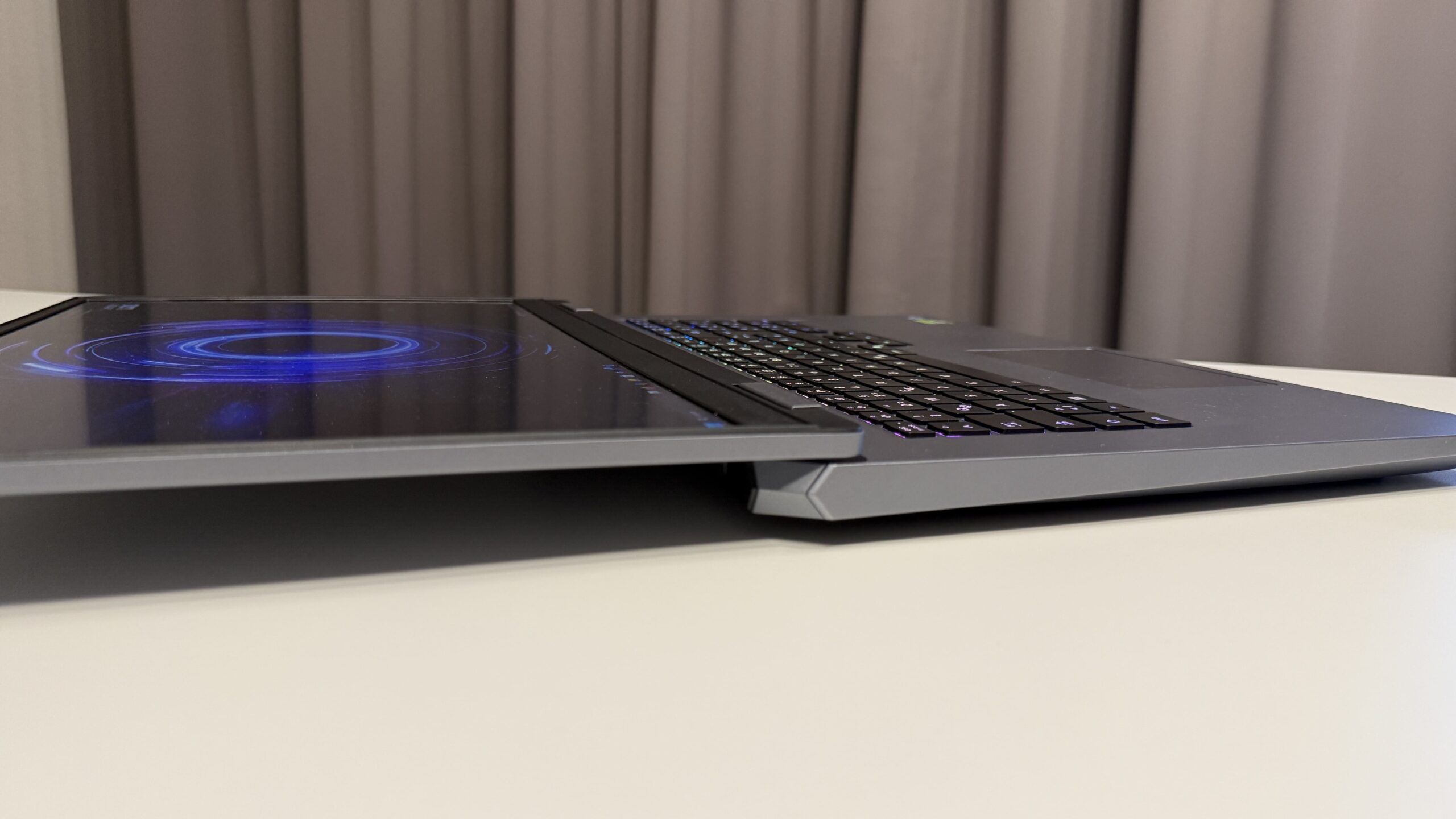
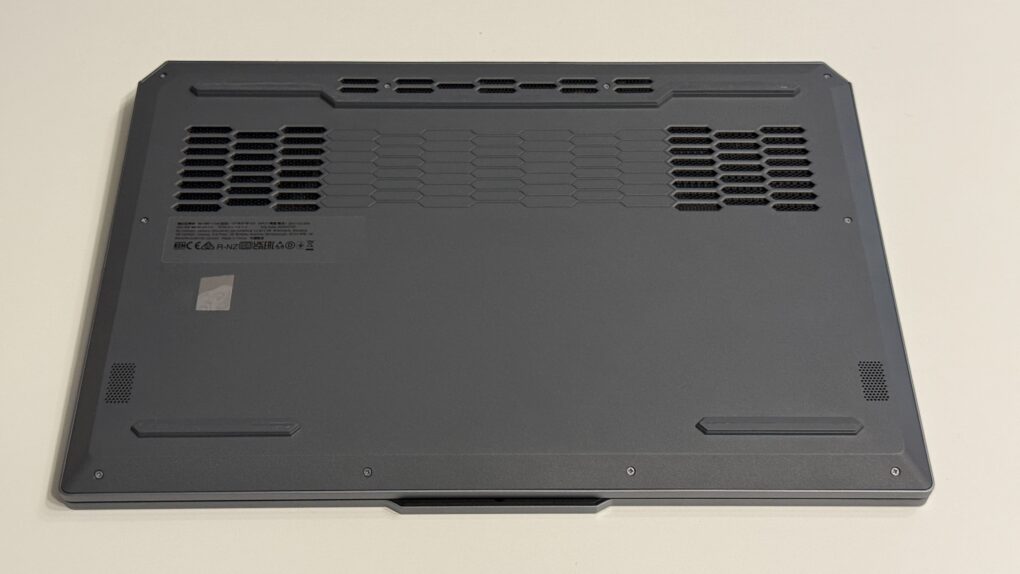
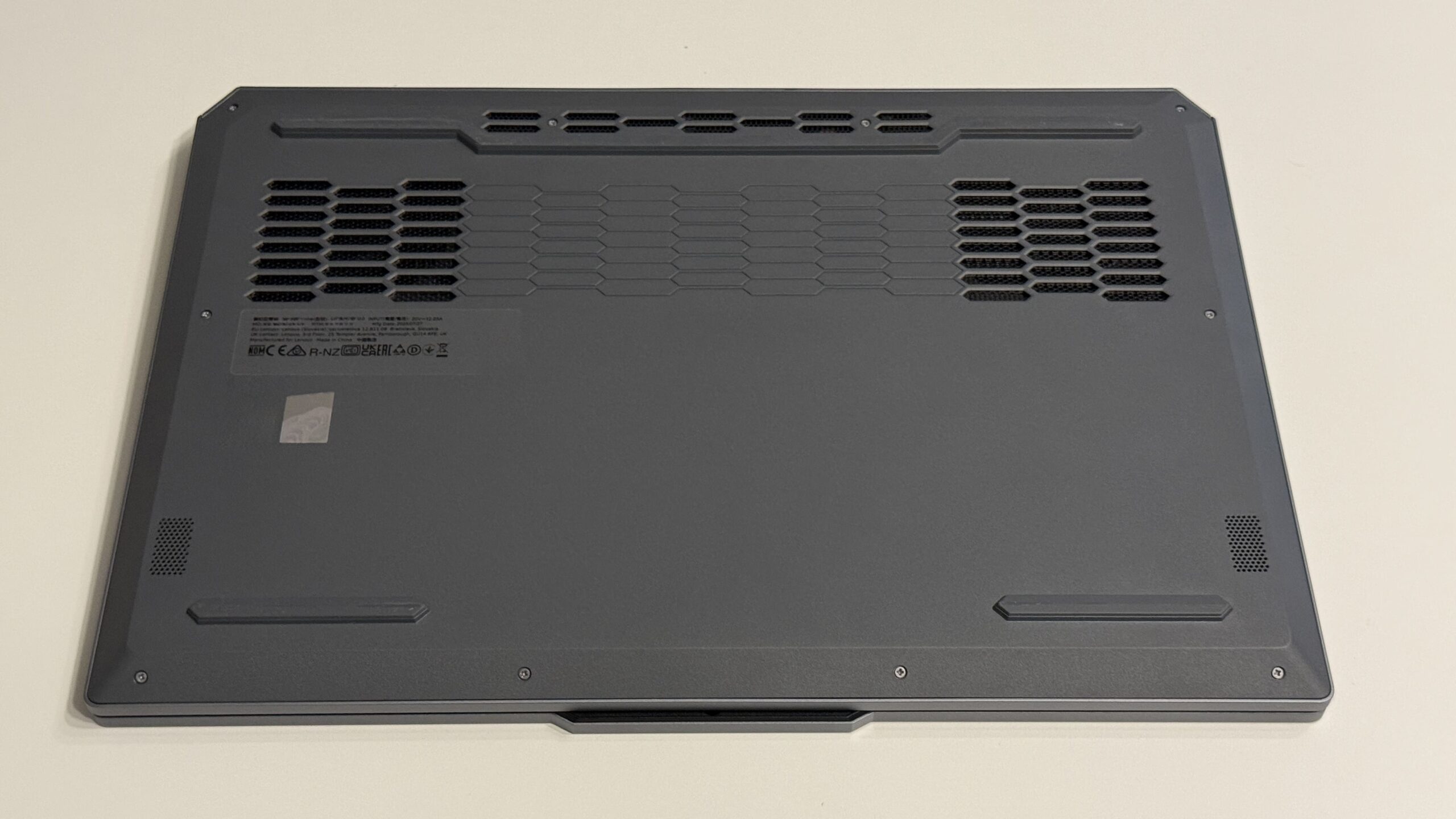
The "Luna Grey" case initially appears understated, but unlike most black gaming laptops, it conveys a more pleasant atmosphere. The large "LOQ" logo with a three-part "O" is a striking feature, appearing on both the power button and the keycap on the keyboard. The large hinges, which allow the display to fold back 180°, are also eye-catching. Otherwise, the exterior is quite minimalist, with no backlighting or other eye-catching details. The camera is housed in a slightly protruding camera bump, which makes opening the laptop much easier. The underside features rubberized feet, fan vents and exhaust ports arranged in an elongated honeycomb pattern, and two speaker ports.
-
- Picture: TechnikNews
-
- Picture: TechnikNews
-
- Picture: TechnikNews
Connections
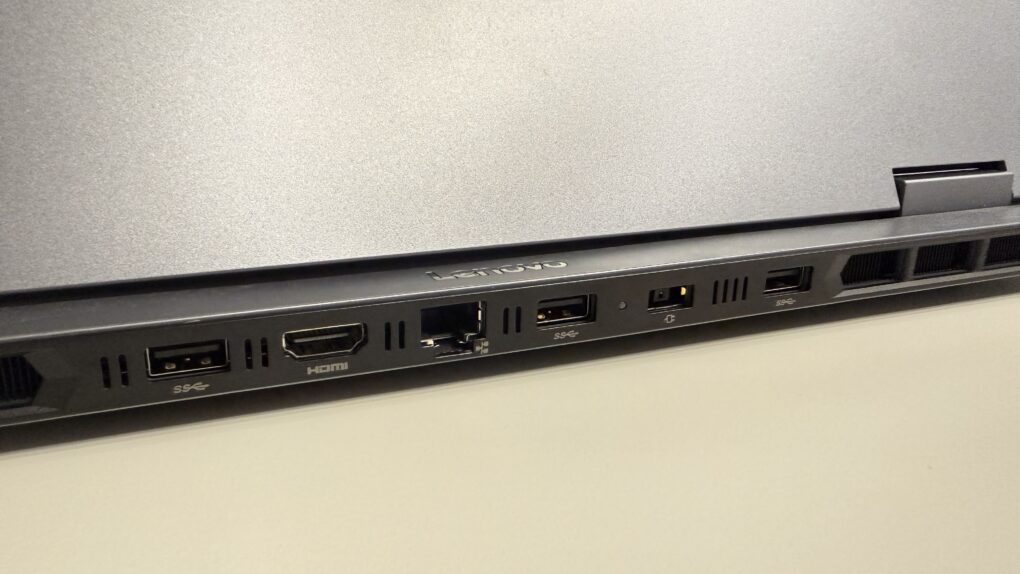
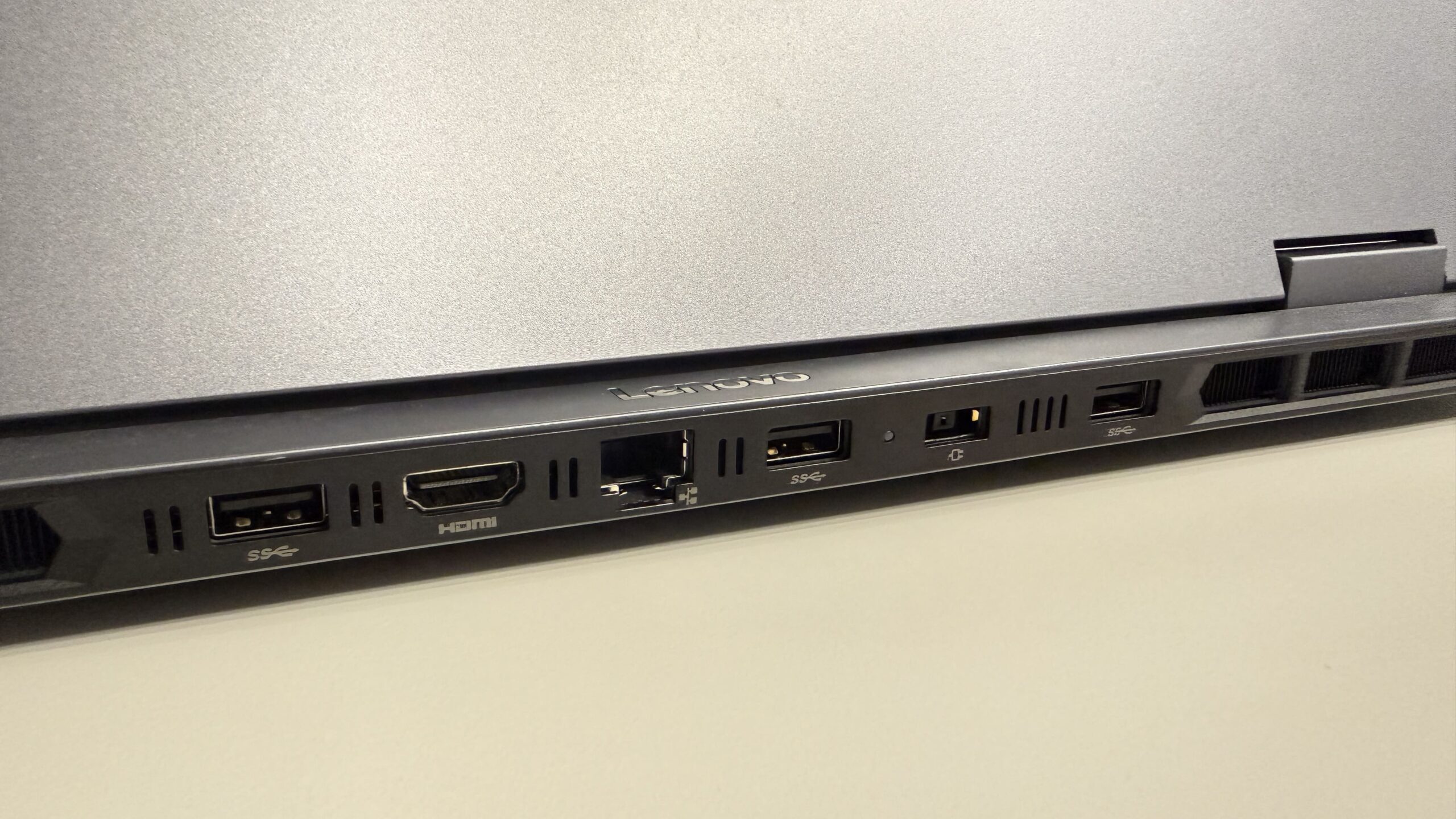
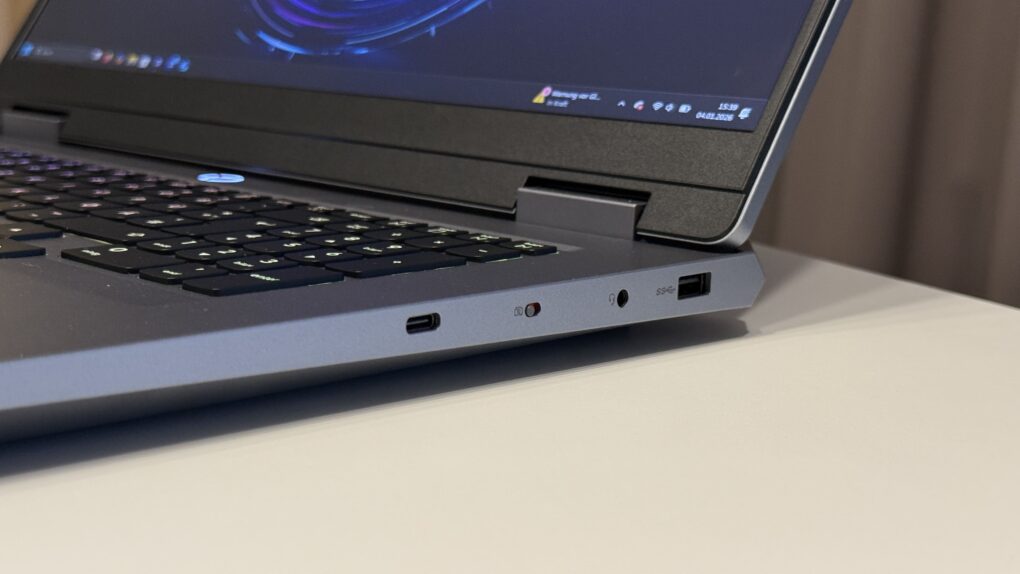
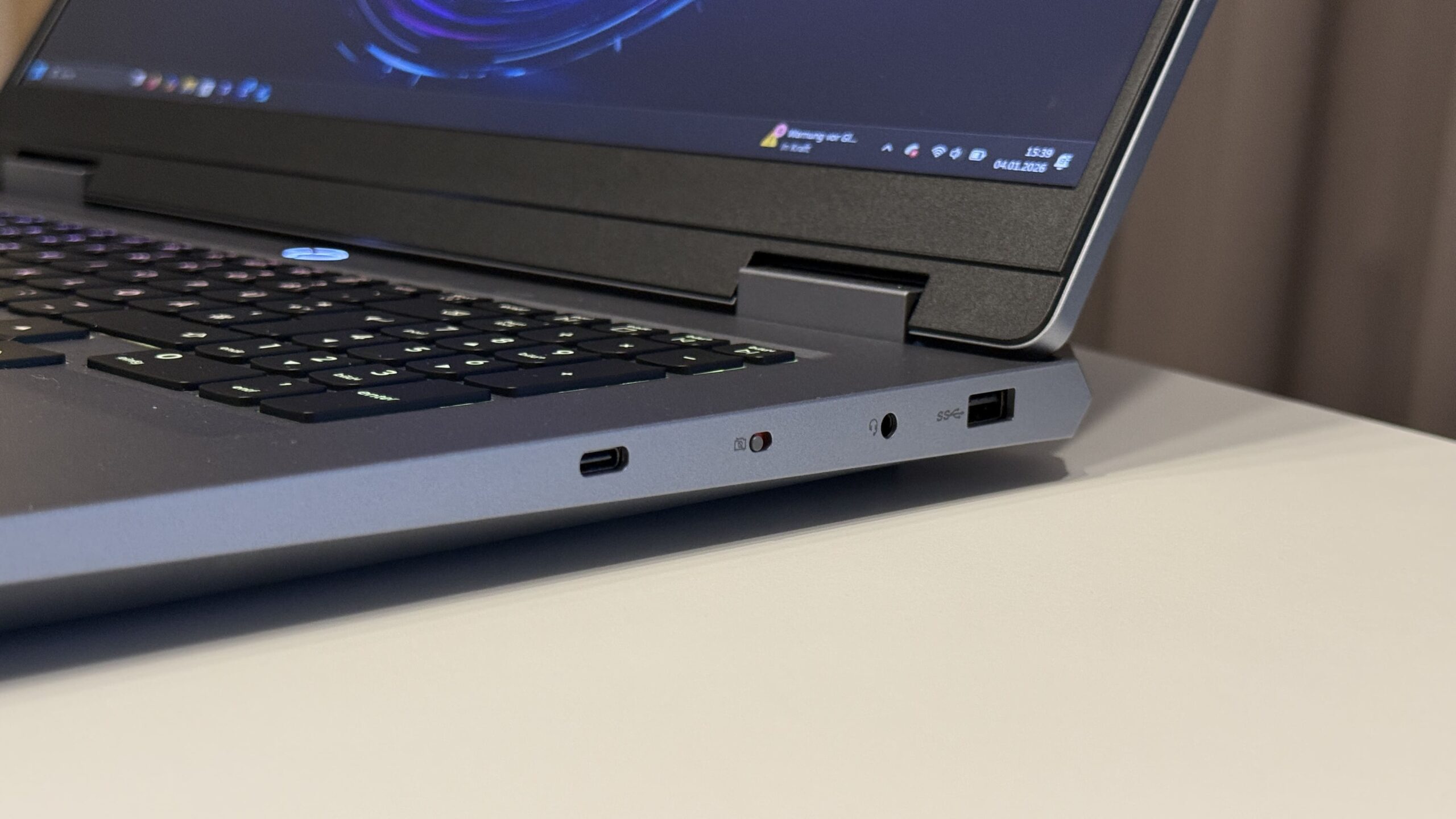
The ports are located on the right side and mostly at the rear. To the right of the keyboard are a USB-C and a USB-A port, as well as a headphone jack. On the back, you'll find three more USB-A ports (pleasantly evenly spaced), the charging port, Ethernet, and HDMI.
-
- Picture: TechnikNews
-
- Picture: TechnikNews
Keyboard & touchpad
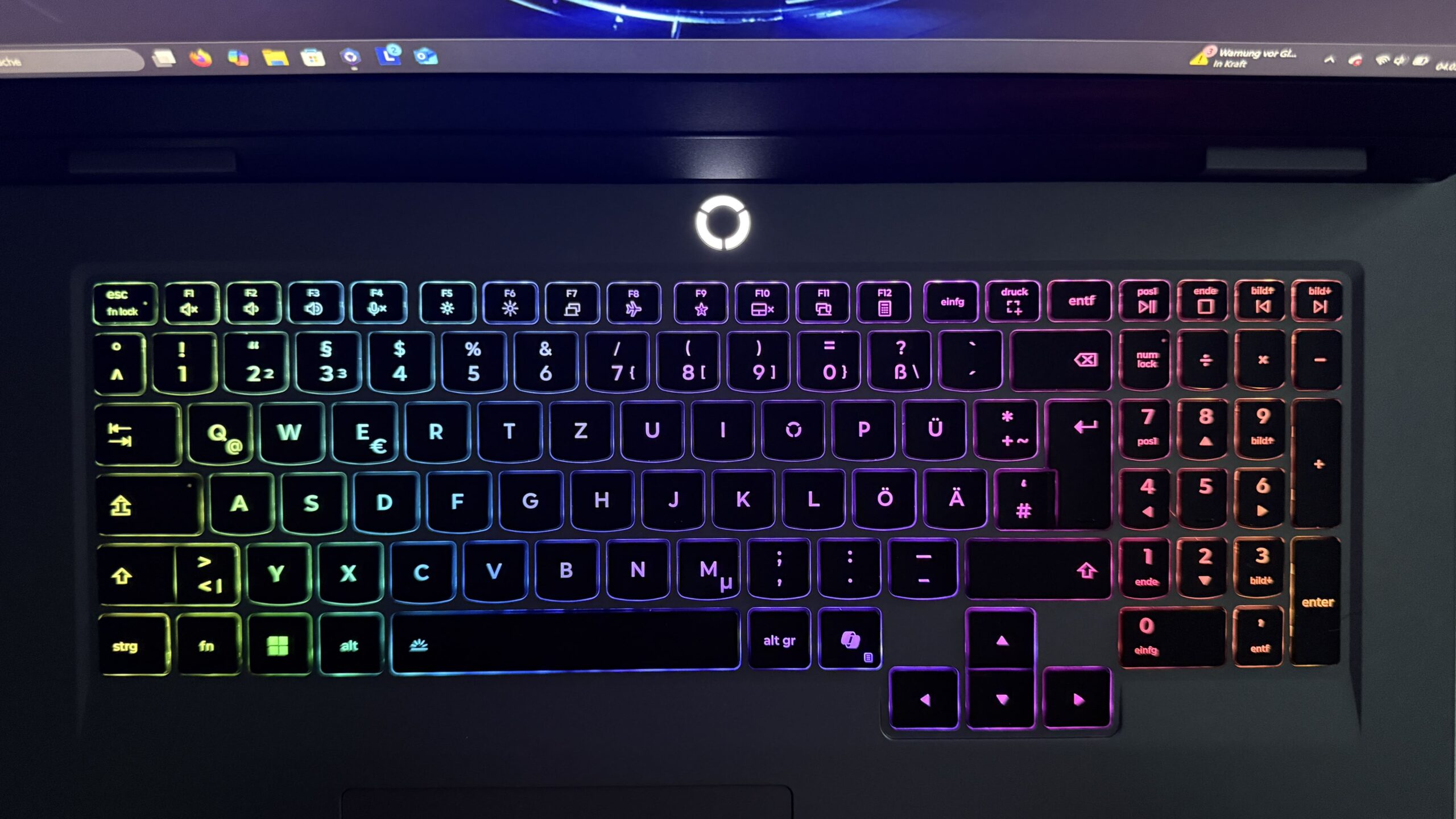
The Mylar®-coated touchpad measures 75 mm wide x 120 mm long and is slightly offset to the left. On a gaming notebook, I would have found it more practical to position it closer to the right, to avoid accidentally touching it with my hand while in WASD mode. The trackpad feels smooth and responds as expected. It supports multi-touch and has no dedicated buttons. This means you can perform gestures like switching between programs with three fingers, and there's a larger touch area since the two standard buttons are integrated into the bottom left and right edges of the touchpad. The only noticeable issue is a clicking sound when tapping the left side of the touchpad, as if it's not evenly attached. I can't say whether this is a one-off defect with my test unit or a problem with the entire series. The palm rest measures a generous 10,5 cm wide x 10,7 cm long on the left side of the trackpad and 18,4 cm long on the right. The keyboard, with its pleasant tactile feedback and numeric keypad, is the only component that can be individually backlit via software. Up to five profiles are available, which can be customized and activated via shortcuts. The keyboard also offers many other shortcuts, such as dimming the display brightness or disabling the touchscreen.
Picture: TechnikNews
The large touchpad also allows for four-finger gestures without any problems. Important tip: Sometimes, when using both the keyboard and touchpad simultaneously (e.g., steering and camera movement in racing games), the touchpad may not respond. In this case, simply go to "Touchpad" in the settings, click on "Tap Input," and set the "Touchpad Sensitivity" to "Highest Sensitivity."
Display
A decent 17,3-inch screen makes gaming, office work, and video editing comfortable – at least if Full HD resolution and a maximum brightness of 300 nits are sufficient, as that's all you get here. However, it does offer a 165Hz refresh rate on an IPS anti-glare display (a matte surface to reduce reflections) and G-Sync. So, again, the focus is clearly on gaming, but in the more affordable entry-level segment. It's also worth noting that the IPS panel provides very wide viewing angles.
Software and connectivity
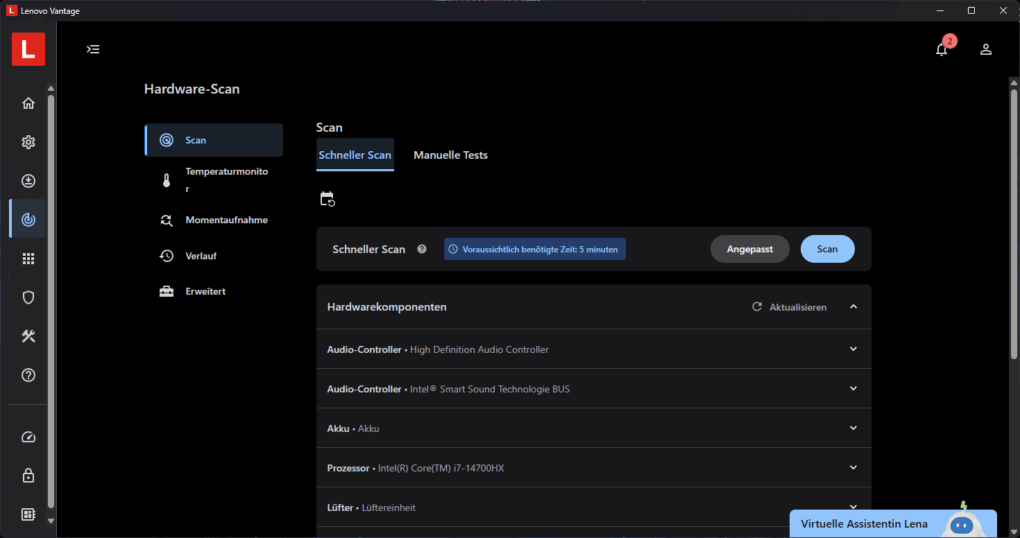
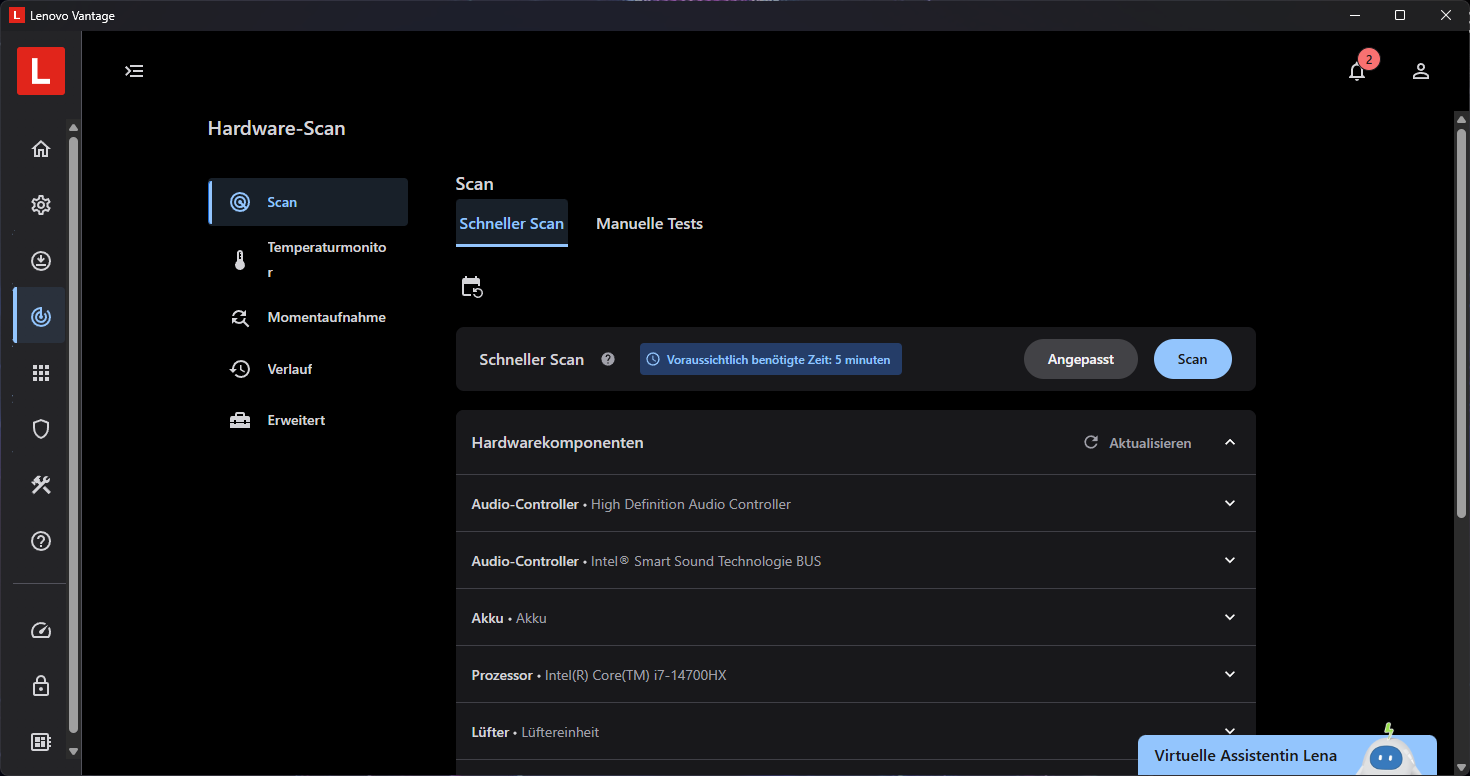
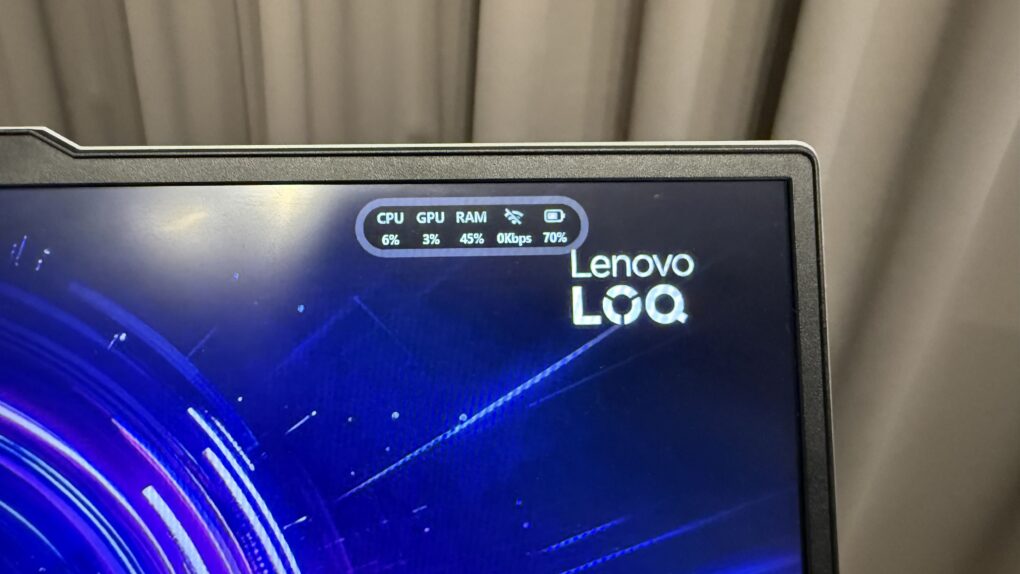
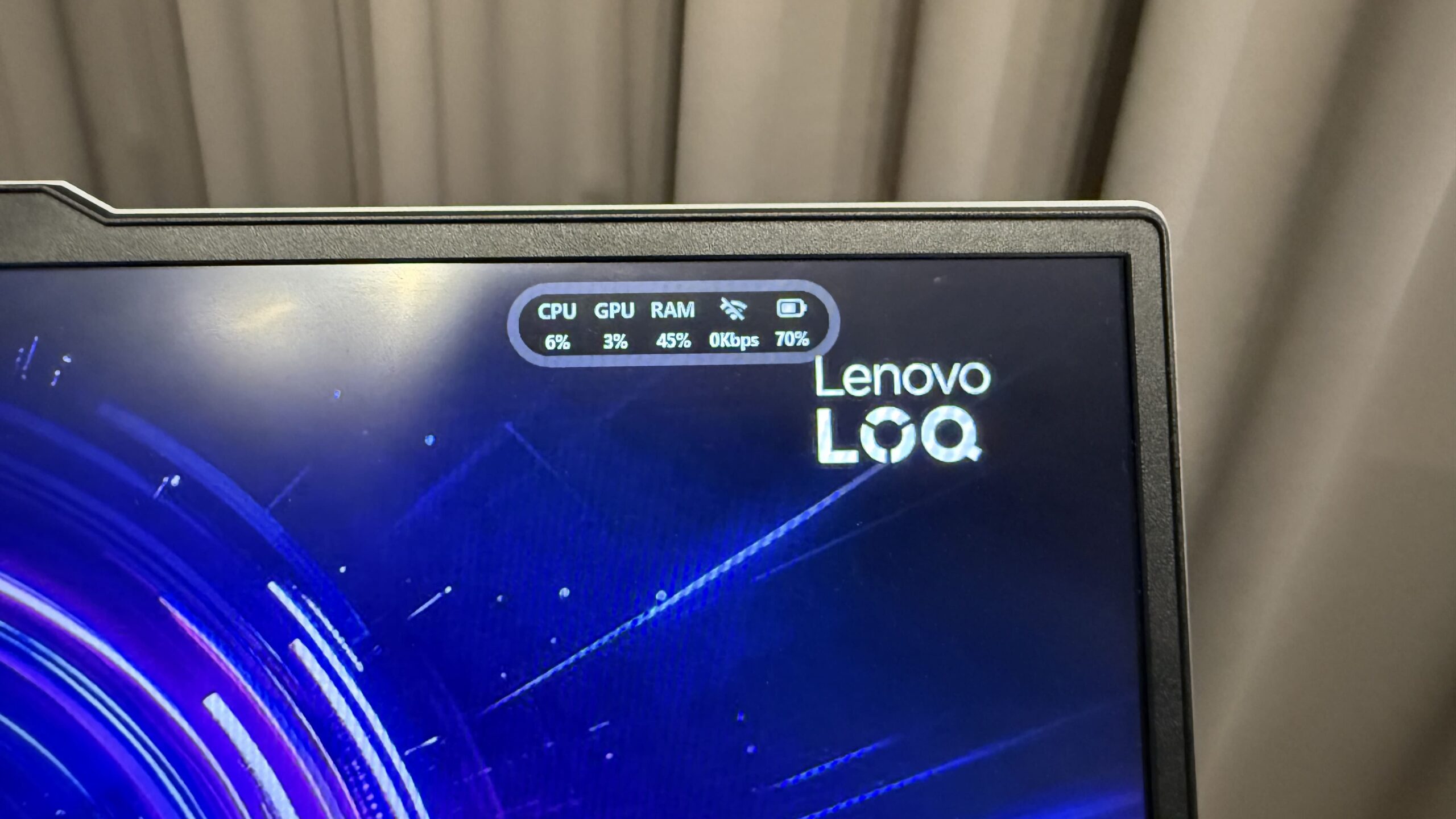
The pre-installed "Lenovo Vantage" software offers a wide range of settings. The most noticeable feature is probably the Vantage widget, which displays hardware usage, download and upload speeds, and battery level on the desktop. This can, of course, be disabled. Furthermore, the app provides detailed information about the battery's condition and temperature, as well as the option to perform a hardware scan, which checks the functionality of each individual component. Finally, the "System Update" tab is worth mentioning. Here, you can check for and install software updates. At least, that's the idea – initially, a "BIOS Update Utility" refused to install and kept aborting the process.
-
- Picture: TechnikNews
-
- Picture: TechnikNews
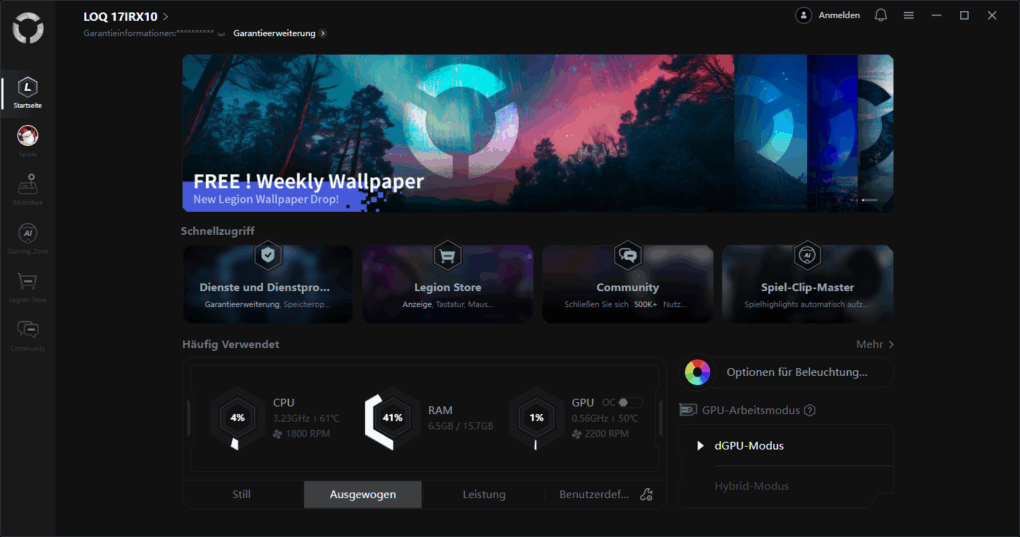
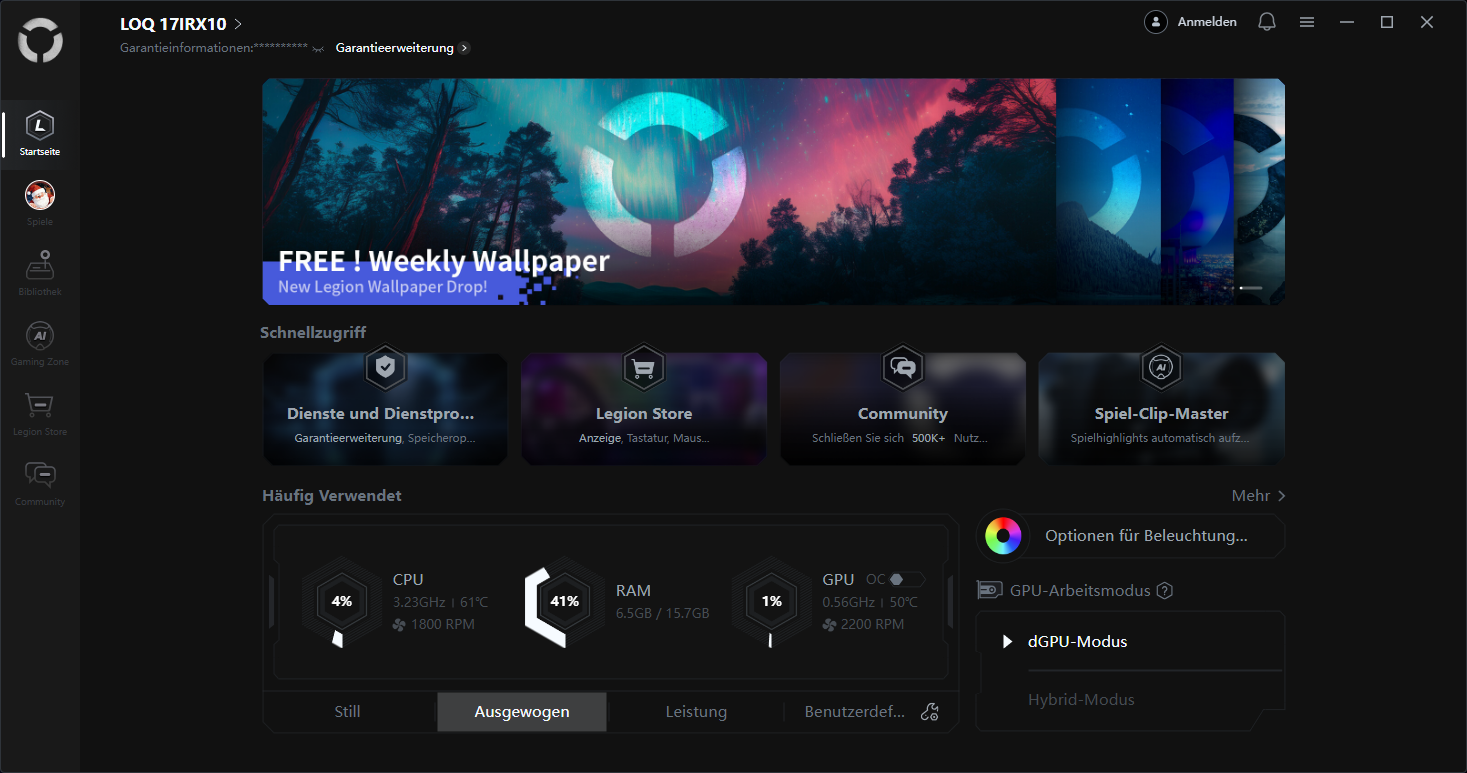
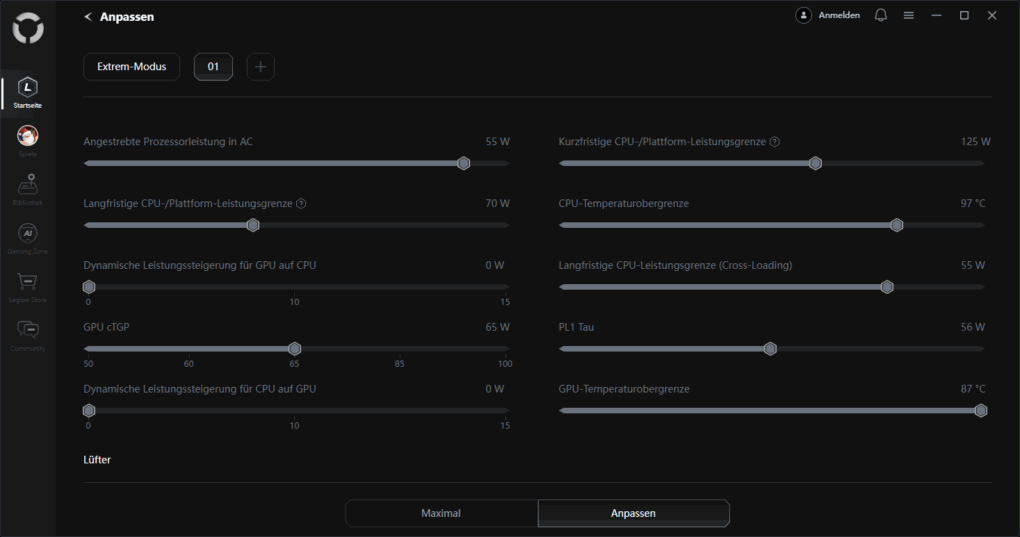
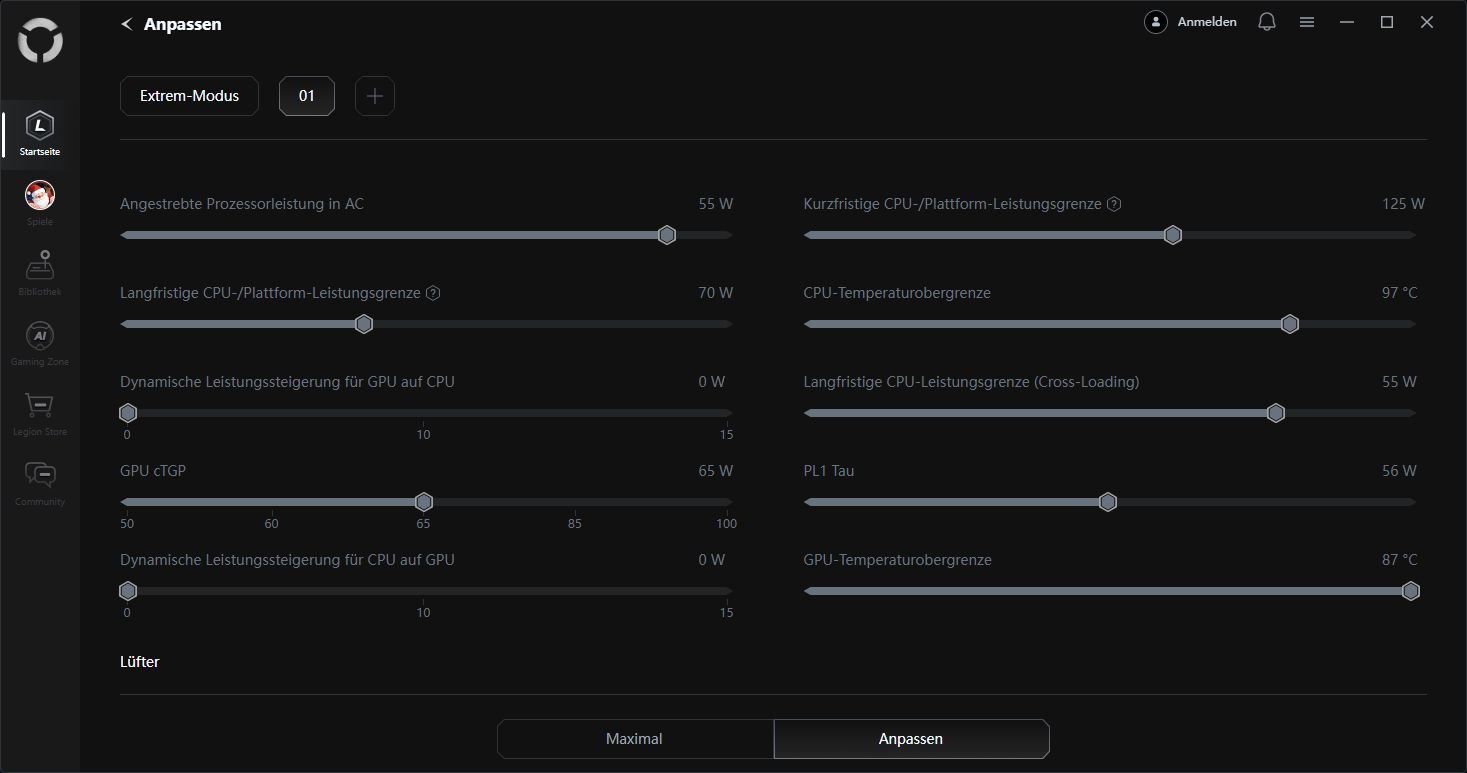
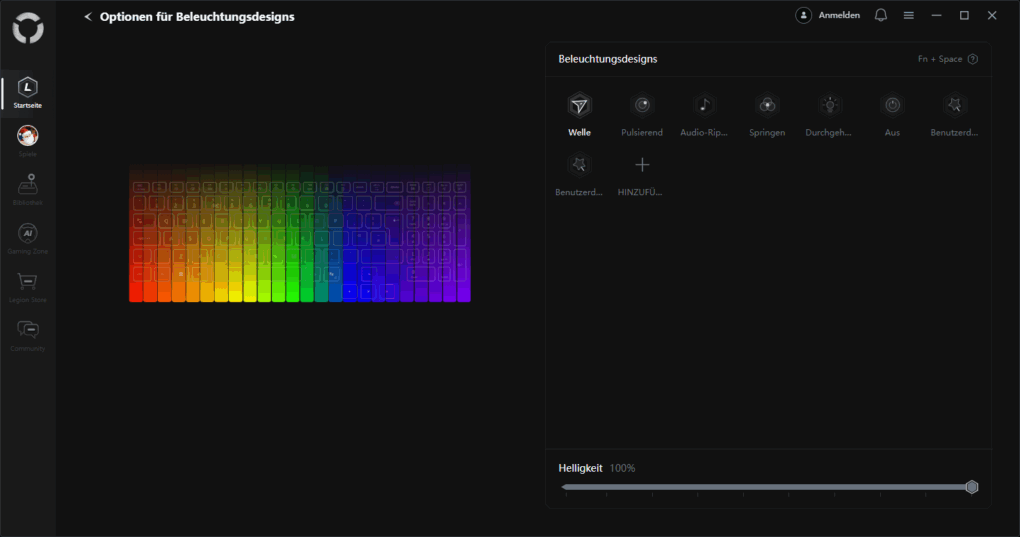
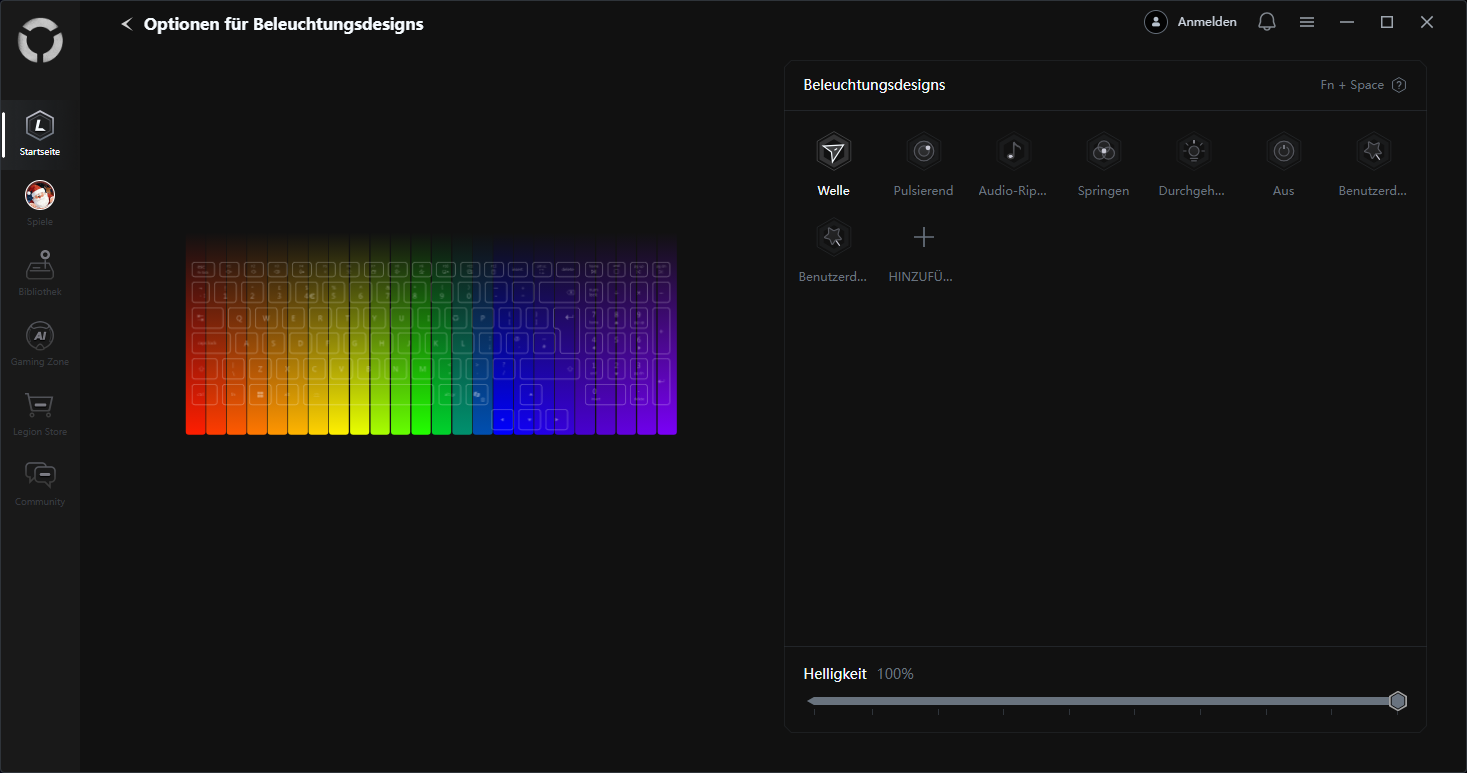
The second essential app is "LegionSpace." Here, not only is the keyboard's backlighting configured to the user's preferences, but the hardware can also be adjusted for quiet efficiency or high-performance operation. Both are incredibly easy to do with just a few clicks. We offer a choice of four modes:
- Still: clocked down as much as possible to allow for quiet fan operation; the on/off button glows blue.
- Balanced: higher clock speed for normal to demanding gaming; the on/off button lights up white.
- Performance: Available only when plugged in; highest performance when fan noise is irrelevant; overclocking is enabled; the power button glows red.
- User-defined: Only available when powered by mains electricity; custom configuration possible; the on/off button lights up purple.
Important tip: By default, performance is throttled when running on battery power to conserve energy. To get more than 60 FPS while gaming, you need to activate "Best Performance" under "Power and Battery" in the battery settings.
There are two additional modes specifically for the GPU:
dGPU mode: Uses only the dedicated graphics card, not the processor's integrated graphics.
Hybrid mode: Automatically switches between the integrated and dedicated GPUs to balance battery life and performance.
-
- Picture: TechnikNews
-
- Picture: TechnikNews
-
- Picture: TechnikNews
Connectivity options
Firstly, we have Wi-Fi® 6, which connects quickly and reliably, and secondly, Bluetooth 5.2, which also performed flawlessly in our tests. While neither is the latest and fastest version, they are stable and sufficient for the model's intended purpose.
Performance
Insights
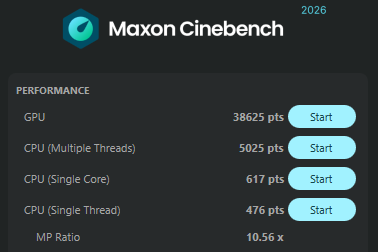
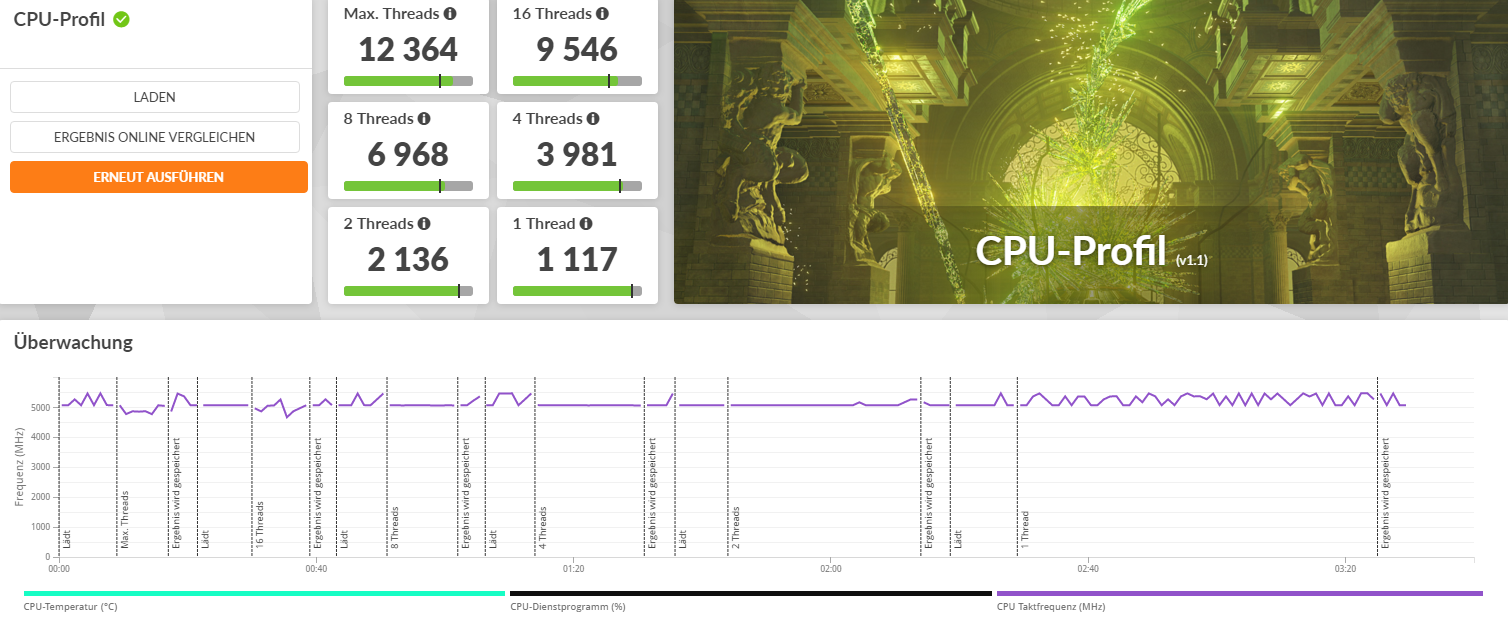
Cinebench
Picture: TechnikNews
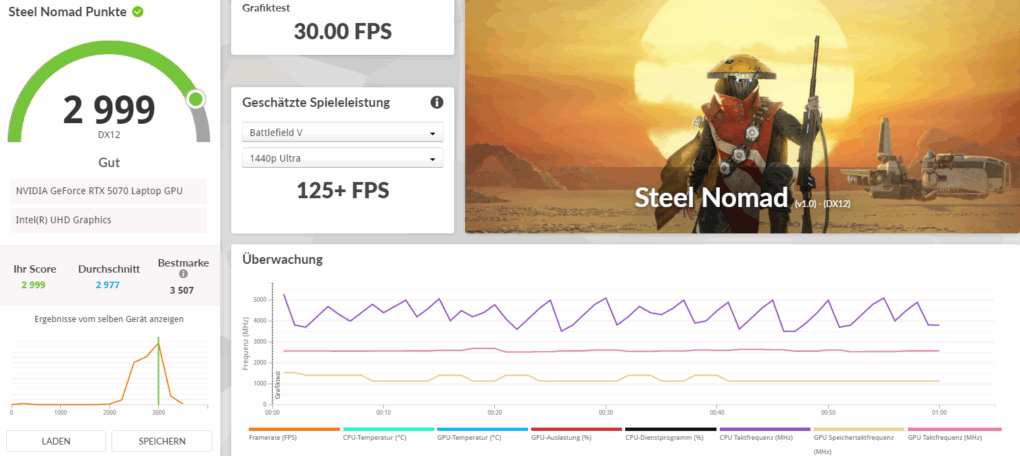
3D Mark
-
- Picture: TechnikNews
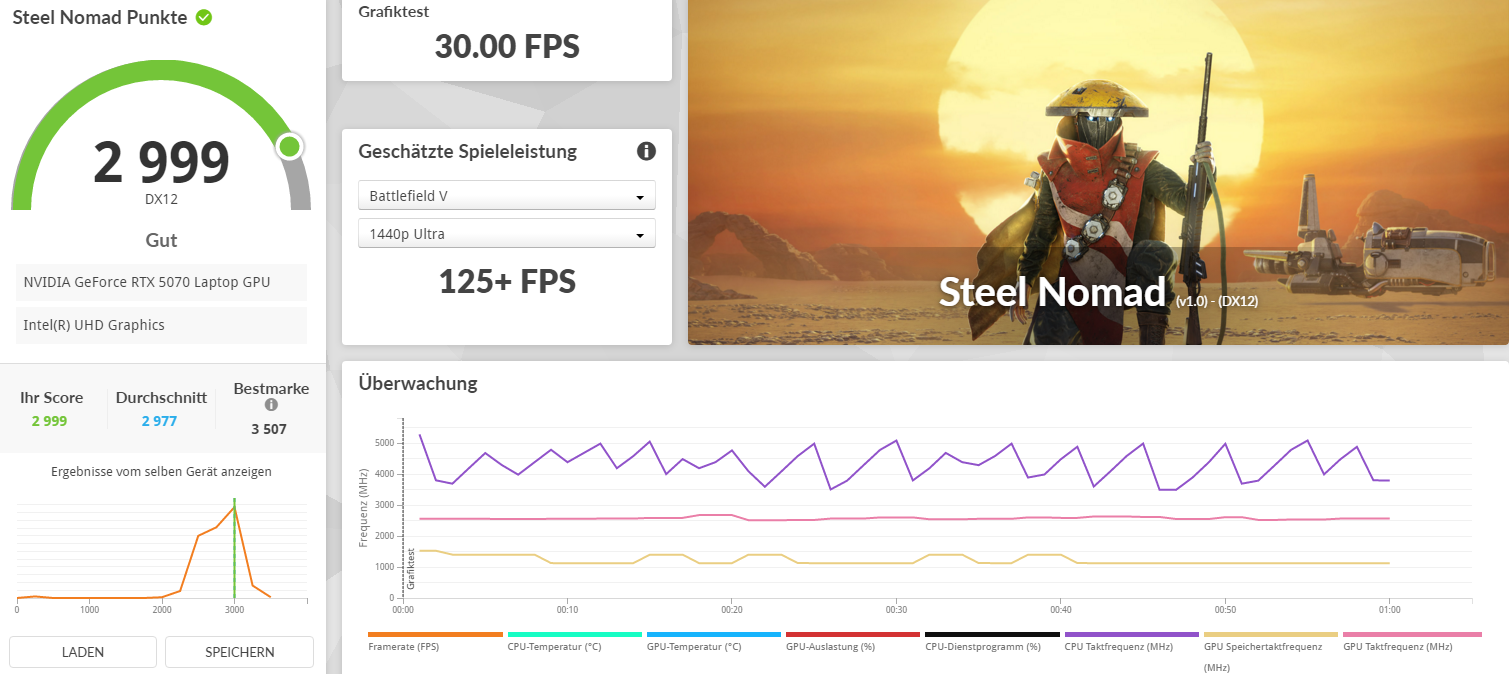
-
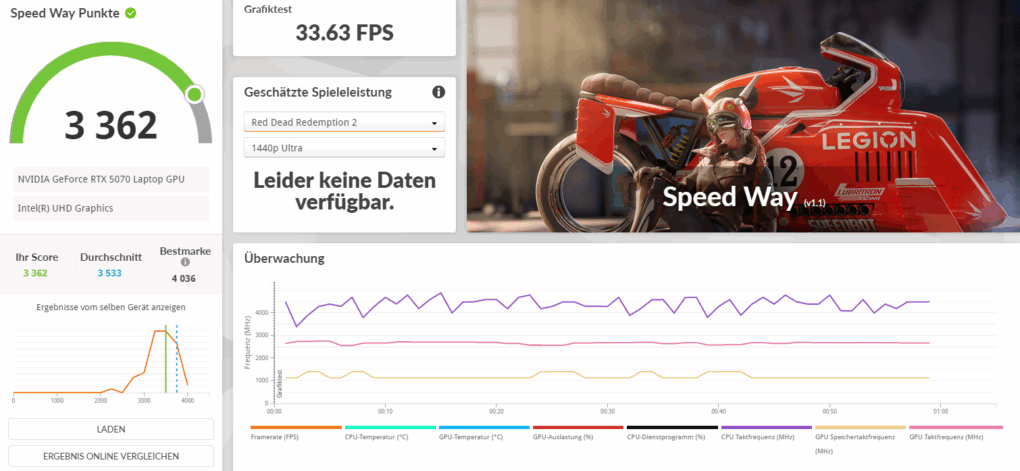
- Picture: TechnikNews
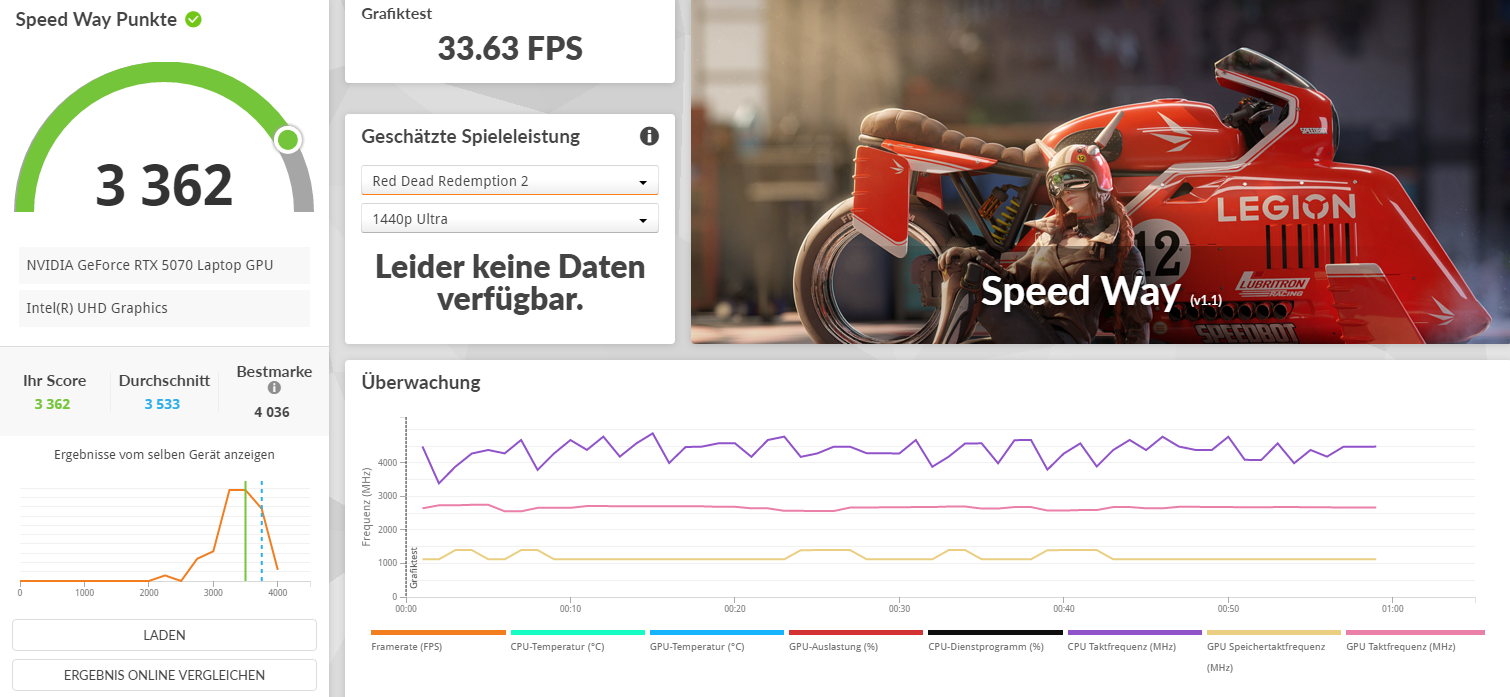
-
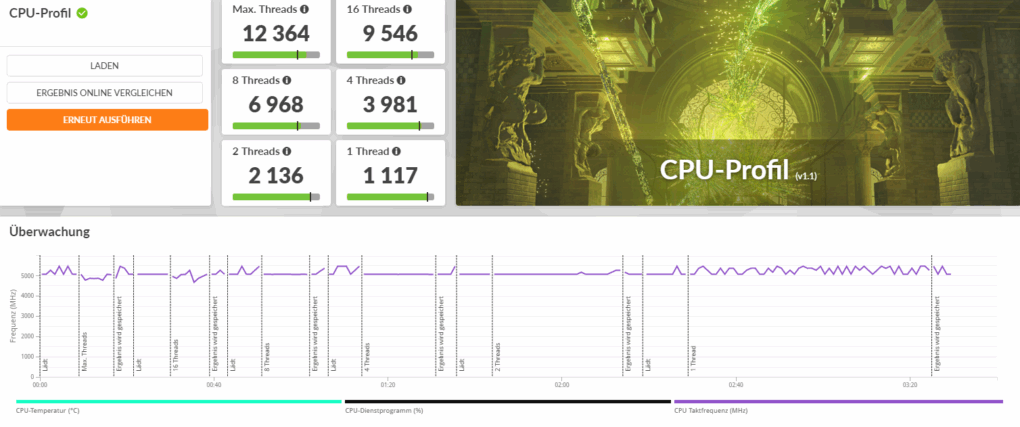
- Picture: TechnikNews
Thermals & fan noise
The hotspot is located between the two air inlets on the underside, as this is where the heat pipes run.. You don't come into contact with these fans when the notebook is resting on your lap, so you hardly notice them. Only the air vents on the back can blow warm air through the cooling fins on the left and right, quite noticeably onto your knees – and when a cooling system can blow hard, it's often quite audible. Admittedly, you have to push the laptop quite hard to reach the maximum 50 dB from the user position or 60 dB next to the air vent that we achieved in our test, but at least even then there's no annoying high-pitched whine. And speaking of ventilation: the Lenovo shouldn't be placed on soft surfaces like chairs, cushions, or blankets when under heavy load. The fans on the underside are very close to the surface and can easily become blocked.
Battery life and charging time
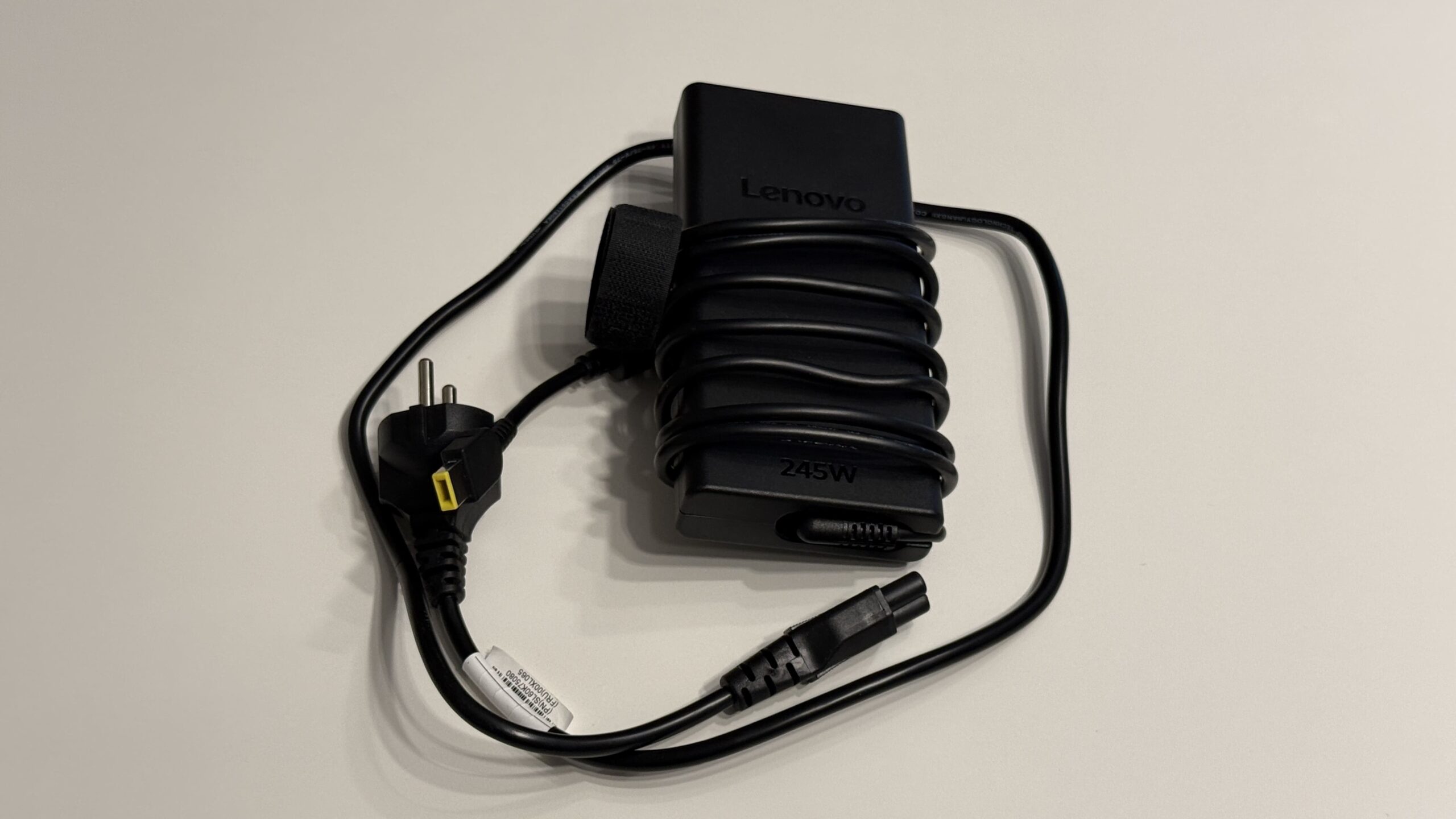
With the included 245-watt power adapter (optionally deselected in the configurator to save €30,00), the notebook charges from 0 to 80% in 32 minutes and reaches 100% in another 11 minutes, provided you're not working during this time. A small LED next to the charging port indicates whether power is being supplied and when the battery is fully charged. The power cable is 3 meters long. The adapter has a recess for storing the cable end to save space. Furthermore, you won't receive a notification when power-saving mode is automatically activated while gaming, which is very convenient for uninterrupted gameplay.
How long does the battery last?
Demanding gaming in the highest quality with 165 Hz, 100% brightness, dGPU mode (uses only the dedicated graphics card, not the processor's integrated graphics), RGB backlit keyboard, medium power level and power saving mode from 30%: 0 h 38 min
YouTube at 165 Hz, 50% brightness and volume, hybrid mode (device automatically decides which GPU is active), keyboard not backlit, lowest power setting: 2 hours 43 minutes of video playback
Office work at 60 Hz, 50% brightness, hybrid mode (device automatically decides which GPU is active), single-color backlit keyboard, lowest power setting: 3 hours 10 minutes of word processing.
Picture: TechnikNews
Webcams & Microphones
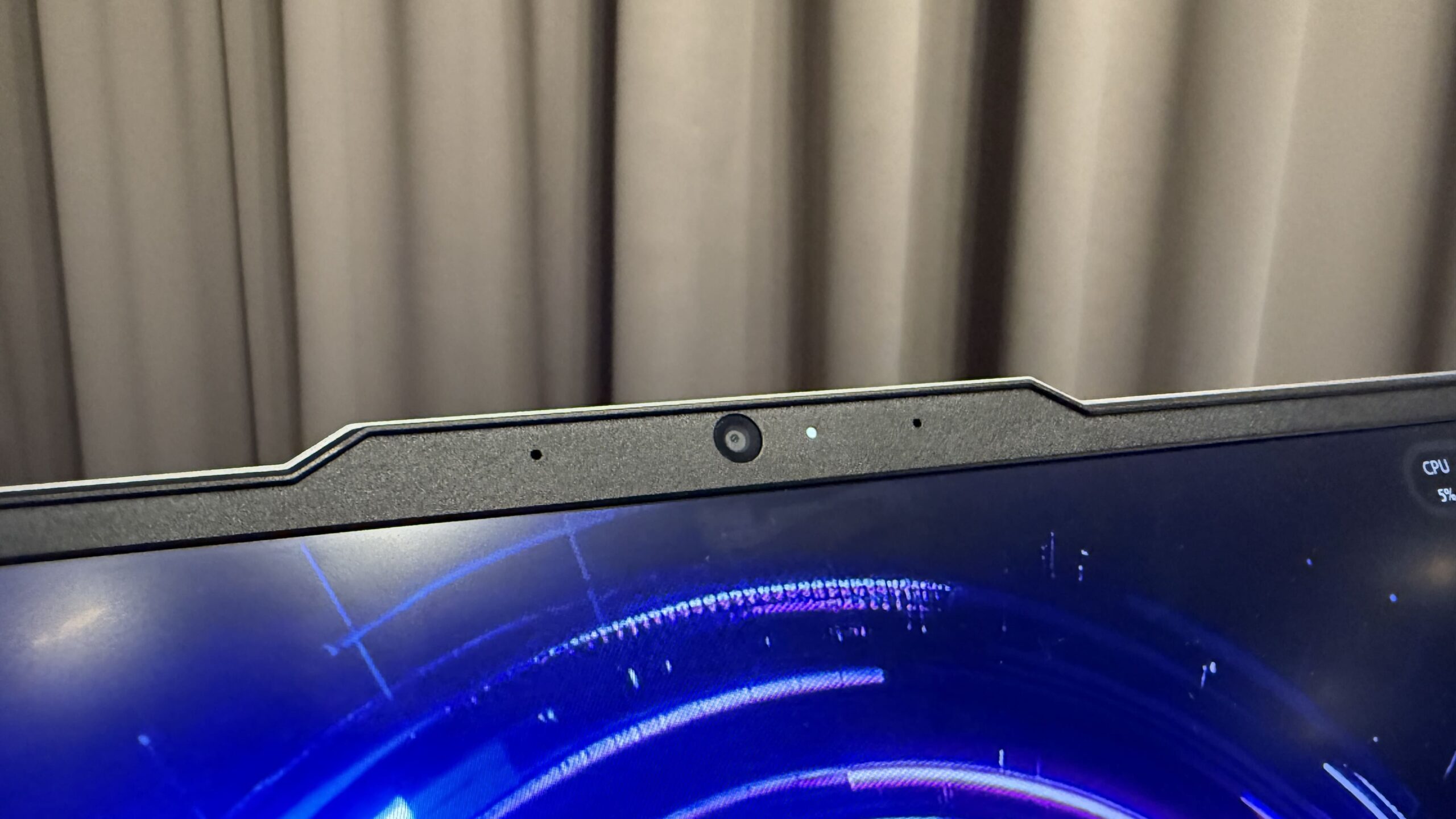
The 5.0 megapixel webcam is nothing special and perfectly adequate for office use; after all, it can be deactivated for more privacy using a slider on the side (e-shutter). This deactivation is electronic, however, so nothing physically moves in front of the camera. You simply have to trust that it works. The two microphones do indeed reproduce voices very clearly, provided you disable the "Device Default Effects" audio enhancement in the microphone properties.
Picture: TechnikNews
Price and availability
Our tested model costs [price] on the official Lenovo website €1.839,00 (incl. 19% VAT). However, custom configurations can increase the price (32 GB RAM instead of 16 GB) or decrease it (RTX 5060 instead of 5070). Lenovo offers a 2-year warranty.
Many thanks to Lenovo Germany for providing the LOQ 17IRX10 for testing. This did not influence our opinion!