
Apple HomePod mini: How to deactivate the handoff feature
A ADVICE from David Haydl  on February 03, 2021, 9:10 | Write a comment
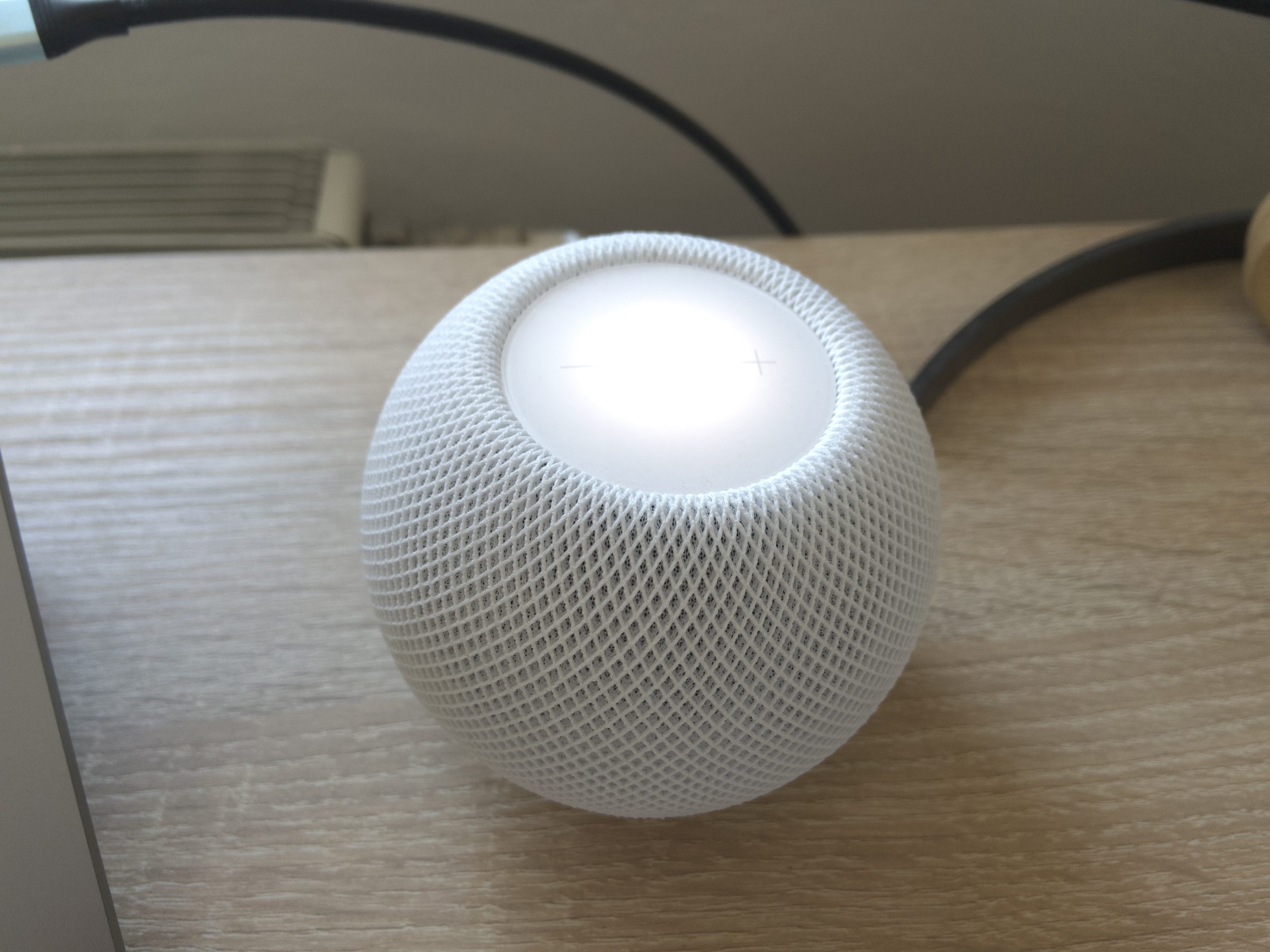
The handoff feature of the Apple HomePod mini convinced me in my test not yet. With iOS 14.4, the feature got even worse. That's why I want to show you how to turn it off in this guide.
In my test of the Apple HomePod mini it turned out that the heavily advertised handoff function is not that great after all. In theory, thanks to this, it should be possible to hold the iPhone to the speaker and continue the current playback on the HomePod. If you do the same thing again, playback should be reversed. In practice, however, the whole thing almost never worked.
Things didn't get any better with iOS 14.4, which came out a few days ago. Now a small pop-up appears when you are near the HomePod, which expands to a playback screen when you get closer. In my case it was the case that this window often appeared if only I was with my desk sat and just opened the iPhone. And that was extremely annoying. Fortunately, you can also disable that.
Screenshots: TechnikNews
Apple HomePod mini: Deactivate handoff
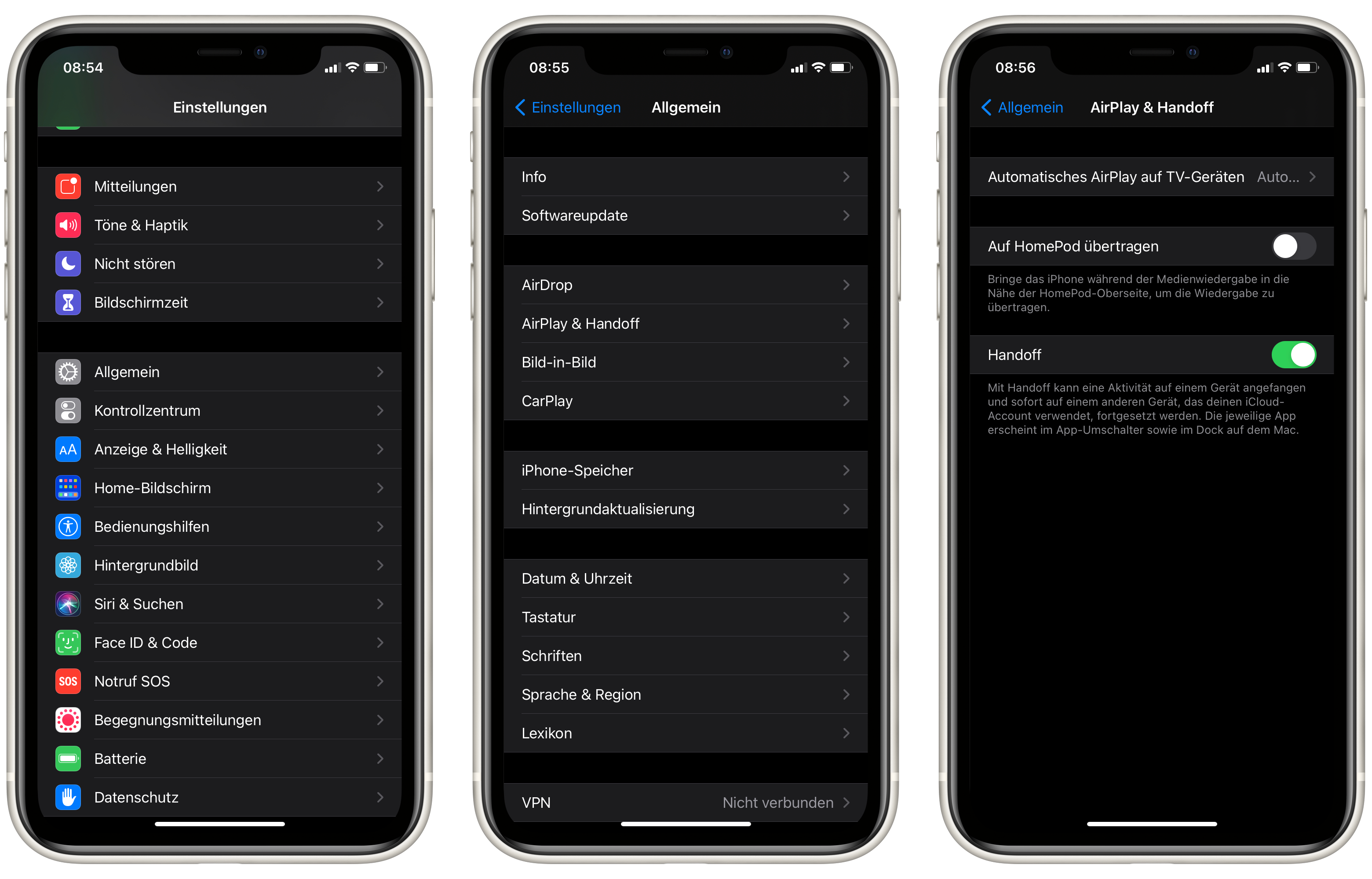
Fortunately, the process for deactivation is very simple. In the settings, under "General," you will find the item "AirPlay & Handoff." In this menu, there is a slider for "Transfer to HomePod." You have to slide this to the left. That's it. I'm still hoping that Apple will resolve my criticisms of the function with a software update.