
[HOW-TO] UPDATE 5: Unlock Whatsapp calls
A ADVICE from David Wurm  on March 30, 2015, 21:37 pm | 26 comments
This is what the author says:
I already have the function and don't think it's too bad. How do you like the Whatsapp Calls function?
The time has finally come - Whatsapp Calls can now be activated! This means that you can now get the function from users who already have this function. You can now find out exactly how this works in our TechnikNews-How To.
The function was available a few days ago, but there was a problem: the option to activate the function was often only offered for about half a day. There are so-called time windows on the server side that determine when activation by other users is possible. We now have the Whatsapp Calls function too! That's why we will now tell you step by step in our How-To how you can get the function. Please note that this function is currently only Android users can get.
UPATE from 31.03.15/2.12.19/XNUMX: Some users report that the function is also activated without an invitation. You just have to download the latest WA version (XNUMX) from the Whatsapp website and you have the feature.
UPDATE from 30.03.15/XNUMX/XNUMX: The possibility of activation by other users has been reactivated.
UPDATE from 27.03.15/XNUMX/XNUMX: After one day the activation was deactivated again! We keep you up to date.
UPDATE from 25.03.15/XNUMX/XNUMX: After a while, the function can be activated again. To get the function activated by other users, the latest version of the Whatsapp website necessary.
UPDATE from 15.03.15/XNUMX/XNUMX: Activation by other users was deactivated again. Therefore you cannot get the call function at the moment.
Instructions
Step 1) *** This step is only necessary, if you don't want to lose your chats. *** Places a chat backup under the Whatsapp settings, then on "Chat settings", and then on "Backup chat history" click on. After that, all chats should be saved on the internal memory.
Step 2) Now you have to /solltet her Uninstall Whatsappso that everything works smoothly later.
Step 3) Next you have to get the latest WA version from the Whatsapp website (click here) download (currently this is the version 2.11.560 Update: 2.12.19).
Step 4) Install the APK file from the Whatsapp website. Important: To install the file, a checkmark must be set for "Unknown sources" in the settings of your smartphone under "Security"!
Step 5) Verify your number, and set up your profile picture and other important settings again.
Step 5) So if you've got this far, that's good, because in step 6 comes the most important part. the Activation of the Whatsapp Calls function.
(Step is no longer necessary - more above!) Step 6) So that you can get the function now, you have to get yourself from one Let users call via Whatsapp who already have the function. Then when someone calls you musst her the accept a call, and can hang up again after about 5 seconds.
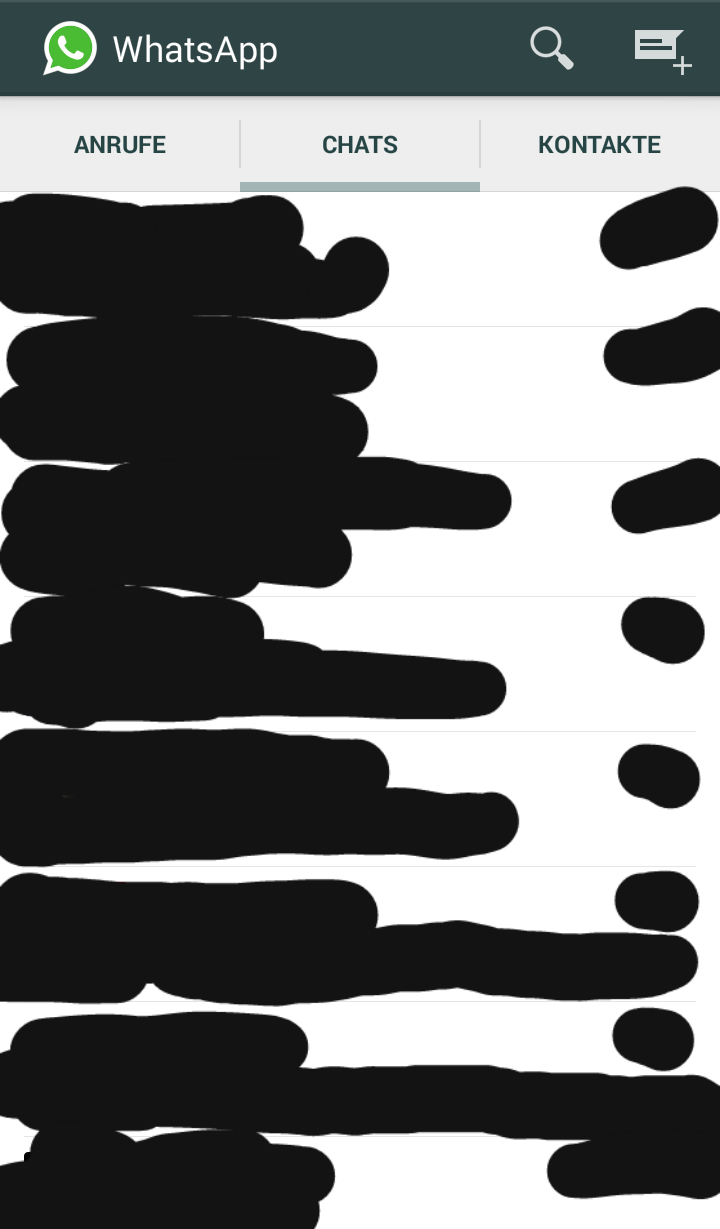
Step 7) After you end the call, your chat view should look something like this:
This is what it looks like when you make a call:
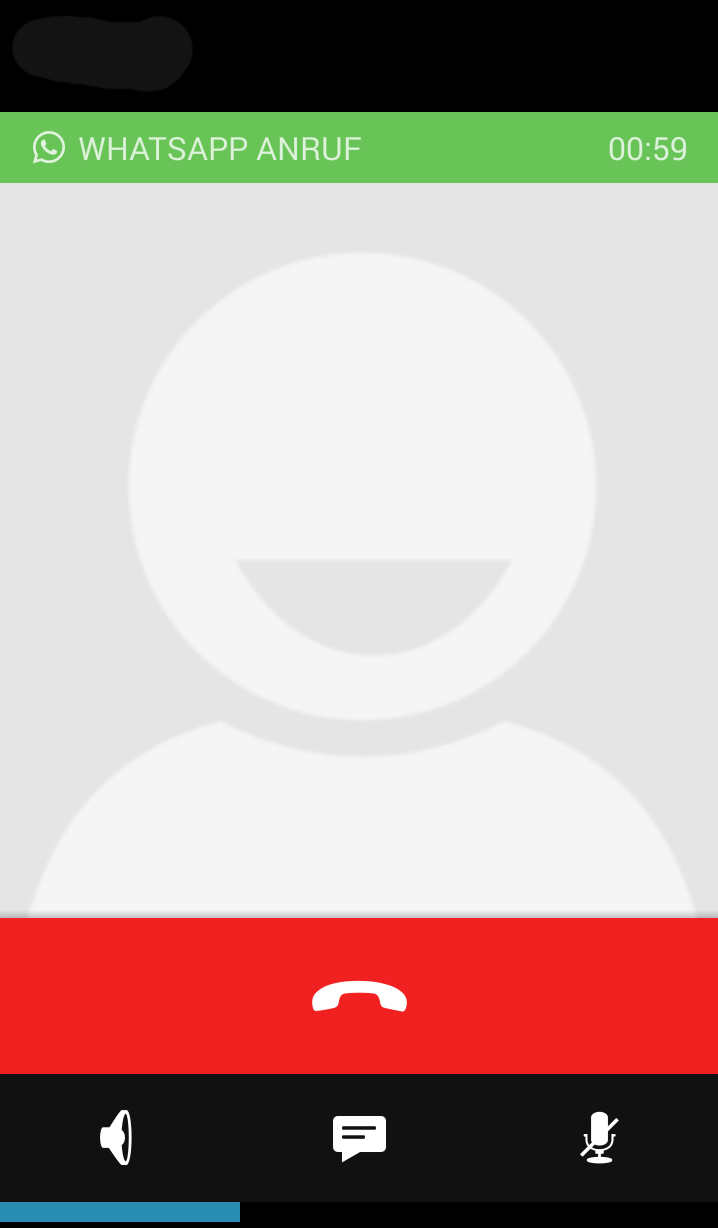
Step 8) If everything looks like this, you have successfully activated the feature! If this is not the case, repeat all the steps again. If it still didn't work, the feature was activated again On the server side deactivated. Or you have to be manually activated again by a user who already has the function. We will of course let you know in this case.
Can the function be deactivated again?
Time will tell. It may be possible to deactivate it in a few weeks or months, but I don't think so.
I hope we could help you! Who already has the feature? Are you having problems activating the function? Write it in the comments.
Hello, I just got it. Can the function also be deactivated? I do not want that!
No, unfortunately that will not work. The update is automatically activated from the latest version on the Whatsapp website.
The function would come "officially" for everyone in a few weeks / months anyway.
has done itself, if you follow the instructions above and download the latest version then calls are already activated.
Thanks for the info.
can you please activate me too, thank you. No. (015738143914)
Hello, I will unlock you.
[Number has been removed by the user] - write to me, pick up the phone and that's it, make sure you are using a current version such as WhatsApp version 2.12.19, then there will be no problems and remember, in 48 hours it could all be over again.
PS: Everyone has this function automatically (with the latest version).
Can someone unlock me? 015734229951
Can someone unlock me? 015734229951
It's been dealt with
Hey guys, it's going on again!
Yes, it works again!
I'll unlock all of you as soon as possible.
Please unlock! 0041784038624. Thank you
I posted the number above - please write to me.
Can someone please activate me
Tel.: 0174 3977836
Can someone please activate me, thank you.
Just finished againprobeers! Still not working, annoying!
Can anyone who unlocks me 01747649332
I have the function. As soon as it works again, please!
Who else wants to be unlocked?
would also be nice if you could do it for me +43676842309892
Yes, I do, of course, if you don't mind, 017631729027
Thanks in advance.
Can someone unlock me once it works? 00491628895758
Would be nice! 🙂
Hello! If it works again, can someone please activate me. 017631729027.
Thanks in advance.
According to our tests, passing the function on to other users still does not work.
If we can do it again, we will of course update the article.
Hello, the function is really cool!
Unfortunately, the function cannot be passed on to other users at the moment.
Hi ..
Can someone please call me for the whatsapp calls activation?
Bit ..
00436803006025
could anyone call me at +43676842309892 when the server has been released again, so that whatsapp calls can be activated