


My PC operating system of choice is Windows. And like almost everyone, I use some apps pretty much every day. I would like to introduce these apps here.
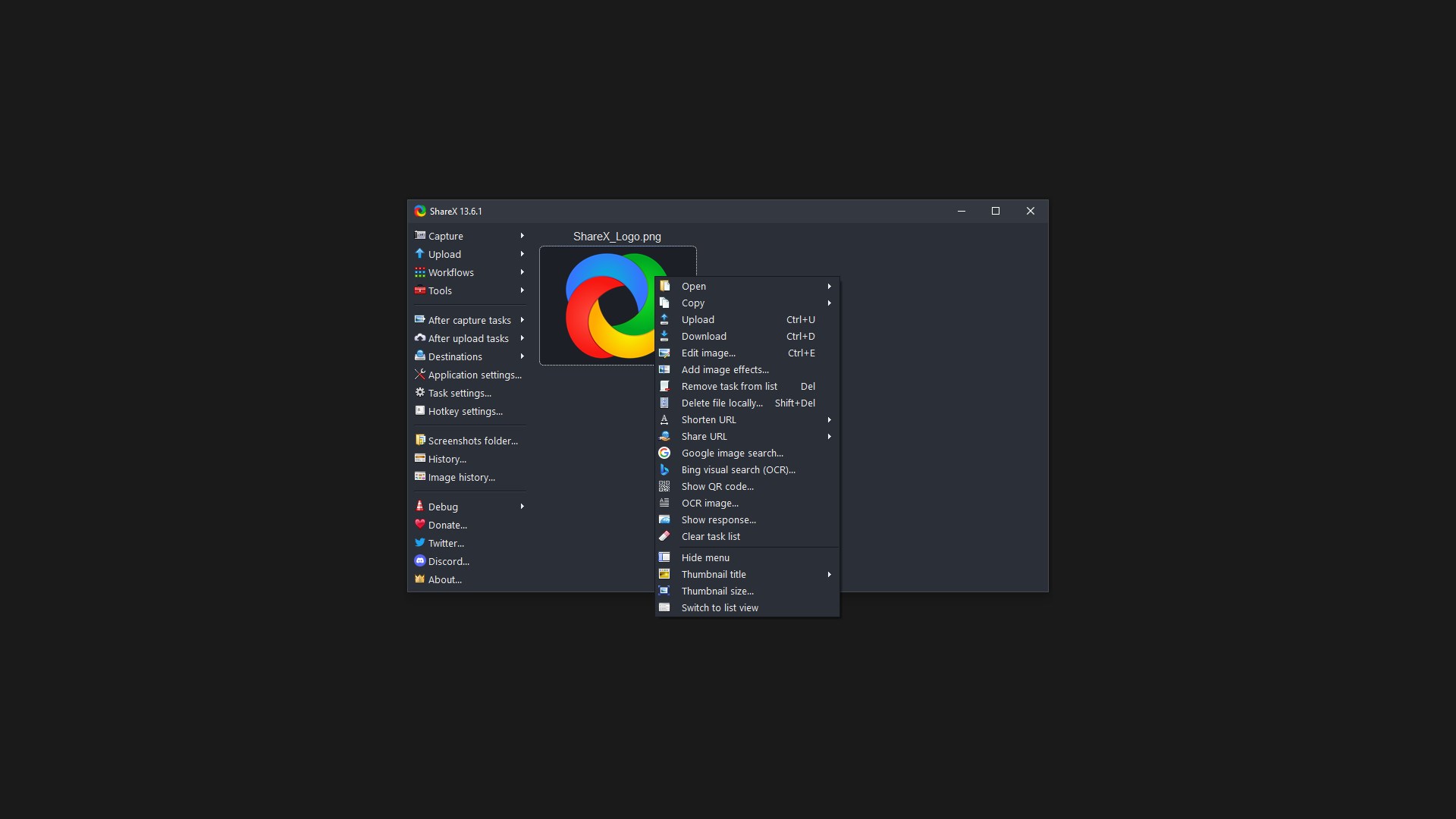
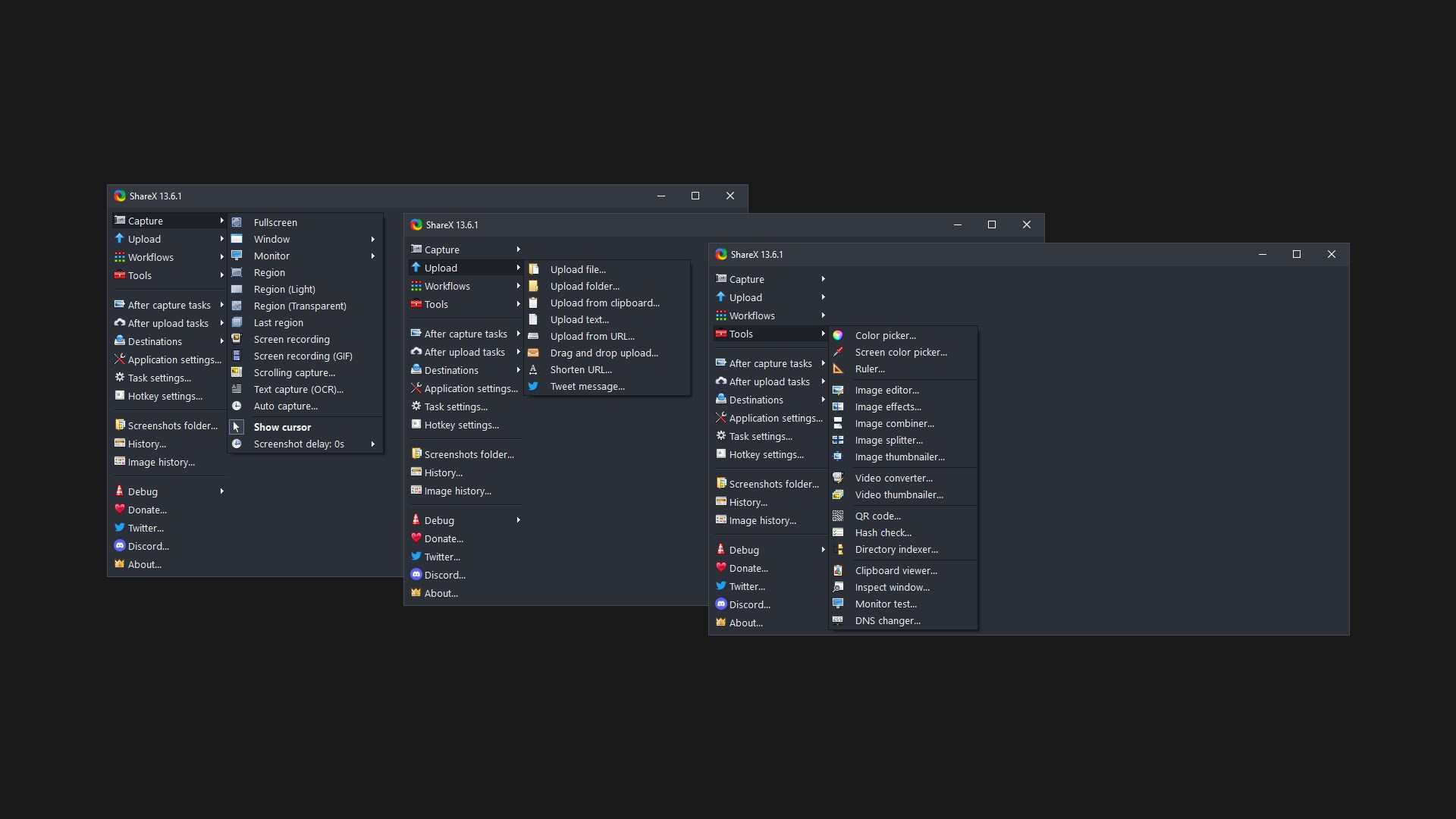
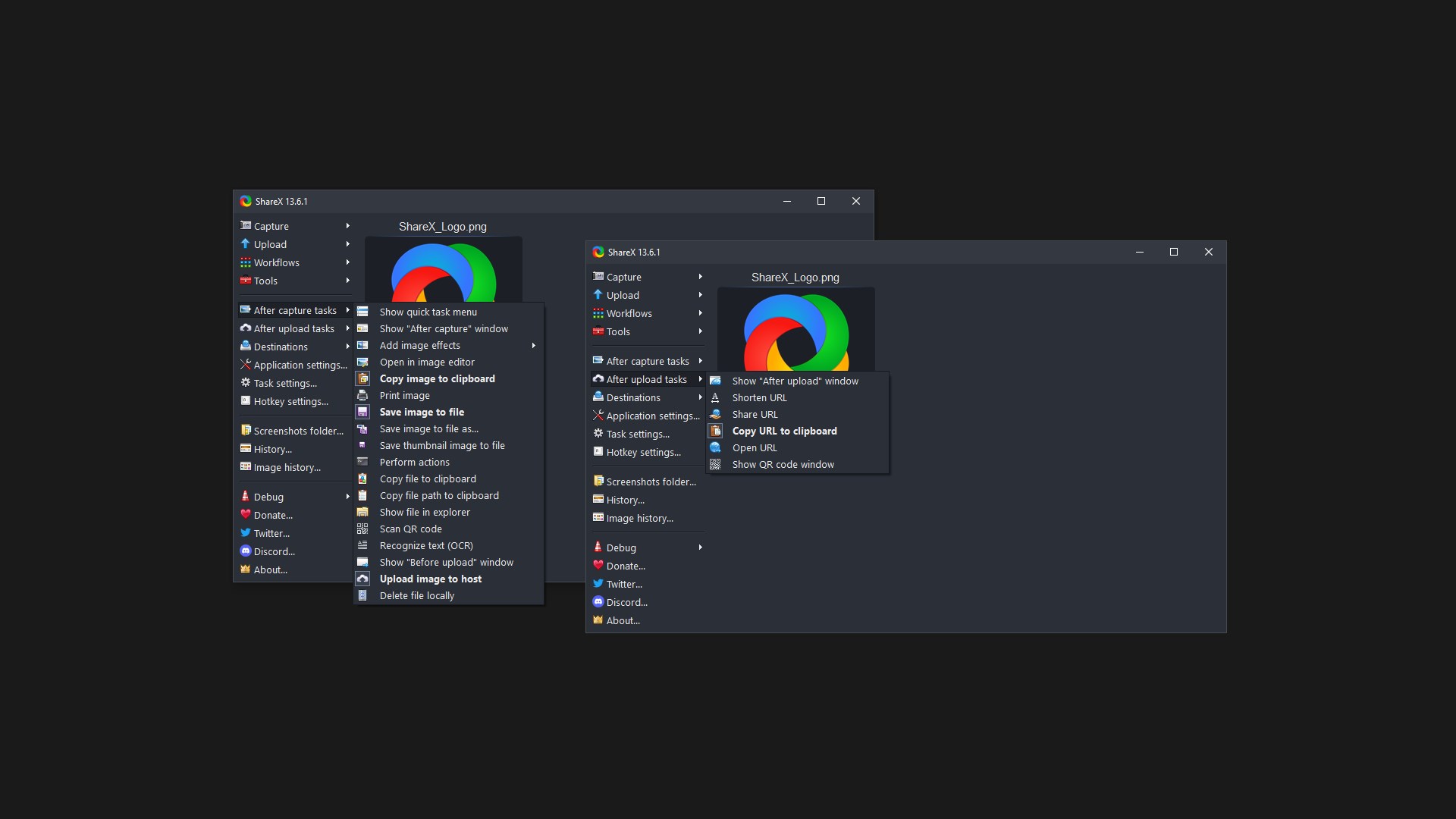
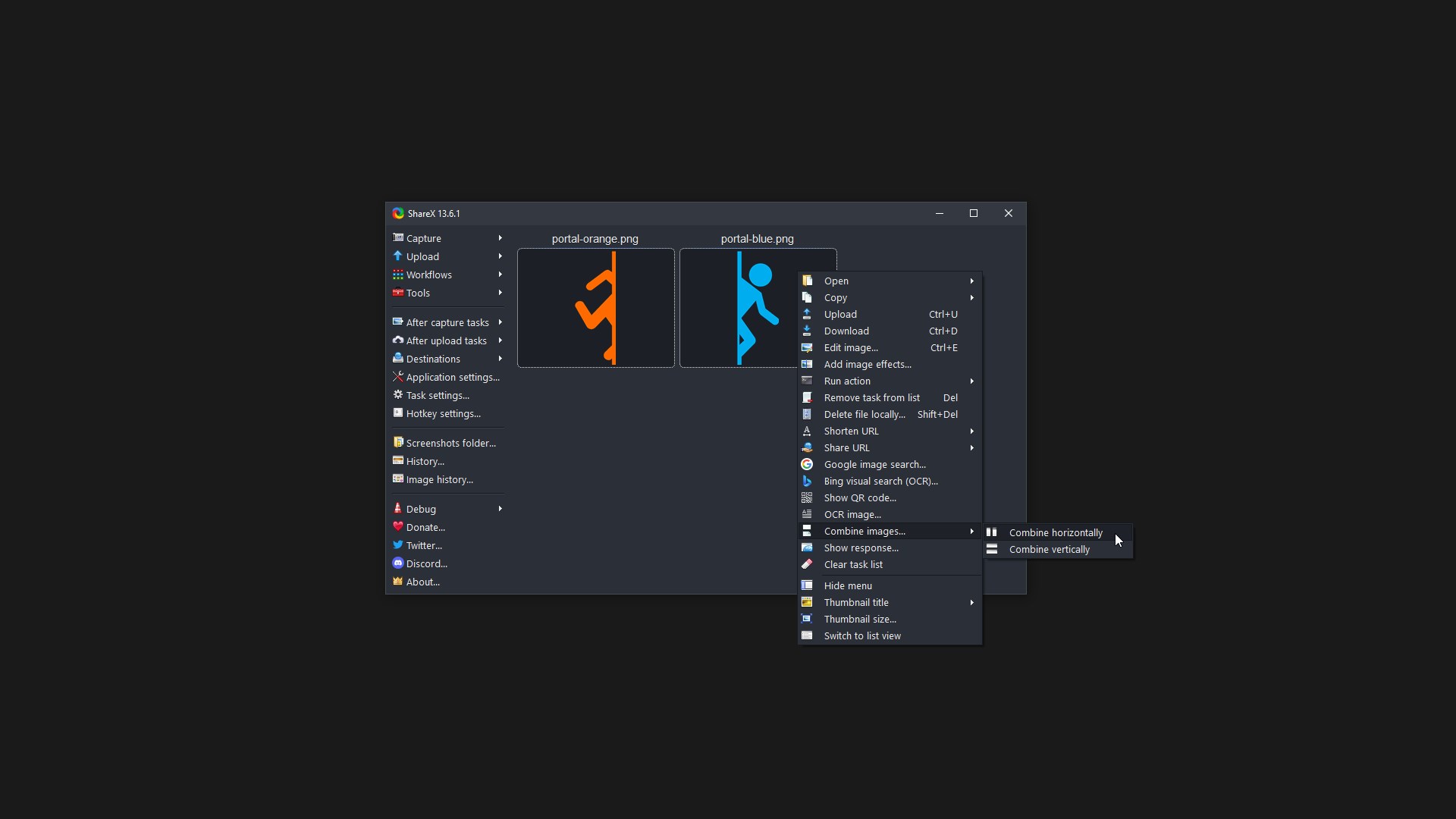
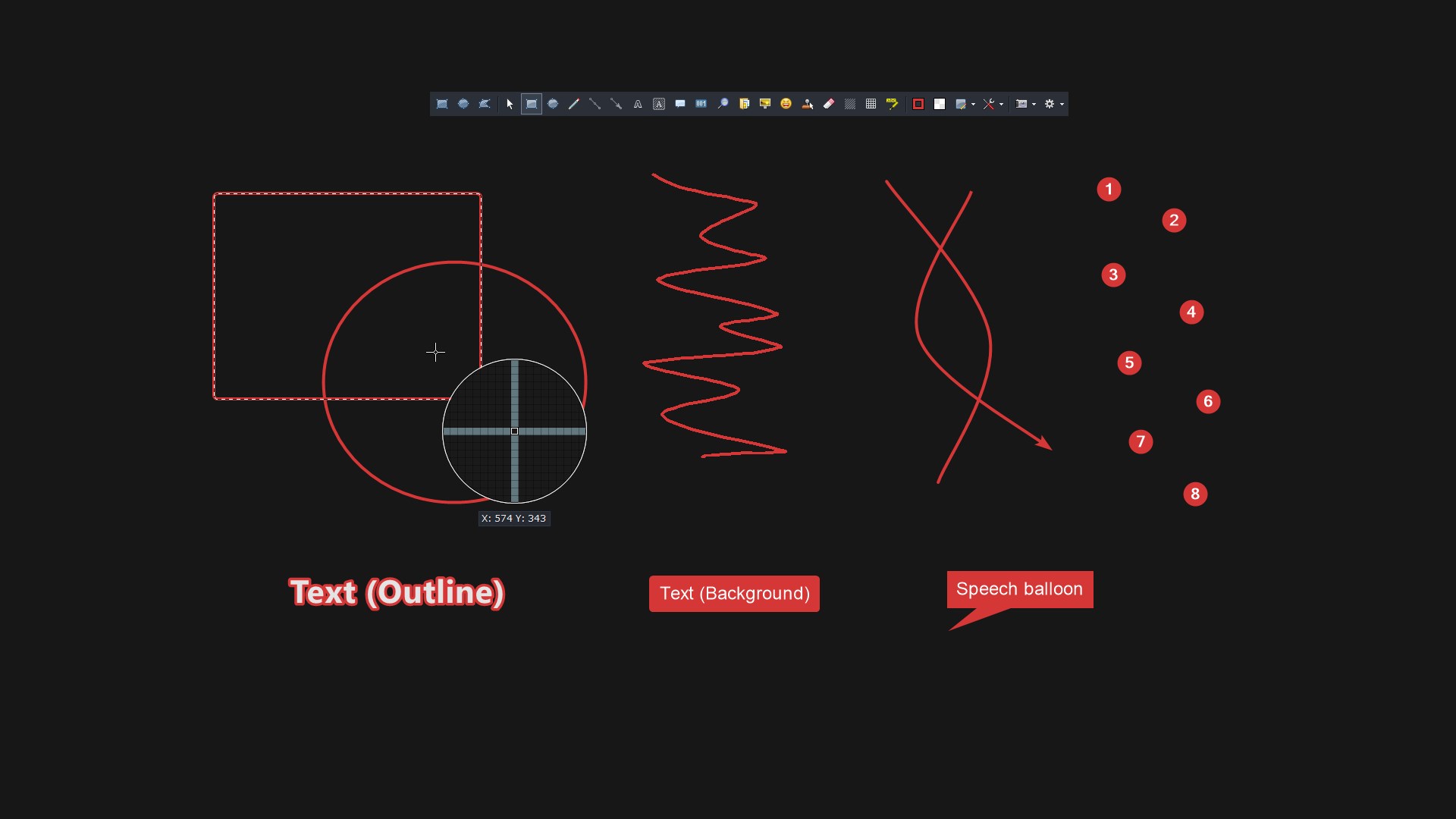
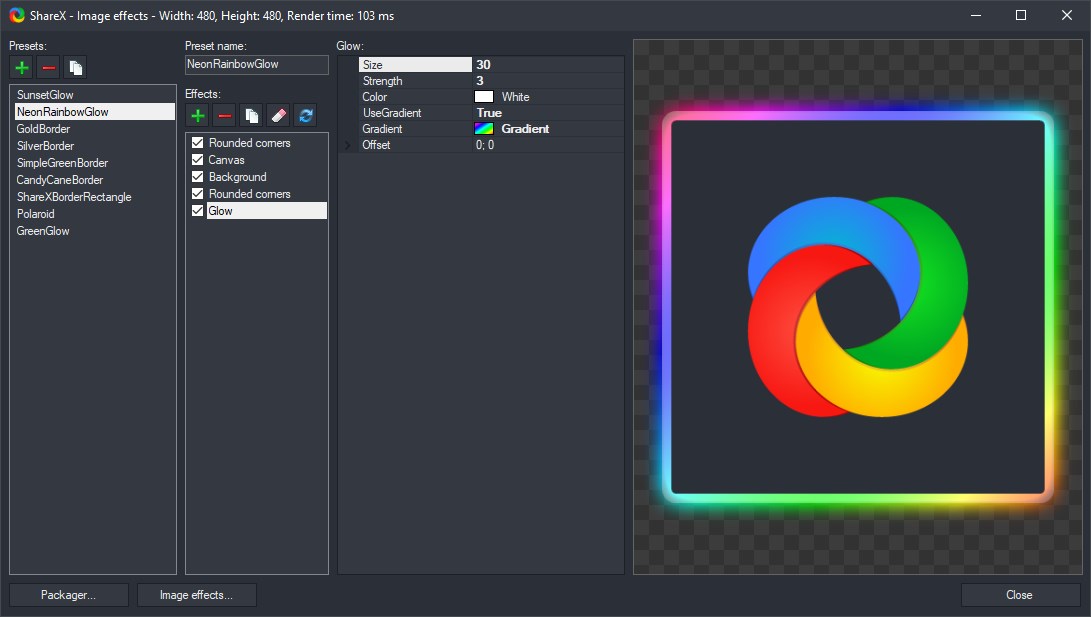
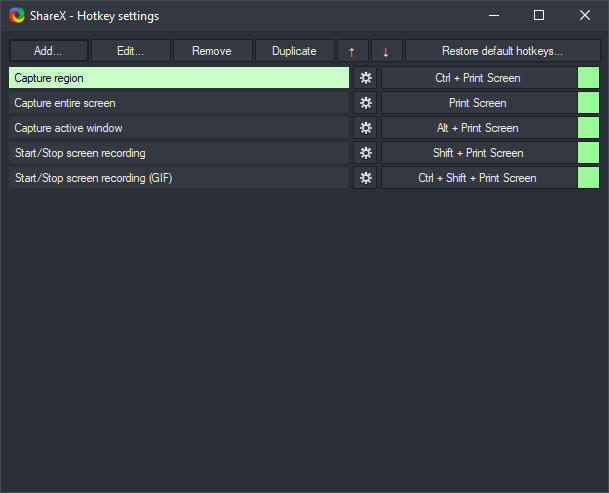
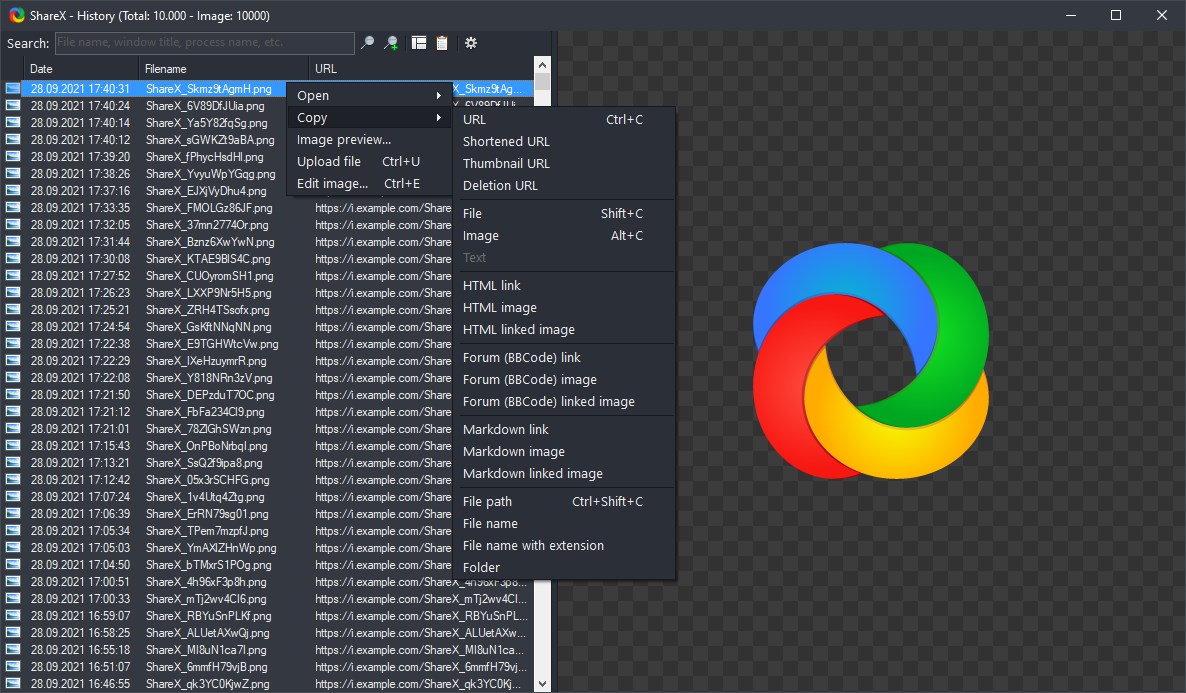
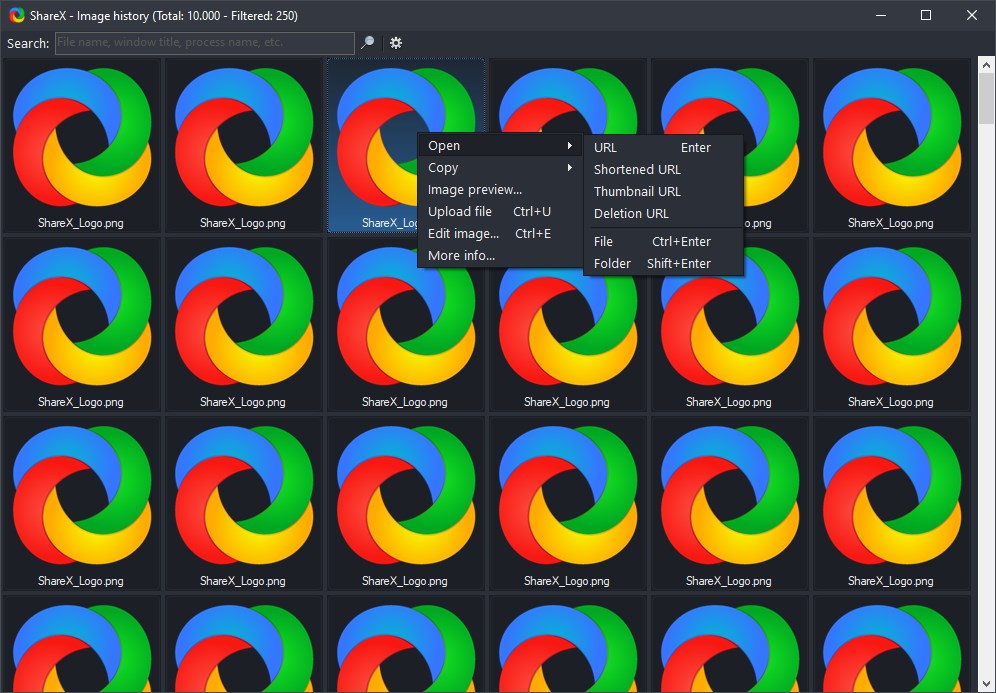
Actually there is the Snipping Tool for screenshots on Windows. But somehow that was never really enough for me. That's why I downloaded ShareX. In the settings of the app, you can specify which key combinations can be used to take screenshots. I particularly like the fact that a screen magnifier appears when you want to take a picture of a certain area. This makes it possible to select precisely those pixels that should actually be seen on the screen section. ShareX is available as a free download from the Windows Store.


Backup and Sync from Google
All of my own important files are with me in Google Drive. I have Backup and Sync so that I can also access these locally on the laptop. This app creates a folder on the PC in which all the desired files from Drive end up. Optionally, you can also release individual folders that are already on the device for synchronization. Backup and Sync is available for free download on one Google website.
T
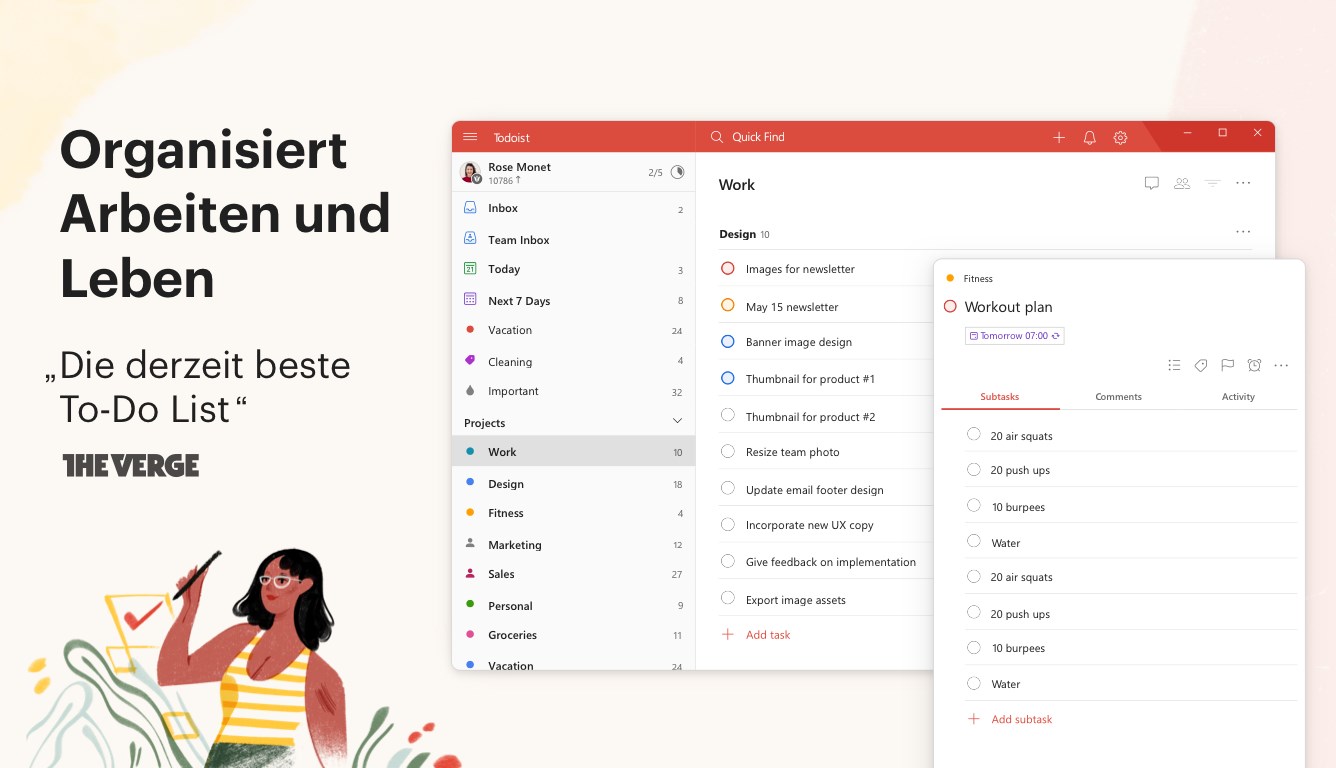
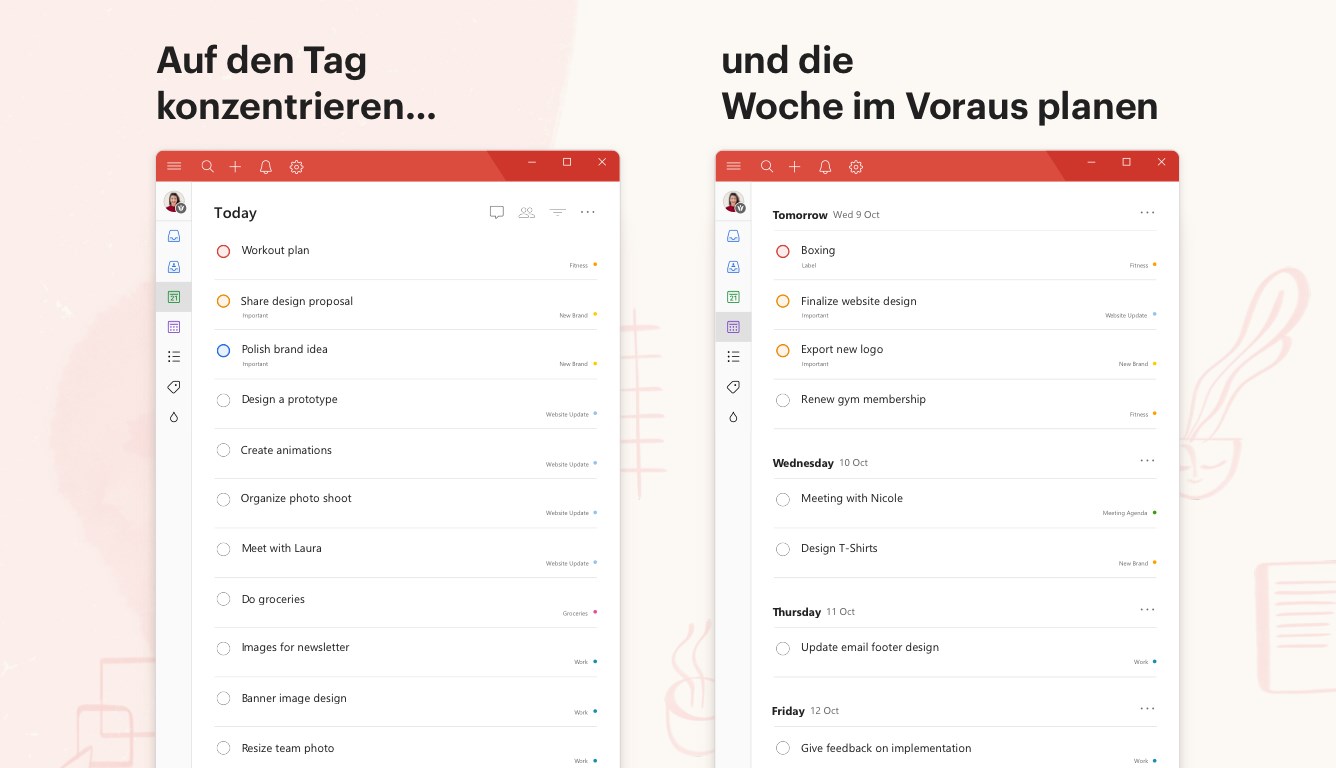
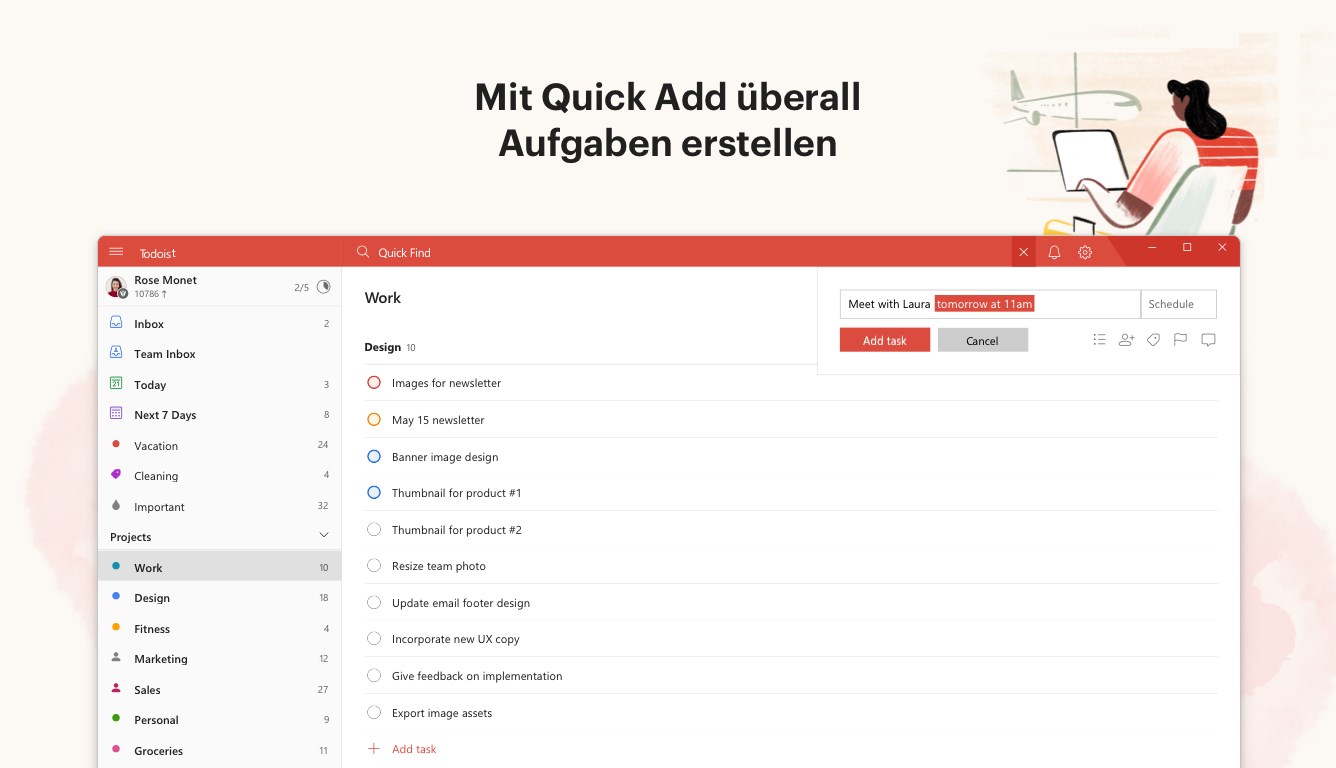
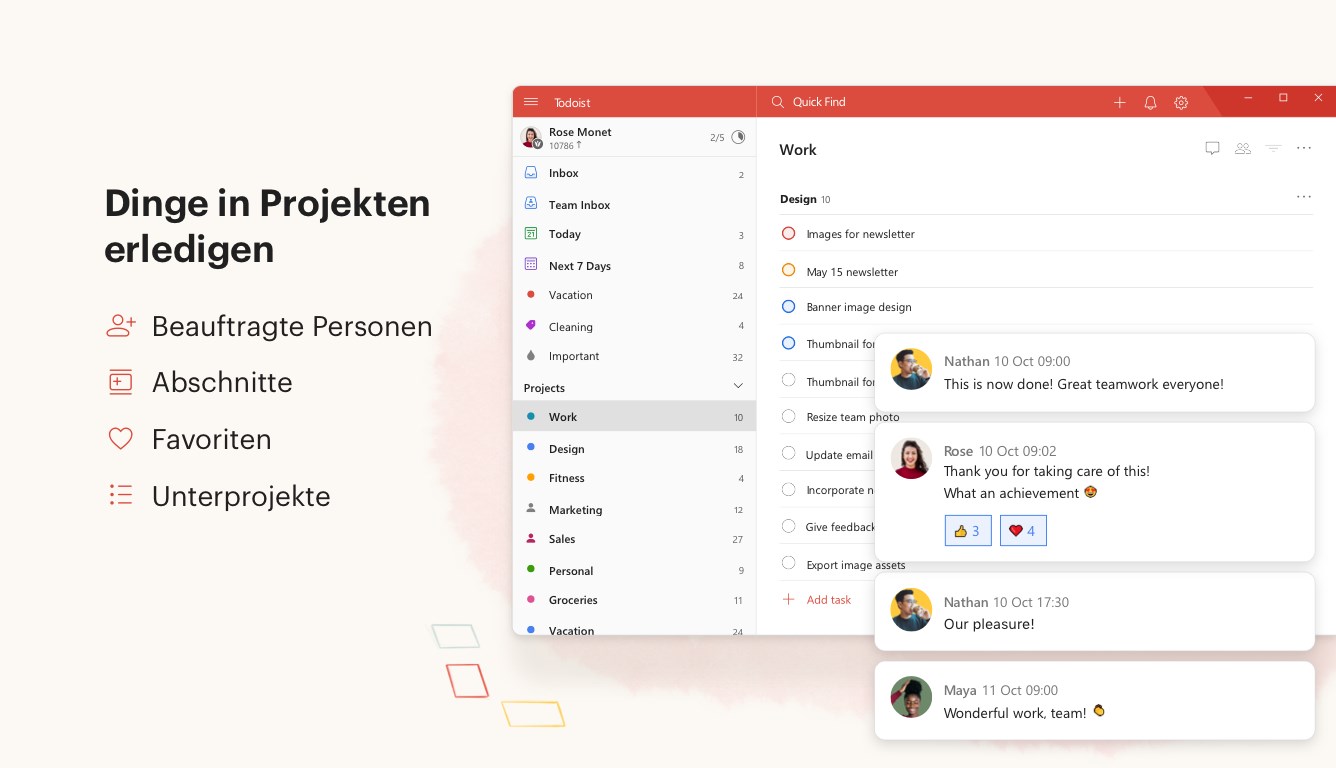
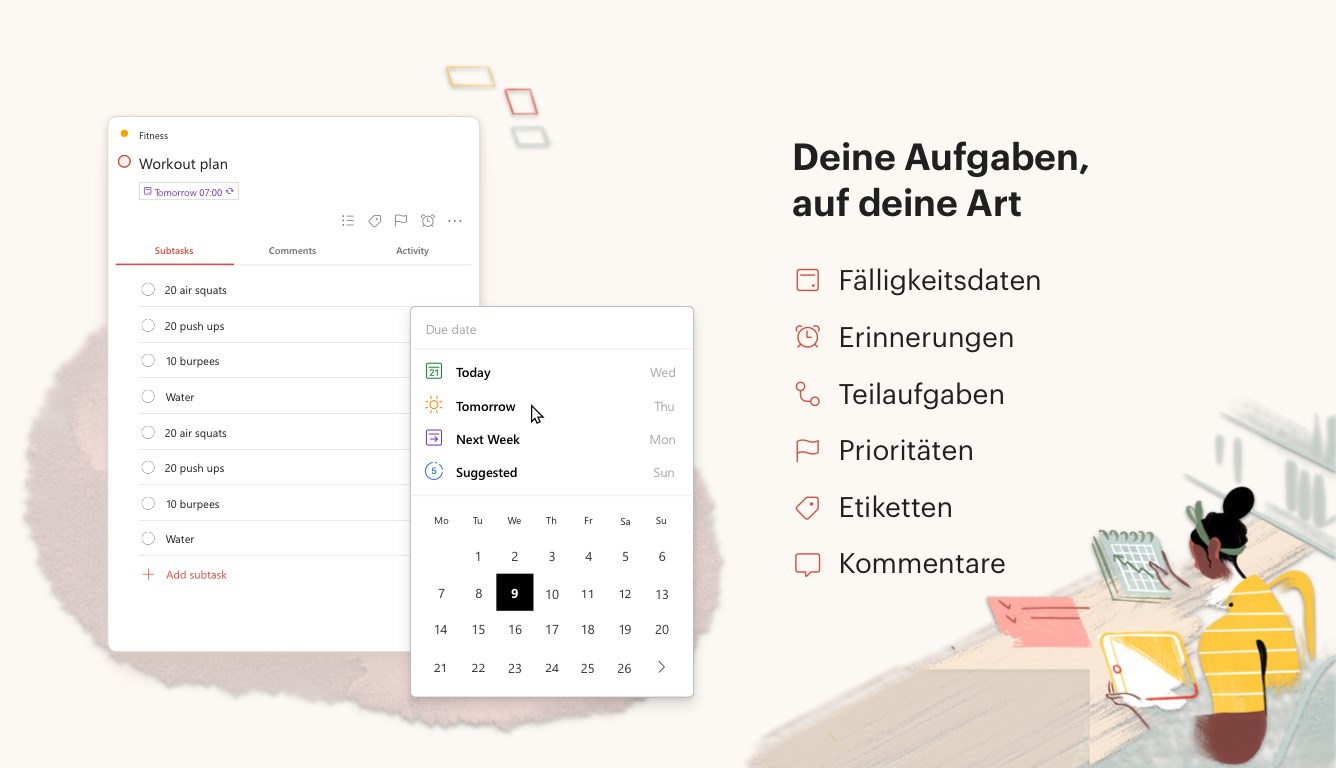
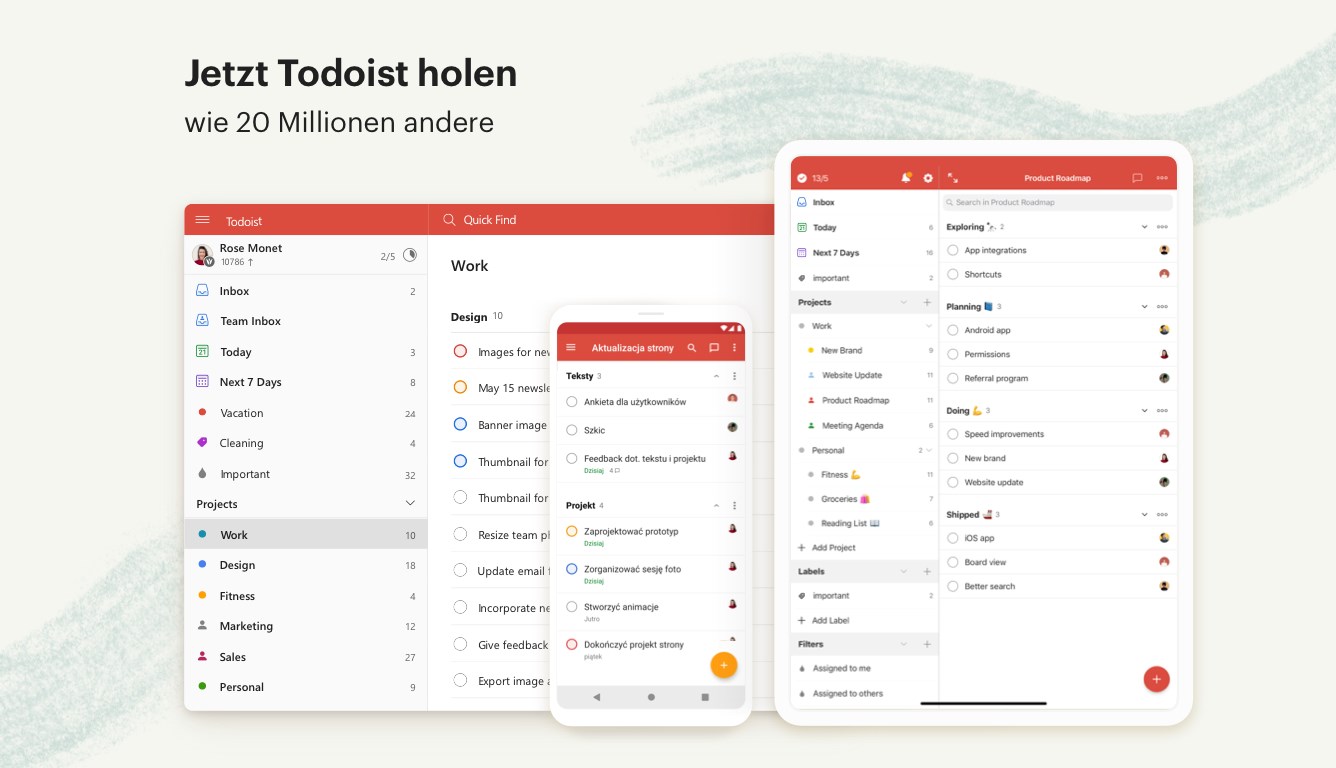
In my opinion, everyone should use a task manager. These are like a dime a dozen. From this pile of sand I chose Todoist. I like how the app is structured and how it works and how you can organize your tasks. It is also practical that the app is available on every conceivable platform. And while Todoist's Windows client isn't perfect, it has been improved a lot over the past few months. Todoist is available as a free download from the Windows Store. The annual subscription costs 36 euros.

Newton Mail
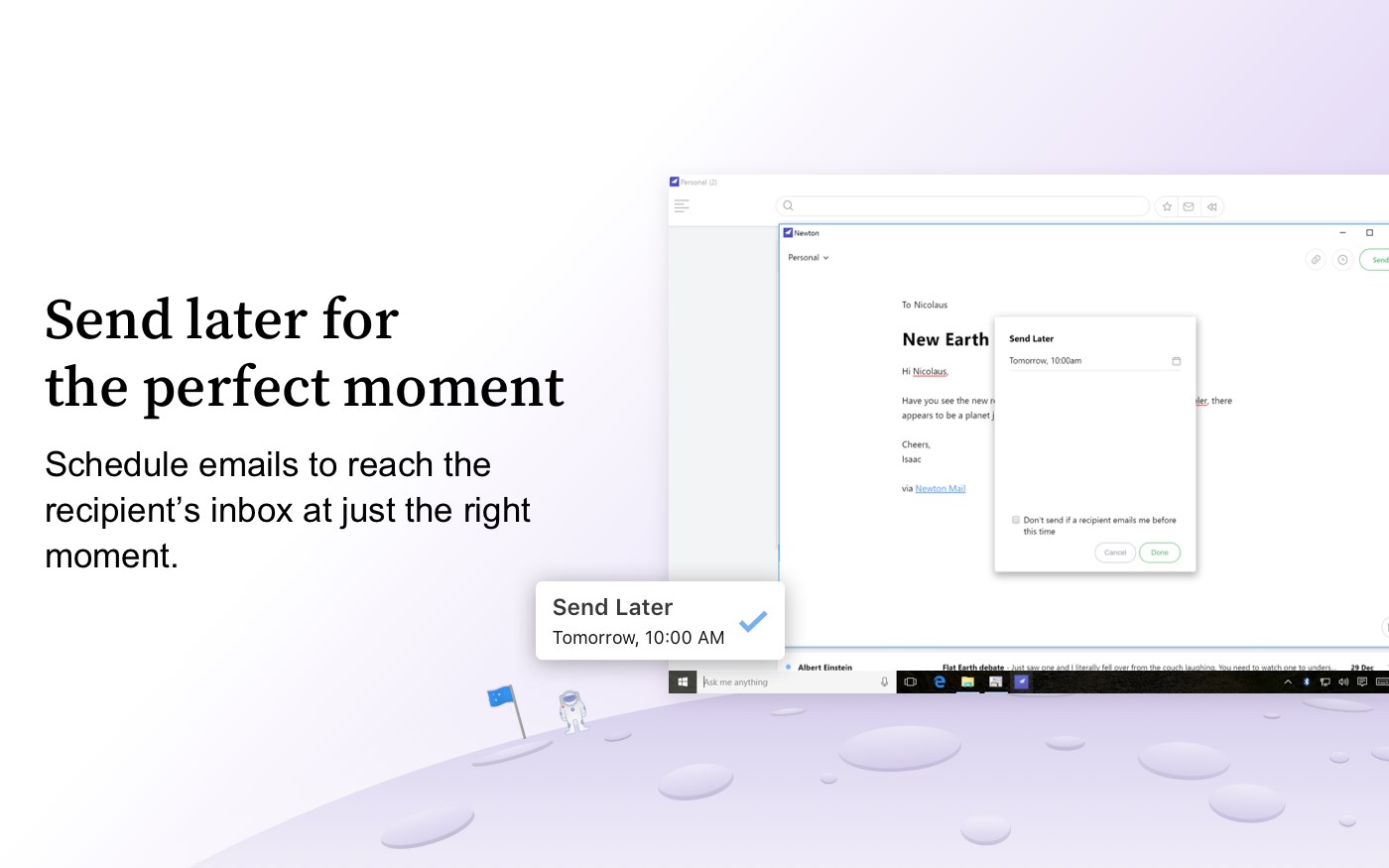
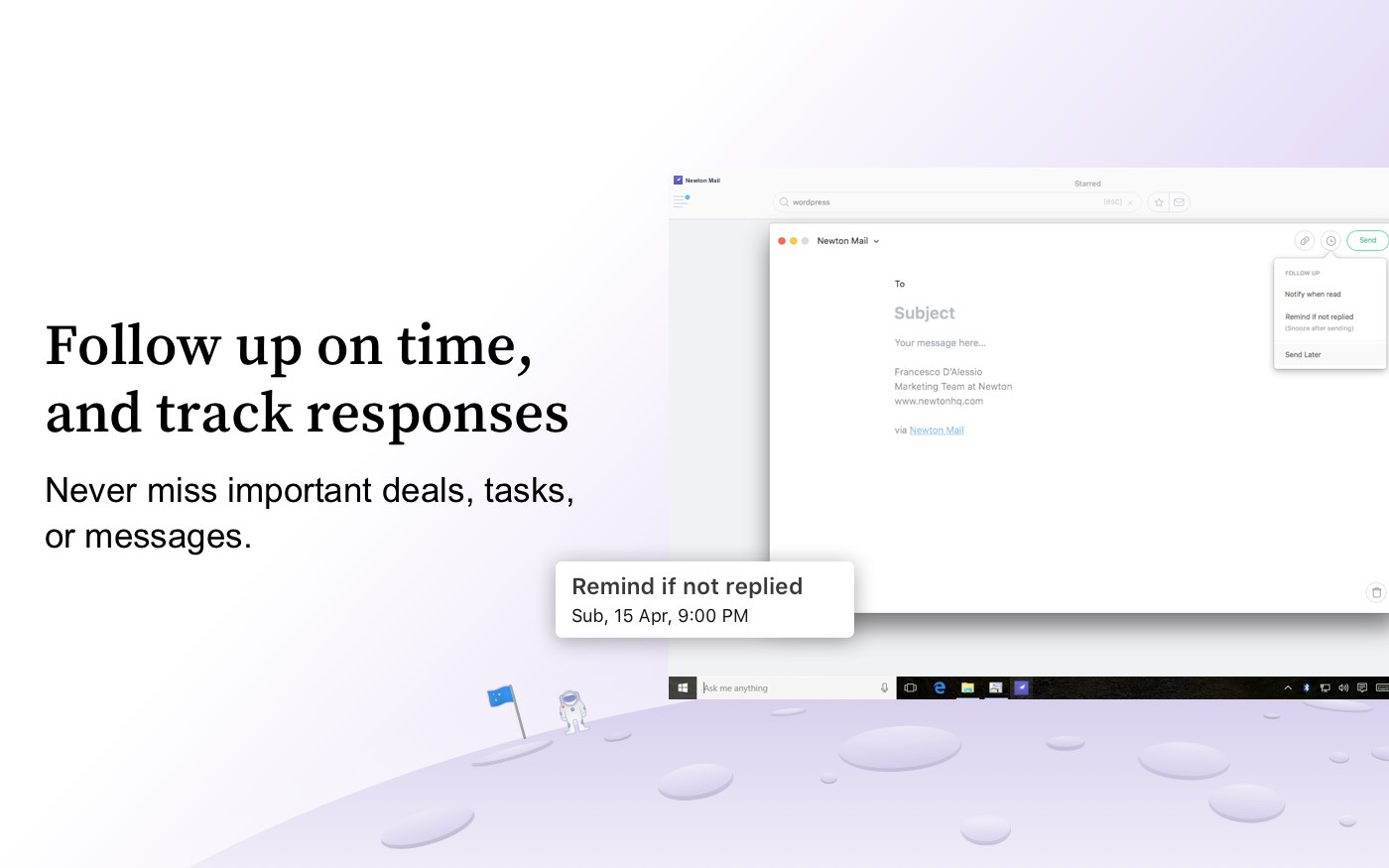
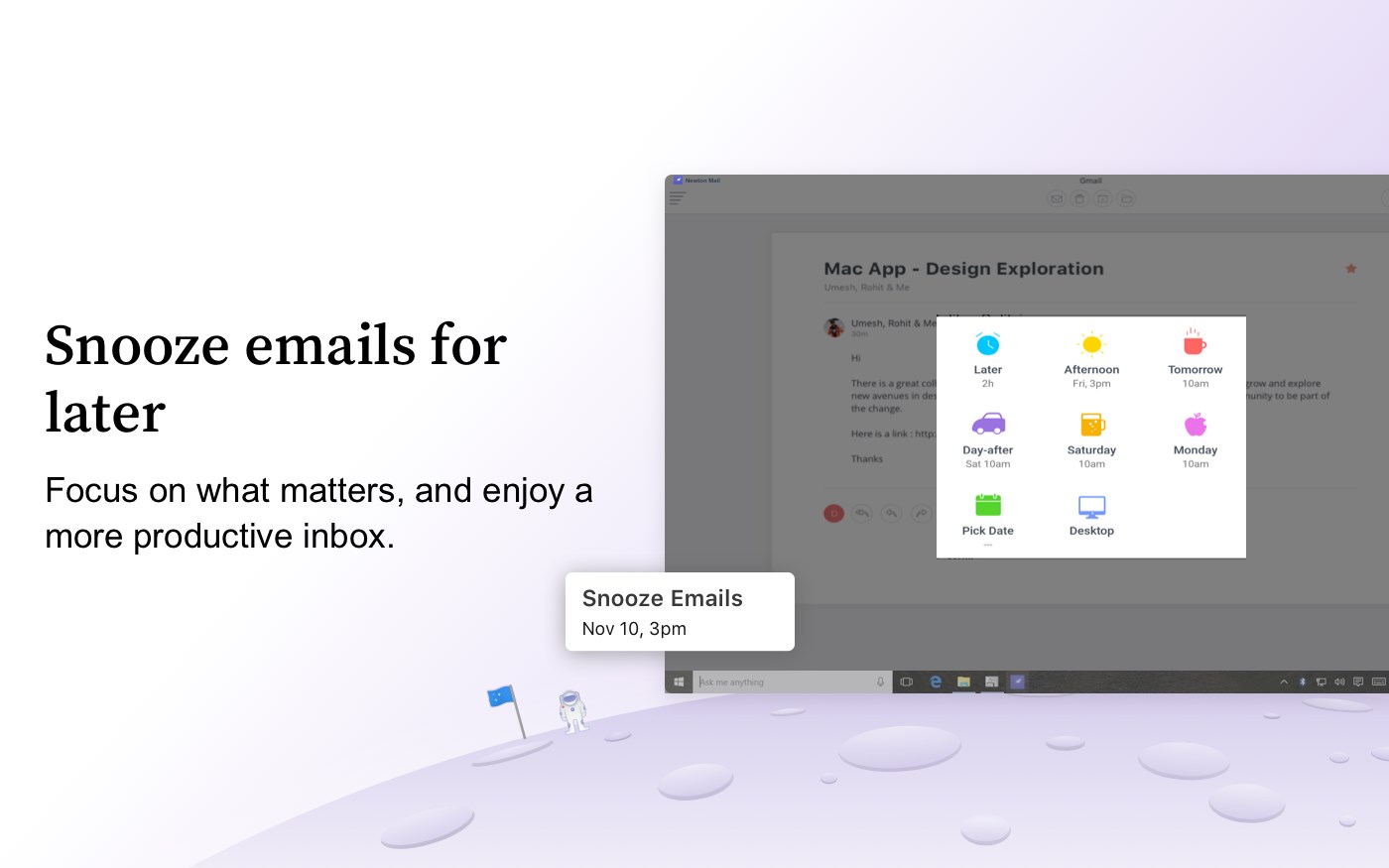
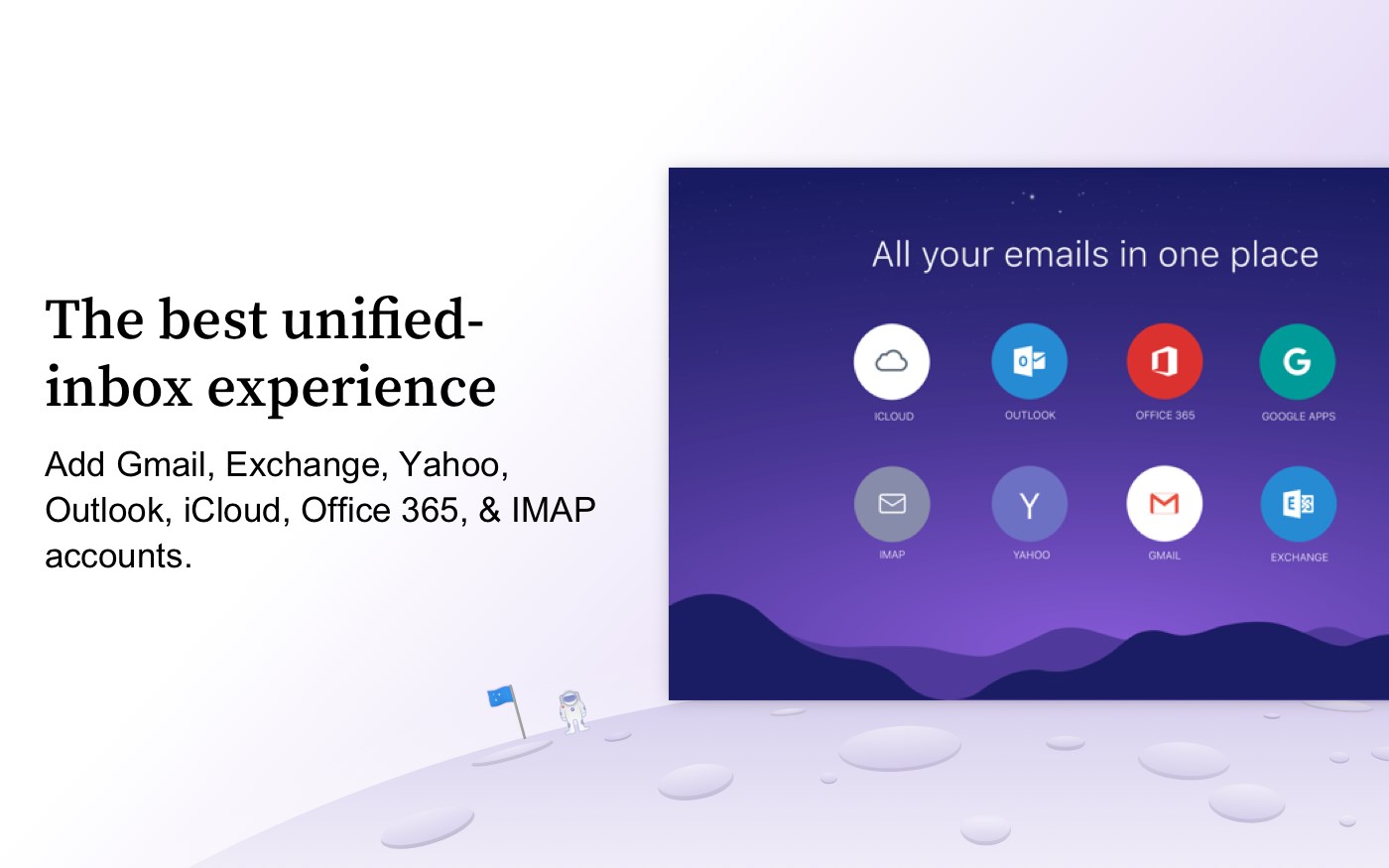
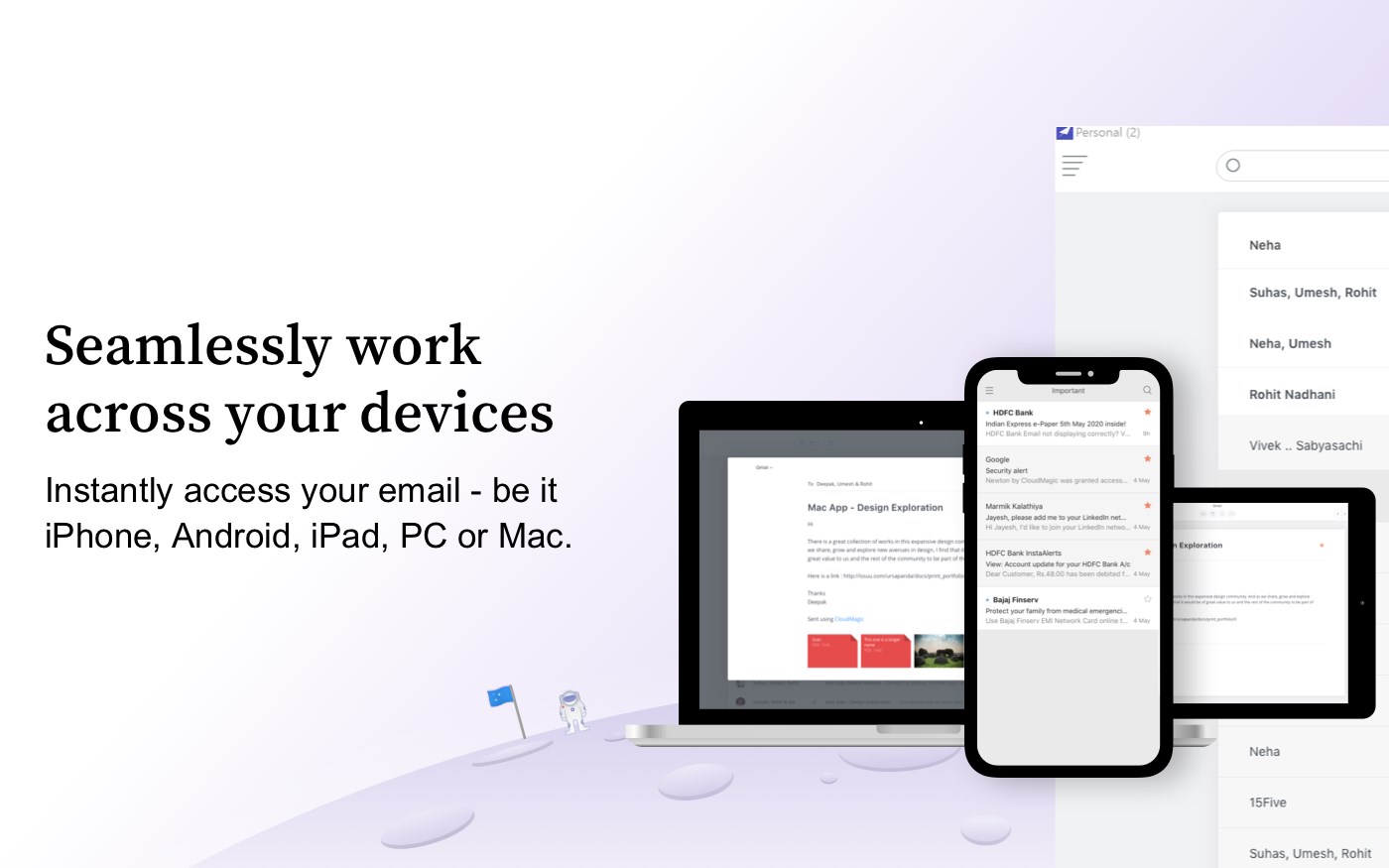
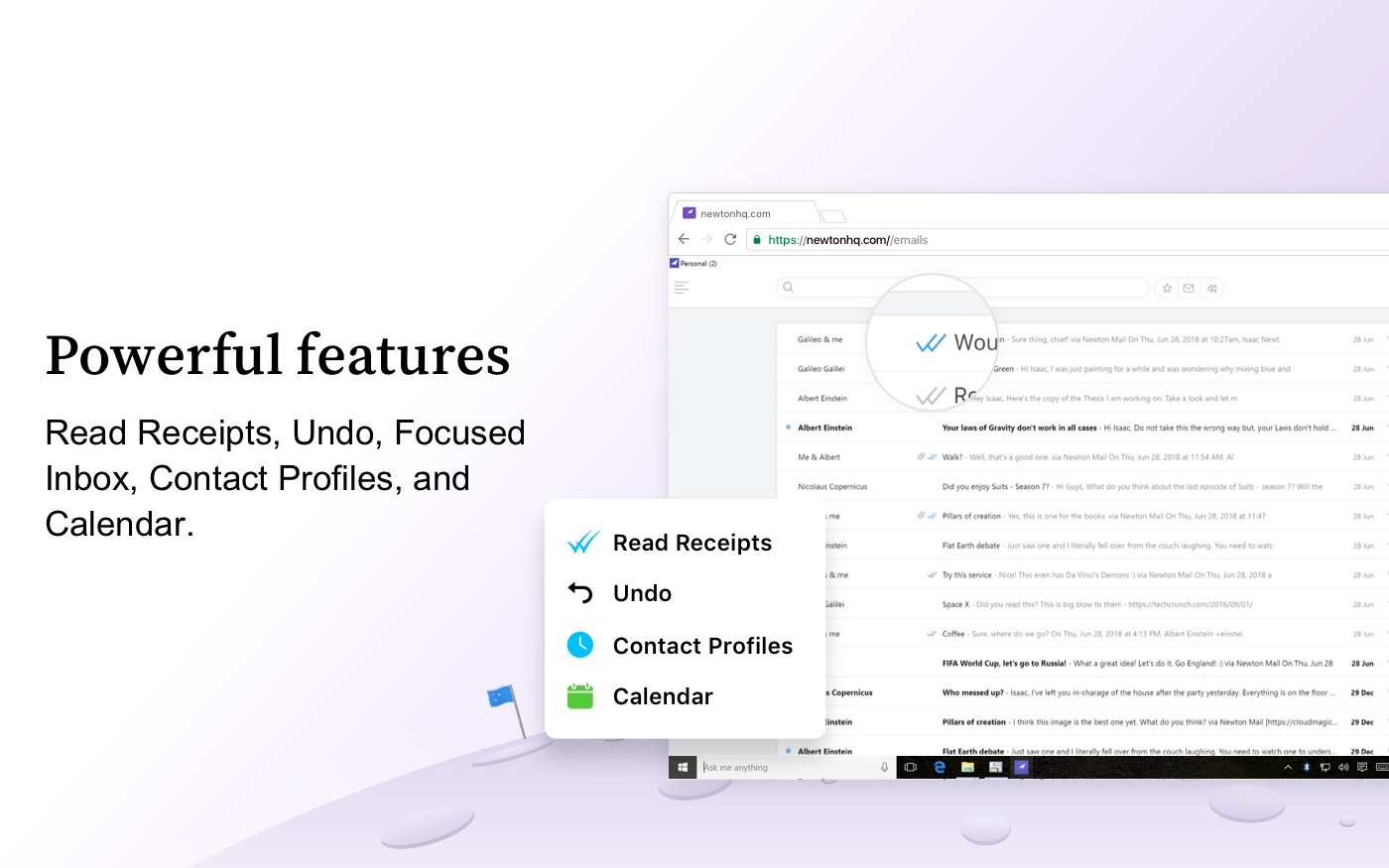
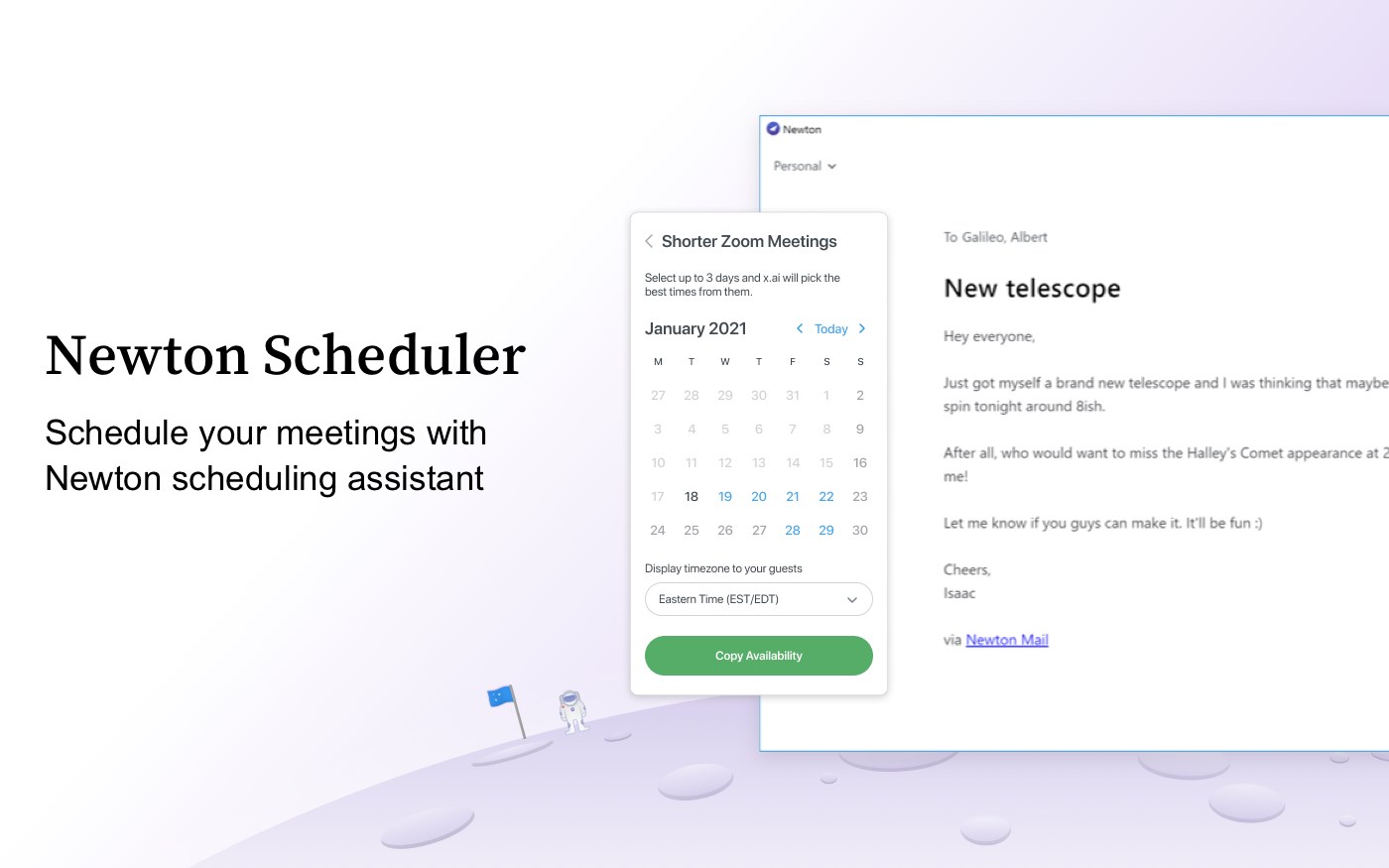
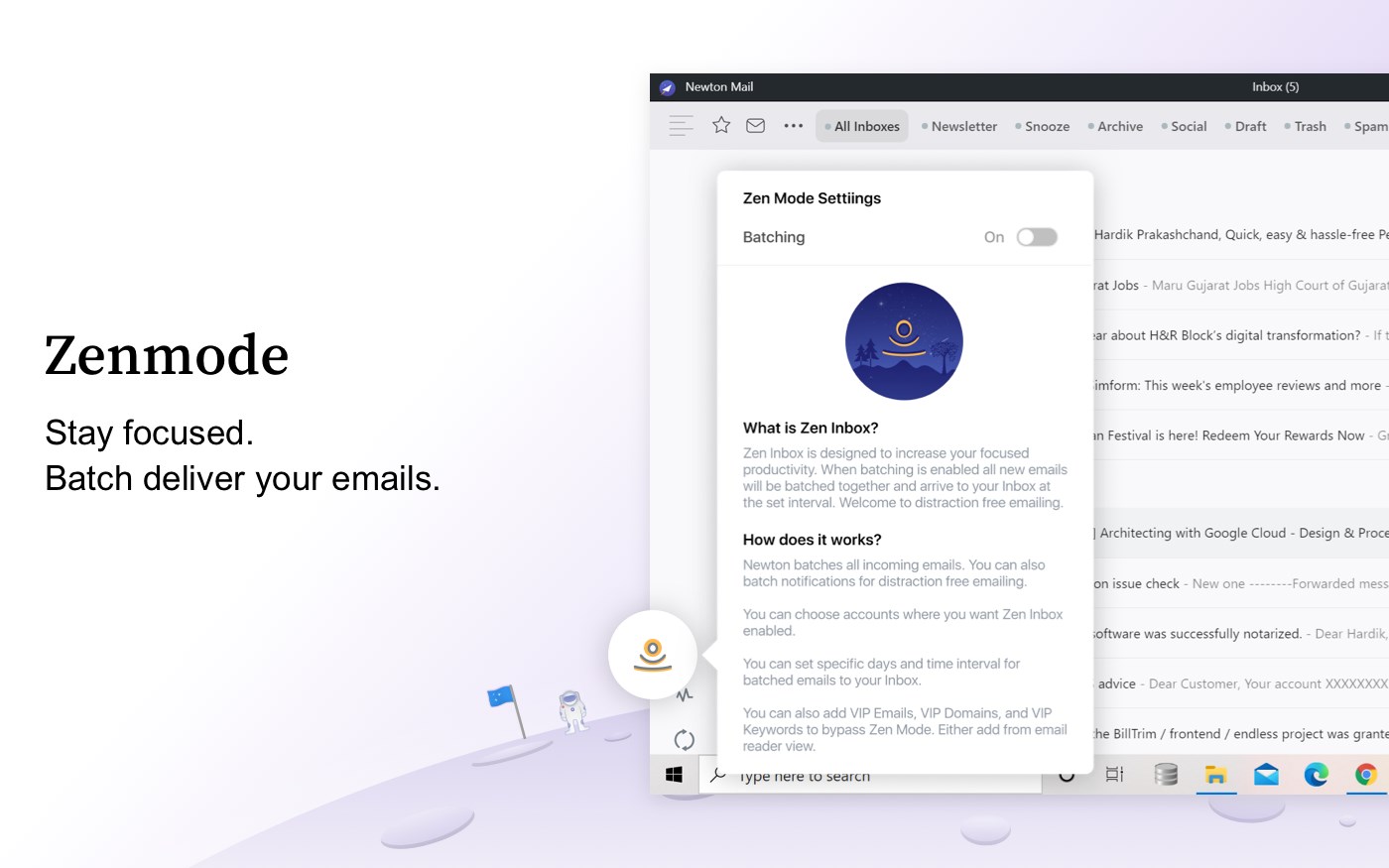
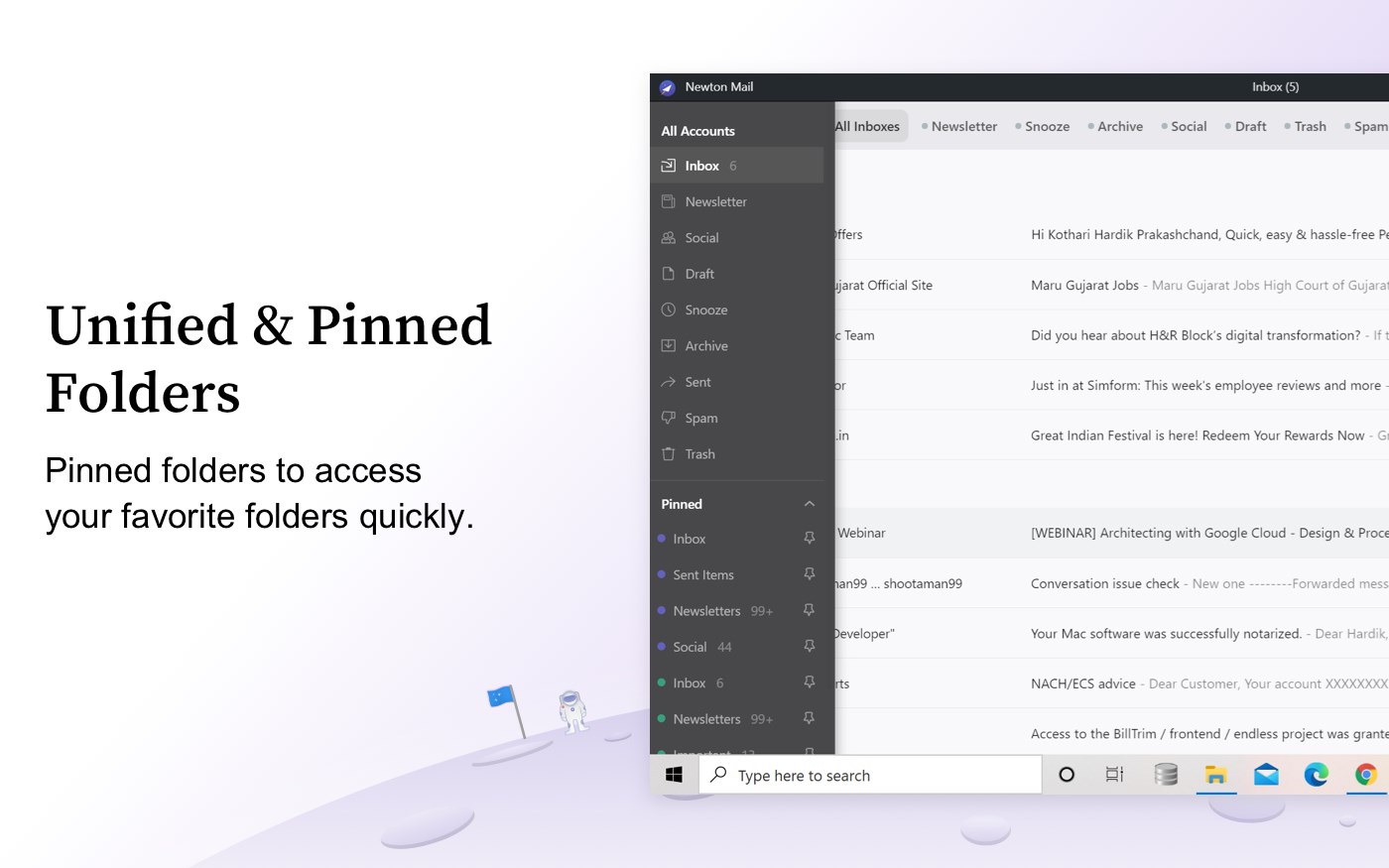
Even if Newton Mail hasn't been back that long, I'm already using the service again. I find it particularly relieving that you only have to enter an email address and a password in order to be able to access all email accounts. This works on just about any operating system. I also really like the integration with apps like Todoist and Evernote. There are also features such as snoozing emails and read notifications, which not every email app can offer. Newton is available for free download from the Windows Store. The annual subscription plan costs 55 euros.


Ditto clipboard
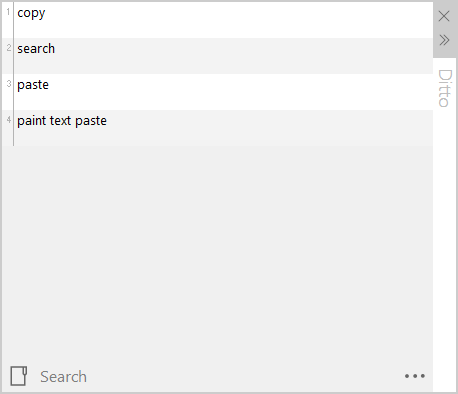
Ditto is a clipboard manager that I only use on laptops that still have Windows 10 version 1803. In version 1809 there is such a feature natively. What Ditto does is pretty simple. If you copy text or an element, a new entry is created with this in Ditto. If you want to call up an element of the list, you can start the clipboard manager with a user-defined key combination and insert the desired text or the desired file. Ditto is available free of charge from the Windows Store.

ShareX is really a cool tool. Especially in connection with Picr.eu.