
Chrome for Android: Major AI update brings "Auto Browse" and image editing
of Nils Ahrensmeier  on May 12, 2026, 19:00 am | Write a comment
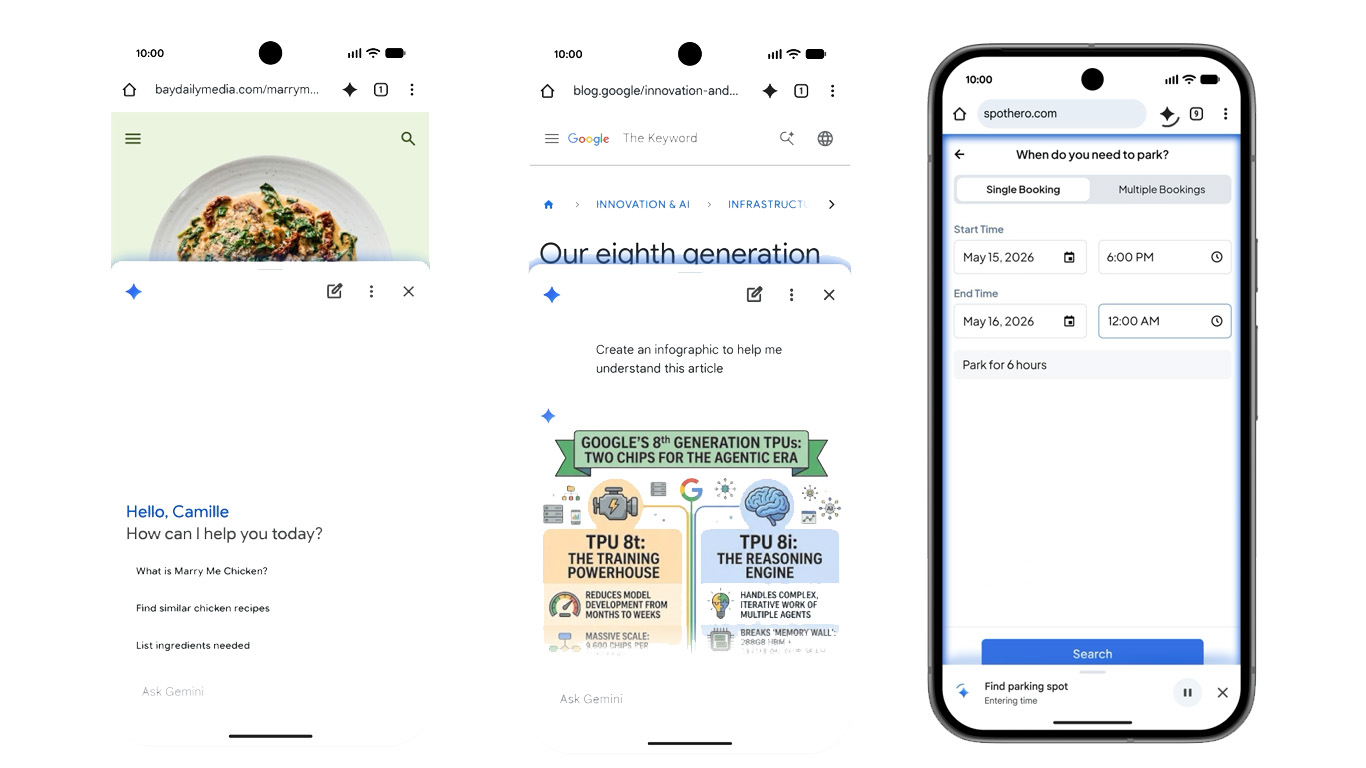
Next month, Google will bring comprehensive AI features directly to the Chrome mobile browser for Android. Based on Gemini 3.1, the browser will not only be able to analyze and summarize web pages, but also fully automate tedious everyday tasks via "Auto Browse".
Gemini directly in the browser tab
With the upcoming update, Gemini in Chrome for Android will function as a fully-fledged browsing assistant. A new Gemini icon in the top right of the toolbar allows users to display the artificial intelligence directly at the bottom of the screen, without having to leave the open webpage or switch apps. From there, users can ask questions about the page's content, have long articles summarized in seconds, or request detailed explanations for complex paragraphs.
-
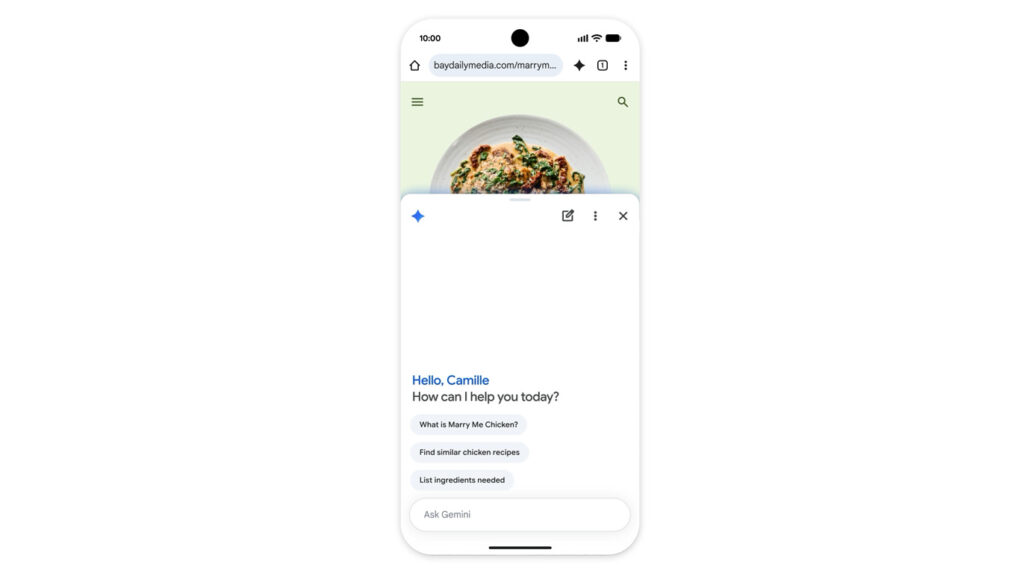
- Gemini will soon be integrated directly into Google Chrome on Android. (Image: Google)
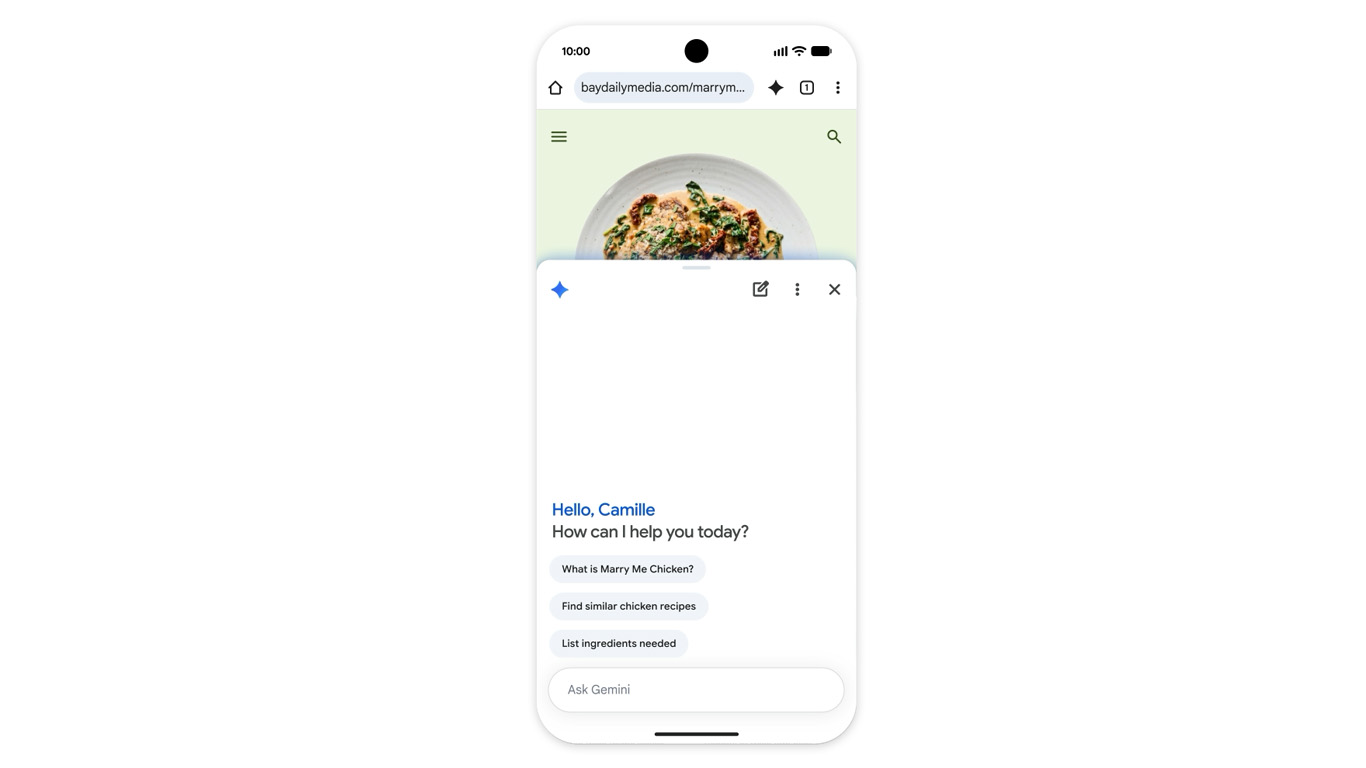
Furthermore, the assistant acts as an interface to other Google services. For example, it can directly add appointments to Google Calendar, save ingredient lists from an online recipe to Google Keep, or retrieve specific information from your emails in Gmail. Those who opt for the optional "Personal Intelligence" feature also receive tailored answers based on their personal interests, hobbies, or information about family and pets.
Generative image editing on the web with Nano Banana
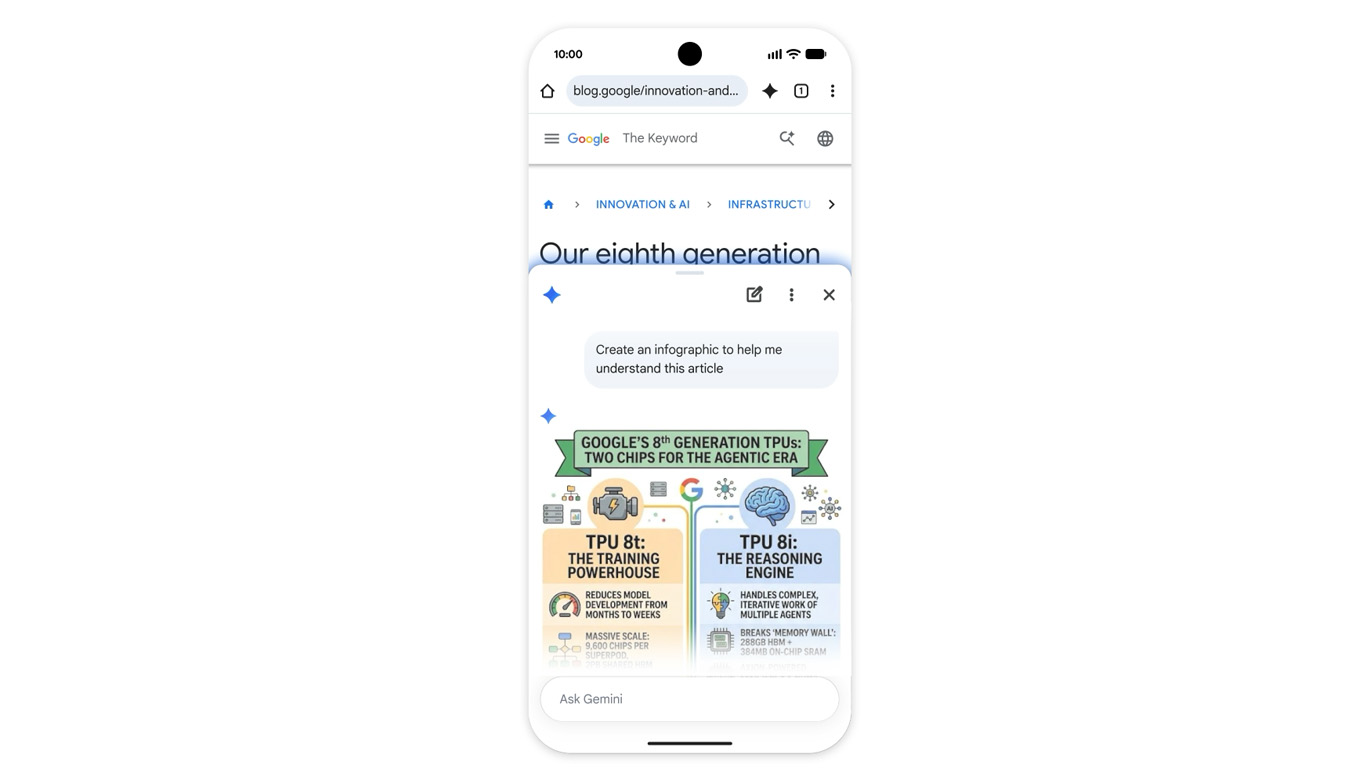
Another highlight for Chrome on Android is the new integration of Nano Banana. This will soon allow users to generate graphics from websites directly in the browser. For example, someone preparing for an exam who wants a graphic based on the text of a website can instruct Gemini to convert the website into an infographic. The tool also offers practical advantages when browsing apartment listings, as users can use voice commands to modify a photo of an empty room and virtually furnish it with modern living room furniture.
-
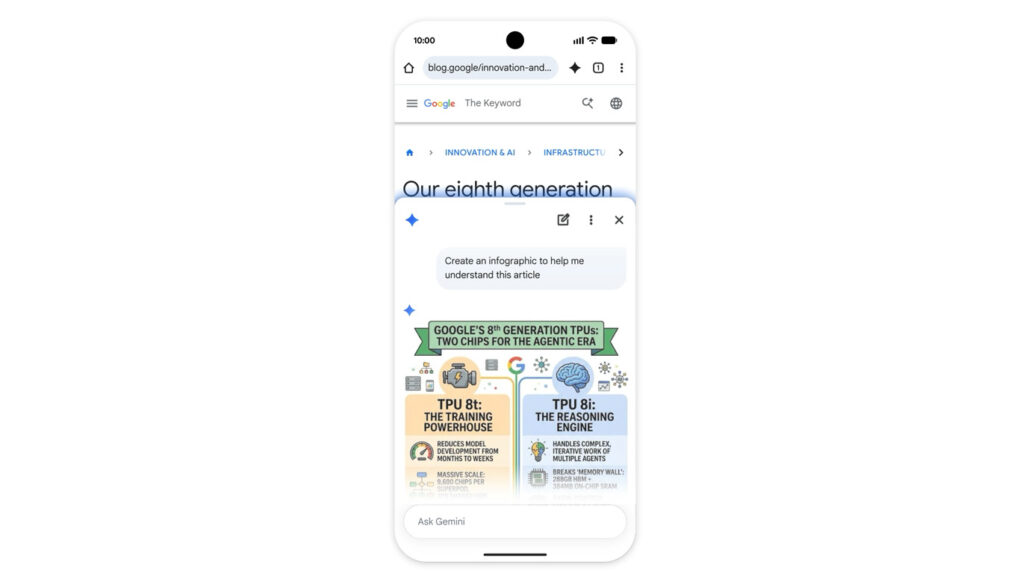
- Nano Banana allows you to create images based on websites directly in the Chrome browser by entering text. (Image: Google)
With its "Auto Browse" feature, Google is introducing agent-based browsing to smartphones for the first time, which automatically handles repetitive and time-consuming tasks on the web. For example, if you have an event ticket open in your browser, you can instruct Chrome to retrieve the ticket data and automatically reserve a nearby parking space using the SpotHero service. Purchases can also be delegated by using voice commands to instruct the browser to modify an existing order with the online retailer Chewy.
-
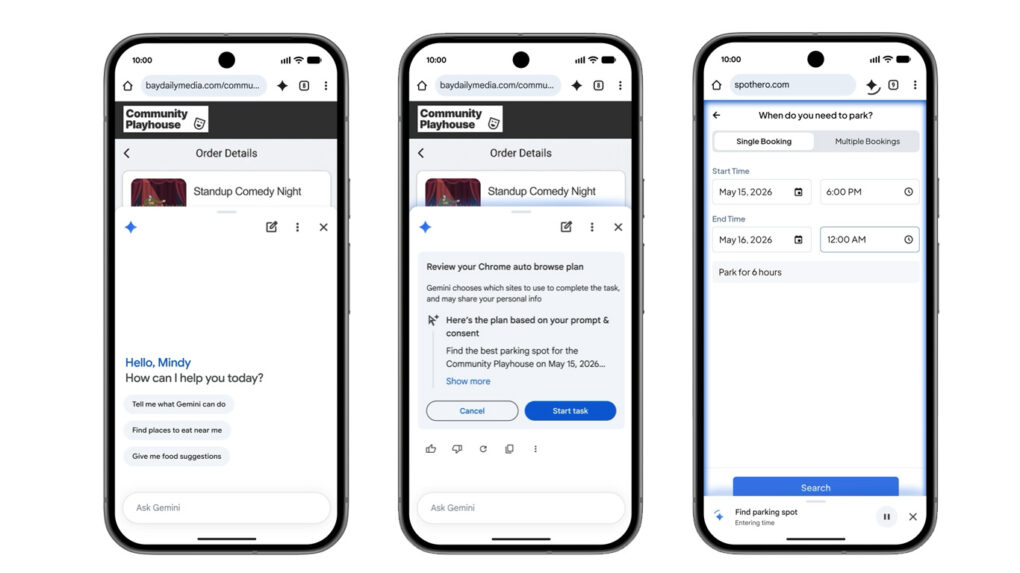
- In the US, Gemini could soon "take over" the browser. (Image: Google)
From a security perspective, Google protects the system on smartphones against modern threats such as prompt injections, as is already known from the desktop version of the browser. Furthermore, the system is designed so that explicit user confirmation is always required for sensitive actions, including making payments or posting on social networks.
Initially only available in the USA and with a subscription requirement at launch.
German-speaking users will have to be patient for now, as the barriers to entry are extremely high. The rollout of Gemini in Chrome begins at the end of June, exclusively in the US. Furthermore, the particularly useful Auto Browse feature will initially only be available to paying subscribers of Gemini AI Pro and Ultra. It remains to be seen when Google will localize the features for other regions and languages.