
Chrome 69 is here: all information about the version with the new design
of David Haydl  on September 06, 2018, 18:02 am | 2 comments
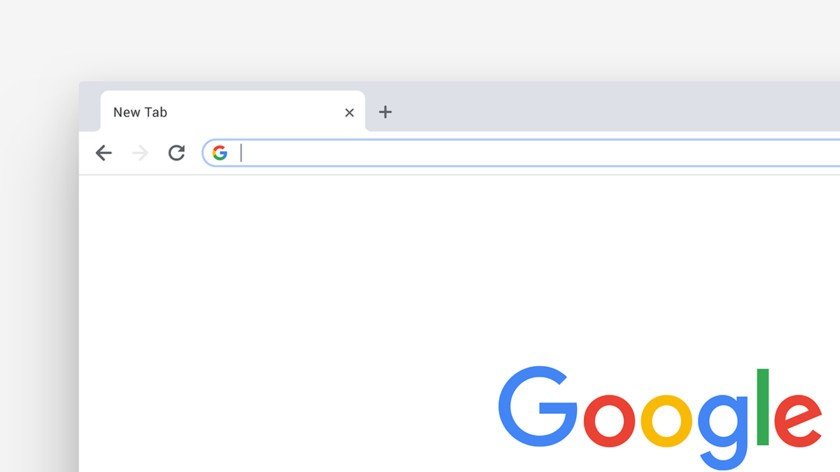
Almost two months ago I reported that Chrome was going to get Material Design. Now, Google embedded the design language in Chrome 69.
Tenth birthday
Google took Chrome's tenth birthday as an opportunity to give the browser the Material Design. This also applies to Android and iOS. The corners have been rounded everywhere, including those of the search bar. If you now search for something in the address bar, suggestions are displayed in a box that Google calls the "Omnibox". If a secure HTTPS connection is established, only a gray lock is displayed in the search bar on the left, which makes everything look a bit tidier. There is also now a shortcut that you can use to access all the passwords that have been saved in Chrome. You can find this by clicking on the icon with your profile picture, which is located to the right of the search bar. You can also now generate random passwords with the browser, just like you can with LastPass.
How do I get the new version?
For me, the update to the new version on the laptop took place automatically. If this is not the case, you have to pay attention to the icon with the three dots on the top right - an update is available if there is a colored dot next to the icon. If you are not sure which version of Chrome you have, you can check this under chrome: // version. To get the new version for Android or iOS, you have to update via the Play Store or the App Store.
how do you install the update? have no points
In the article I mentioned that you may have already received the update automatically. You can check this under chrome: // version, where you have to see if you have version 69.