
Surface Pro 3: Battery update released
of Martin Schneider  on November 11, 2016, 13:30 p.m. | Write a comment
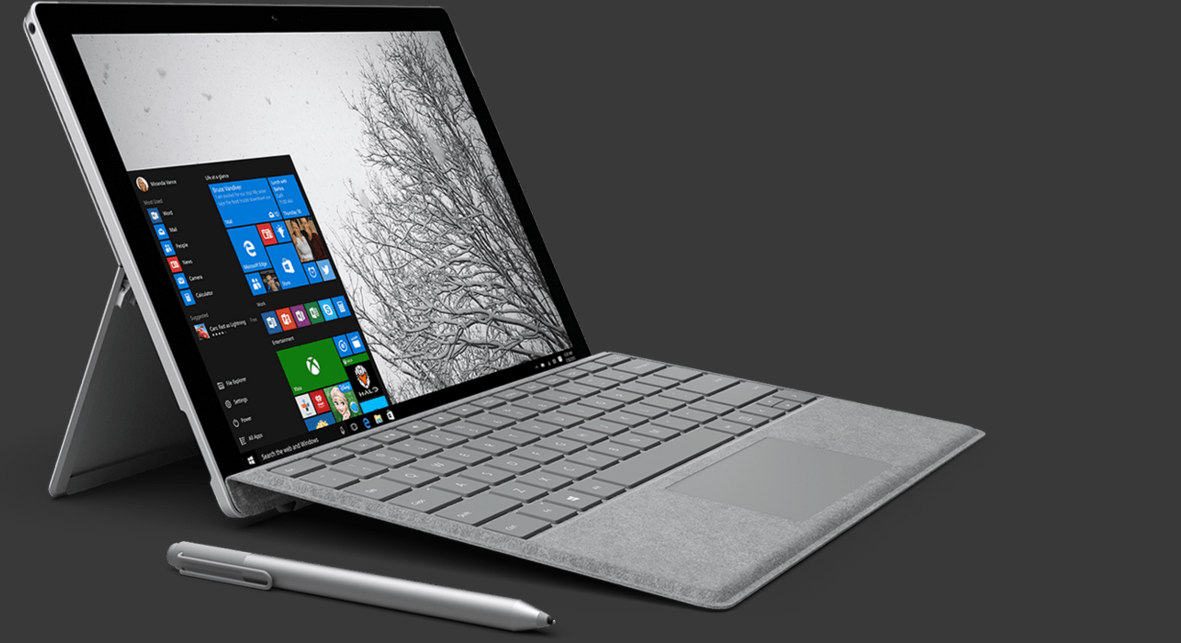
A few days ago, a software update for the Surface Pro 3 battery was released, which is supposed to fix an annoying bug.
Some devices still have an incorrect battery display. The update that was released a few days ago should finally solve this problem. However, there are a few things you should keep in mind to ensure that the update is installed without errors.
What is actually the mistake?
Well, the problem is that the Surface Pro 3 battery provides an incorrect total capacity when transmitting to Windows. The system does not recognize this automatically and therefore an incorrect battery display is shown. The official changelog from Microsoft says the following:
Surface Pro Embedded Controller Firmware (v38.11.50.0) corrects an error that may occur on a limited number of Surface Pro 3 devices where the full charge capacity of the battery is misreported to the operating system and device firmware. This update corrects the firmware component that functions as the “fuel gauge” so that the battery capacity is accurately reported.
Please note this before installing
You should keep these things in mind if you want to install the update correctly.
- All USB ports must be free
- Keyboards, mice, hard drives, and other external devices and components must be unplugged and not connected to the Surface Pro 3
- Have at least 40 percent battery and also connected the power supply
You should definitely pay attention to these things! When the download or installation is complete, an update called "System Firmware Update - 11/7/2016" will appear in the Windows update list. You have to run this and the installation is complete! It is unknown whether the update will allow the Surface Pro 3 battery to run without problems again.