Unfortunately, performance problems in Wear OS are not uncommon. A little trick should be able to eliminate them.
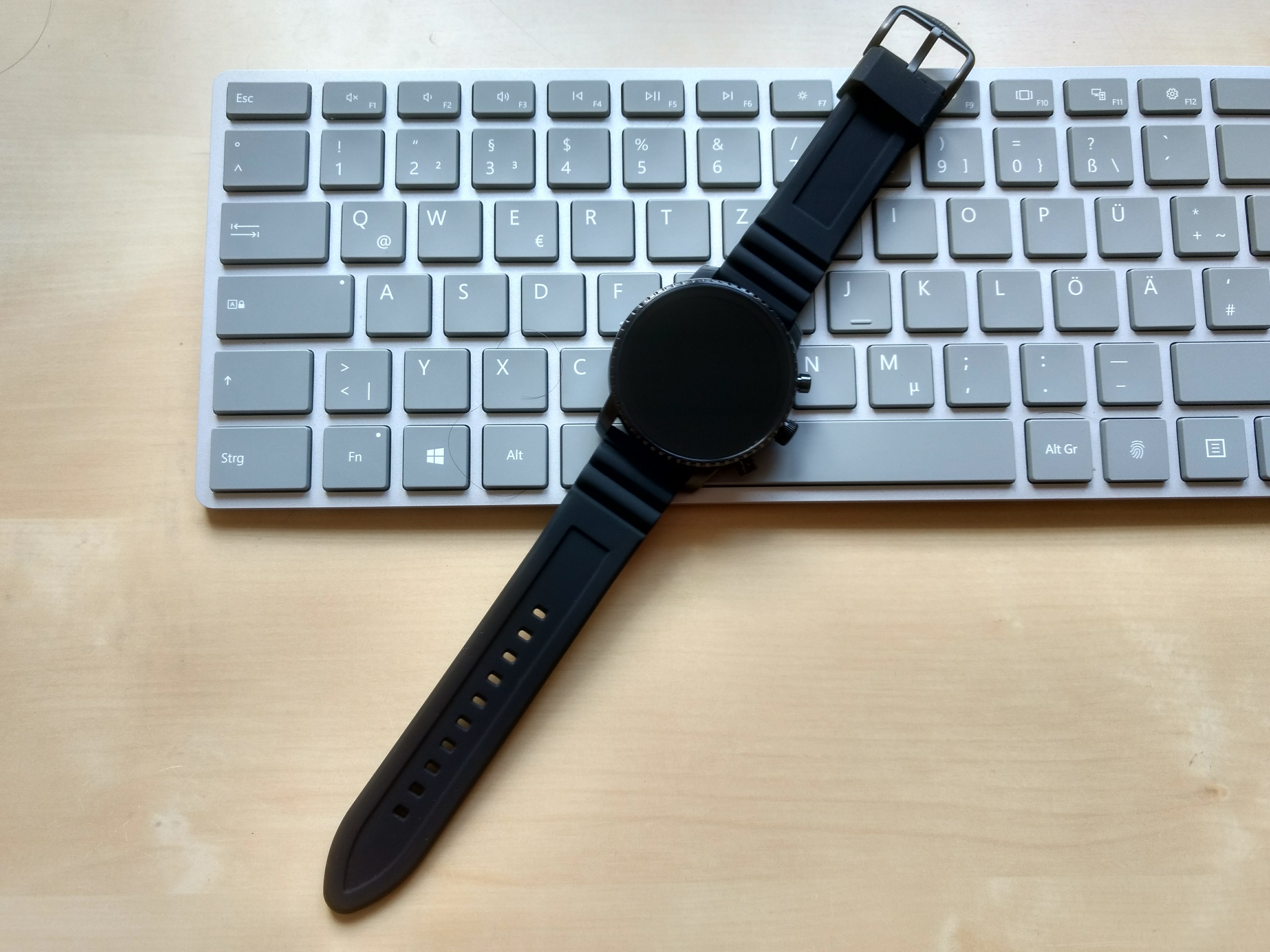
If you own a smartwatch with Wear OS, you should be aware of the following two problems: delays in processing inputs and frame drops. Even if these two things only occur to a very small extent, they become extremely annoying over time. A simple trick should now eliminate these two annoyances: deactivating the auto-brightness. On Reddit, many users of a Wear OS smartwatch write that this noticeably improves performance. This is especially true for smartwatches like the TicWatch Pro, the Fossil Q Explorer HR, the Fossil Sport and the second Moto 360 too.
Wear OS: How to turn off auto brightness
The option to deactivate the auto-brightness can be found in the settings of your smartwatch. To get to the settings, swipe from top to bottom on the dial and touch the gear icon. Now select the “Adjust brightness” entry under “Display”. There you can now regulate the brightness manually.
Street: 9to5Google