
Google Pixel Watch 5 review: Beautiful, fast charging – and hardly changed
A TEST REPORT from Nils Ahrensmeier  on September 13, 2026, 13:00 am | Write a comment
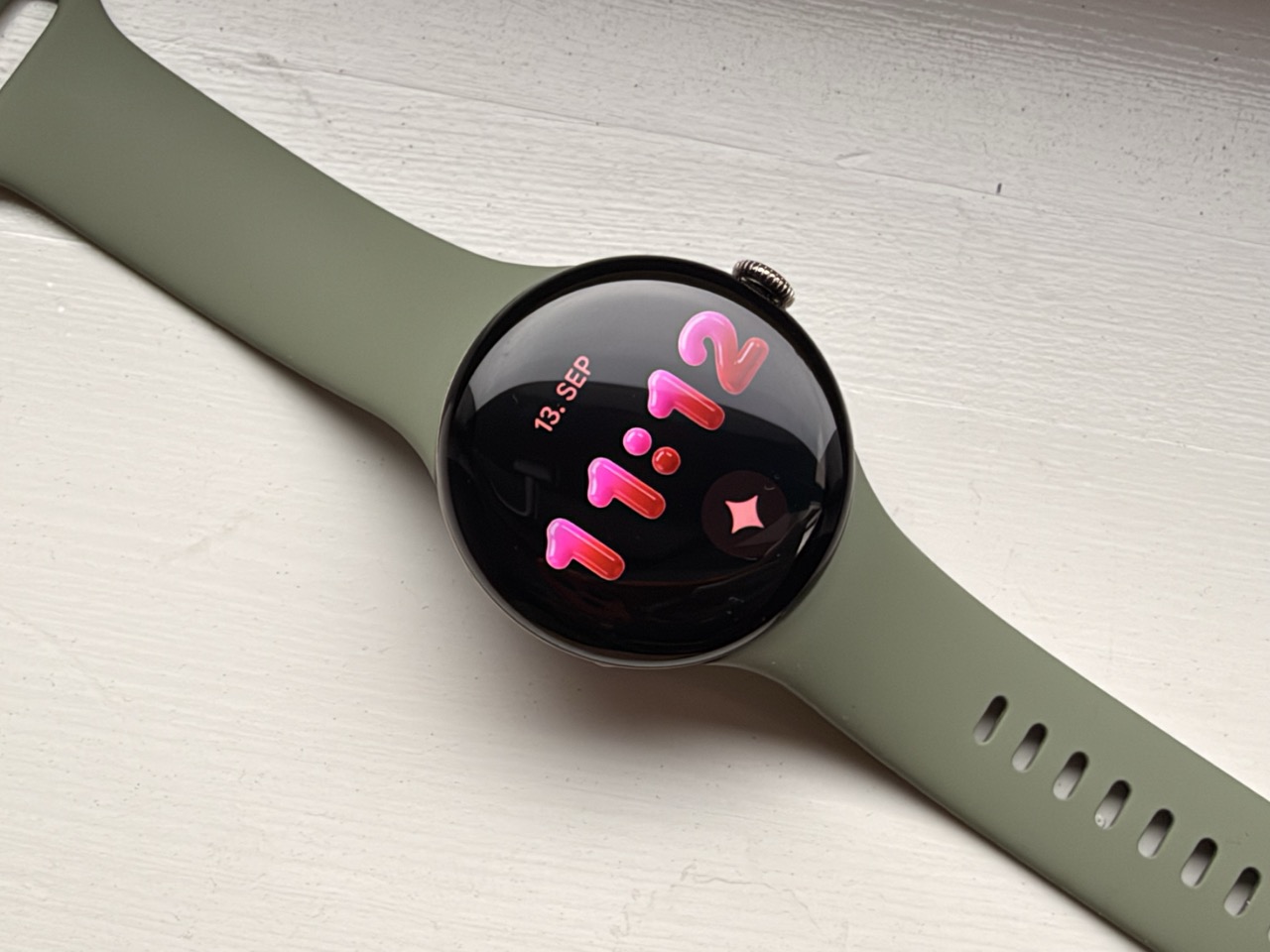
In August, Google unveiled the Pixel Watch 5. We wore the smaller 41-millimeter version for two weeks – and got to know a watch that does almost everything right, yet cuts corners in the wrong places.
Design and comfort
The Pixel Watch remains true to itself, and in this case, that's a compliment. While the competition is increasingly moving towards the look of a sports watch, with edges, protective bezels, and an outdoor aesthetic, the Pixel Watch 5 is still a smooth, round pebble on the wrist. No screw tries to suggest robustness, no bezel seeks attention. Only the crown on the side gives the watch a distinctive look.
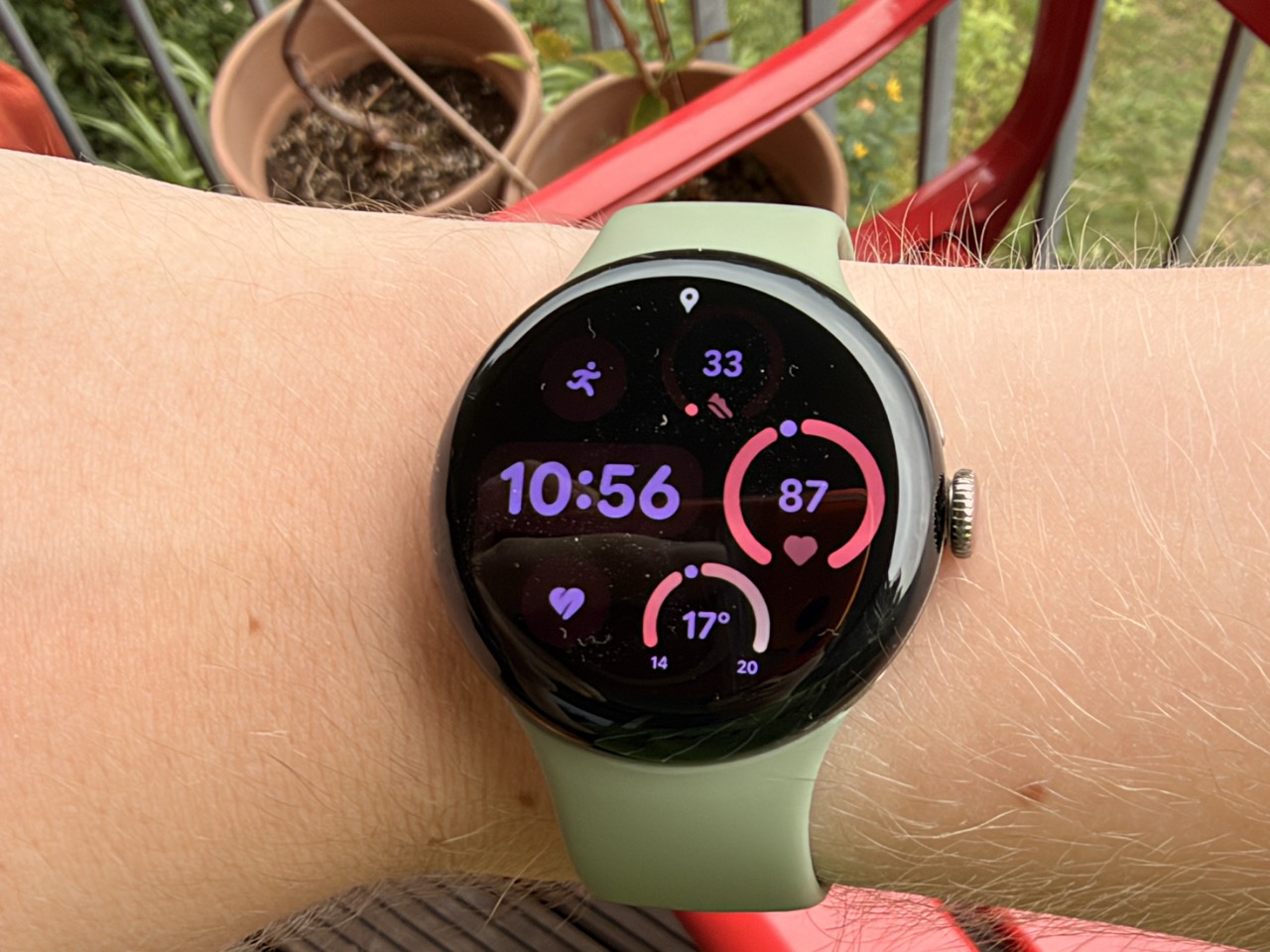
The Pixel Watch 5 looks like its predecessors (Image: TechnikNews)
The small model weighs 31 grams without the strap and is about twelve millimeters thick. It disappears under a shirt sleeve. proIt's trouble-free, and it doesn't disturb you at night either – which is important if you want to use the sleep tracking feature. With an IP68 rating and a 5 ATM water resistance rating, the watch is protected against dust and water, so swimming is no problem.
It's great that Google hasn't changed anything about the wristband attachment. Anyone who already owns an older Pixel Watch can continue using their existing bands, and there's a wide selection available on the aftermarket. You just need to make sure the band is designed for the 41mm or 45mm case. It's also worth noting that, despite its closed design, the watch is relatively easy to repair: behind the band attachment point are two small screws that allow you to replace the battery and display. So, once the warranty expires, a defect doesn't automatically mean the watch is destined for the scrap heap.
the display
The screen is the first thing you notice, and it's one of the best things about this watch. The OLED panel isn't flat, but slightly curved towards the center, which gives the display a certain depth. Combined with the surface, which is already designed for round displays, this results in an image that you simply can't get on a square watch.
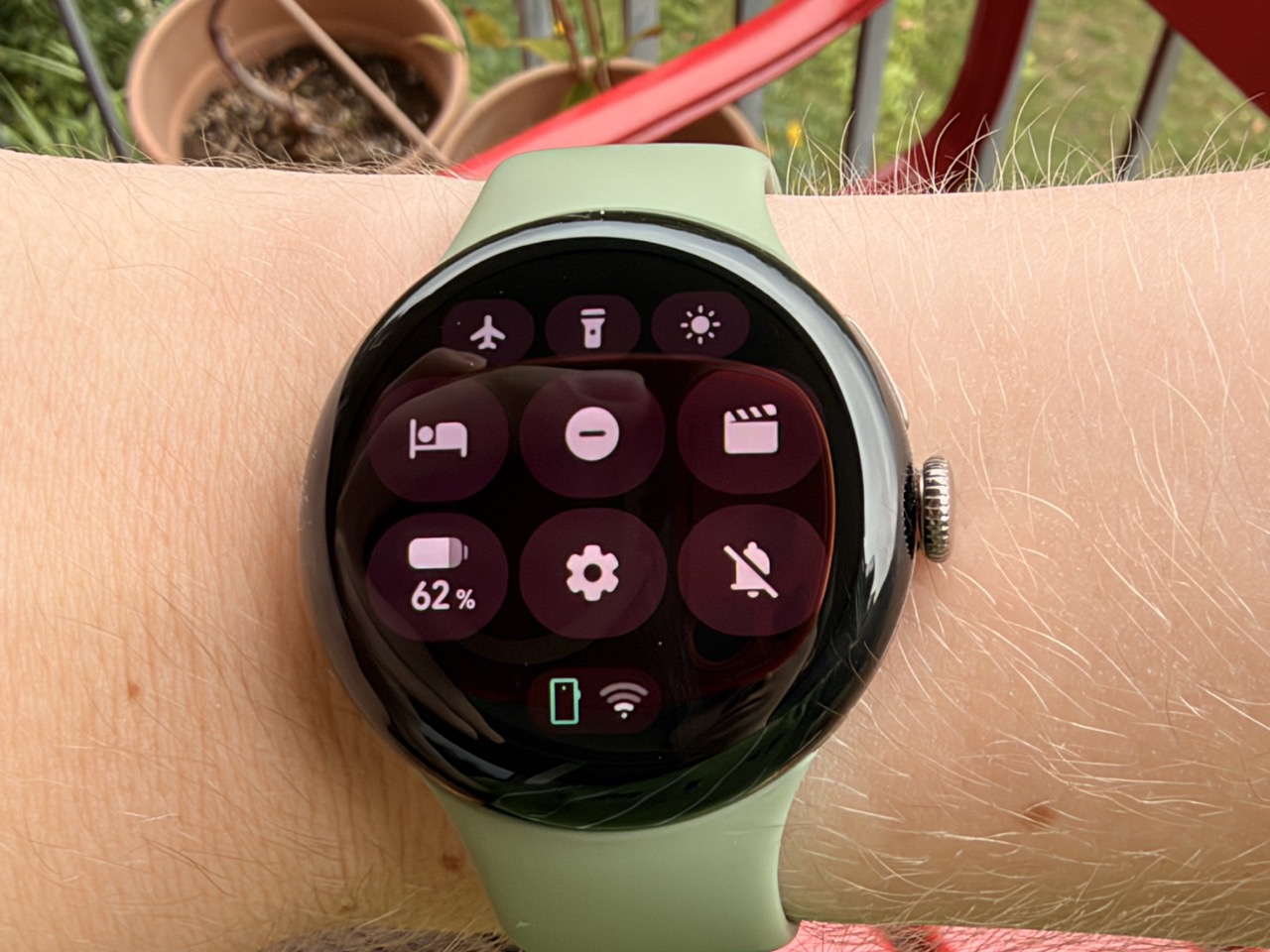
The Pixel Watch 5 screen displays content at up to 3000 nits (Image: TechnikNews)
With up to 3.000 nits, the watch is bright enough for any situation in which you want to read it – even in direct sunlight, you don't need to cover it with your hand. The automatic brightness control usually works perfectly. The fact that some content is occasionally cut off at the top and bottom edges of the round display is a small price to pay. The display bezel itself is barely noticeable because the surface is entirely black, cleverly concealing it.
Operation and gestures
The watch is operated as before: Pressing the crown opens the app overview or takes you back, while rotating it scrolls. Above this is a second, rather inconspicuous button for recently used apps, which, when pressed and held, opens the voice assistant.
The gestures are more interesting. A quick twist of the wrist away from the body and then back again takes you back a step or makes a notification disappear. Tapping the thumb and forefinger of the watch hand together twice scrolls through content or confirms an action – this allows you to start and pause a workout without having to touch the display.
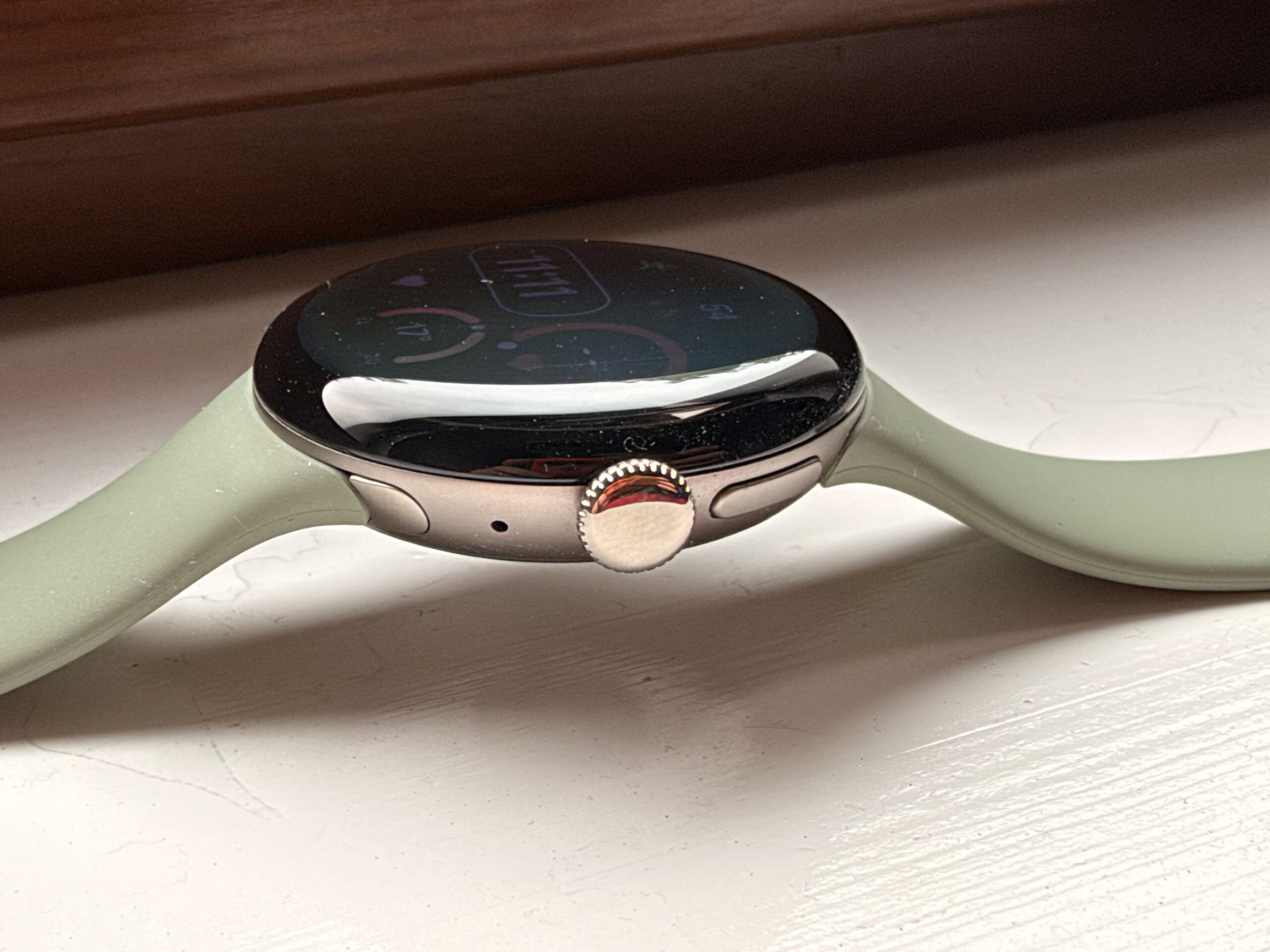
The Pixel Watch 5 can be operated not only via gestures, but also via a crown and a button (Image: TechnikNews)
In everyday use, this is actually quite practical, especially when moving around or when your other hand is occupied. However, the recognition isn't quite on par with the Apple Watch: it worked reliably for me, but not so seamlessly that I stopped thinking about it.
Important to know: The gestures only work when the screen is active. To use them effectively, you have to enable wrist-rotation activation, which drains the battery.
Battery and charging
Battery life is where opinions diverge. Google promises around 30 hours with the display continuously on, and in my testing, the smaller model lasted a good two days, including workouts and nighttime sleep tracking. For a fully-fledged smartwatch with a selection of apps and an assistant, that's acceptable, but compared to fitness watches without a real operating system, it seems ridiculously short. You have to decide what you want.
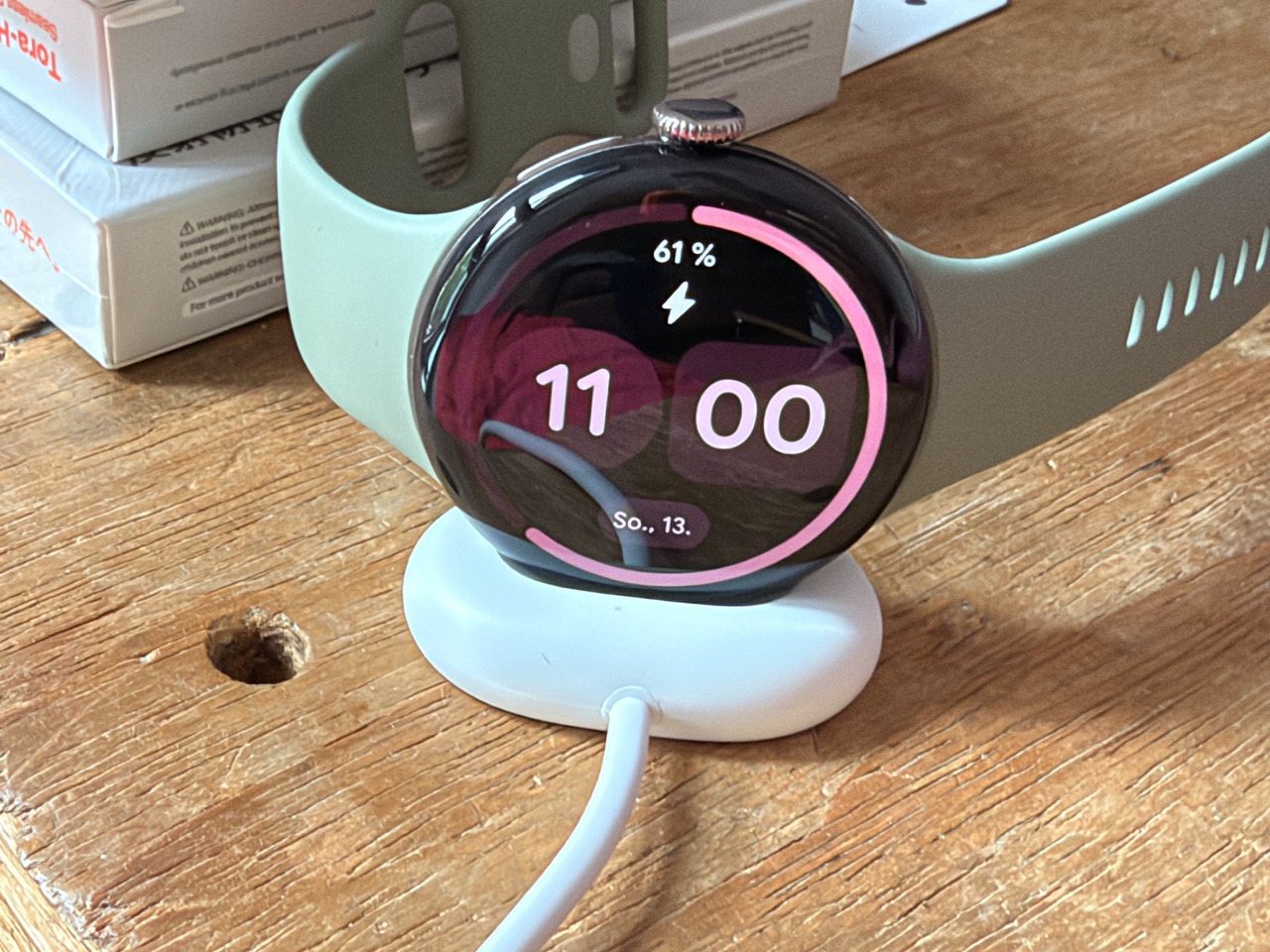
The Pixel Watch 5 recharges quickly via its own charging dock (Image: TechnikNews)
This is mitigated by the charging speed, which is the real selling point. After a quarter of an hour on the cradle, the watch is half charged, and after about an hour, it's fully charged. Practically speaking, this means you can place it on the cradle before showering and take it with you fully charged. The charging cradle attaches magnetically, the contact surfaces are generously sized, and the watch charges in both orientations – no aiming, no slipping. At night, it sits on its side in the cradle and can also be used as a table clock. You just have to take the cradle with you, as other charging solutions won't work.
Fitness, sleep and the Health app
There are no new sensors, and that's typical for this generation. The devices measure pulse, oxygen saturation, skin temperature, and skin conductance, along with a single-lead ECG. The emergency call function now also activates in cases of detected respiratory distress, not just in cases of falls and absent pulse.
I used the training tracking feature regularly, and the watch performed flawlessly. I didn't encounter any unusual anomalies; the readings consistently seemed plausible. However, I didn't systematically compare it to a chest strap – anyone looking for precise heart rate data during training should rely on the general capabilities and limitations of optical sensors.
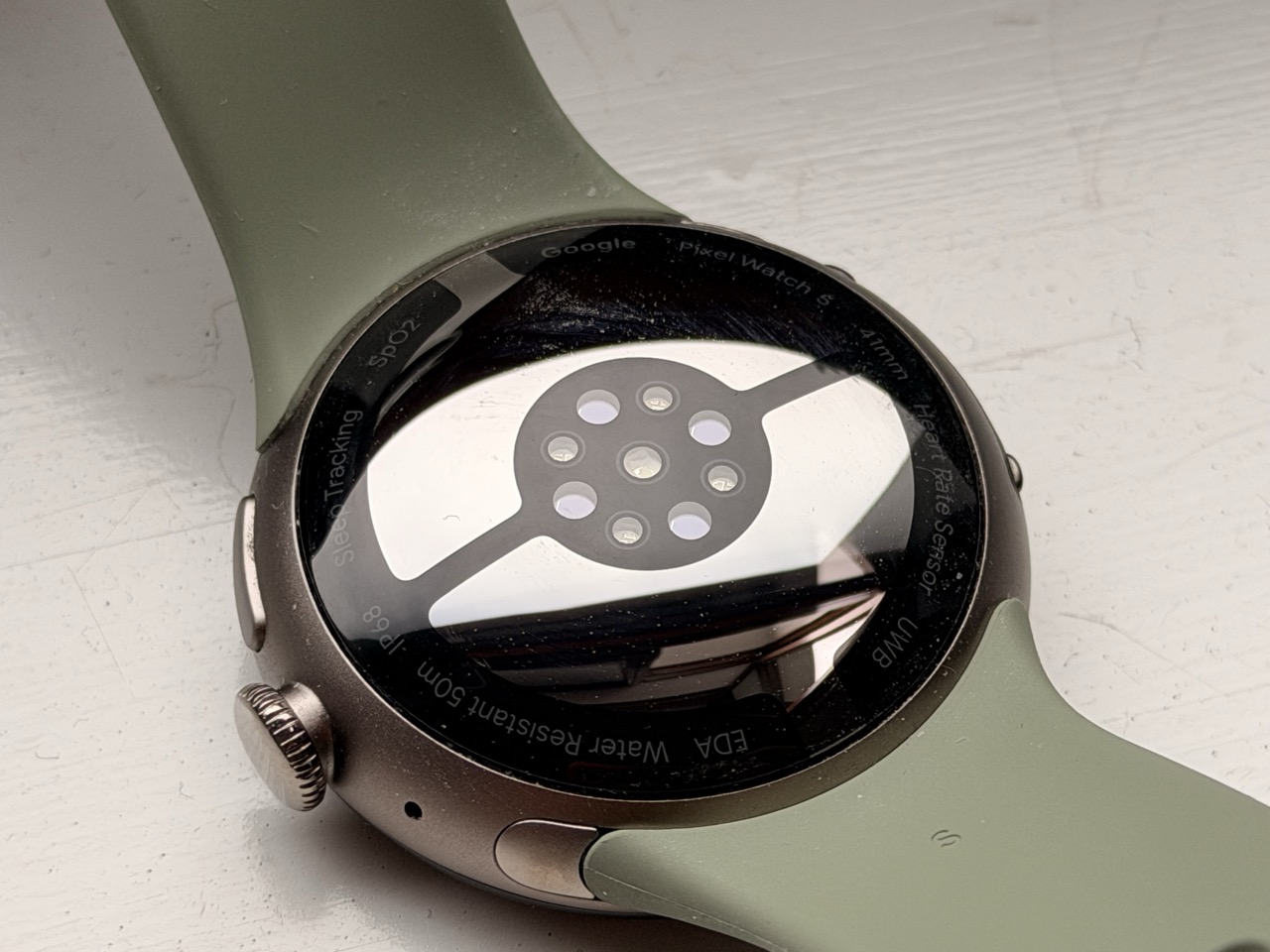
The Pixel Watch 5 has no new sensors compared to its predecessor (Image: TechnikNews)
The sleep tracking pleasantly surprised me. The watch reliably detects the wake-up time, and the new alarm function, where you specify a time range instead of a fixed time, works surprisingly well. What's missing is the detection of sleep apnea, which other manufacturers now offer.
The real weak point is the Health app on the smartphone. Google has revamped it and added AI-generated texts to interpret your data – and these texts aren't as bad as you might expect. The problem lies elsewhere: the app simply doesn't present the collected data well. Anyone who's seen how Whoop, for example, displays the same information immediately notices how much is missing here. The data is there, the sensors are providing it, but the presentation doesn't do it justice. You have to click through submenus instead of understanding your health status at a glance. That's the biggest missed opportunity of this watch.
For an additional €8,99 per month, users can get an AI coach who creates training plans and answers questions. Three months are included with new purchases. Basic fitness data is also available without a subscription.
Gemini and its AI features
The Assistant is the most noticeable new feature in everyday use – and that's less due to its capabilities than to its responsiveness. Google has increased the RAM by half, part of the model runs directly on the watch, and it shows: there's virtually no waiting time between question and answer, and apps launch instantly on command. Anyone familiar with an older Pixel Watch will immediately notice the difference.
The rest of the AI features are secondary. You can generate watch faces by dictating a few keywords, but the result is limited to different numerals and colors. After the third try, you've seen it all. In the morning, the watch offers a summary of the night and an assessment of your physical condition, which is occasionally useful and occasionally seems arbitrary.
What's still missing
Some of the features Google is promoting for this generation simply weren't available at the time of testing. Blood pressure change detection and improved strength training tracking are slated to be added via an update in the fall. The improved GPS isn't a hardware innovation either: the watch sends the recorded track to Google after a workout, where it's subsequently refined using map data and weather information. This works, but it's software – and therefore something that could theoretically run on older models as well.
That's precisely the pattern of this generation: almost everything that's new is software. The chip is the same as before, the sensors are the same, the casing is the same. Anyone already wearing a current Pixel Watch has no reason to upgrade.
Conclusion
For Android users looking for a smartwatch, the Pixel Watch 5 is a clear recommendation. It looks better than virtually anything else Wear OS has to offer, it's comfortable to wear, the display is excellent, it charges quickly, and the Assistant finally responds as expected. You won't notice that Google hasn't included any new sensors in everyday use – the watch delivers reliable data and performs well during workouts and at night.
There are two things to accept. The Health app extracts significantly less from the collected data than it could, and ultimately, the value of all the measurements depends on this. And this generation offers little that's truly new: Anyone who already owns a Pixel Watch from recent years will receive most of the new features via an update anyway. However, if you're upgrading from a much older watch or are a new user, you'll get the most well-rounded package Google has created to date.
Anyone using an iPhone will have to keep looking: Wear OS cannot be paired with it.