
HUAWEI FreeBuds 7i review: In-ear headphones for 100 euros with Spatial Audio
A TEST REPORT from Fabian Menzel  on October 03, 2025, 11:24 p.m. | Write a comment
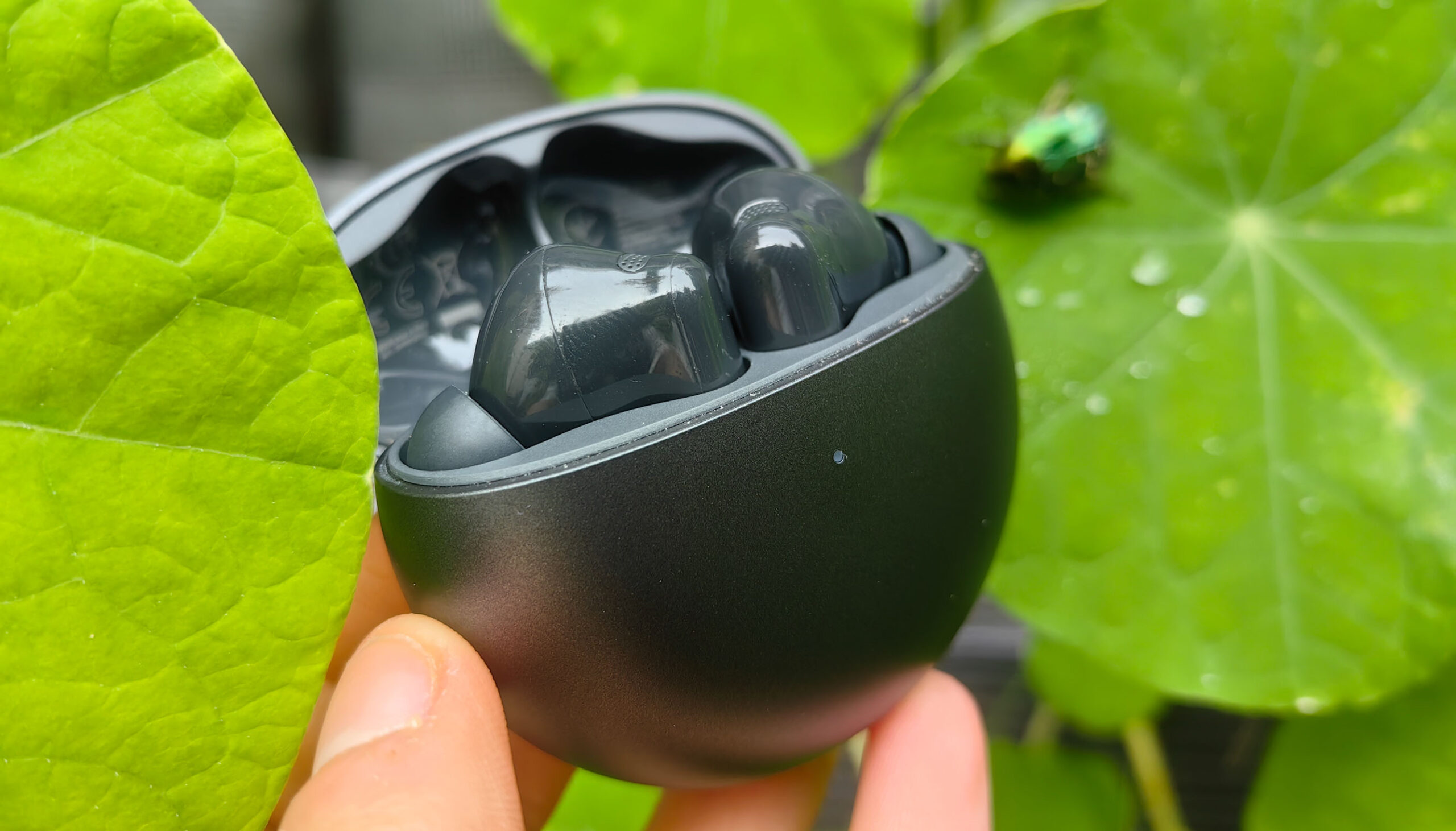
A few days ago, HUAWEI introduced the HUAWEI FreeBuds 7i, new in-ear headphones for under 100 euros, which, compared to their predecessors, are designed to impress primarily with better ANC, 3D sound with head tracking, and clear and stable calls.
That sounds like a successful upgrade. However, I would have liked to see improvements to the battery beforehand, as the runtime of the predecessor left something to be desired. Unfortunately, nothing has changed there, at least on paper. And what about the sound quality and the design? You'll find out all that in this review.
Conclusion
In conclusion, I was very impressed with the HUAWEI FreeBuds 7i overall. For a suggested retail price of €100, you get a high-quality and appealing design, reliable operation, comfortable fit, a user-friendly app, good ANC, and convincing sound. Even small details like the surprisingly stable connection range are noteworthy. The FreeBuds 7i have no major weaknesses.
Nevertheless, I cannot wholeheartedly recommend it, as its predecessor is currently very attractively priced at around 60 to 70 euros – and superior in many areas. proIt can easily keep up with the FreeBuds 7i. So, if you want to save some money and still get very good in-ear headphones, these are a great option. EUR 100 Those looking for [specific features] would be better served by the FreeBuds 6i. However, those who value longer battery life, spatial audio, improved range, and a more modern design might prefer the FreeBuds 6i. proFor those who want to upgrade, the extra cost compared to the FreeBuds 7i is worthwhile.
Many thanks to HUAWEI Germany for providing the test device.
Design
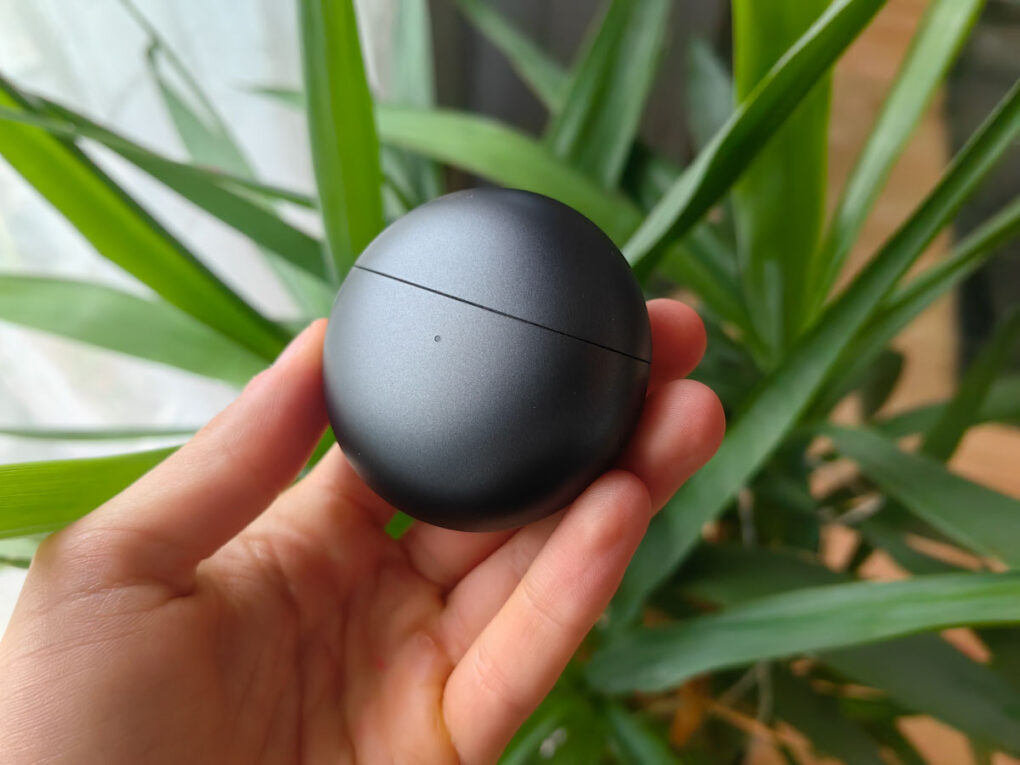
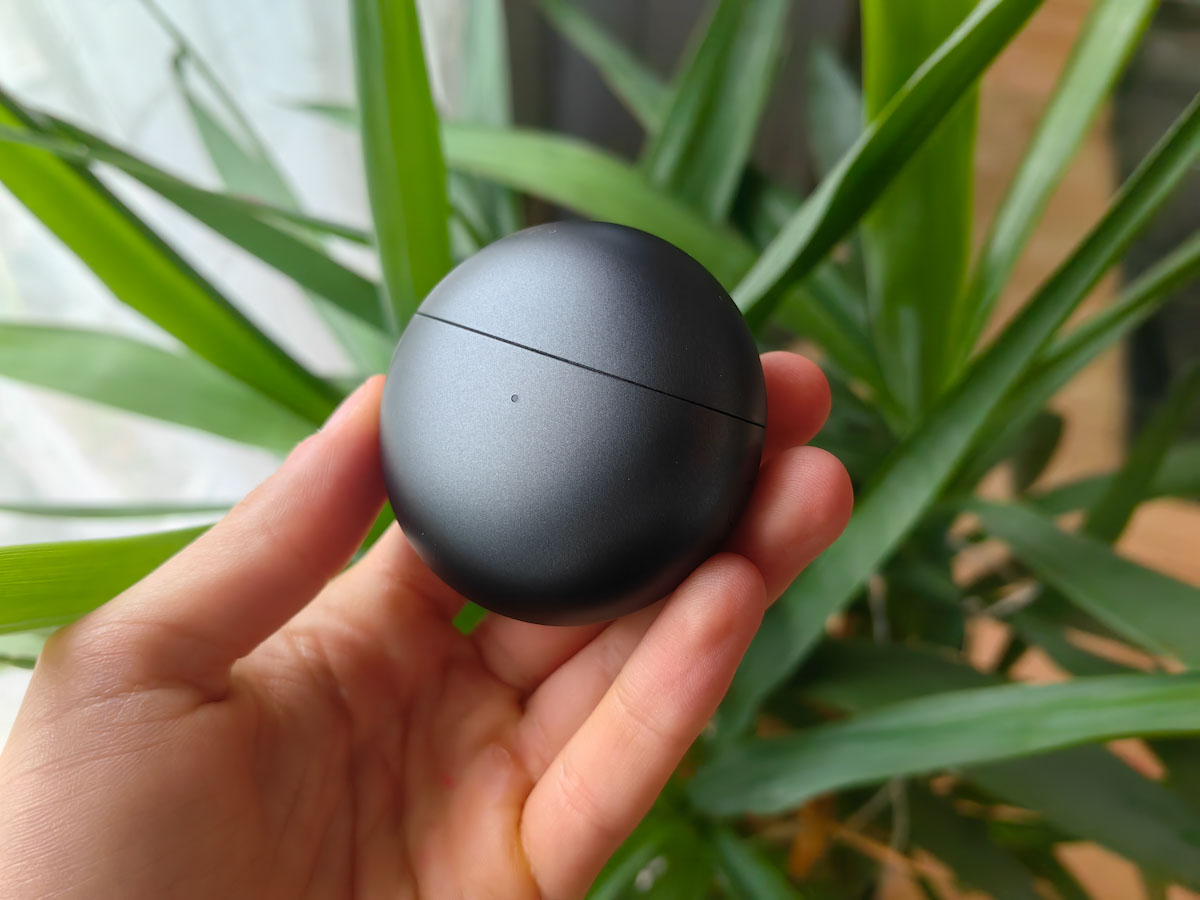
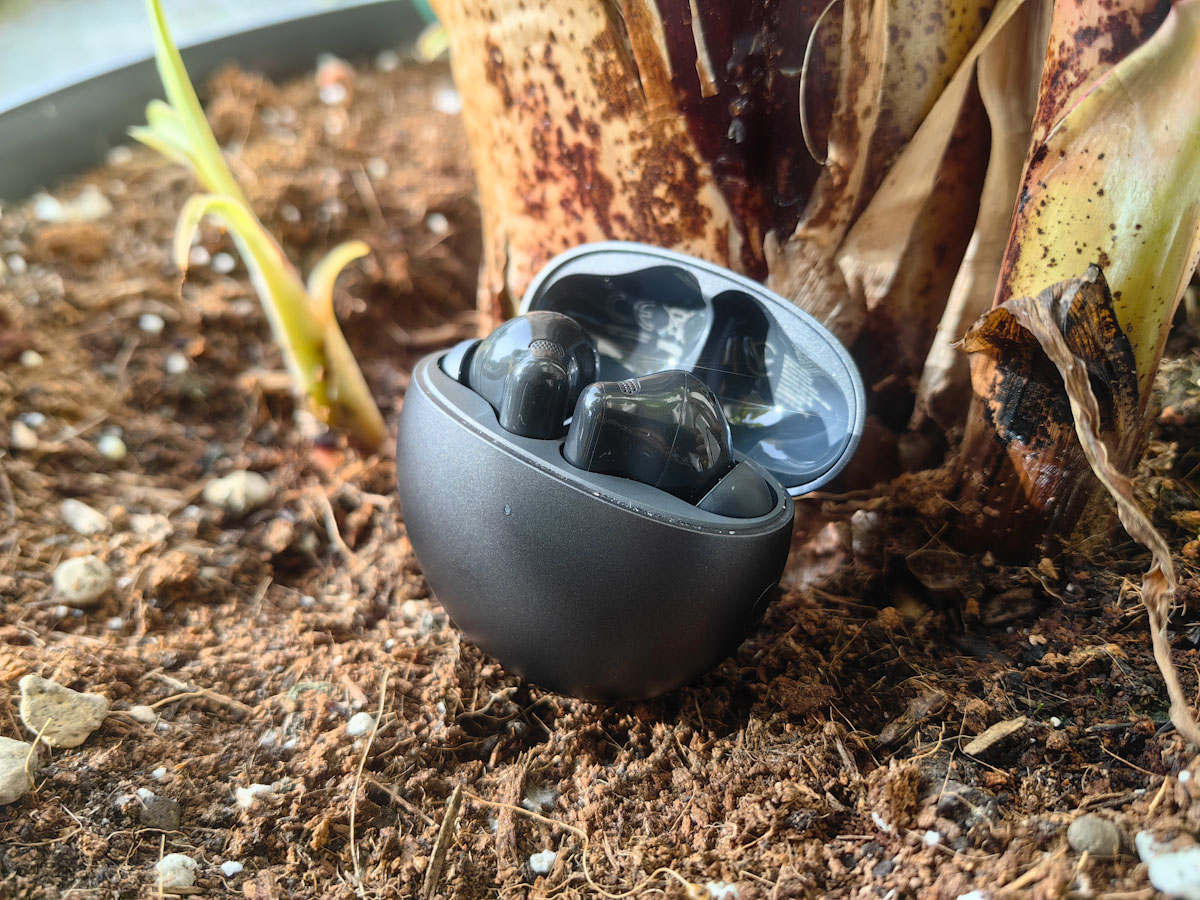
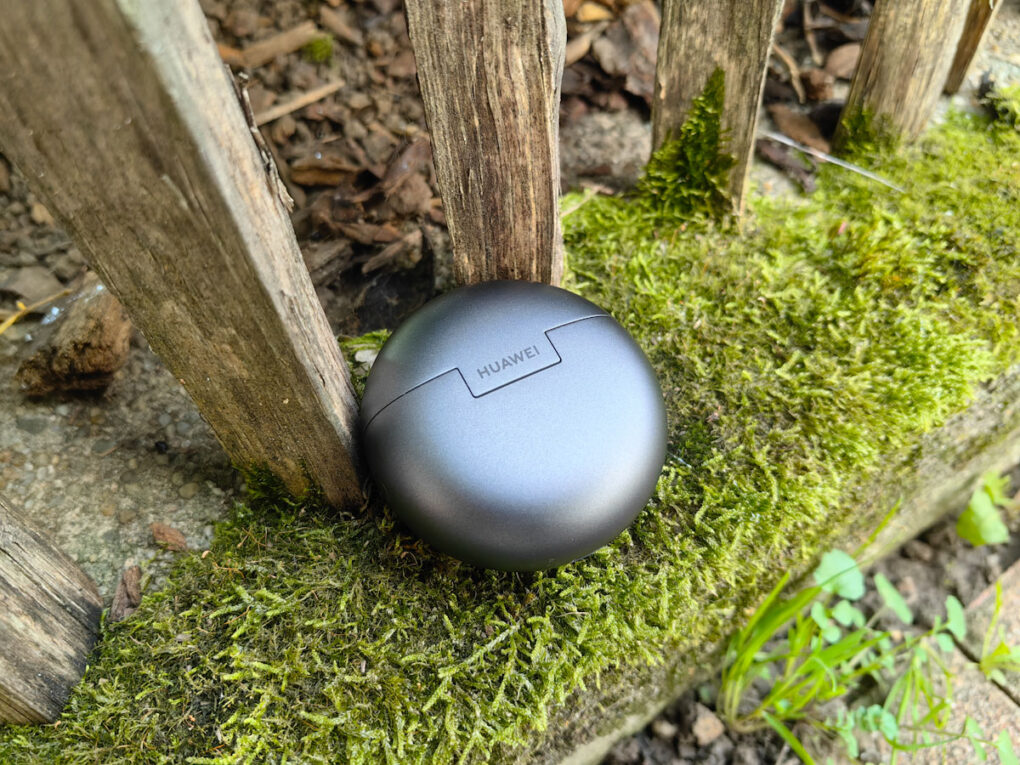
While the FreeBuds 5i and 6i featured an oval charging case, the HUAWEI FreeBuds 7i now come in a round design. The case weighs 36,5 g without the earbuds. The earbuds themselves weigh 5,4 g each.
-
- Picture: TechnikNews
-
- Picture: TechnikNews
-
- Picture: TechnikNews
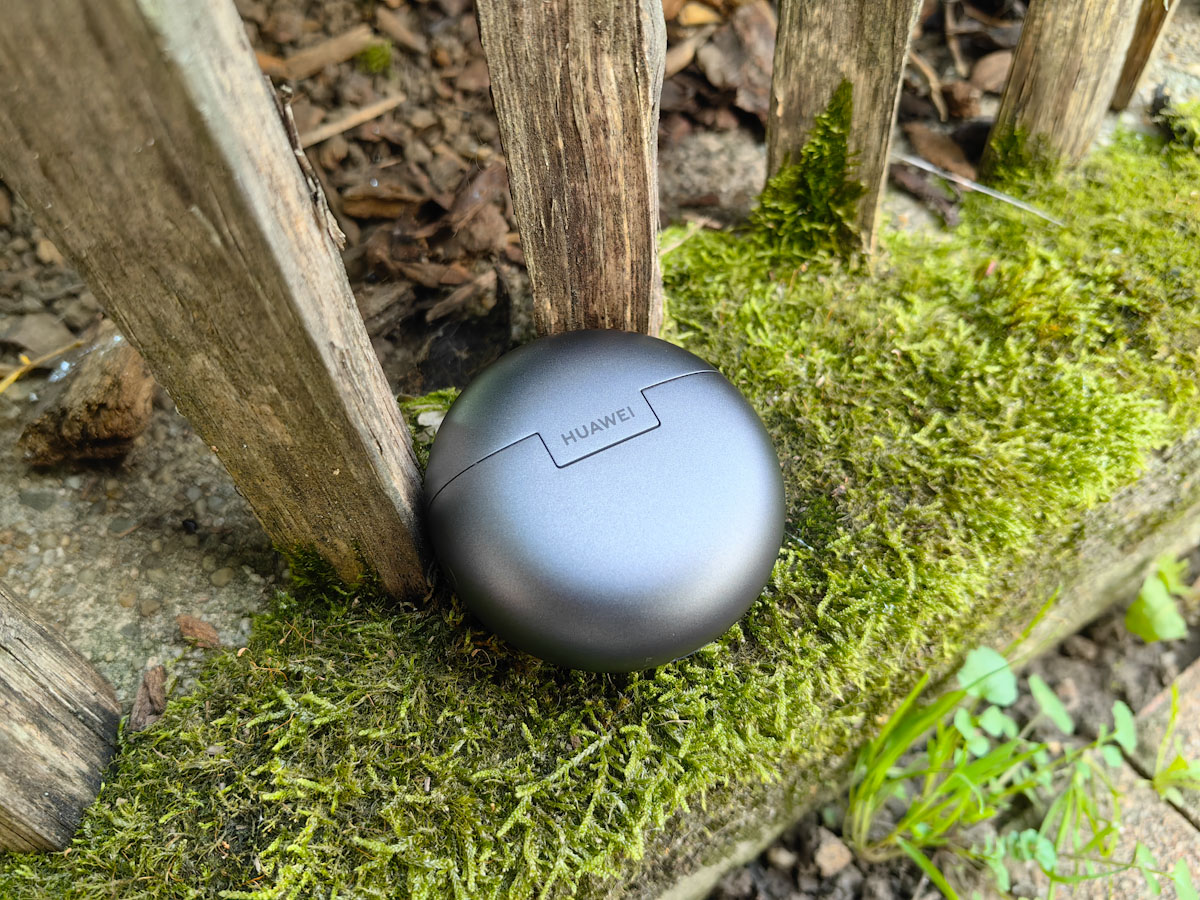
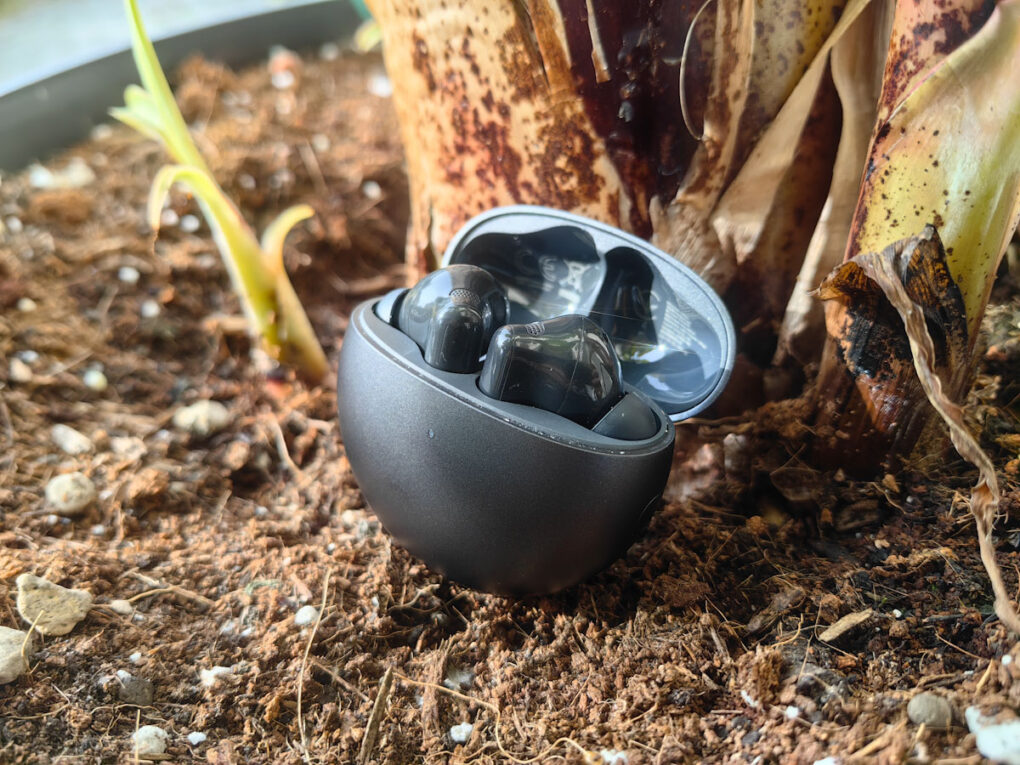
The colors available are black, white, and pink. I tested the black model – and I'm honestly glad I did, because only this version has a matte finish. This makes it significantly less susceptible to fingerprints and scratches. The case is very well made, feels high-quality, and seems robust. A particularly practical feature: the top third of the case can be opened. proIt opens and closes effortlessly with just one hand. The mechanism feels very sturdy and produces a pleasantly solid sound when closing, further emphasizing its high-quality appearance.
A small LED on the front indicates the battery status, while the HUAWEI logo is discreetly displayed on the back. The USB-C port is located on the bottom of the case.
comfort
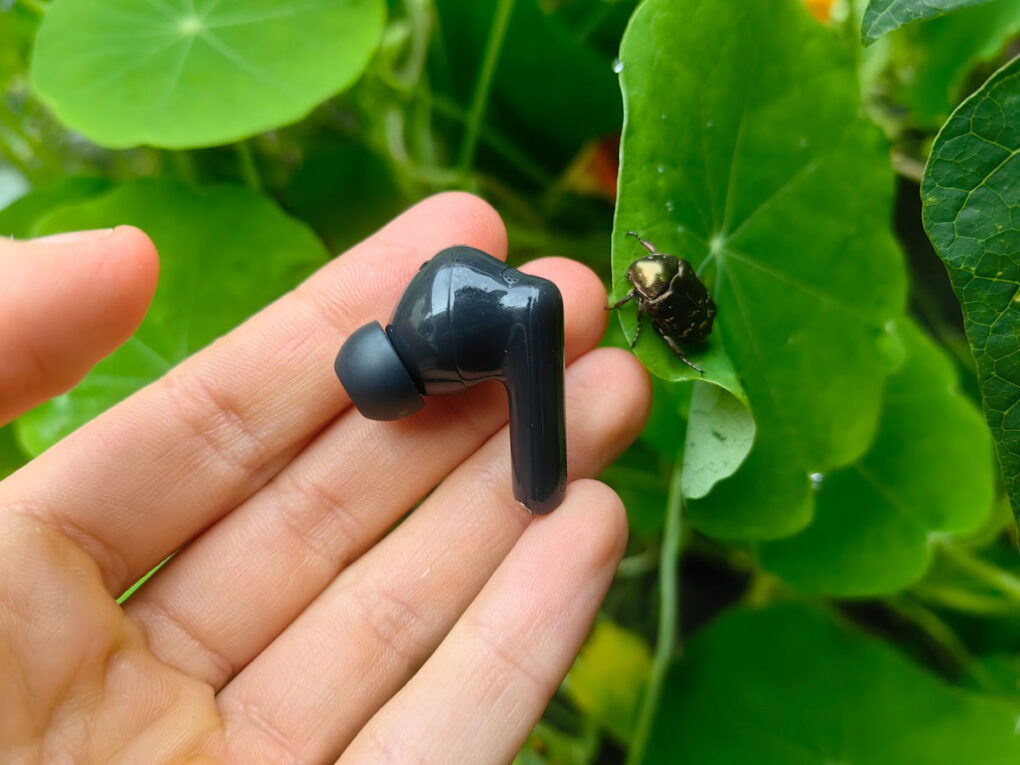
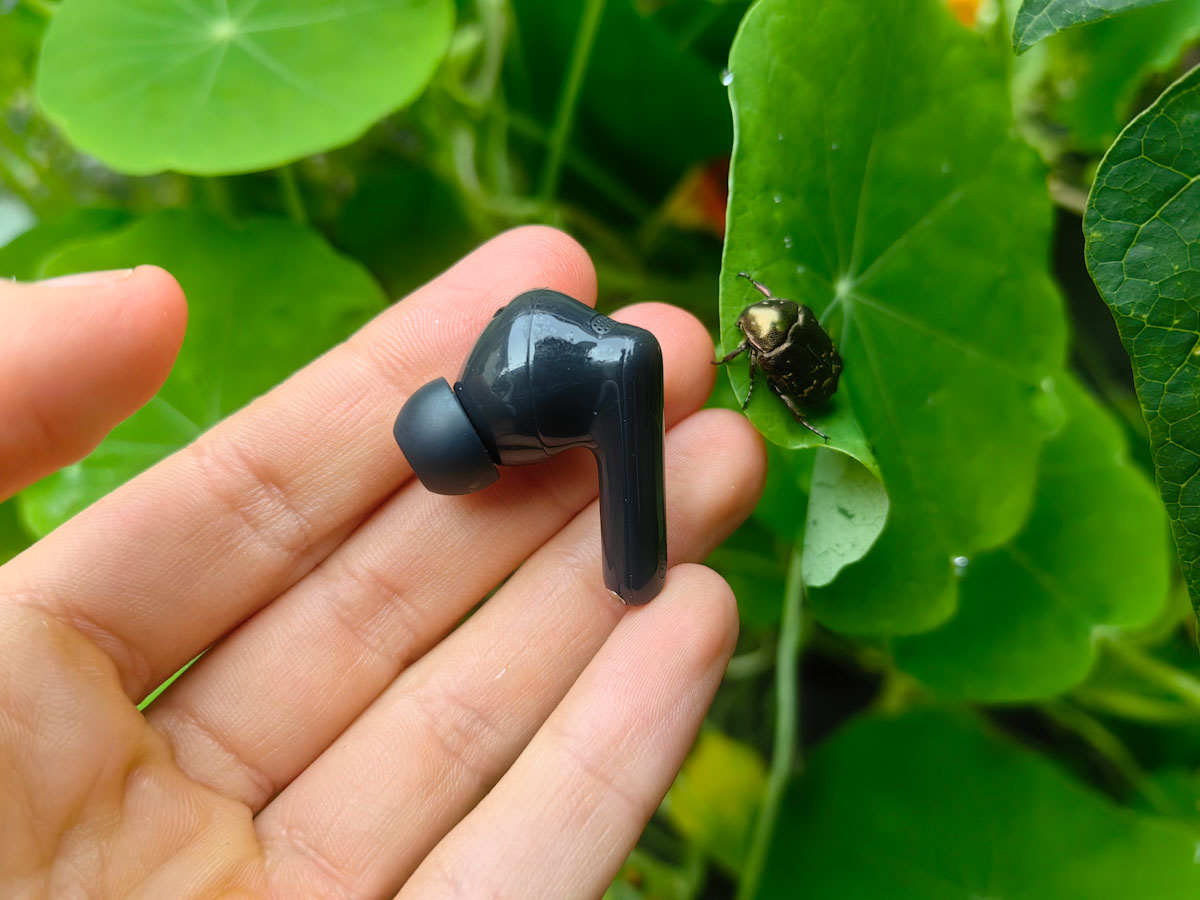
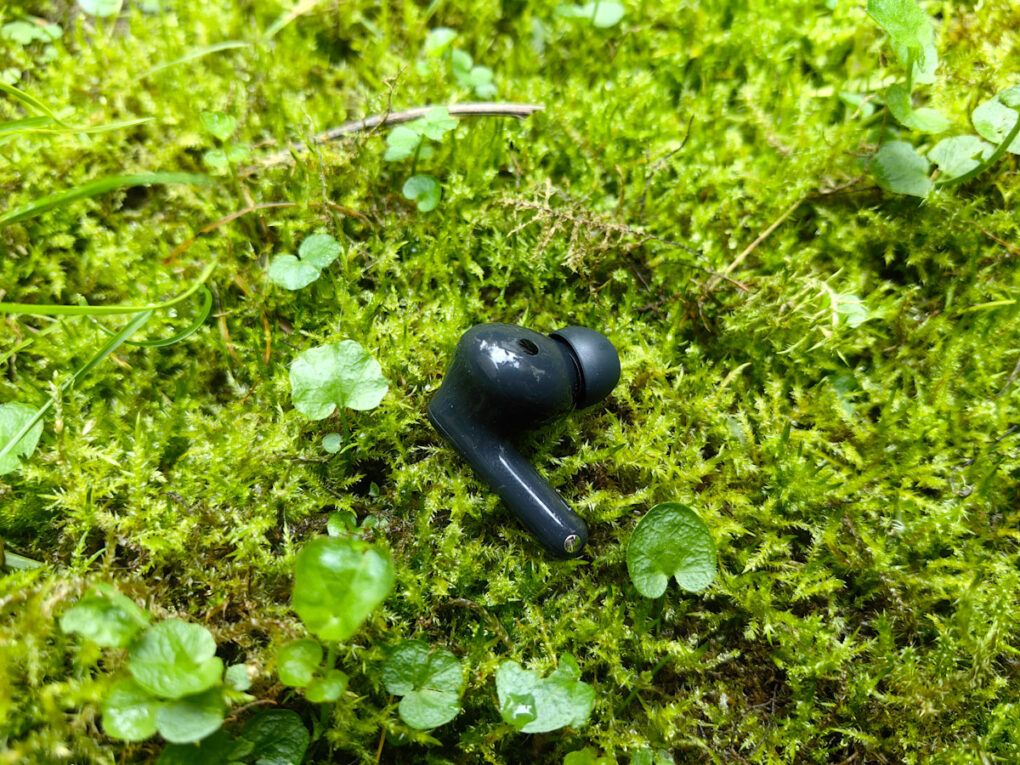
The earbuds themselves are in-ear headphones with silicone tips. They have a glossy finish and are visually very similar to the Apple AirPods Pro. Compared to their predecessor, they are slightly wider and thicker, which is why the FreeBuds 7i don't fit quite as comfortably in my ears as the 6i.
-
- Picture: TechnikNews
-
- Picture: TechnikNews
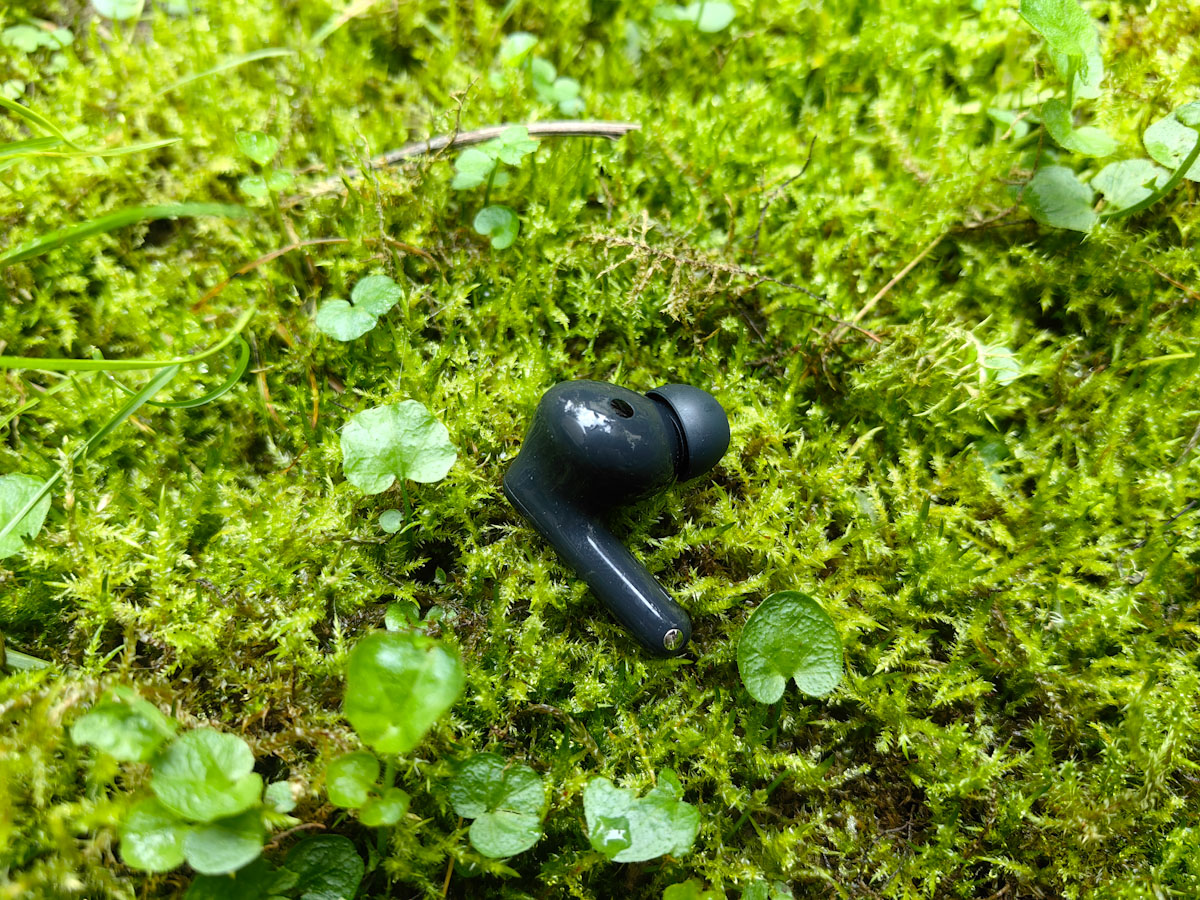
Especially during sports activities and while eating, I have to readjust the right earbud every now and then. To be fair, I have this minor issue with most in-ear headphones – ultimately, it's a matter of personal preference. I recommend trying out the various silicone ear tips that come with the headphones.proBeer. Apart from that, I'm very satisfied with the comfort. The FreeBuds 7i sit comfortably and discreetly in the ear and stay firmly and securely in place (except during sports).
Setup and pairing
Setting up the HUAWEI FreeBuds 7i is – as with the previous models – very easy. Free Buds Pro 4 – very straightforward. When you open the charging case, the earbuds immediately appear on your HUAWEI smartphone and connect directly. One tap and they're ready to use. Placing the earbuds back in the case automatically disconnects them. Opening the case again and inserting at least one earbud reconnects them instantly. If, for any reason, it doesn't work, you can also easily pair the earbuds manually using the HUAWEI AI Life app.
Even if you don't use a HUAWEI smartphone, that's no problem. The FreeBuds 7i work just as well. proThey connect seamlessly to other Android devices or iPhones. To do this, open the charging case, briefly press the side button, and the white LED will indicate that Bluetooth searching is active. The FreeBuds will then appear in your device's Bluetooth settings and can be connected directly.
I was particularly impressed by the connection stability. Even when I move several meters away or into another room, the connection remains stable. Truly impressive: everything works flawlessly, even across an entire floor. Whether listening to music, making phone calls, or watching videos – the synchronization is always reliable.
AI Life app
As mentioned earlier, HUAWEI offers its own app, AI Life, which is available for both iPhones and Android smartphones. However, you won't find it in the Google Play Store. Installation is still very easy via the HUAWEI website. Alternatively, you can first download the HUAWEI AppGallery and then install the AI Life app from there.
The app provides an overview of all important functions, gestures, and connections. At the top, you'll see the battery level of both the earbuds and the charging case. As soon as the earbuds reach 20 percent battery, you'll be notified both by a message and an in-ear tone. The connection center also shows which device the FreeBuds 7i are currently paired with. Conveniently, you can connect them to two devices simultaneously, which proved useful in my test. proIt worked without any problems.
In addition, you can adjust the noise cancellation (ANC, Off, Attention), select different sound effects (e.g. Standard, Bass Boost, Treble Boost, Voices, Symphony, Hi-Fi Live), perform a fit test for the earbuds, or check for updates.
Service
Of course, the gestures can also be customized in the app. I particularly like that the gesture control on the FreeBuds 7i is significantly faster and more reliable than on the FreeBuds Pro 4. Another advantage: unlike the FreeBuds Pro 4, the controls aren't operated by pressing. I find this very pleasant, as it prevents the earbuds from constantly slipping out of my ear – a problem that bothered me quite a bit with the Pro series.
Tap twice (e.g., pause song)
Tap three times (e.g. previous song)
Hold down (Noise protection)
To brush (Adjust volume)
I think it's fantastic that there are so many customization options and that you can even assign different actions to the right and left earbuds. For example, you can skip to the next track with a double tap on the right earbud and to the previous one on the left. In my test, it all worked perfectly – kudos to HUAWEI!
sound quality
The most important aspect of headphones is, of course, the sound – and here the FreeBuds 7i deliver across the board. Inside is an 11mm driver that covers a frequency range of 20 to 40.000 Hz. Although its predecessor offered a slightly wider range of 14 to 40.000 Hz, the bass on the 7i sounds more powerful and fuller overall. Especially when active noise cancellation (ANC) is activated, the sound becomes even richer, particularly in the bass. The bass is pleasantly restrained and doesn't overpower the bass as much as with many other budget headphones. This results in a very balanced sound overall.

Picture: TechnikNews
The mids and highs also make a very good impression, although I could hardly detect any differences here in direct comparison to the predecessors. Voices – for example in podcasts or audiobooks – sound particularly clear and remain pleasant and unobtrusive even during longer listening sessions, so you don't tire as quickly.
Spatial audio
New to the FreeBuds 7i is Spatial Audio, which can be activated via the app. This process takes a stereo signal and makes it sound more spacious. In practice, it works surprisingly well: voices sound more immediate and organic, and the soundstage feels closer.
The following options are available under "Room Audio":
Off – normal stereo
Fixed – spatial sound, remains stably aligned
Head-Track – Sound adapts to head movements
Head tracking creates a truly immersive experience – especially impressive when watching movies, for example via Netflix. You can choose between the modes "Standard", "Theater", "Cinema", and "Concert Hall".
ANC
HUAWEI has also done a solid job with the ANC. There are a total of four levels to choose from. The "Dynamic," "Balanced," and "Relaxing" modes perform reliably without causing any significant background noise – only a slight background hiss is present.
The situation is different with the "Ultra" setting: Here, the background noise is very clearly audible, and there's also an occasional high-pitched, annoying beeping sound that I already noticed with the FreeBuds 6i. While it's somewhat less pronounced with the 7i, it's still bothersome, so I wouldn't recommend this setting. On the plus side, HUAWEI has significantly better control over the noise and beeping in the other settings.
Battery
While the battery life of the predecessors wasn't bad by any means, there was definitely room for improvement. That's precisely why I had hoped that HUAWEI would deliver a noticeable upgrade with the new FreeBuds 7i. However, a quick glance at the spec sheet quickly dampens those expectations: the battery capacity hasn't changed at all compared to the FreeBuds 6i. The charging case still contains a 510 mAh battery, and each individual earbud still has a 55 mAh battery.
In practice, this means that while the predecessors lasted a total of 16 hours, I achieved a total runtime of around 18 hours with the FreeBuds 7i with noise cancellation activated. That's perfectly adequate and sufficient for almost a week of everyday use. Nevertheless, I had hoped for a bit more – especially considering that even cheaper models like the Redmi Buds 6 offer better battery life.
Things look much better if you deactivate ANC. Then the battery life increases noticeably, so that you proYou can easily squeeze out a few extra hours of playback time. The quick-charge function is also a major plus: a charging time of just 10 minutes is enough to power the earbuds for up to 4 hours of music playback.