
HUAWEI FreeClip 2 review: Long-lasting, eye-catching & pleasant to the ears
A TEST REPORT from Fabian Menzel  on January 19, 2026, 10:00 | Write a comment
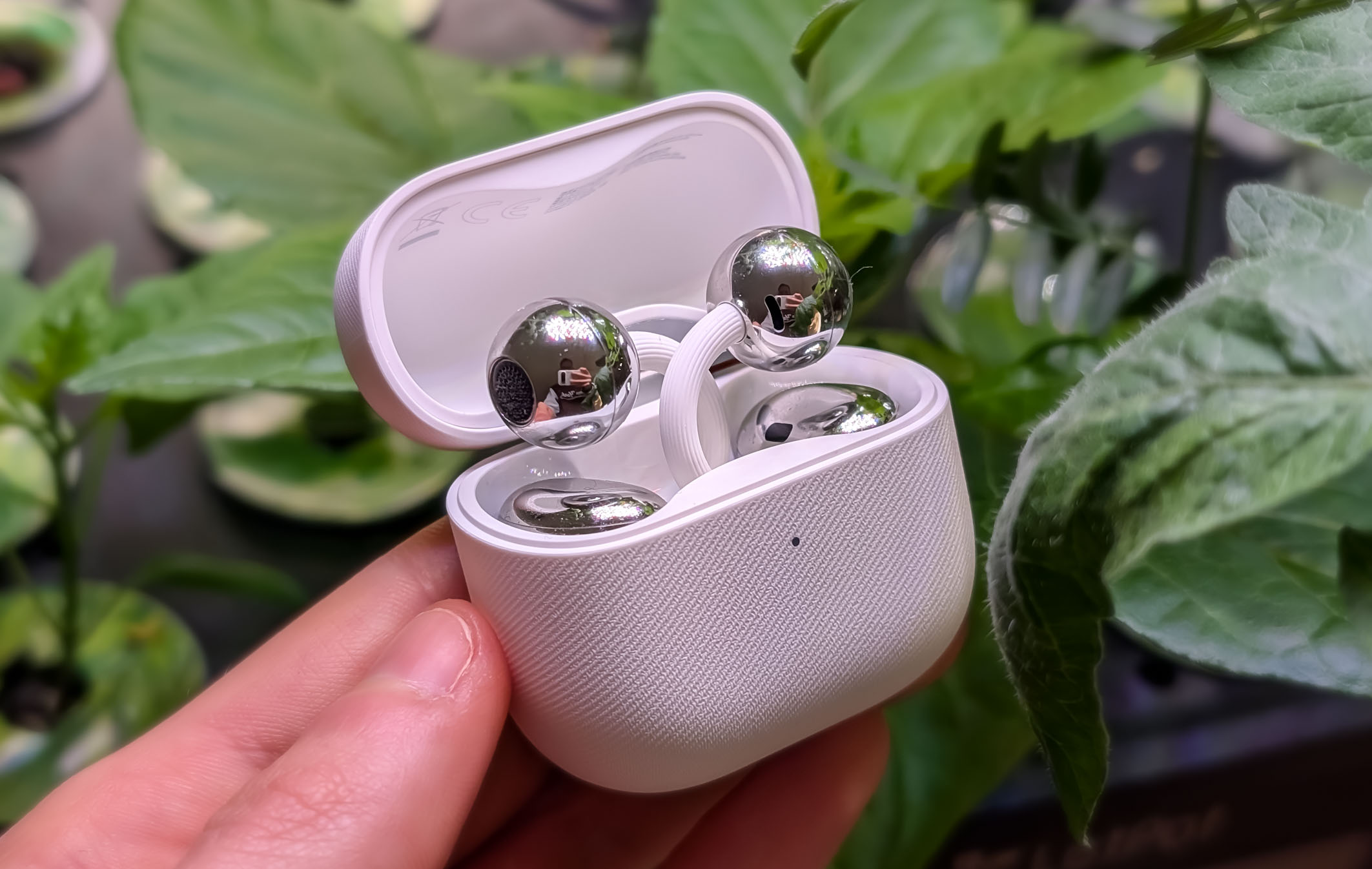
HUAWEI has officially launched the new HUAWEI FreeClip 2 for Germany – the second generation of its unusual open-ear clip design. After the first FreeClip generation Having been released at the end of 2023, HUAWEI remains true to the concept and brings back the model with revised wearing comfort and further developed technology.
The FreeClip 2 earbuds are available for a suggested retail price of around €199 and offer quite a lot for the price: a redesigned, matte finish, a long battery life of up to approximately 38 hours with the charging case, an open fit, Bluetooth 6, and IP57 protection. Read on to find out how they perform in everyday use.
Conclusion on the HUAWEI FreeClip 2
All in all, the HUAWEI FreeClip 2 are truly fantastic, innovative, and exceptional headphones that definitely deserve their place. The open clip design is technically impressive and offers a level of comfort simply not found in classic in-ear or on-ear headphones. While the price of €199 is high, it's perfectly understandable for certain user groups.
Especially for people who have problems with in-ear headphones, experience ear pain, can't find a secure fit, or simply don't like the feel of in-ear headphones, the FreeClip 2 are, in my opinion, currently almost without alternative. I also consider the MSRP appropriate for this target group, as there are practically no comparable solutions.
However, those who have no issues with classic in-ear headphones and primarily value sound quality should also consider other models. From a purely technical and sonic perspective, the FreeClip 2 are no better than good classic in-ear headphones – in some cases, they are even inferior. One example is... HUAWEI FreeBuds Pro 4, which are currently cheaper and offer significantly better sound quality, including ANC, albeit with a slightly shorter battery life.
The FreeClip 2 are therefore not a replacement for classic in-ear headphones, but a very good alternative for anyone who isn't happy with conventional headphones. In my opinion, they are currently one of the best solutions on the market for precisely these users.
Many thanks to HUAWEI for providing the test device 🙂
Design and workmanship
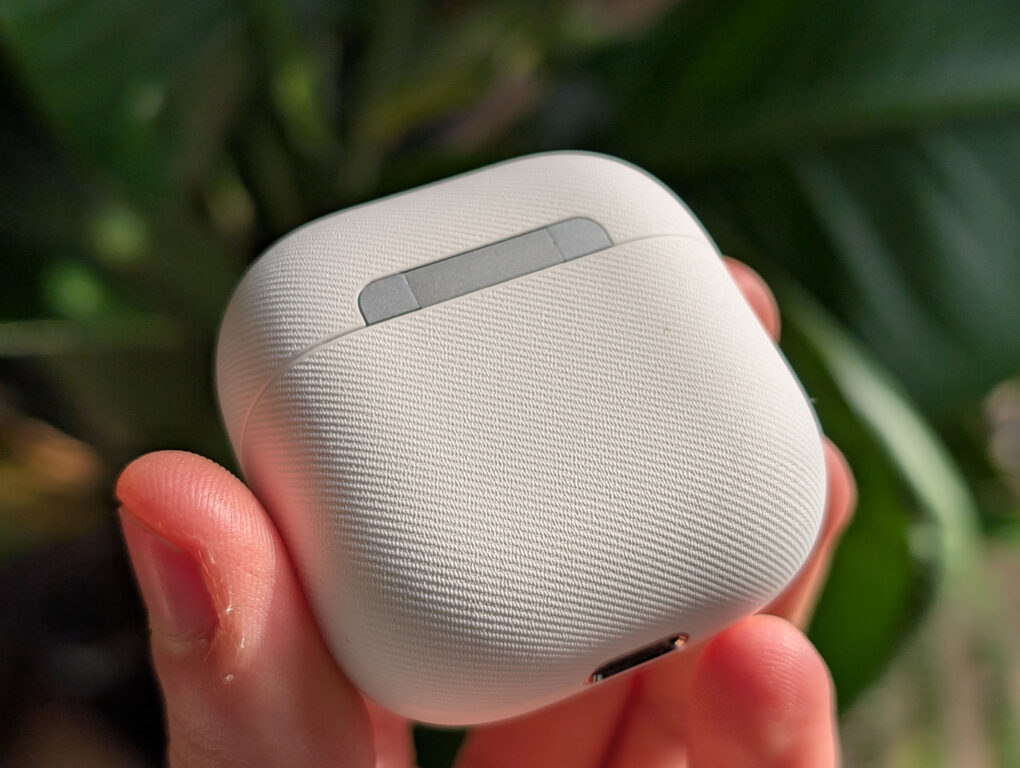
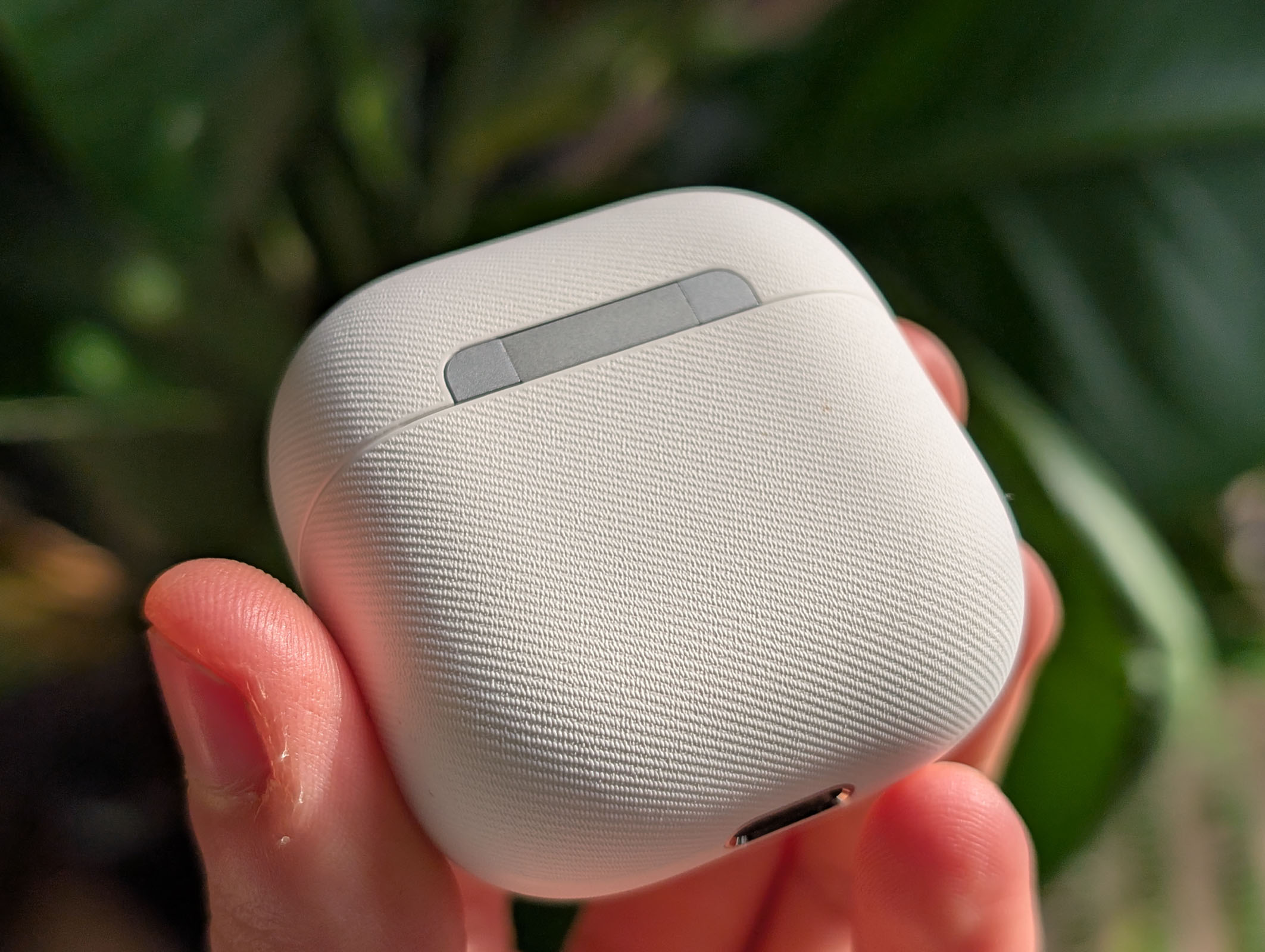
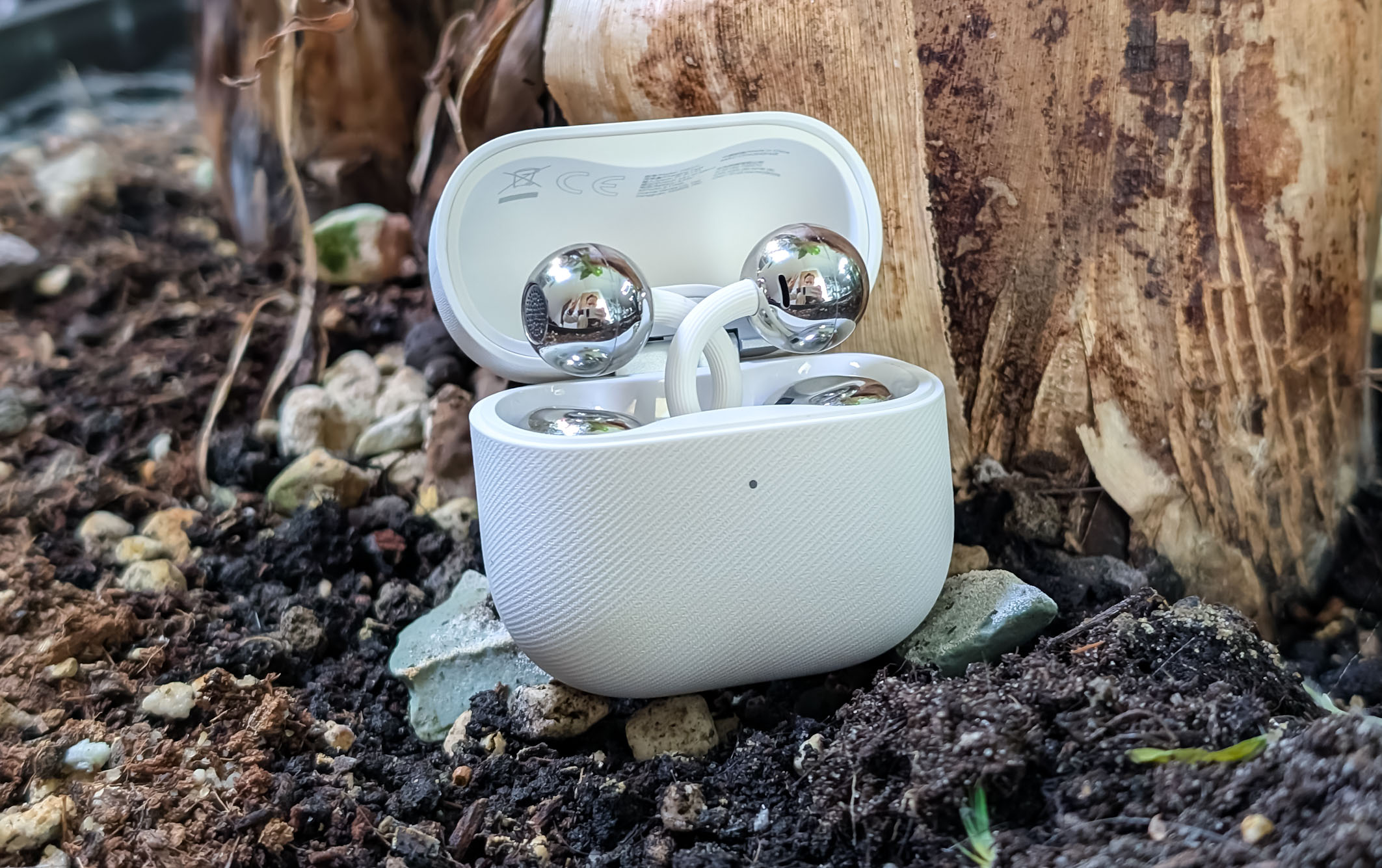
When I first held the Huawei FreeClip 2, the extremely compact charging case immediately caught my eye. At just 50 × 49,6 × 25 millimeters, it's one of the smallest cases I've ever tested – even smaller than those for the FreeBuds Pro 4 or the FreeBuds 7i. Weighing only 37,8 grams, it fits perfectly. profits easily into any trouser pocket.
-
- Picture: TechnikNews
-
- Picture: TechnikNews
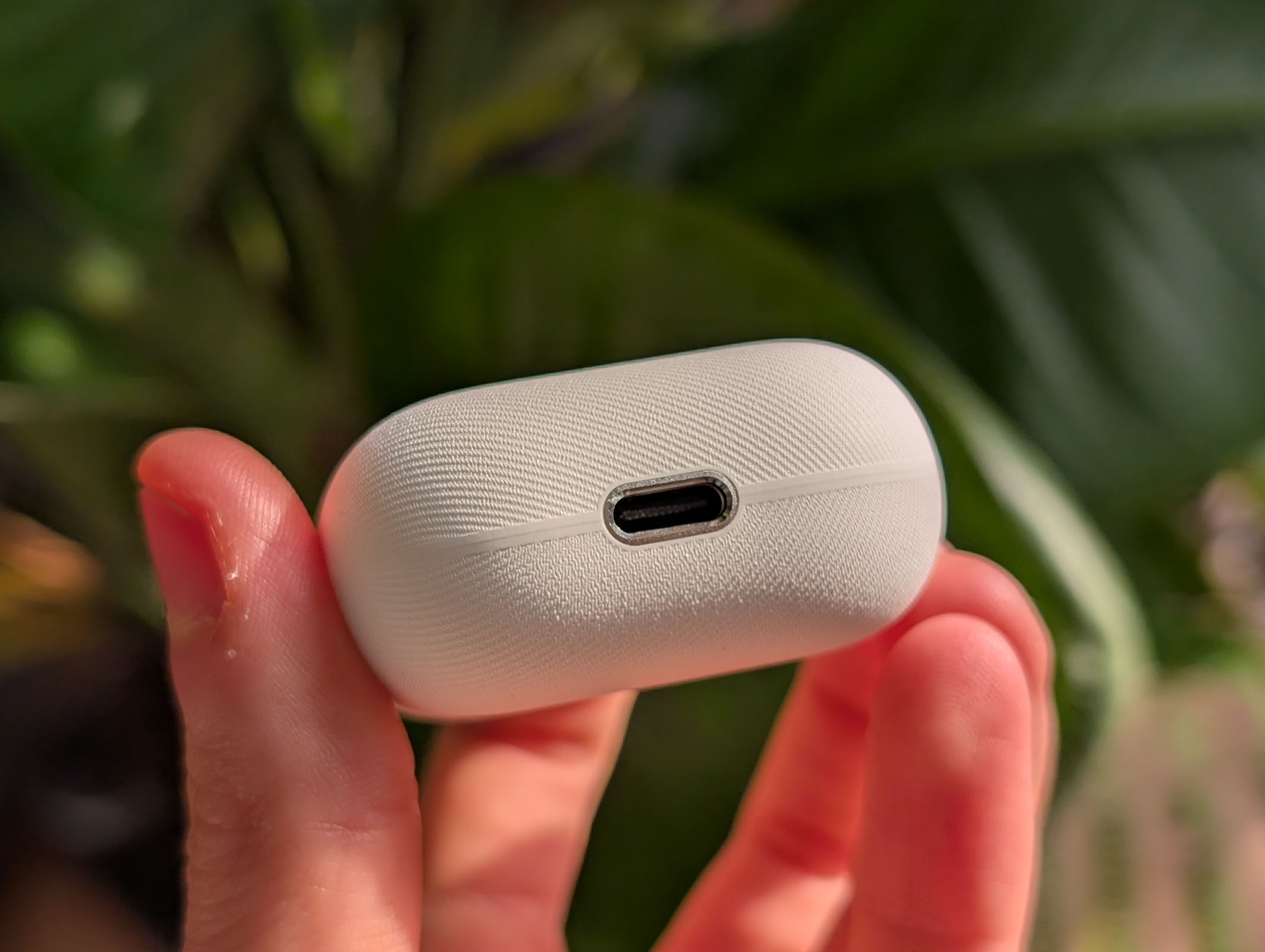
I tested the white model and I'm really impressed. Thanks to the slightly textured surface, fingerprints and signs of wear are practically invisible. Although the case is made of plastic, it feels very high-quality and has a pleasant grip.
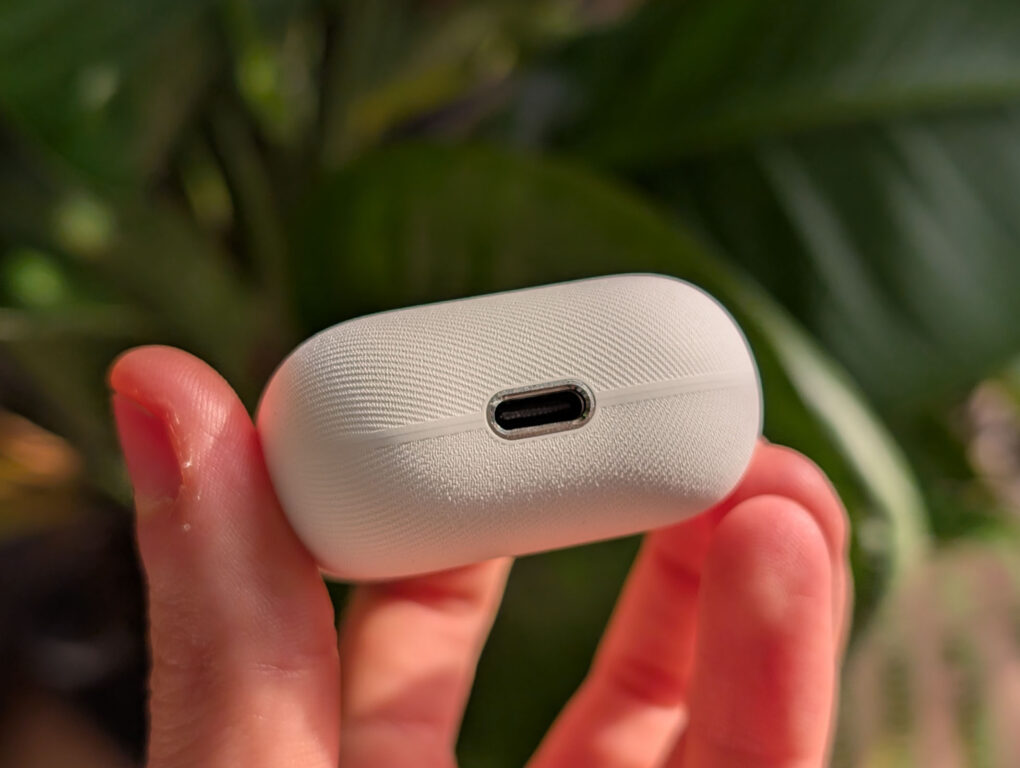
The front features the silver Huawei logo with a small status LED below it. Charging is done via USB-C, and the charging port also houses a small speaker that makes an audible noise during pairing or software updates – a small but interesting detail. The folding mechanism feels sturdy, fits snugly, and makes a very good overall impression.
-

- Picture: TechnikNews

-
- Picture: TechnikNews
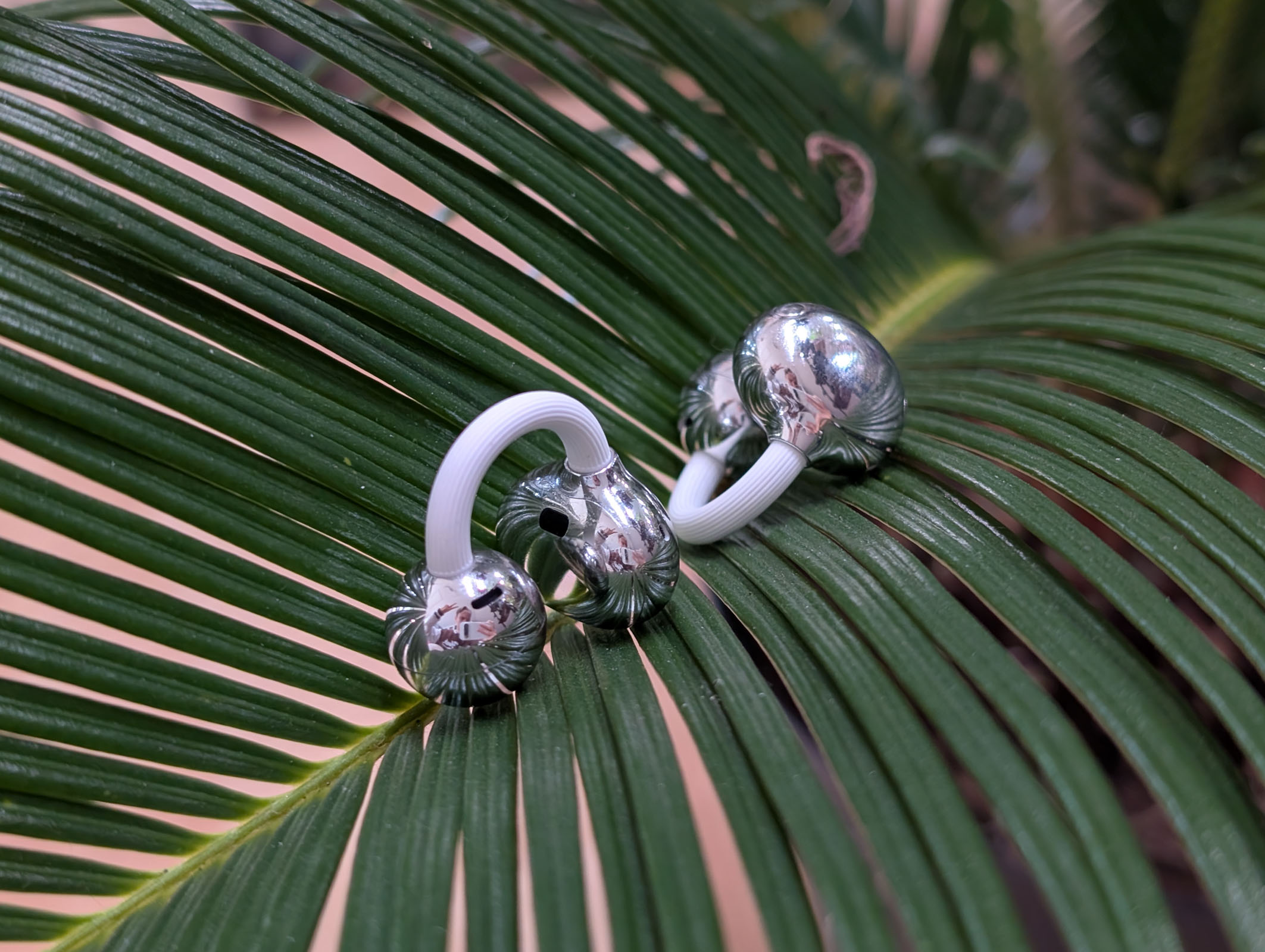
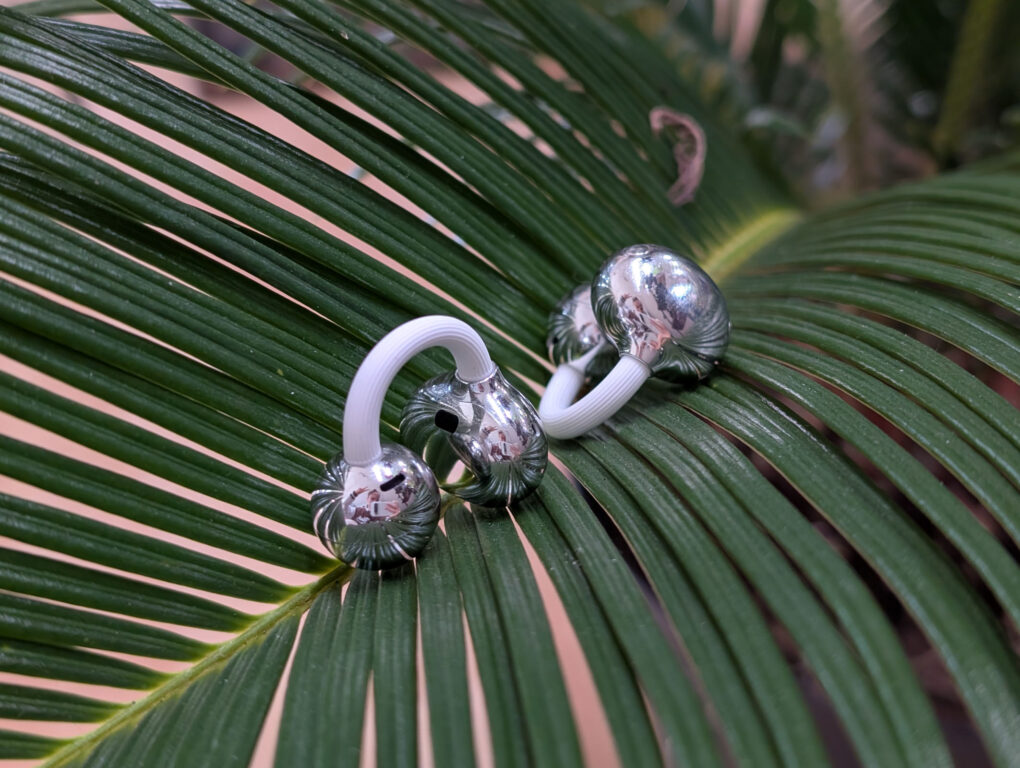
The earbuds themselves feature a striking clip design with the "bean" shape behind the ear, a flexible C-bridge, and the speaker sphere at the ear canal. The bridge is pleasantly flexible and adapts well to different ear sizes. Unfortunately, the high-gloss elements tend to attract fingerprints quite easily.
comfort
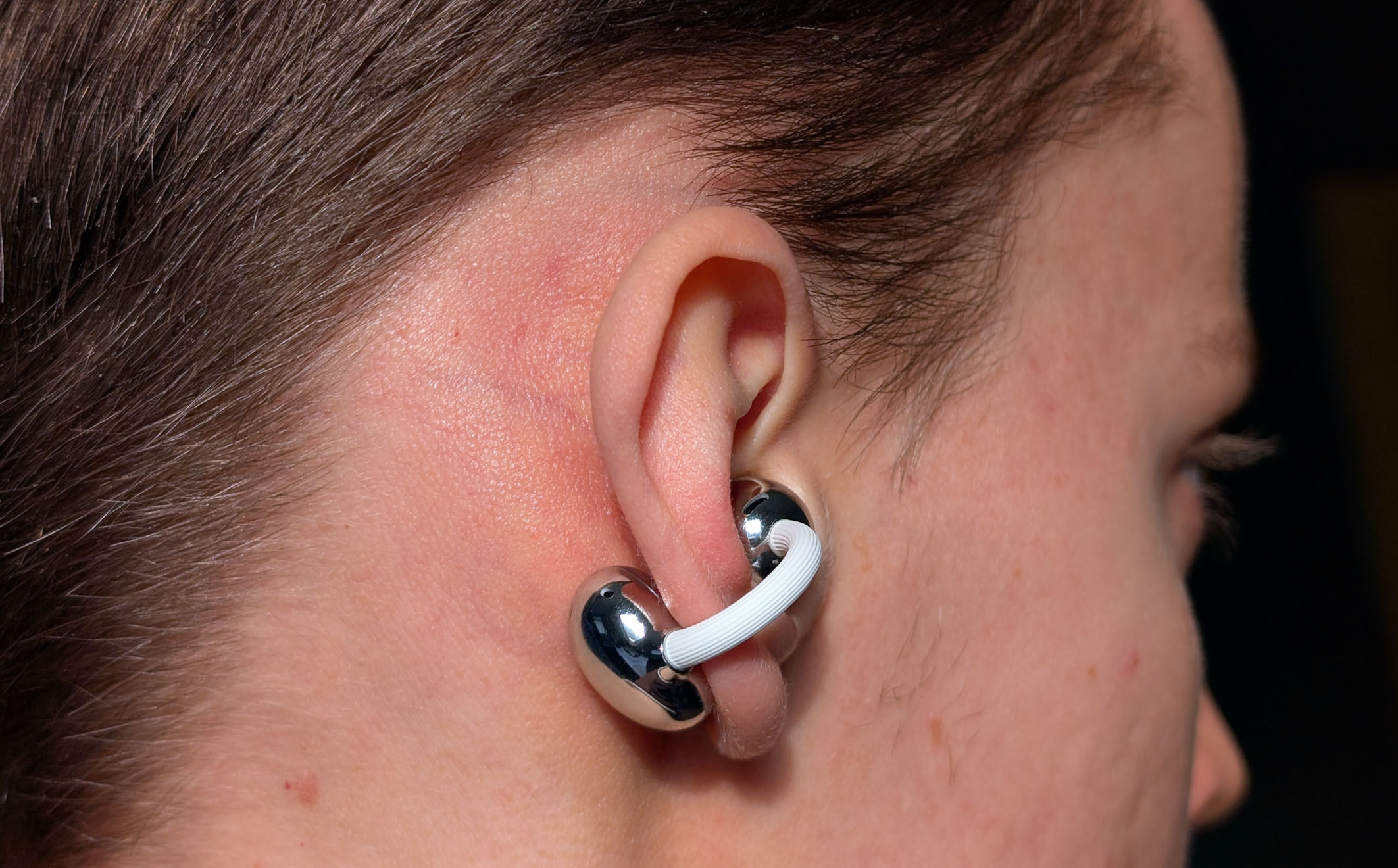
The Huawei FreeClip 2 headphones differ fundamentally from classic in-ear, on-ear, or over-ear headphones. They are so-called open-ear headphones with a clip design. The speaker doesn't sit directly in the ear canal, but is attached to the ear via a flexible bridge. The small speaker sphere rests loosely against the ear canal, while the so-called "bean" sits behind the earlobe and provides stability.
At first, inserting them felt a little strange. I actually needed a mirror to check if the headphones were in place correctly. It definitely takes some getting used to and a bit of practice. But after a few days, I got the hang of it. proNo problem – I can now apply the FreeClip 2 blindfolded and immediately notice whether they are positioned correctly.
Picture: TechnikNews
Once you find the right position, the headphones are really comfortable to wear. They sit lightly and unobtrusively on the ear and don't press into the ear canal, as nothing is inserted directly into the ear. Even after extended listening sessions of over an hour and a half, I experienced no pressure or pain whatsoever. You actually forget you're even wearing headphones.
During sports or strenuous activity, you may need to readjust them occasionally, as they don't fit as securely as classic in-ear headphones with silicone tips. However, thanks to the flexible C-bridge, the FreeClip 2 earbuds can be easily adjusted to different ear sizes – whether smaller or larger.
Setup and pairing
Setting up the HUAWEI FreeClip 2 is just as straightforward as with previous FreeBuds models. When you open the charging case, the earbuds automatically appear on your HUAWEI device as a device to connect to. One tap – and they're instantly connected. Alternatively, pairing also works via the HUAWEI AI Life app: open the case, the earbuds appear, tap them – done. If you prefer, you can also add the FreeClip 2 manually via the app, but in most cases, the automatic connection works. proflawless.
Pairing with other Android devices or iPhones is also easy. Simply open the charging case, briefly press and hold the button on the right side until the LED lights up white-blue, and the FreeClip 2 will appear as an available device in the device's Bluetooth settings.
The connection stability is generally good. Even when I move to a floor above or below the device, the connection remains largely stable. The HUAWEI FreeBuds Pro 4 perform slightly better in this regard. Furthermore, the connection dropped three times during the test period, even though I was in close proximity to the device. This shouldn't happen at this price point, but it's probably something that can be improved. proEasily fixed with future updates.
AI Life app
The HUAWEI FreeClip 2 earbuds, like previous FreeBuds models, can be controlled via the HUAWEI AI Life app, which is available for both iPhones and Android devices. The app's design and layout are identical: the battery levels of the earbuds and charging case are displayed at the top, while below you'll find an overview of currently paired devices. Conveniently, the FreeClip 2 can also be connected to multiple devices simultaneously.
Below you'll find the sound effects. Unlike some previous models, there's no preset bass sound effect here, but the bass can be adjusted via individual configuration. proEffortlessly amplify the sound. Additionally, you can customize the gesture controls and define how you want to operate the FreeClip 2. Further options in the app include head control, wearing recommendations, updates, earbud settings, finding the earbuds, and charging case settings, such as having the case emit a sound when opened.
Service
The HUAWEI FreeClip 2 headphones can be operated via tap and swipe gestures. A total of two tap gestures and the swipe options are available. The controls work surprisingly well, despite the slightly different design of the headphones. It just takes a little getting used to, then everything runs very smoothly.
Double-tap: Answer/end calls or play/pause, next/previous track, voice assistant
Triple tap: Next or previous title
Cancel: Change volume or next/previous track
In my test, the gesture control worked flawlessly. The responses were quick and reliable, and the overall operation was significantly more reliable than with the FreeBuds Pro 4. A particularly useful feature is the ability to customize the gestures to perfectly match individual usage patterns.
Sound
The HUAWEI FreeClip 2 are equipped with a 10,8 mm driver. pro The headphones are equipped with a frequency range of 20 Hz to 20.000 Hz. Overall, I really like the sound, as it is pleasantly balanced. Highs, mids, and lows are clearly reproduced and sound neither overly emphasized nor too subdued.
Due to their open design, the FreeClip 2 earbuds don't sit directly in the ear canal, but rather rest on top of it. As a result, the sound isn't quite as present and clear as with traditional in-ear headphones. Ultimately, the quality of the sound depends heavily on how well the FreeClip 2 fit in the ear. If they sit very close to the ear canal, the sound quality is significantly better.
The difference to the Pro series is particularly noticeable in the bass. It's present, but not as punchy and deep as with classic in-ear headphones – which is perfectly understandable given the design. Considering the compact and slim construction, the overall sound quality is very good, even if it could be a bit better for the high price. Some competitors offer more in this price range, but they also use a different design. With the FreeClip 2, design and wearing comfort are clearly the priorities.
There's no active noise cancellation. While that's a shame considering the price, it's consistent and makes sense given the open-back design. To be honest, I didn't really miss ANC in everyday use.
Phone and microphone quality
The HUAWEI FreeClip 2 also impresses during calls and online meetings. Both I and my conversation partner could understand each other clearly and distinctly at all times. The microphone quality is excellent, background noise is effectively filtered out, and voices sound natural. In practice, communication feels reliable and pleasant – whether in the office, on the go, or during video conferences.
Battery
The batteries in the HUAWEI FreeClip 2 are somewhat larger than those in their predecessors, which I greatly appreciate. Each earbud contains a 60 mAh battery, while the charging case is equipped with a 537 mAh battery. Thanks to these larger batteries and the absence of ANC (Active Noise Cancellation), the battery life is impressive across the board.
In my test, I achieved a total runtime of up to 33 hours – almost twice as much as with the Free Buds 7iEven the FreeBuds Pro 4 can't compete here. I'm truly impressed by the impressive battery life despite the compact design. The charging case can be charged wirelessly or via cable, while the earbuds themselves charge within the case. A 10-minute charge provides approximately three hours of listening time.