
DJI Avata 360 Review: New Top Dog for a Small Price
A TEST REPORT from Benedict Behring  on May 26, 2026, 8:30 am | Write a comment
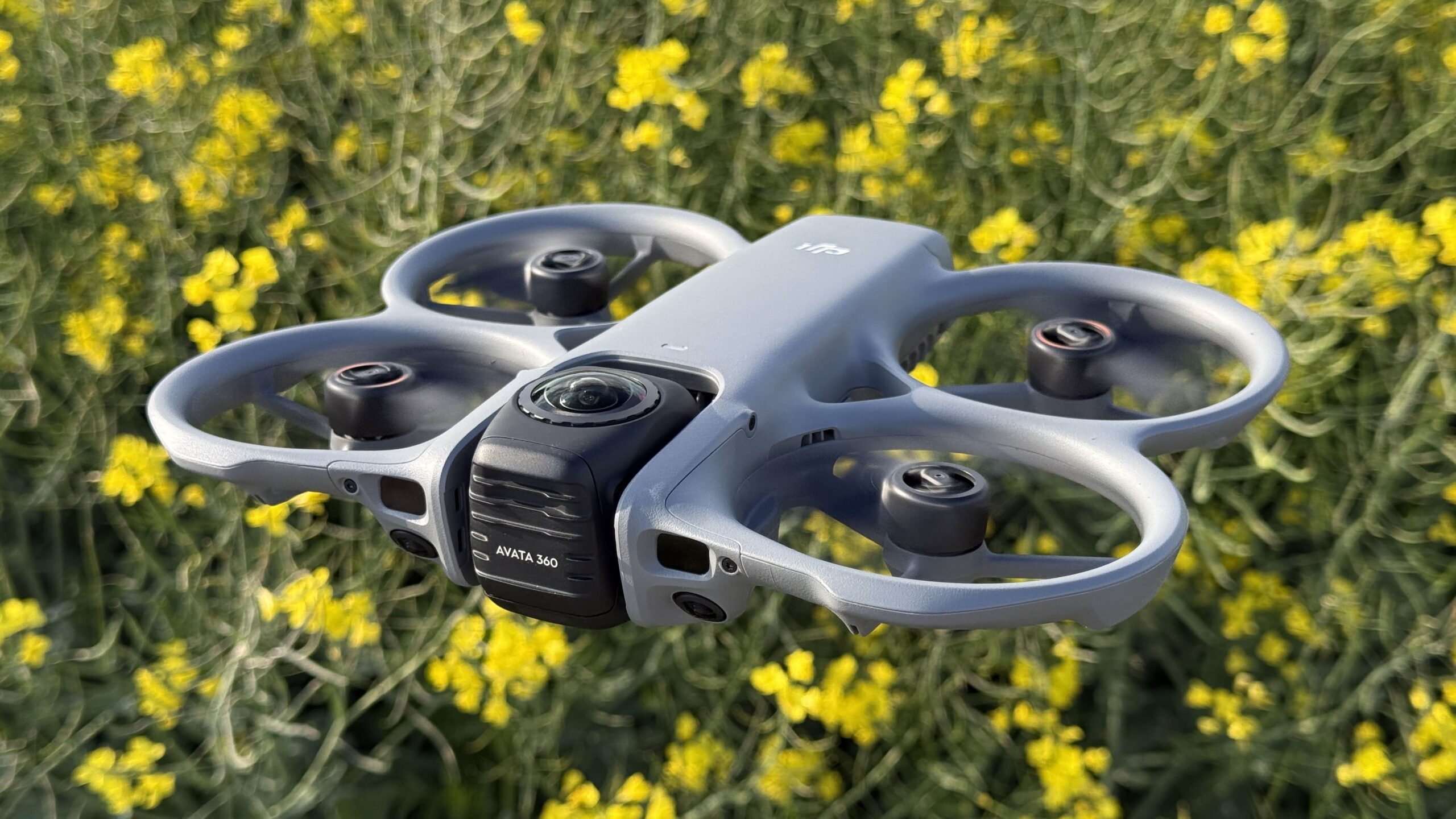
We were already able to show you the Neo 2 by DJI imagine, which, due to its size and features, is perfect for solo users. Today we have the new 360-degree camera drone. Avatar 360 We've tested it and can already say that it has competition, but at the same time, it's also unrivaled. You can read what that means in the following report.
tl; dr
The DJI Avata 360 certainly has a competitor that everyone is familiar with. However, DJI is making its drone accessible to a much wider customer base. The option to purchase the drone individually for €459,00 (as of May 05.2026) and the ability to fly it with a standard remote control without the need for goggles make things much easier. It combines FPV performance with a 360° camera, thus expanding its range of applications from action-packed flying to immersive content production.
In our tests, the latest version of the Avata series impressed us with its strong image quality, reliable tracking, and solid flight performance. At the same time, it exhibited typical limitations of a 360° system, such as occasional stitching artifacts at close range and a battery life that varies significantly depending on usage. Overall, its hybrid system makes it equally suitable for creators and FPV hobbyists. A separate review of its FPV capabilities will follow; this report focuses on the overall picture.
-
- Picture: TechnikNews
-
- Picture: TechnikNews
-
- Picture: TechnikNews
Unboxing
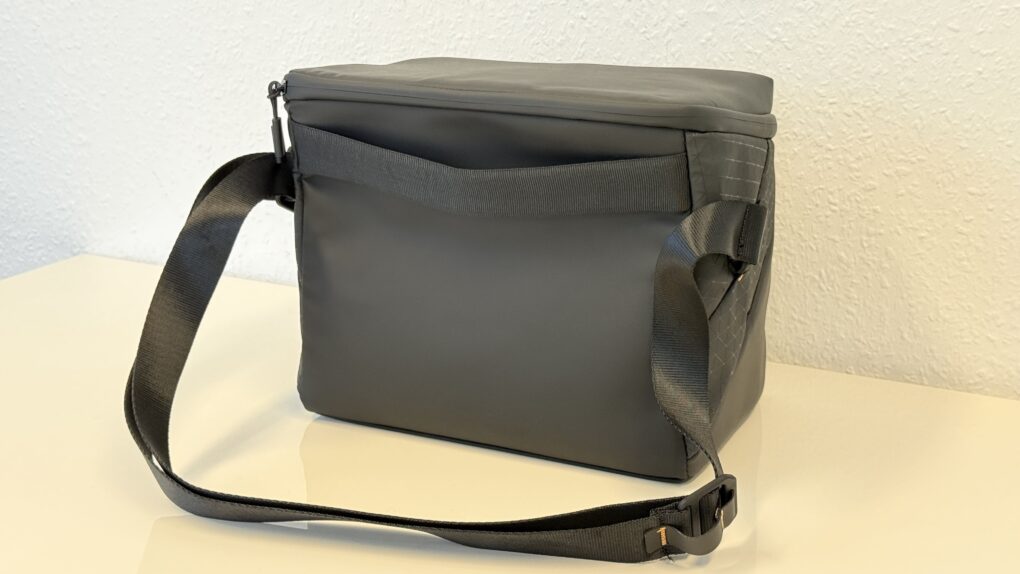
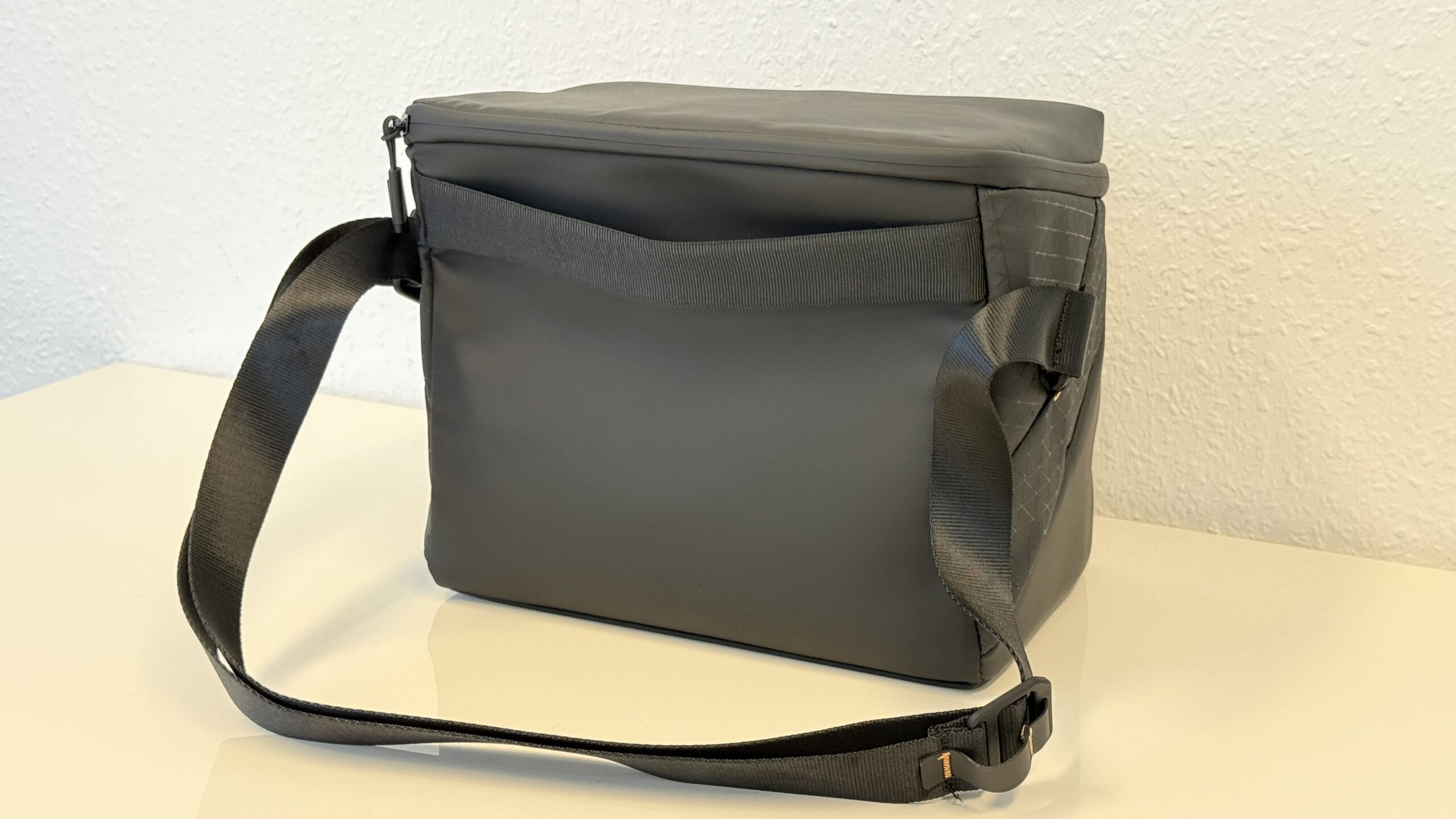
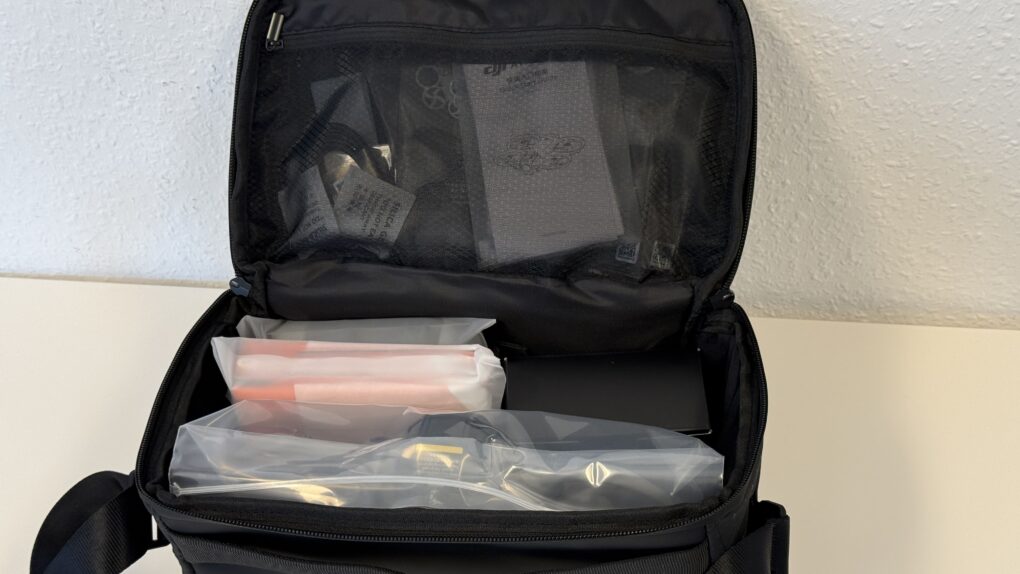
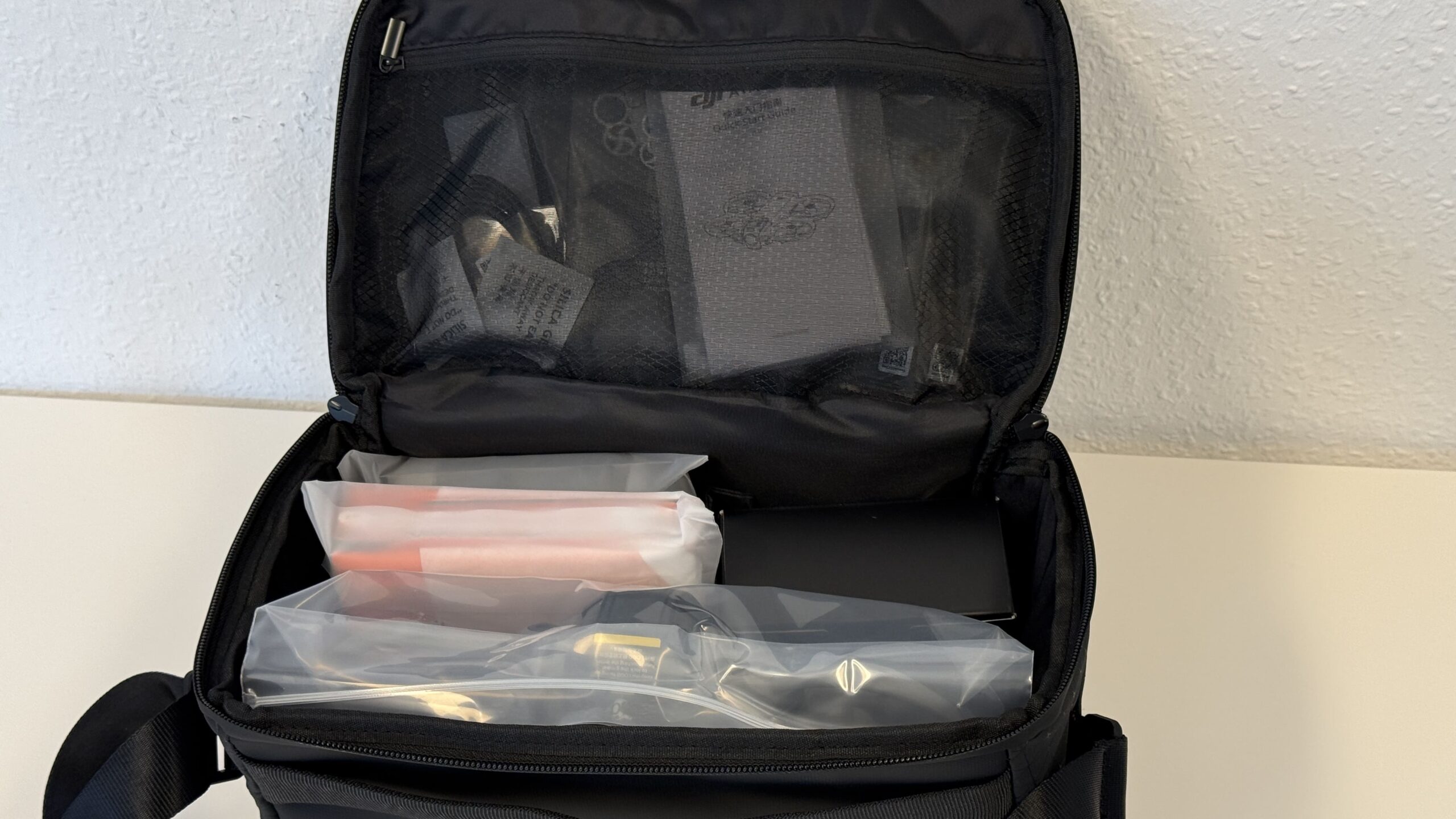
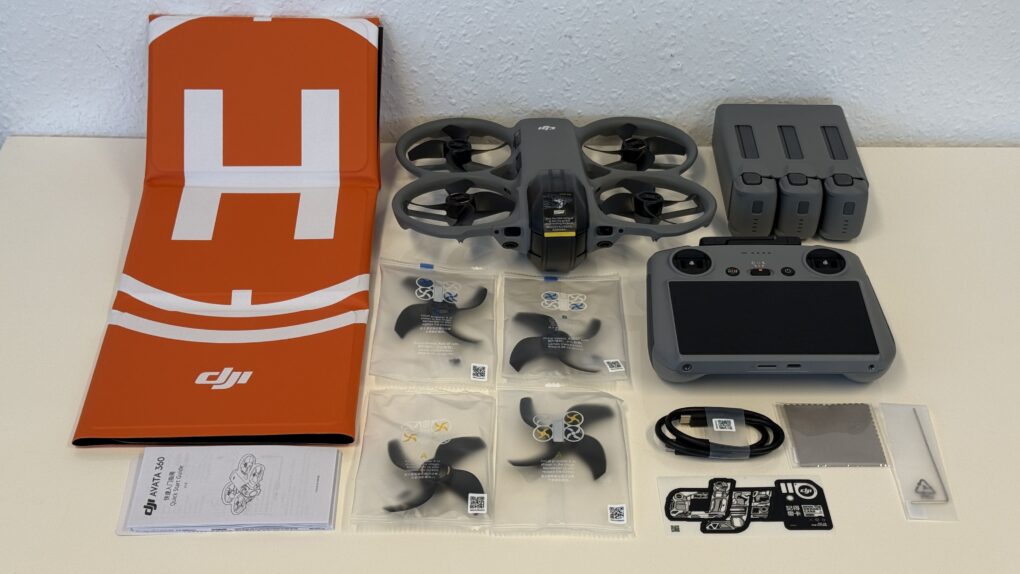
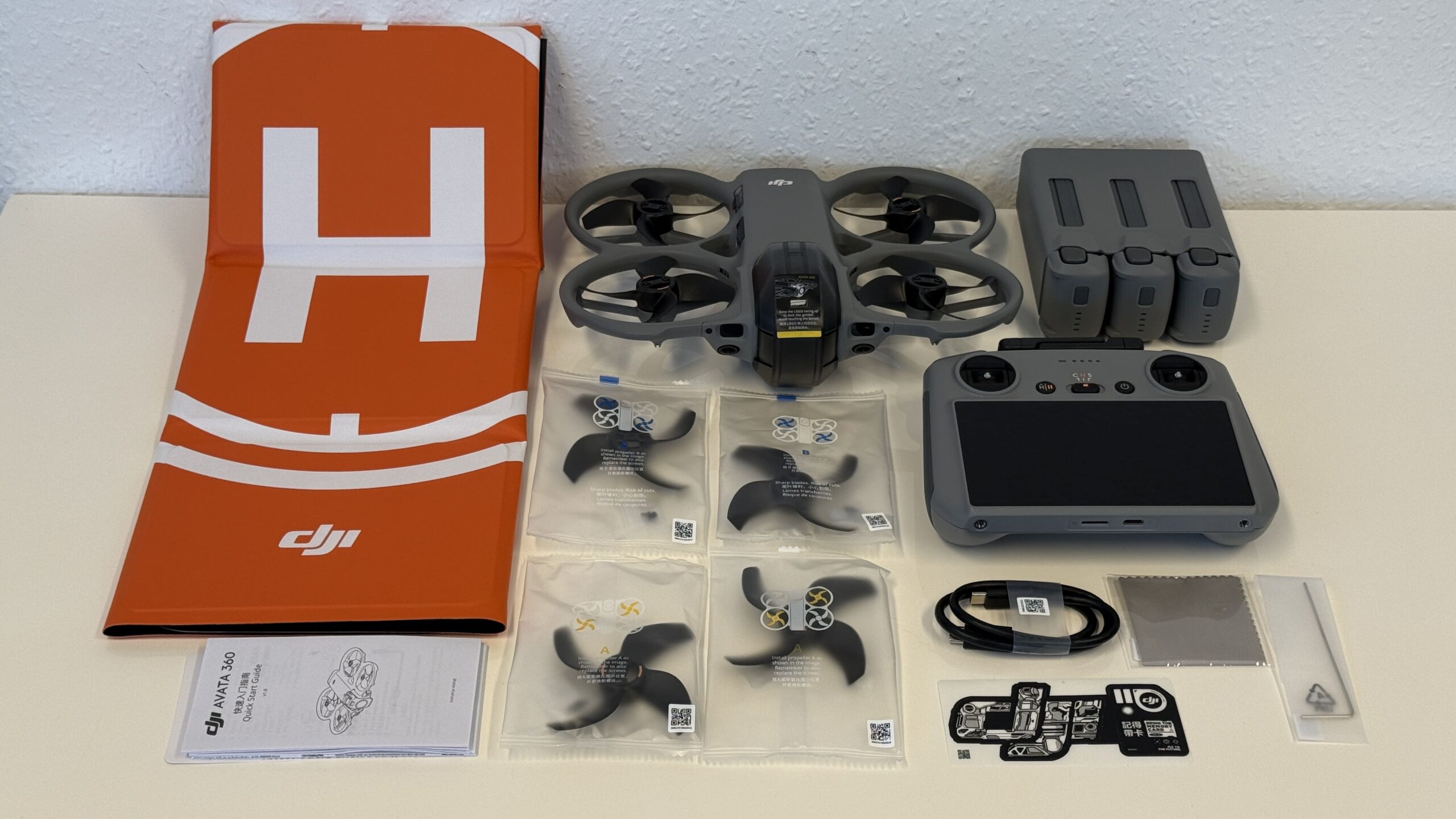
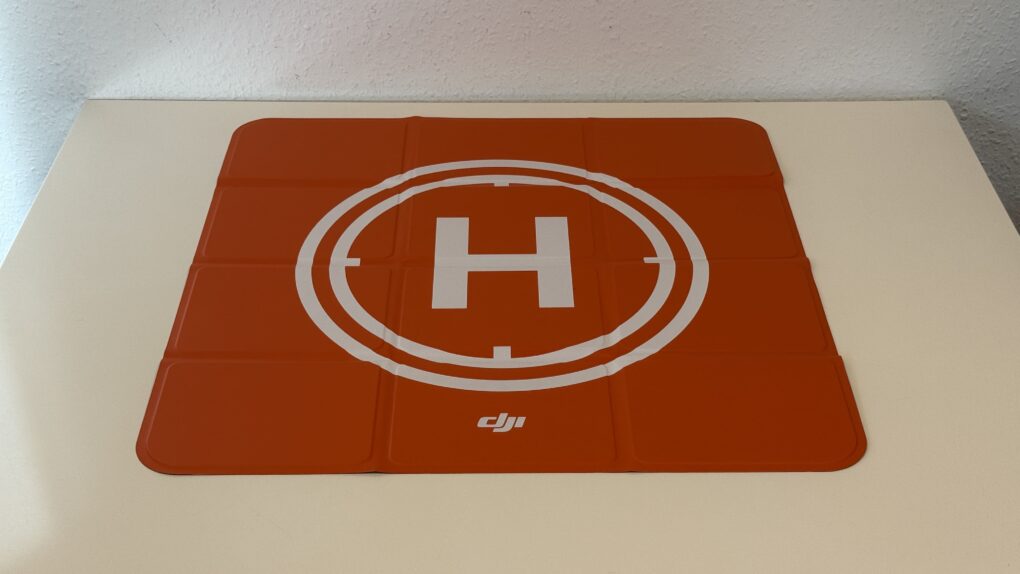
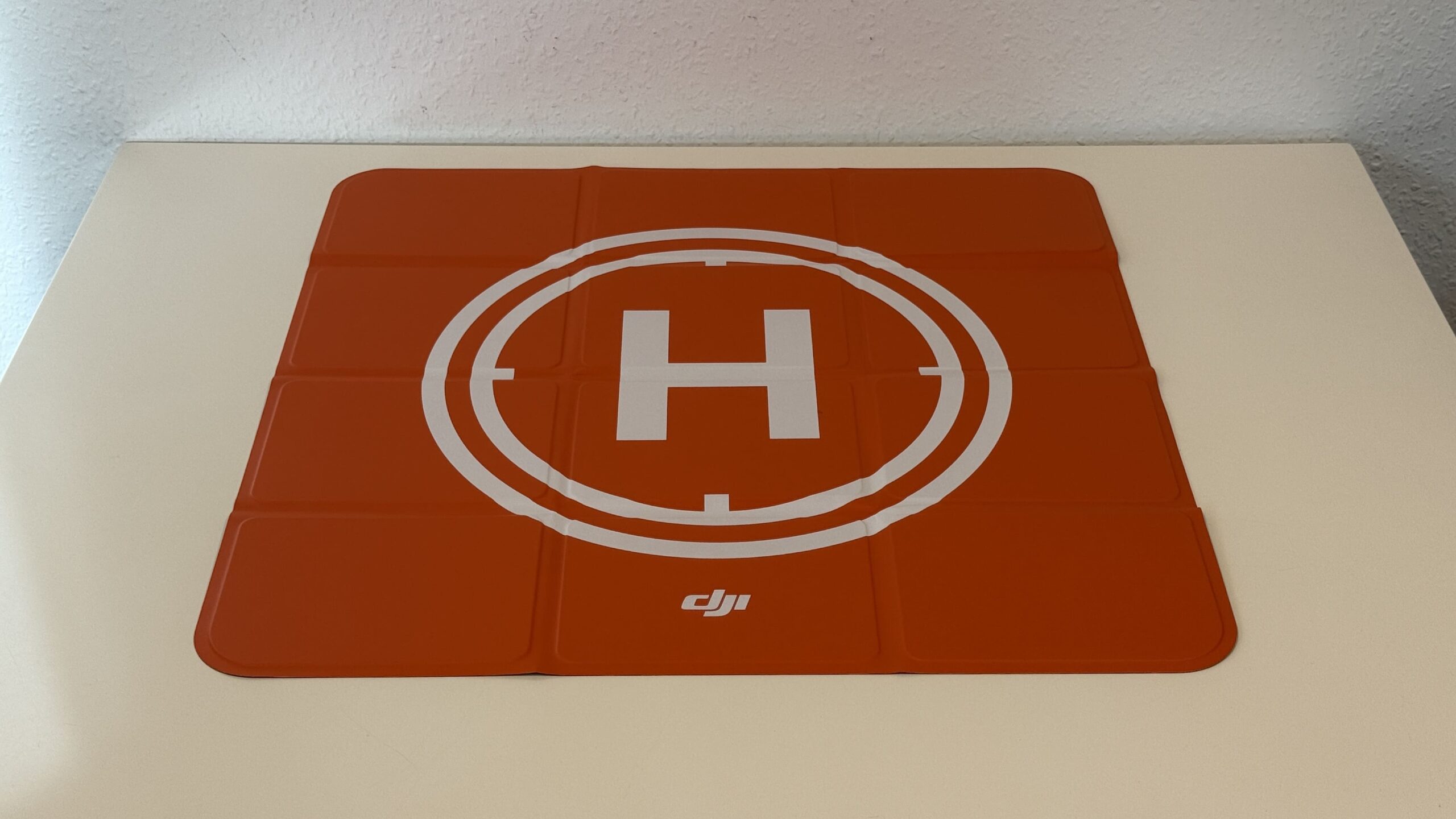
DJI provided us with the Avata in the Fly More Combo. Upon opening the box, a nice black shoulder bag is revealed, though it gives no indication of its contents. There are no logos, lettering, or other identifying marks. I think that's a good thing; no thief will know what they're looking at, and you don't need any reminders of what you recently packed. The bag has a smooth-running zipper protected against water by a rubber seal, a non-removable shoulder strap that is adjustable in length, and a side luggage strap for easy carrying by hand or attaching to a suitcase. All the accessories are pre-packaged and organized. These include, of course, the drone, the RC 2, three batteries with a charging station, a foldable landing pad (54 cm long x 54 cm wide), and two spare batteries.propeller.
-
- Picture: TechnikNews
-
- Picture: TechnikNews
-
- Picture: TechnikNews
The drone
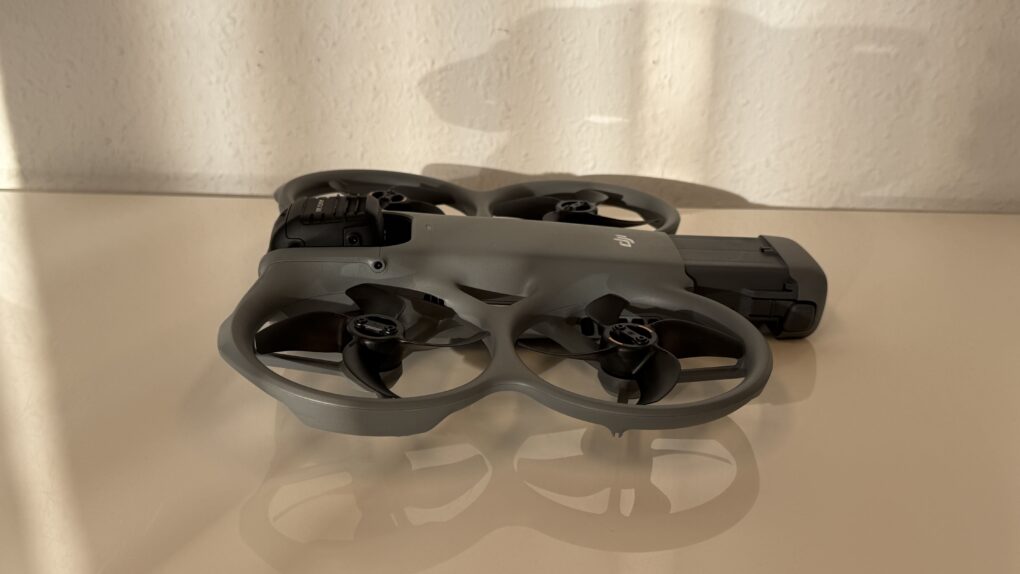
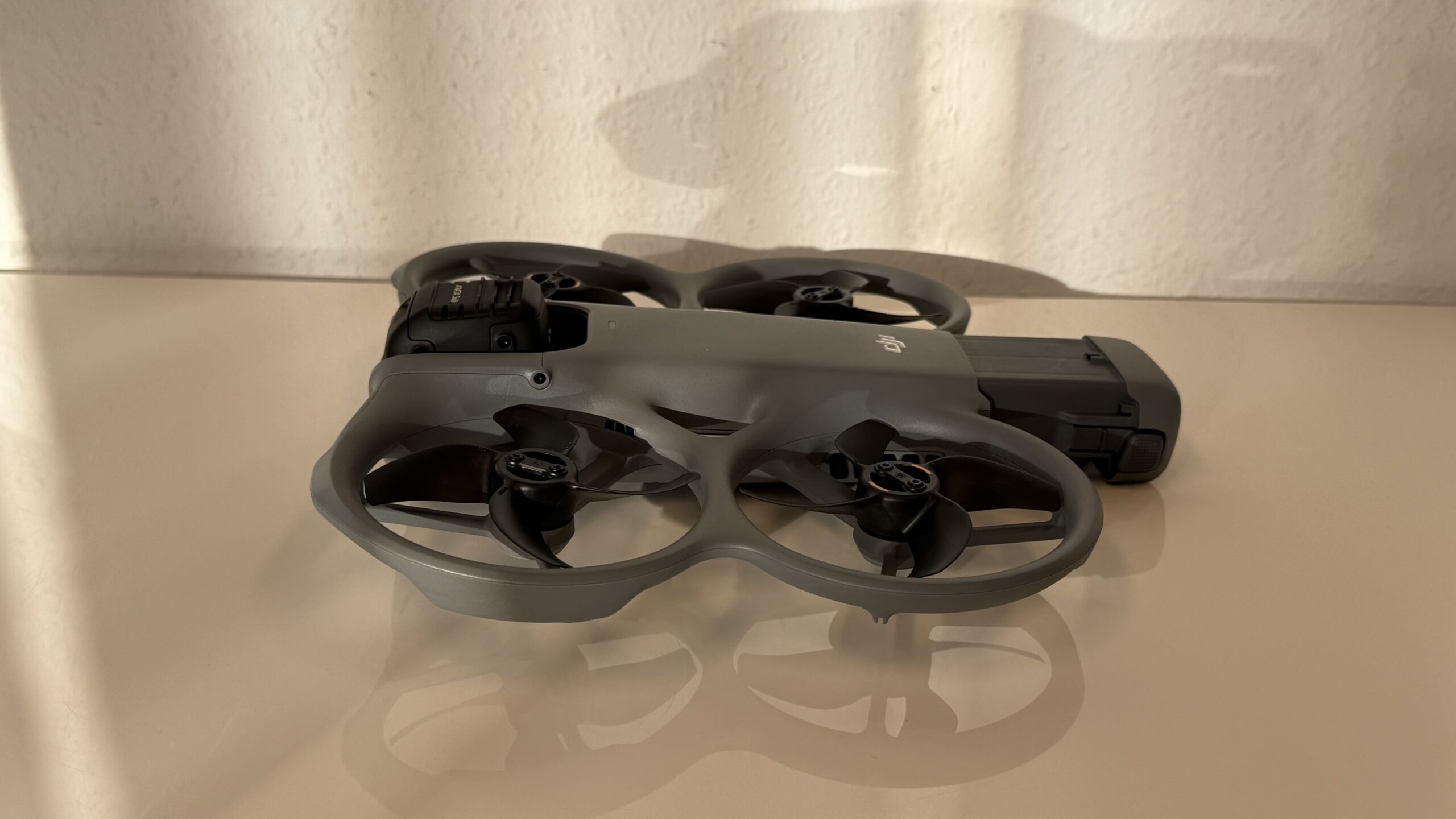
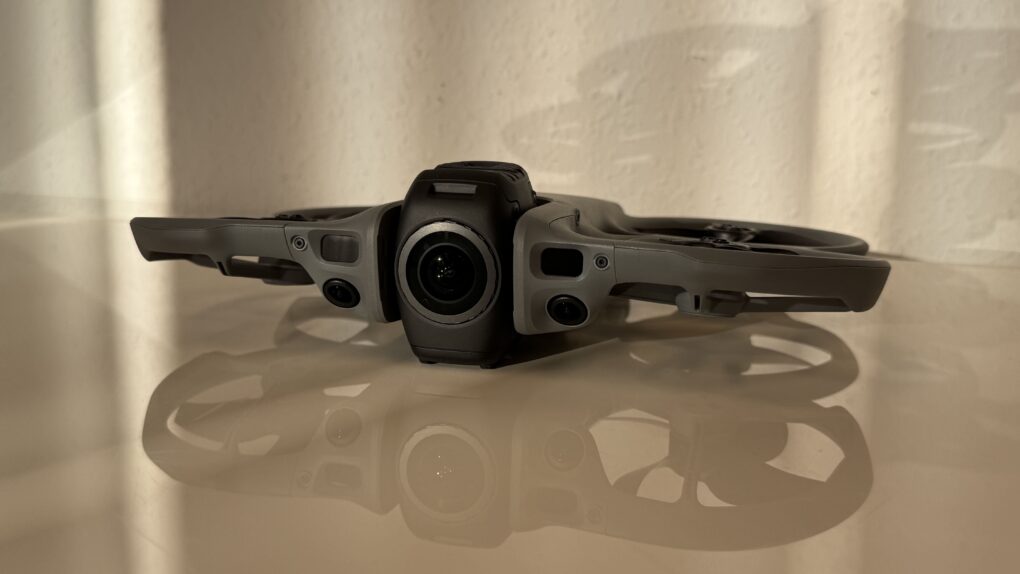
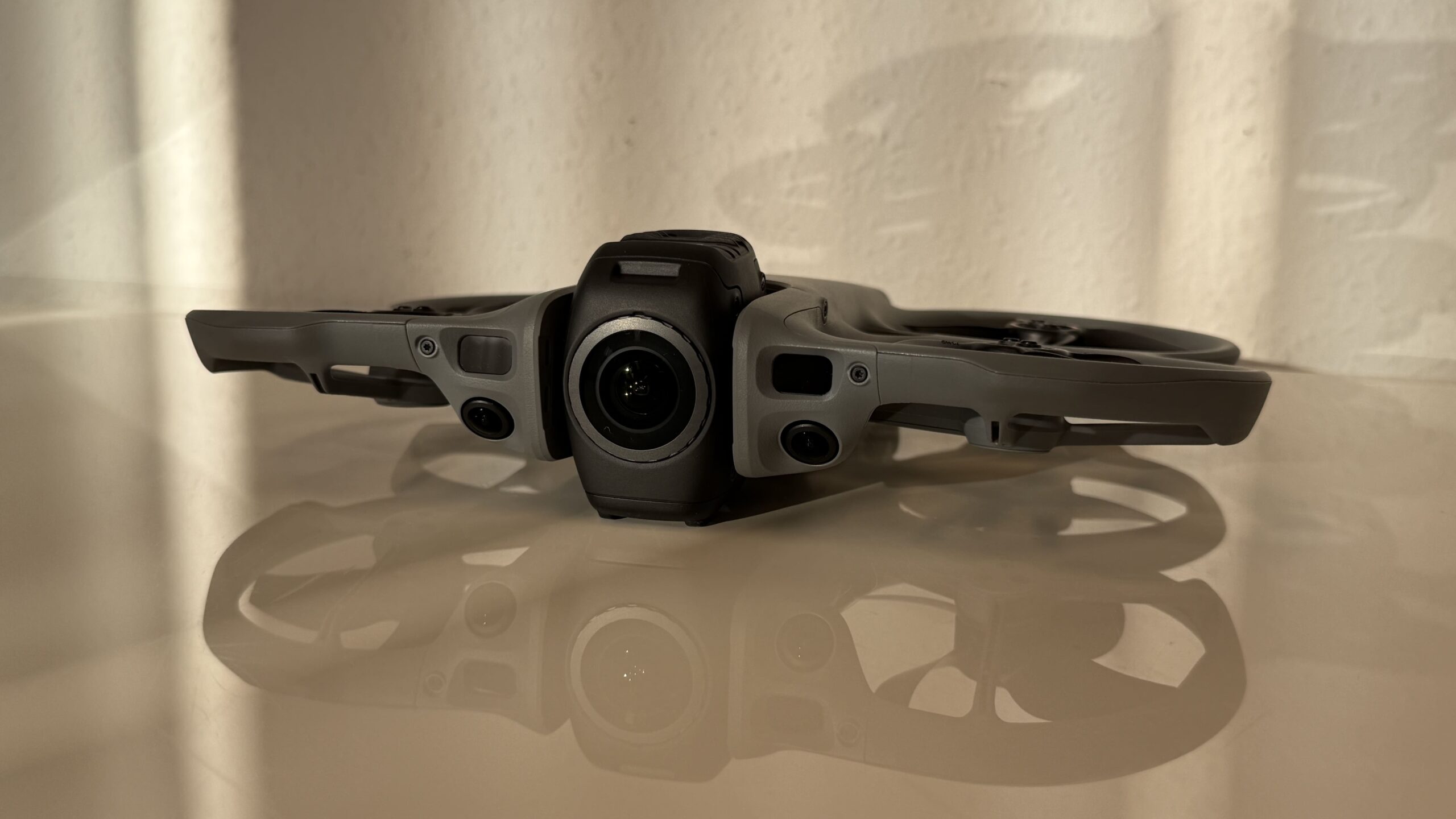
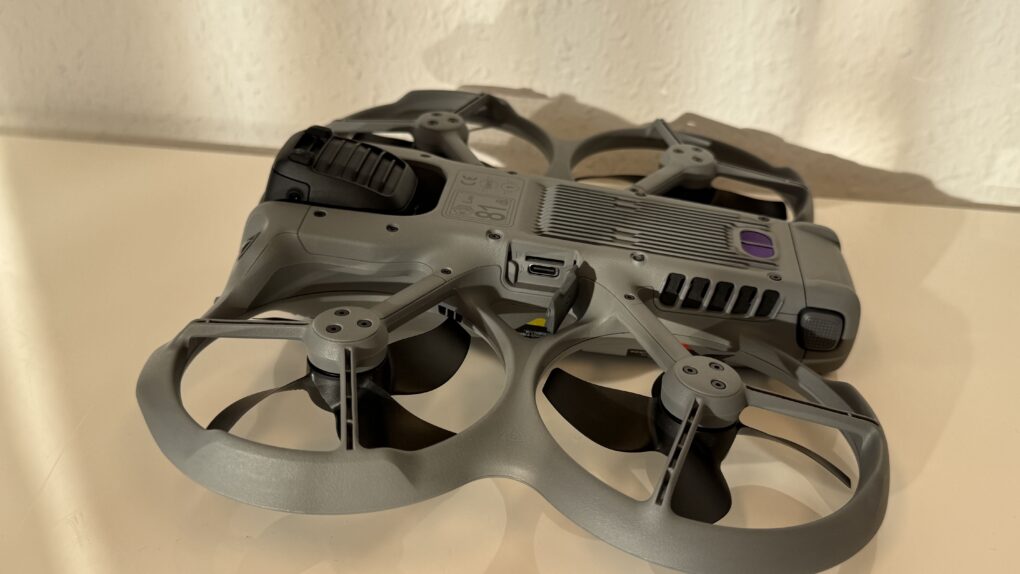
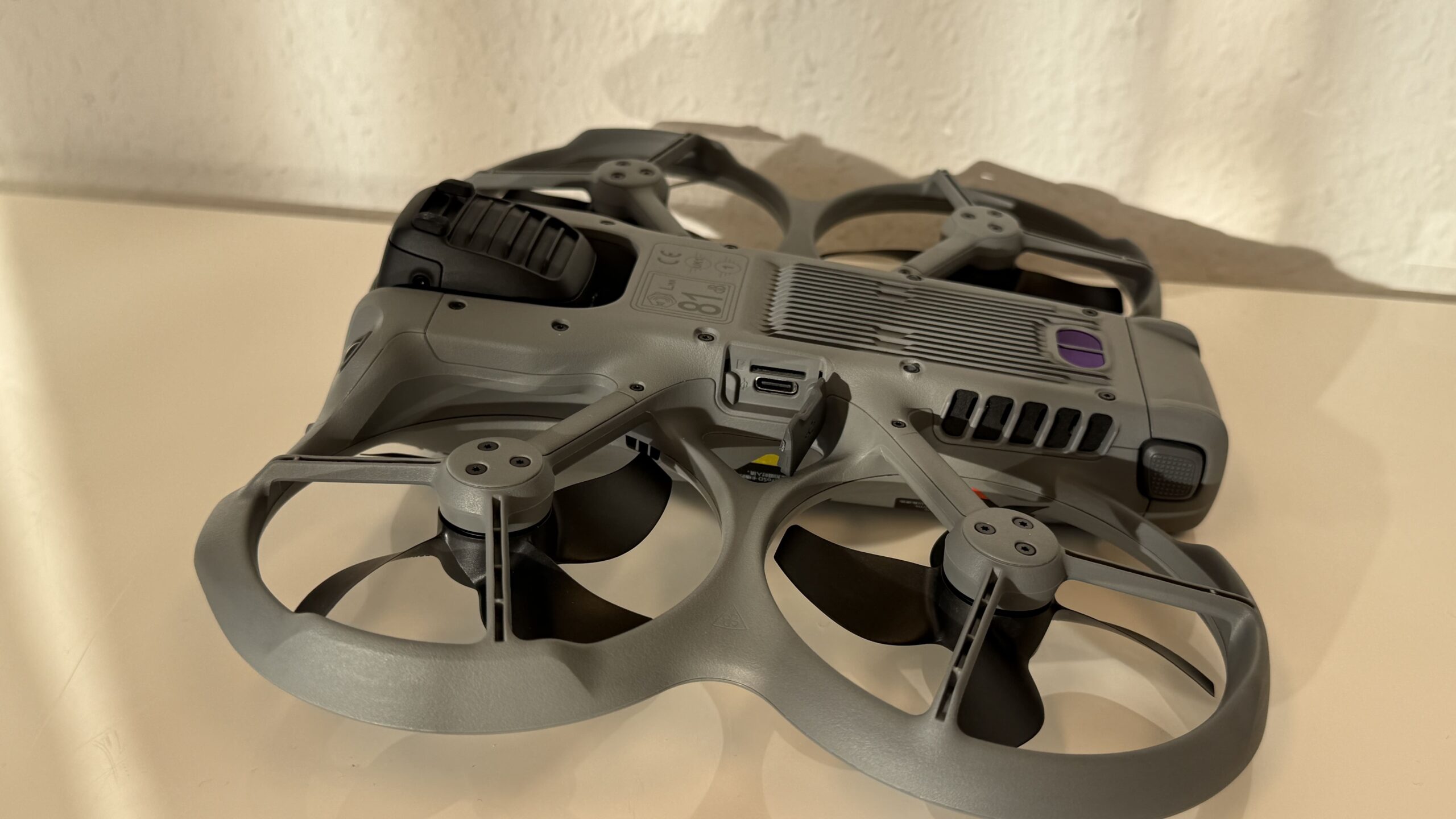
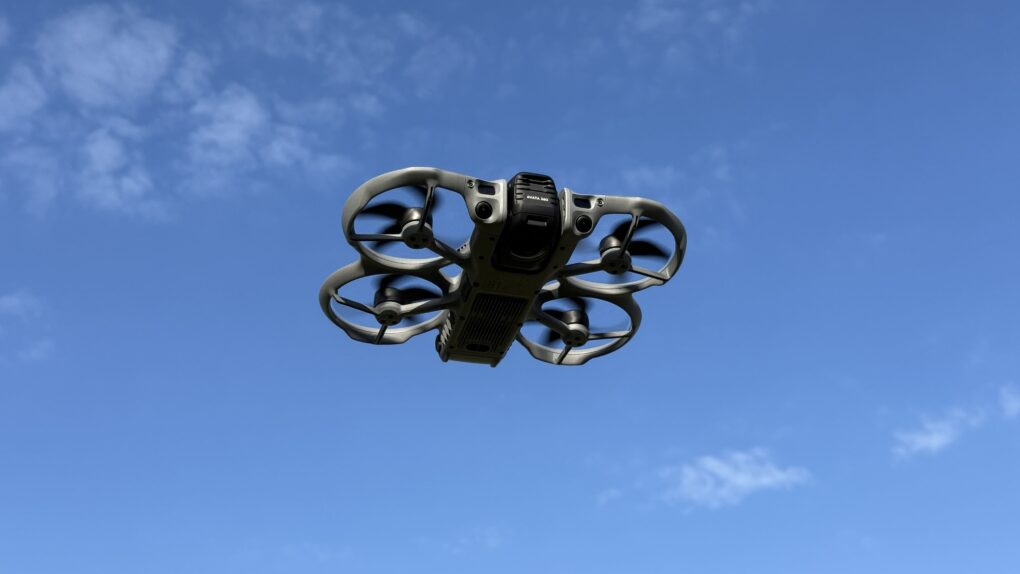
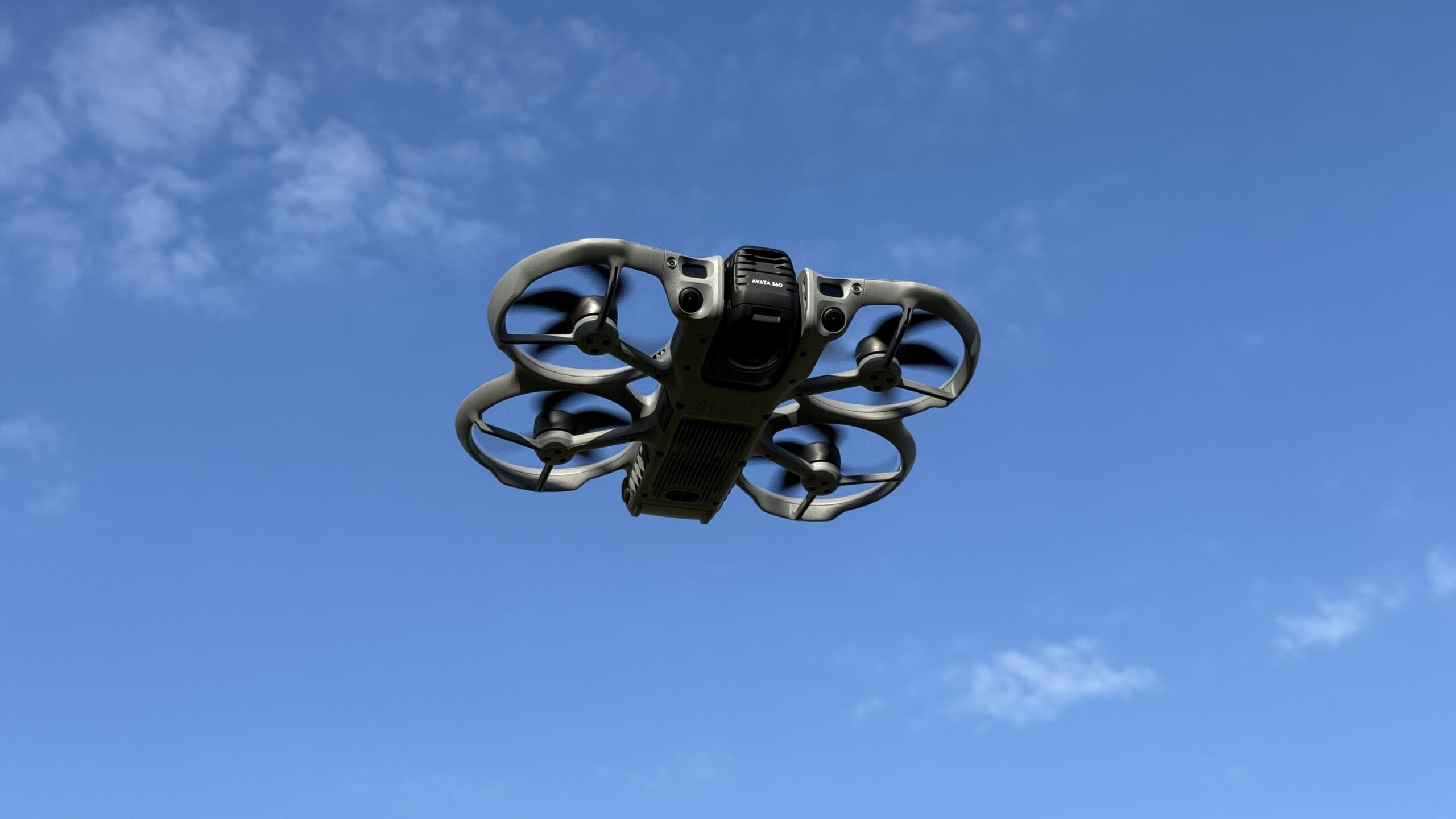
With a takeoff weight of approximately 455 grams, a drone pilot's license is required. Its dimensions are 24,6 x 19,9 x 5,55 cm (L x W x H), making it 6 cm longer than the Avata 2, but slightly narrower and shorter. The propeller guards are permanently attached, but this doesn't make replacing the propellers any more difficult in case of damage. Only a few screws need to be removed with the included tool. On the side of the drone, there's a USB-C port for charging directly on the drone (max. 65 watts) and an SD card slot. This expands the 42 GB of internal storage as needed. Both are protected by a cover, which, when properly closed, is naturally not visible in the footage. We were particularly impressed by the replaceable lens. DJI offers a kit that allows you to easily replace a damaged lens yourself. This eliminates the need to send the device in for repair, and you can be ready to fly again much faster.
-
- Picture: TechnikNews
-
- Picture: TechnikNews
-
- Picture: TechnikNews
The flight
The Avata 360, like most other DJI drones, can be launched in several ways. It can either take off automatically at the push of a button, or the pilot can push both control sticks on the remote diagonally towards the center. The maximum speeds during flight are distributed as follows:
| modus | Horizontal | Vertical |
| Cinema mode | 21,6 km/h | 7,2 km/h |
| Normal mode | 57,6 km/h | 21,6 km/h |
| Sport mode | 64,8 km/h | 36 km/h |
The drone is protected by a forward-facing LiDAR and omnidirectional obstacle detection in 360° mode. We will present the FPV flight capabilities in a separate report.
-
- Picture: TechnikNews
-
- Picture: TechnikNews
Battery, range, signal strength
If the small Neo 2 could already exceed the limits of European law (VLOS), then the Avata can certainly do so as well. The maximum video transmission range is specified as 20.000 meters in the USA and 10.000 meters in Europe. It can fly up to 120 meters high, and a single battery charge allows for a flight distance of approximately 7.400 meters without video recording. In our test, we flew back to the starting point at an altitude of 3.700 meters, and the signal and video transmission remained flawless throughout. Reception only becomes problematic when the adjustable antennas are not pointed towards the aircraft. A 180° turn immediately reduced the signal strength to a minimum. Flying at high speed took us 10 minutes to cover the 7.400 meters. Incidentally, the connection was no problem in the forest.
While recording a video, the battery lasted 8 minutes and 30 seconds during fast flying. A message also appeared indicating that the battery was overheating, but this had no effect on the flight or the recording. When taking photos with slow flights in Cine or Normal mode, we achieved a flight time of 18 minutes, which matched the estimated flight time displayed on the remote control.
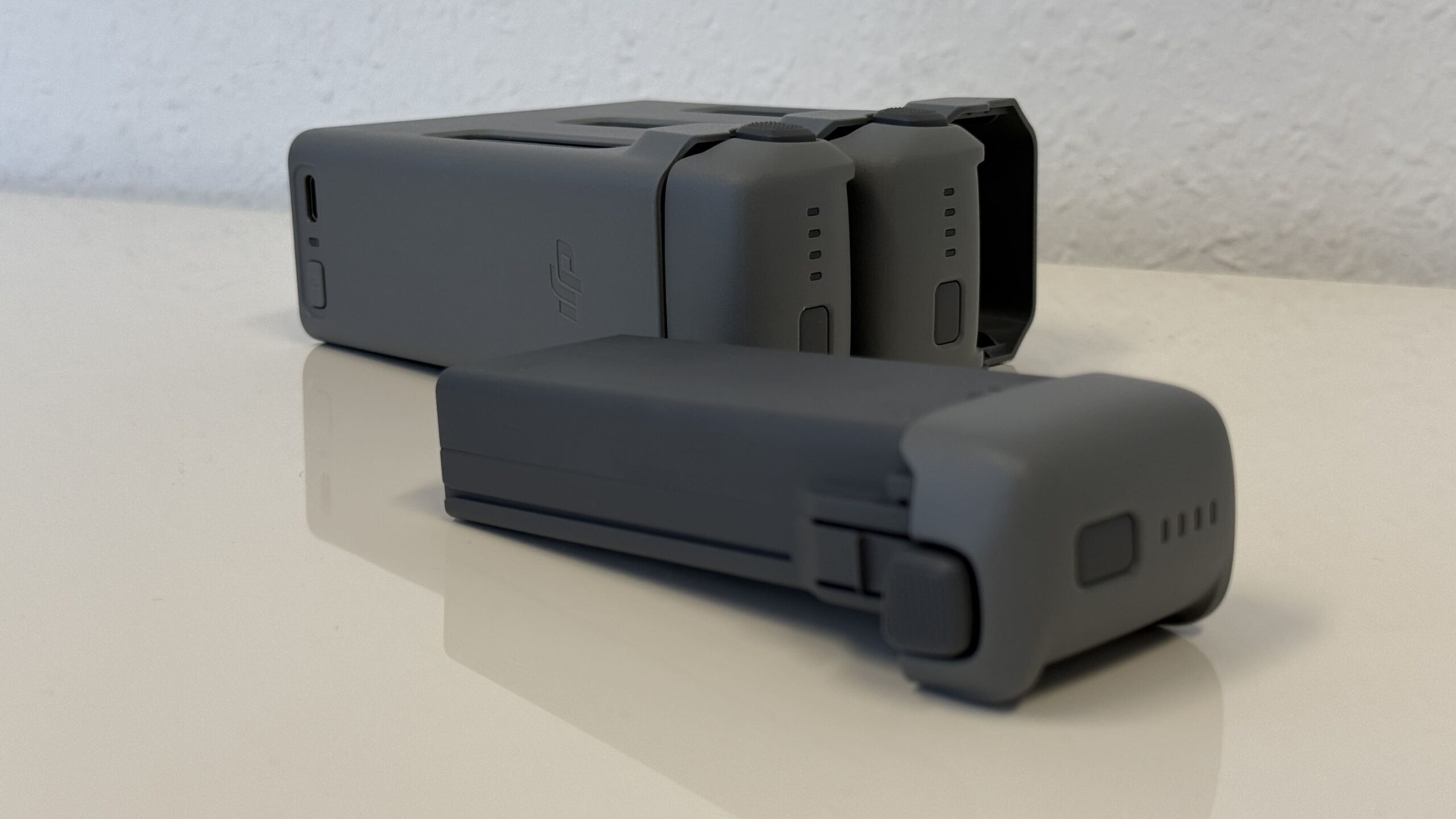
loading time
| With charging station (100 watts maximum charging power) | Direct charging via the drone's USB-C port (65 watts maximum charging power) | |
| One battery 0-100% | about 47 Min | about 73 Min |
| One battery 10-90% | about 31 Min | about 51 Min |
| Three batteries 0-100% | about 100 Min | |
| Three batteries 10-90% | about 70 Min |
Picture: TechnikNews
The landing
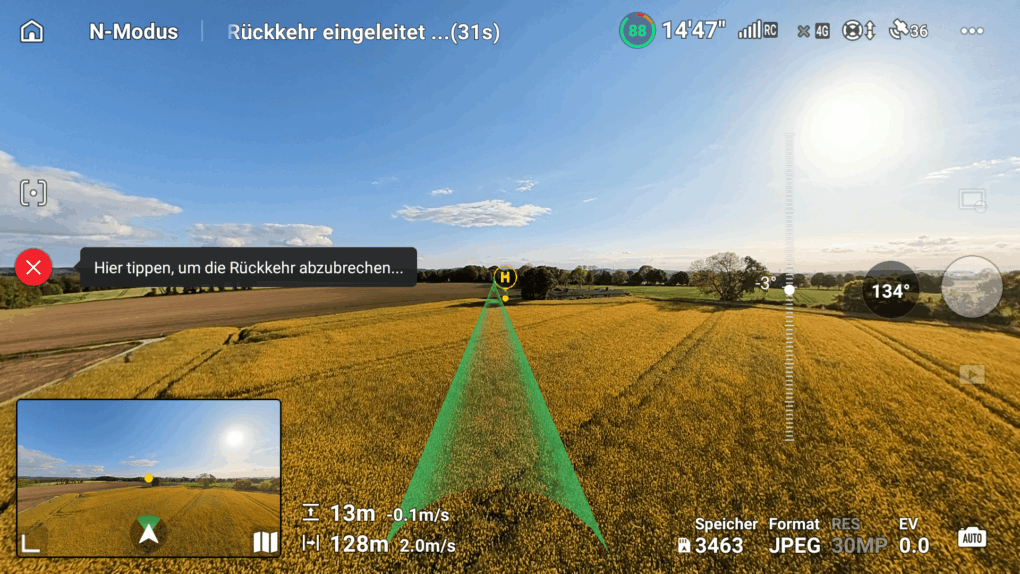
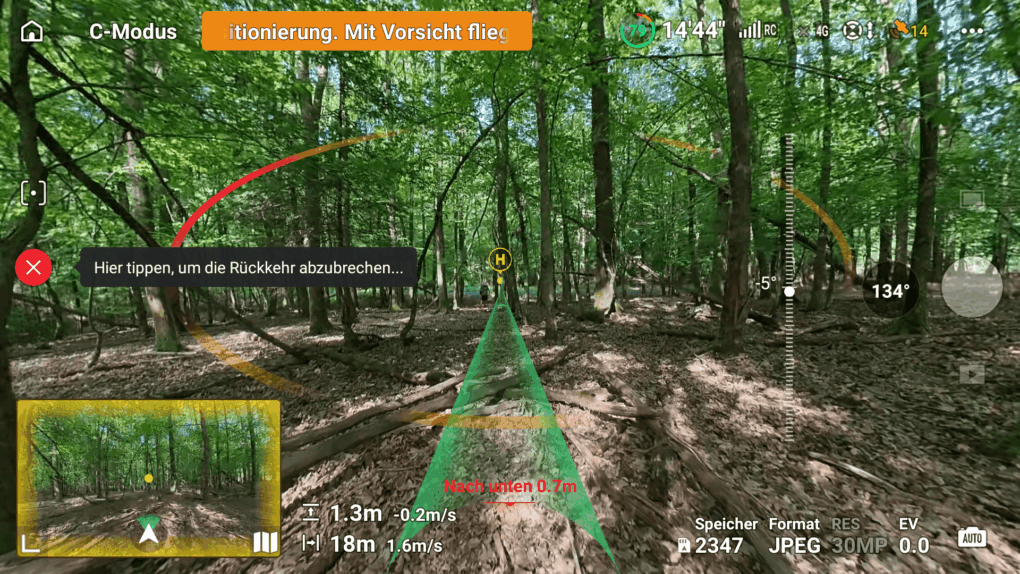
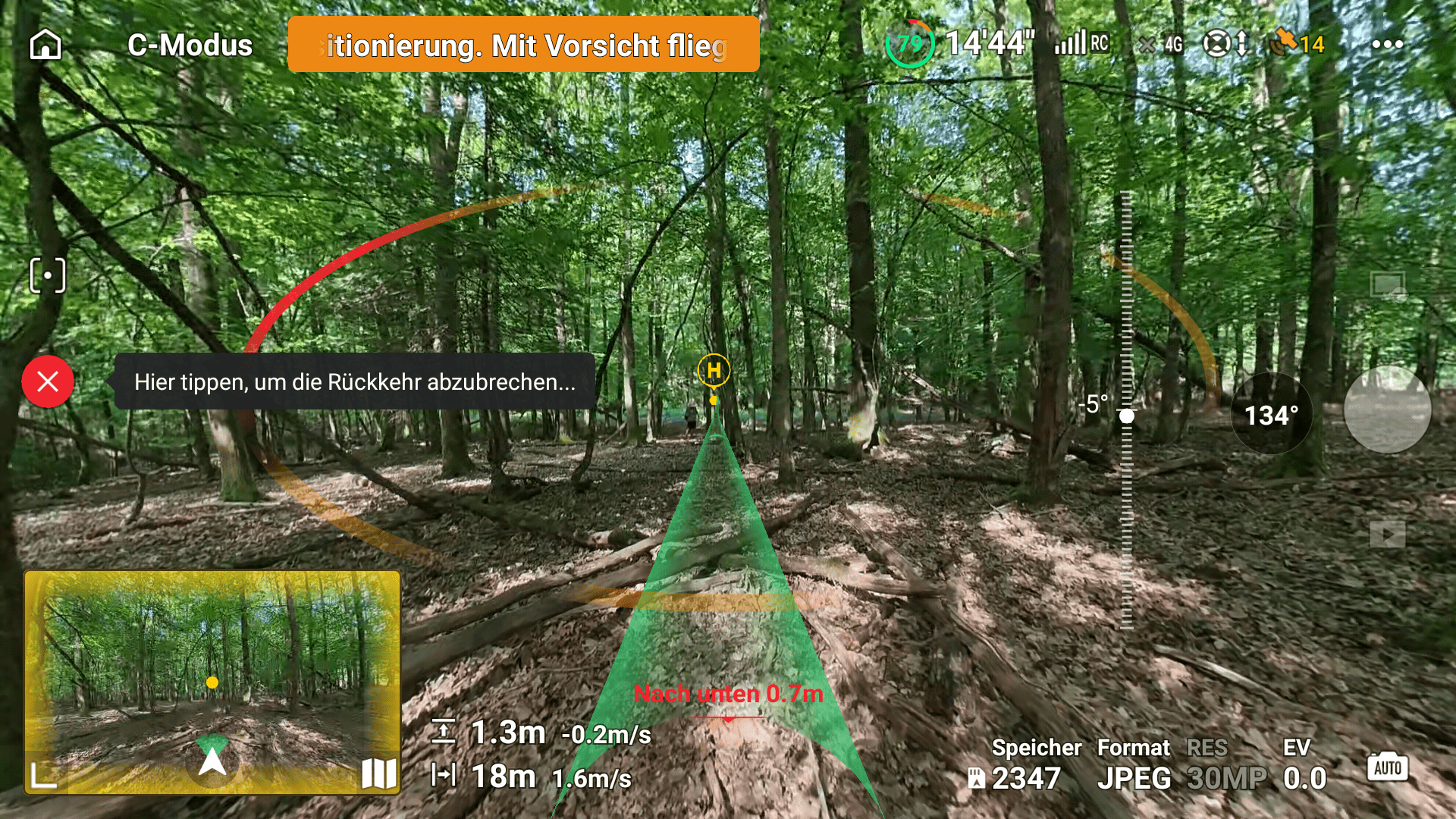
Flying also includes landing. Depending on your preference, you can do this manually or automatically. For automatic landing, you have two options on a suitable surface: either fly the drone straight down or use the Return to Home (RTH) function. The latter brings the drone back to the starting point from wherever it is. It reliably avoids obstacles and doesn't always fly the exact same route, but instead finds the best path itself. The route is displayed as an augmented reality view on the remote control's screen. Whichever landing method you choose, the Avata always returns its gimbal to a vertical position just before touchdown, ensuring it lands on the feet mounted on the gimbal and not on the camera. For storage, simply slide the gimbal protector on, and the drone is safely ready for transport.
-
- Picture: TechnikNews
-
- Picture: TechnikNews
-
- Picture: TechnikNews
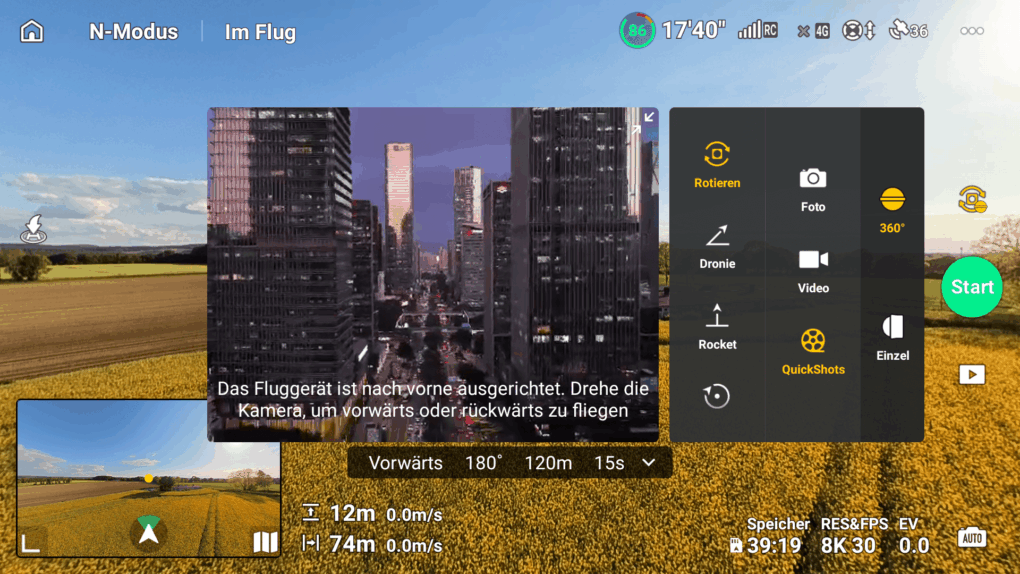
Camera modes
| photo quality | video quality |
360° photos 8K: 30 MP 7776 × 3888 in JPEG and 7680 × 3840 (29,49 MP) in DNG 16K: 120 MP 15520 × 7760 in JPEG and 15360 × 7680 (118 MP) in DNG | 360° mode: 8K (2:1): 7680 × 3840 at 60/50/48/30/25/24fps 6K (2:1): 6000 × 3000 at 60/50/48/30/25/24fps |
Single-lens mode: * Only supported when DJI Goggles 3/N3 are used in conjunction with DJI RC Motion 3 or DJI FPV Remote Controller 3. |
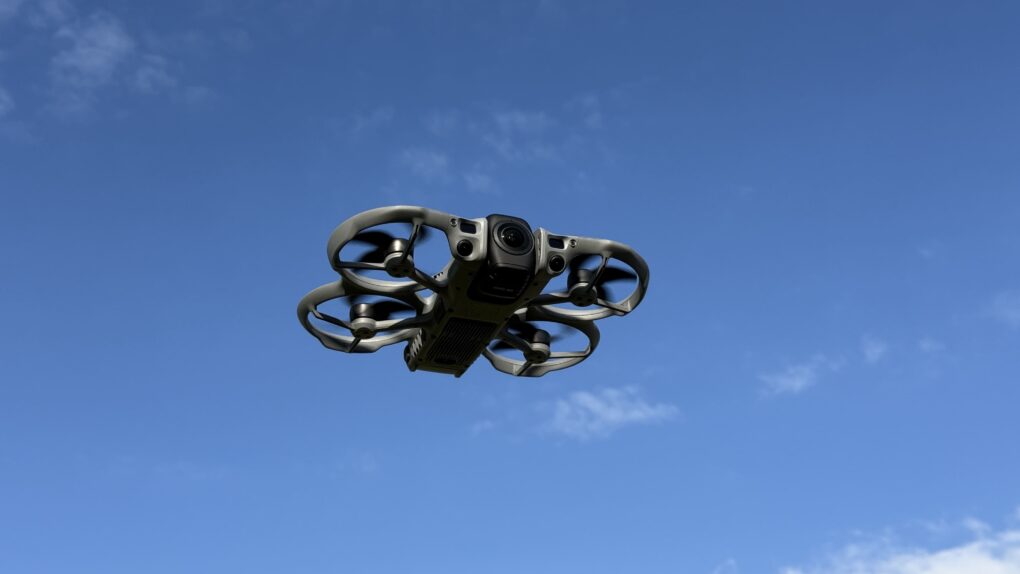
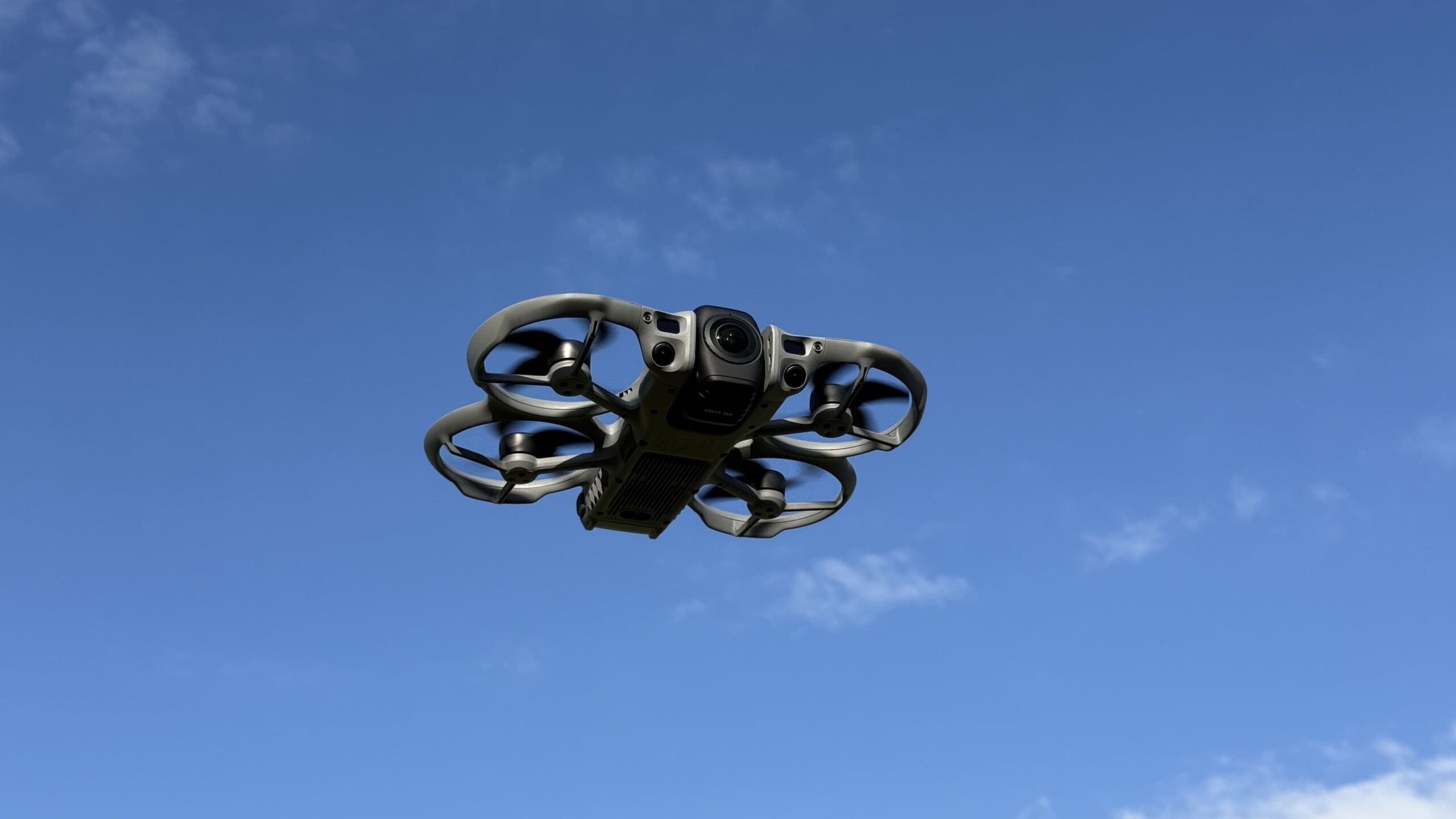
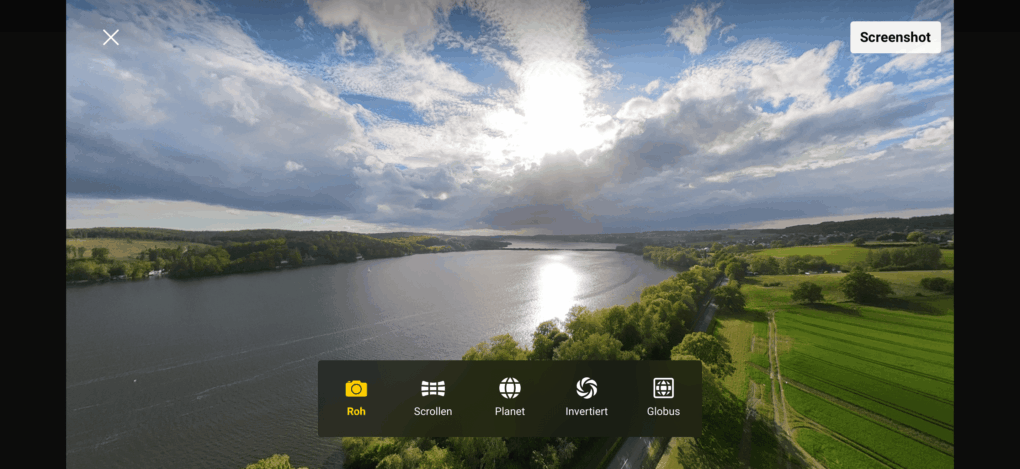
Perhaps even more interesting than with other drones is the camera, or rather, the cameras. DJI's first 360° drone immediately stands out due to its large gimbal with two protruding lenses. This means two 1/1,1-inch sensors, each with 64 MP, ensure excellent image quality. The functionality is simple: Takeoff and landing are performed with the gimbal in a vertical position to protect the cameras and stabilize the drone. However, once hovering, it automatically rotates to a horizontal orientation. Then, one camera points upwards and the other downwards, providing a 360° view. This also means that while it only has a mechanical single-axis gimbal for tilting, it effectively offers a 360° virtual gimbal. For FPV pilots who want to return to the roots of the Avata series, there's also a "Single" mode. This allows for more dynamic shots, as the lens tilt follows the drone's flight attitude. Increased caution is advised, however, as only the front obstacle detection is active in this mode. Alternatively, this mode can be activated in the post.proApply duction.
-
- Picture: TechnikNews
-
- Picture: TechnikNews
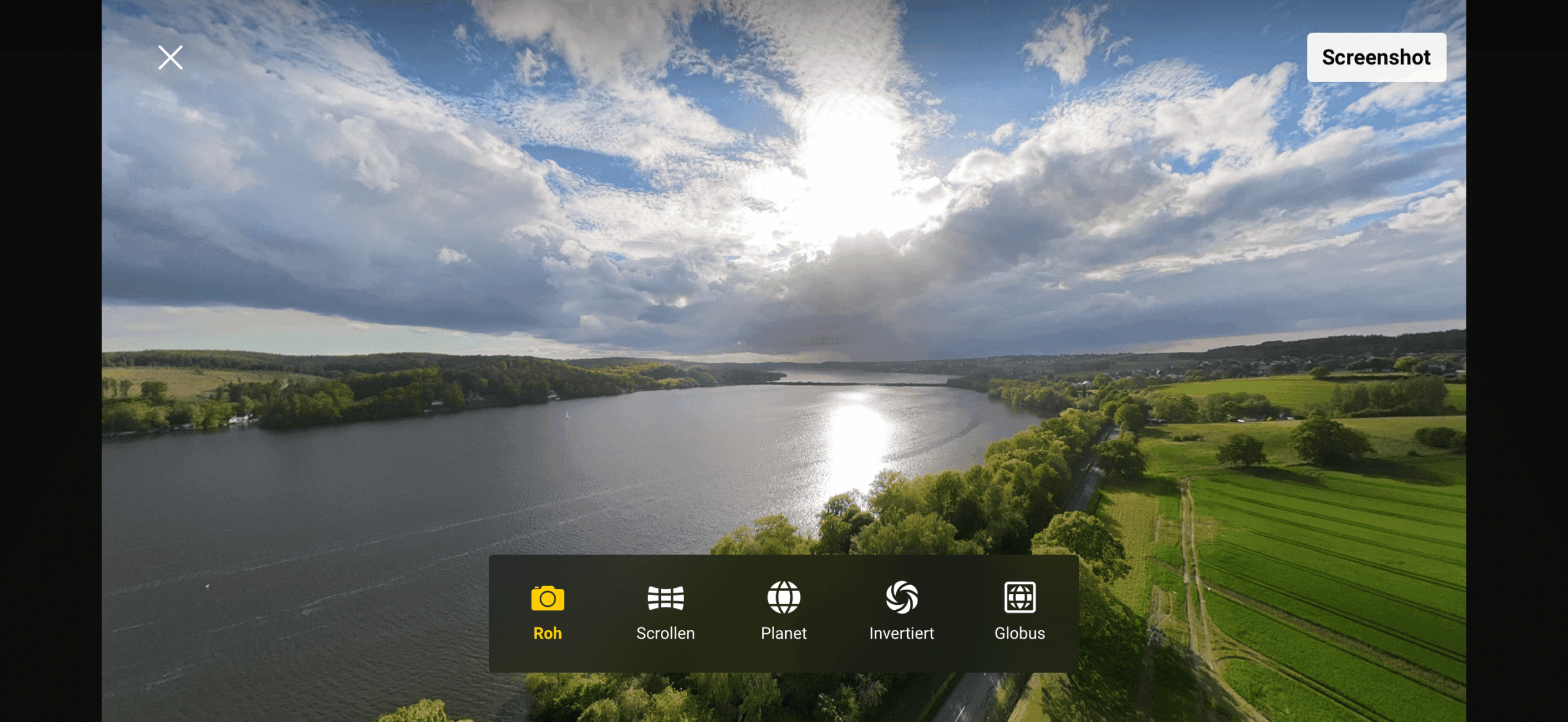
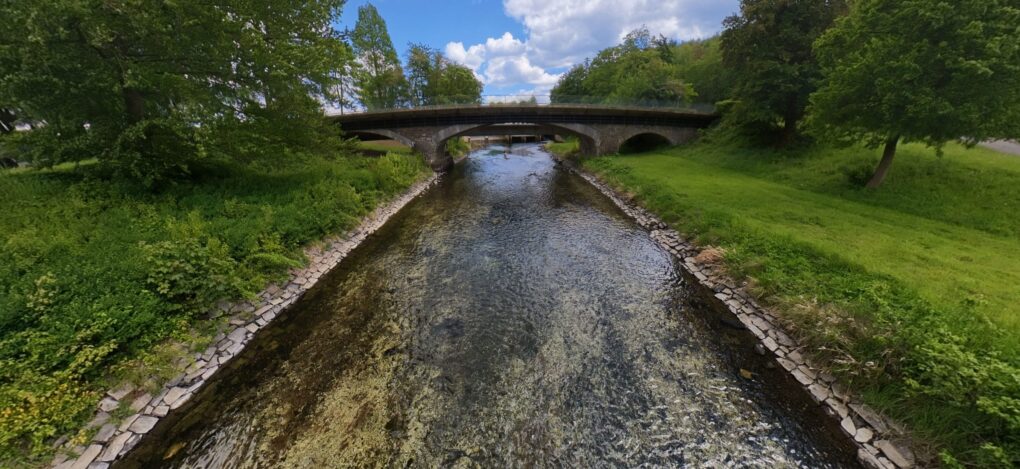
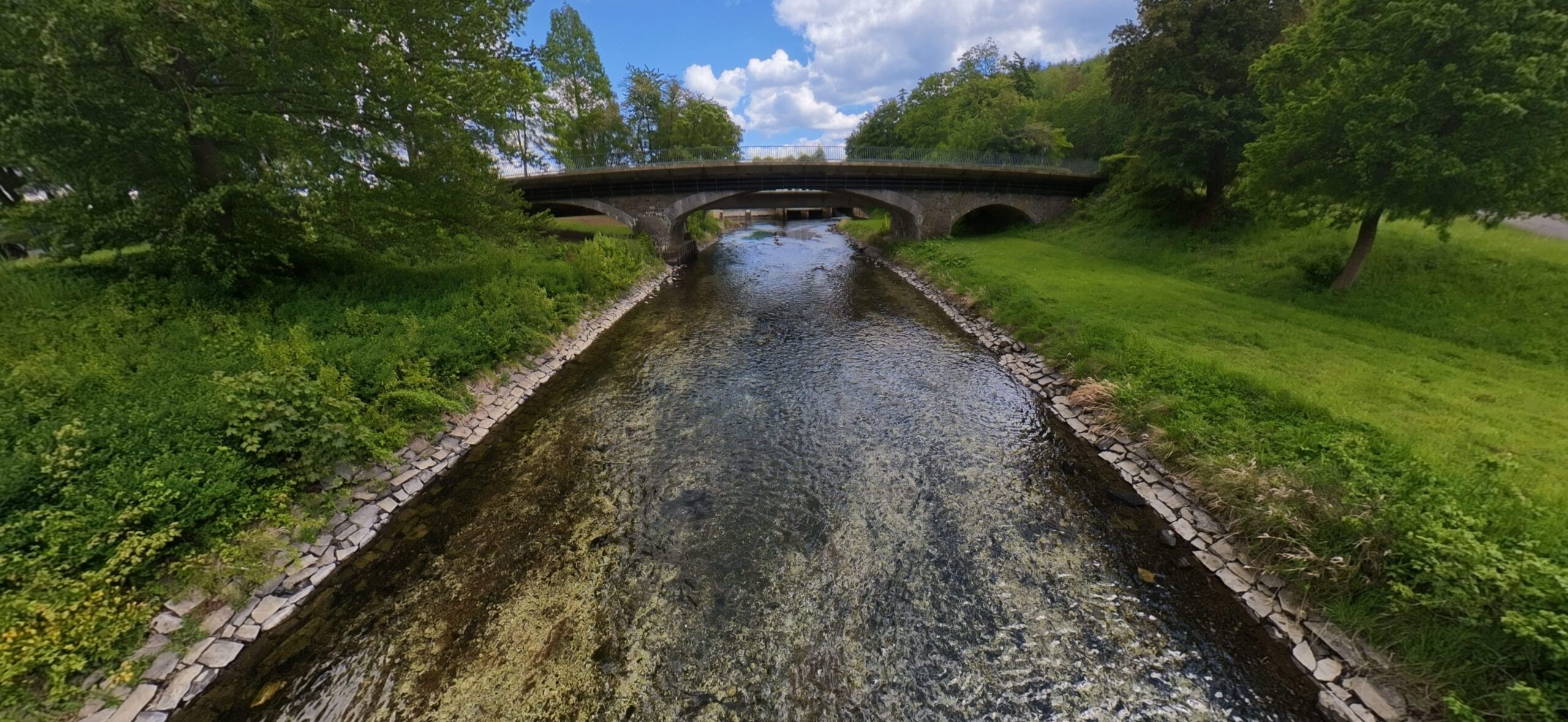
We occasionally noticed stitching errors when using the 360° cameras. These were generally not very pronounced and hardly noticeable beyond 10 meters, but below that distance, duplicate or shifted objects were quite possible.
ActiveTrack 360° and Spotlight Free
These two features make the Avata 360 unique. ActiveTrack 360° supports the autonomous tracking of people and cars, while the omnidirectional obstacle detection reliably protects them by avoiding obstacles or braking in advance. We noticed that the obstacle detection, in conjunction with the Return-to-Home (RTH) function, worked better in the forest than when using ActiveTrack alone.
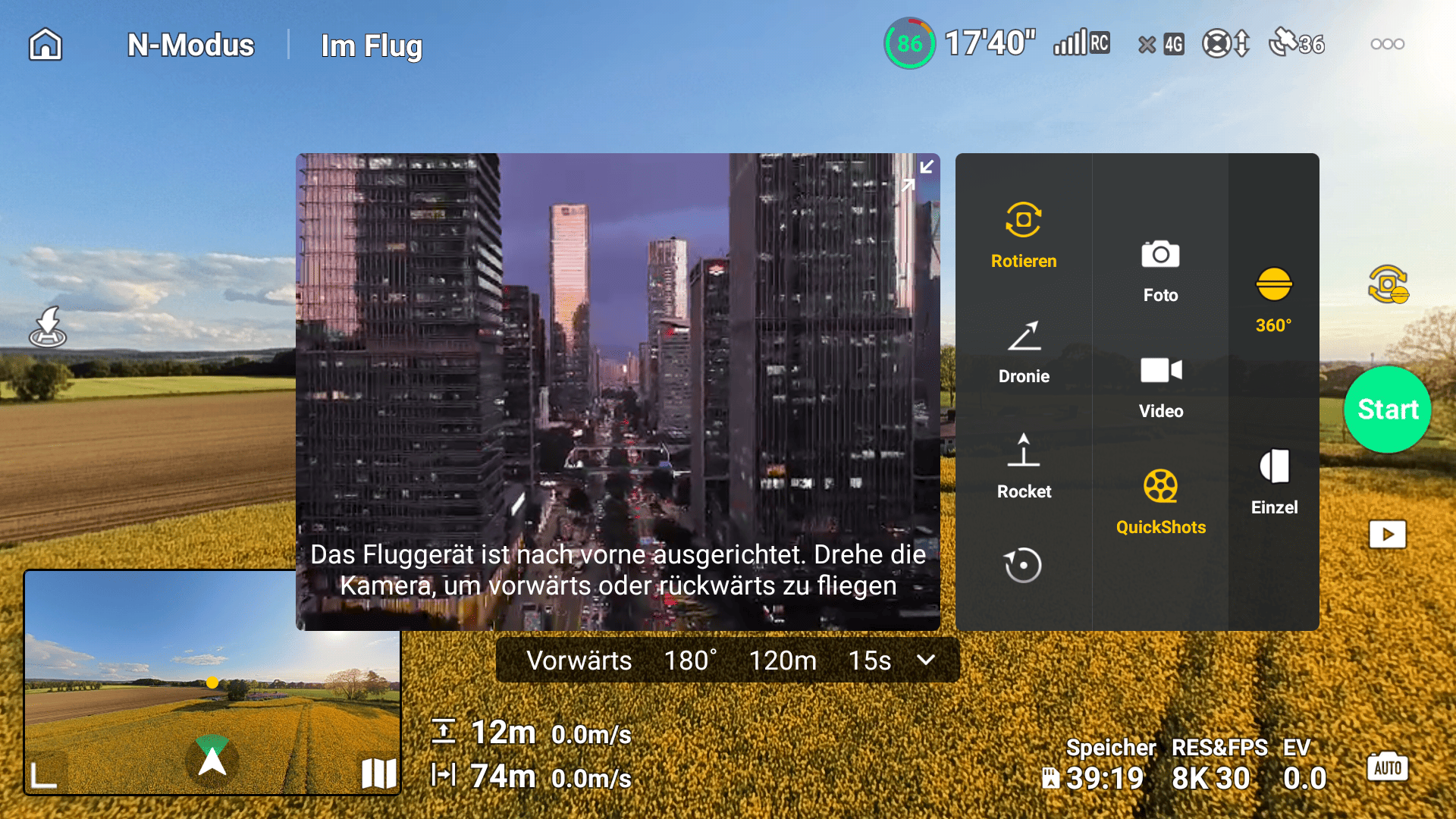
Spotlight Free is one of this drone's greatest benefits. Thanks to this feature, a (moving) subject remains in focus, while the pilot can simultaneously look in the drone's flight direction using the vision assist view. Both channels run as the main feed in color at 1080p/60 fps.
Picture: TechnikNews
Photos
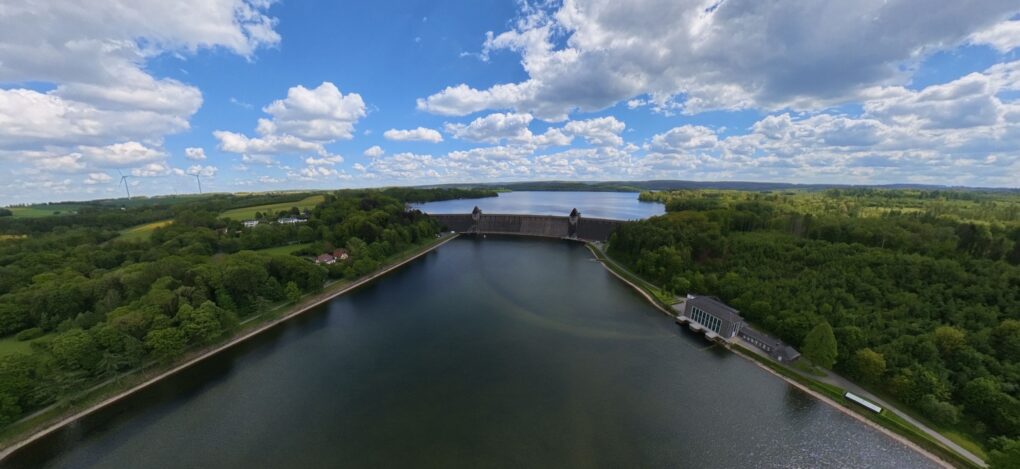
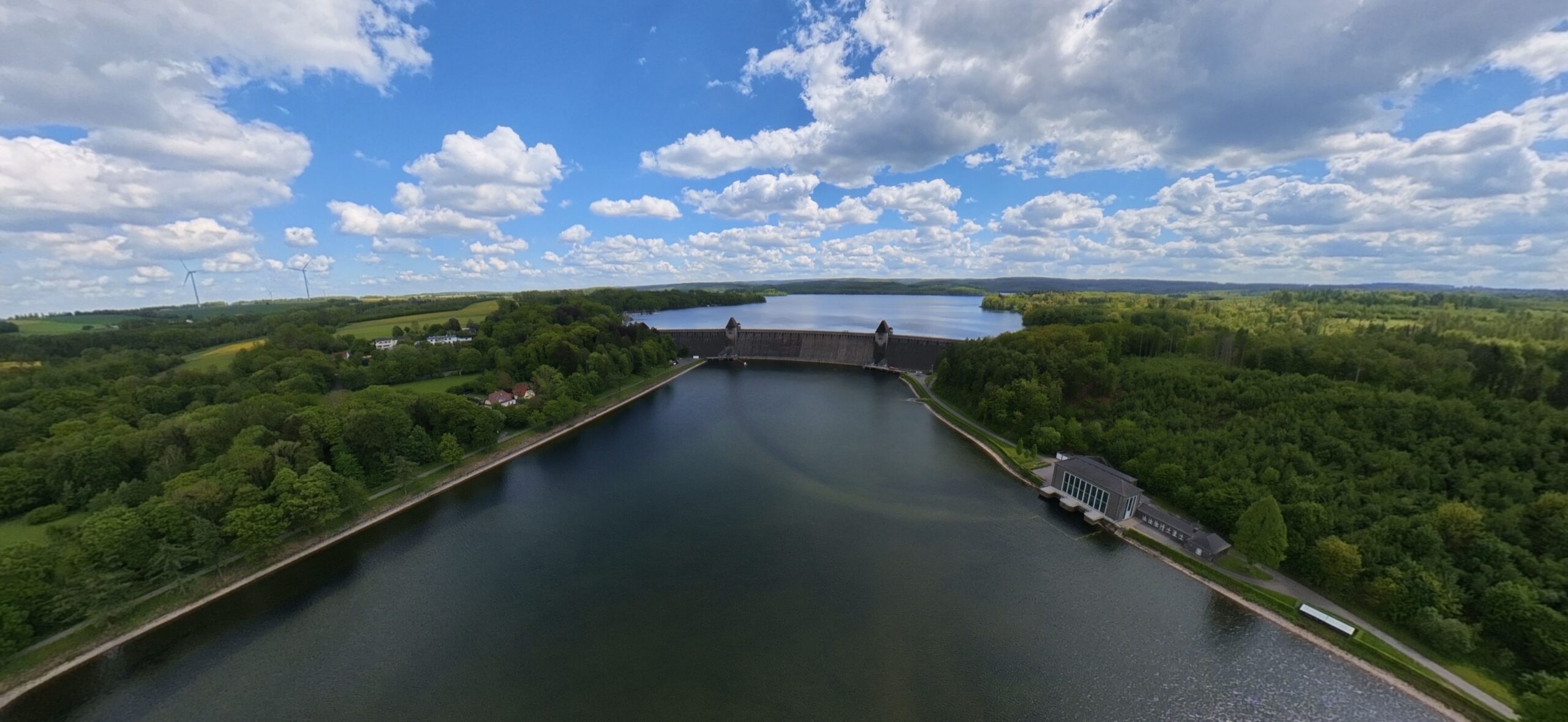
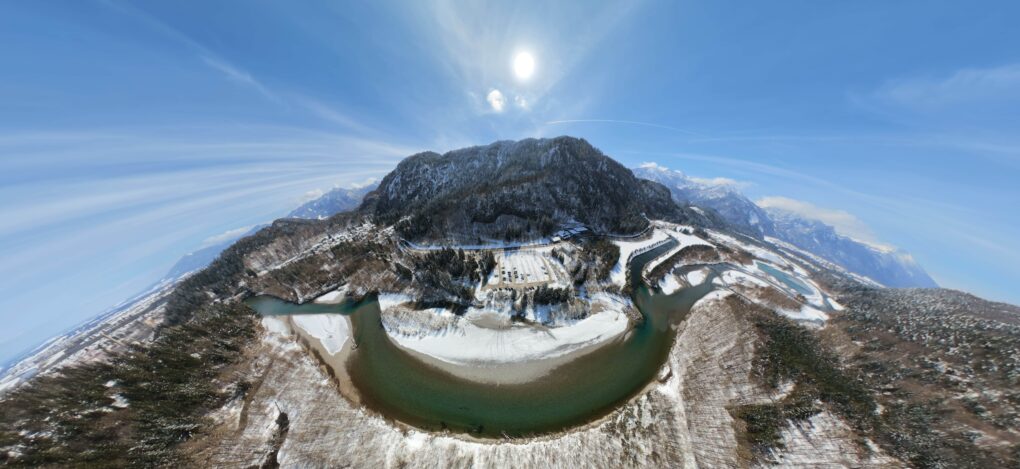
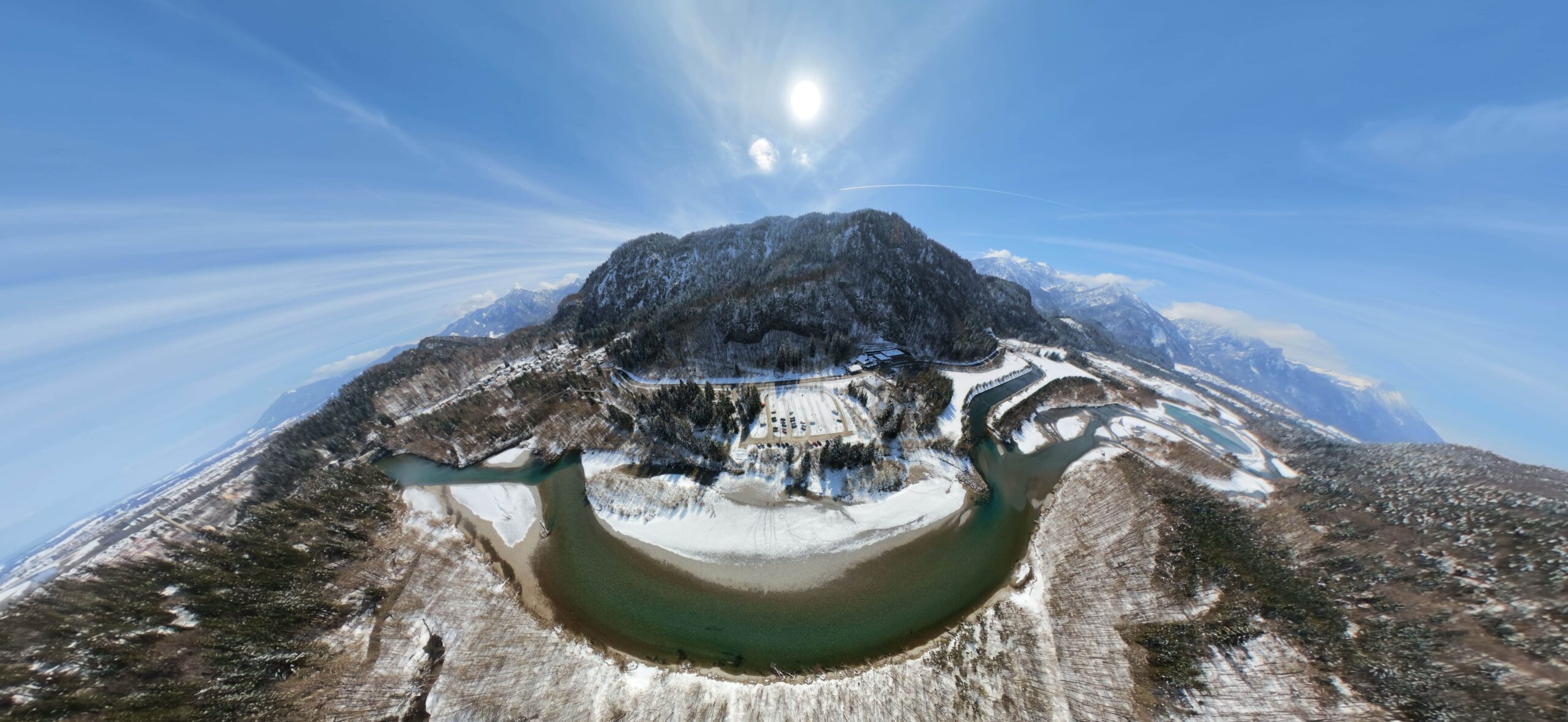
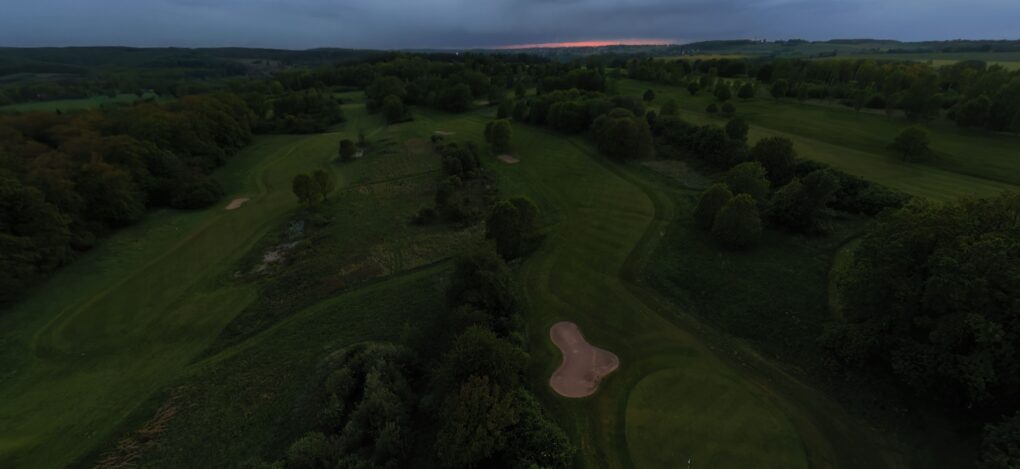
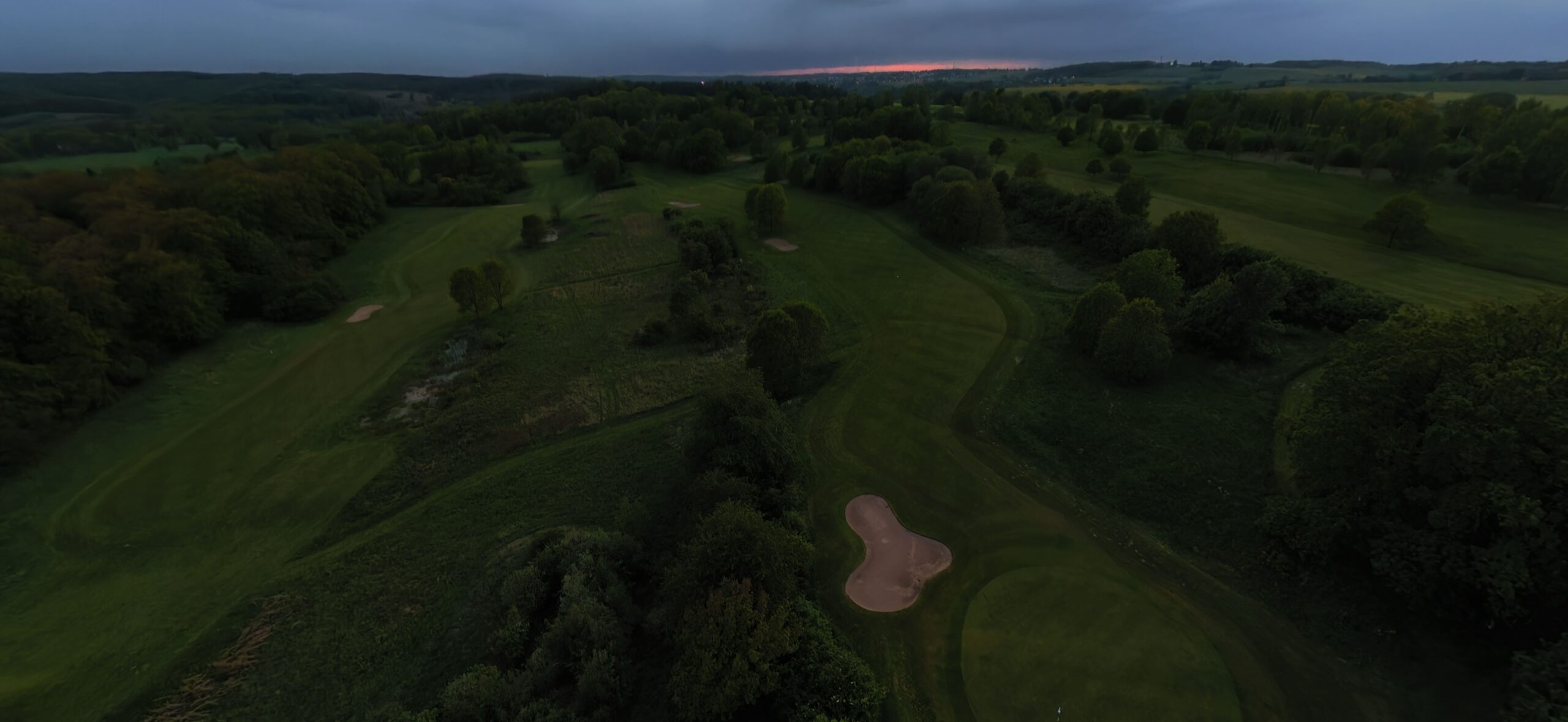
Photos can be taken at either 30 or 120 MP, but always as 360° images. Single-lens photography is not possible, but images can be cropped as if they were a single image during editing.
-
- Picture: TechnikNews
-
- Picture: TechnikNews
-
- Picture: TechnikNews
Controller
Unlike the Neo 2, the Avata cannot be flown solely via a mobile phone. A remote control is required, although the RC-N2 is sufficient.
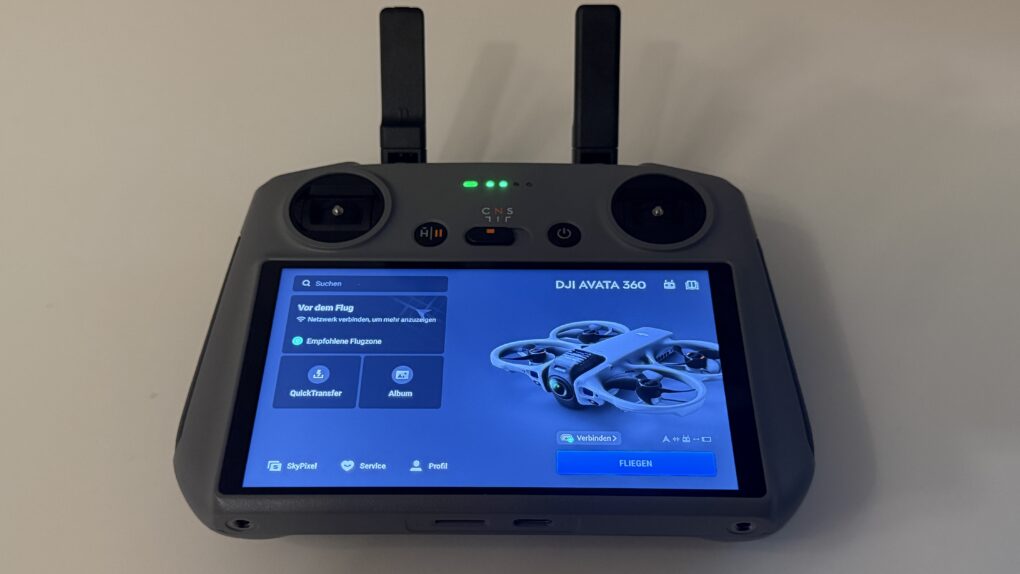
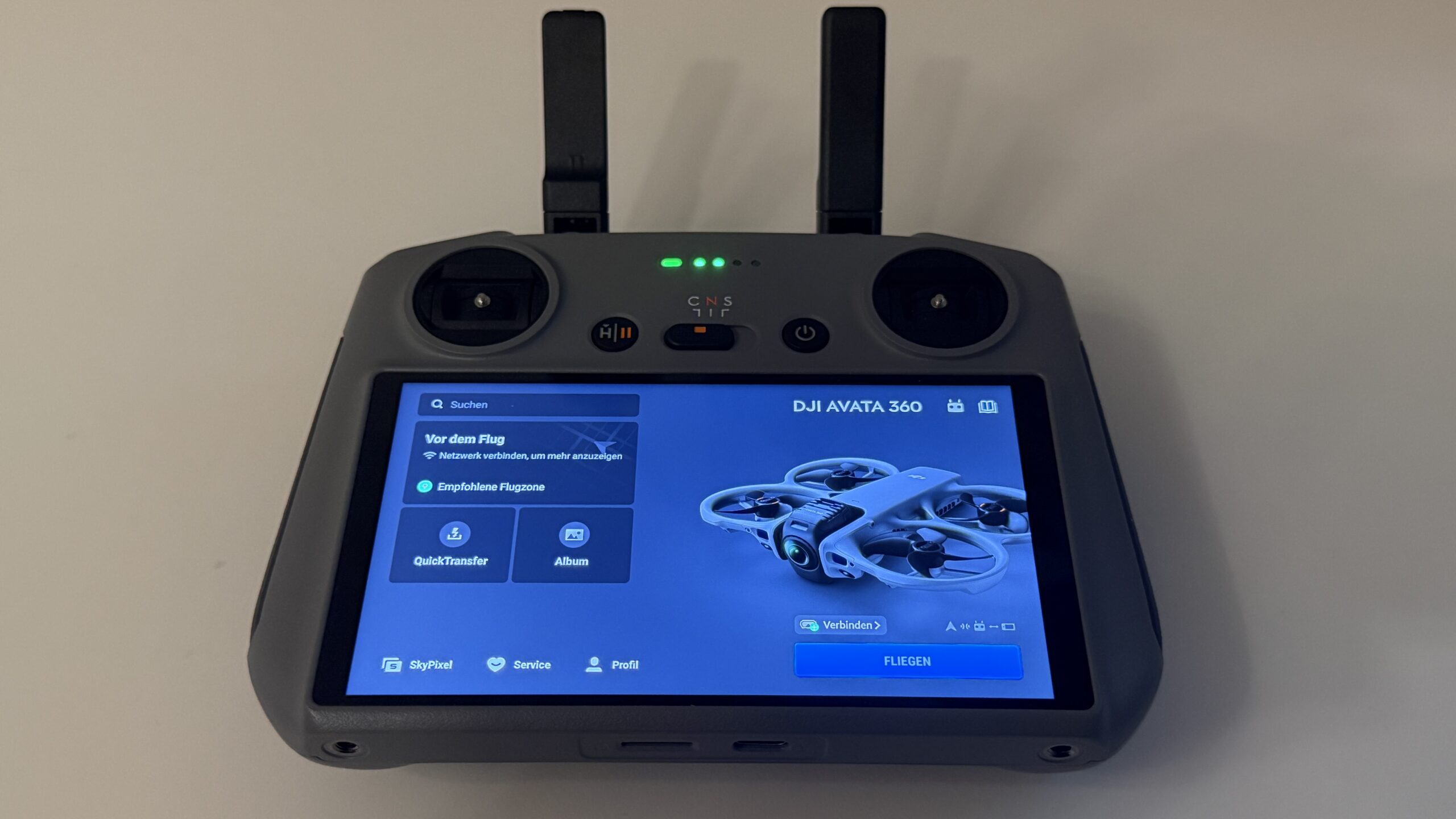
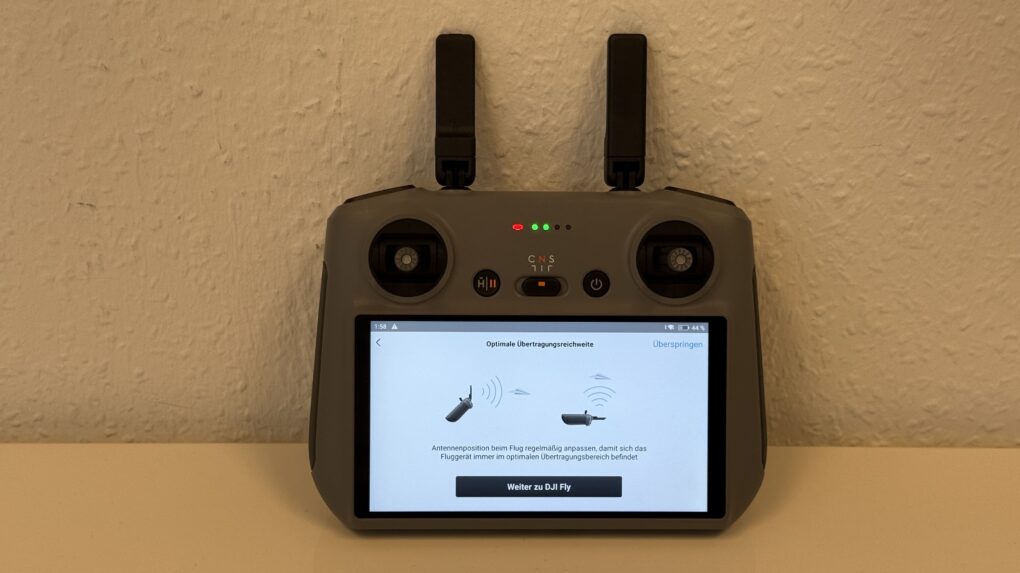
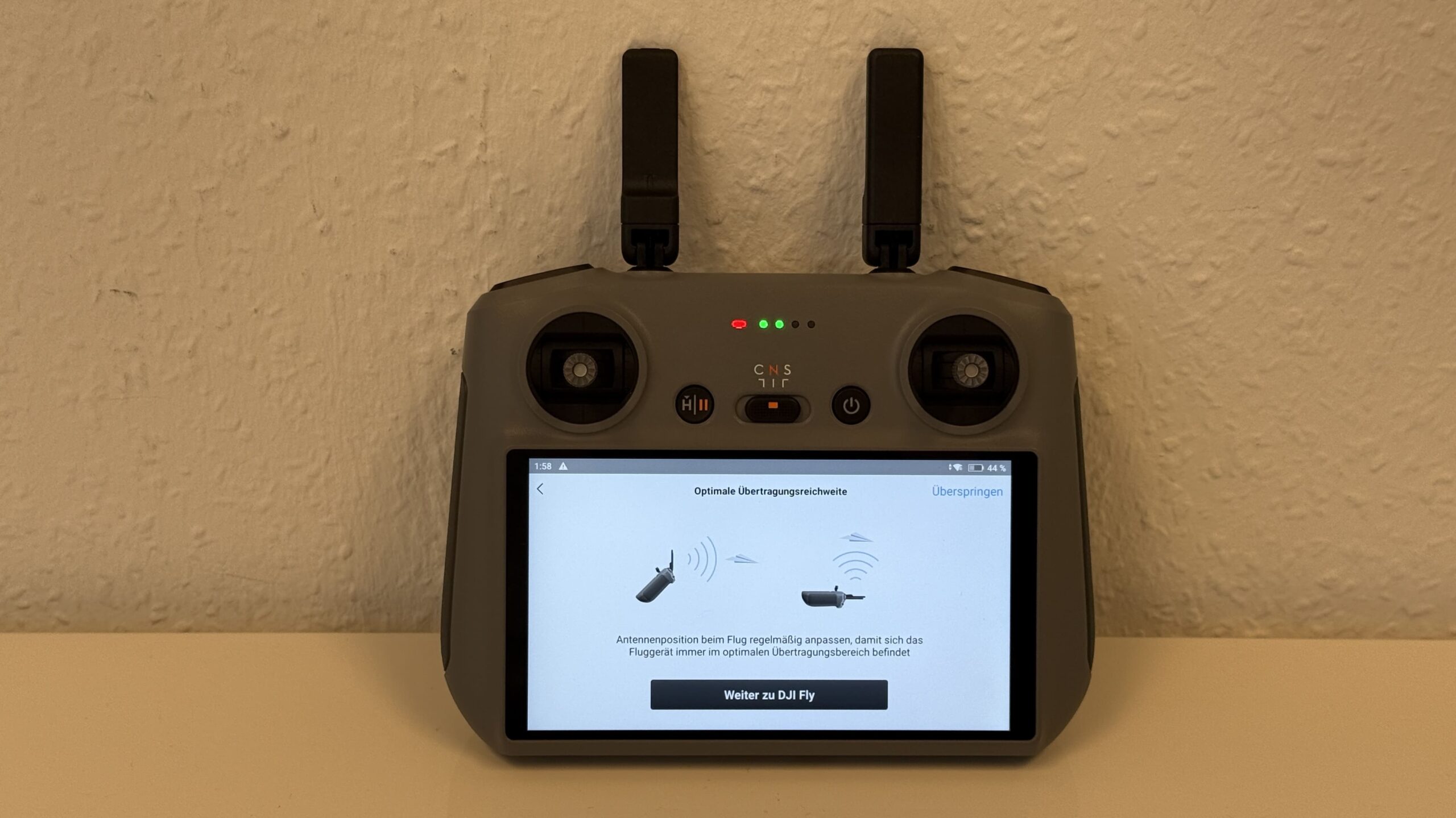
The Avata 360 comes bundled with the RC 2 remote control. This features an integrated 5,5-inch full-HD touchscreen with up to 60 FPS and a maximum brightness of 700 nits. As usual, the control sticks are detachable for easy transport and can be stored on the back between two programmable buttons. The RC's cooling fan is also located on the back. When switched on, it initially sounds like a warmed-up mini-computer, but this is barely noticeable once the remote has booted up. Booting up takes up to 30 seconds.proThe longest process is changing the drone's battery, switching it on, and pairing, which with a little practice each take less than 5 seconds. On the top of the remote control are two external antennas (two more are built-in), which should be pointed towards the drone for optimal transmission at ranges of up to 20 km. Next to these are two dials that control gimbal alignment and zoom. On the Avata, this means that in 360-degree mode, the field of view is digitally adjusted, and the gimbal only rotates in FPV mode. There are also two shoulder buttons for quick access to video or photo recording. The remote control has 32 GB of internal memory (approximately 21 GB available), which can be expanded via a microSD card on the underside.
-
- Picture: TechnikNews
-
- Picture: TechnikNews
-
- Picture: TechnikNews
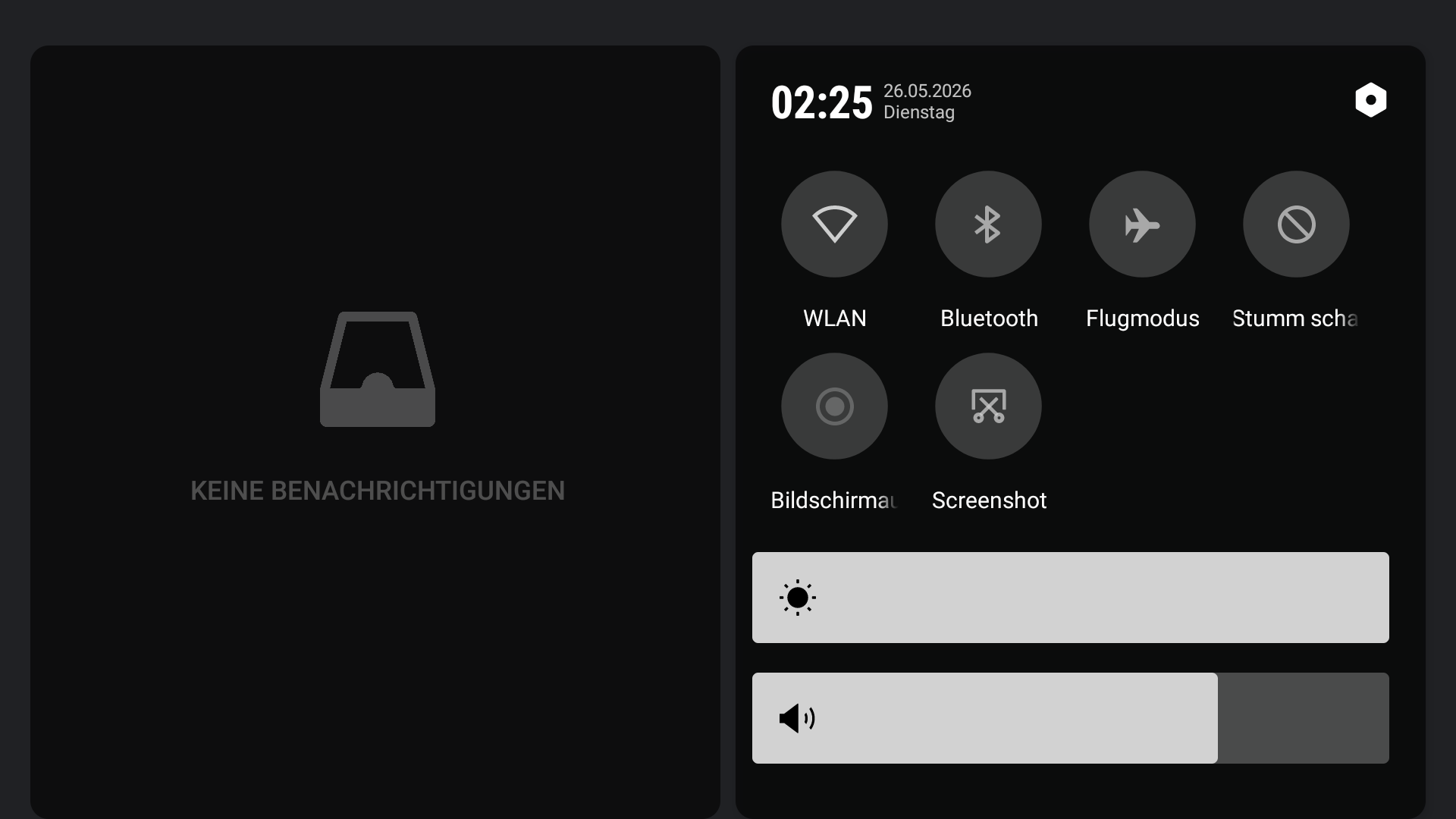
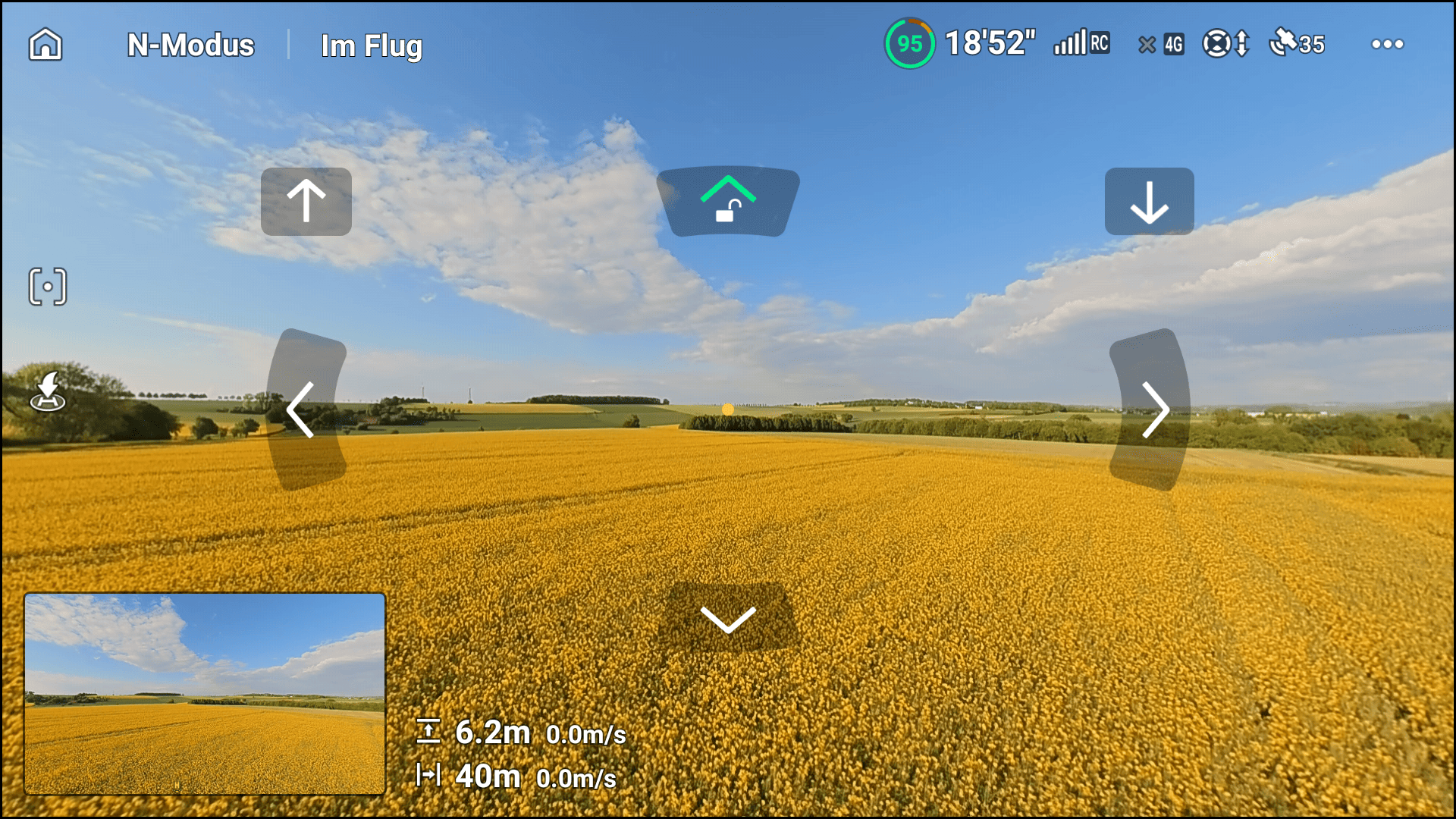
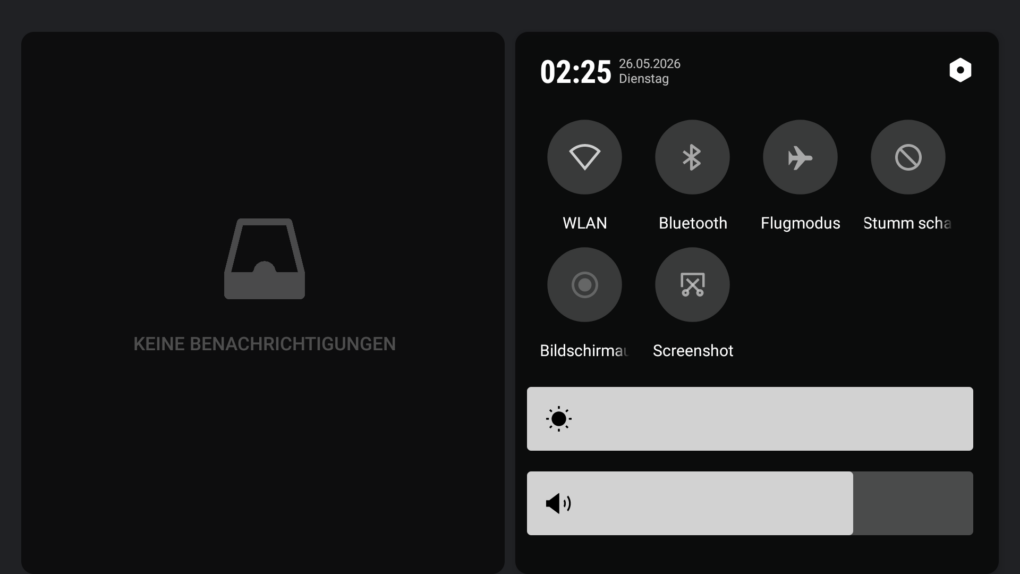
From a software perspective, we're essentially holding a smartphone in our hands. The DJI Fly app on the RC 2 is identical to the smartphone app. Screen brightness, screenshots, settings—everything that can be adjusted on the phone works here too, which is why we don't need the phone at all for flying. To save battery, the display can be switched off with a short press of the power button, while the controls continue to function normally. The only criticism of the RC 2: The software isn't always quite as smooth as on a smartphone.
The RC 2 fully charges in approximately 80 minutes and can then typically operate for up to three hours. However, the operating time depends on the intended use, for example, whether recording is being performed. When the battery level drops below 10%, a beep sounds (which can be acknowledged); below 5%, a non-deactivatable alarm sounds.
The Avata 360 is only available in the package with the RC 2 or RC Motion 3 remote control.
App
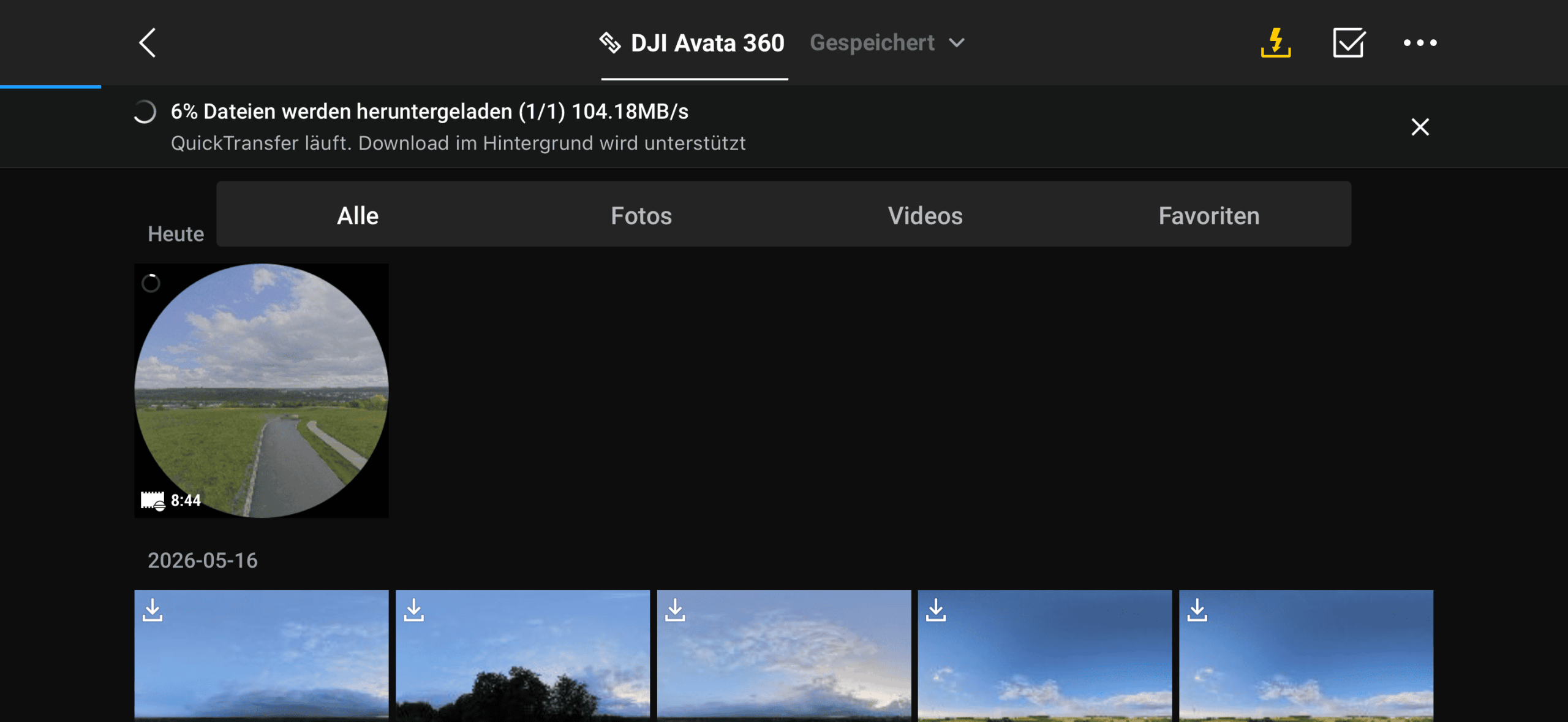
The DJI Fly app or the DJI Studio application allow for relatively easy and extensive editing of the recorded footage. Various tools are available for this purpose, but it takes some getting used to. The app on the RC 2 itself cannot be used for editing; a smartphone or tablet is required for that. DJI states that media can be downloaded at speeds of up to 100 MB/s using the app and a Wi-Fi connection – in our test, we even reached 104 MB/s. However, this only applies to downloading from the drone to the Fly app. Transferring the files from the app to the smartphone's gallery in the second step can take significantly longer.
Picture: TechnikNews
Price and availability
DJI has released the Avata 360 in official DJI online store Available in four packages. If this is your first drone, I recommend the package with the RC 2 remote controller for €719,00. If you already own DJI products and at least one RC-N2, the drone alone is sufficient for €459,00, including one battery. The Fly More Combo we tested, which includes three batteries, a charging station, the RC 2, and a carrying case with a landing pad, costs €939,00. The Motion Fly More Combo, which includes the RC Motion 3 and the Goggles N3 instead of the RC 2, also costs €939,00.
Many thanks to DJI Germany for providing the Avata 360 for testing. This did not influence our opinion!