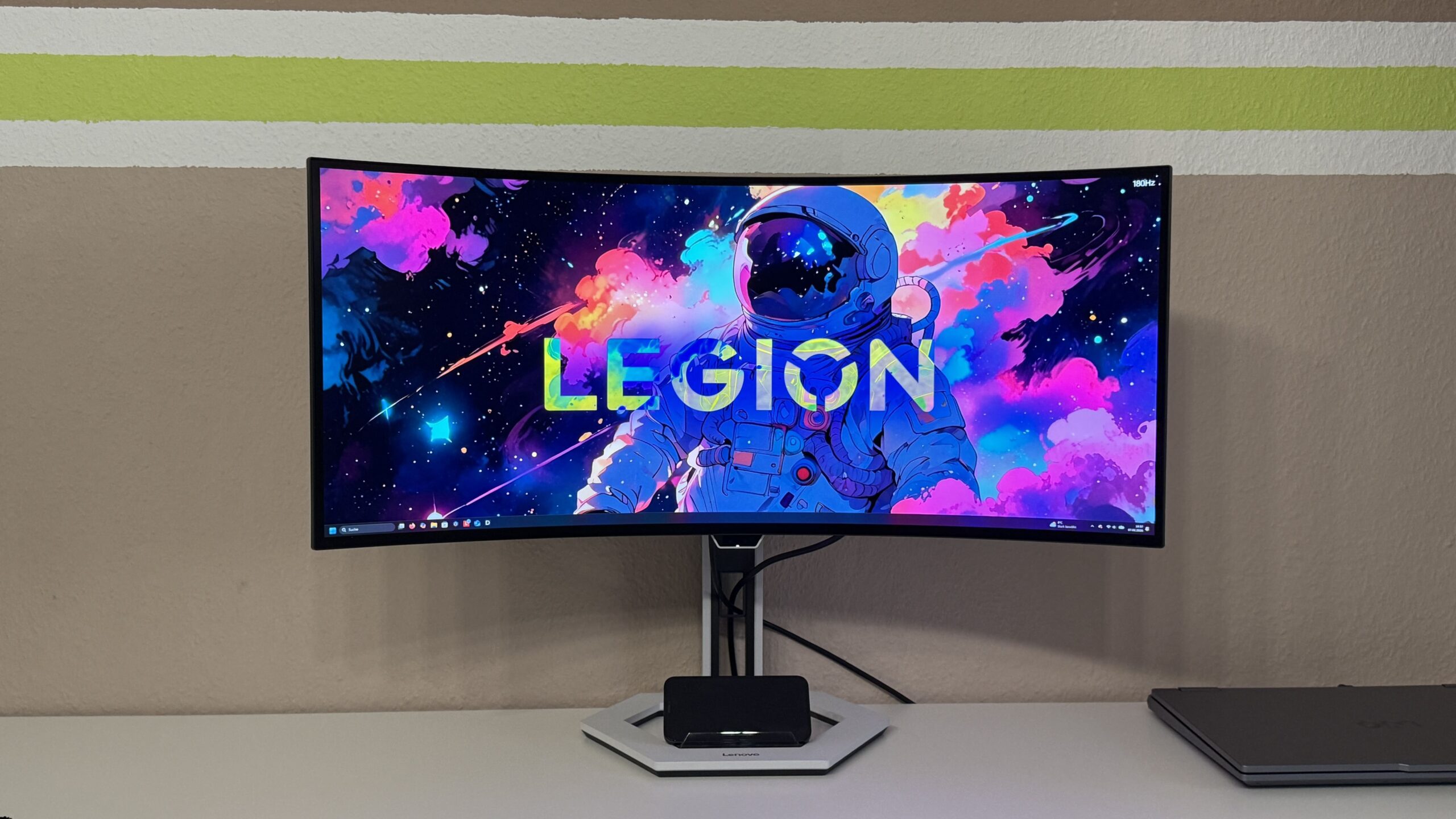
The Lenovo Legion Pro 34WD-10 is Lenovo's flagship ultrawide monitor. In addition to its already excellent specifications, numerous features are designed to further enhance the user experience. Why this doesn't always work, and much more, is explained in the following review.
tl; dr
The Lenovo Legion Pro 34WD-10 truly shines where it matters most: its panel. The 34-inch OLED display with 3440 x 1440 pixels, a 240 Hz refresh rate, a 0,03 ms response time, and native 10-bit color delivers outstanding image quality with excellent motion handling and strong contrast. For gaming and multimedia, its performance clearly places it in the top tier.
The monitor is also very well equipped in terms of connections and functions: HDMI 2.1 including eARC, USB-C with 140 W, KVM switch as well as True-Split, BiB and BnB make it versatile – from gaming setups to multitasking workstations.
There are some drawbacks with certain additional features. The intelligent user recognition doesn't always work flawlessly, the RGB lighting remains visually understated, and the software offers only limited profile customization.
In summary, the Legion Pro 34WD-10 is a powerfully equipped OLED flagship with outstanding picture performance. Minor weaknesses lie more in the details than in the core features.product.
screen
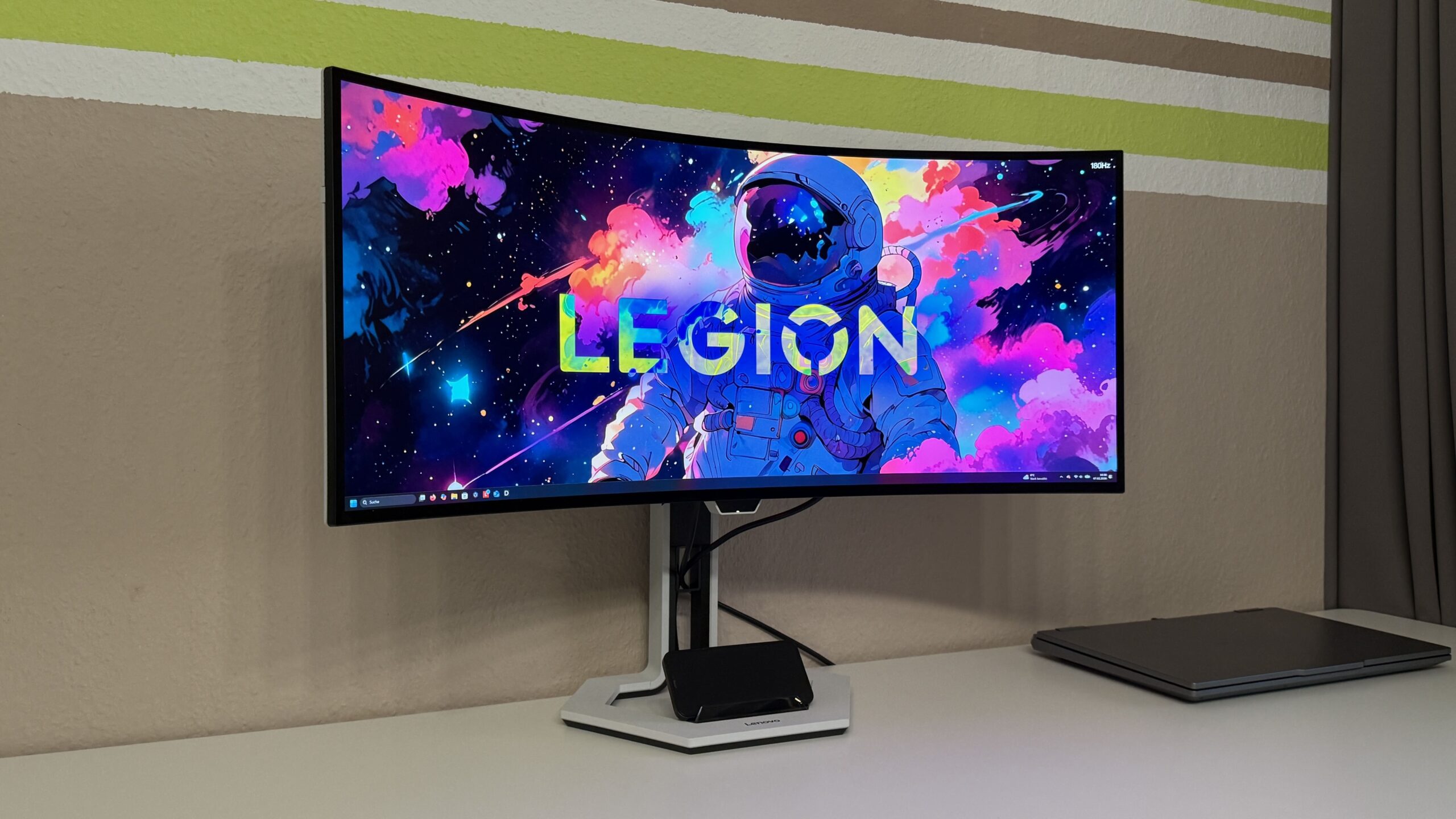
Image quality is crucial for a monitor, and Lenovo delivers impressively in this regard. It's almost difficult to start with the best, but let's take it step by step. On a 34-inch OLED screen, you get a 240 Hz refresh rate at a resolution of 3440 x 1440 (WQHD). This is complemented by a 0,03 ms (GtG) response time and true 10-bit color depth – no cheating by using 8-bit + frame rate control. So, we have a technological masterpiece on paper, which is reflected in reality. Combined with HDR TrueBlack 400 and ClearMR 13000 certifications (extremely low blurring during fast motion), there should be little left to be desired. The viewing angle doesn't significantly impact the image quality, which is a definite plus when using the monitor with someone else.
The only negative point to report was that our screen exhibited some streaking once. However, this was quickly resolved thanks to the simple screen refresh function and hasn't recurred since.
Connections
Theoretically, such a large case could accommodate many ports. Lenovo has put that theory into practice.
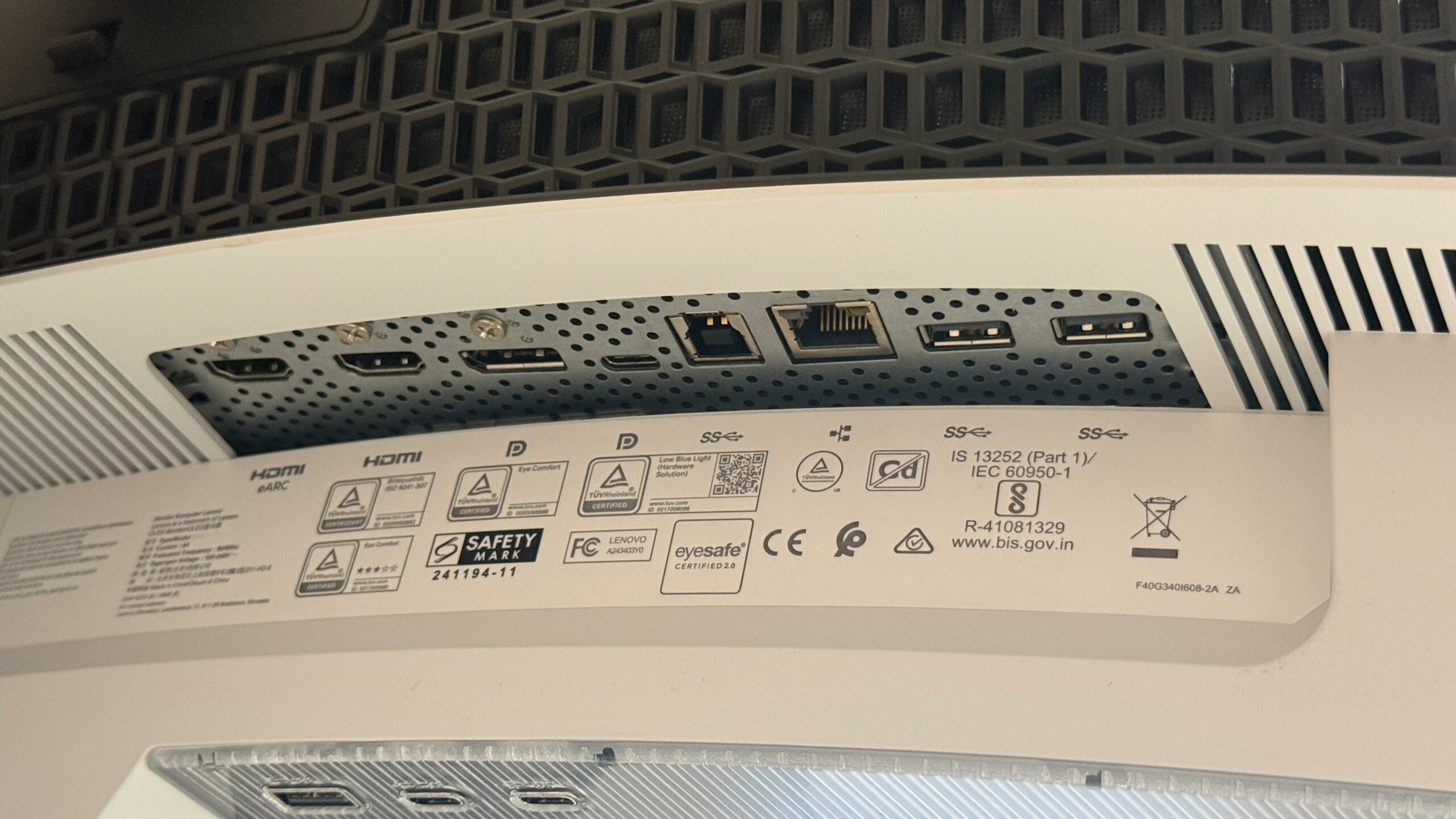
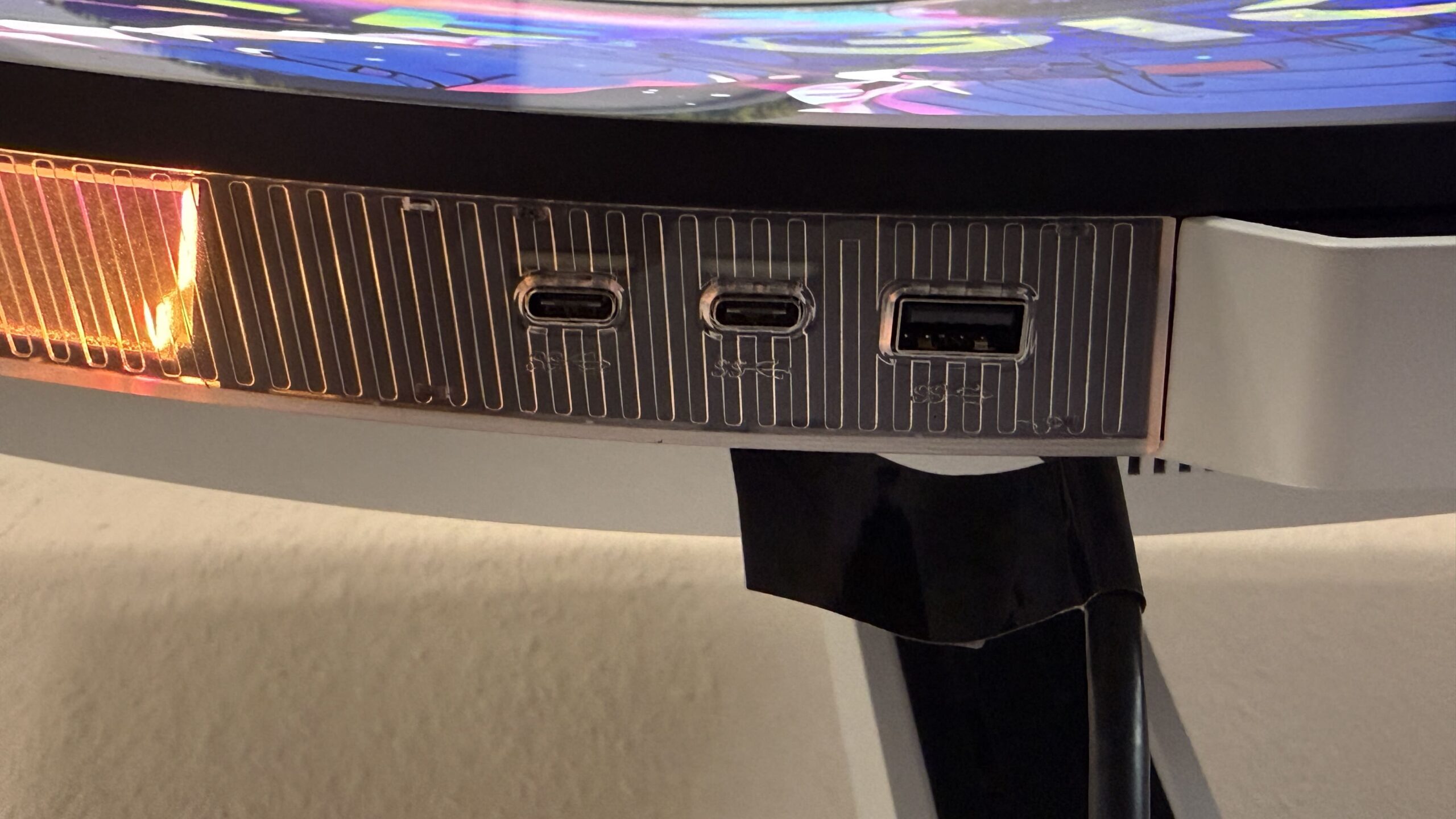
From right to left: HDMI 2.1 (eARC), HDMI 2.1, DisplayPort 1.4, USB-C (DP1.4), USB-B, Ethernet, 2x USB 3.2 Gen 1 Type-A
These include: USB 3.2 Gen 1 Type-A, 2x USB Type-C
So, no expense has been spared here either. It features USB 3.2 Type-A, USB Type-C with up to 140W power, and the eARC port, which, in conjunction with an external sound system, can transmit and further enhance the sound from various sources via a single cable.
Top Features
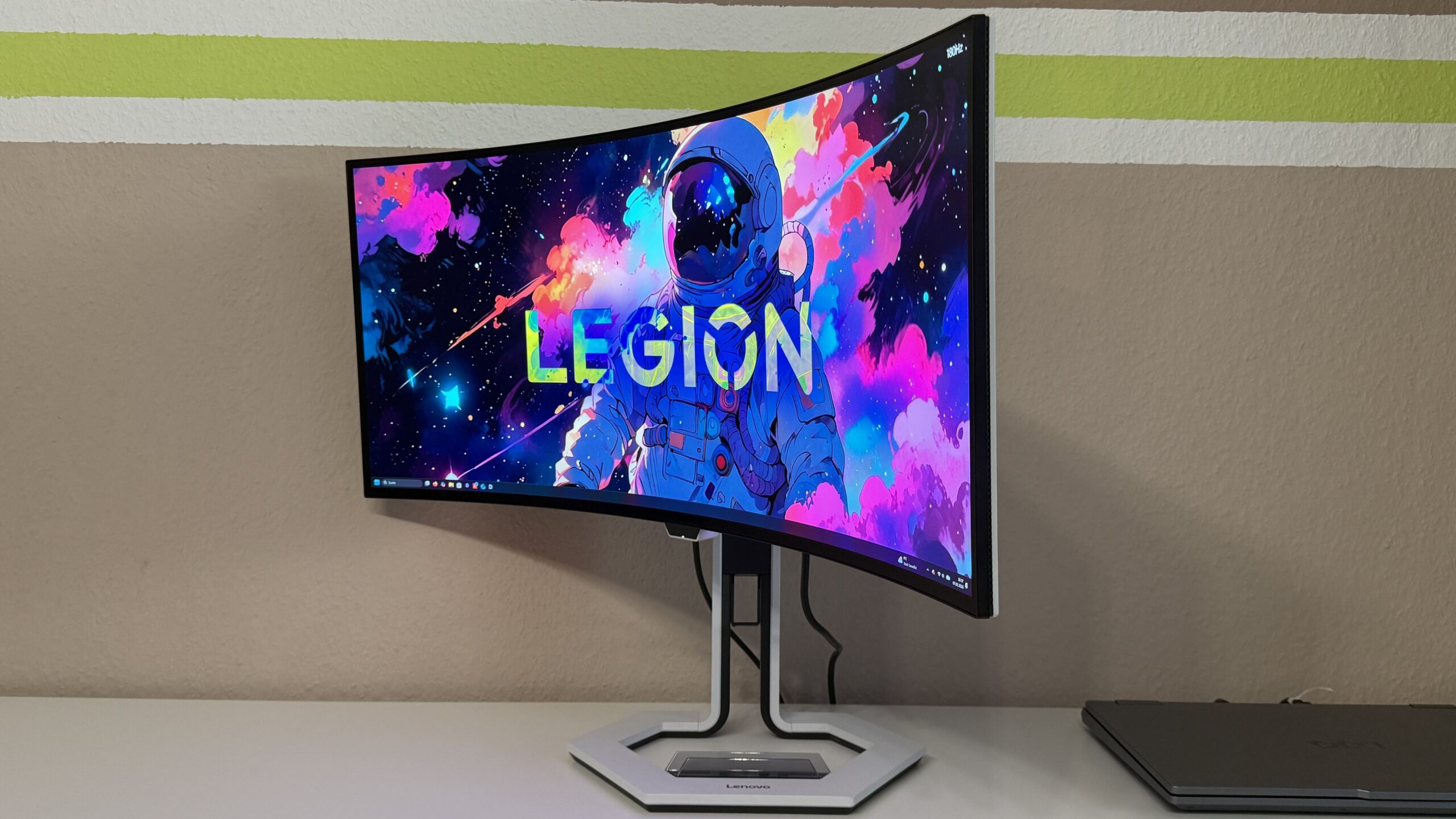
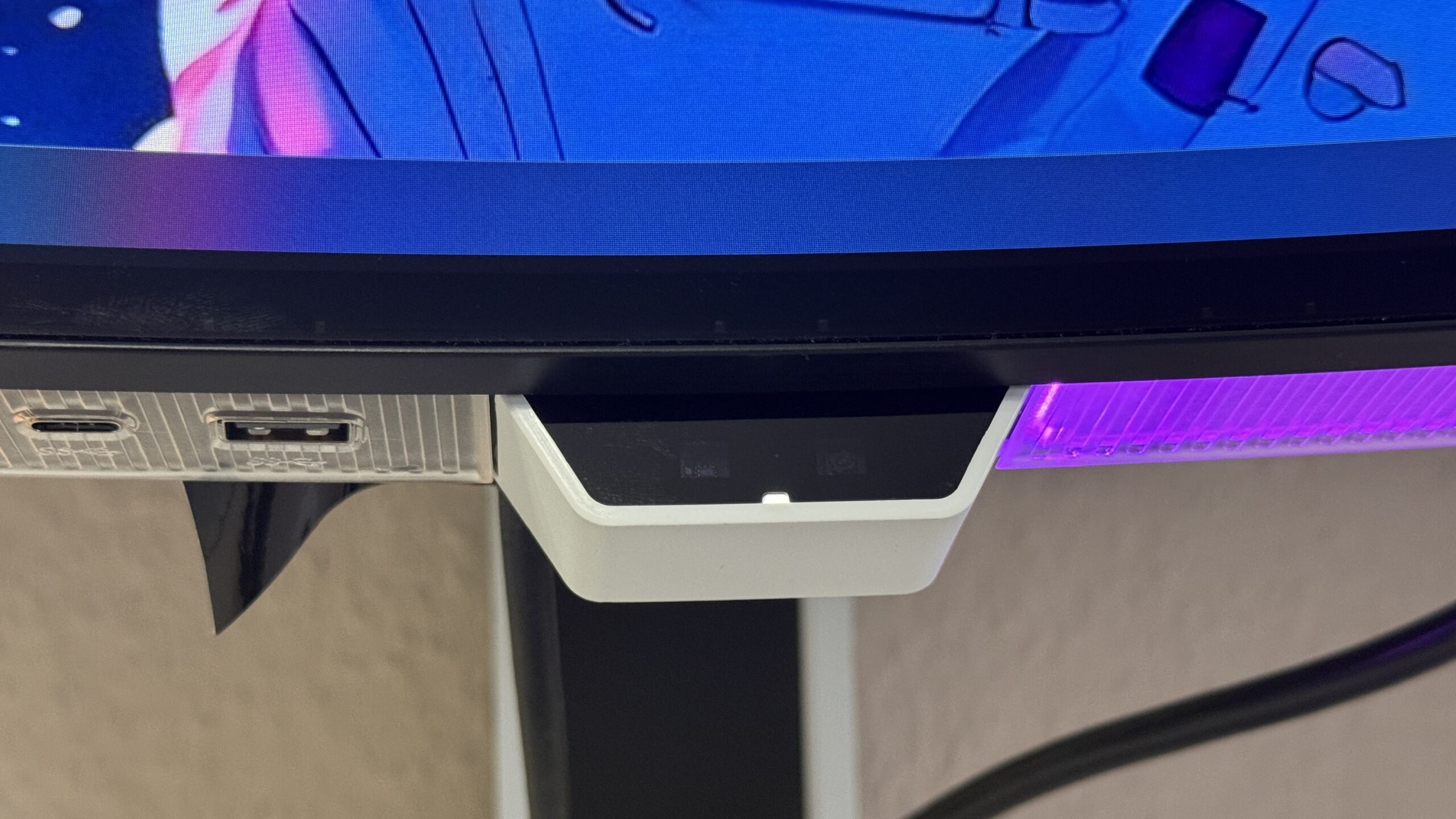
You've probably also noticed that "nose" in the middle below the display. This houses the ambient light sensor. Just like a smartphone, this allows the monitor to adjust to the outside light conditions. So, when it gets dark, the brightness is automatically dimmed to reduce eye strain. This generally works reliably, but I find the automatic adjustment a bit too hesitant at times.
Also housed within this casing is the so-called "Intelligent User Identification." In theory, this feature should dim the screen after 5, 10, or 15 minutes to save energy when activated. In practice, when selecting the 5-minute setting, the screen goes completely black for a few seconds and then turns back on. The behavior is different with the adjustable 15-minute setting; here, the screen actually dims and remains that way until the user sits down in front of it again.
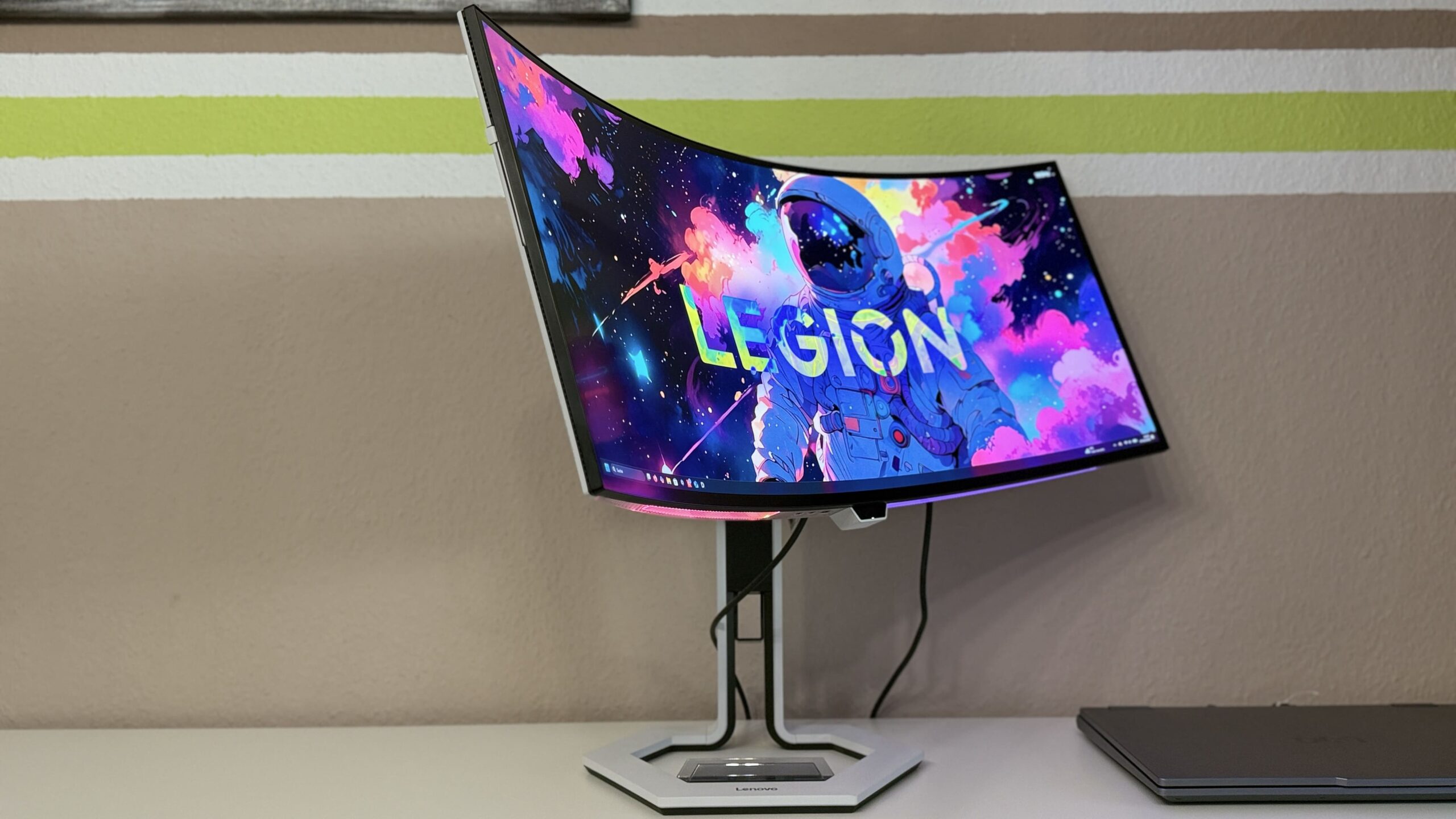
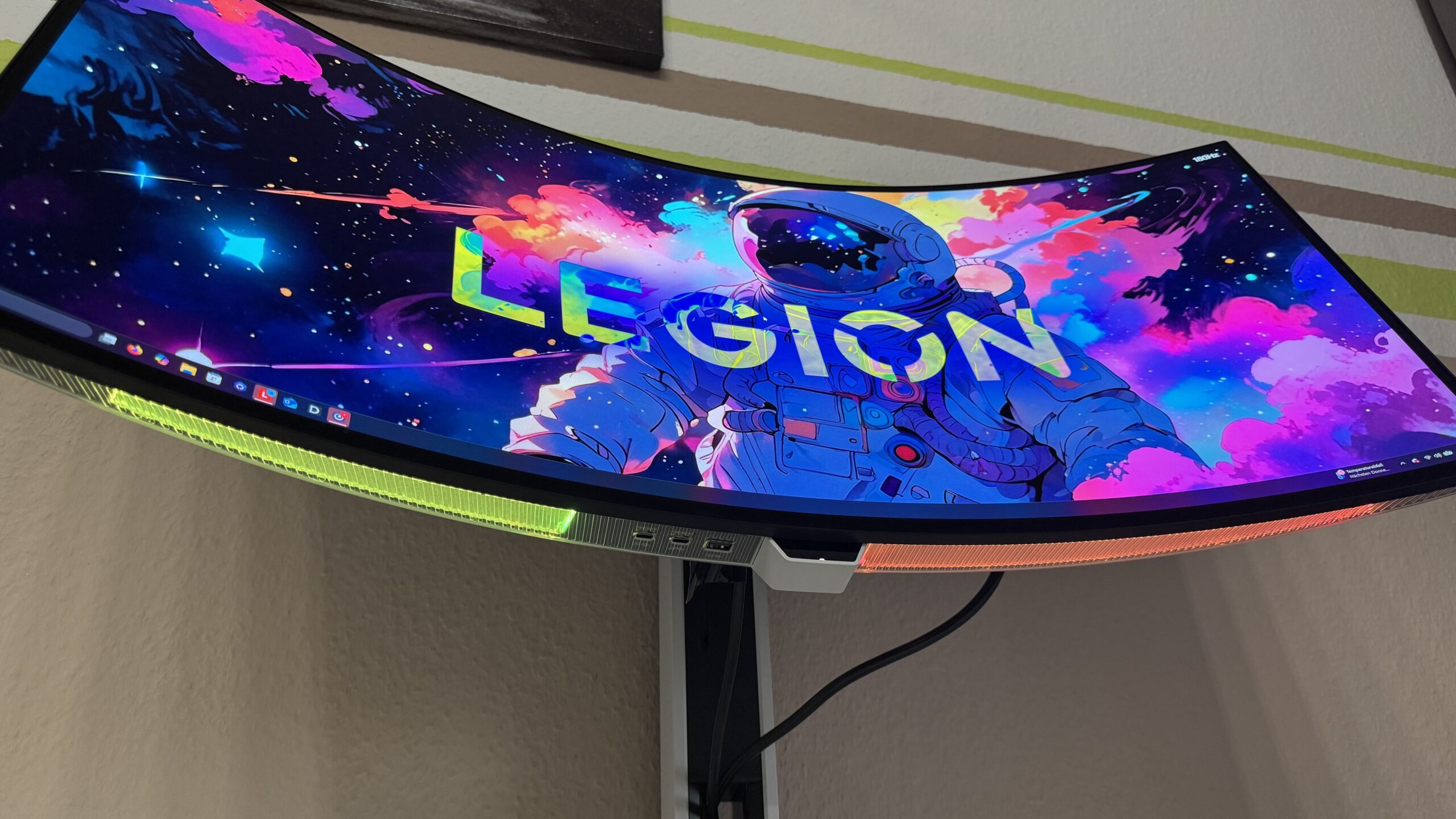
The RGB lighting, adjustable in preset modes, could have been omitted. While it looks nice, this is only noticeable when viewed from below. The light is far too dim to be perceptible on the table, and it becomes even less visible with every centimeter of height adjustment of the stand.
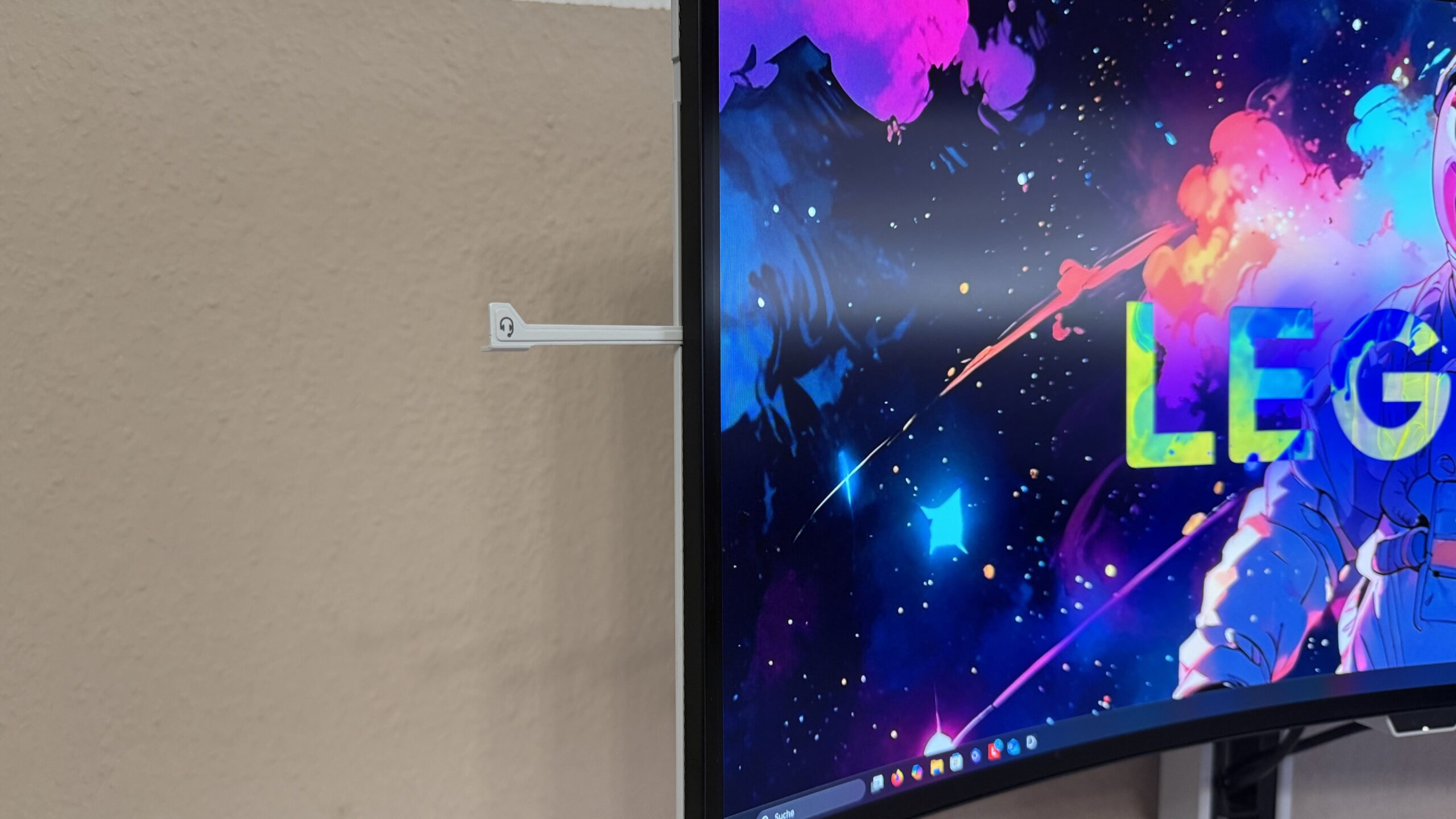
I actually find the headphone hook very useful and well-designed. It can be easily unfolded when needed and folded back in securely. The phone holder also works well. It's just a plastic tray and doesn't charge wirelessly, but it's a nice feature. I would just recommend lining the holder with felt or something similar so that every vibration from a notification doesn't cause an acoustic earthquake.proPositive acoustics: The two built-in 5W speakers are not a sound marvel and lack depth, but they are definitely better than laptop speakers.
Software
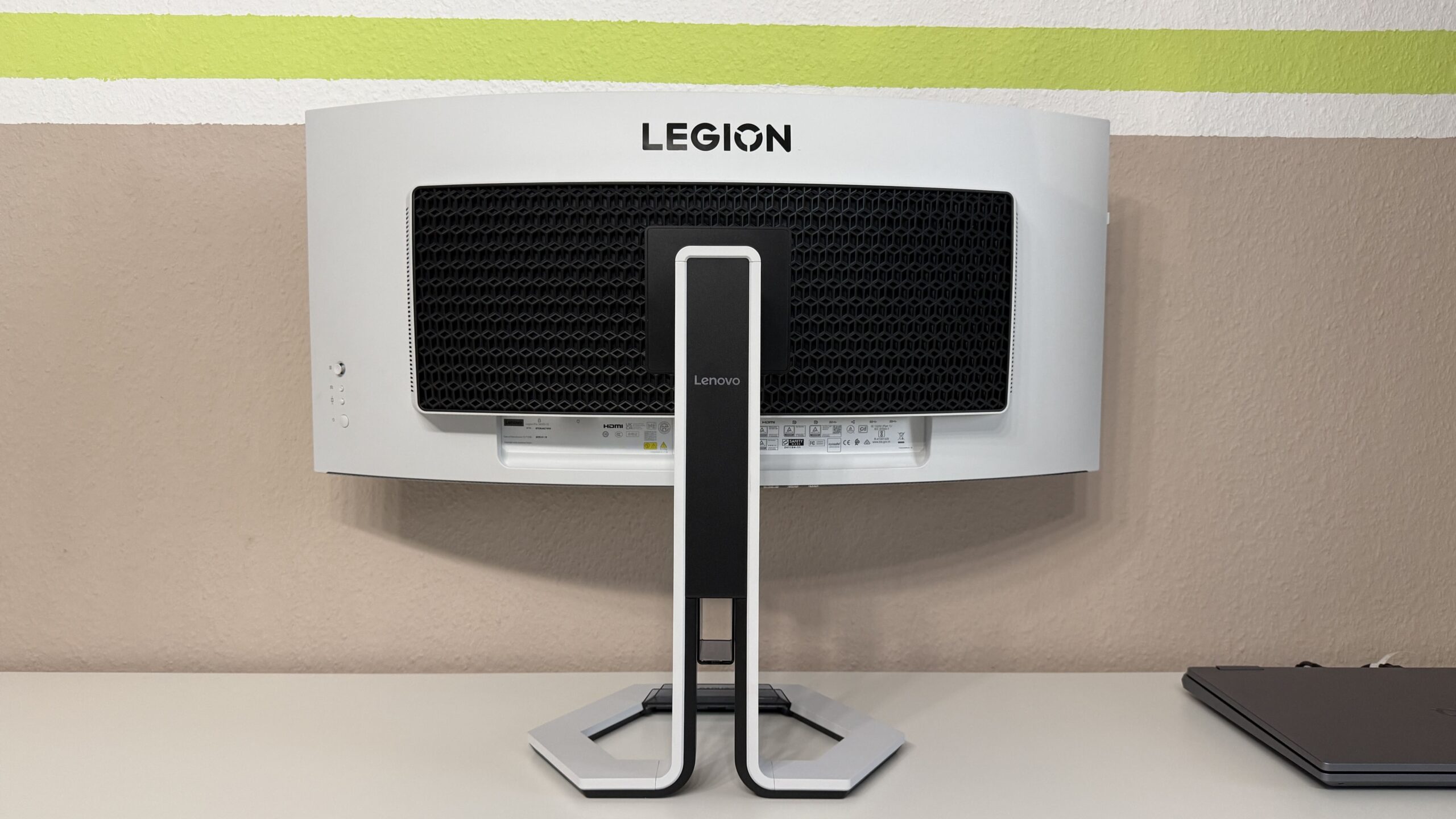
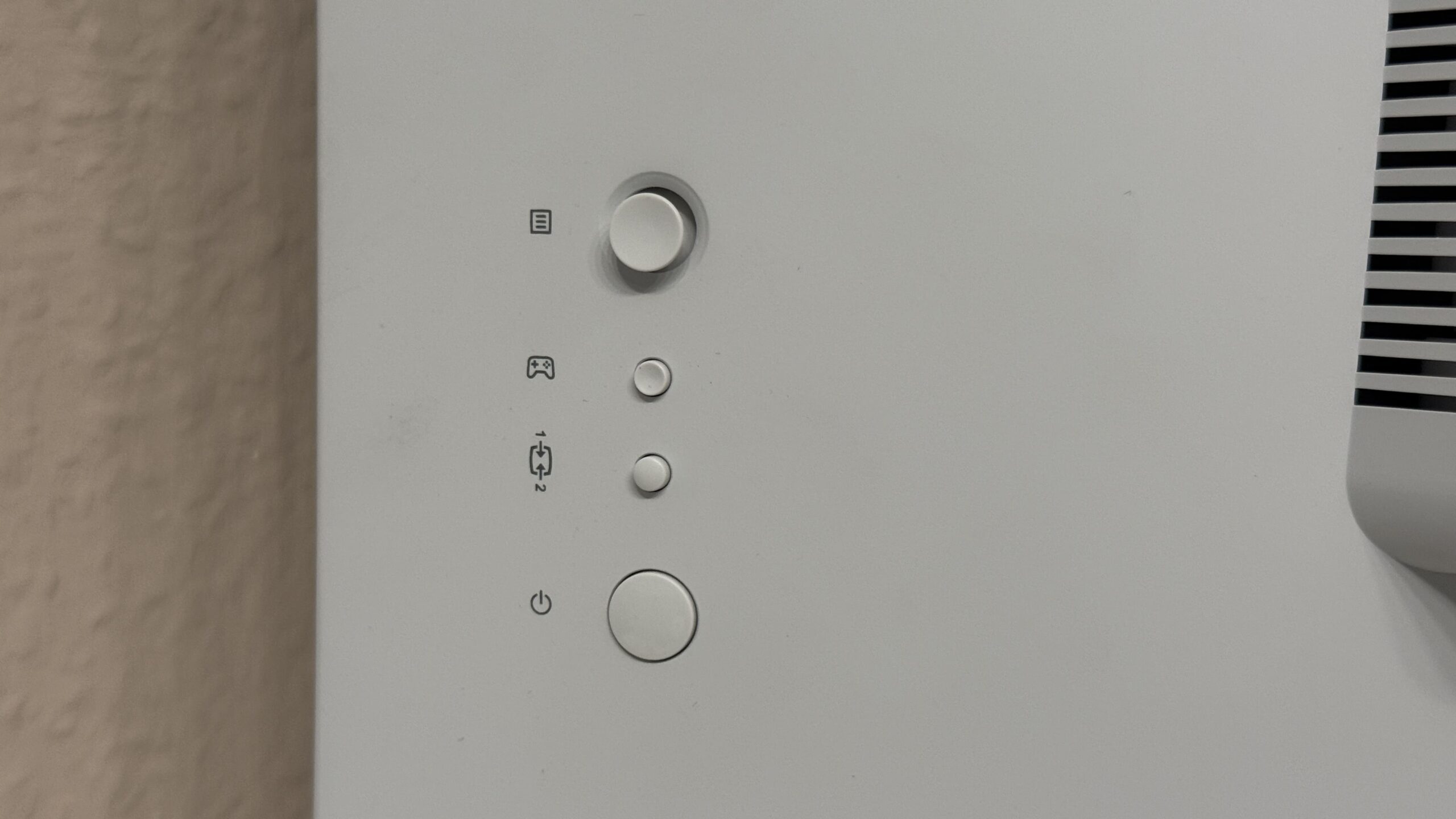
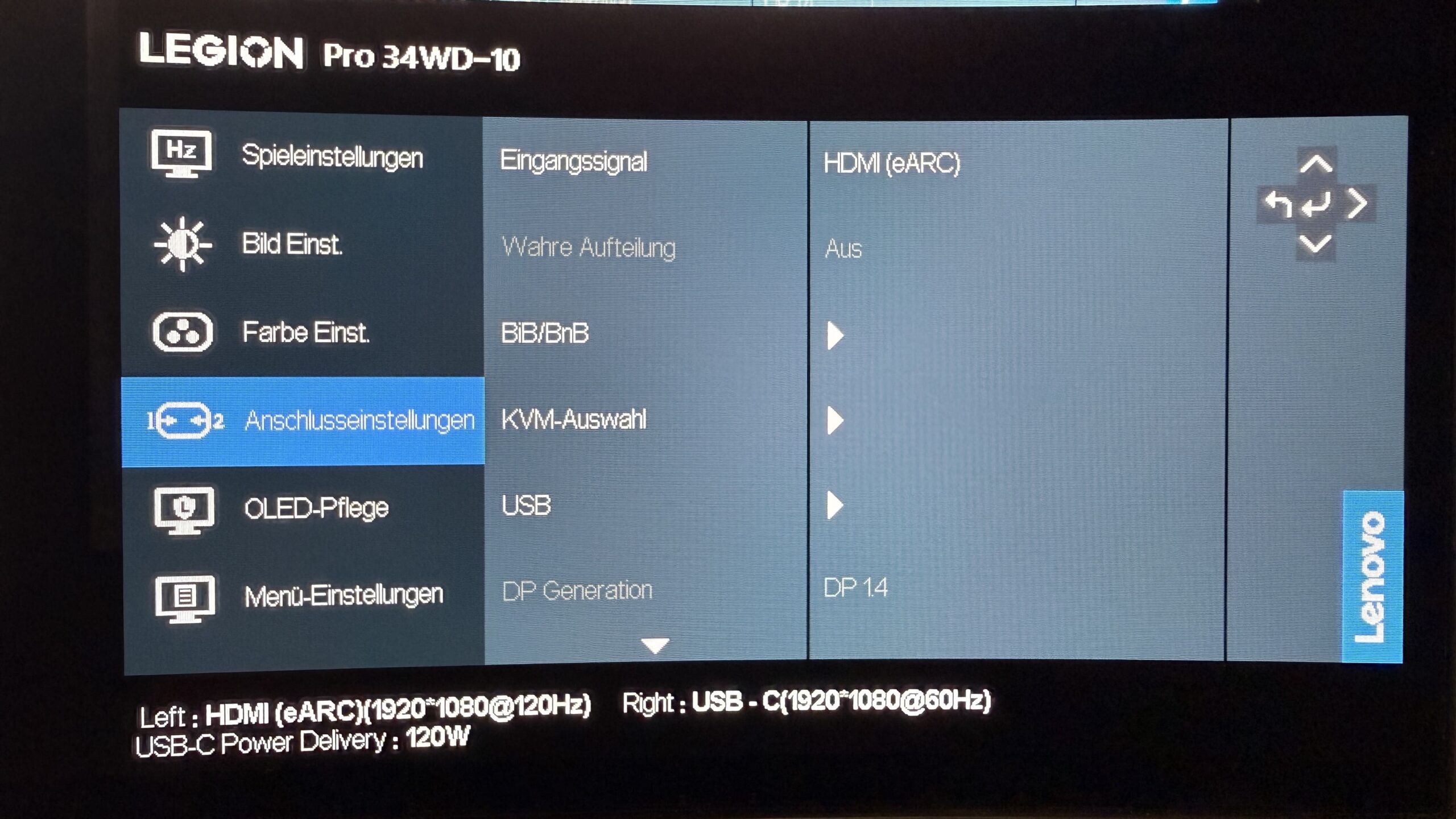
In addition to the standard monitor menu, which is navigated using the joystick on the back, Lenovo also offers downloadable software (1,75 KB). The so-called "Lenovo Display Control Center" can do everything the monitor menu can, but in some cases, it's a bit more user-friendly. There are no delays in executing commands with either option. There's not much to criticize. My only gripe is the limited configuration, with only two user-configurable profiles. For these two profiles, only brightness and contrast can be adjusted individually. There's no way to adjust color settings, display options, or screen layouts.
True split, BiB, BnB and KVM switch...
… all this is possible with widescreen, but what does that actually mean?
True-Split: Lenovo turns one monitor into two completely independent displays for Windows. For example: A game is played on the left half, while a walkthrough plays on the right.
Picture-in-picture (PiP): Two content sources are displayed on one screen. Example: Excel runs across the entire monitor and is displayed in one of the four corners. proYou project the data onto your mobile phone using a template.
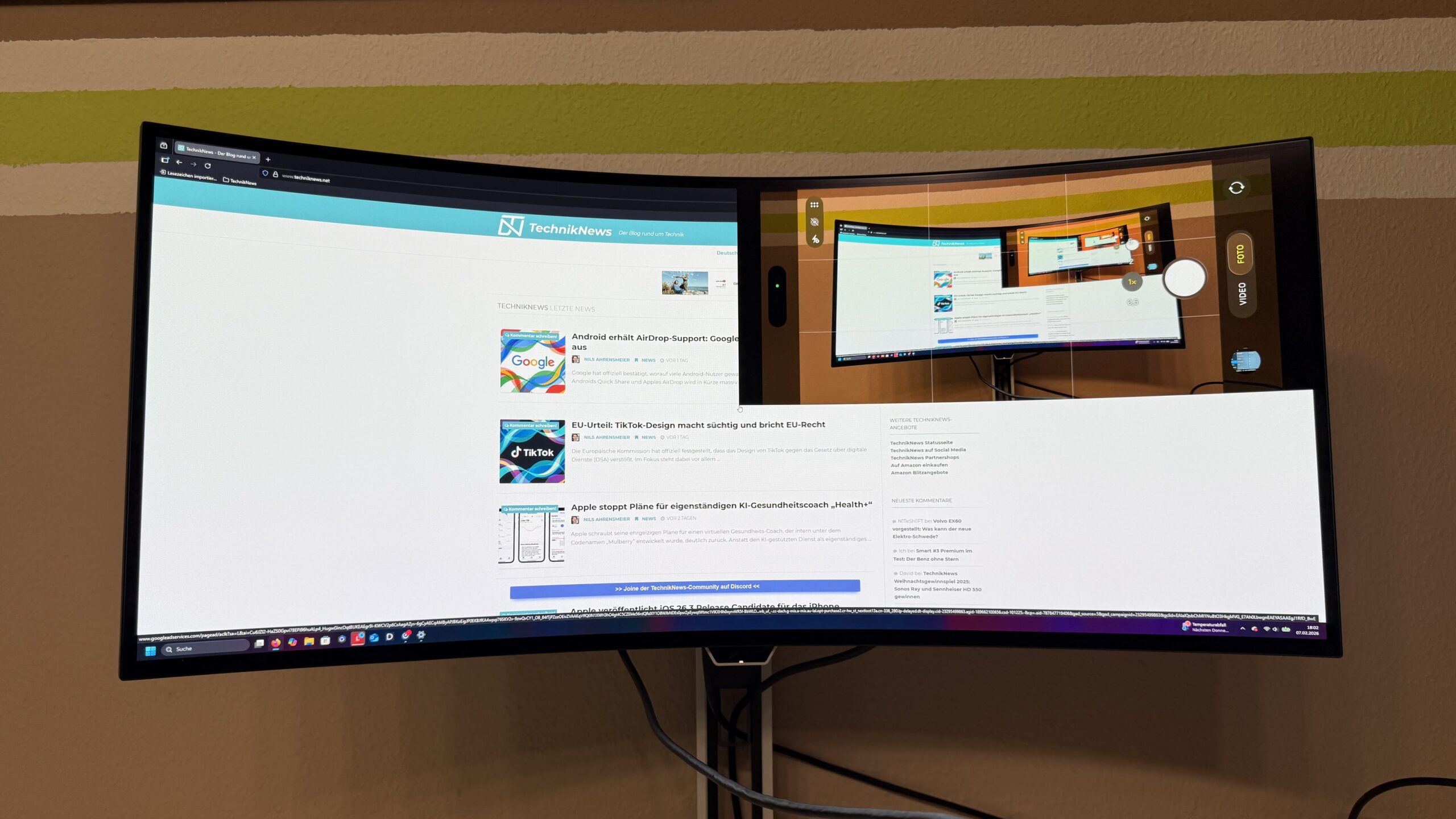
Picture-by-picture (PnP): Two content sources are displayed on one screen. This time, however, they are not overlapping, but side-by-side in a 1:1 or 3:1 ratio. Example: Two computers are connected and one plays a racing game against the other, or one surfs the web on a mobile phone while watching a YouTube video.
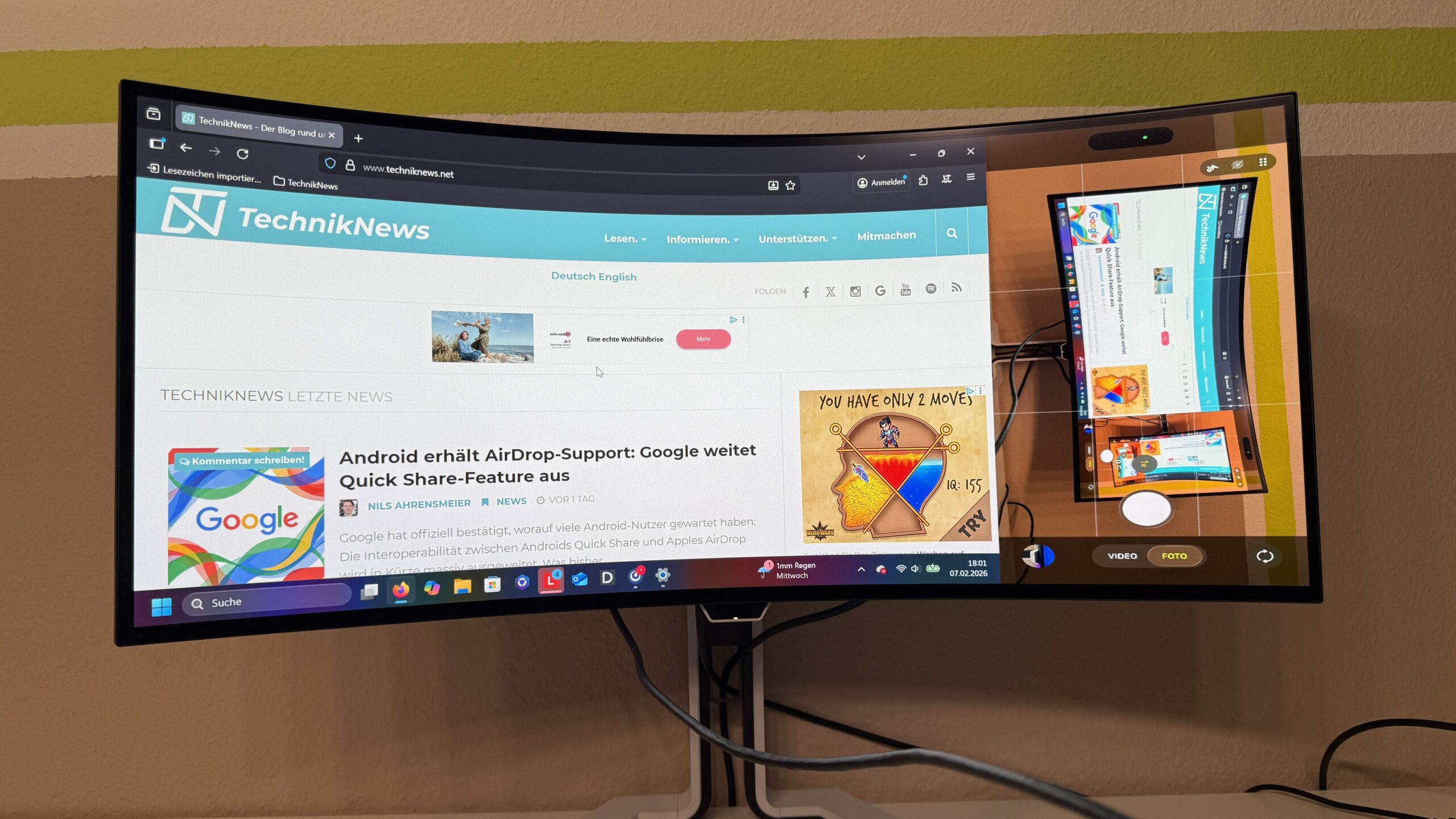
KVM switch: One peripheral device can be used for two devices. For example, a PC and a laptop are connected to the monitor. With the KVM switch, you can choose which device you want to control with your keyboard and mouse.
stand
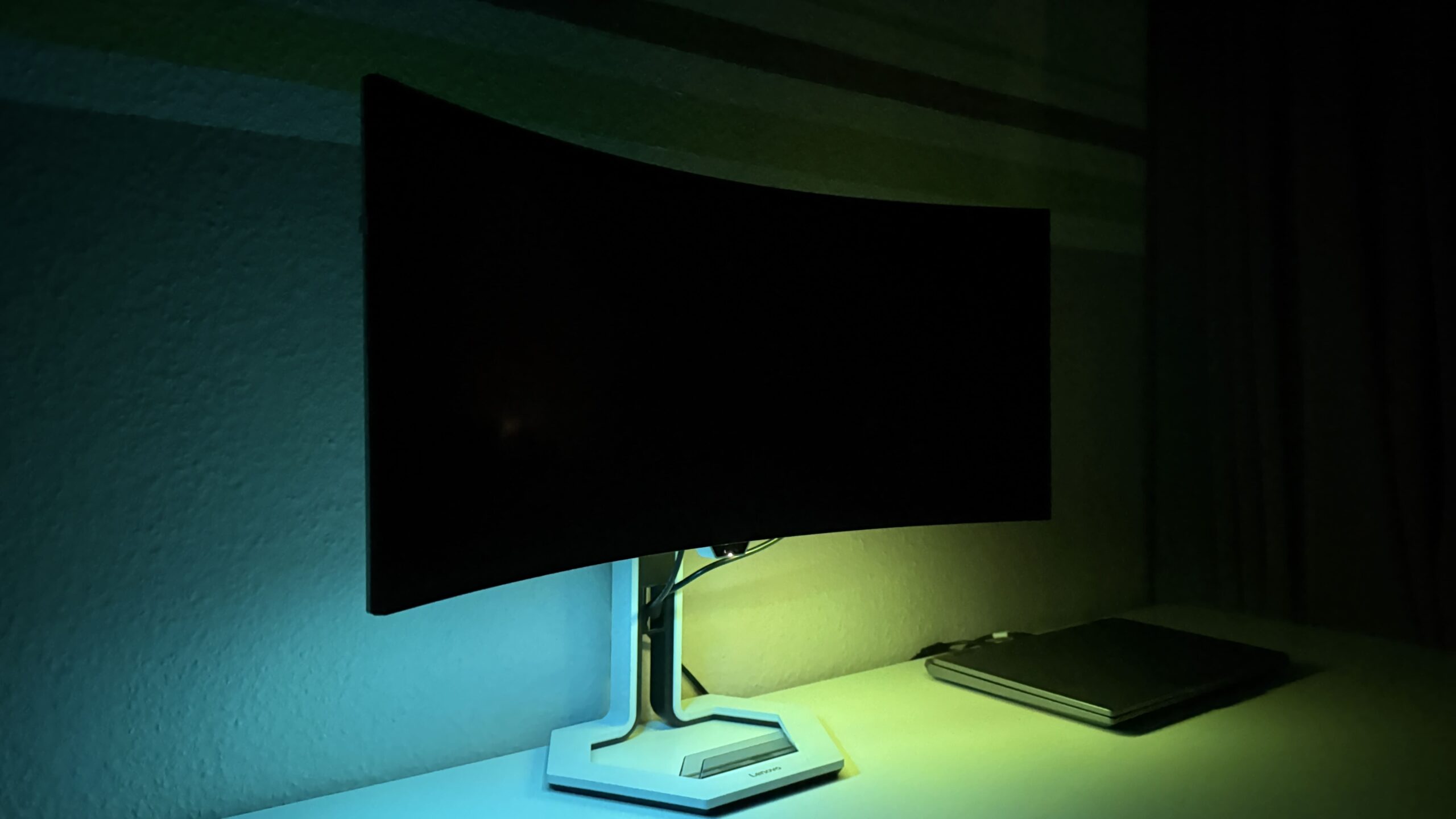
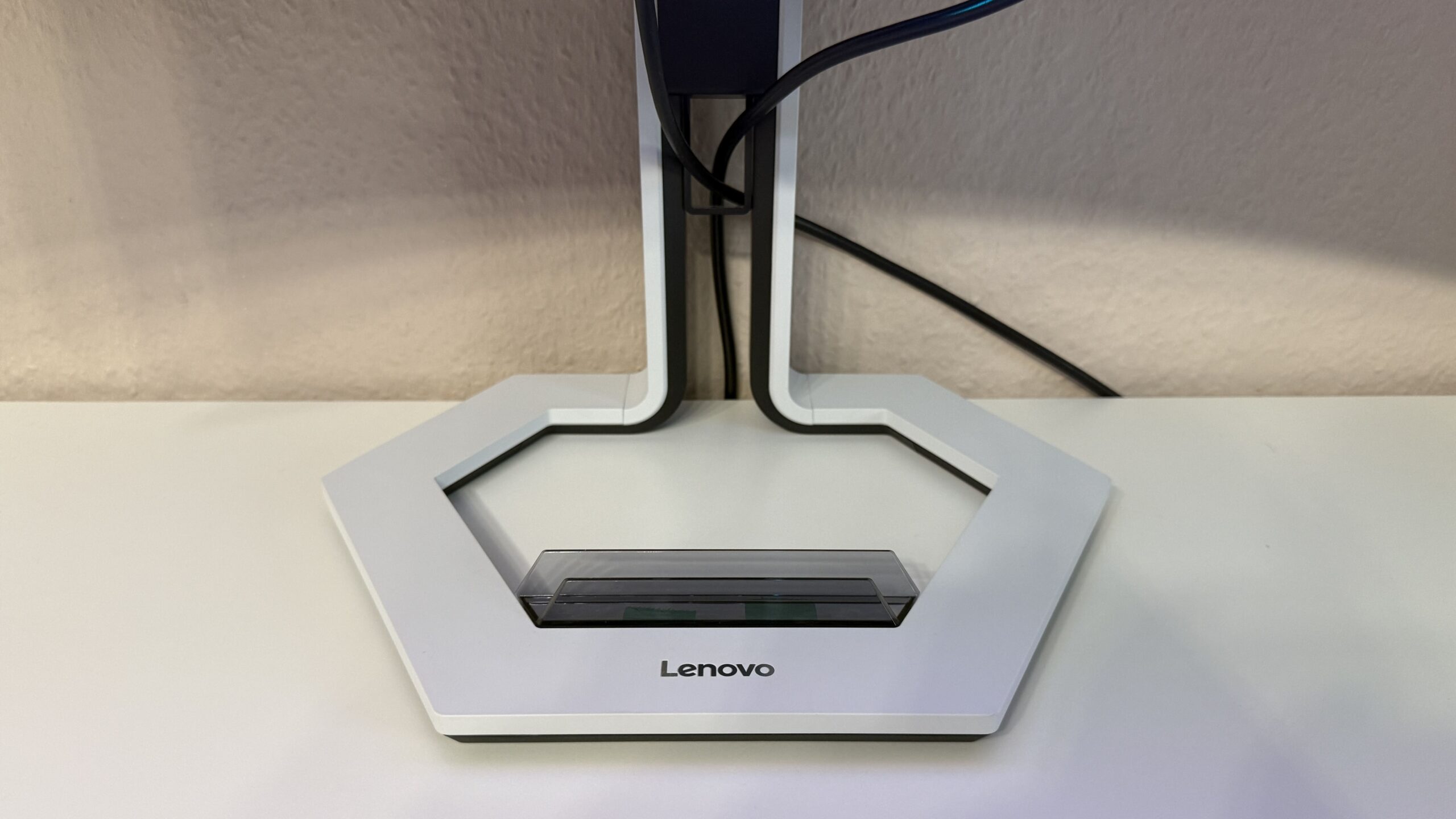
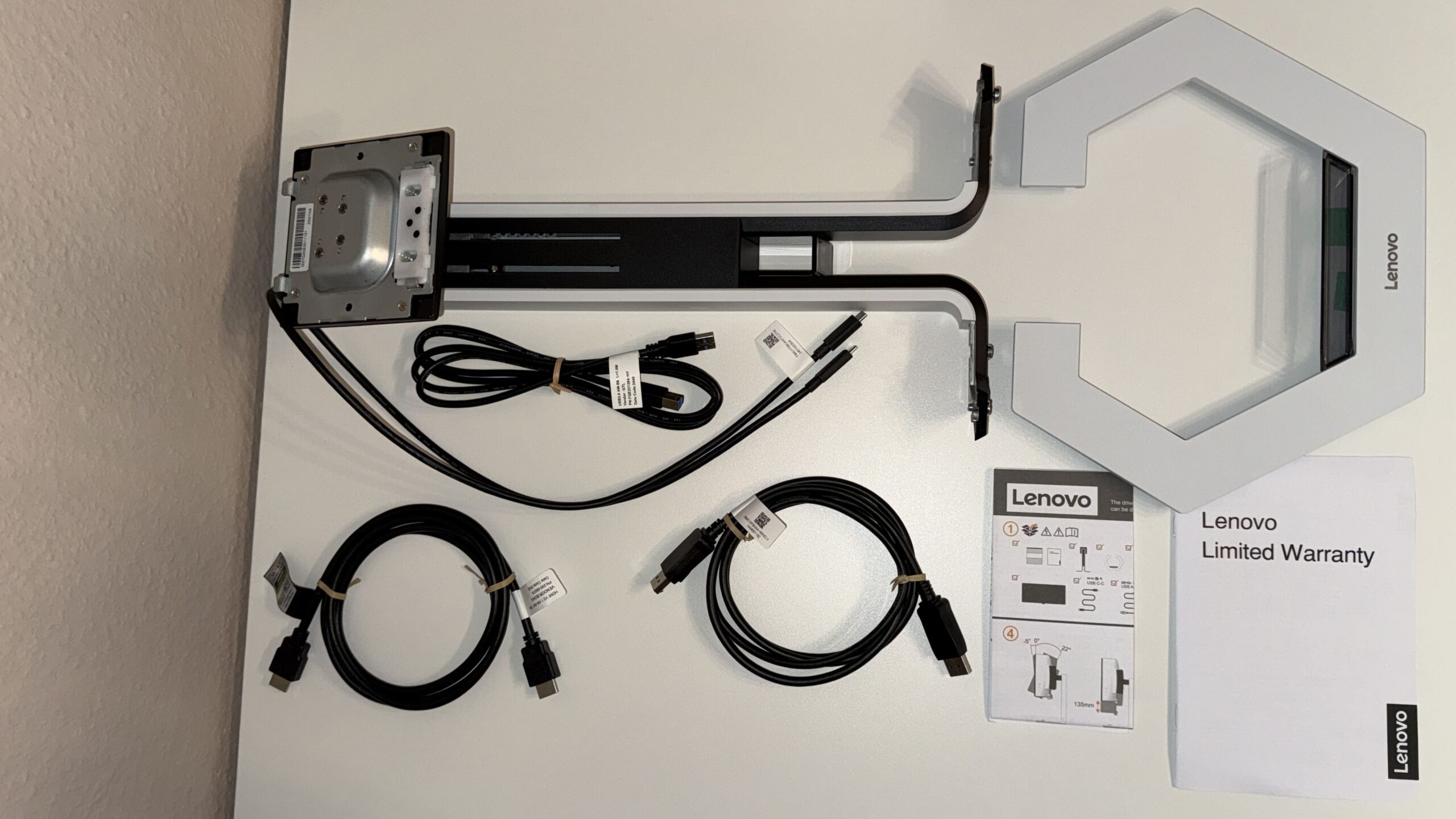
Visually, the hexagonal stand is rather simple. I find the combination of white and black, with the curved lines leading to the monitor arm and the understated "Lenovo" logo, quite stylish. The stand measures 42,5 cm high x 32,5 cm wide x 24,5 cm deep. Thanks to the flexible stand with integrated cable management, the monitor offers the following adjustment options: tilt (-5°/22°), swivel (+45°/-45°), and height adjustment (135 mm). All of these adjustments are easy to make – except for the height adjustment, which requires a bit more force. Otherwise, the rubberized base remains securely in place on the desk, even when the monitor's position is changed.
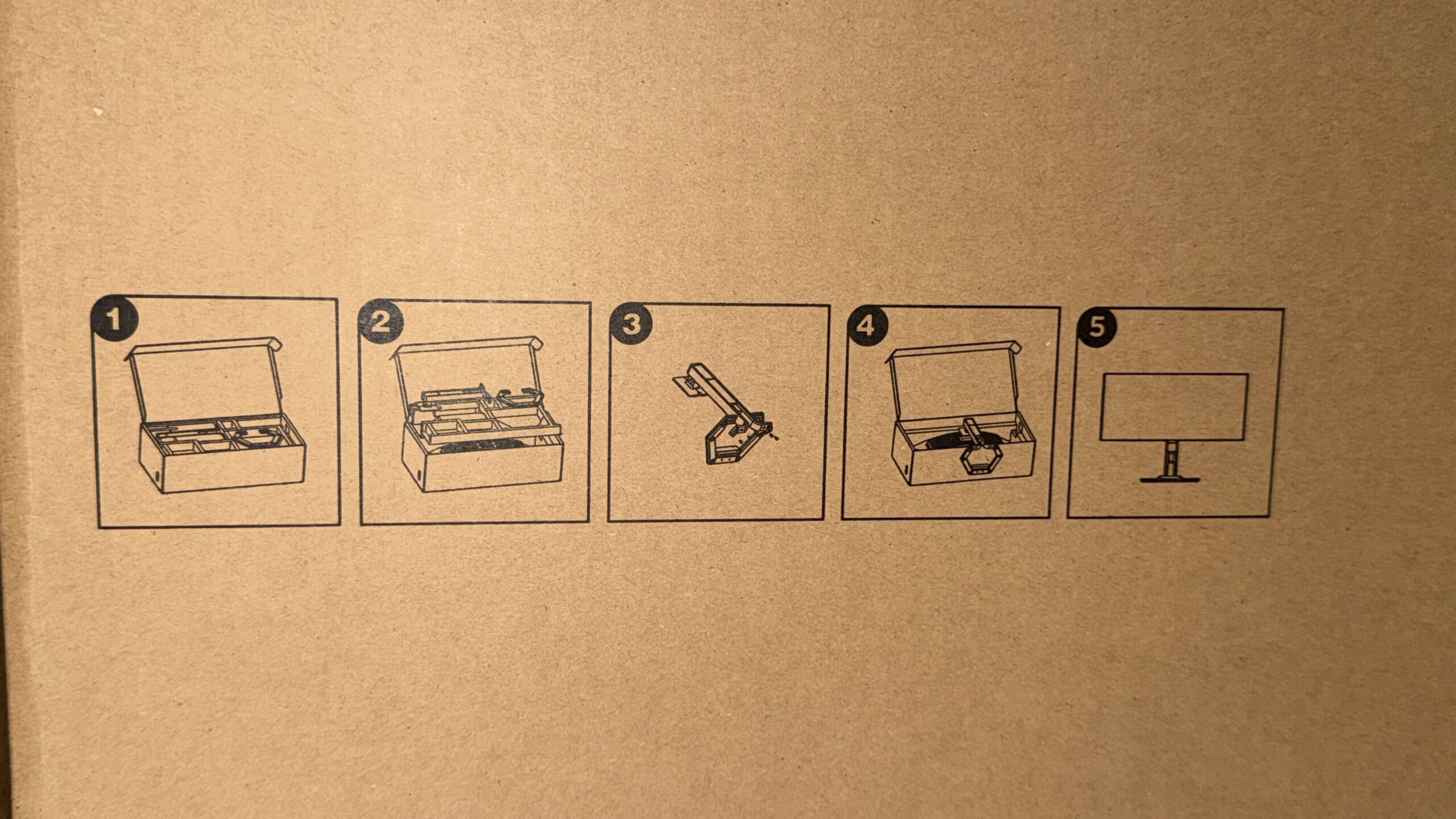
The stand is incredibly easy to screw onto the arm (tools are included) and then connect to the monitor, which is still in the box. In addition to the tools, the package also includes a power cable, an HDMI cable, a DisplayPort cable, a USB-B cable, a USB-C cable, and of course, the instruction manual.
Price and availability
The Lenovo Legion Pro 34WD-10 currently costs €1.299,99 (including 19% VAT) at the official retailer. Lenovo Online ShopAside from that, €850,00 is usually possible in the open market. If that's still too expensive, it's advisable to visit the official shop from time to time and perhaps snag a good promotional discount.
Many thanks to Lenovo Germany for providing the Legion Pro 34WD-10 for testing. This did not influence our opinion!