
Apple MacBook Pro 13 2020 in review: The all-rounder for everyday use
A TEST REPORT from The Tech / Max  on June 06, 2020, 12:30 pm | 🔥 popular | Write a comment
I've been waiting for this for a long time and now the time has come: The MacBook Pro 13 2020 has arrived. After two weeks of intensive use, I would now like to give you my opinion on the device. My review.
Design and workmanship
Let's start with the processing and the design. Basically, the device consists of a block of aluminum and is available in either silver or space gray. I chose the Space Gray version because I always had a silver MacBook before. The four Thunderbolt 3 USB-C ports and the headphone jack on the right side of the device are also unchanged.
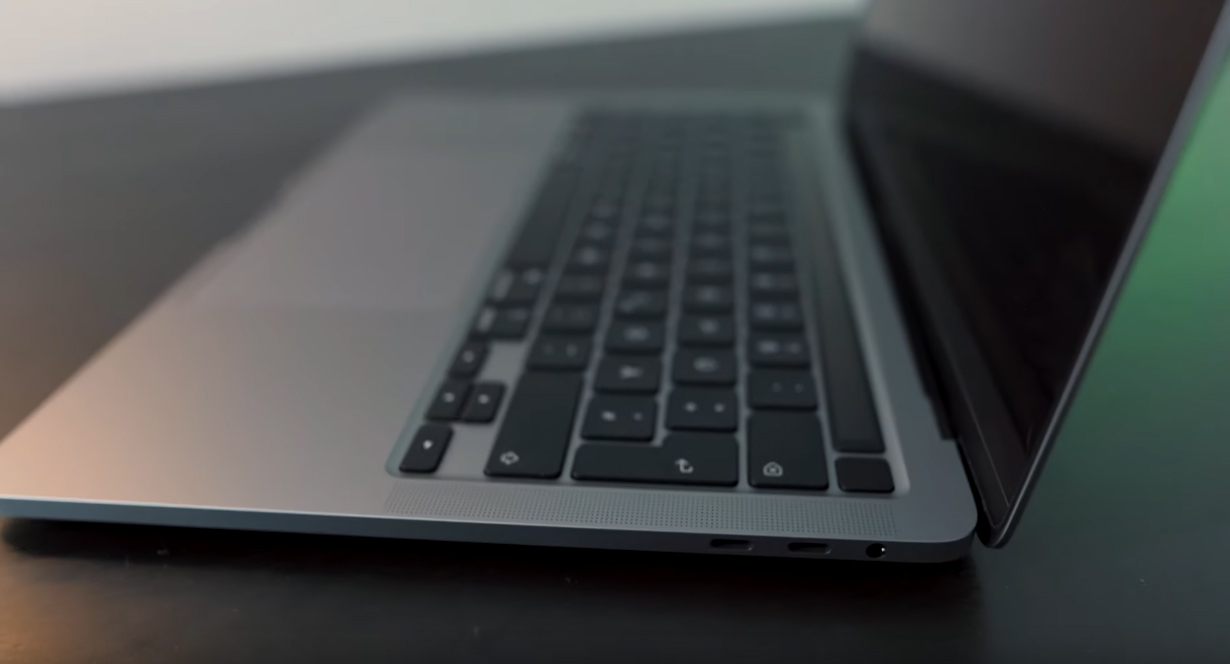
Image: TheTech / Max
Also on board is the Touch Bar including a fingerprint sensor and a 13,4-inch Retina display with a resolution of 2560 x 1600 pixels and "True Tone" technology for automatically adjusting color temperatures. Externally, not much has changed on the 13-inch MacBook Pro, although many would have liked a 14-inch model - I would have been happy about that too.
Specifications & performance
Under the hood are 10th generation Intel processors, which are manufactured specifically for Apple. The devil is in the details, because if you only buy the entry-level version of the laptop, you will find an eighth generation Intel processor.
My device has a quad-core Intel i7 processor with 2.3 gigahertz, 32 gigabytes of LPDDR4 RAM, Intel Iris Plus graphics with 1.5 gigabytes and a 1 TB SSD. In the last two weeks my MacBook has performed well in everyday use. I mostly had computationally intensive programs such as Adobe Photoshop, Chrome and various messengers open at the same time and the MacBook didn't even get really warm.
Also rendering 4K videos in Adobe Premiere was proeasily possible. With fairly normal use of the device, the battery lasts around nine hours.
Keyboard and touchpad
Never before has so much been written using a keyboardprolike this laptop. Basically, this is because Apple in the last few versions of the MacBooks Butterfly keyboards which had some technical problems.
After a few problems, they went back to using the old keyboards, which use a scissor mechanism. My model also has the new keyboard with the familiar mechanism.
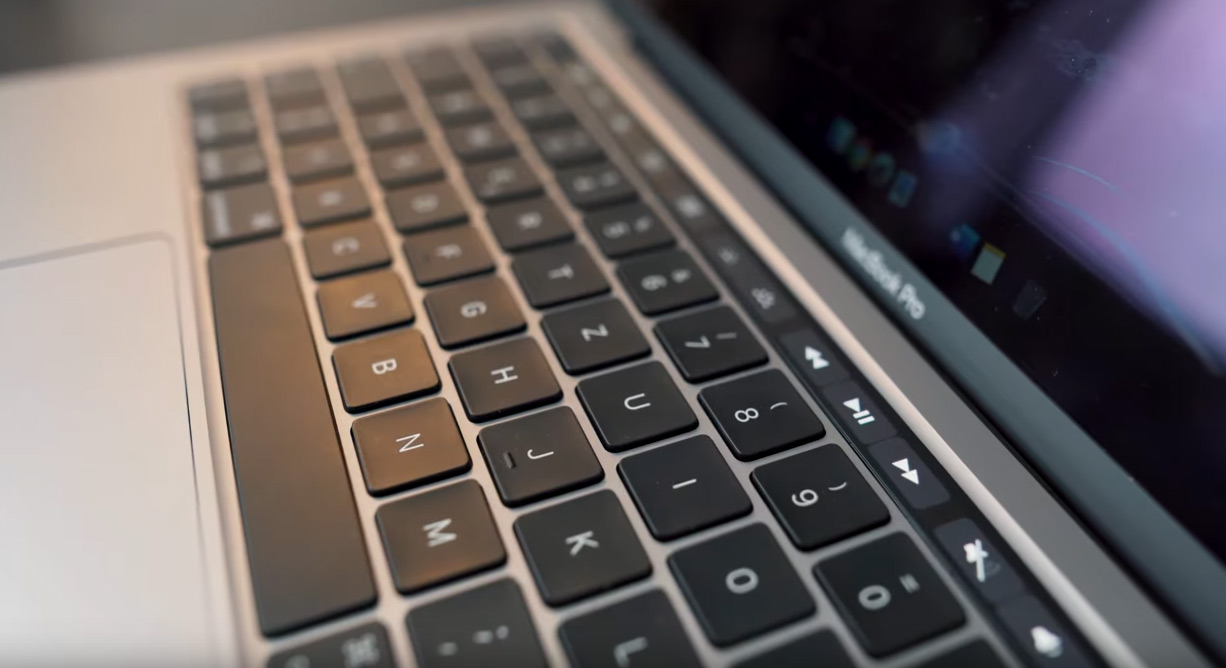
Image: TheTech / Max
The typing experience is just as you would like a keyboard to be. I honestly have to say that the keyboard is the best I've ever tested. In addition to the keyboard, there is also a touch bar, but this time with a real ESC key. As usual, the touchpad is exceptionally good and can be used quickly and easily in everyday life.
Rendering and 4K video
My most recent video was edited with this MacBook Pro 13 inch from 2020. Several 4K sequences and some After Effects sequences were used, which are connected via "Dynamic Link". The recorded material can be played without stuttering and the rendering of the finished file is also possible without any really significant problems. In my opinion, the device is perfect for rendering YouTube videos and even if it gets a bit complicated, the MacBook can perform well.
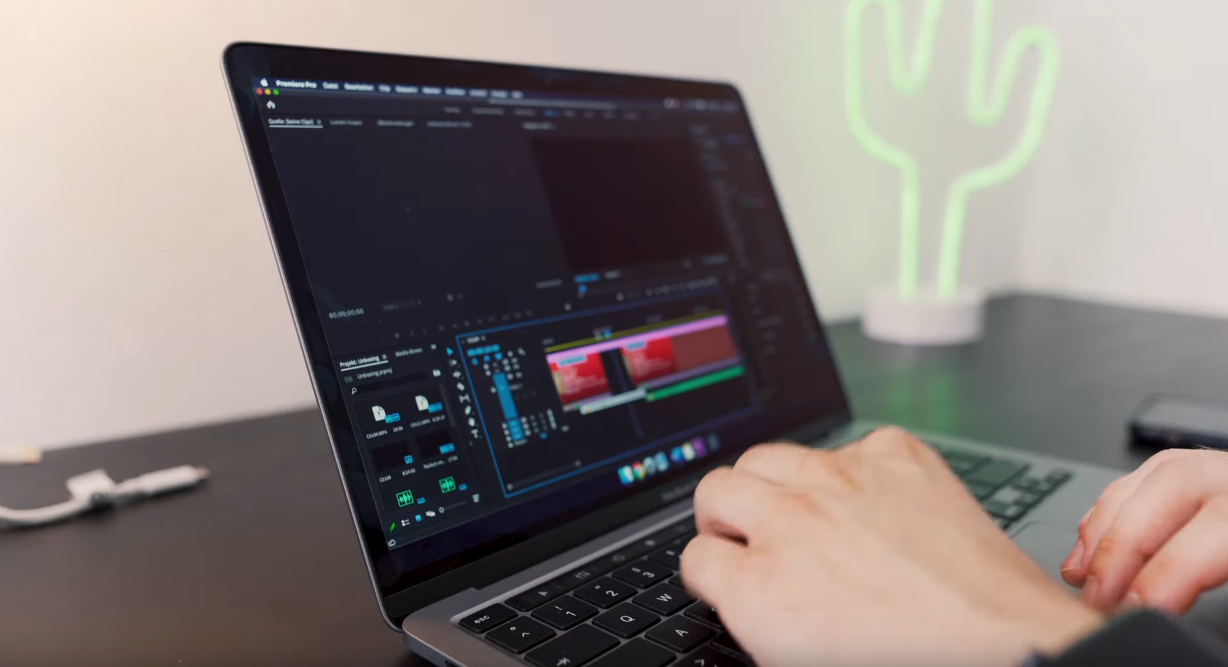
Image: TheTech / Max
Conclusion
Finally, let's come to the conclusion. My MacBook Pro 13 inch from 2020 in the given configuration is my new all-day device for studying, working and self-employment. Even though many people prefer the 16 inch device and want a dedicated graphics card, I prefer the "small" device. In any case, the MacBook Pro has enough power to easily get through all everyday tasks and it can also be the right laptop for videographers. If you want a small but powerful laptop that you can easily take with you everywhere, then the MacBook Pro 13 inch from 2020 is the right choice.
Im Video TheTech has all further information about the MacBook Pro 13 2020.