
Google Stadia starts in Austria: all details, first impression, unboxing
A TEST REPORT from David Wurm  on December 07, 2020, 18:00 p.m. | 🔥 popular | Write a comment
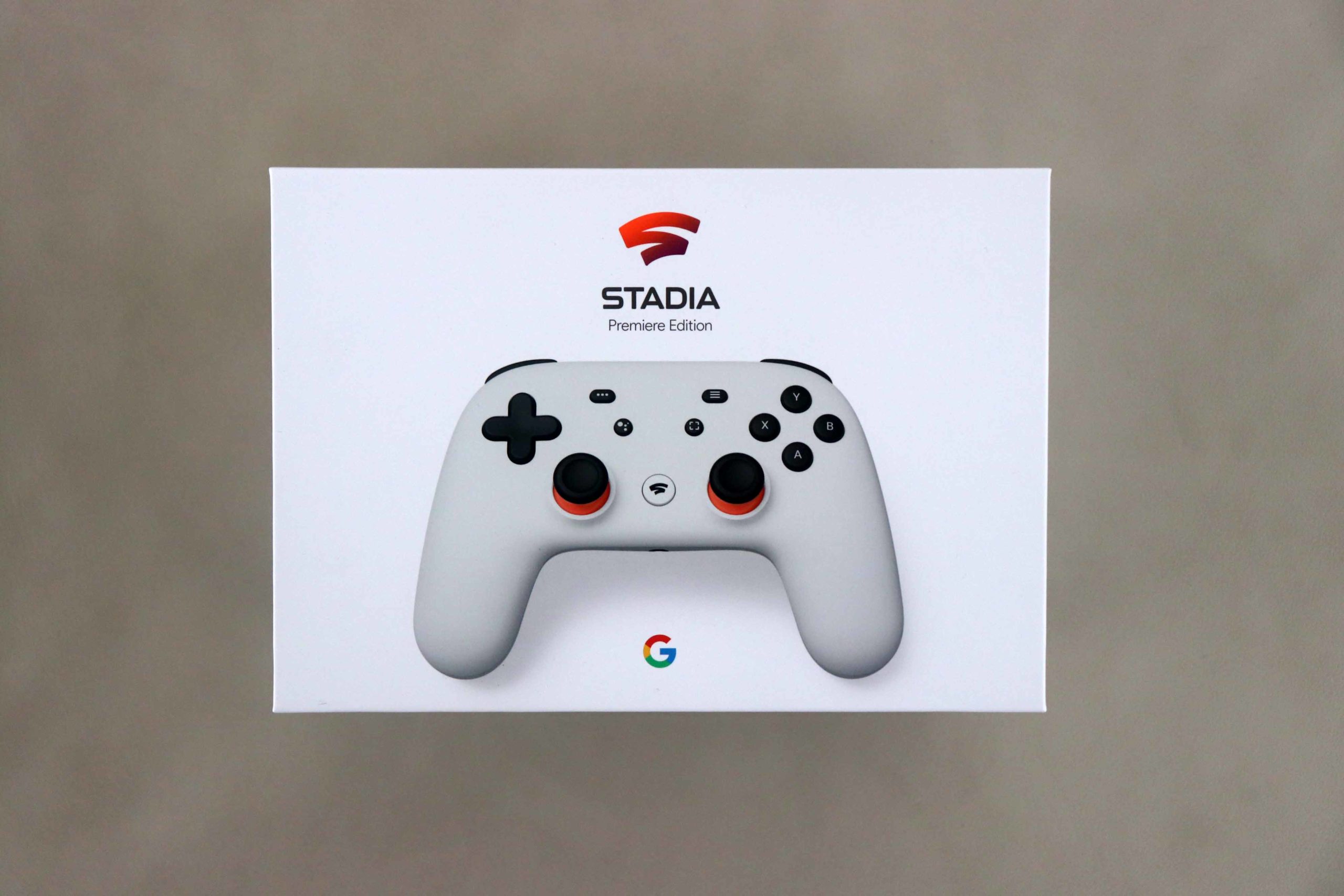
The Google Stadia cloud gaming service is officially launched in Austria today. This has been around in Germany for several months. We from TechnikNews had the exclusive opportunity to watch the service for a few days in advance. So this is our first impression, unboxing and all the other details about it.
We already have what cloud gaming services are in this article explained in more detail for you. Google has now also launched such a service - in March 2019 announced and then in summer rolled out in Germany. So the service has been running in other countries for more than a year, in this country it is only now that far. The prices have not changed, only the service is now officially starting in Austria, the Czech Republic, Hungary, Poland, Portugal, Romania, Slovakia and Switzerland. Among stadia.com Users from these countries can now register.
Google Stadia Premiere Edition in Austria
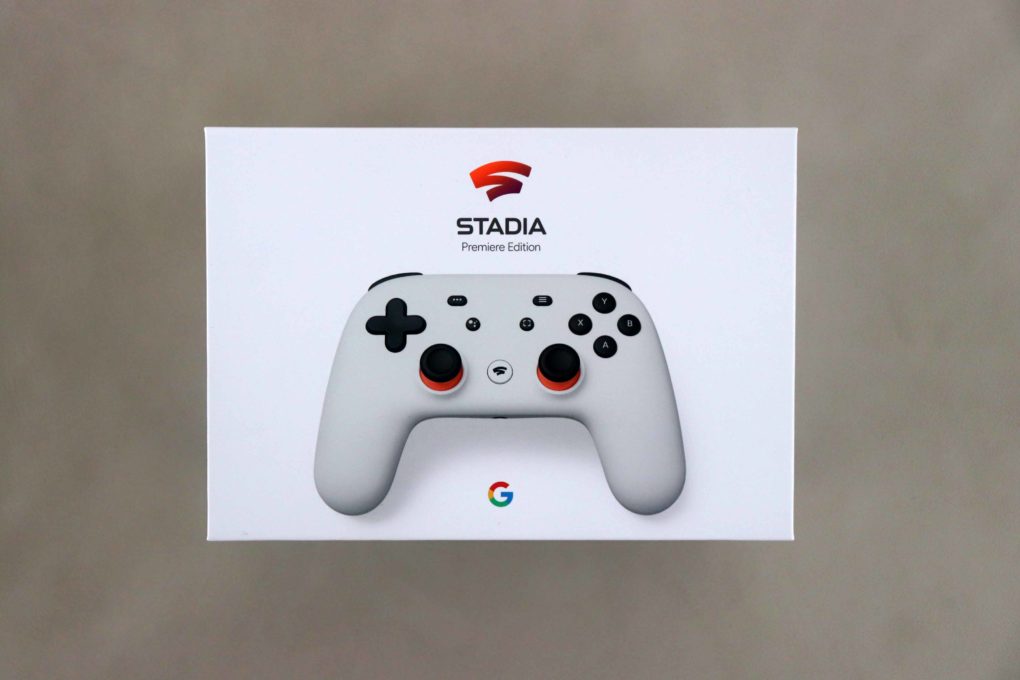
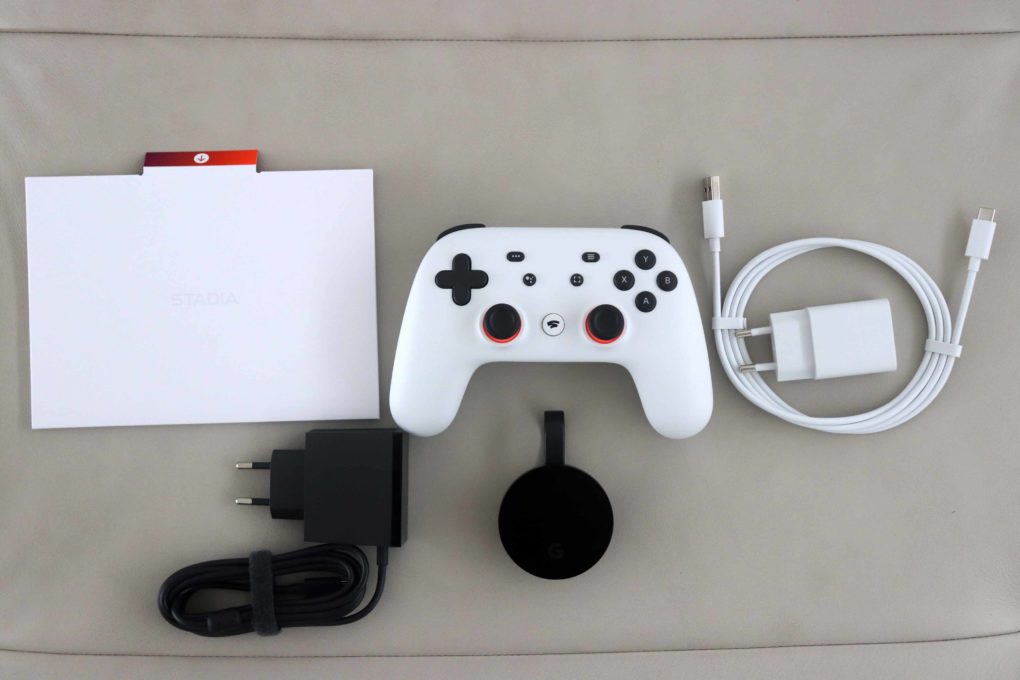
Thanks to Google, we had the opportunity to launch the new cloud gaming service in Austria a few days in advanceprobeer Normally, the Google Stadia Premiere Edition package comes with the Stadia Controller and a Google Chromecast Ultra. This edition is available immediately - now also in the other countries - at a price of 99,99 euros Google Store accessible. Also nice: If you buy Cyberpunk 2077 from Stadia before December 18th, users will receive [Update: Promotion does not apply to users from Austria, according to Google on twitter] the Stadia Premiere Edition for free.
Setup & unboxing
-
- Image: © 2020 TechnikNews
-
- Image: © 2020 TechnikNews
-
- Image: © 2020 TechnikNews
-
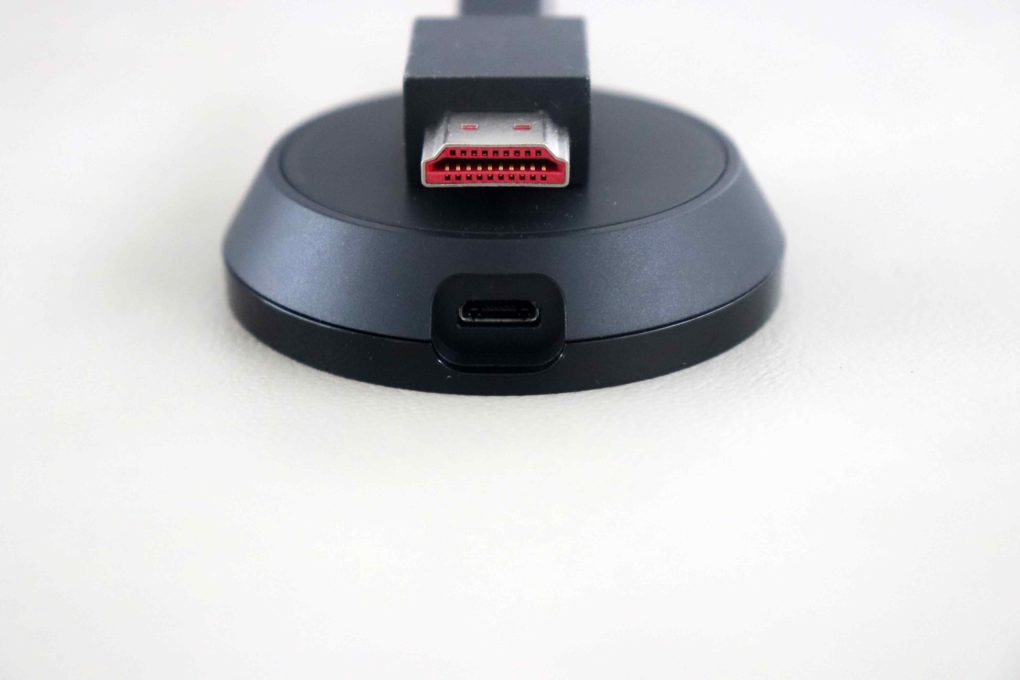
- Google uses micro-USB for the Google Chromecast Ultra. (Image: © 2020 TechnikNews)
-
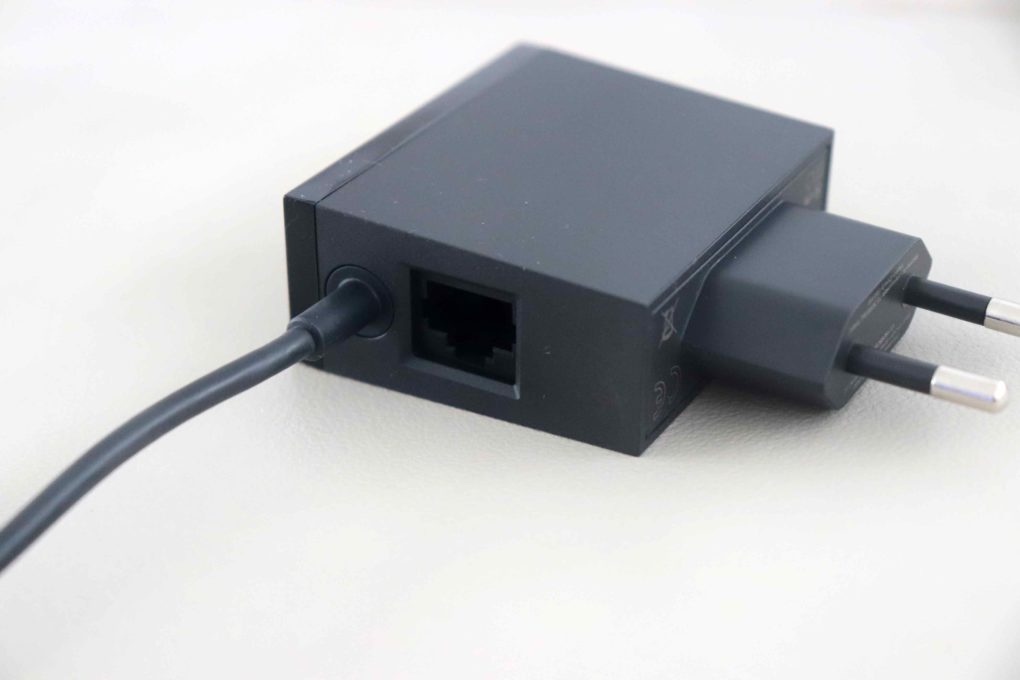
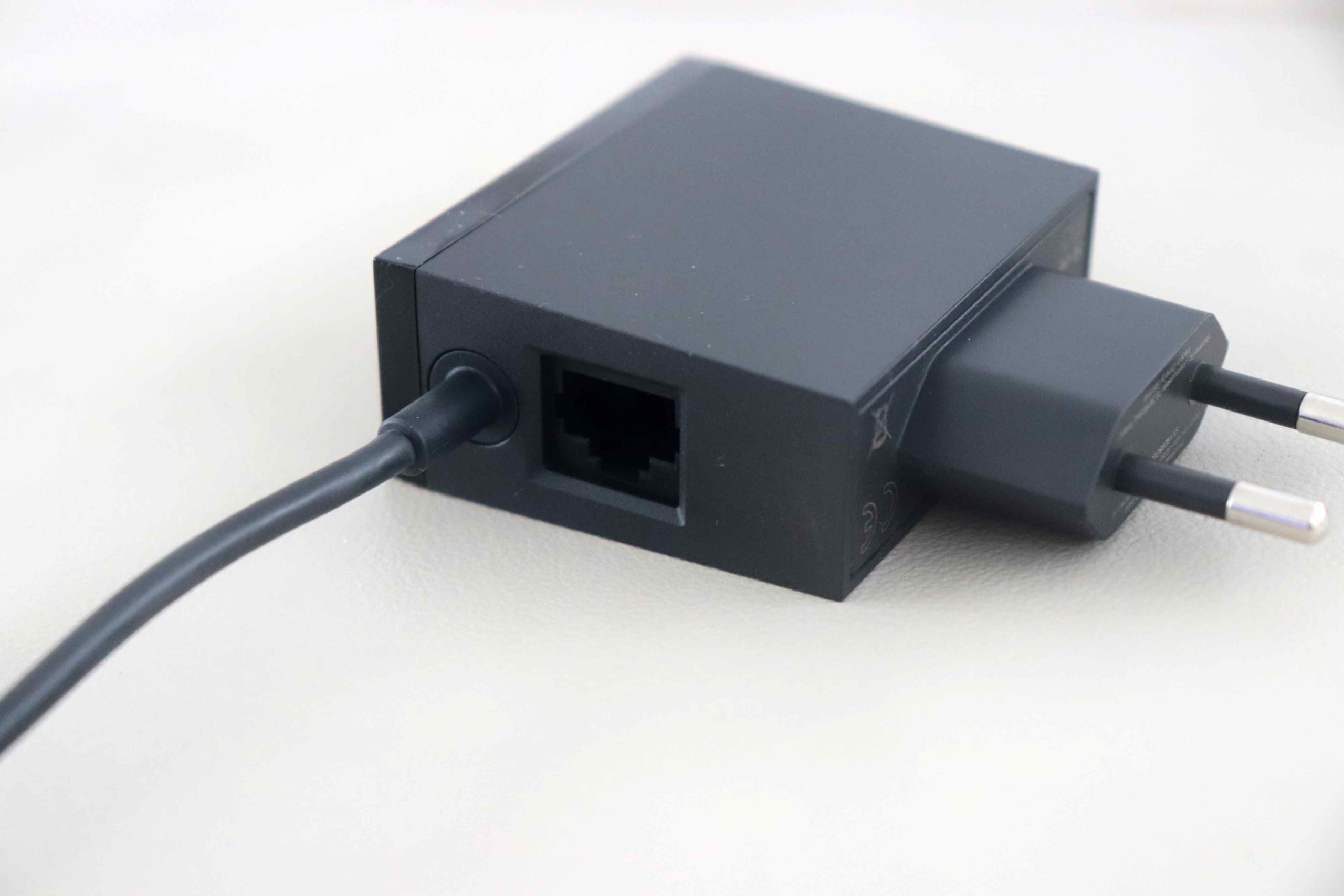
- The Chromecast's power plug also has an Ethernet port. Practical. (Image: © 2020 TechnikNews)
In the last couple of days, of course, we haven't been able to tap into everything and carry out precise benchmarks. For this reason, a detailed review will be published in the coming weeks TechnikNews follow to google stadia. Nevertheless, I can of course provide a few first impressions and an unboxing here. The installation - I can put it that way - was really easy and uncomplicated.
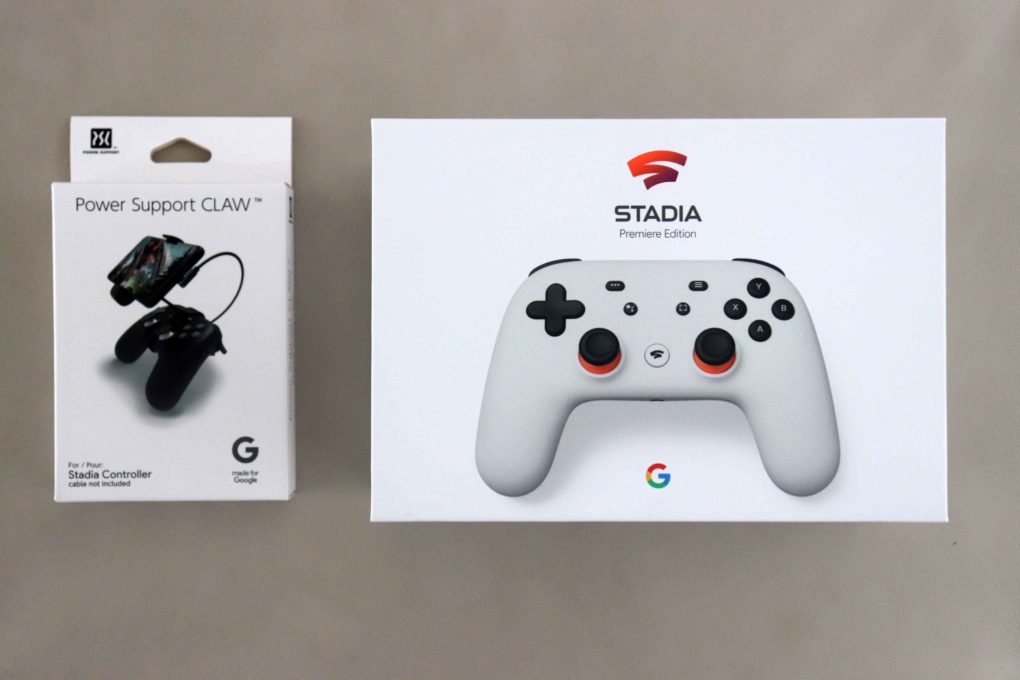
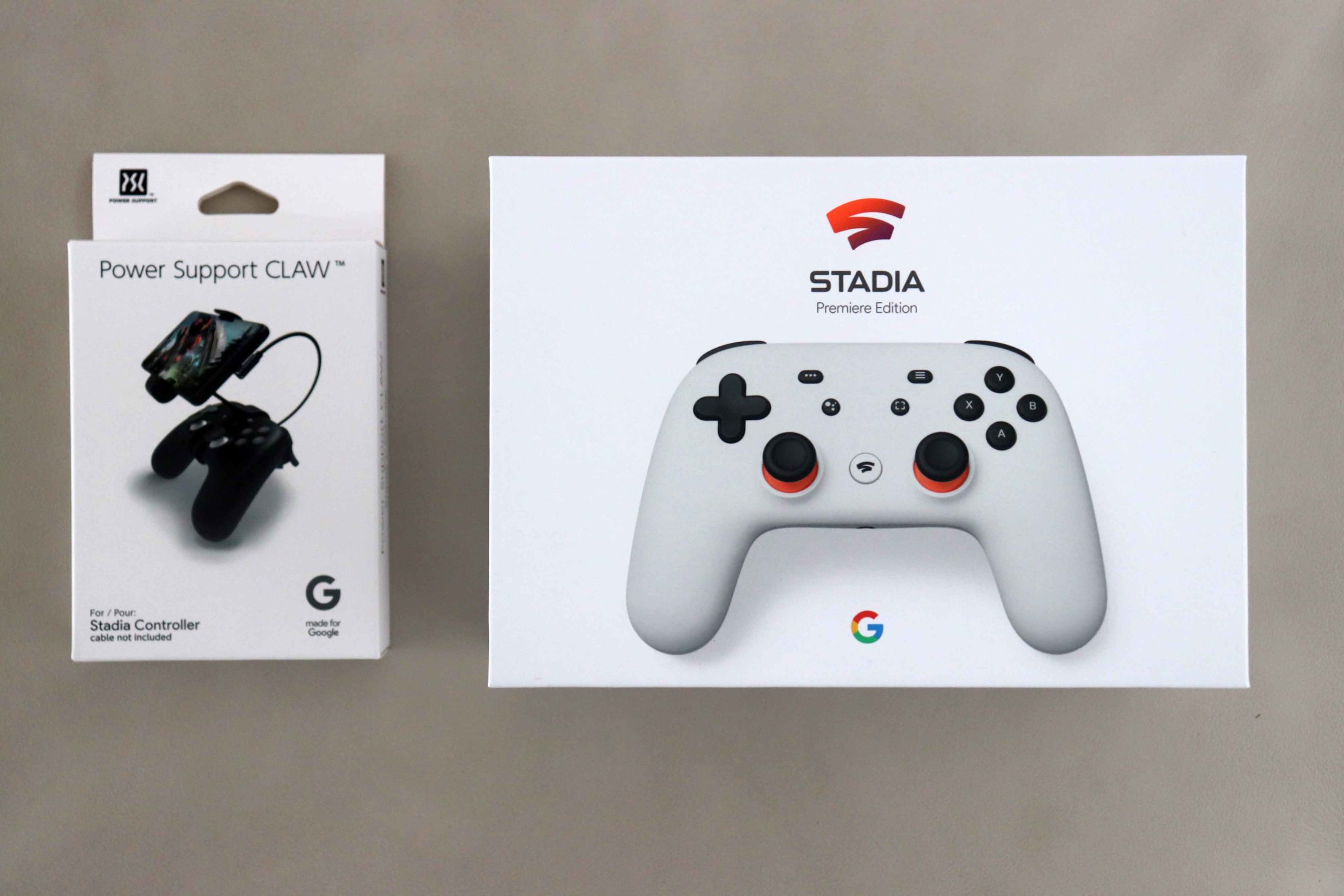
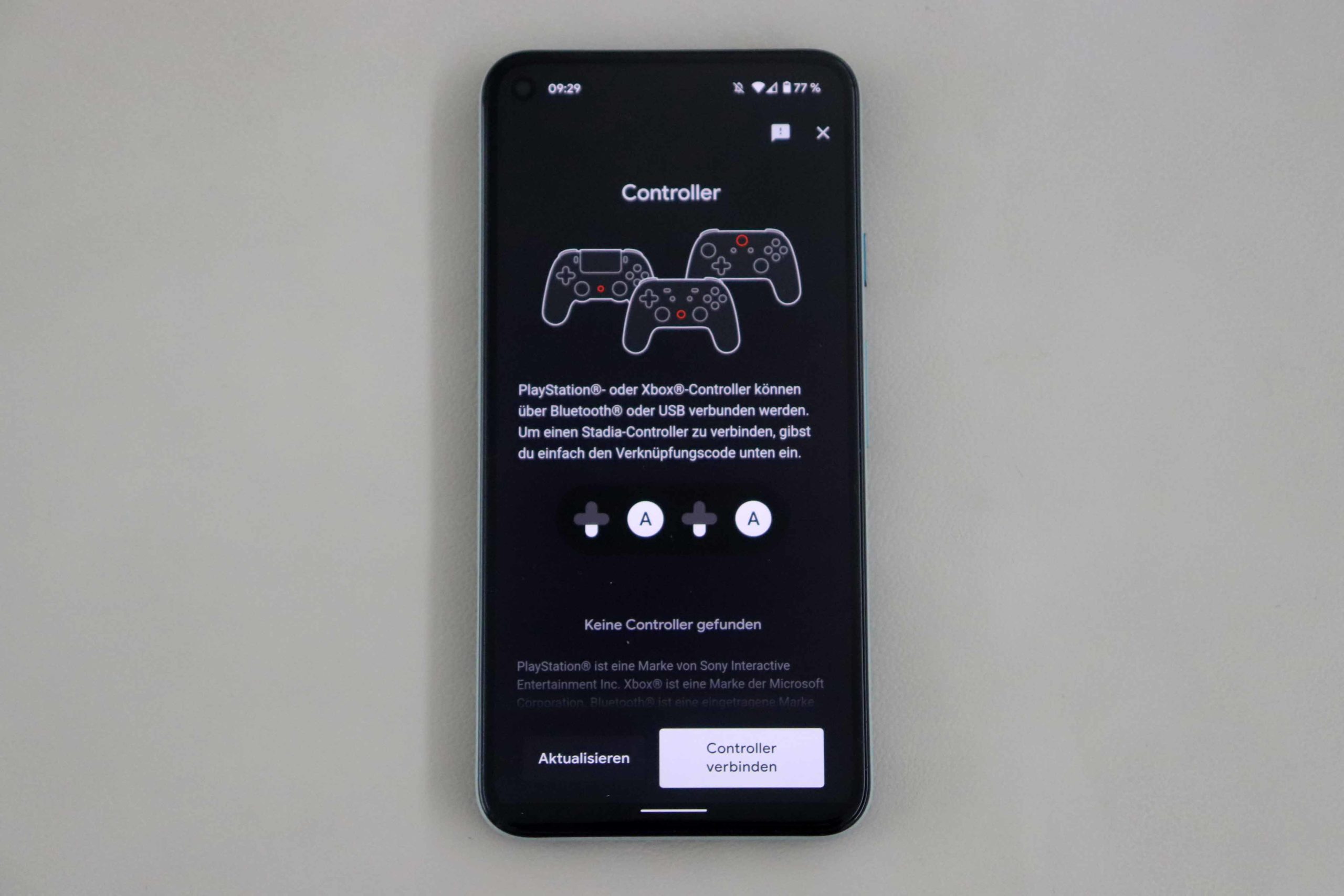
Once you have unpacked the controller and the Chromecast, everything is actually done. We also had a smartphone holder for the controller - the "Power Support CLAW" - with us as an extra. The Chromecast is connected to the television via HDMI, the controller is linked to the Chromecast using a key code. With this link he can always be connected to one device at the same time. Afterwards you set up a connection to the WLAN and then you can almost get started. Link your Google account, select your player name and log into the Stadia app on your smartphone.
-
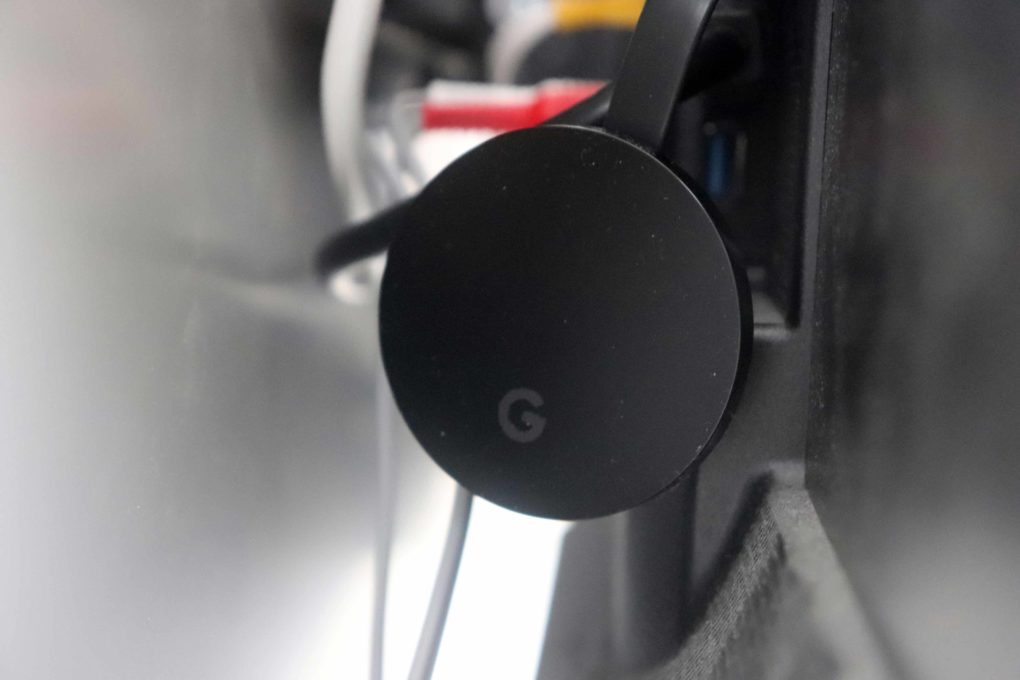
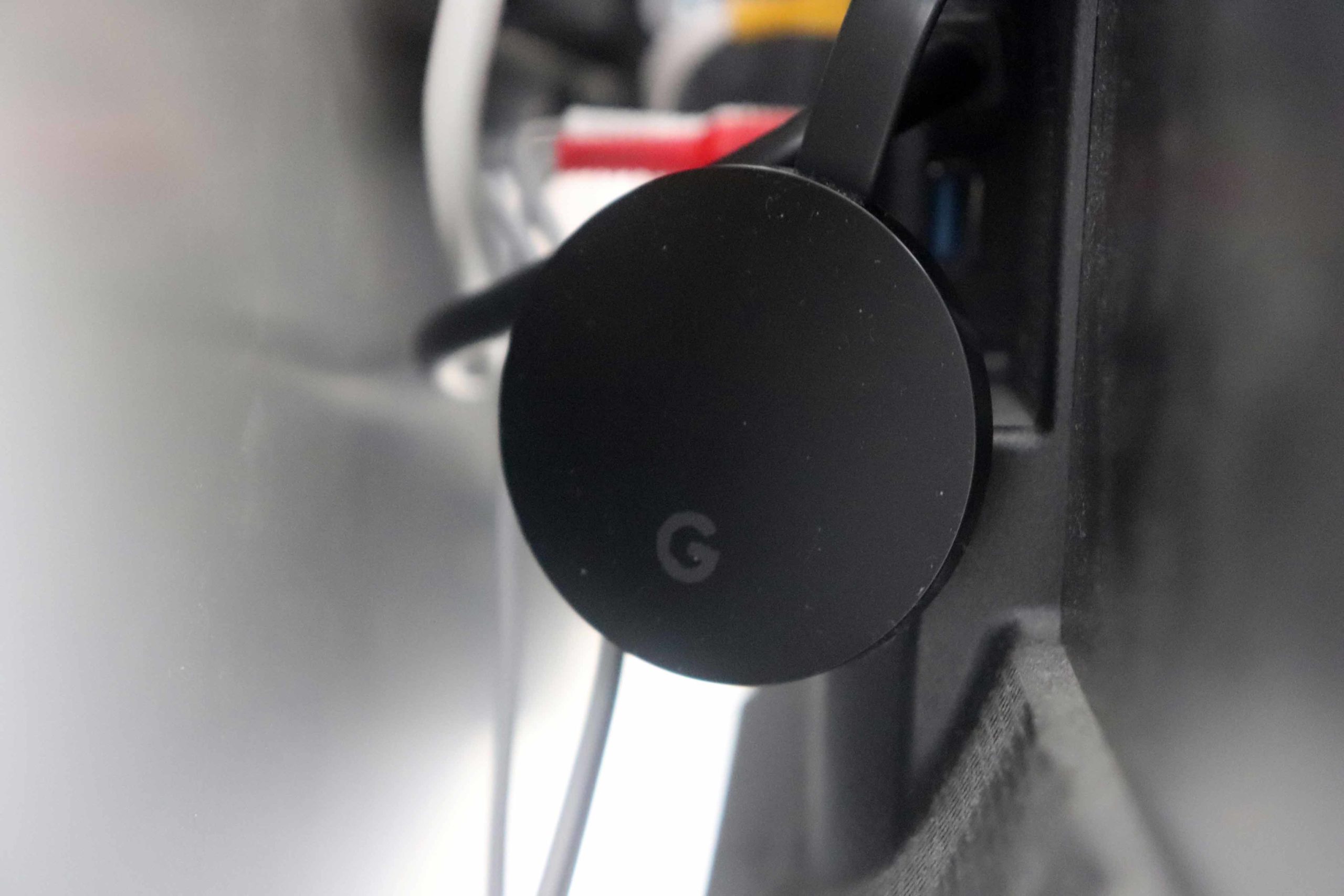
- Chromecast via HDMI to the TV, plug in the power cable and off you go. (Image: © 2020 TechnikNews)
-
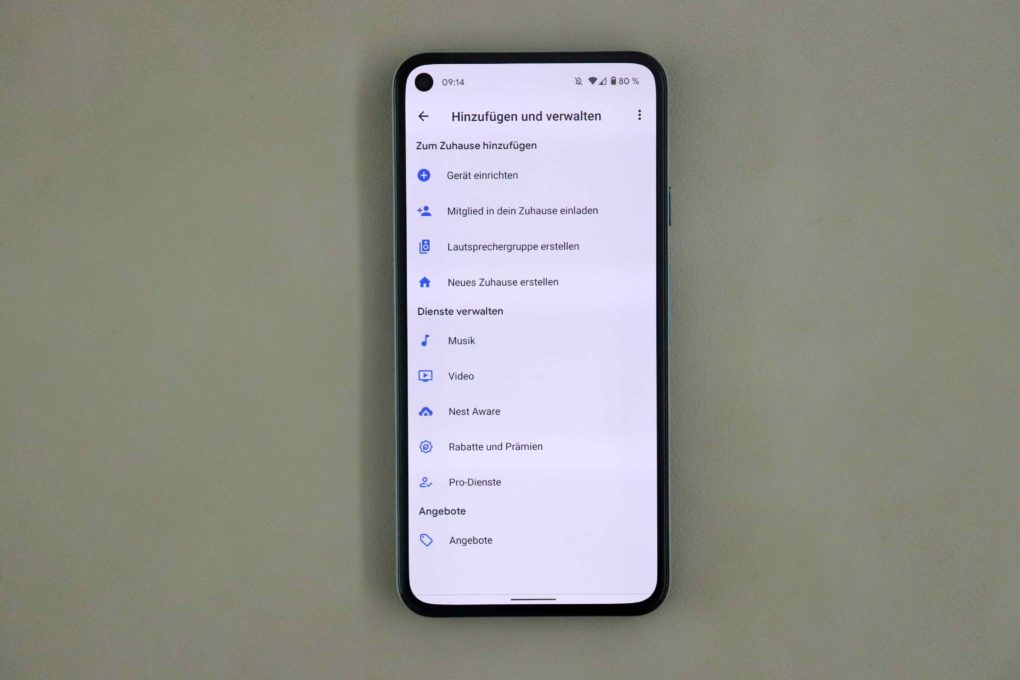
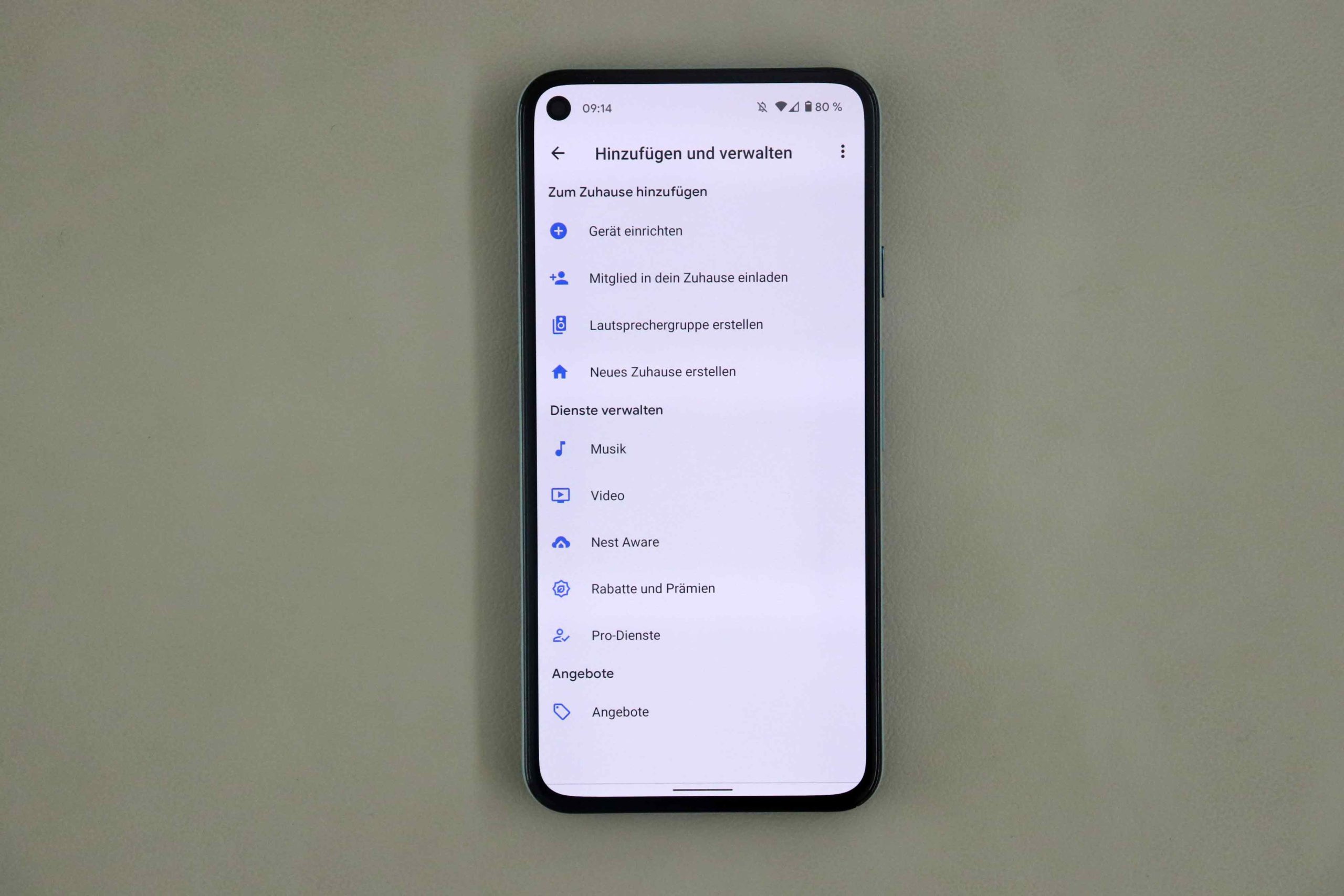
- First add the Chromecast in the Google Home app. (Image: © 2020 TechnikNews)
-
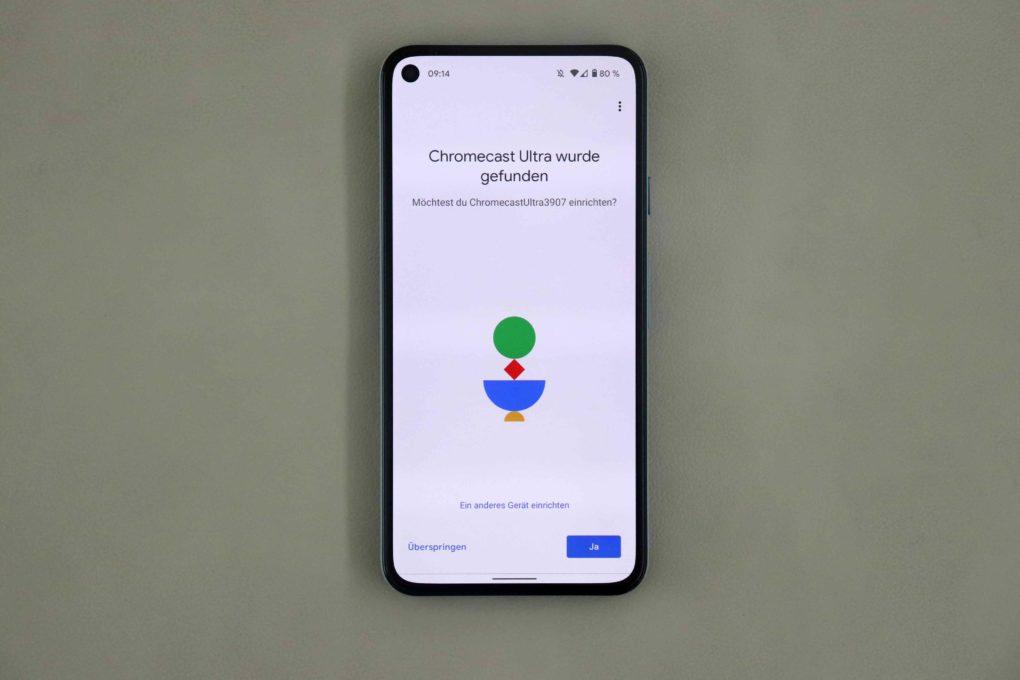
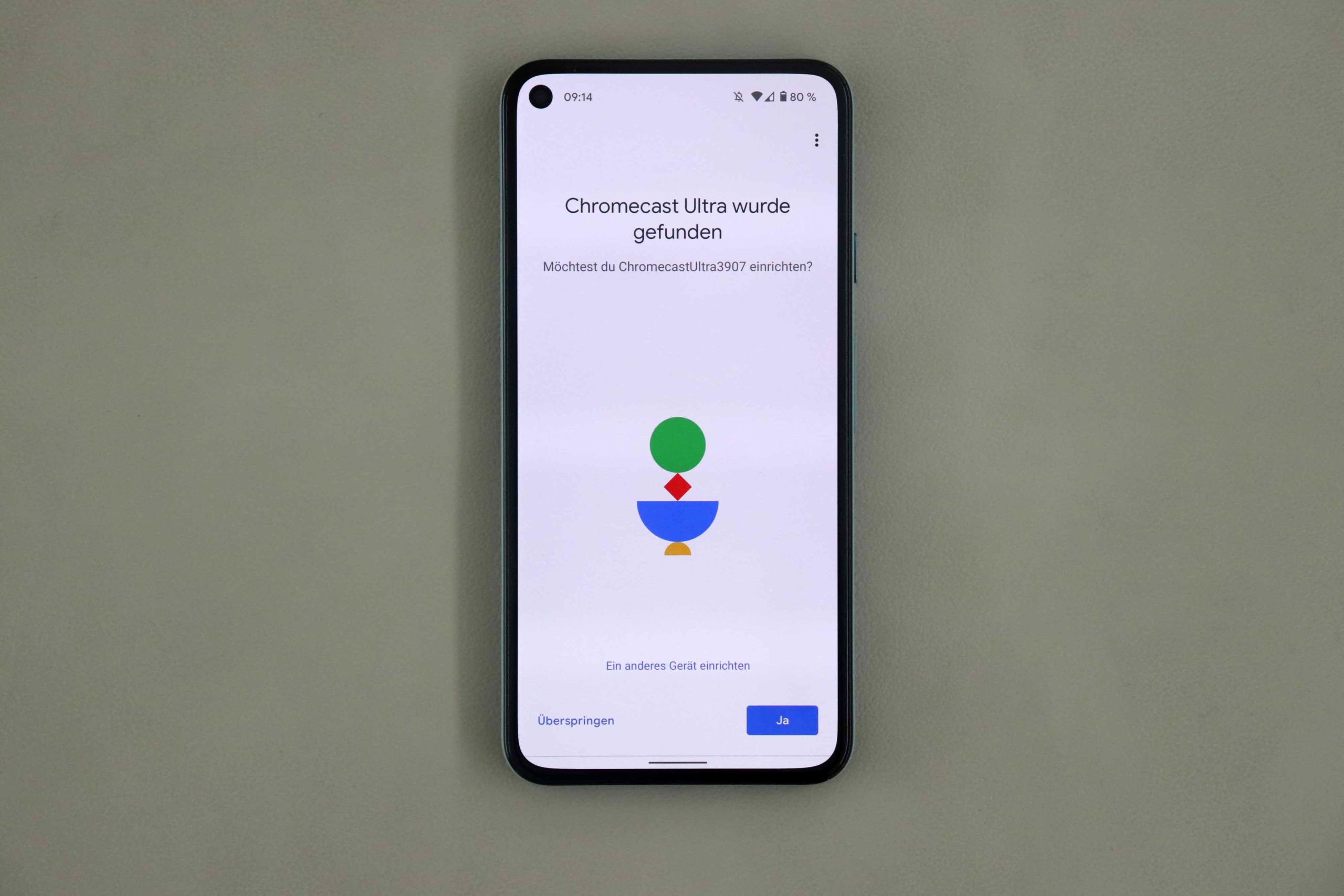
- Couple. (Image: © 2020 TechnikNews)
-
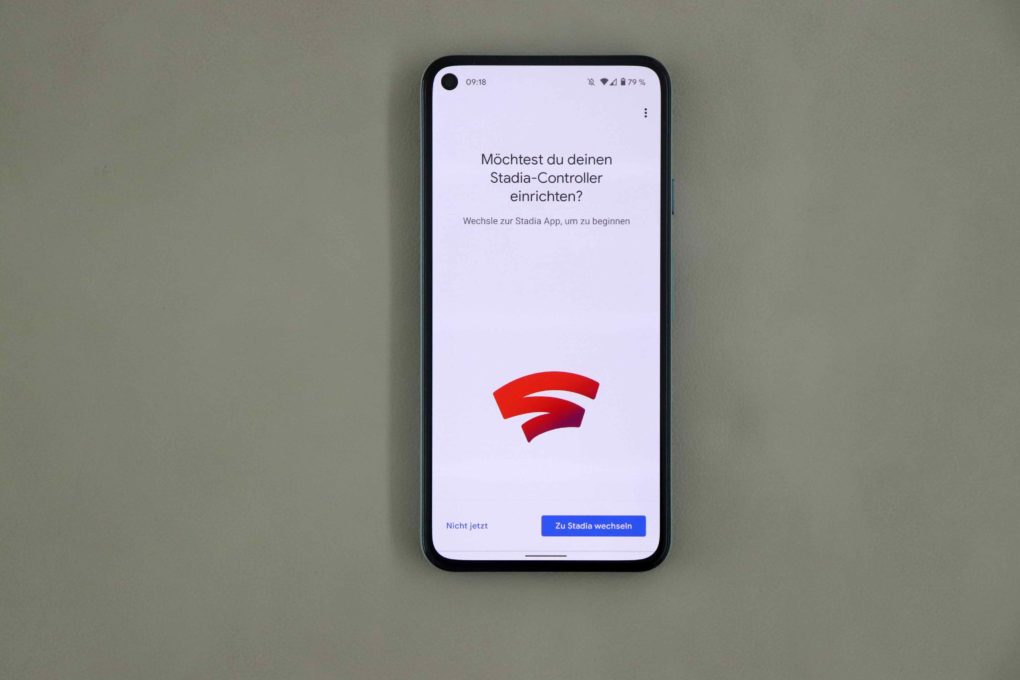
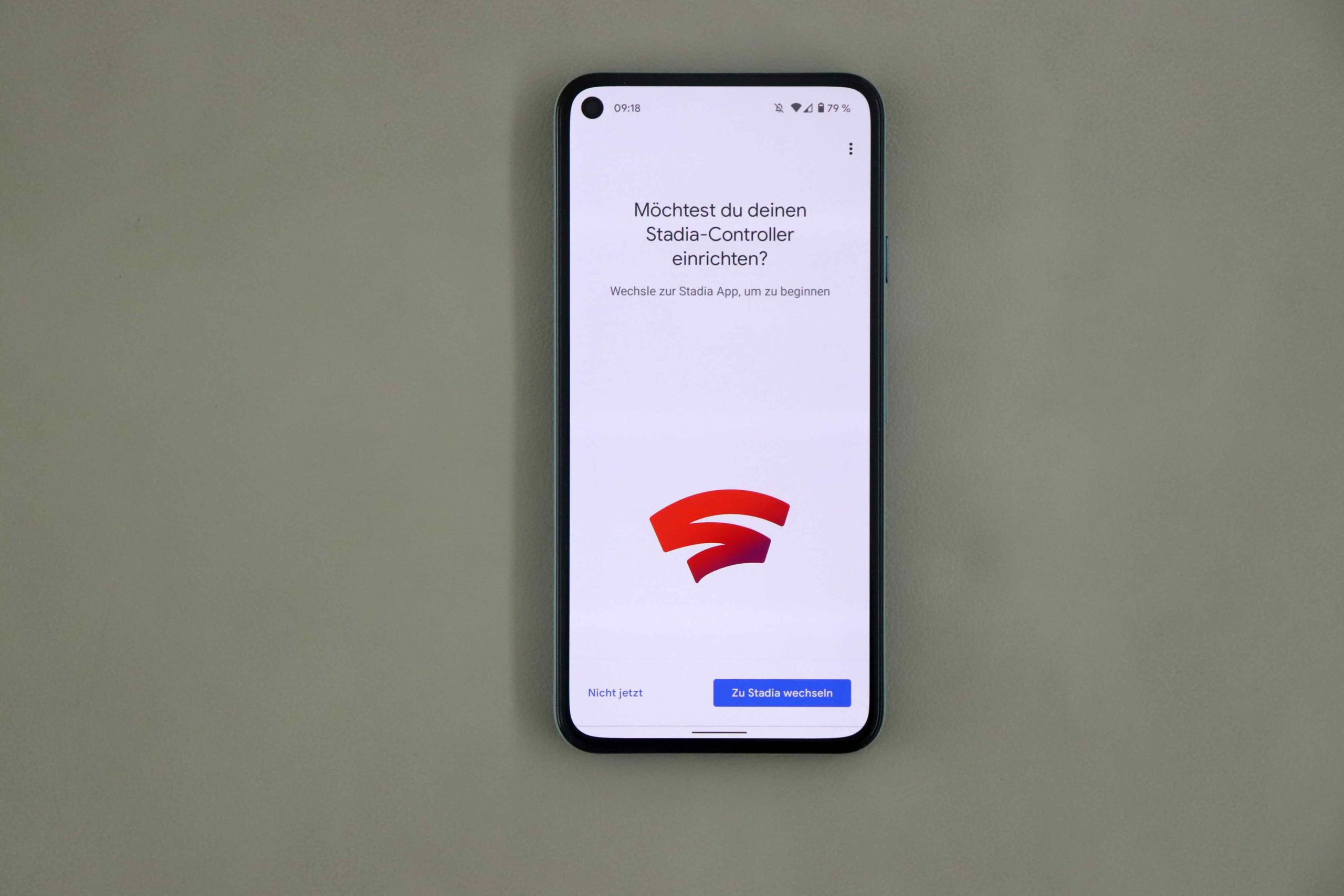
- Then continue in the Stadia app. (Image: © 2020 TechnikNews)
-
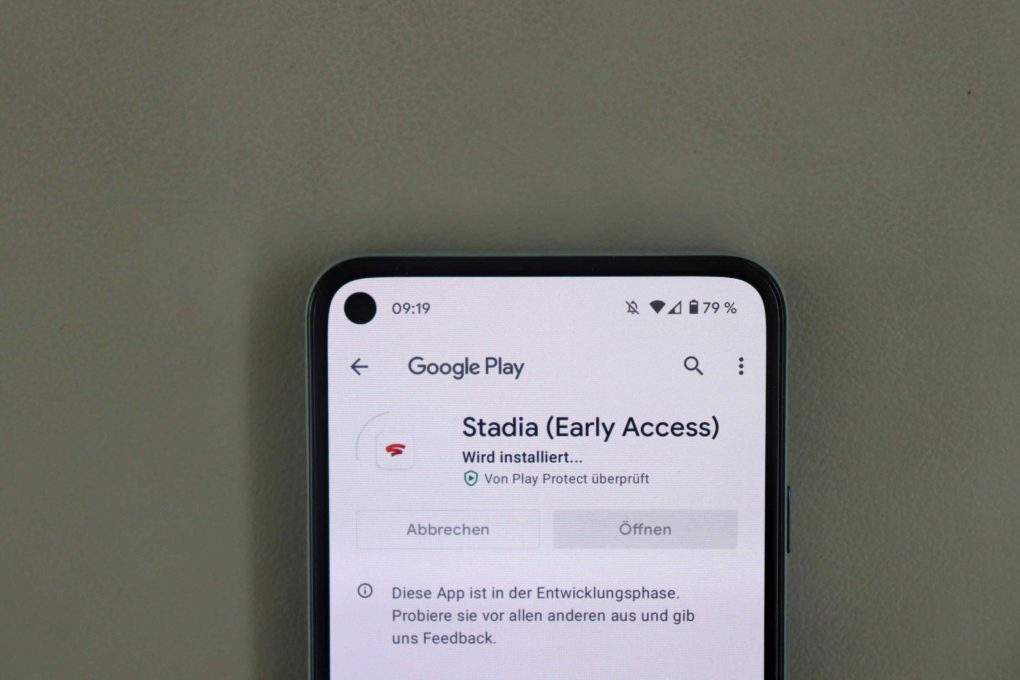
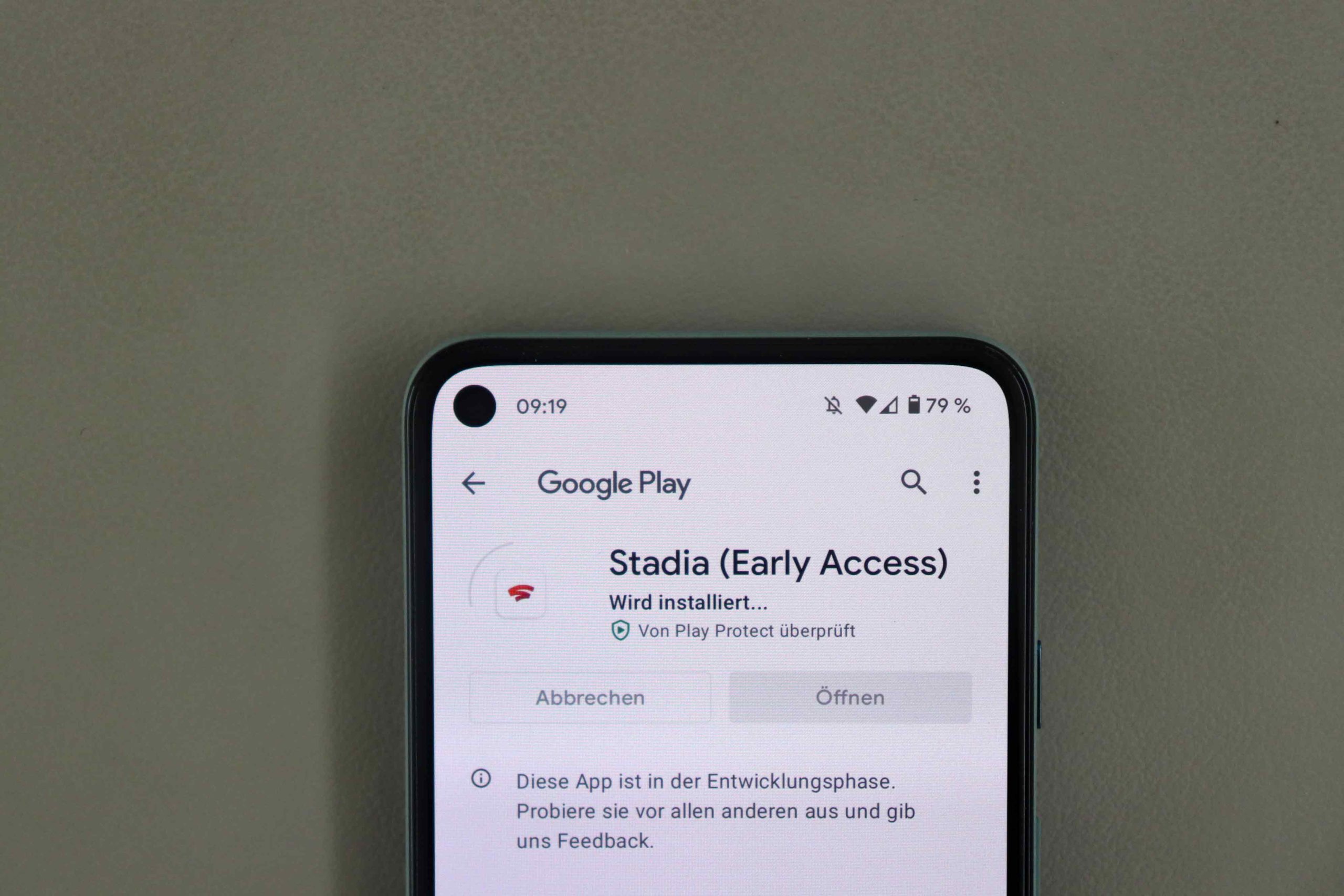
- At the time of the test, the app was still "beta" for Austria. (Image: © 2020 TechnikNews)
-
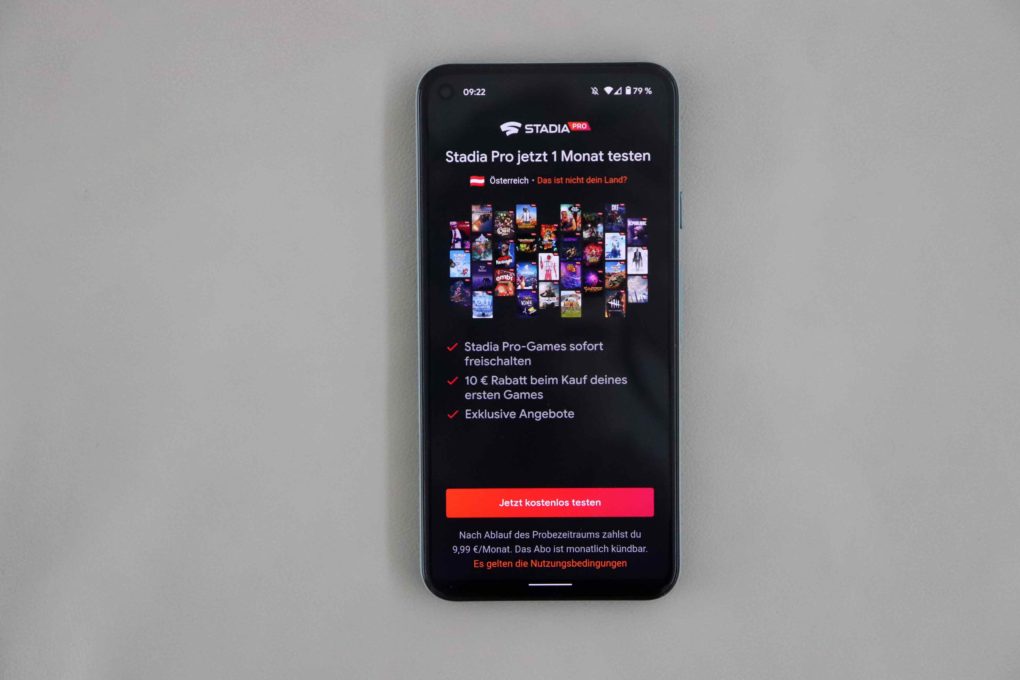
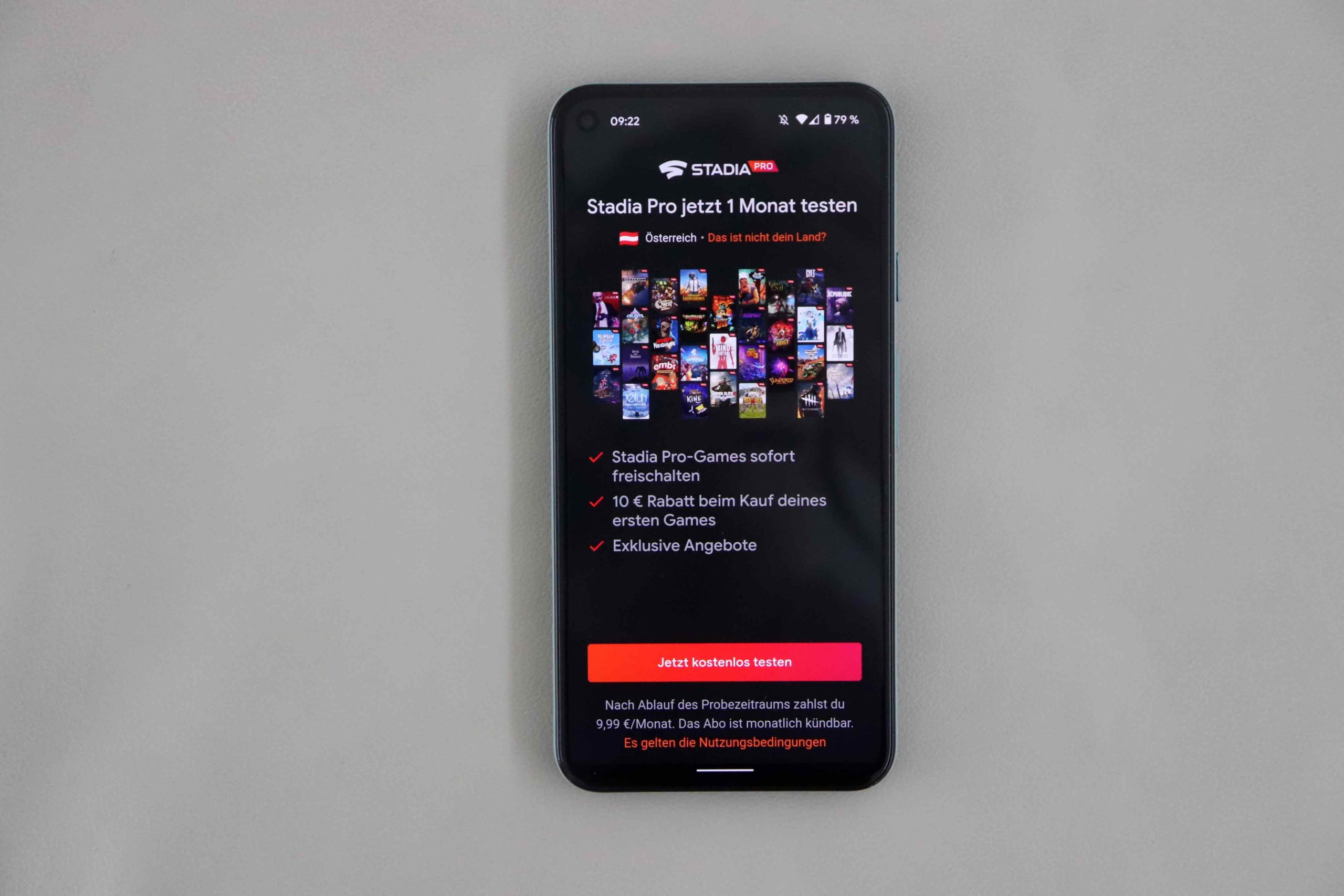
- You can test the subscription for one month for free. (Image: © 2020 TechnikNews)
-
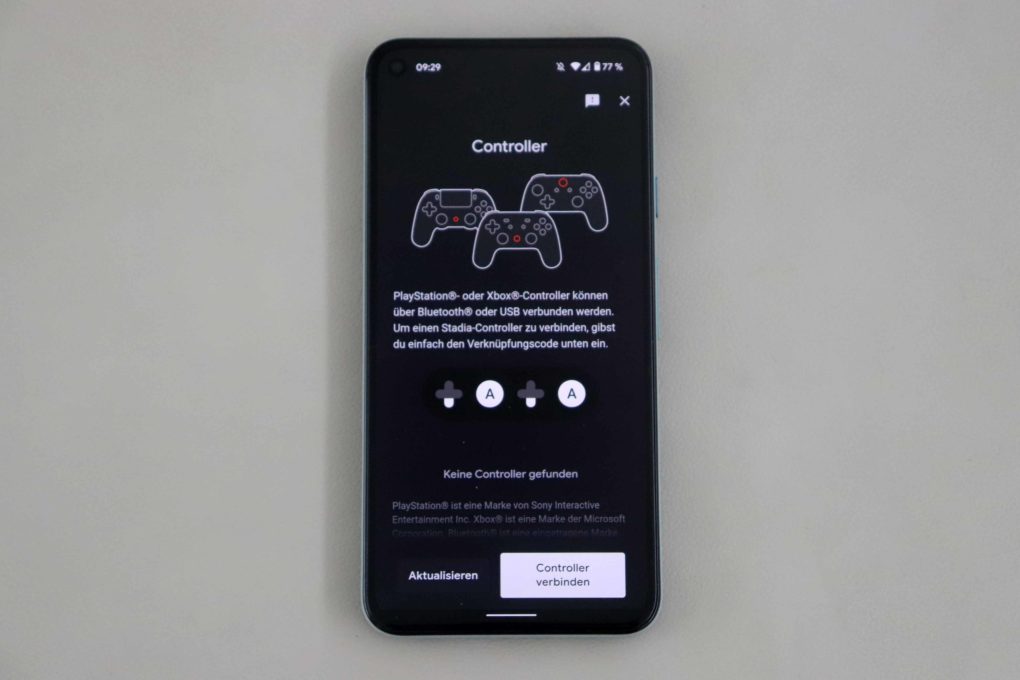
- Then add the controller and you're good to go. (Image: © 2020 TechnikNews)
Of course, there is also a software update - after about 10 to 15 minutes, the entire installation process was more or less complete and you could get started. During the setup process, you will also be asked for a subscription to Google Stadia. "Stadia Pro" costs 9,99 euros a month and offers access to around 30 games. You have to buy additional games - these are cheaper with the Pro subscription. But you can test them for free for a month beforehand.
First impression
I started with a few "basic games" from the Stadia Pro Store. I briefly played "HITMAN - World of Assassination" for the "shooter" genre, "Human Fall Flat" as a game to pass the time, and the so-called "Monster Jam Steel Titans" as a "racing game". All of the games started pretty quickly, but unfortunately it was not possible to continue playing directly from the TV to the smartphone. In general, I was not able to run any games on the smartphone in my test - I was always greeted with a black screen, but the app was still officially running as a "beta" in this country.
With a cloud gaming service you should of course have a stable internet. Google recommends a bandwidth of at least 10 Mbit / s download, with 100 Mbit / s in the download I even had significantly more bandwidth. Nevertheless, the Internet failed once while playing "Monster Jam Steel Titans" and had to restart the entire tutorial. Pretty annoying. I lost the session and couldn't continue playing at the previous score, which disappointed me a little.
Gaming in general was fun, even if I noticed a few interesting things. I will go into this in more detail in my review.
So you can see - basically everything works fine, but Google Stadia was still in the beta phase for Austria at the time of my test. As of today, Monday, from 18 p.m. the service is now "normally" available for everyone and is no longer in the beta phase in Austria. So I will definitely stay tuned, continue to play with Stadia and get back to you in a few weeks with a more detailed conclusion.